
Notifai: Agent Notifications
For Claude Code, Codex & more
Designed for iPhone, iPad
Free · In-app purchases
- Age rating4+
- CategoryDeveloper Tools
- DeveloperRafael Vidaurre
- LanguagesEnglish
- Size13.0 MB
Links to the official App Store page
Download.org hosts no file of Notifai: Agent Notifications. The button opens its official App Store page, published by Rafael Vidaurre. Listing last checked on Nov 27, 2026.
Screenshots
About
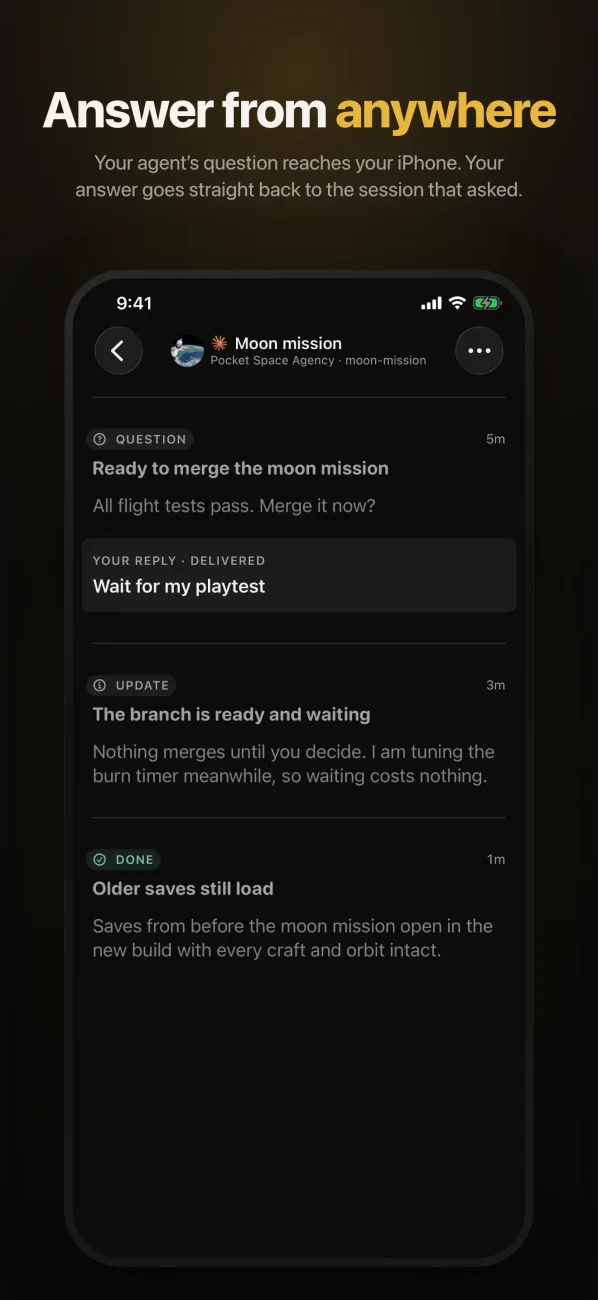
Notifai lets your coding agents and local programs reach you on your iPhone, and lets you answer them from there. It works with Claude Code, Codex, Cursor, OpenCode, OpenClaw, Hermes and Grok, and your answer goes back to the exact session that asked.
A Notifai Individual subscription is required to use Notifai. It unlocks every feature described here and shown in the screenshots; there are no other in-app purchases. Subscription terms are under SUBSCRIPTION below.
ANSWER FROM YOUR IPHONE
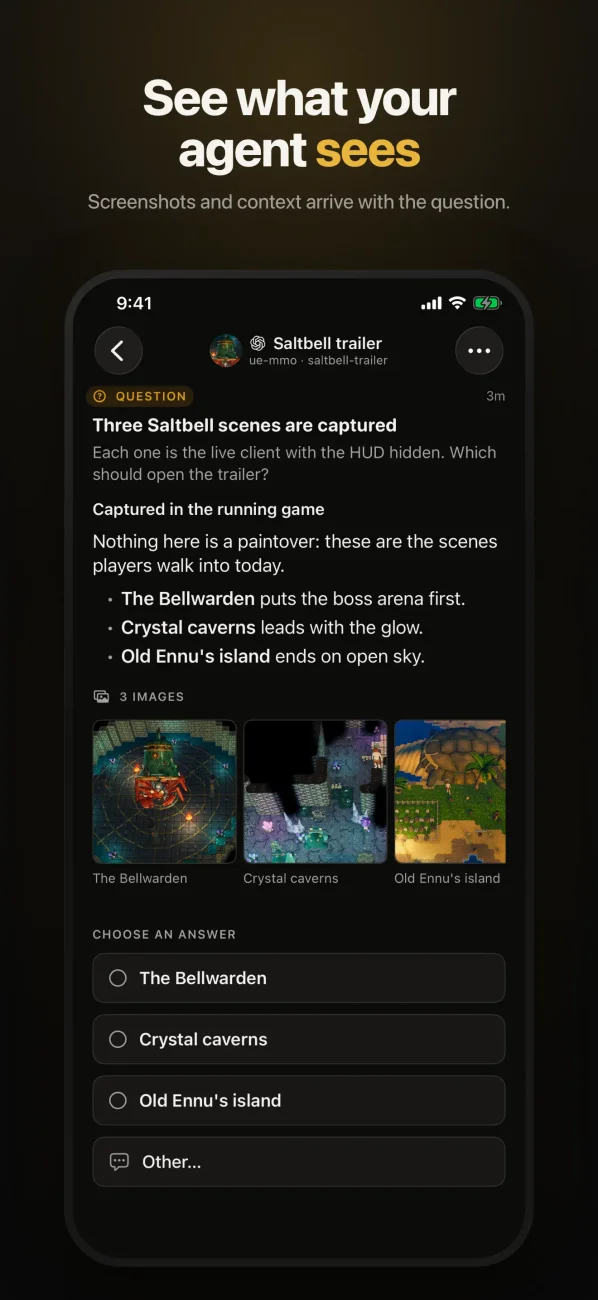
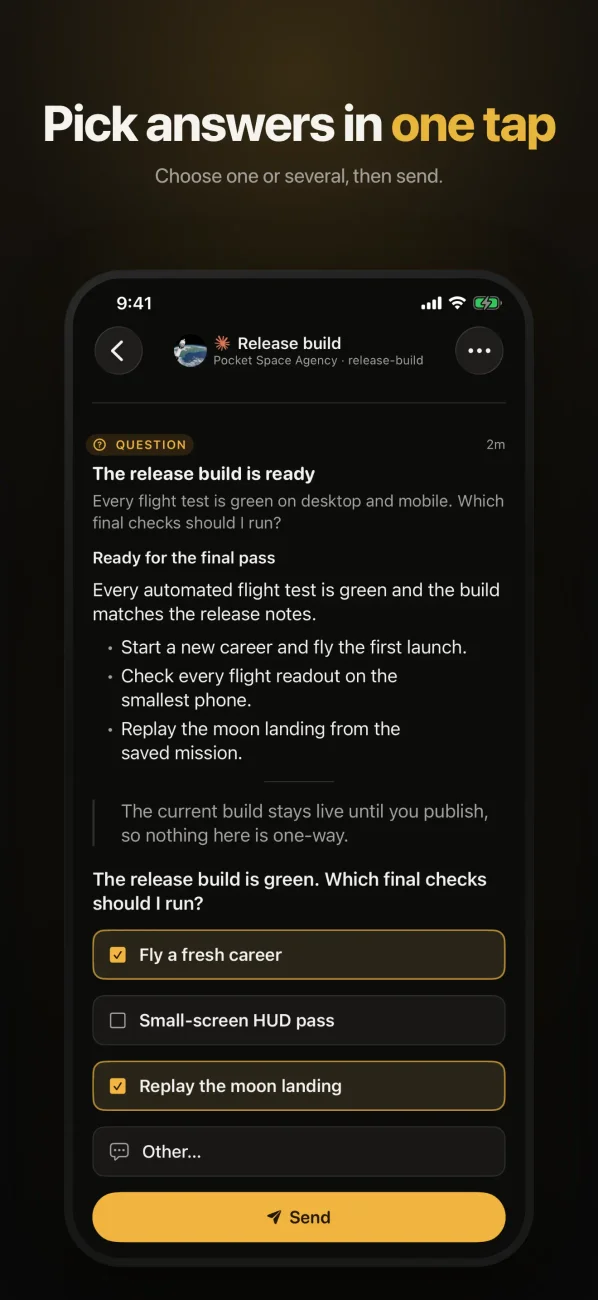
When an agent asks you a question, answer from the notification or inside Notifai. Multiple-choice and free-text questions stay attached to the session that asked, so the agent gets your answer and keeps working.
KNOW WHICH ONE NEEDS YOU
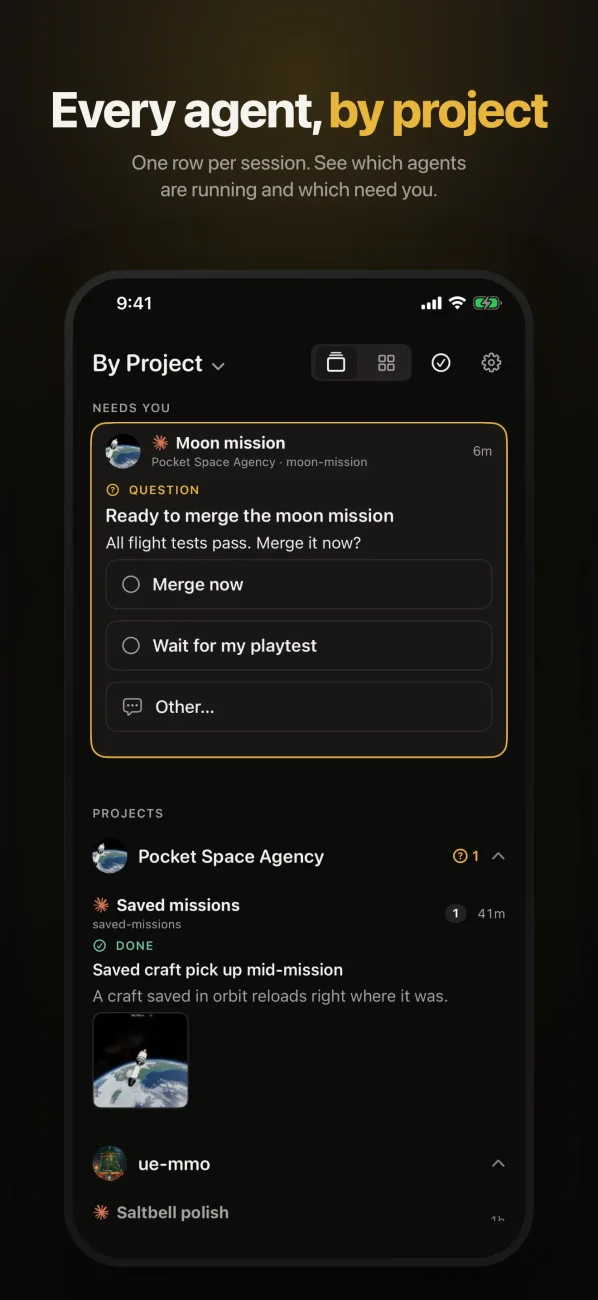
• Every notification names its project and agent session, so you can tell your agents apart at a glance.
• Get concise updates when work finishes, fails, or needs your attention.
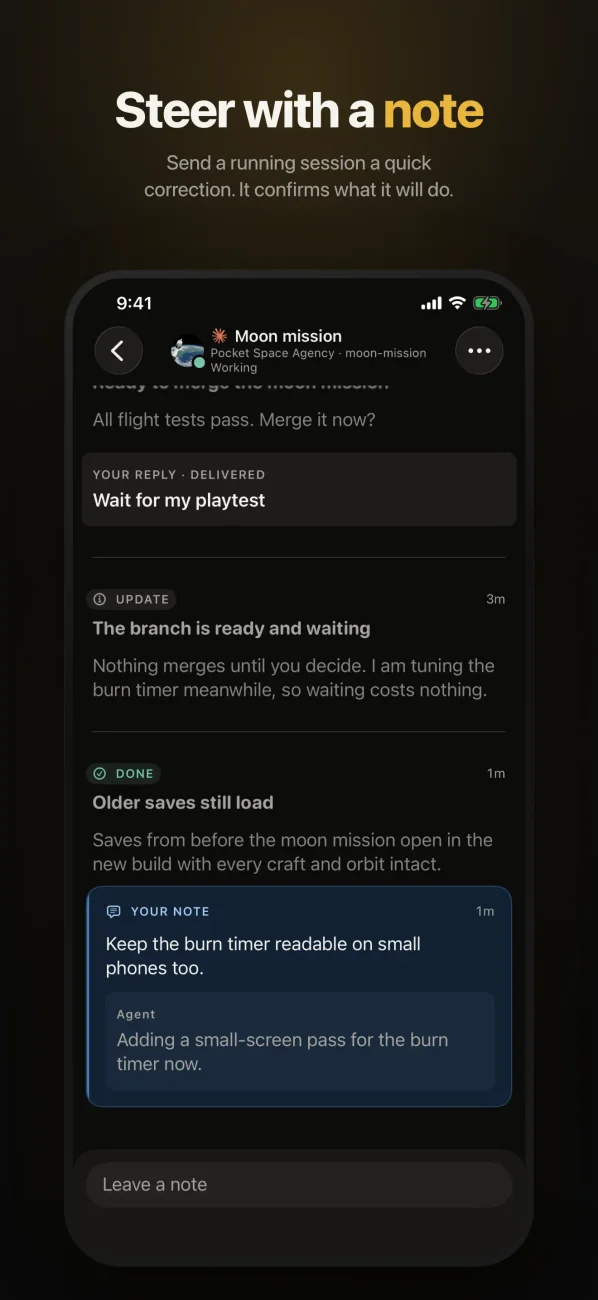
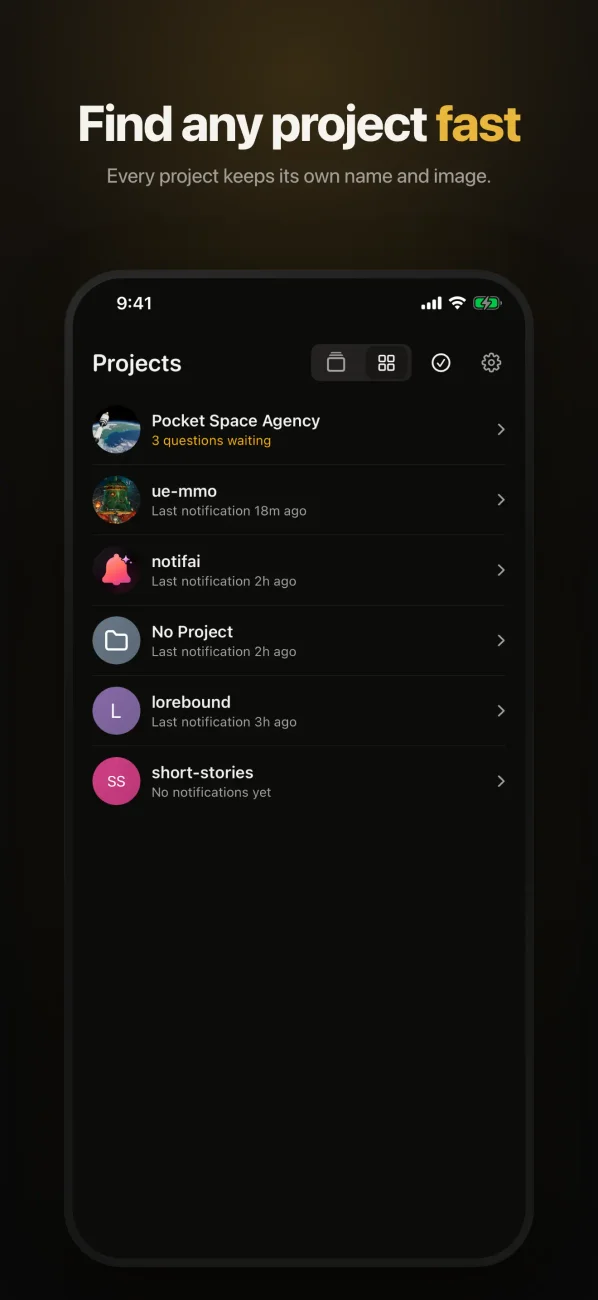
• Follow your agent sessions, browse projects, and revisit notifications and replies in each session’s timeline.
YOUR AGENT SETS IT UP
Paste one line into your agent and it installs Notifai on your computer. You confirm the connection from your iPhone, and there are no hook files to edit by hand.
BUILT FOR FOCUS
Notifai uses native notifications, per-project identity, rich details, image attachments, and a sound for each kind of update, including sounds you add yourself.
Only computers you approve can send, and you can remove one at any time. The service keeps notification content for seven days, then deletes it; deleting your Account removes it sooner. Your iPhone keeps a private local history; the Privacy Policy below explains what it keeps.
SUBSCRIPTION
Notifai Individual access is available as a monthly or yearly subscription. New subscribers may be offered a free trial, once per person; current prices and trial terms are on the Pricing page below and are shown before you confirm. Nothing is charged during a trial: unless you cancel at least 24 hours before the trial ends, the subscription then starts and your Apple Account is charged the price you chose. A purchase with no free trial is charged to your Apple Account at confirmation of purchase.
Subscriptions renew automatically at the same price unless canceled at least 24 hours before the end of the current period, and your Apple Account is charged for renewal within 24 hours before the period ends. Manage or cancel in your Apple Account settings. Deleting your Notifai account does not cancel an Apple subscription.
Pricing: https://notifai.sh/#pricing
Terms of Service: https://app.notifai.sh/terms
Privacy Policy: https://app.notifai.sh/privacy
Terms of Use (Apple Standard EULA): https://www.apple.com/legal/internet-services/itunes/dev/stdeula/
What’s new
Version 1.2.2 · Nov 26, 2026
Save an image with your iPhone's own dialog, and scan a QR code from the corner.
• Saving an image from a notification or a message opens the iPhone's own save dialog.
• On the sign-in screen, Scan QR is a small icon in the corner.
• Home archives a quiet session that is not running. That archive does not delete the session.
• Bold and italic in a folded message keep their size.
Turn notifications off for any of your devices, and get to what needs you faster.
• Settings › Devices: turn notifications off for this iPhone or any of your devices. A device that is off gets no alerts, and its history stays current.
• Project avatars have 30 colours with soft gradients and the Project's initials, and agents give a new Project a proper name.
• Tapping a notification opens its session directly.
• Archive puts a session away until something new arrives. Archived sessions have their own list and fold away at the bottom of each Project.
• Needs you shows one item per waiting session, led by its oldest question, with "+N more" when it has others.
• Timelines show messages in full: only very long ones fold, never the newest, and older notifications load as you scroll.
• In a timeline, a "1 question" button takes you to a question that is off screen, and Latest is a small round button that shows when you scroll down.
• A small robot marks the agent's reply under your answers and notes.
• Settings › Computers lists your computers, each with its system and Sign out.
• Choose how a message's images are laid out in Settings.
• Also: Return adds a line break in an answer field, choices can show the agent's previews, and folded Projects show each agent app's count smaller and dimmer.
App privacy
What Rafael Vidaurre declares on the App Store about how this app handles data.
-
Data linked to you
May be collected and linked to your identity.
- Purchases
- Contact info
- User content
- Identifiers
- Diagnostics
Privacy practices may vary, for example with the features you use or your age.
Information
- Seller
- Rafael Vidaurre
- Category
- Developer Tools
- Version
- 1.2.2
- Updated
- Nov 26, 2026
- Released
- Oct 15, 2026
- Size
- 13.0 MB
- Requires
- iOS 17.0 or later
- Age rating
- 4+
- Price
- Free
- In-app purchases
- Yes
- Languages
- English
- Copyright
- © 2026 Rafael Vidaurre