Nowlater
One-handed list for real life
Designed for iPhone, iPod touch
Free · In-app purchases
- Age rating4+
- CategoryProductivity
- DeveloperJacob Yoo
- LanguagesEnglish
- Size38.2 MB
Links to the official App Store page
Download.org hosts no file of Nowlater. The button opens its official App Store page, published by Jacob Yoo. Listing last checked on Nov 20, 2026.
Screenshots


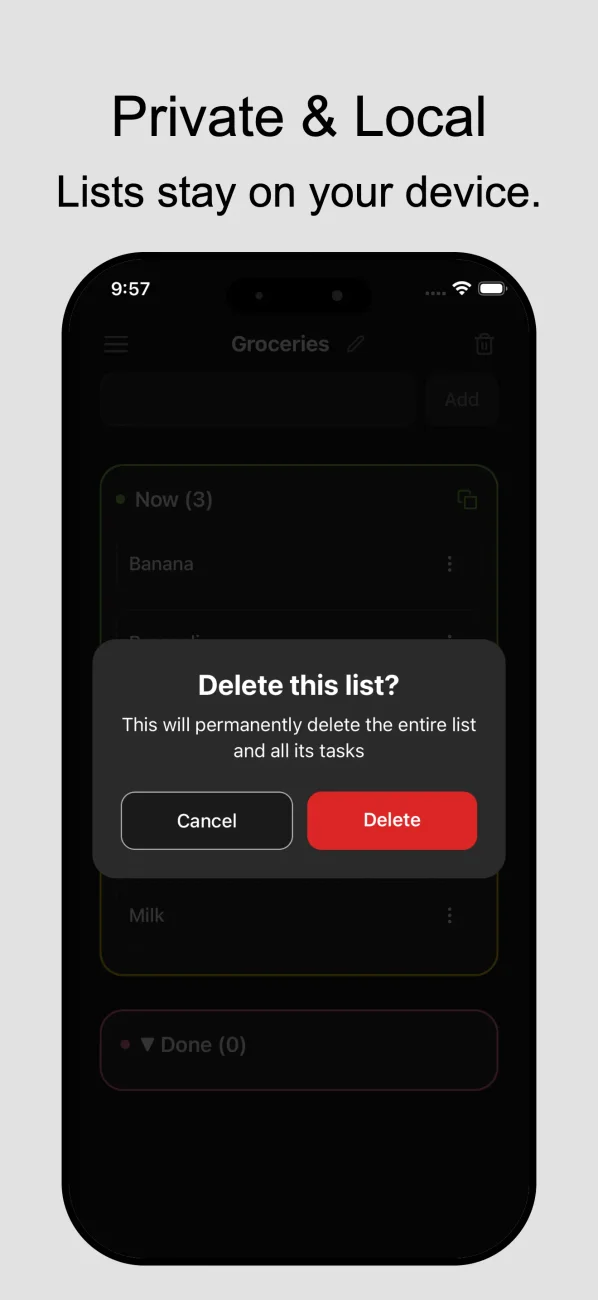
About
When getting things done, don’t waste time hunting for a tiny checkbox or holding down delete.
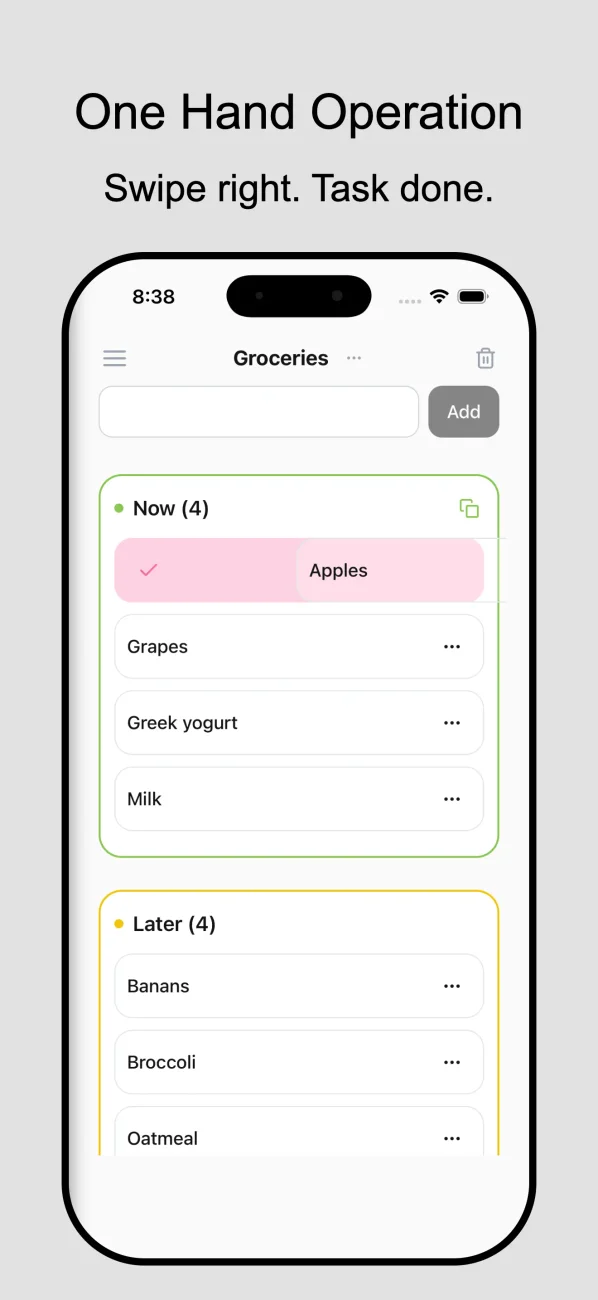
Just swipe away. Clean, fast, gesture-based productivity you can run with either hand.
Features
- One-handed control: swap swipe directions for left or right hand.
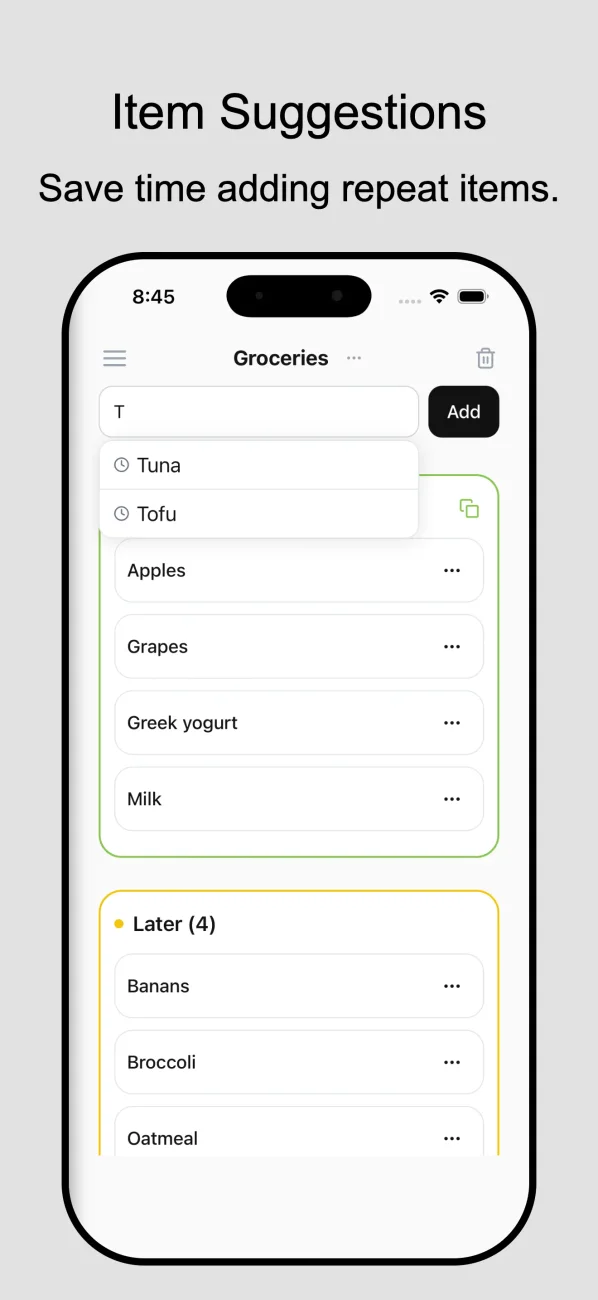
- Multiple lists: groceries, tasks, plans — keep it all organized.
- Adaptive theme: choose the light look or the dark mood.
- Singlehandedly manage your lists with fluid gestures that work anywhere.
How it works:
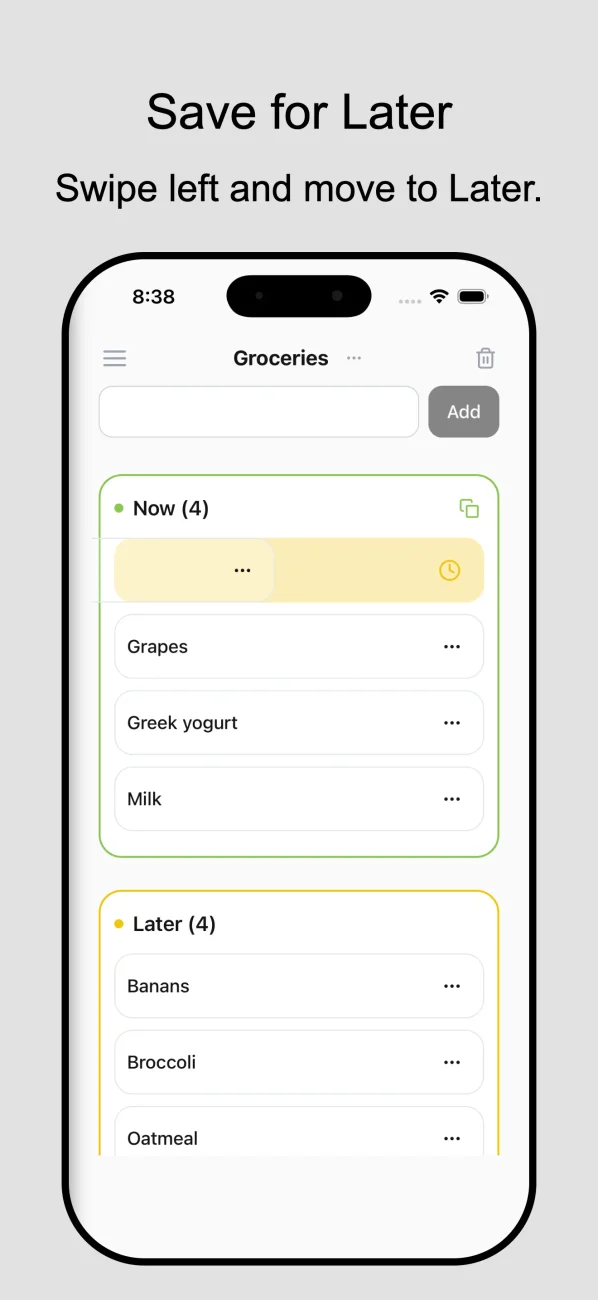
Two columns. Now or Later. Swipe right to complete, left to postpone. That’s it.
Get more done, one swipe at a time.
What’s new
Version 1.1.3 · Nov 21, 2025
UI & Performance Improvements
App privacy
What Jacob Yoo declares on the App Store about how this app handles data.
-
Data not linked to you
May be collected but is not linked to your identity.
- Location
- Identifiers
- Usage data
- Diagnostics
Privacy practices may vary, for example with the features you use or your age.
Information
- Seller
- Jacob Yoo
- Category
- Productivity
- Version
- 1.1.3
- Updated
- Nov 21, 2025
- Released
- Oct 23, 2025
- Size
- 38.2 MB
- Requires
- iOS 15.1 or later
- Age rating
- 4+
- Price
- Free
- In-app purchases
- Yes
- Languages
- English
- Copyright
- © 2025 Jacob Yoo
You might also like
-
 HyperTask AI10X Your Productivity
-
 PikaHabit: Habit TrackerStreaks & Goal Planner
-
 SnappyTasksVoice powered Tasks & Reminder
-
 Wait MenuSimple event countdown
-
 Point Pals: Chore ChartStar Rewards & Collect Pets
-
 Shortnotes: Secured NotesSecured Vault for Notes & Pass
-
 Task BatchSmart Task Management
-
 Chore Chart & Tracker: BurrowCleaning Schedule & Home Tasks
-
 Kapy - Cozy Habit TrackerCapybara, Goals & Routines
-
 Strukt: Productivity DashboardHabits, Goals, Tasks & more