- Age rating4+
- CategoryProductivity
- DeveloperSeungwoo Kim
- LanguagesEnglish+ 3 more
- Size6.9 MB
Links to the official App Store page
Download.org hosts no file of NowTodo: Lock Screen Tasks. The button opens its official App Store page, published by Seungwoo Kim. Listing last checked on Nov 12, 2026.
Screenshots

About
The to-do app that gets things done without opening the app.
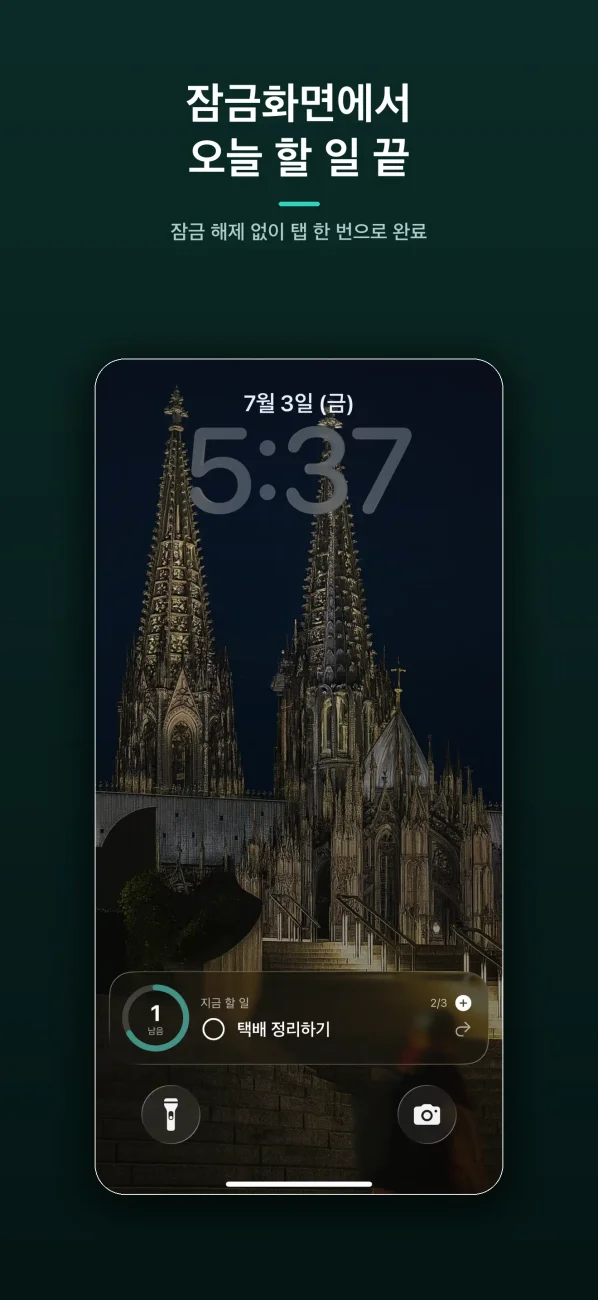
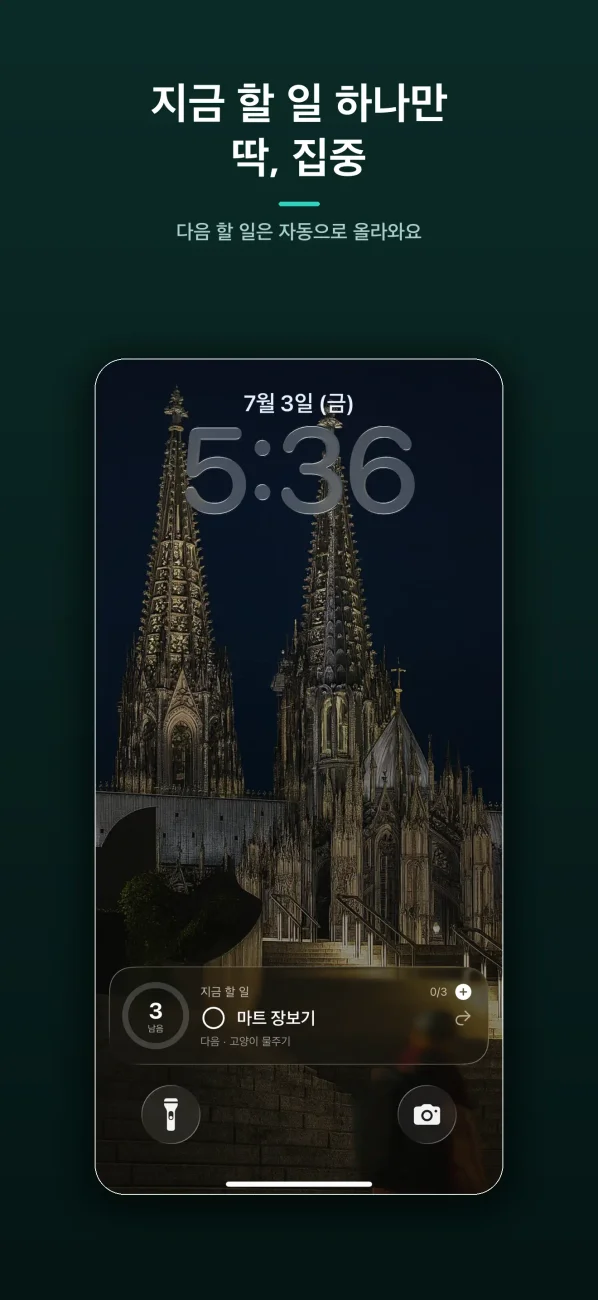
NowTodo lives on your Lock Screen. Wake your phone and your current task is right there with a progress ring — one tap to complete, and the next task slides in.
◆ Your Lock Screen is the app
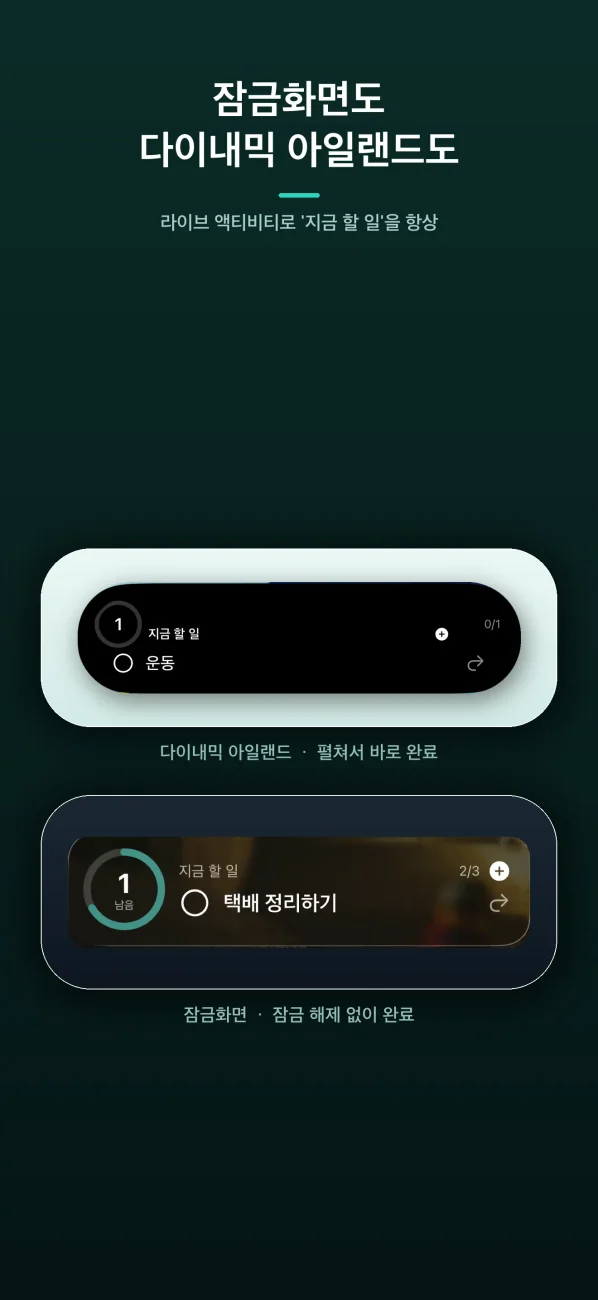
• Live Activity: current task + progress ring, complete or defer without unlocking
• At a glance in the Dynamic Island
• Home & Lock Screen widgets, Control Center buttons
◆ 1-second capture
• Add via Action Button, Back Tap, Control Center, or Siri — no app launch
• Natural-language dates: type "report by Friday" and the date is set
◆ Focused on today
• A "right now" engine that surfaces the one task to do — not a wall of lists
• Complete or defer (in 1 hour · this evening · tomorrow · next week)
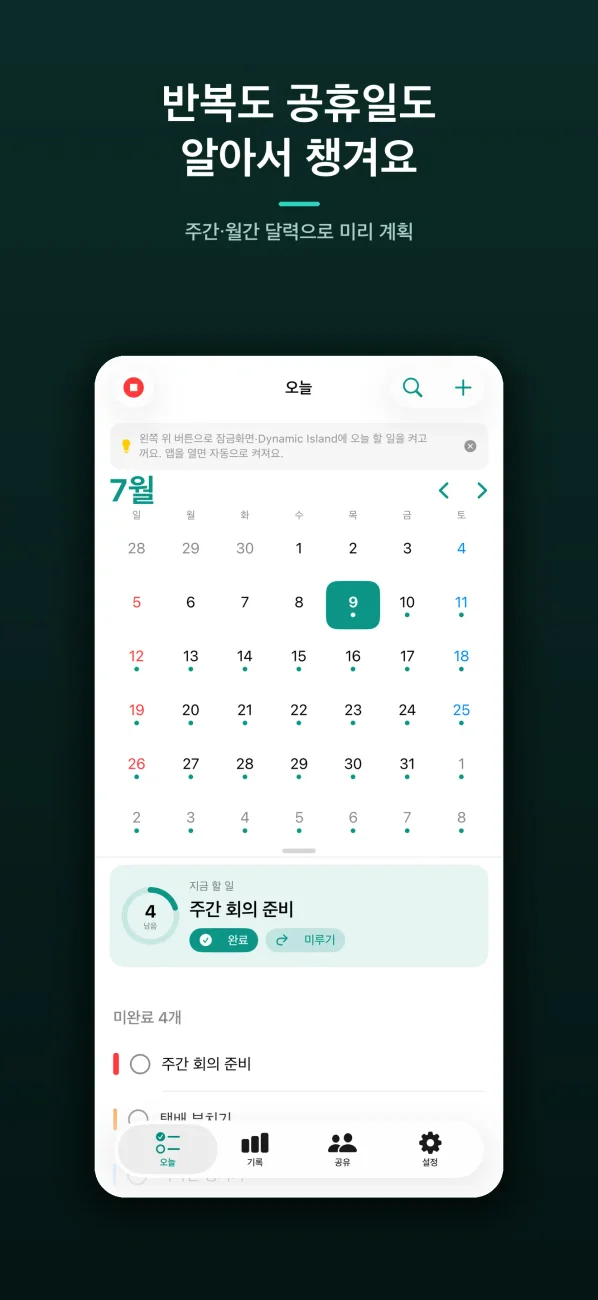
• Repeating tasks, reminders, weekly & monthly calendar
• Search across all time — even completed tasks
• Public holidays shown, even offline
◆ Together (Beta)
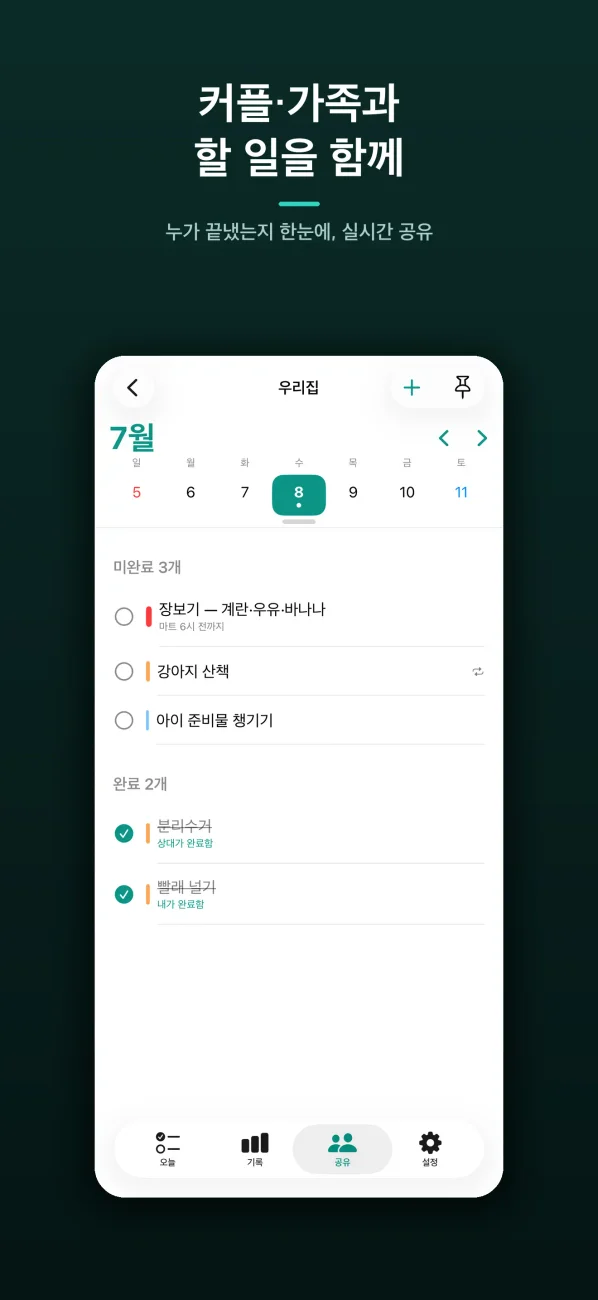
• Share to-dos with your partner, roommates, or family — a separate space for each group
• Join by simply opening an invite link, no sign-up (works with iCloud)
• See who completed what in real time, and pin shared spaces to the Lock Screen
• Use it during the beta and it stays free forever, even after Pro launches
◆ Progress you can feel
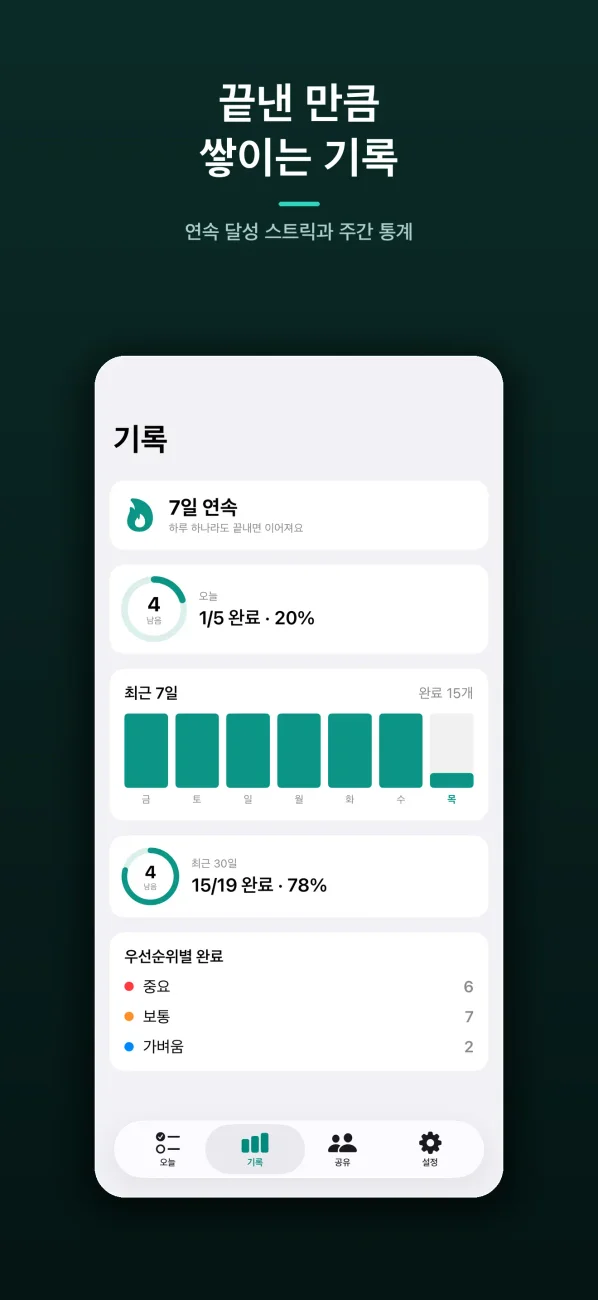
• Streaks, weekly chart, 30-day and priority stats
◆ Make it yours
• 5 theme colors — they restyle the app, widgets, and the Lock Screen ring together
◆ Your data stays yours
• All features free, no account needed
• Your personal tasks are stored on your iPhone
• Shared spaces sync securely through your own iCloud
• Included in iCloud device backup & transfers, plus JSON export/import
Finish today, right from your Lock Screen.
What’s new
Version 1.5.9 · Aug 17, 2026
The calendar widget now shows your task titles.
• Where there used to be a dot, you now see the title — read your day right from the Home Screen.
• Delete from this date — remove a repeat from any date onward; everything before stays.
• Change just one — edit a single occurrence, or apply the change to all future ones.
• Set a time and the reminder defaults to it — no fixing it twice.
• After midnight, the lock-screen card stops showing yesterday's tasks.
Built from your feedback — thank you!
App privacy
What Seungwoo Kim declares on the App Store about how this app handles data.
-
Data used to track you
May be used to track you across apps and websites owned by other companies.
- Location
- Identifiers
- Usage data
-
Data not linked to you
May be collected but is not linked to your identity.
- Location
- Identifiers
- Usage data
- Diagnostics
Privacy practices may vary, for example with the features you use or your age.
Information
- Seller
- Seungwoo Kim
- Category
- Productivity
- Version
- 1.5.9
- Updated
- Aug 17, 2026
- Released
- Jul 4, 2026
- Size
- 6.9 MB
- Requires
- iOS 26.0 or later
- Age rating
- 4+
- Price
- Free
- Languages
- English, Japanese, Korean, Simplified Chinese
- Copyright
- © 2026 Soravo
You might also like
-
 Now! To do appMinimalist to do app
-
 What Do I Do - Todo ListTo-dos on Lock Screen & Island
-
 CampusFlowProductivity
-
 DueDog: Receipt·Warranty·FinesScan and never miss a deadline
-
 Pocketd: Private AI AssistantLocal chatbot for your diary
-
 GoalUp: AI Goals & ChallengesTurn Goals Into Reality
-
 Hooks: Habit TrackerDaily Routine & Goal Planner
-
 LimitPulse: AI UsageQuota & reset alerts
-
 わすれん − ロック画面にメモ・あと何日Productivity
-
 Synapse: AI Voice NotesPrivate AI voice notes