Nox - Personal Data Vault
Encrypted. Private. On-device.
Designed for iPhone, iPod touch
In-app purchases
- Age rating4+
- CategoryProductivity
- DeveloperNour Ahdi
- LanguagesEnglish
- Size36.5 MB
Links to the official App Store page
Download.org hosts no file of Nox - Personal Data Vault. The button opens its official App Store page, published by Nour Ahdi. Listing last checked on Nov 15, 2026.
Screenshots
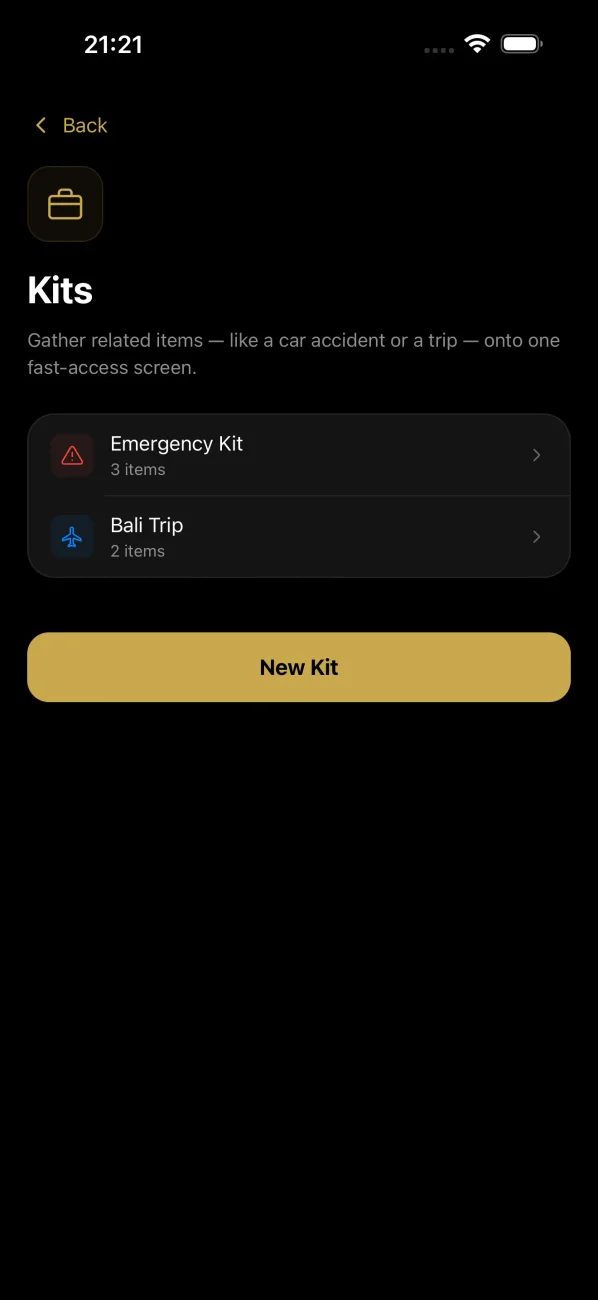
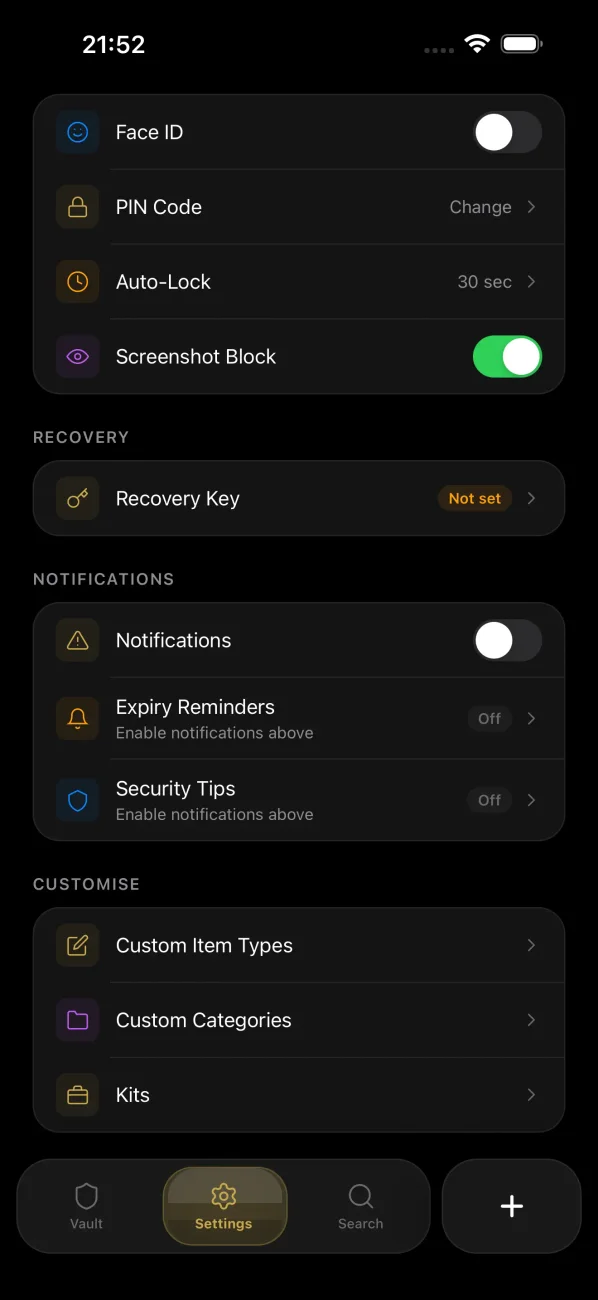
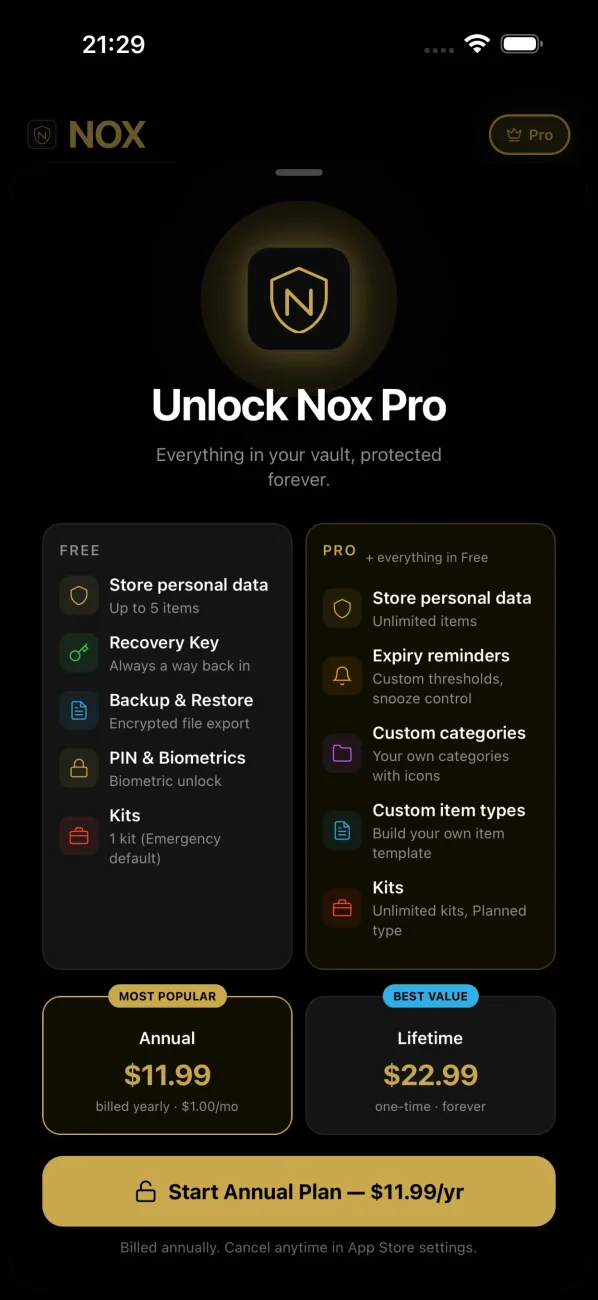
About
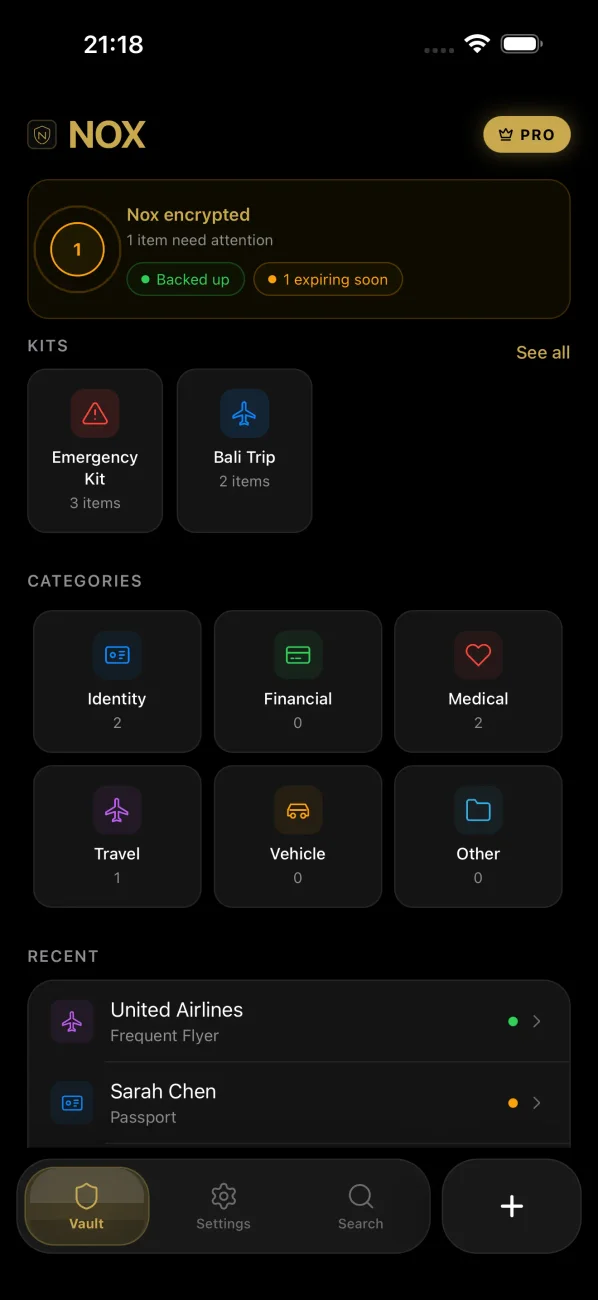
Your most sensitive information belongs on your device — not in the cloud, not on someone else's server. Nox is a personal vault with no accounts and no servers: everything stays on your iPhone, encrypted in the iOS Keychain.
What you can store
– Identity: Passports, Driver's Licenses, National IDs, Birth Certificates
– Financial: Bank accounts, Credit cards, Crypto wallets, Tax IDs
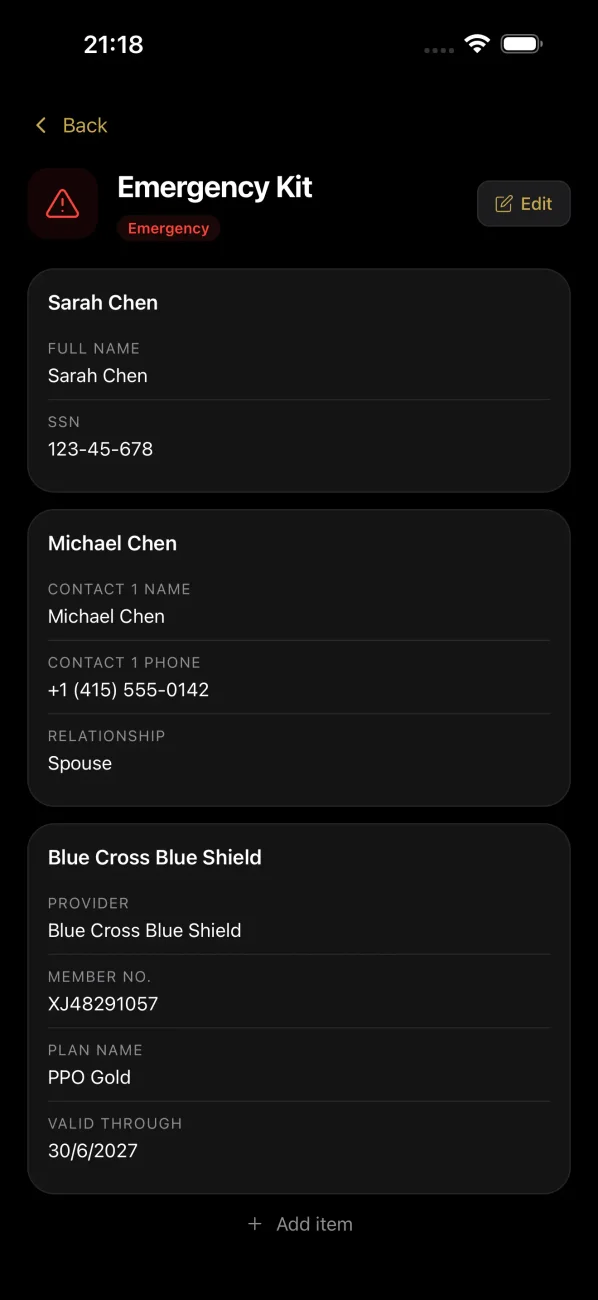
– Medical: Health insurance, Blood type, Emergency contacts, Vaccination records
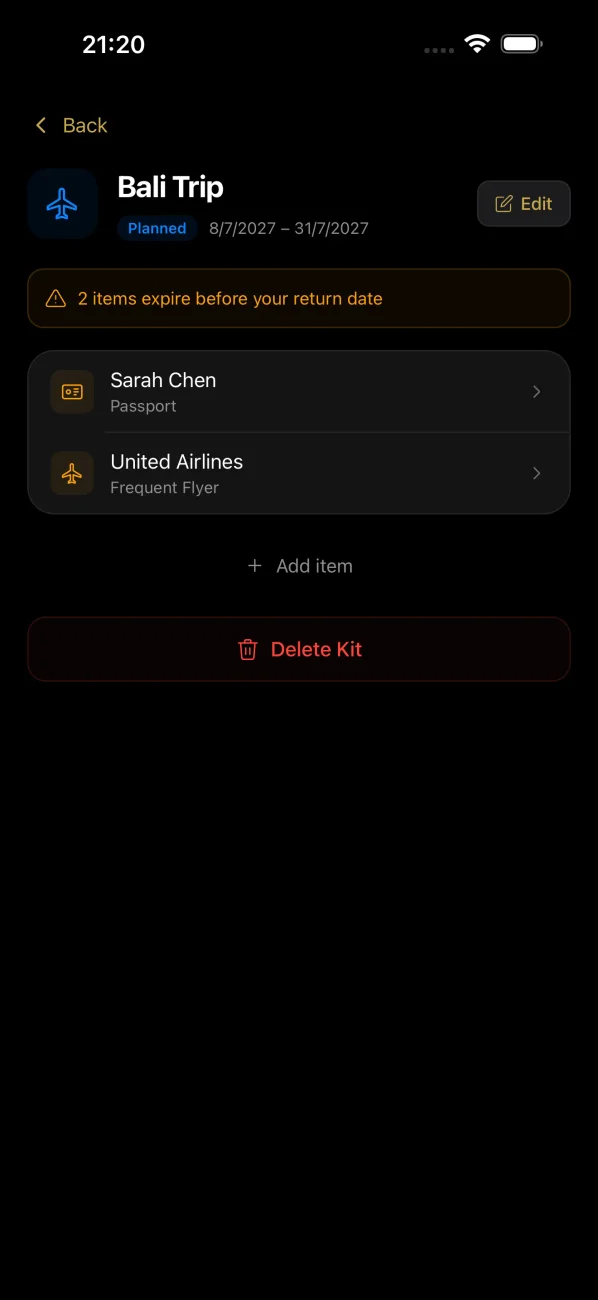
– Travel: Frequent flyer cards, Hotel loyalty, Global Entry, Travel insurance
– Vehicle: Car insurance, Registration, Roadside assistance
– Other: Wi-Fi passwords, Safe combinations, Software licenses, Loyalty cards
Privacy by design
We have no servers. We have no access to your data. Your PIN itself is never stored, only a salted hash. Backup files are encrypted on your iPhone with your 12-word recovery key, so only you can open them. This is not a privacy policy. This is how the app works.
Smart features
– Scan passports and ID cards to fill in their details, entirely on-device
– Face ID / Touch ID unlock
– Expiry reminders for documents and cards
– Encrypted backup & restore
– Screenshot protection
Nox Pro
Unlock unlimited item storage, expiry reminders, custom categories, and custom item types with a Pro subscription or one-time lifetime purchase.
Privacy Policy: https://noxappdev.github.io/nox-privacy
Terms of Use: https://www.apple.com/legal/internet-services/itunes/dev/stdeula
What’s new
Version 1.4.1 · Nov 9, 2026
A stronger recovery key
• Your recovery key is now 12 words. It's far harder to guess, and it also locks your backups. After updating, Nox asks you to write down your new key once.
Safer backups
• Backups can only be opened with your recovery key, not your PIN.
• Your latest backup is now in the Files app under On My iPhone › Nox, and it's included in your iPhone's iCloud backup.
• Restoring a backup on a phone that already has a vault replaces it, after asking you first.
• Older backups you saved elsewhere can still be imported, using the PIN you had when you made them.
Stronger security
• Face ID unlock only works with the faces enrolled when you turned it on. If a face is added in iOS Settings, Nox asks for your PIN.
• Changing the date and time no longer shortens the PIN lockout.
• Values you copy from Nox stay on this iPhone and are cleared from the clipboard after a minute.
Other
• Clearer privacy policy and setup screens.
• Expiry reminders stop when Pro ends.
App privacy
What Nour Ahdi declares on the App Store about how this app handles data.
-
Data not linked to you
May be collected but is not linked to your identity.
- Purchases
- Identifiers
Privacy practices may vary, for example with the features you use or your age.
Information
- Seller
- Nour Ahdi
- Category
- Productivity
- Version
- 1.4.1
- Updated
- Nov 9, 2026
- Released
- Jul 17, 2026
- Size
- 36.5 MB
- Requires
- iOS 15.1 or later
- Age rating
- 4+
- In-app purchases
- Yes
- Languages
- English
- Copyright
- © 2026 Nour Ahdi
You might also like
-
 JobGuard AISpot fake job posts instantly
-
 Buckets: Time Blocking PlannerProtect your work life balance
-
 MyScanner: Scan PDF & QR CodePaperwork, ready in seconds
-
 Cutter ClosetCookie Cutter Organizer
-
 MyLLTsubscriptionMyLife, MyLegacy, MyTransition
-
 Roastio: AI Habit JudgeRoast Your Procrastination
-
 Slotmark: Reminder & To DoTasks manager & calendar
-
 HyrivaFind Jobs, AI Tailor & Apply
-
 Block&Read: Book App BlockerRead to Unlock Your Apps
-
 Paperlane: Scan to PDFDocument Scanner, PDF & OCR