
- Age rating4+
- CategoryUtilities
- DeveloperDaichi Kato
- LanguagesEnglish+ 33 more
- Size9.4 MB
Links to the official App Store page
Download.org hosts no file of NSMeter. The button opens its official App Store page, published by Daichi Kato. Listing last checked on Nov 13, 2026.
Screenshots


About
This speedometer and route recording app has been developed to make your outdoor activities such as walking, running, cycling, driving, hiking, and train rides more enjoyable and memorable.
With the speedometer feature, you can easily check your current speed and altitude. Additionally, the route recording feature allows you to display your movement history on a map and record where you've been.
■ Display and visualize measured information on charts for easy viewing.
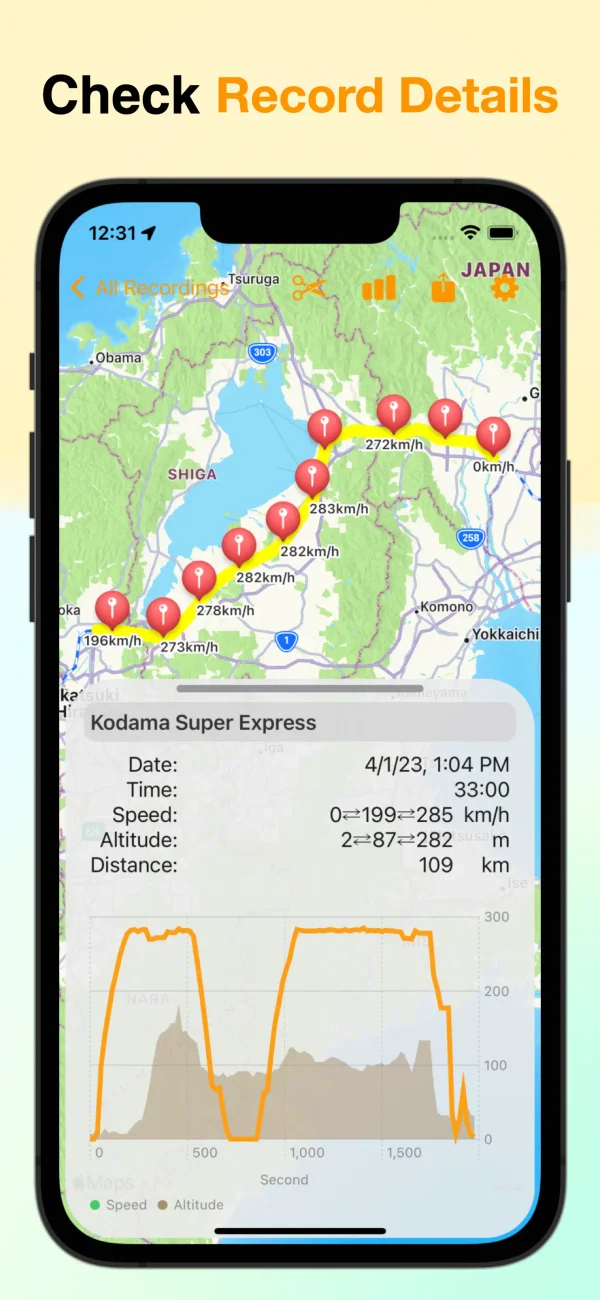
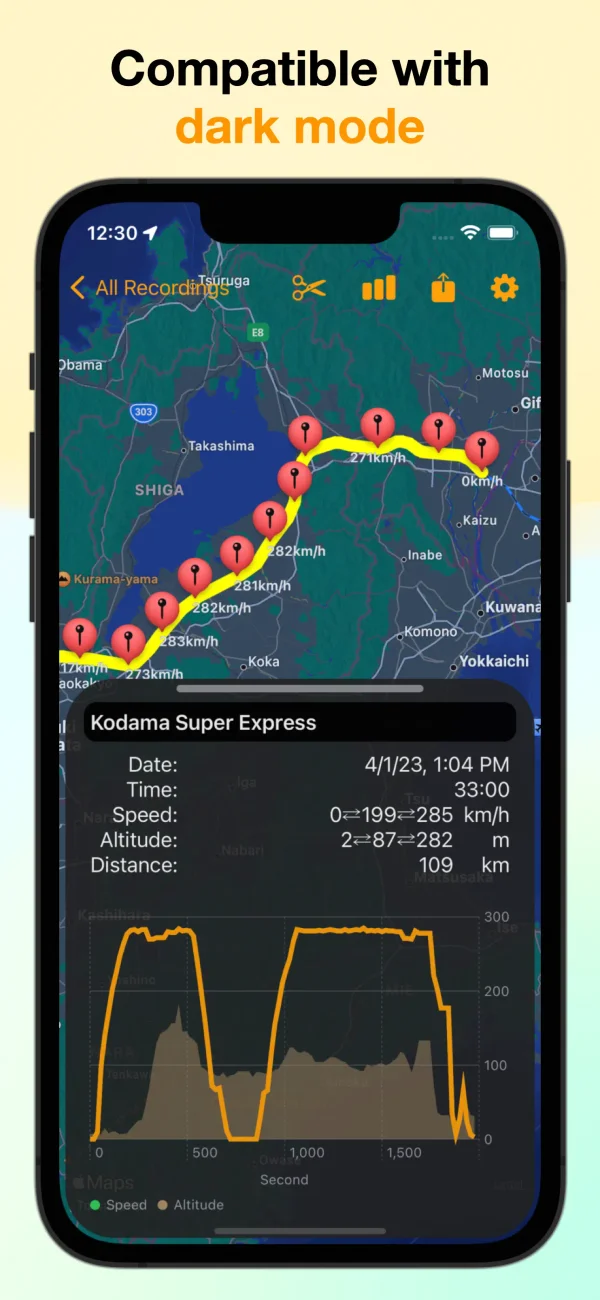
The graphs can display speed and altitude, helping you understand and analyze the relationship between speed and altitude.
■ Measure altitude as well.
You can also check the altitude in addition to speed. This allows you to observe altitude changes that you may not notice during your regular movement.
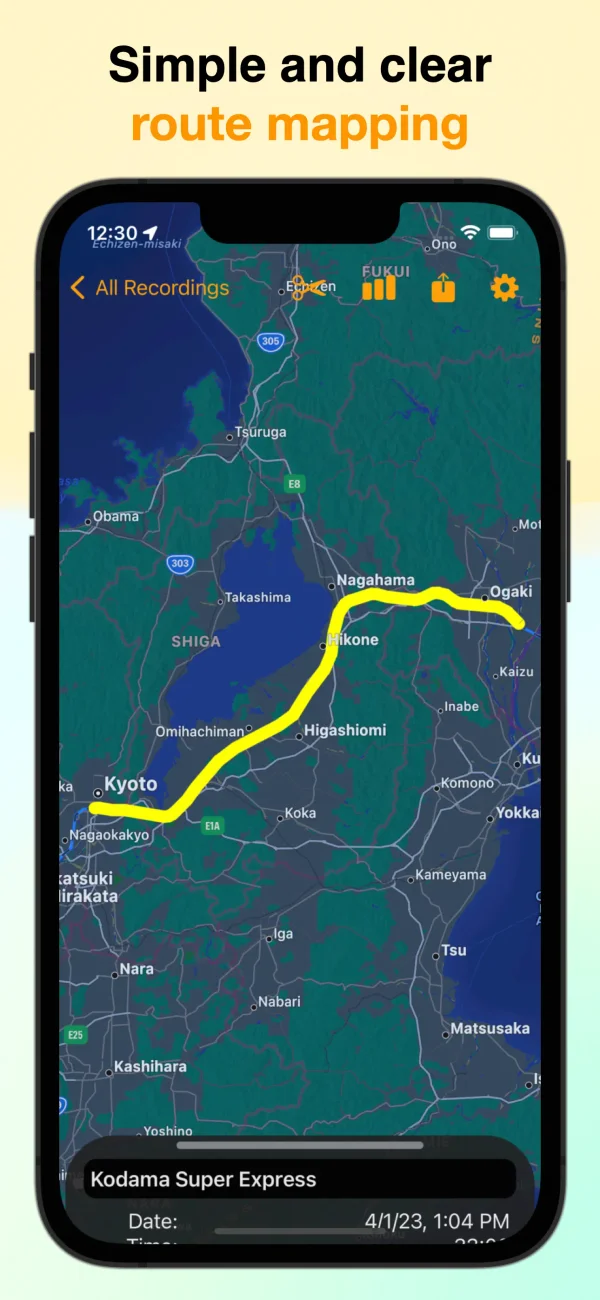
■ Draw lines on the route you traveled to visualize your movement path.
You can visually represent the route you traveled. This helps you explain the route to others and review it later.
■ Place speed pins at regular intervals.
Speed is displayed on the pins, making it easy to see the speed at different locations on the map.
■ Analysis screen.
After measurement, you can view the minimum, maximum, and average speed and altitude recorded during that period. You can also see the total distance traveled.
■ Support for multiple units.
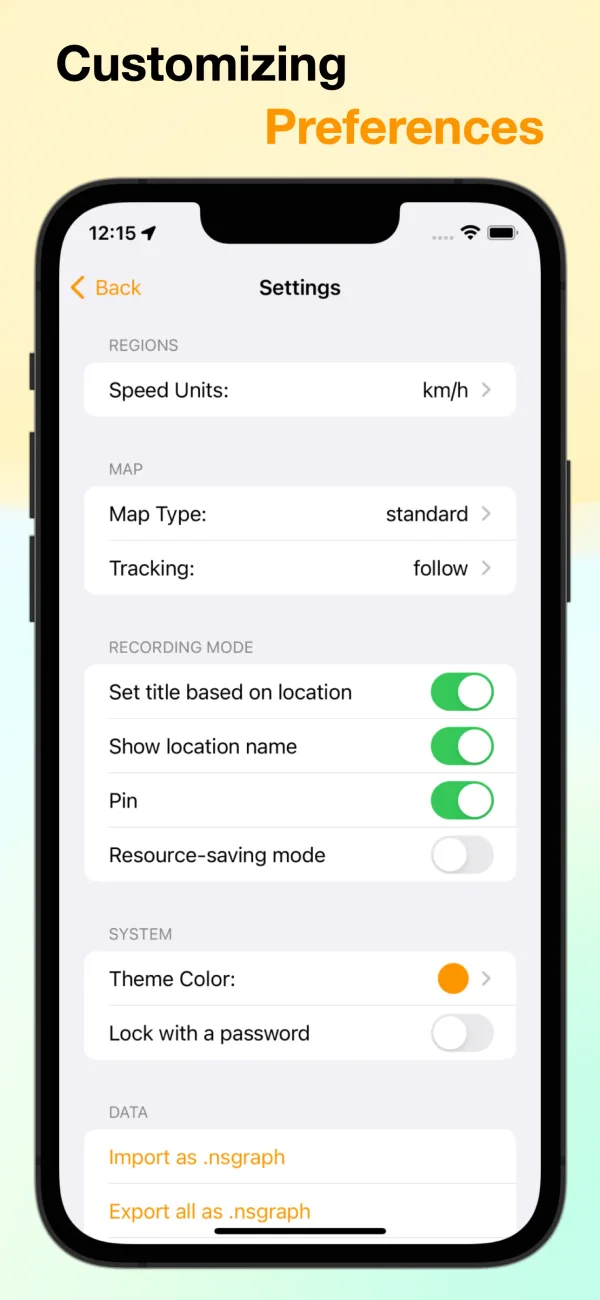
Units supported include mph, m/s, kn, km/h, and fps.
■ Battery-saving mode.
There is a battery-saving mode to minimize battery consumption during recording. It provides a comfortable recording environment even on older devices, with reduced resource usage.
■ Data import and export functionality.
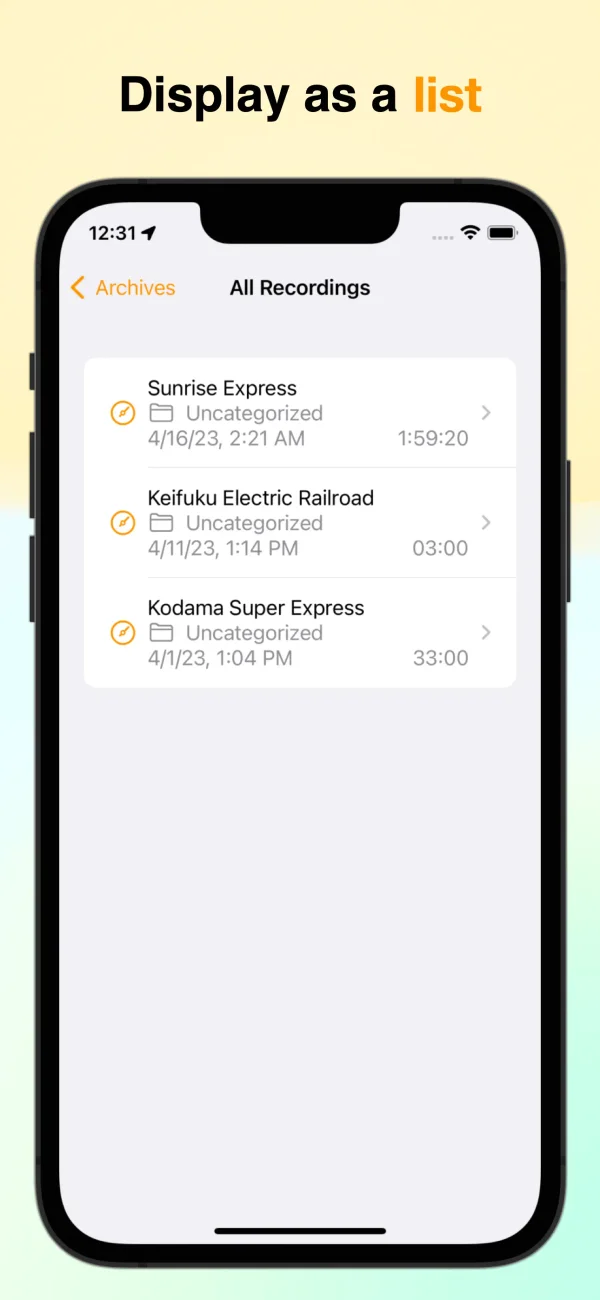
You can freely import and export data, allowing you to share data with others or share your recording information with others.
■ Export in GPX format.
It supports exporting data in GPX format, enabling you to utilize the recorded data in other applications.
■ Trimming feature.
There is a trimming feature that allows you to cut out the necessary parts from long recordings.
■ iCloud sync and backup support.
Data is stored using iCloud, enabling data synchronization across devices. You can access the data from other devices, eliminating the risk of data loss.
■ Password protection with Face ID and Passcode.
There is a feature to lock the app with Face ID and Passcode, ensuring the security of your data.
What’s new
Version 2.0.1 · Jan 20, 2026
Bug fixes and performance improvements.
App privacy
What Daichi Kato declares on the App Store about how this app handles data.
-
Data used to track you
May be used to track you across apps and websites owned by other companies.
- Diagnostics
-
Data not linked to you
May be collected but is not linked to your identity.
- Usage data
- Diagnostics
Privacy practices may vary, for example with the features you use or your age.
Information
- Seller
- Daichi Kato
- Category
- Utilities
- Version
- 2.0.1
- Updated
- Jan 20, 2026
- Released
- May 11, 2023
- Size
- 9.4 MB
- Requires
- iOS 26.0 or later
- Age rating
- 4+
- Price
- Free
- Languages
- English, Arabic, Catalan, Croatian, Czech, Danish, Dutch, Filipino, Finnish, French, German, Greek + 22 more
- Copyright
- © ur73nx
You might also like
-
 Speedometer - GPS Trip TrackerHUD, Odometer, MPH & Car Trip
-
 GPS Speedometer・Miles per hourSpeed check. KPH, MPH tracker
-
 GPS Speedometer- Speed TrackerGPS Speedo: Car & Bike App
-
 Speedometer ..HUD, Speed Limit, Odometer
-
 Speedmeter mph digital displayDigital HUD Speedometer
-
 Speedbox Digital SpeedometerHUD Display GPS Speedometer
-
 Speedometer ⋙Kmh, Mph, Speed Limit Display
-
 Japan train card balance checkUtilities
-
 Speedometer GPS: Speed TrackerCar & Bike Digital Odometer
-
 GPS Fields Area Measure MapDistance, acres, boundaries