
nu: ADHD Journal
One-Line Daily Journal
Designed for iPhone, iPad, iPod touch
Free · In-app purchases
- Age rating4+
- CategoryProductivity
- DeveloperDahye Yu
- LanguagesEnglish+ 1 more
- Size8.9 MB
Links to the official App Store page
Download.org hosts no file of nu: ADHD Journal. The button opens its official App Store page, published by Dahye Yu. Listing last checked on Nov 23, 2026.
Screenshots
About
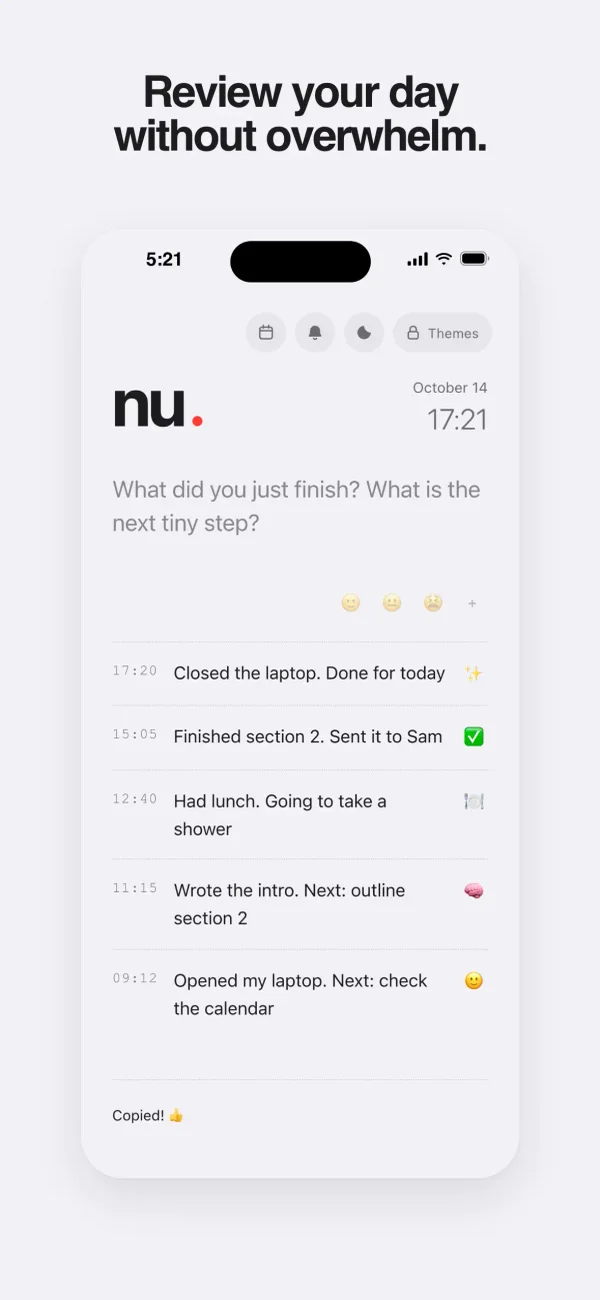
nu. is a 5-second, one-line journal built for ADHD brains and anyone who loses their train of thought mid-task.
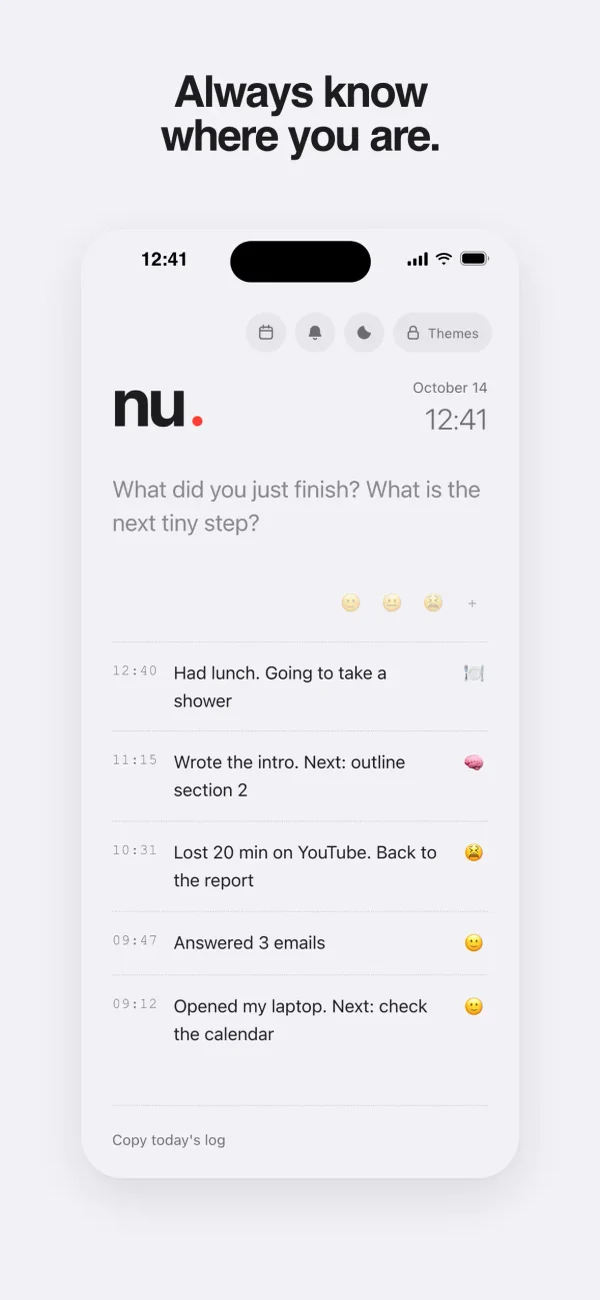
It's based on interstitial journaling: instead of trying to remember your whole day at night, you capture the small transitions between tasks as they happen. What did you just finish? What is the next tiny step? That's it.
Most journaling apps ask for long paragraphs you don't have time to write. nu. asks just those two questions. Type one sentence, tag your mood, and get back to your focus in 5 seconds.
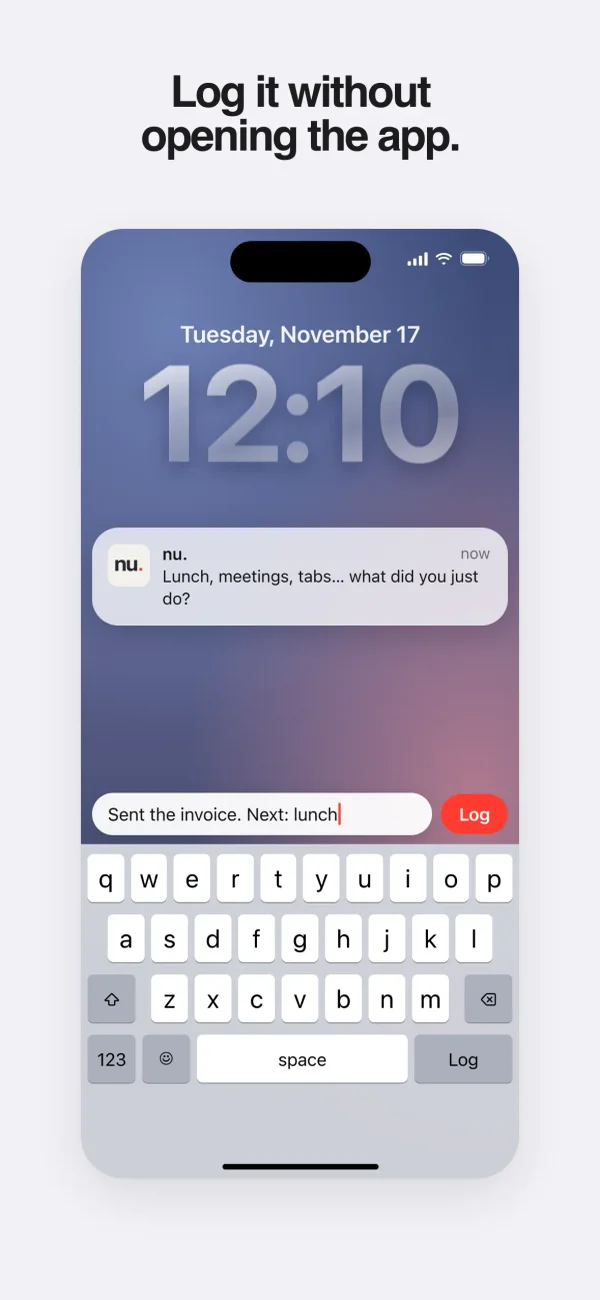
NEW: LOG FROM YOUR LOCK SCREEN
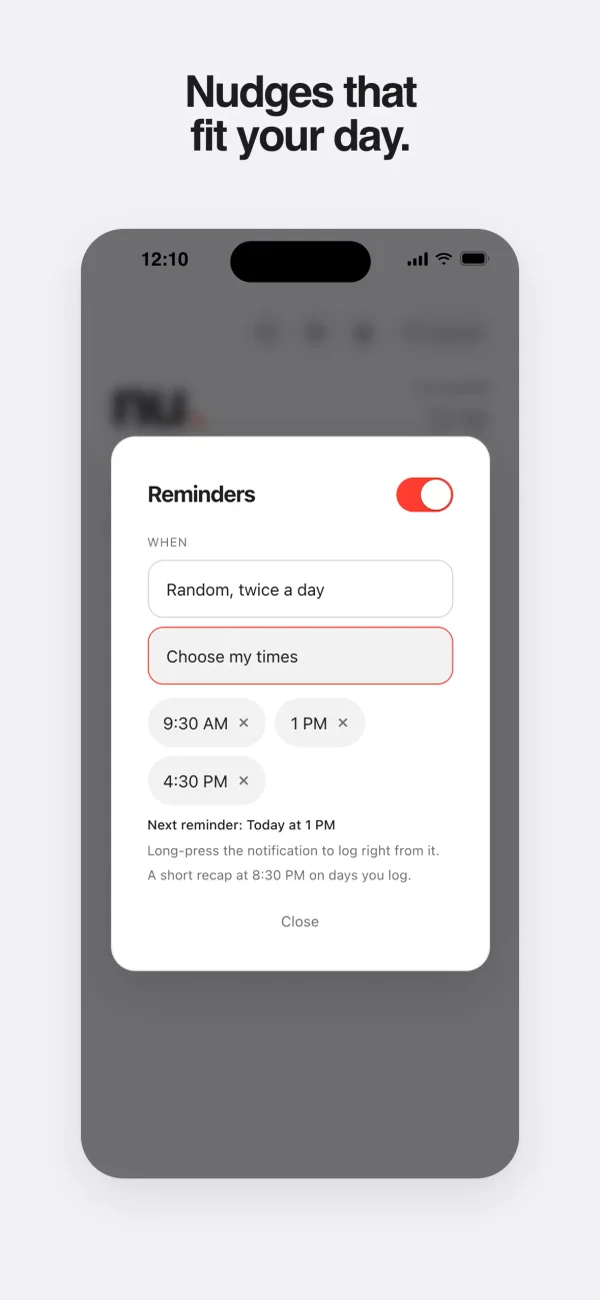
nu. can check in twice a day at random moments. Long-press the notification, type one line, and it's logged, without opening the app. Busy? Tap "Remind me in 1 hour". Need a break? "Not today" pauses check-ins until tomorrow. On days you log, a short evening recap shows how much you actually got done.
WHY NU. WORKS
• Built for task-switching: Designed for brains that lose the thread every time they change tasks.
• No login, no setup: Open the app and start writing. No account needed.
• Zero friction: Open, type, done. No blank-page anxiety.
• Automatic timestamps: A clear timeline of your day, built without effort.
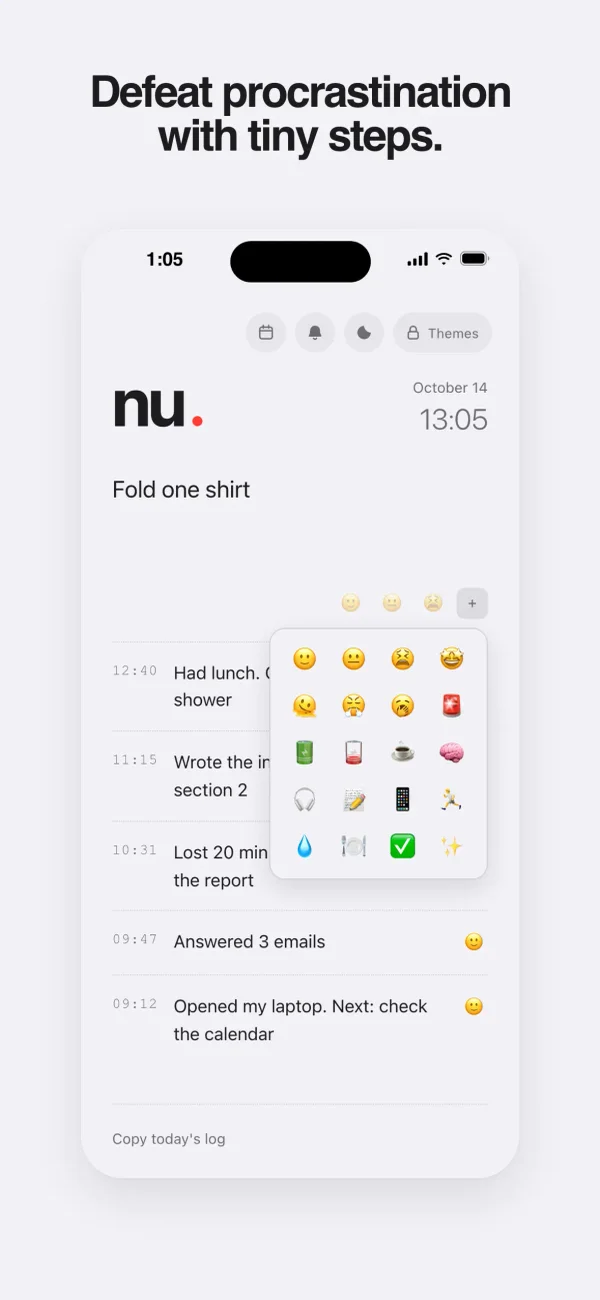
• Mood tags: Tag each moment with how you feel.
• Fix it later: Tap an entry to edit it, swipe to delete (with Undo).
• Copy today's log: Paste your day into notes, a planner or a message to your therapist or coach.
• Write in any language: The app speaks English and Korean, and you can write in whatever your brain thinks in.
• Zero distractions: No streak guilt, no social feeds. Reminders are optional and easy to turn off.
• Private by design: Your journal stays on your iPhone, with no server, and is included in your iPhone backup.
PREMIUM (one-time purchase, no subscription)
• Choose your reminder times: Get nudged at the moments that fit your day.
• All of today's entries: See every moment you logged today, no limit.
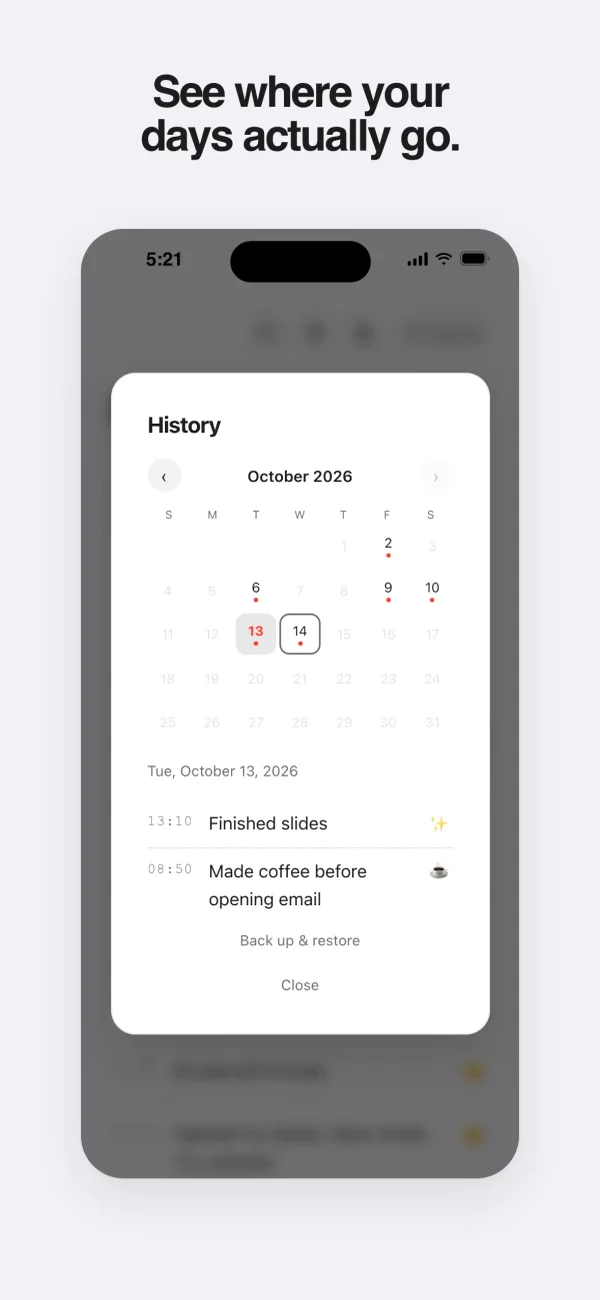
• History: Every past day on a calendar. Spot your patterns over time.
• Back up & restore: Export your journal to Files or iCloud Drive and bring it to a new phone.
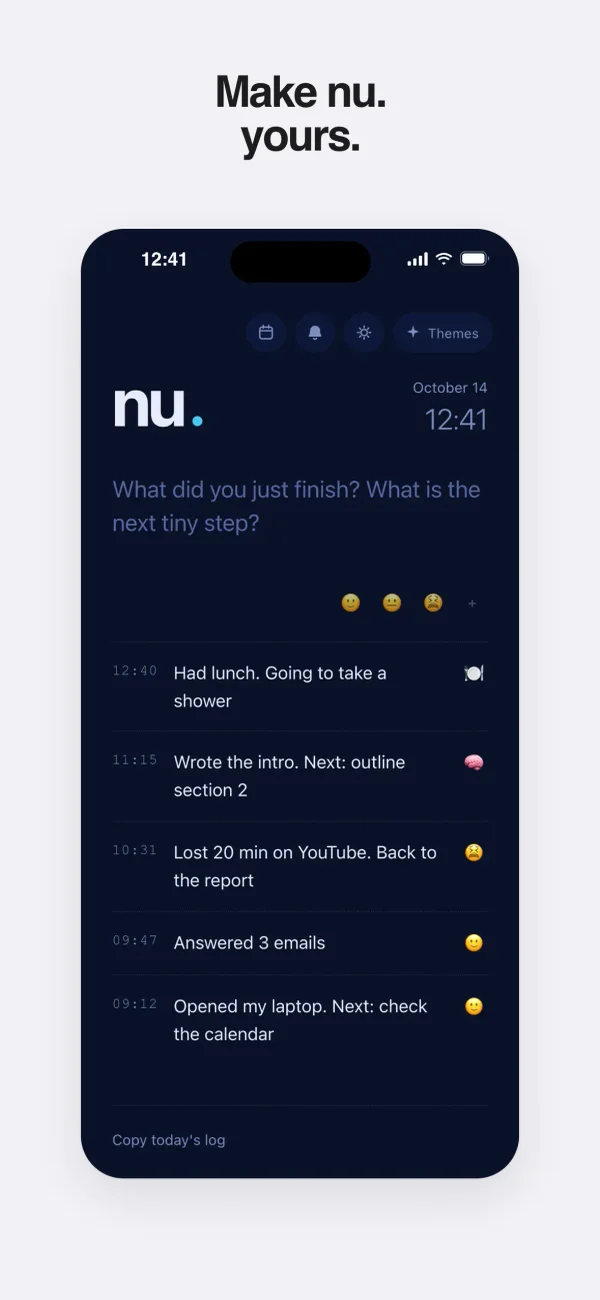
• Premium themes: Paper, Cyberpunk, Neon and Deep Blue.
Pay once, keep it forever.
nu. gives your scattered mind a quiet place to land, one moment at a time.
What’s new
Version 1.2.0 · Nov 20, 2026
Log from your lock screen.
nu. checks in twice a day. Just reply with what you did, without opening the app.
• Evening recap: see how much you actually got done
• Choose your own reminder times (Premium)
• Tap an entry to edit it, swipe to delete
• Now in Korean
• Your journal is now saved in your iPhone backup
App privacy
What Dahye Yu declares on the App Store about how this app handles data.
-
Data not linked to you
May be collected but is not linked to your identity.
- Purchases
Privacy practices may vary, for example with the features you use or your age.
Information
- Seller
- Dahye Yu
- Category
- Productivity
- Version
- 1.2.0
- Updated
- Nov 20, 2026
- Released
- Aug 13, 2026
- Size
- 8.9 MB
- Requires
- iOS 15.0 or later
- Age rating
- 4+
- Price
- Free
- In-app purchases
- Yes
- Languages
- English, Korean
- Copyright
- © 2026 DadaHuis
You might also like
-
 TimelaneCalendar & reminders, together
-
 Rapt: Focused WritingFrom notes to finished drafts
-
 DoEveryday — Habit TrackerYour streak survives rest days
-
 Didly - Hack Your ProductivityTrack daily accomplishments
-
 Underlairs: Focus Study TimerOffline music for deep work
-
 What Do I Do - Todo ListTo-dos on Lock Screen & Island
-
 Minimalist Habit TrackerHabits made simple
-
 Deep Work : Stay FocusedFocus in a Distracting World
-
 DoNext for GTD (Legacy)Getting Things Done ToDo List
-
 Recall: Daily notesSecond Brain