- Age rating4+
- CategoryPhoto & Video
- DeveloperJOSE ALBERTO GIGLI
- LanguagesEnglish+ 1 more
- Size12.9 MB
Links to the official App Store page
Download.org hosts no file of Nube Blur. The button opens its official App Store page, published by JOSE ALBERTO GIGLI. Listing last checked on Nov 12, 2026.
Screenshots

About
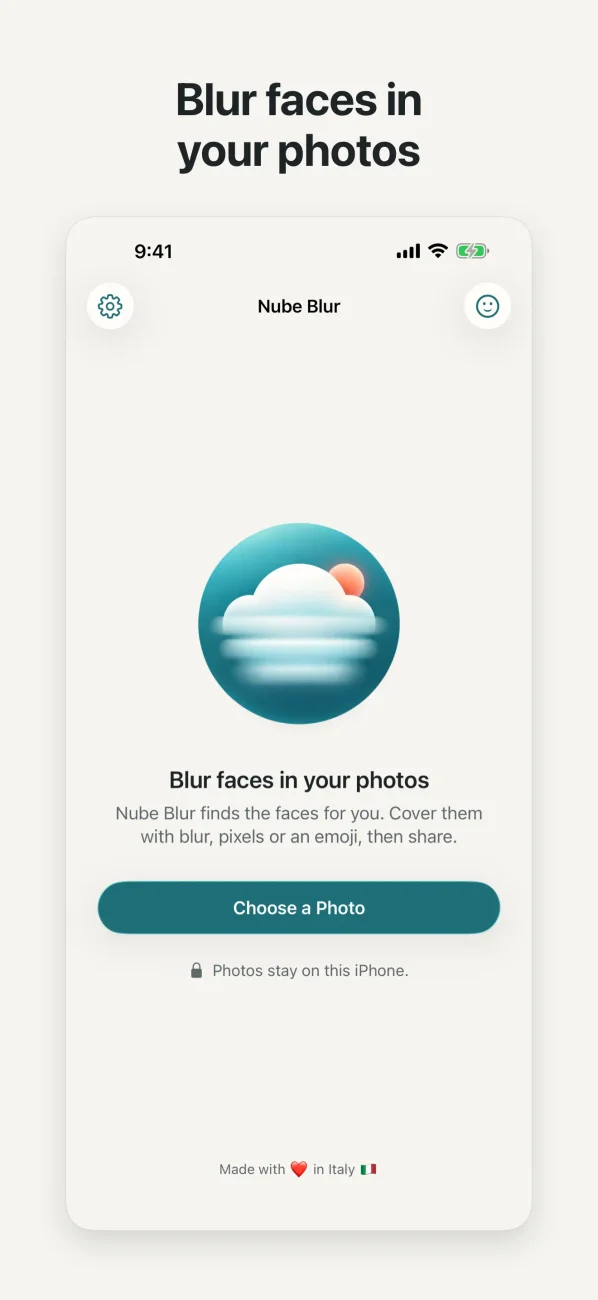
Want to share a photo without showing who is in it? Nube Blur finds the faces and covers them for you.
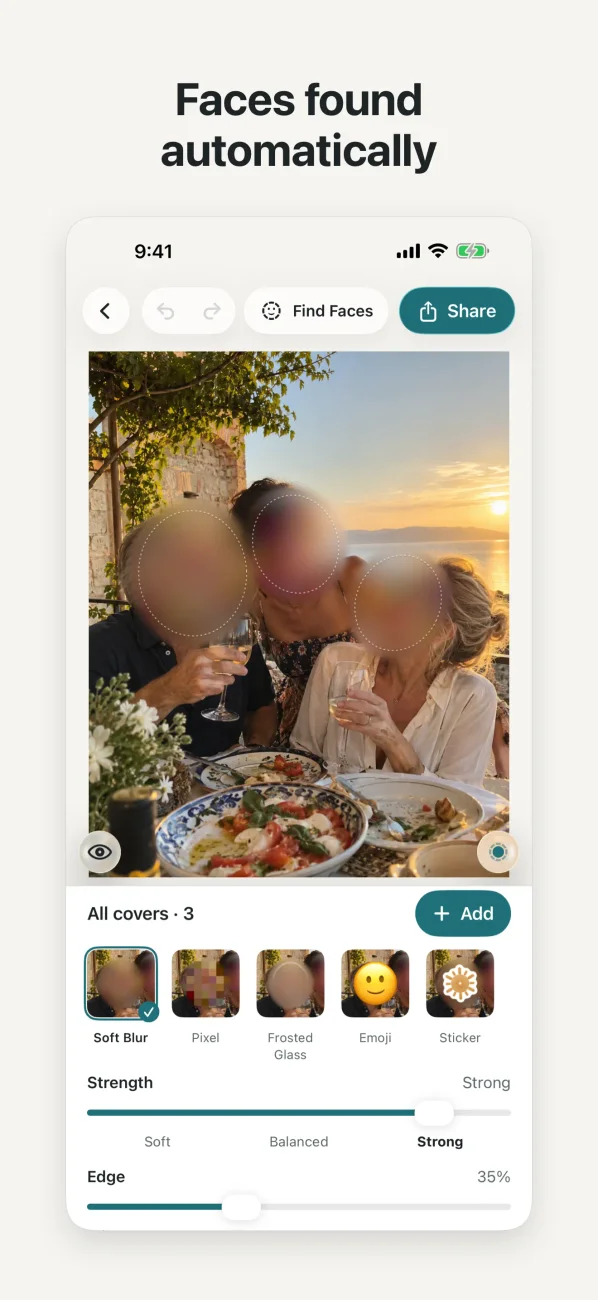
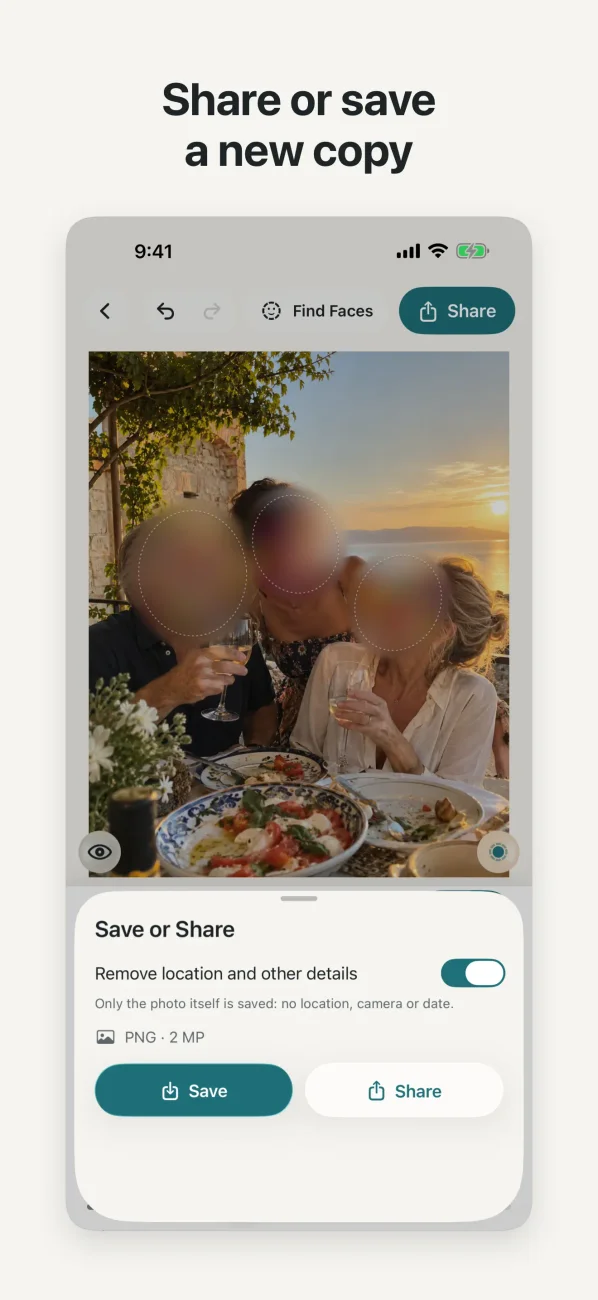
Pick a photo and the app finds the faces, even in group photos, and covers them right away. Adjust the covers by hand if you like, then save a new copy. The original stays as it is.
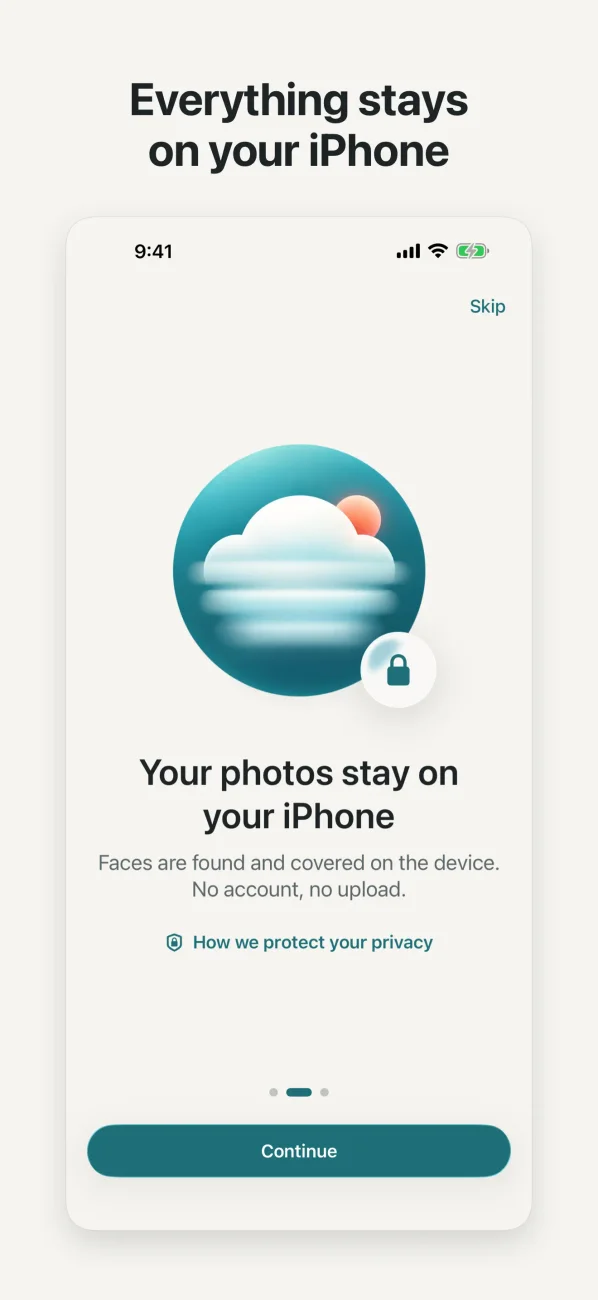
YOUR PHOTOS STAY ON YOUR IPHONE
• Everything happens on your iPhone. Your photos are never uploaded.
• Works offline. Try it in airplane mode.
• You don't need an account, and there are no ads or tracking.
• Nube Blur can only add new photos to your library. It can't change or delete the ones you have.
• Location and other details are removed from the copy. You can keep them if you prefer.
AUTOMATIC FACE DETECTION
• Finds faces in group photos, in profile, in the background and when partly hidden.
• When someone is turned away, it suggests a cover and you decide whether to keep it.
• Missed one? Touch and hold the photo to cover it by hand, or tap Find Faces.
STYLES
• Soft Blur, Pixel and Frosted Glass.
• Cover a face with an emoji or a sticker.
• Make your own sticker from a photo of an object or a pet. You can keep up to 3.
• Blur and Pixel remove the detail underneath instead of painting over it, so it can't be sharpened back.
EDIT BY HAND
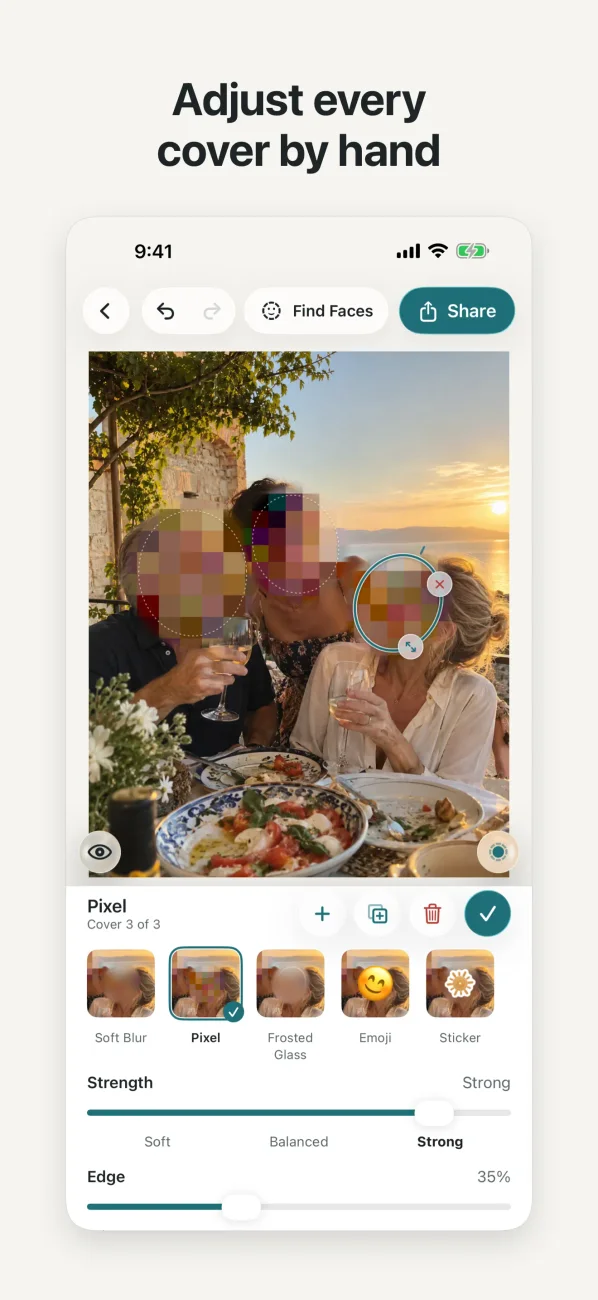
• Add a cover anywhere: ellipse, rounded rectangle or freehand drawing.
• Move, resize and rotate it with your fingers. Set the strength and the edge.
• Undo and redo as many steps as you need.
• Tap the eye button to compare with the original.
SAVE OR SHARE
• Saves a new copy in the original format, at full resolution.
• Works from Photos too: open a photo, tap Share and choose Nube Blur.
• Photos you've worked on stay in the app's library, only on your iPhone. Delete them whenever you like.
Automatic detection is good, but it can miss a face. Always have a quick look before you share, and cover anything that was missed.
Made with love in Italy. Questions or ideas? Write to us from Settings > Get in Touch.
App privacy
What JOSE ALBERTO GIGLI declares on the App Store about how this app handles data.
-
Data not collected
The developer does not collect any data from this app.
Privacy practices may vary, for example with the features you use or your age.
Information
- Seller
- JOSE ALBERTO GIGLI
- Category
- Photo & Video
- Version
- 1.0
- Updated
- Nov 5, 2026
- Released
- Nov 5, 2026
- Size
- 12.9 MB
- Requires
- iOS 26.0 or later
- Age rating
- 4+
- Price
- Free
- Languages
- English, Italian
- Copyright
- © 2026 Nube Blur
You might also like
-
 Glazr Photo: Photo EditorLayers, Curves & Cutouts
-
 Face Blur on PhotoBlurry Faces in Seconds
-
 Auto Video Blur - AI Face BlurPixelate Text & Track Objects
-
 Blurri - Blur & Censor ToolAuto face & plate blur tool
-
 MoviPic - Movie to PhotoThe best shot from your video.
-
 DualShot RecorderPortrait + Landscape. One Take
-
 Blur Video & Photo -AI Pix AppTouch to Edit Image Hide Face
-
 Color Pop : AI Photo EditorHair,Eye,Skin Recolor Effects
-
 King AI: AI Video CreatorText to Video & Image to Video
-
 PhotoFrame SimpleSimple and sophisticated