
Nucor Construction Corp
Interactive Date Tracking Tool
Designed for iPhone, iPod touch
Free
- Age rating4+
- CategoryProductivity
- DeveloperJaideep Singh
- LanguagesEnglish
- Size15.4 MB
Links to the official App Store page
Download.org hosts no file of Nucor Construction Corp. The button opens its official App Store page, published by Jaideep Singh. Listing last checked on Nov 15, 2026.
Screenshots
About
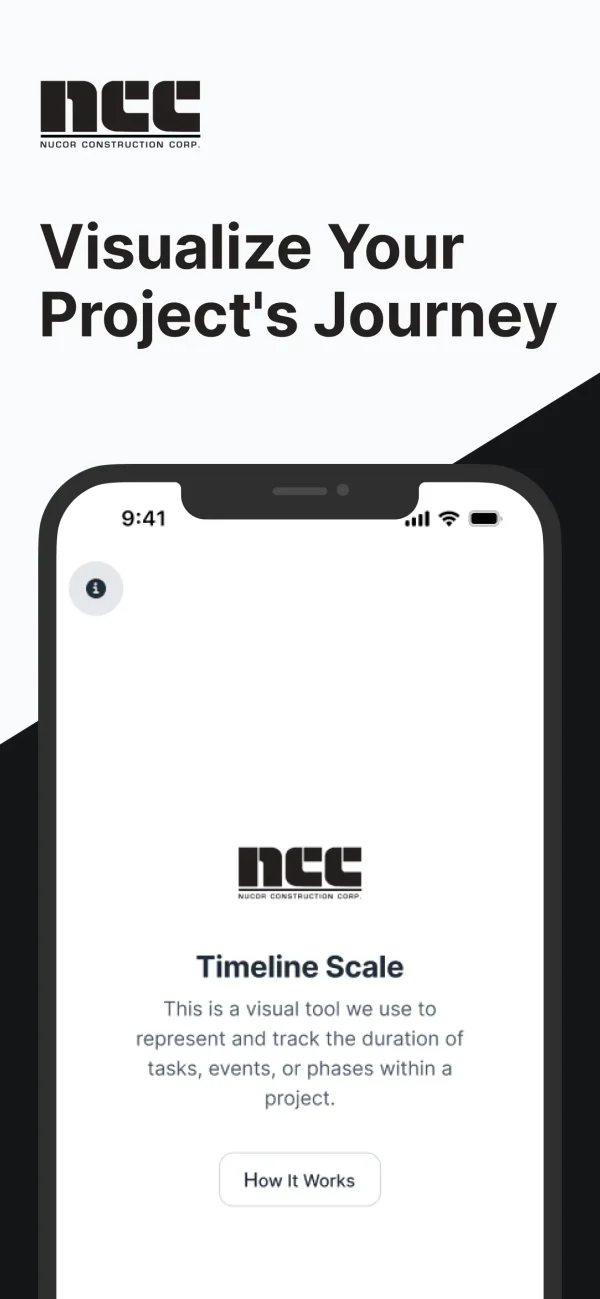
Take the hassle out of scheduling with our intuitive date selection app! Our app offers a unique, interactive way to plan dates, view intervals, and manage time more effectively. Whether you're tracking project deadlines, planning events, or organizing personal goals, our app provides a simple yet powerful tool to make scheduling easy and enjoyable.
Key Features:
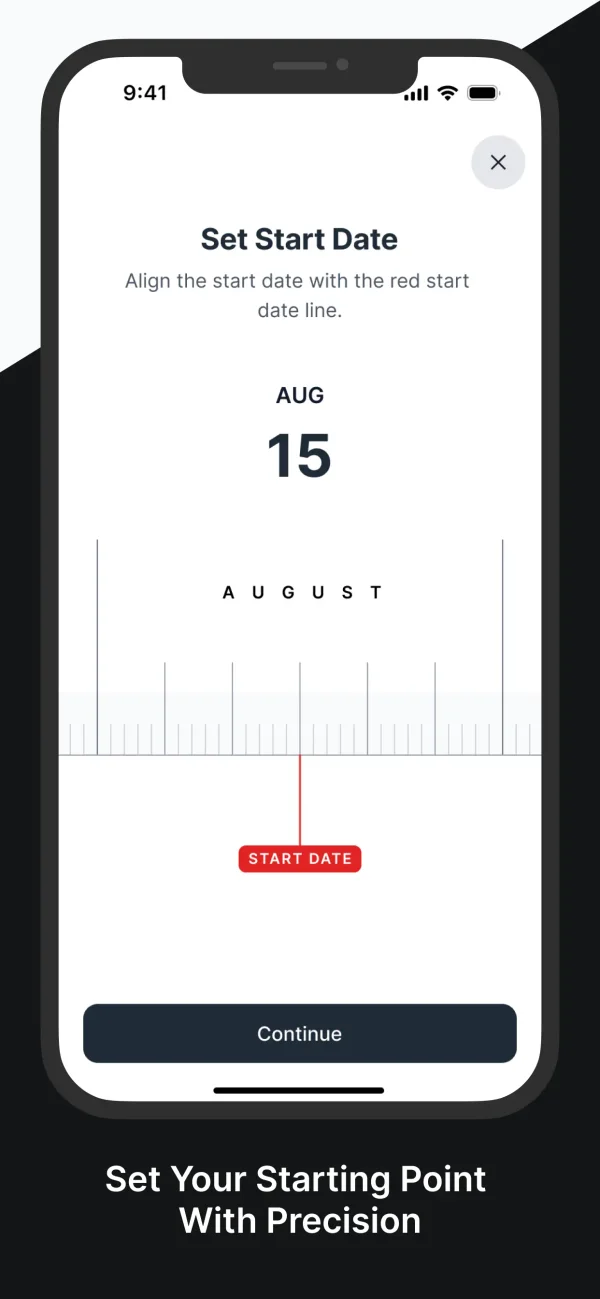
1. Interactive Date Selection
Easily pick dates using our smooth, sliding date selector. Just slide through the dates until you reach the one you need, and watch the app calculate intervals instantly.
2. Visual Weekly and Daily Intervals
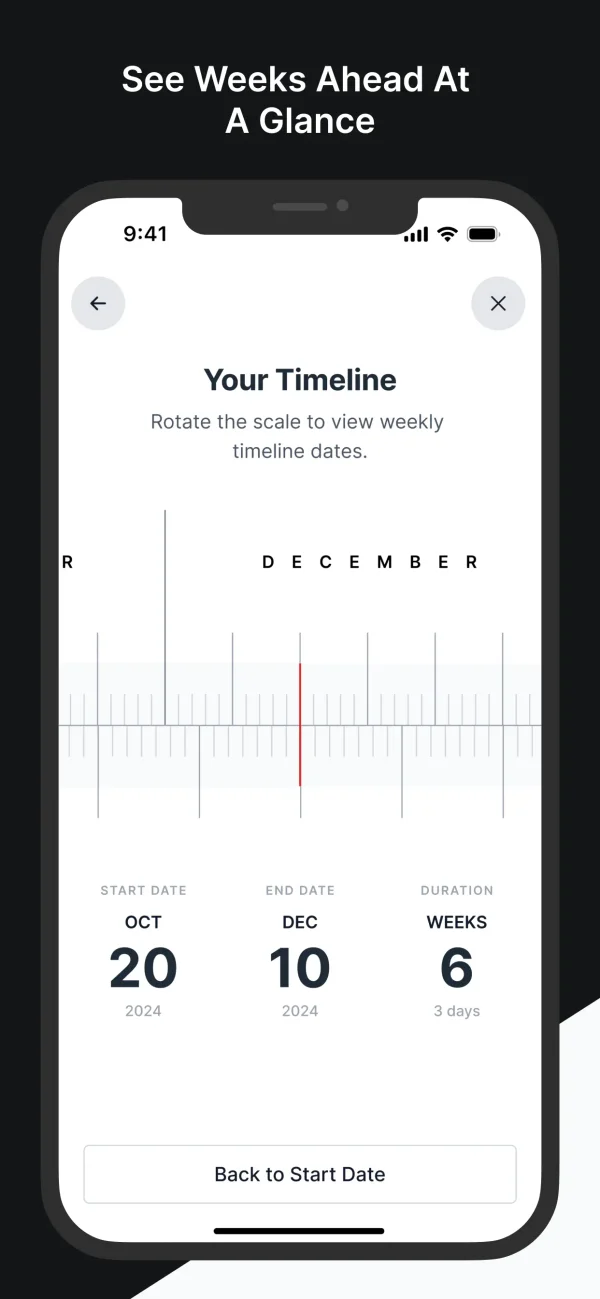
After selecting a date, get automatic updates on the time span, shown as weeks and days, between the starting point and any selected date. This makes it easy to understand and visualize how much time you have available or need.
3. Dynamic Weekly Markers
The app offers helpful markers that highlight intervals every seven days. This lets you see, at a glance, key time frames that make scheduling for weekly tasks or recurring events more manageable.
4. Real-Time Updates with Every Movement
Every time you adjust the date slider, the app recalculates the time span dynamically, updating intervals in real time. This feature gives you full control, letting you explore different scheduling options with ease.
5. Easy-to-Access Information and Guidance
Learn more about the app's functionality and explore details about our company right from the main menu. We’ve made sure that all the information you need to get started is right at your fingertips.
Examples of Use:
Let’s say today is November 9, 2024. Set this as your initial date, and then slide to a future date, like November 16, 2024. Instantly, you’ll see that there is a difference of 1 week and 8 days between these dates. Whether you’re counting down days to an important event or managing deadlines, this app keeps you organized and aware of every detail.
Who Can Benefit?
Our app is perfect for students, professionals, event planners, or anyone who wants to track time accurately and visually. The app’s intuitive layout makes it ideal for daily use, and the seamless date slider means it’s quick to adapt to any scheduling need.
Why Choose Our App?
User-Friendly Design: With a visually engaging interface, our app is easy to navigate and designed with user experience in mind.
Precise Calculations: With weekly markers and real-time updates, you’re always getting the most accurate information.
Enhanced Planning: See how many days and weeks are between dates instantly, making it easier to manage timelines effectively.
Effortless and visually engaging, our app offers a smarter way to manage your time. Install today and transform the way you schedule!
What’s new
Version 1.0.6 · Dec 6, 2024
Updates:
- Change application name
App privacy
What Jaideep Singh declares on the App Store about how this app handles data.
-
Data not collected
The developer does not collect any data from this app.
Privacy practices may vary, for example with the features you use or your age.
Information
- Seller
- Jaideep Singh
- Category
- Productivity
- Version
- 1.0.6
- Updated
- Dec 6, 2024
- Released
- Nov 12, 2024
- Size
- 15.4 MB
- Requires
- iOS 13.4 or later
- Age rating
- 4+
- Price
- Free
- Languages
- English
- Copyright
- © 2024 Nucor Construction Corp
You might also like
-
 Process Manager - Manage TaskEfficiency at Your Fingertips
-
 YAYifyYell At Yourself!
-
 M-WorkProductivity
-
 Ventora - AI HVAC AssistantHVAC Calculators & Diagnostics
-
 Perspectives: To-Do ListGet tasks out of your way
-
 XLSX to PDF ConverterConvert XLSX Files to PDF
-
 Svenn - Construction appProductivity
-
 GPS Trackit CloudFleet Intelligence Simplified
-
 MyGlueProductivity
-
 Kompas AIIn-Depth Research & Reporting