
Number Knockout: Math Dice
Equation solver & practice
Designed for iPhone, iPad
$0.99
- Age rating4+
- CategoryEducation
- DeveloperStephen Cook
- LanguagesEnglish
- Size3.0 MB
Links to the official App Store page
Download.org hosts no file of Number Knockout: Math Dice. The button opens its official App Store page, published by Stephen Cook. Listing last checked on Nov 24, 2026.
Screenshots

About
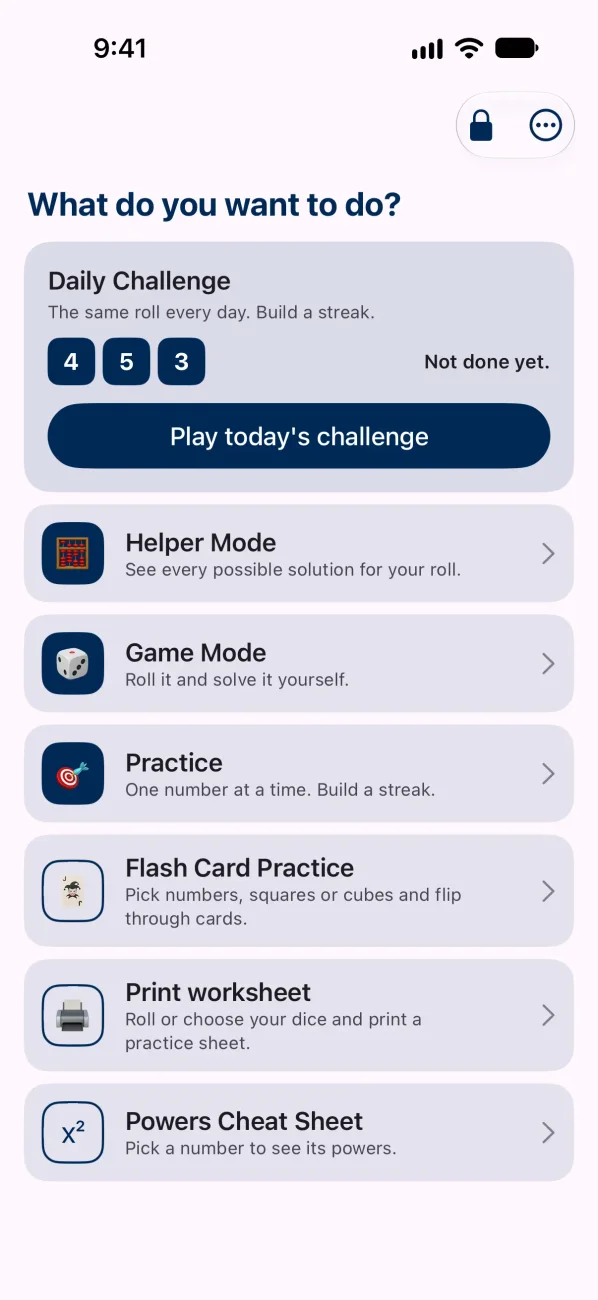
Number Knockout helps you play National Number Knockout, the three-dice maths game. Roll three dice, then use all three numbers, with +, -, ×, ÷, powers and parentheses, to make the numbers 1 to 36.
HELPER MODE
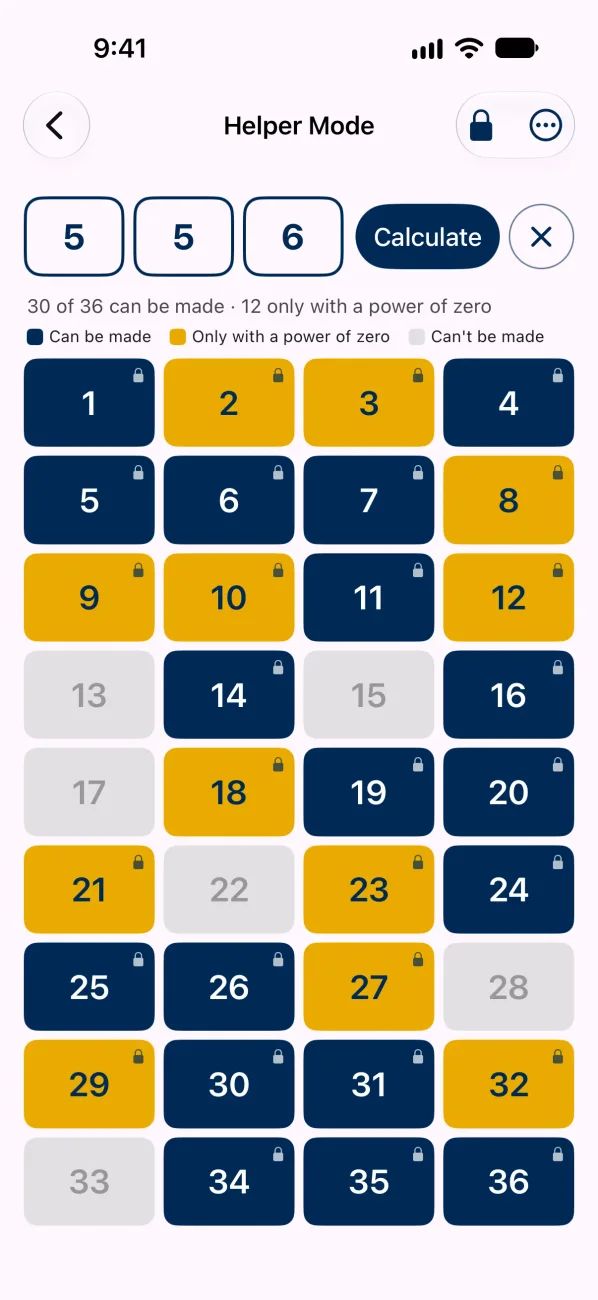
Enter your three dice and tap Calculate. A board of 1 to 36 shows at a glance which numbers your roll can make. Tap any number to see how many ways it can be made, ask for a Hint or show every equation, grouped as simple equations, equations with powers, and equations that need a power of zero. An equation is listed once, with its other orders a tap away. Numbers that can only be made with a power of zero are highlighted in gold. A line above the board tells you how many of the 36 numbers your roll can make, and a color key explains the tiles.
GAME MODE
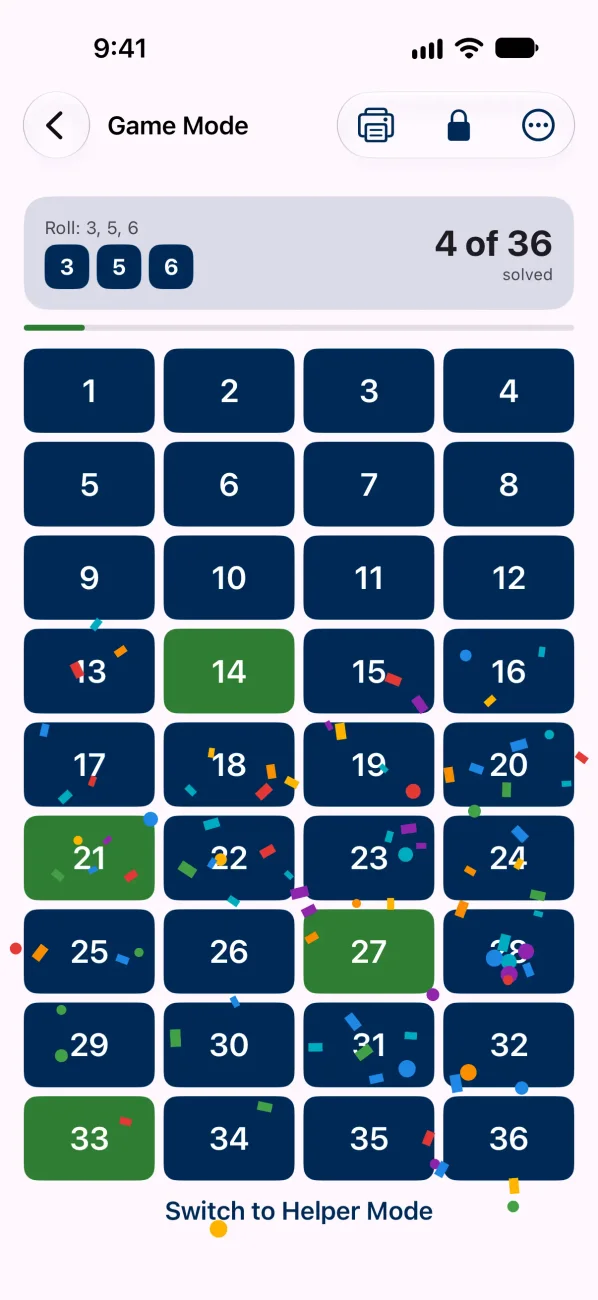
Roll the dice (or type your own), pick a target number and build an equation to hit it. Build it on a keypad with just your dice and the symbols you need (a die greys out once you have used it), or choose each power, operator and bracket from dropdowns. Check your answer, and solve every number you can to win. Stuck? A Hint gives you the start of an answer, and Reveal Answer shows one example.
PRACTICE
One number at a time. The app rolls the dice and picks a number to make; build the equation and the next question comes straight up. Keep a streak going by solving without a Hint, Reveal Answer or Skip.
Pick Easy, Medium or Hard, or play a round of 10.
DAILY CHALLENGE
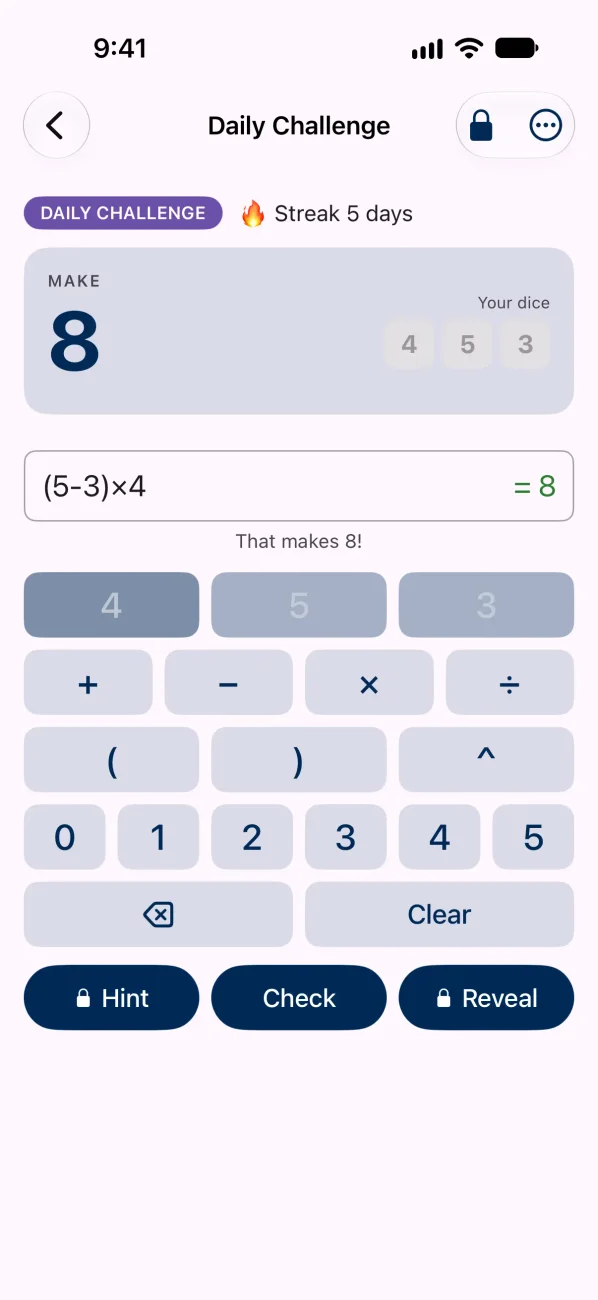
A new roll every day, the same for everyone. Solve it to build a daily streak, tap Share to send your result to a friend, and turn on an optional reminder.
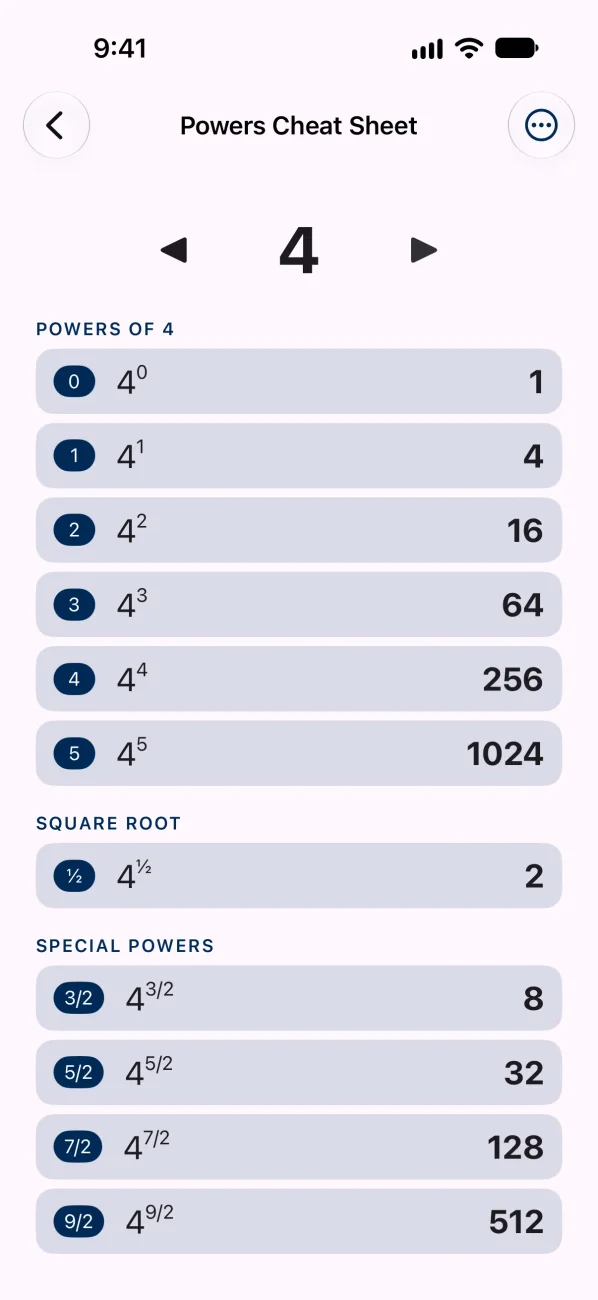
POWERS CHEAT SHEET
Turn it on in Settings to see every power of a number from 0 to 5, plus square roots and the special powers when you use them.
PROGRESS
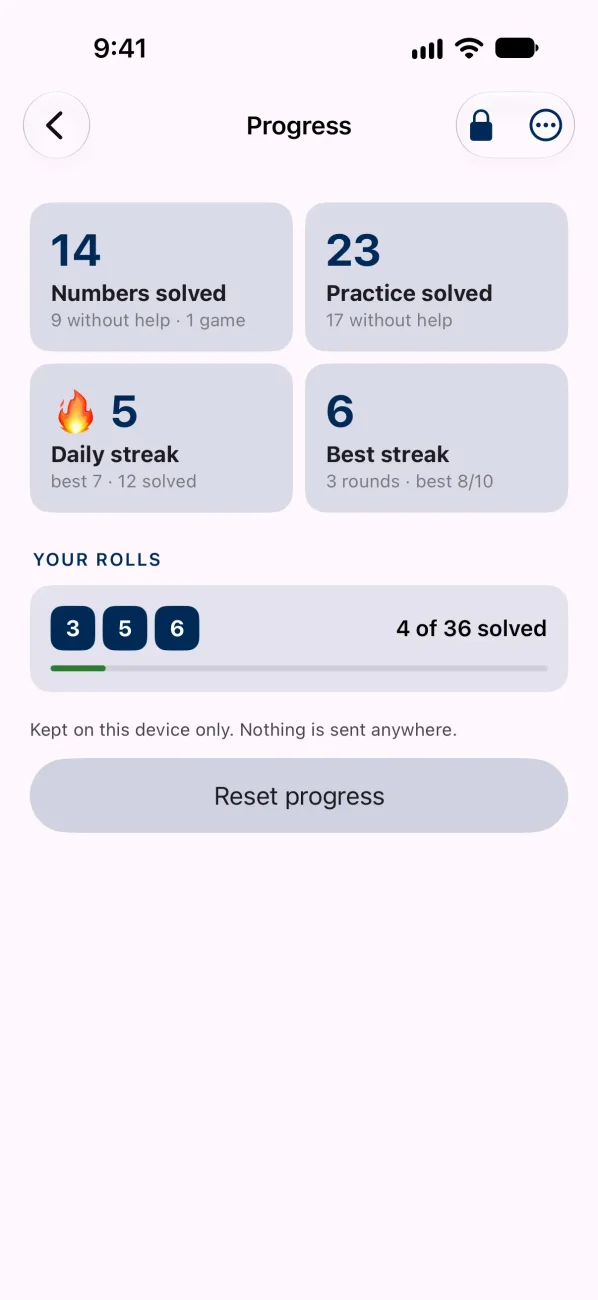
See how you are getting on: numbers solved, games finished, Practice questions and rounds, and your daily streak.
PRINTABLE WORKSHEET
Print a worksheet straight from the home screen: roll the dice or type your own, no game needed. Or print the roll you are playing, with a line for each equation. Add a title and your child's name, choose 1 to 12, 1 to 24 or 1 to 36, and write in the numbers you have solved. Add an answer key behind the parent PIN. Print or save a PDF.
SOUNDS
Dice rolling when you roll, a calculator beep when you calculate, a chime for a right answer, a fanfare when you win and a dot-matrix printer sound when you print.
FLASH CARD PRACTICE
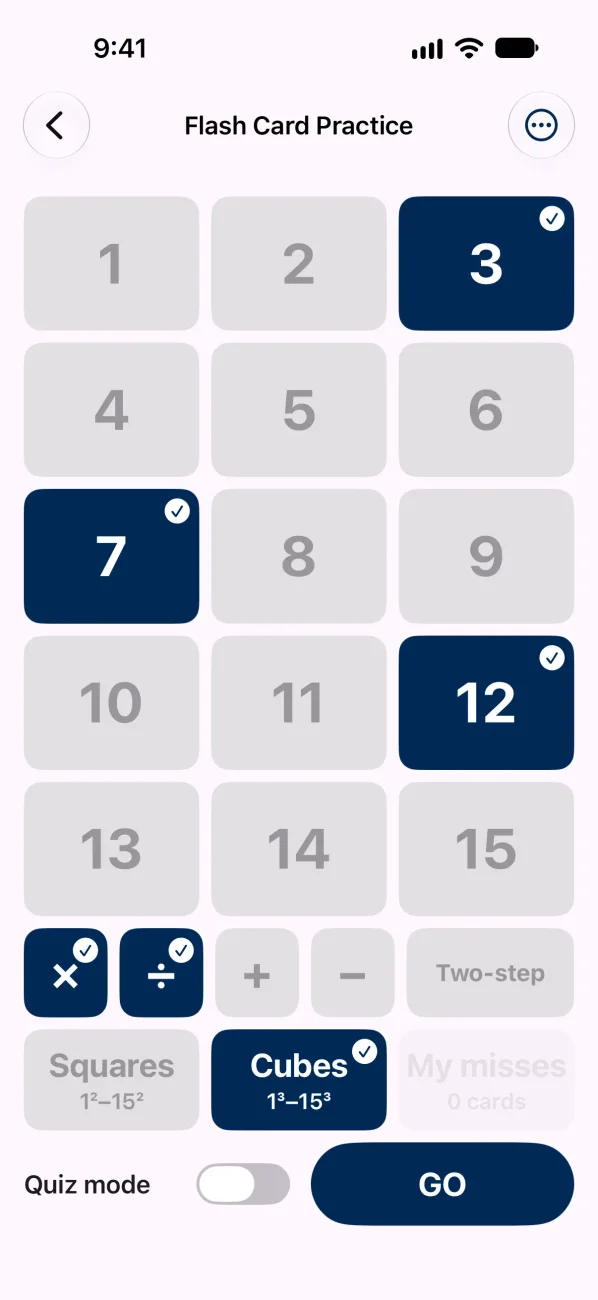
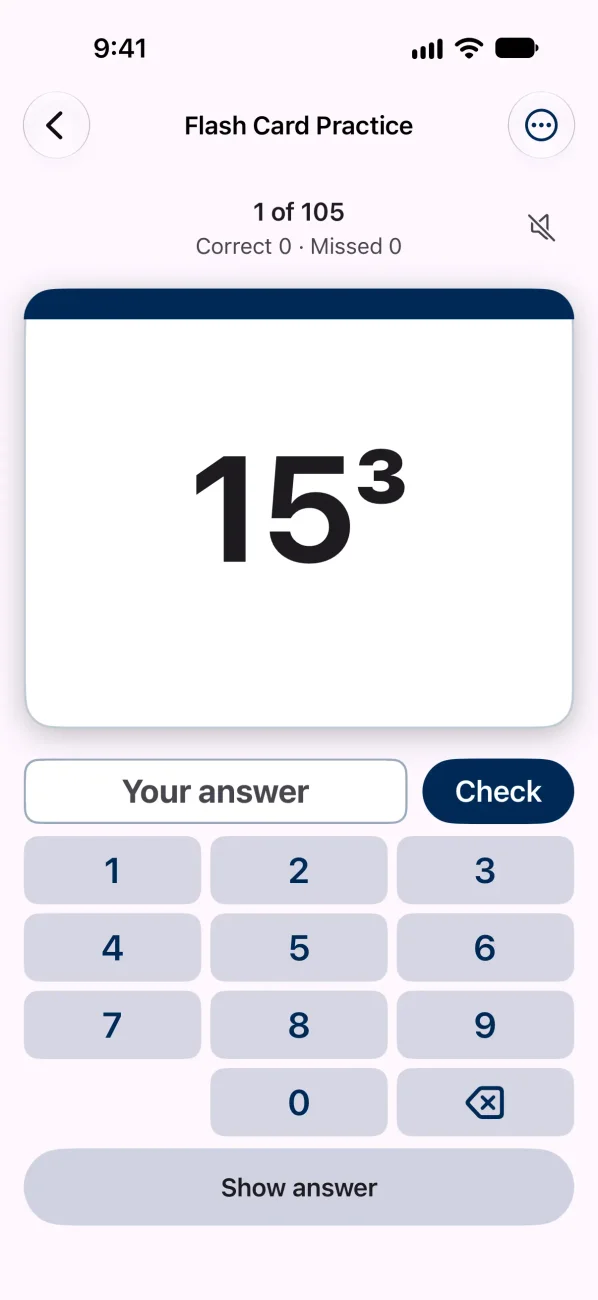
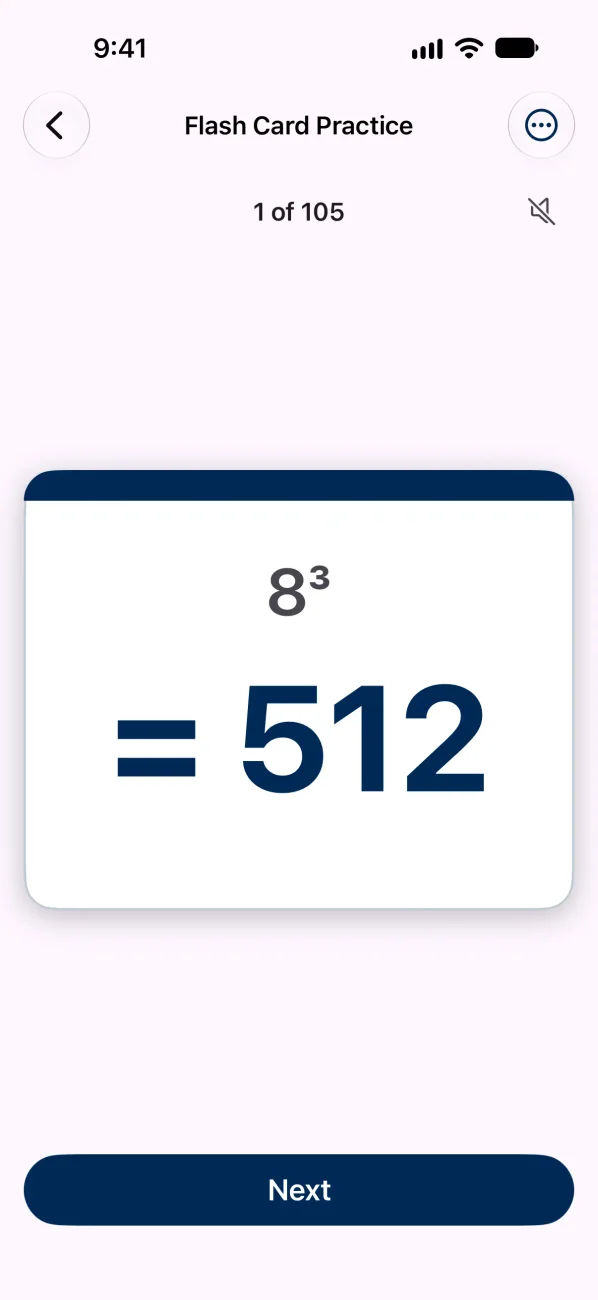
Pick the numbers you want to learn, then × ÷ + −, Two-step or squares and cubes, tap GO and flip through the cards in random order. Turn on Quiz mode to type the answers, practice the cards you missed, or hear the cards read aloud. Choose the highest number in Settings.
CONFETTI
Confetti and a firm buzz when you knock a number out. Both can be switched off.
TIMED GAMES
Race a 3, 5, 10 or 15 minute clock in Game Mode.
PARENT PIN
Set a four-digit parent PIN so a child can play without seeing the answers. Helper Mode shows how many ways a number can be made, but its Hint and Show all answers, and Reveal Answer in Game Mode, ask for the PIN. A number you open stays open for that roll so your child can read it again; a new roll asks again. "Unlock timer" opens everything for 5 to 60 minutes, a padlock shows the PIN is on, and Settings always asks. A recovery code (or your device passcode) is there if you forget it.
RULES YOUR WAY
- Whole-number division only, as in the official game
- Powers of 0 to 5, with optional 1/2 power (square roots) and special fractional powers for 4, 8 and 9
- Choose the highest die number, from 1 to 12
- History keeps your past rolls, games and Flash Card quiz scores
- Light and dark themes, layouts that fill iPhone and iPad, and VoiceOver support
PRIVATE BY DESIGN
No account, no ads, no tracking. Number Knockout collects no data.
Number Knockout is an independent app made by a parent. It is not affiliated with, endorsed by or sponsored by Classical Conversations or the organizers of National Number Knockout.
What’s new
Version 1.17 · Nov 23, 2026
New in this update:
- Flash Card Practice has a Play button. The cards go by on their own, slowly, each question and answer read out loud, and the screen stays on while they play. Tap Pause to stop.
App privacy
What Stephen Cook declares on the App Store about how this app handles data.
-
Data not collected
The developer does not collect any data from this app.
Privacy practices may vary, for example with the features you use or your age.
Information
- Seller
- Stephen Cook
- Category
- Education
- Version
- 1.17
- Updated
- Nov 23, 2026
- Released
- Oct 27, 2026
- Size
- 3.0 MB
- Requires
- iOS 18.0 or later
- Age rating
- 4+
- Price
- $0.99
- Languages
- English
- Copyright
- © 2026 WV Tech Creations
You might also like
-
 Learning Multiplication AppEducation
-
 Collective Christian Music IncEducation
-
 Addition Flashcards & QuizMaster arithmetic efficiently
-
 Number Builder - Puzzle SolverSolve Dice Math Problems
-
 Lutherans For LifeEducation
-
 IEW Writing ToolboxEducation
-
 Joel Richardson MinistriesEducation
-
 CC Connected LiteEducation
-
 Master BooksEducation
-
 Amplify MediaEngage Your Ministry.