
Numelis: Calculator & Notes
Unit converter, graphs & tips
Designed for iPhone, iPad
Free · In-app purchases
- Age rating4+
- CategoryUtilities
- DeveloperRodrigo Valle Pinto
- LanguagesEnglish+ 9 more
- Size27.3 MB
Links to the official App Store page
Download.org hosts no file of Numelis: Calculator & Notes. The button opens its official App Store page, published by Rodrigo Valle Pinto. Listing last checked on Nov 23, 2026.
Screenshots

About
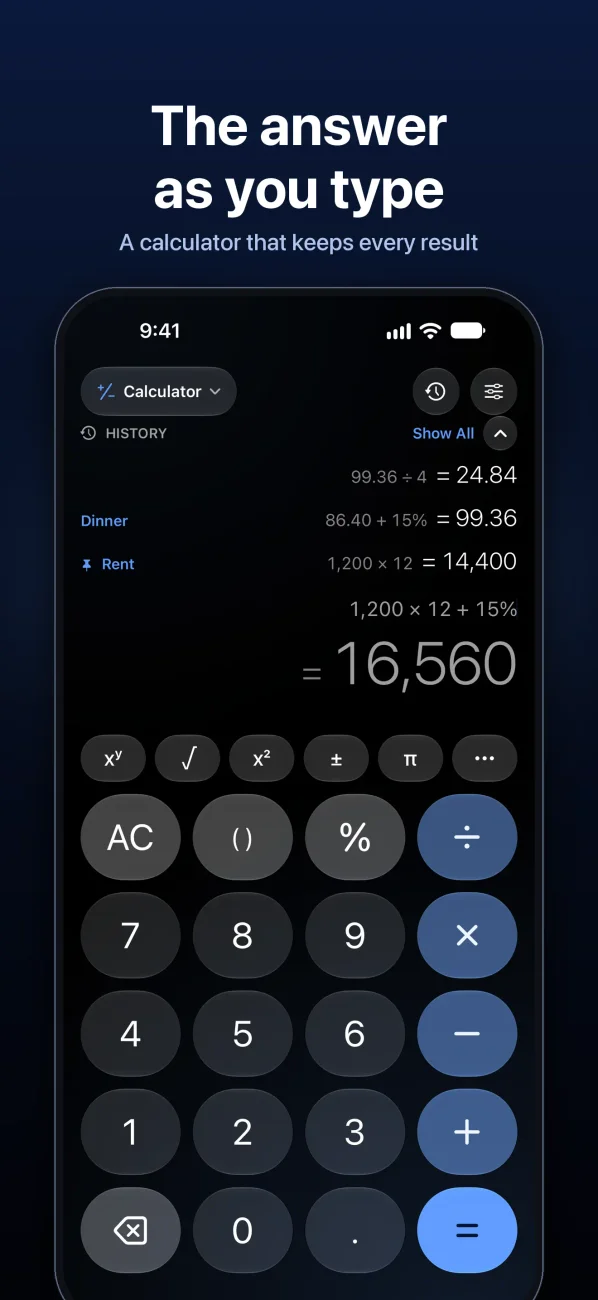
The calculator, reimagined. As simple as the one you know: Numelis shows the answer as you type, remembers every result, and lets you write calculations in words. When you need more, it graphs, converts, solves and plans.
THE ANSWER AS YOU TYPE
• A clean keypad with the result live above it, and a caret to fix any part of a long expression.
• History keeps every calculation. Search it, pin it, add a note, or tap one to use it again.
• A row of keys you choose, from trigonometry to finance.
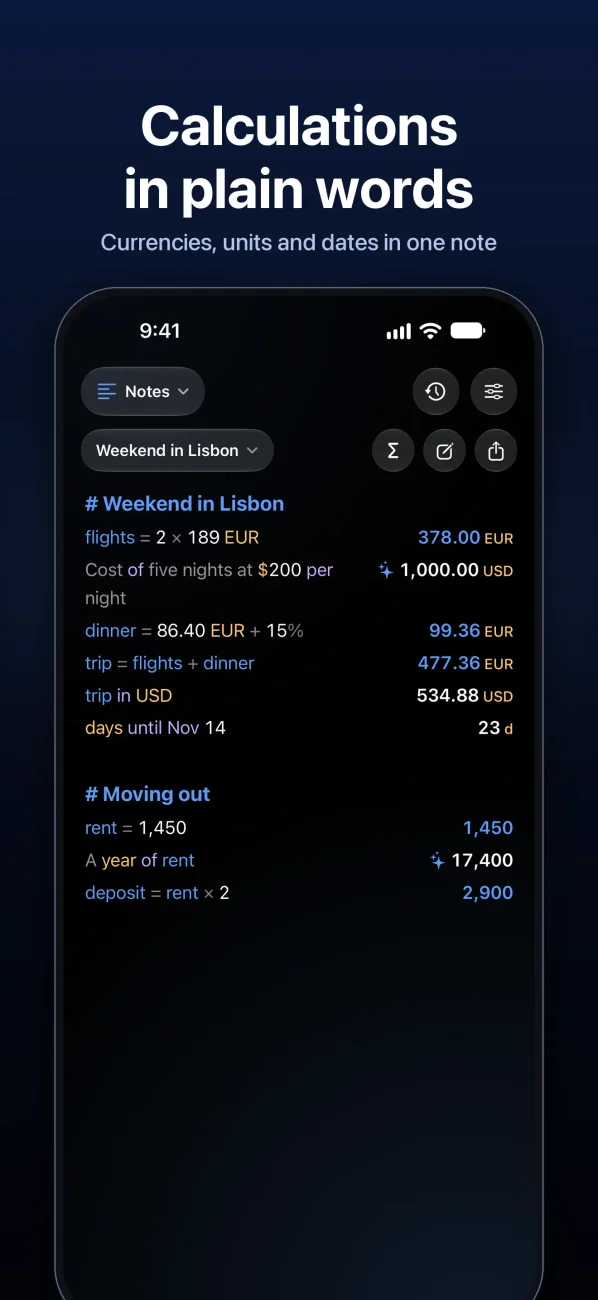
NOTES THAT DO THE MATH
• Write one line at a time and the answer appears beside it: a trip budget, a move, splitting dinner.
• Name a number once and use it below. Mix currencies, units, percentages and dates.
• "days until Dec 24", "5 km in miles", "86.40 + 15%": Numelis understands.
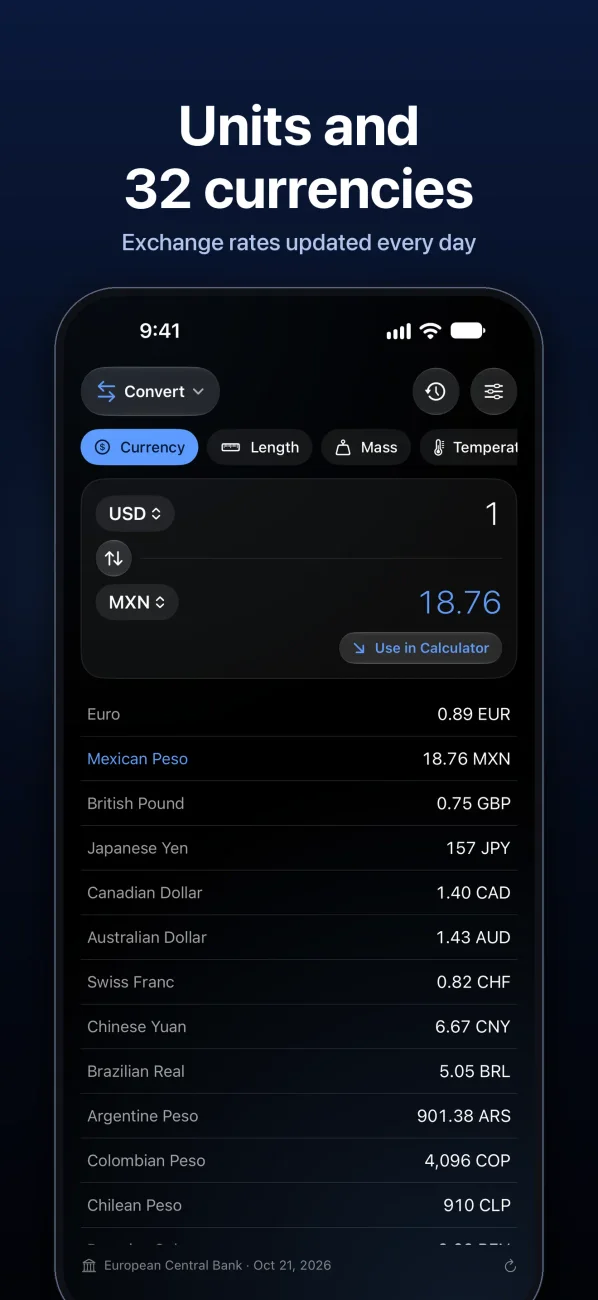
CONVERT AND PLAN
• Units and 32 currencies, with daily rates from the European Central Bank.
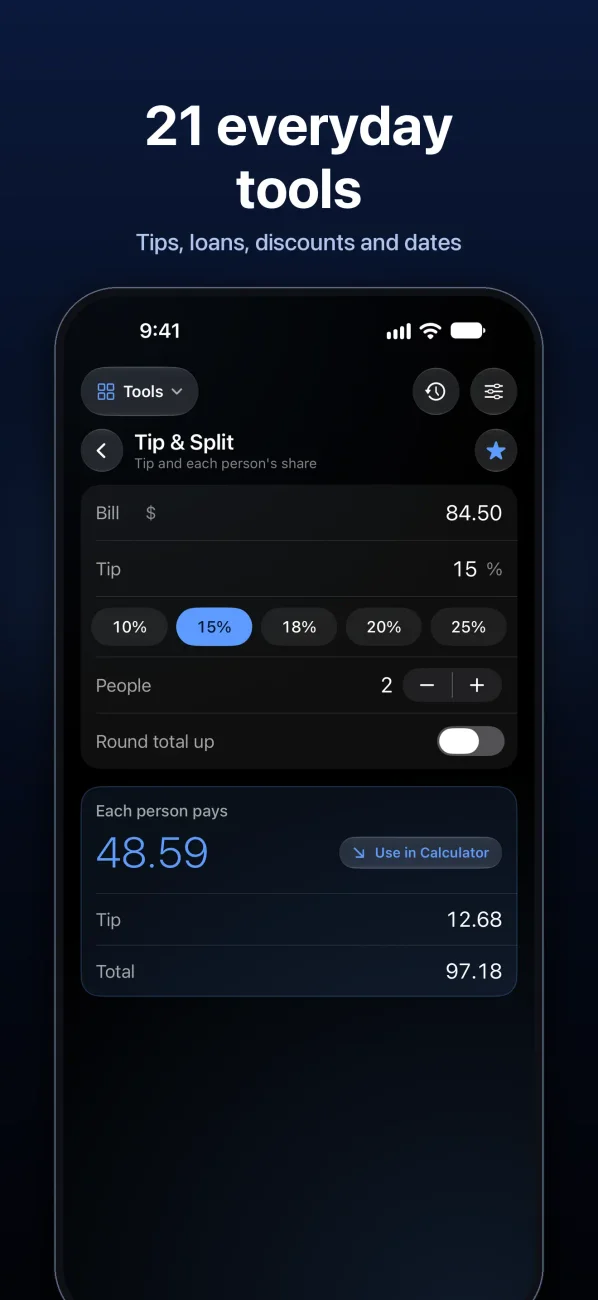
• 21 everyday tools: tips, discounts, loans, margins, dates, ages and more.
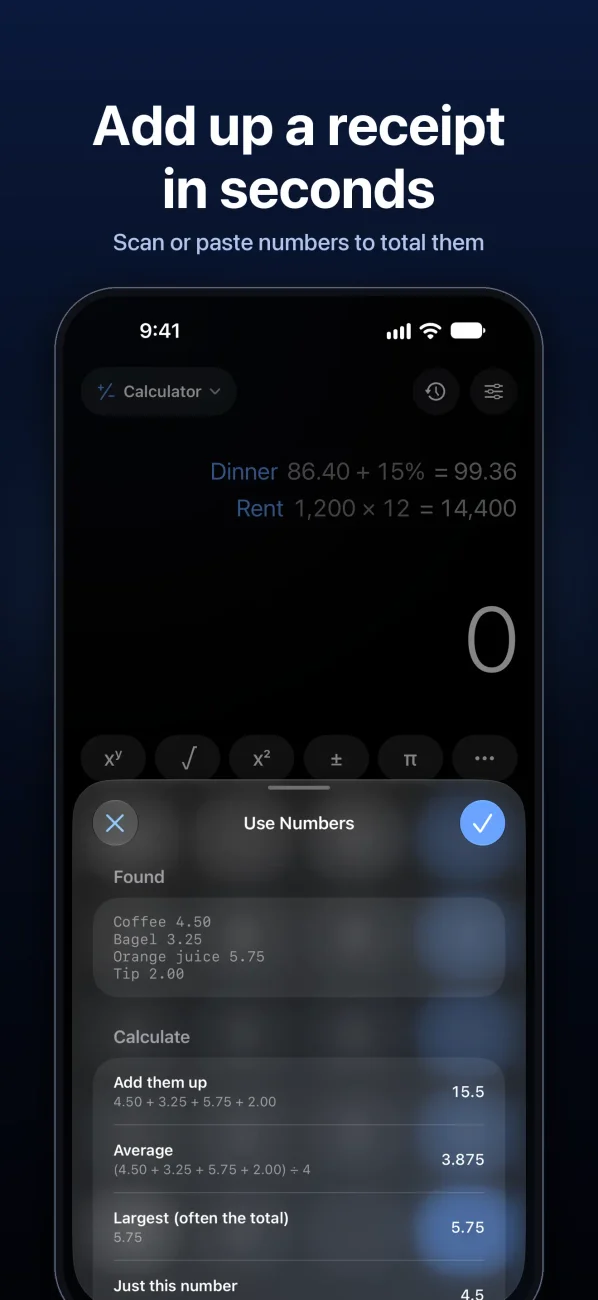
• Point the camera at a receipt or paste a list, and Numelis adds up the numbers for you.
NUMELIS PRO
• Graph: plot functions, drag sliders, find roots, extremes and crossings.
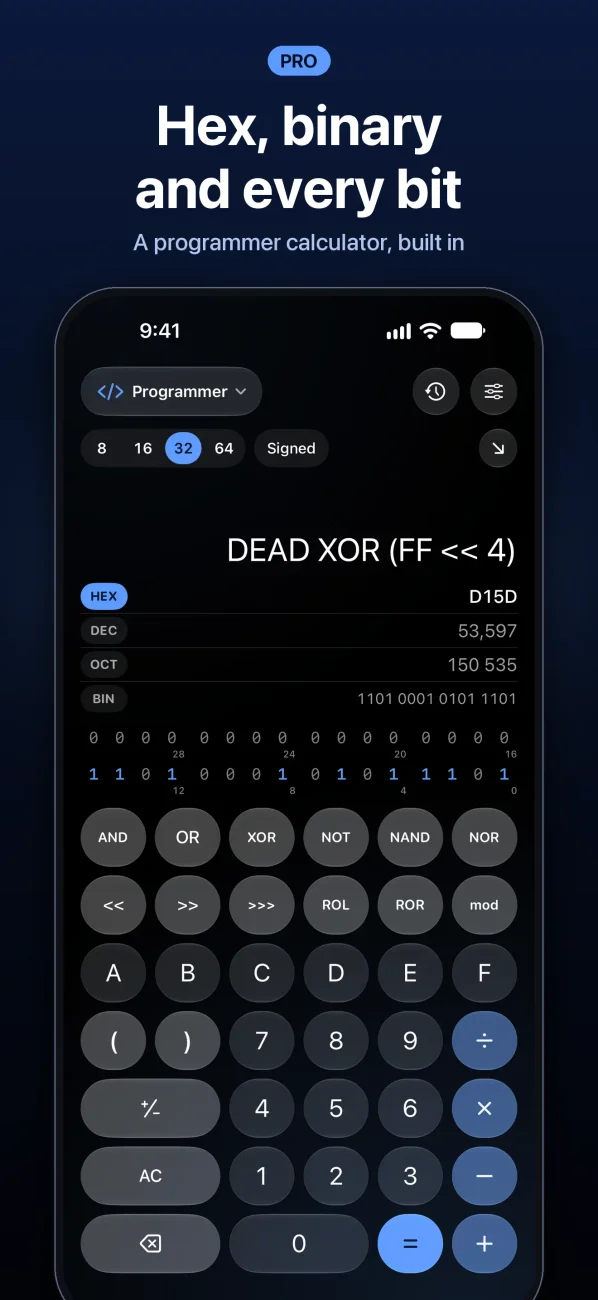
• Programmer: hex, binary and octal side by side, bits you can flip.
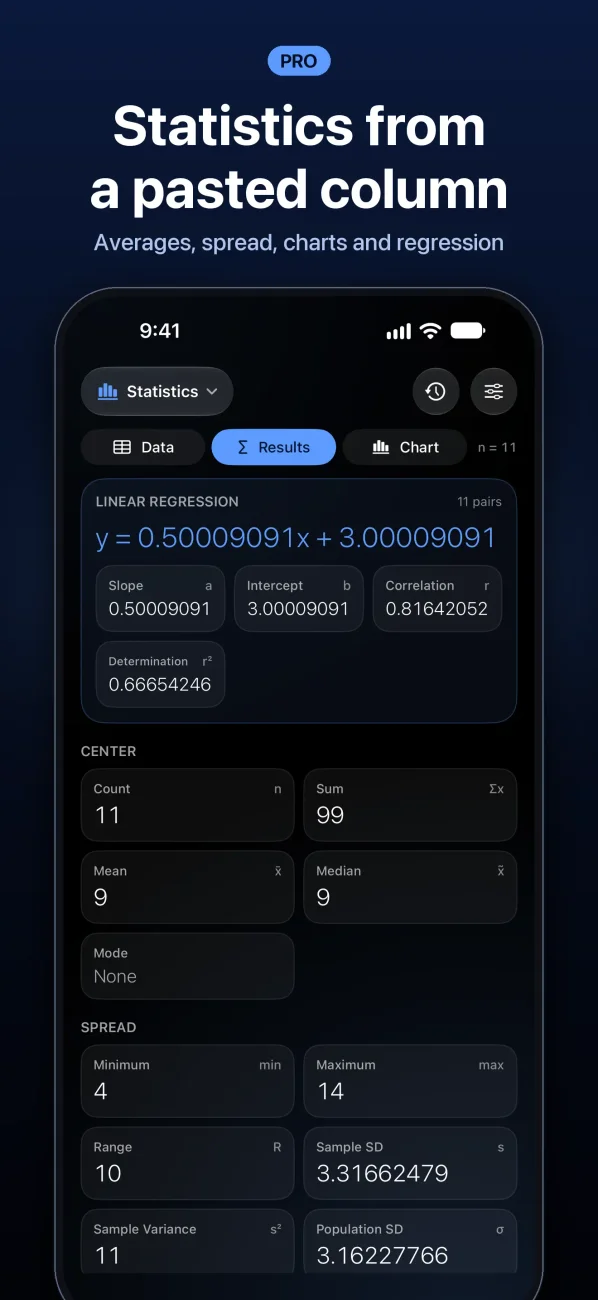
• Statistics: paste a column and get averages, spread, charts and regression.
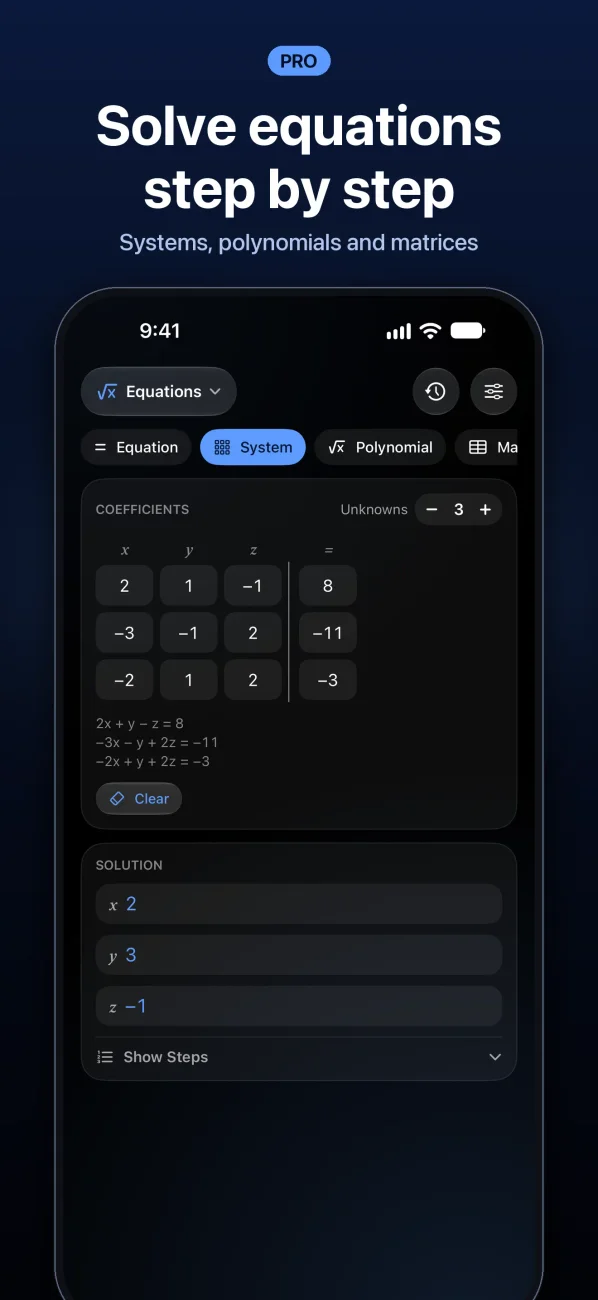
• Equations: systems, polynomials and matrices, with the steps.
• Unlimited notebooks, plain-English Notes read on your device with Apple Intelligence, and export to PDF, CSV, Markdown or text.
Pro is one purchase, shared with up to six people in your family. Try it free for 14 days: nothing is charged and there's nothing to cancel.
MADE FOR EVERY SCREEN
• iPhone, upright or sideways, and iPhone Duo open, propped up or folded like a tent.
• iPad with the calculator on one side and history, notes or a graph on the other.
• Apple Watch with a quick keypad and your last result as a complication.
• Widgets, Lock Screen, Control Center, Siri and Shortcuts.
• Three app icons and six accent colours.
PRIVATE BY DESIGN
No account, no ads, no analytics, no tracking. Your calculations stay on your devices and in your private iCloud.
In 10 languages. Notes keywords like "days until" work in English and Spanish.
What’s new
Version 1.0.3 · Nov 9, 2026
Made for iPhone Duo: folded, the extra keys run down the side column next to the keypad, and history opens smoothly.
On the outer display the keys are taller and easier to tap.
App privacy
What Rodrigo Valle Pinto declares on the App Store about how this app handles data.
-
Data not collected
The developer does not collect any data from this app.
Privacy practices may vary, for example with the features you use or your age.
Information
- Seller
- Rodrigo Valle Pinto
- Category
- Utilities
- Version
- 1.0.3
- Updated
- Nov 9, 2026
- Released
- Oct 30, 2026
- Size
- 27.3 MB
- Requires
- iOS 26.0 or later
- Age rating
- 4+
- Price
- Free
- In-app purchases
- Yes
- Languages
- English, French, German, Italian, Japanese, Korean, Portuguese, Simplified Chinese, Spanish, Traditional Chinese
- Copyright
- © 2026 Rodrigo Valle Pinto
You might also like
-
 ParallelCalculatorUtilities
-
 履歴電卓 ProUtilities
-
 ドーパミン電卓Utilities
-
 TypeDial - Wrist Trainer GuideTypes, Weakness, Dex & Nature
-
 WristLabYour Sensor Science Museum.
-
 Radex: 5G EMF Detector5G EMF Radiation Measurements
-
 Tock SmartUtilities
-
 Tier List Maker: Build & ShareCreate tiers, share lists fast
-
 腕能精灵Utilities
-
 Acute CalculatorAdvanced Graphing Calculator