- Age rating4+
- CategoryUtilities
- DeveloperAndrew J Clark
- LanguagesEnglish+ 14 more
- Size207.1 MB
Links to the official App Store page
Download.org hosts no file of Numerical³. The button opens its official App Store page, published by Andrew J Clark. Listing last checked on Nov 17, 2026.
Screenshots

About
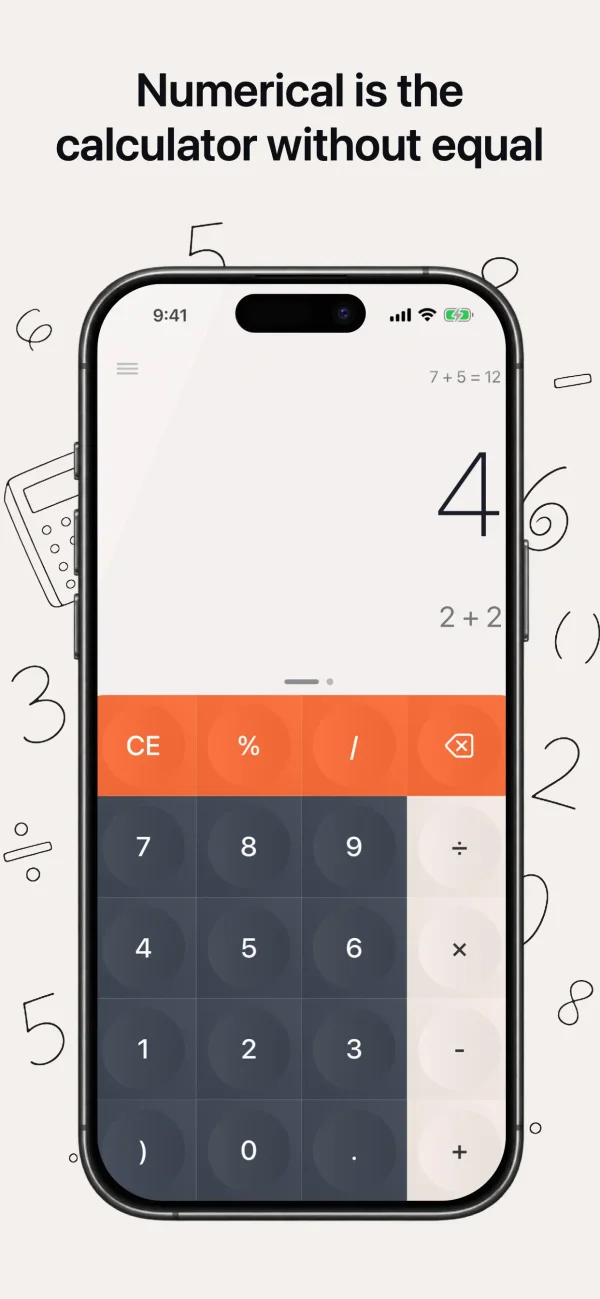
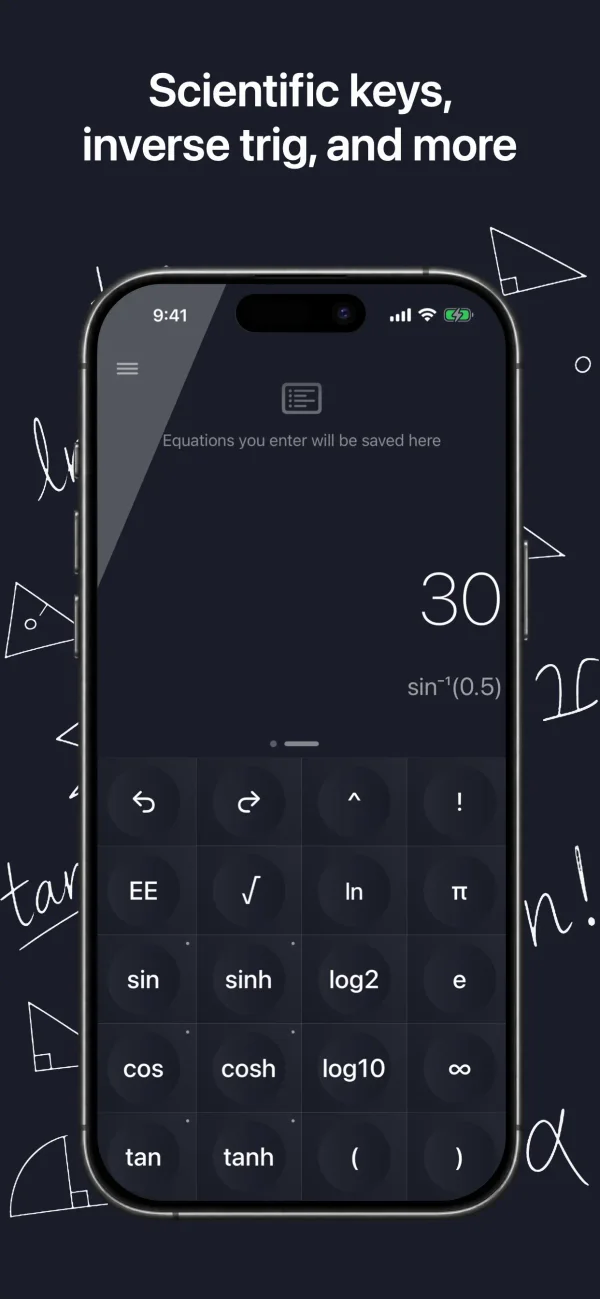
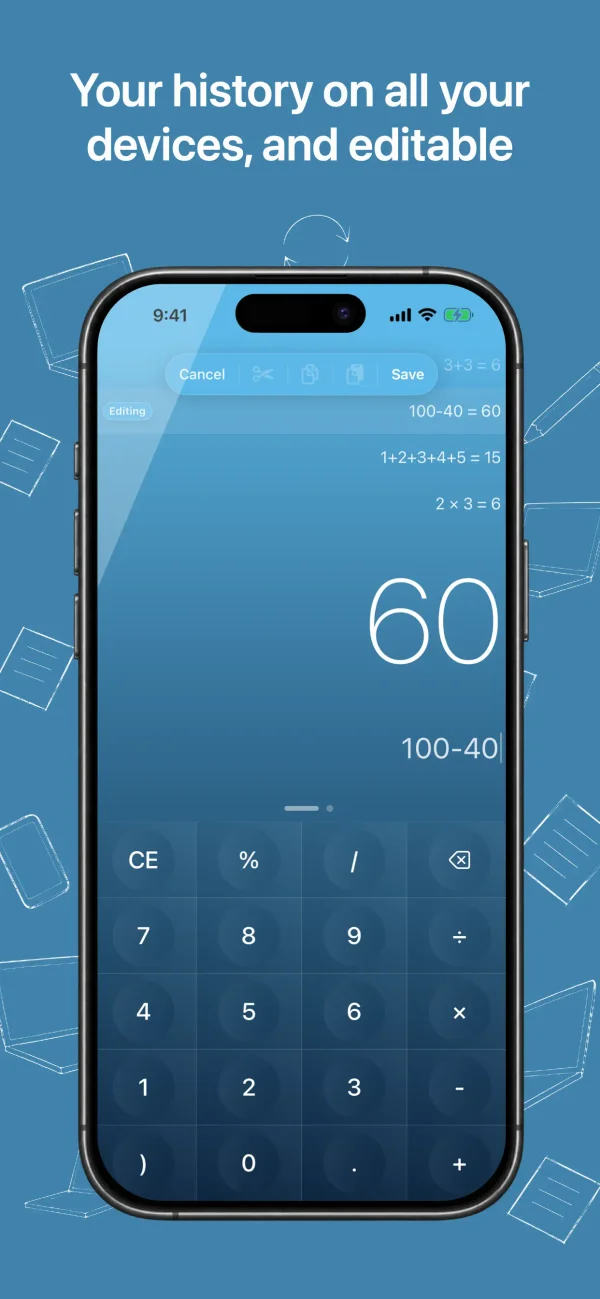
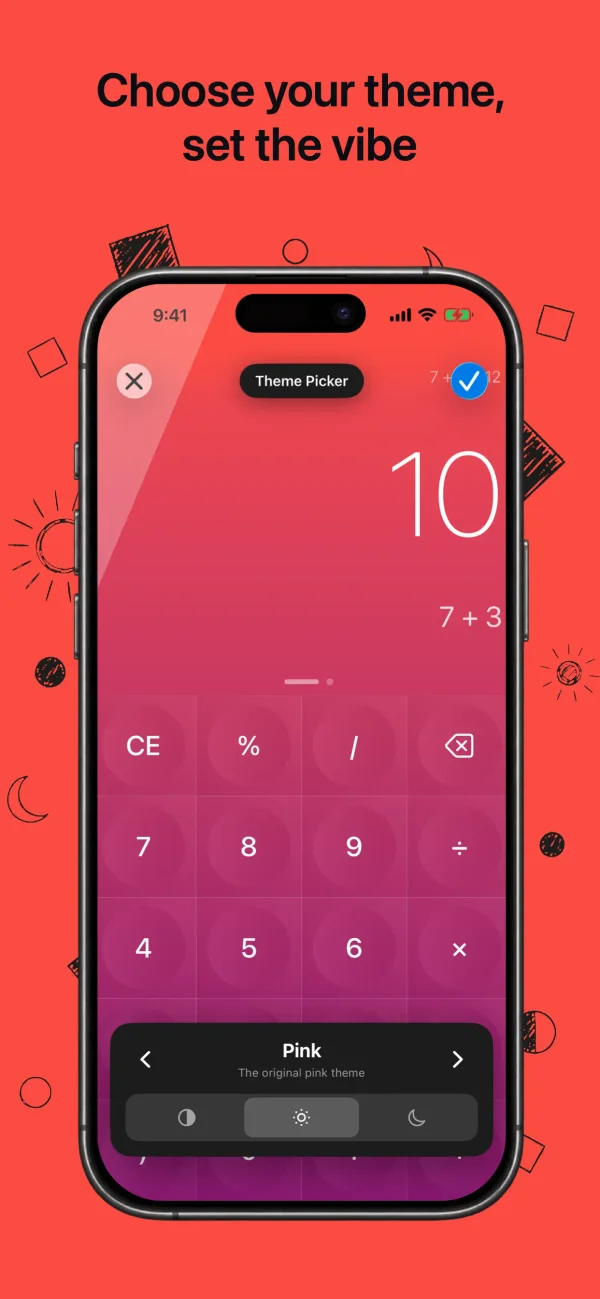
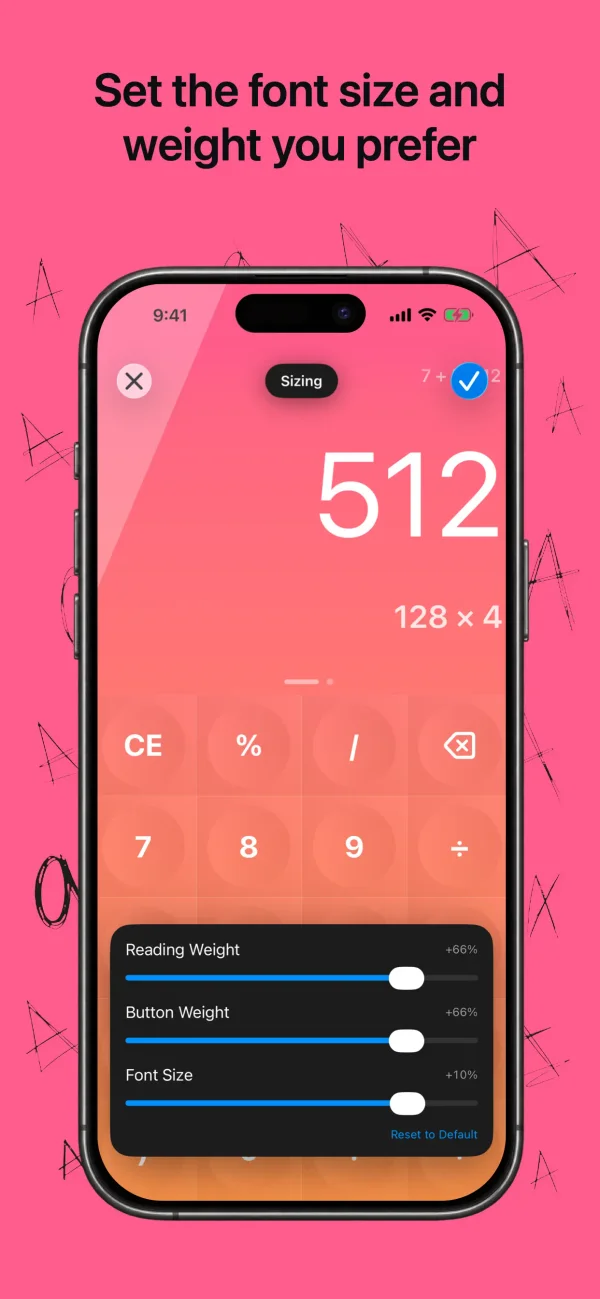
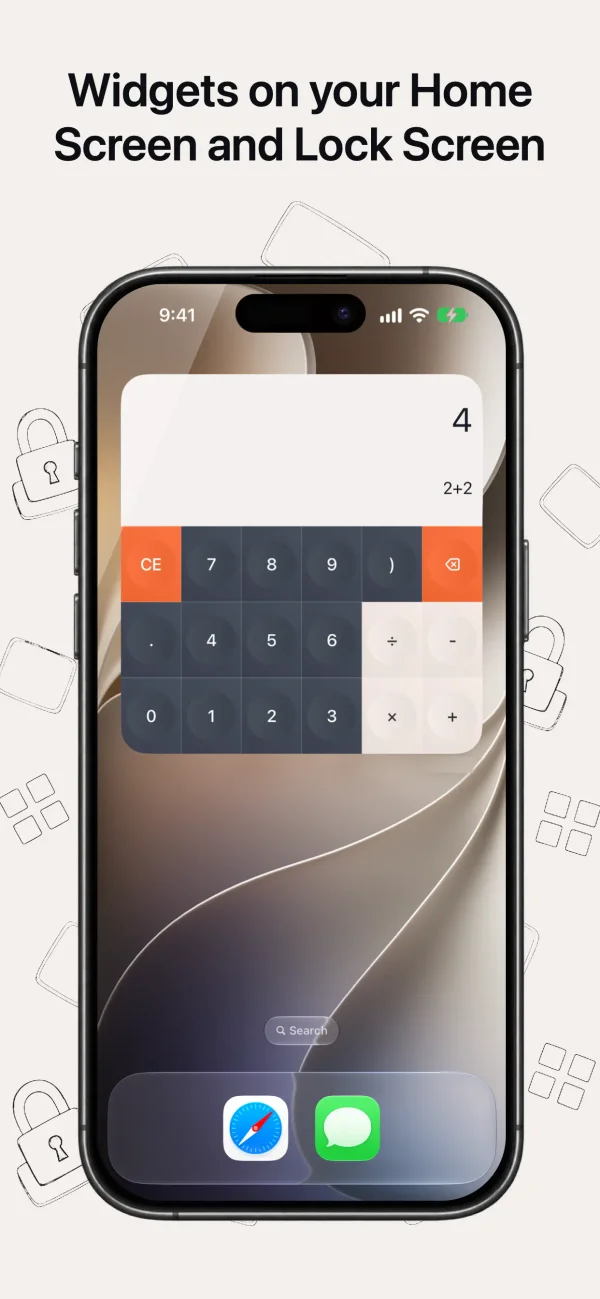
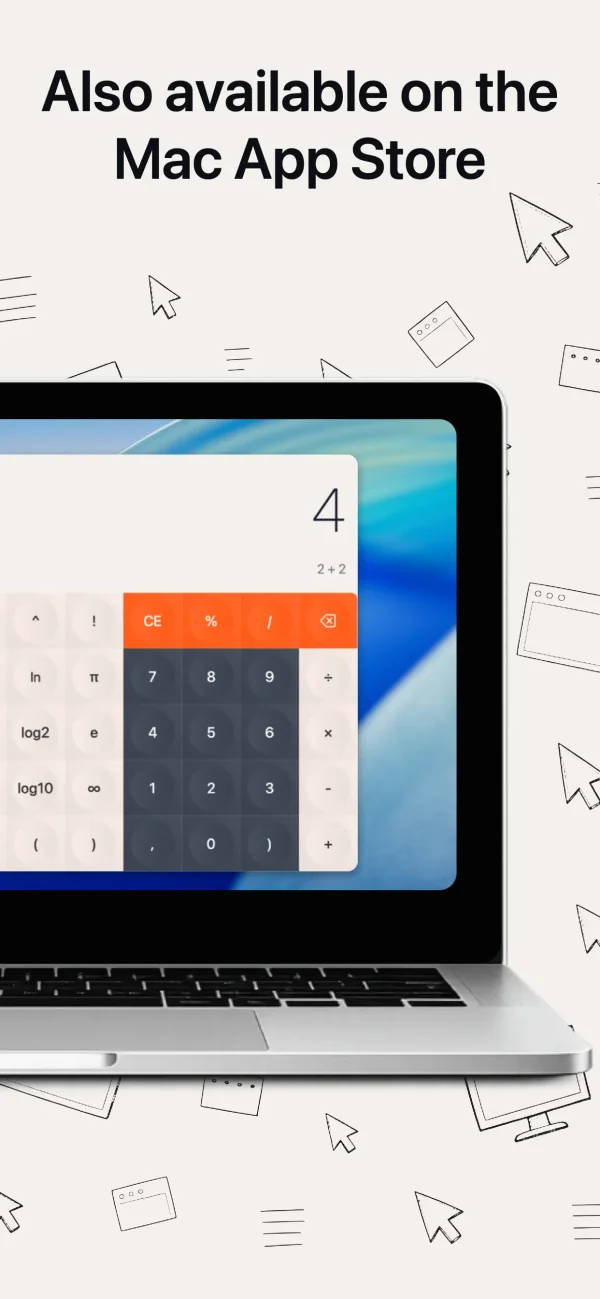
Numerical³ is still the calculator without equal. The first Numerical shipped in 2014—v3 brings long-requested improvements and the same focus on delightful, minimalist utility apps.MAC TOONumerical runs natively on macOS: multiple windows, tabs, resizing, desktop widgets, full keyboard support, and synced history. Download it on the Mac App Store.WIDGETSLock screen and Home Screen widgets—modernized on iPhone and iPad.THEMESBrand-new neo-morphic themes alongside our most popular picks—each with light and dark variants that follow your iOS appearance settings. Use the Theme Picker to preview them all.ICONSTheme Home Screen icons match iOS 26 with glass effects, Dark Mode, and tints.HISTORYYour equations stay visible on screen—above the keyboard on iPhone (portrait) and to the side on iPad and Mac. iCloud keeps history in sync across iPhone, iPad, and Mac.KEYBOARDSExternal keyboards are fully supported on iPhone, iPad, and macOS—including the shortcuts you expect.SOUND FXSounds and clicky feedback on iPhone, iPad, and Mac. Haptics on iPhone.14+ LANGUAGESThe entire app is localized in 14+ languages—including Japanese, Chinese, Korean, and Russian—with international digits and formats. Missing yours? Let us know.Mana Machines—Numerical³ and upcoming apps from a studio focused on delightful, minimal, human-centered utilities. More on the way.Questions or feedback: manamachineventures@gmail.comDeveloped by Andrew J Clark. Designed by Andrew J Clark & Alex Vanderzon.
Terms of Use: https://www.manamachineventures.com/terms
What’s new
Version 3.0.17 · Nov 1, 2026
What's new in 3.0.17:
• Purple Rain & Citrus Orange — the classic vivid themes are back, with matching Home Screen icons
• Keypad page order — when History is Inside Keypad, put History between Simple and Scientific so both keypads are one swipe away
• Larger minimum keypad — Snap-to-Size’s smallest height is a bit taller for better touch targets
• Home bar cover — optional black bar under the keypad that lifts keys clear of the Home indicator
App privacy
What Andrew J Clark declares on the App Store about how this app handles data.
-
Data not linked to you
May be collected but is not linked to your identity.
- Usage data
- Diagnostics
Privacy practices may vary, for example with the features you use or your age.
Information
- Seller
- Andrew J Clark
- Category
- Utilities
- Version
- 3.0.17
- Updated
- Nov 1, 2026
- Released
- Feb 13, 2014
- Size
- 207.1 MB
- Requires
- iOS 18.0 or later
- Age rating
- 4+
- Price
- Free
- Languages
- English, Arabic, Dutch, French, German, Italian, Japanese, Korean, Polish, Portuguese, Simplified Chinese, Spanish + 3 more
- Copyright
- © 2026 Andrew J Clark
You might also like
-
 Calculator for All: SolvesBasic, Scientific, No Ads
-
 PCalc LiteThe Best Calculator
-
 KalkylJust a really good calculator
-
 PCalcThe Best Calculator
-
 Calcbot 2Calculator and Unit Converter
-
 Calculator Plus v2Simple. Scientific. Smart.
-
 CALC Smart Calculator ±Basic « Scientific » Advanced
-
 TechniCalc CalculatorScientific & Engineering
-
 Desktop Calculator -Real VoiceNo Ads / Key Sound / Basic Cal
-
 Calculator MaxAll-in-One Math Solver