- Age rating4+
- CategoryMusic
- DeveloperJose De Jesus Garfias
- LanguagesEnglish
- Size13.2 MB
Links to the official App Store page
Download.org hosts no file of Nyquist Player. The button opens its official App Store page, published by Jose De Jesus Garfias. Listing last checked on Nov 15, 2026.
Screenshots

About
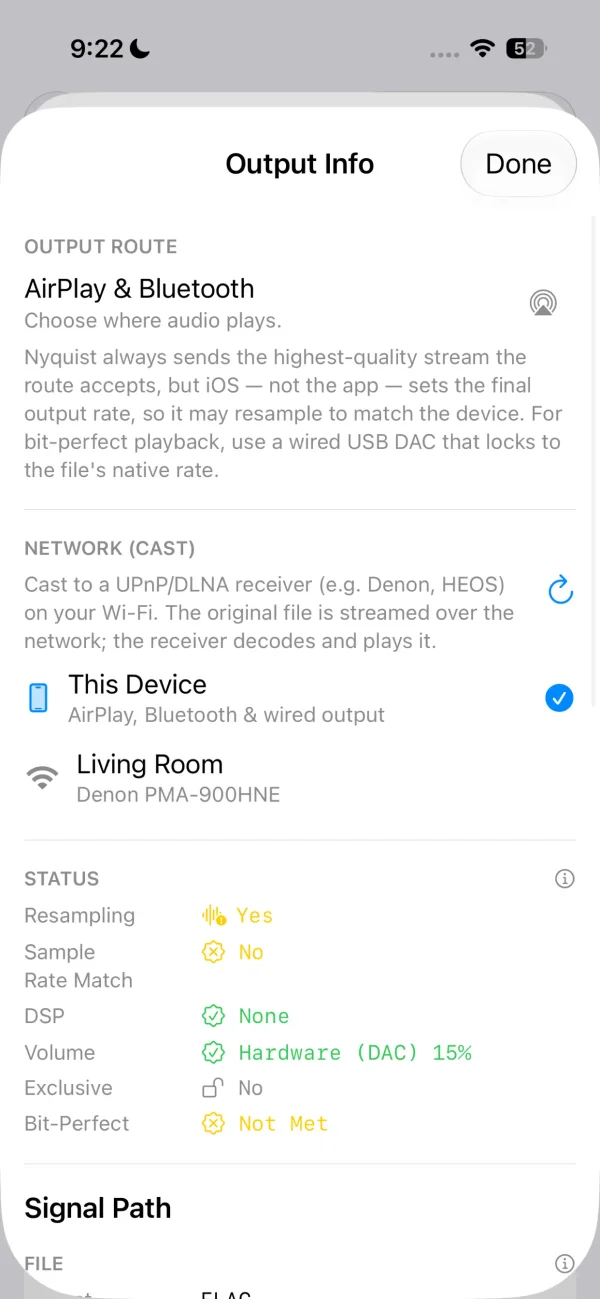
Nyquist is a native, file-first music player for audiophiles who keep large local libraries on SSDs, external drives, and NAS shares. It is not a streaming app — it is a fast, precise playback tool built for people who care about sample rates, bit depth, and an honest signal path.
WHY NYQUIST
• Bit-perfect intent — On macOS, Nyquist matches your DAC's hardware sample rate to each file (44.1 → 88.2/176.4, 48 → 96/192) and waits for the clock to re-lock so CoreAudio performs no resampling. No cross-family conversions are ever forced on your music.
• True gapless playback — Sample-accurate transitions between tracks of the same format, so albums by Pink Floyd, Tool, Daft Punk, live sets, and classical recordings flow without a single gap.
• Network play — Discover UPnP/DLNA receivers on your network (Denon, HEOS, and friends) and stream the original file straight to them, with gapless hand-off on receivers that support it. Network devices sit right next to your DACs in the output picker.
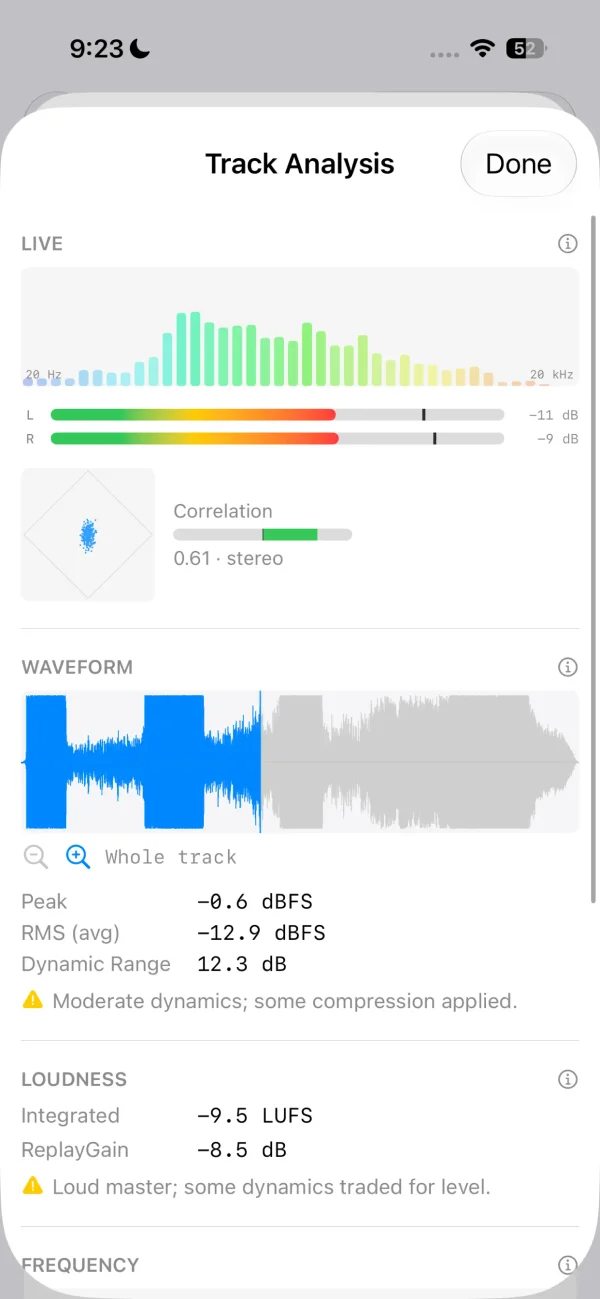
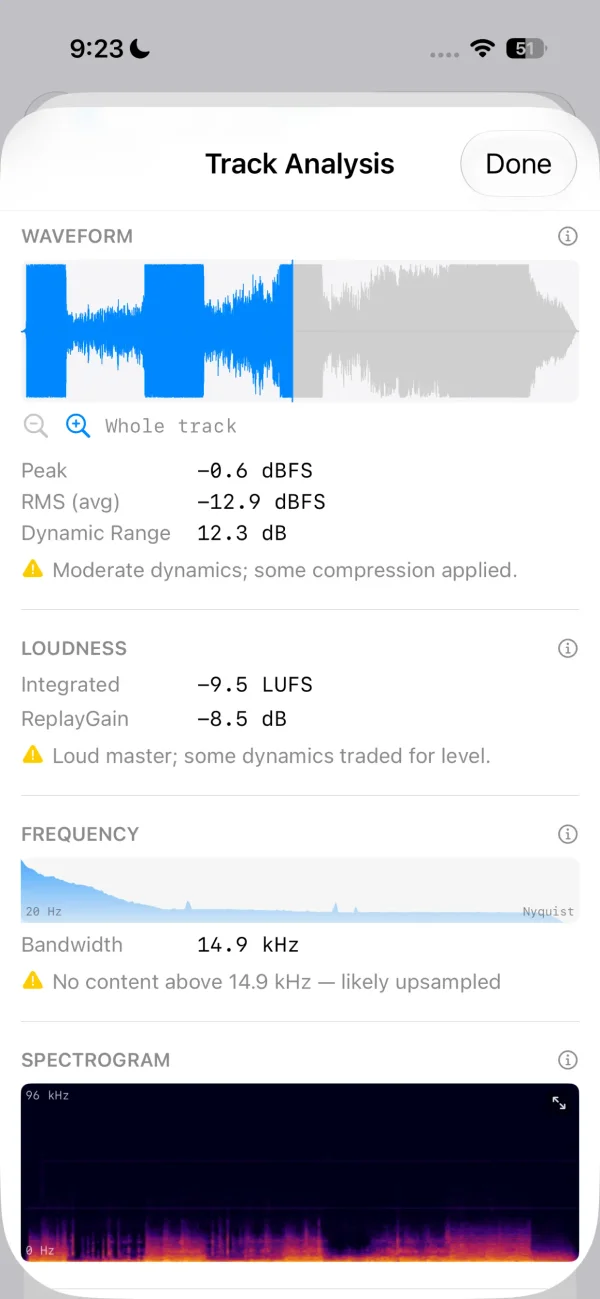
• Track analysis — A built-in lab for every file: a whole-track waveform with peak, RMS, and dynamic-range readouts; EBU R128 / BS.1770 integrated loudness with ReplayGain; a long-term spectrum that exposes upsampled "hi-res" and lossy-sourced "lossless" files; a full spectrogram; plus live spectrum, level meters, and a stereo goniometer — each with a plain-language verdict.
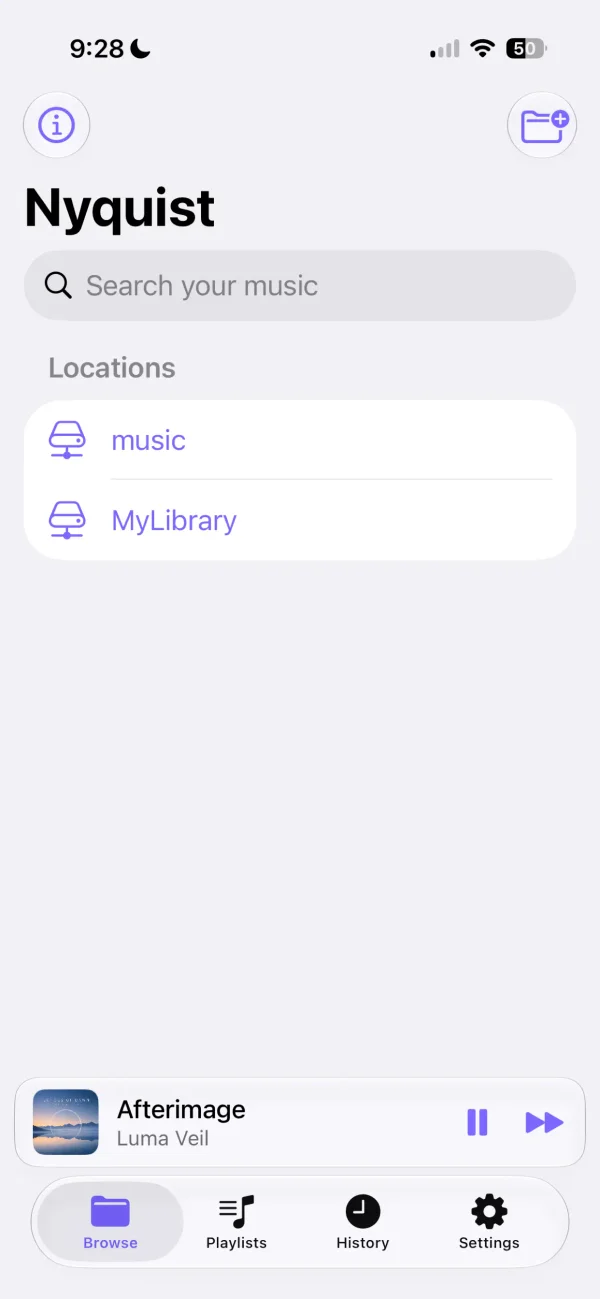
• On-device search — A private, persistent index of your saved locations, with filters by file type and metadata field (title, artist, album, genre, composer, label, year, format). Nothing leaves your device.
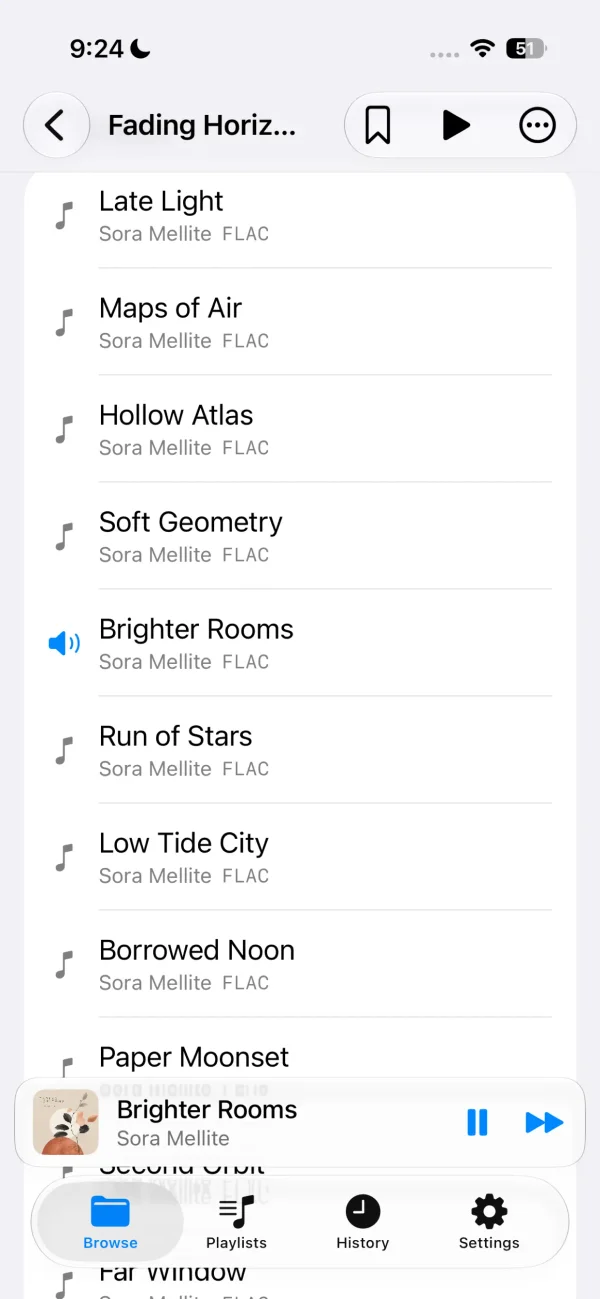
• Built for huge libraries — Folder-first browsing that behaves like a high-performance file browser, not a slow database. Lazy-loaded discovery means no full-library scan before you can press play, even across 50,000+ tracks. A topology view classifies your folders into artists, albums, EPs, singles, live sets, compilations, box sets, and discs.
• NAS-aware — Add SMB shares directly or through the Files app. Remote tracks start instantly while a background copy makes seeks immediate, and the next track is prefetched for seamless rotation.
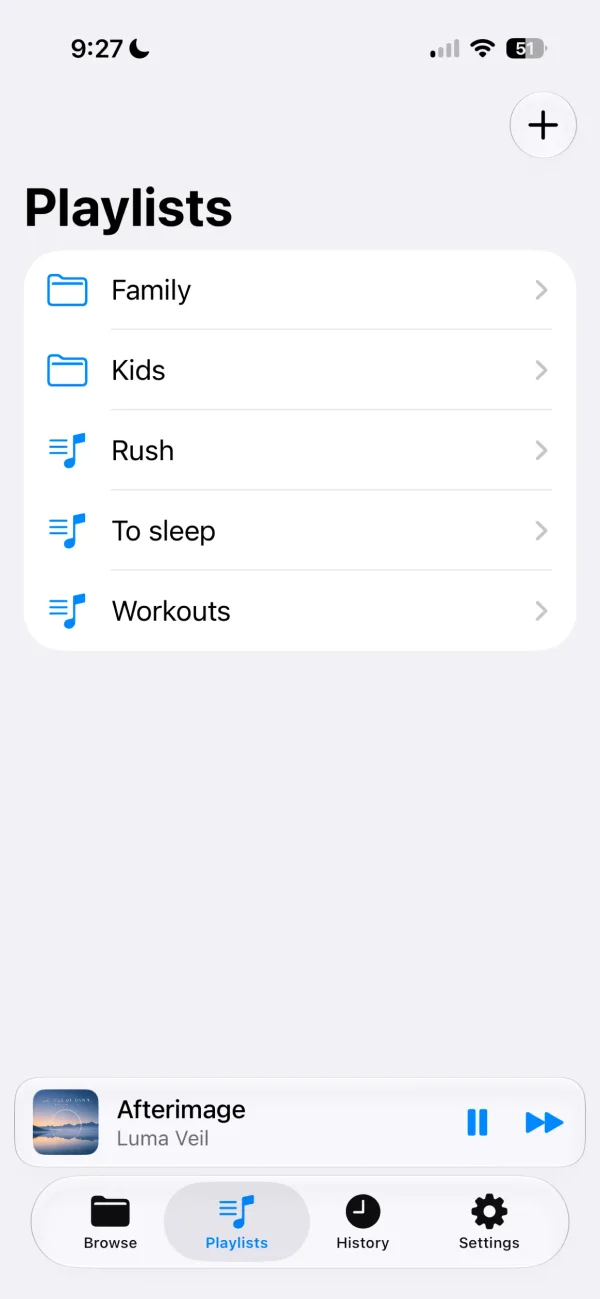
• Playlists — Organize your music into groups and playlists saved as portable .m3u8 files in a folder you choose. Point every device at the same folder — including a NAS share added through the Files app — and your playlists stay in sync across Mac, iPhone, and iPad. Build them from tracks, whole folders, or the current queue, then reorder and edit them anywhere.
• Background playback — On iPhone and iPad, playback keeps going when you lock the screen or switch apps, with working lock-screen and Control Center transport — including while streaming to a network receiver.
• Flexible volume — On iPhone and iPad the slider follows your device's system volume; on macOS, choose software gain, your DAC's own hardware volume (bit-perfect at any level), or a fixed 100% for maximum purity. An optional limiter caps the level across every output — even against the hardware volume buttons — to prevent accidental loud jumps.
• Exclusive (hog) mode — Optionally take exclusive ownership of your DAC during playback on macOS.
• Flexible output routing — On macOS, choose the exact CoreAudio output device (USB DAC, built-in, and more); your choice is remembered across launches. On iPhone and iPad, send audio to AirPlay, Bluetooth, or wired outputs with the system route picker.
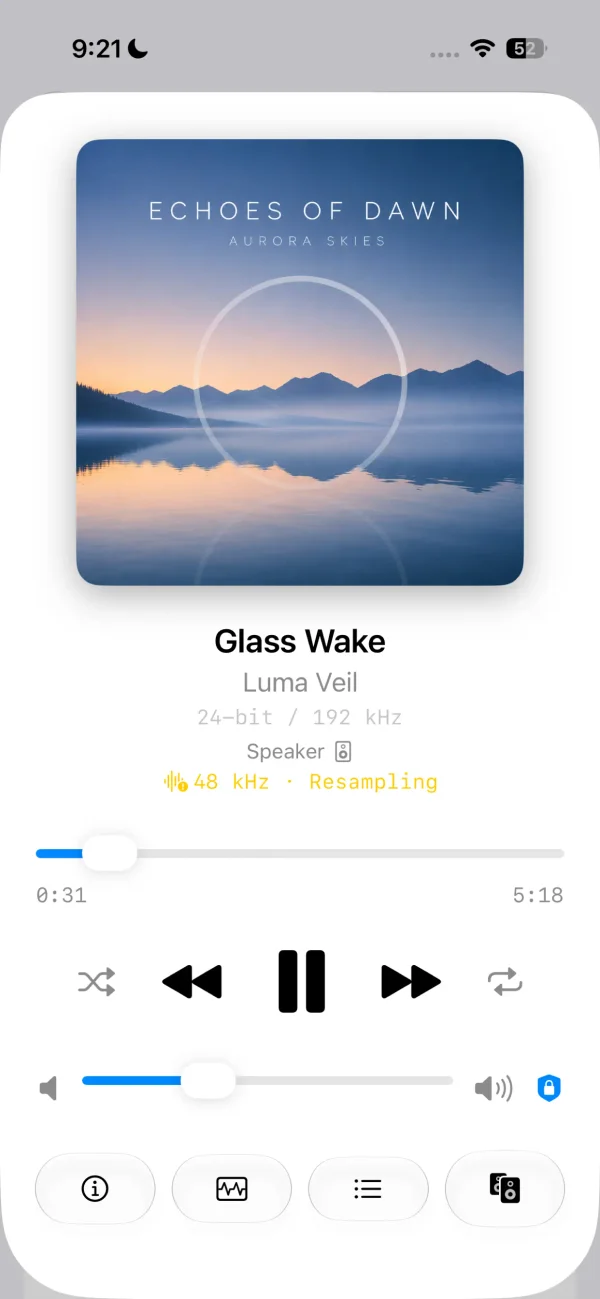
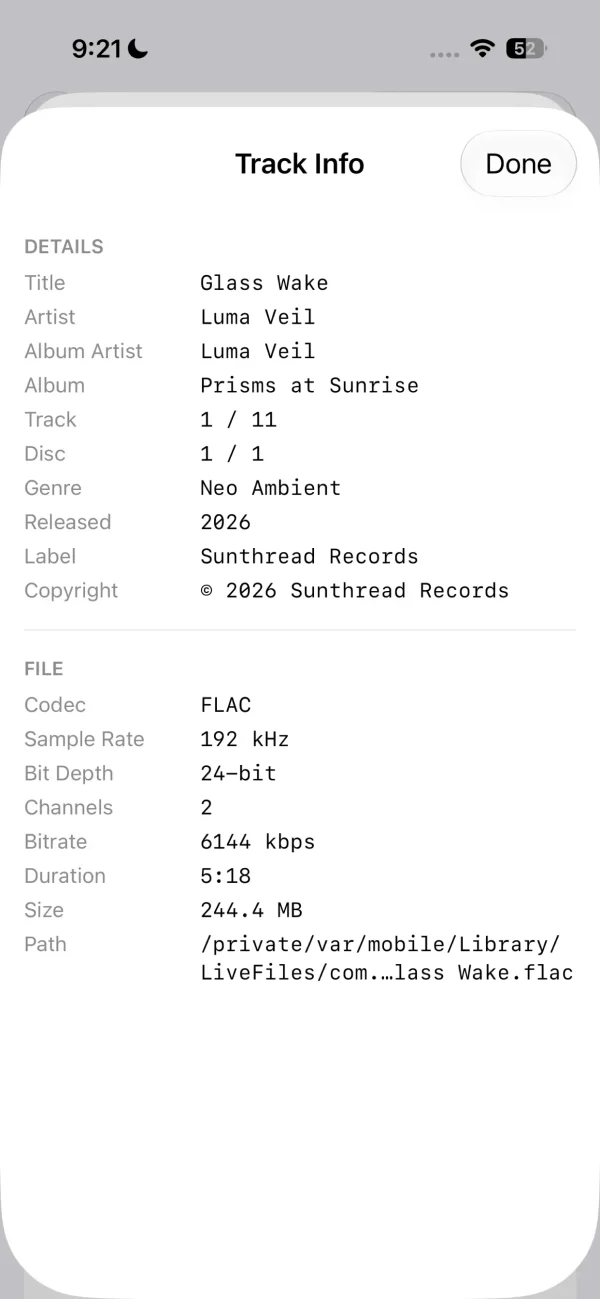
• Deep technical transparency — Inspect format, sample rate, bit depth (with FLAC/ALAC recovery), channel count, codec, and a live signal-path view showing source rate, output rate, and bit-perfect / resampling / exclusive status.
• Memory-friendly — Tracks are streamed from disk frame-by-frame, never decoded whole into RAM, so even 24/192 material stays light on resources.
SUPPORTED FORMATS
FLAC, ALAC, MP3, AIFF, WAV, and AAC today. The engine is format-agnostic, with DSD and SACD ISO planned.
What’s new
Version 1.4 · Sep 21, 2026
- UI Improvements for iPad.
- Speed and performance improvements.
App privacy
What Jose De Jesus Garfias declares on the App Store about how this app handles data.
-
Data not collected
The developer does not collect any data from this app.
Privacy practices may vary, for example with the features you use or your age.
Information
- Seller
- Jose De Jesus Garfias
- Category
- Music
- Version
- 1.4
- Updated
- Sep 21, 2026
- Released
- Jul 6, 2026
- Size
- 13.2 MB
- Requires
- iOS 17.6 or later
- Age rating
- 4+
- Price
- Free
- Languages
- English
- Copyright
- © 2026 Jose de Jesus Garfias Lopez
You might also like
-
 BitaBit Hi-Fi Audio PlayerLossless Local Music Player
-
 fidelplayer: Hi-End AudioHi-End Audiophile Player
-
 Familiar PlayerSelf-hosted music player
-
 Sonic PlayerOffline Music & Audio Player
-
 Tonar: FLAC Hi-Res PlayerLossless HiFi audiophile music
-
 Stow PlayerYour Offline Library
-
 Tempi - Metronome and TunerPractice Tools for musicians
-
 PureBit: Hi-Res Music PlayerBit-Perfect Audio, NAS & Cloud
-
 Longwave AmbienceAmbient Audio & Narrative
-
 Lumiya MusicHi-Res Player: FLAC, ALAC, CUE