
- Age rating4+
- CategoryBusiness
- DeveloperOak Engage Limited
- LanguagesEnglish
- Size37.2 MB
Links to the official App Store page
Download.org hosts no file of Oak Engage. The button opens its official App Store page, published by Oak Engage Limited. Listing last checked on Nov 22, 2026.
Screenshots


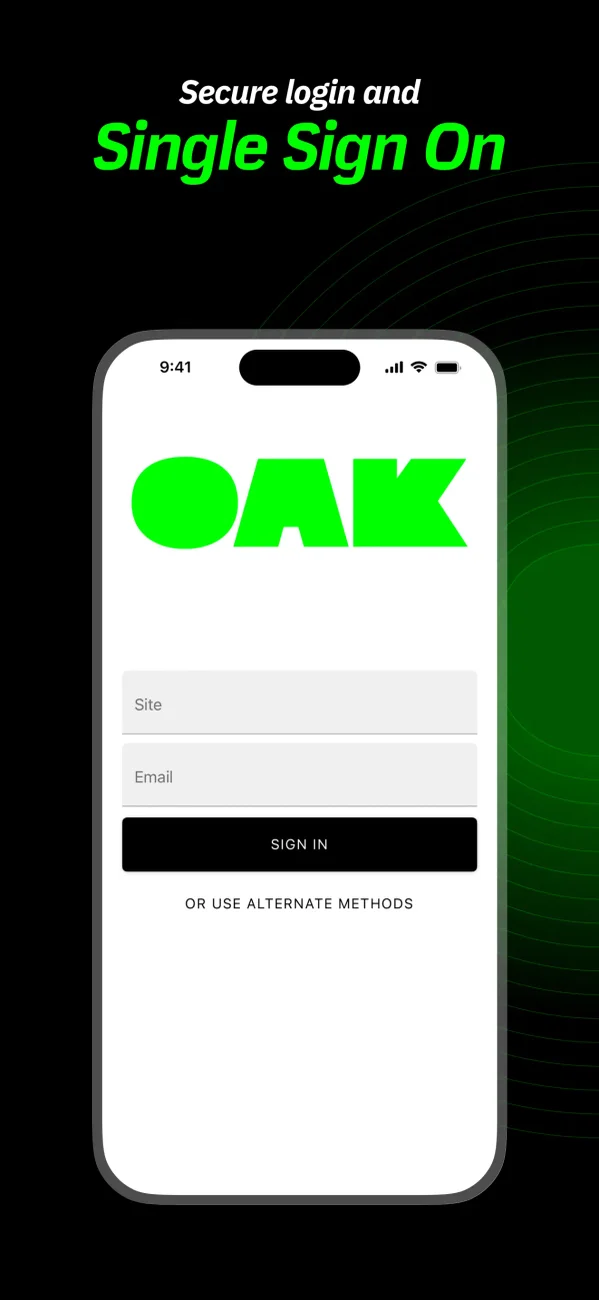

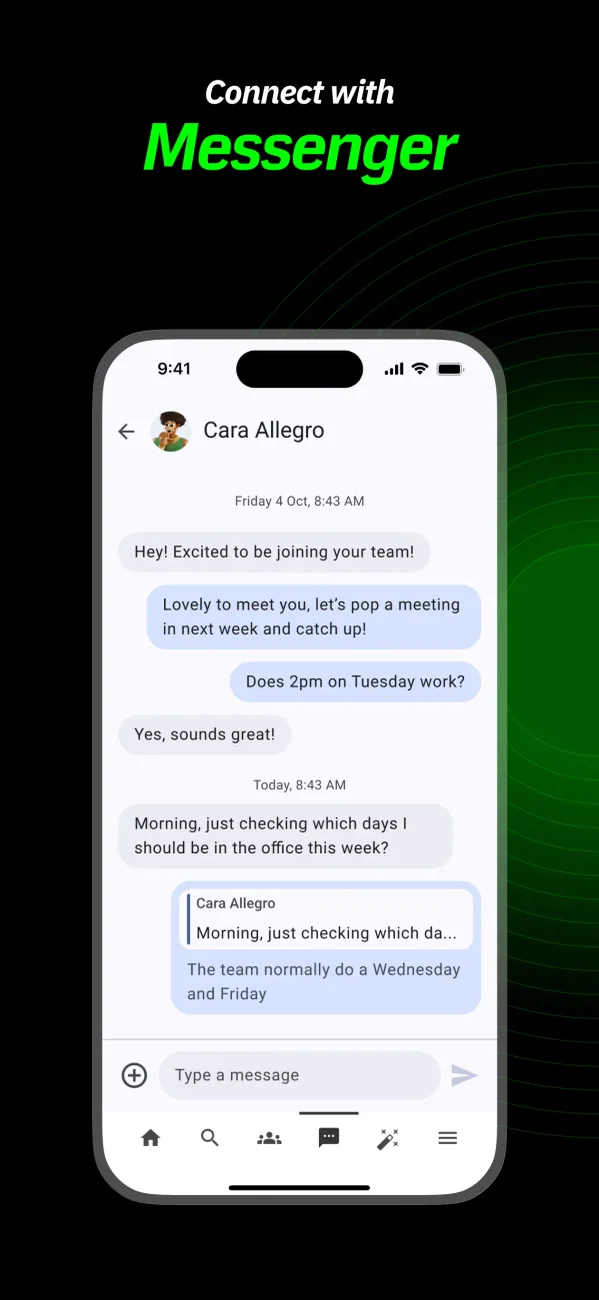
About
Work better together as one with Oak Engage.
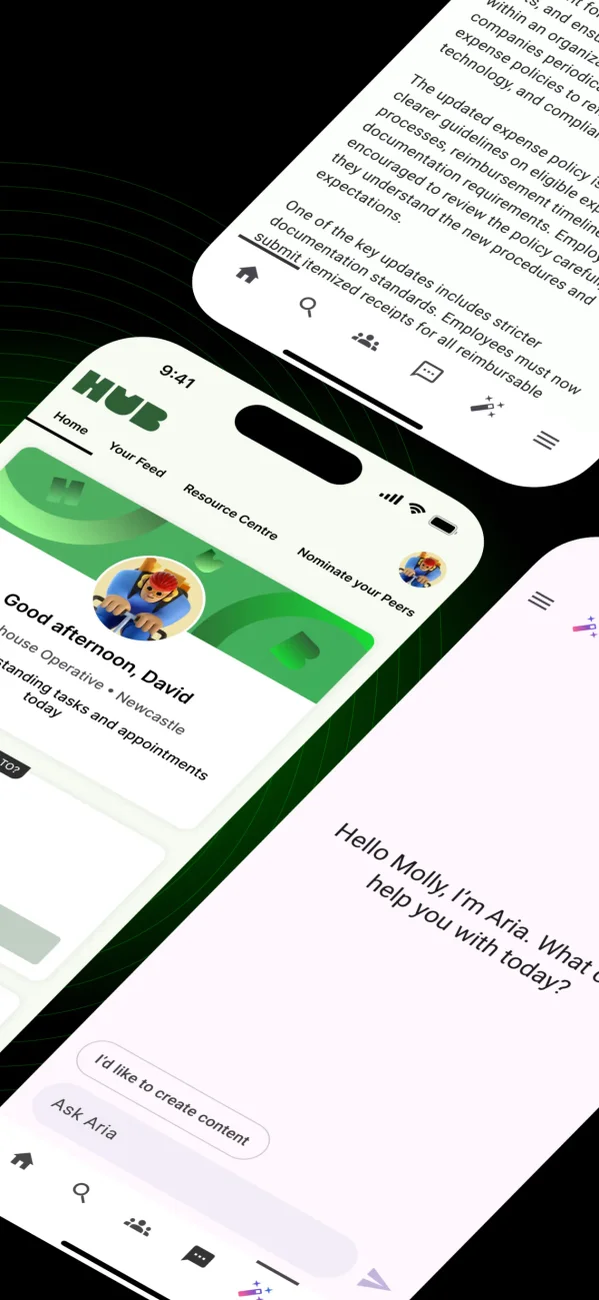
Used by some of the biggest names worldwide, Oak is the UK’s leading all-in-one workplace solution for businesses that want to increase engagement, monitor wellbeing and improve connectivity. Oak seamlessly blends modern intranet functionality with cutting-edge engagement and wellbeing solutions designed to help your business get the most out of its people. Whether your people are on the shop floor, on the road or in the office, Oak helps businesses everywhere connect , engage and collaborate on any device - wherever they may be.
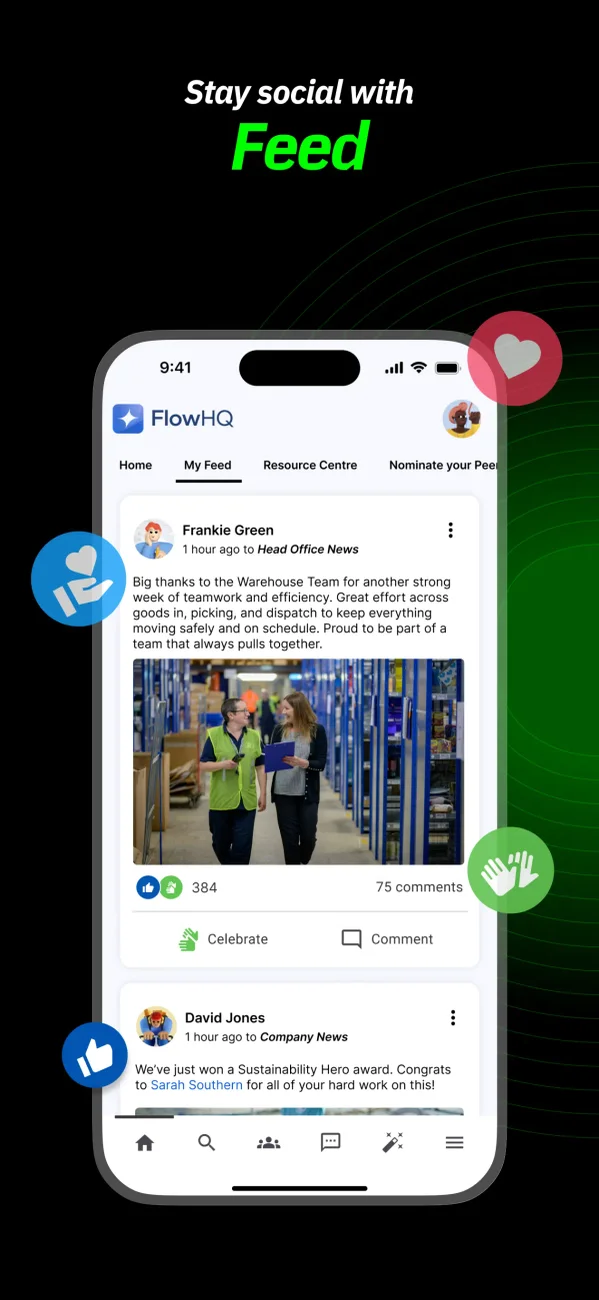
With simplicity at its core, Oak’s comprehensive suite of tools has been designed by experts to make your people happier and more productive. With social timelines, instant messenger, feedback functionality and more, Oak is the definitive engagement solution for any modern workplace.
Use Oak to:
- Connect your workforce
- Provide employee feedback and recognition
- Facilitate better collaboration
- Improve existing processes
- Boost productivity
- Increase employee satisfaction
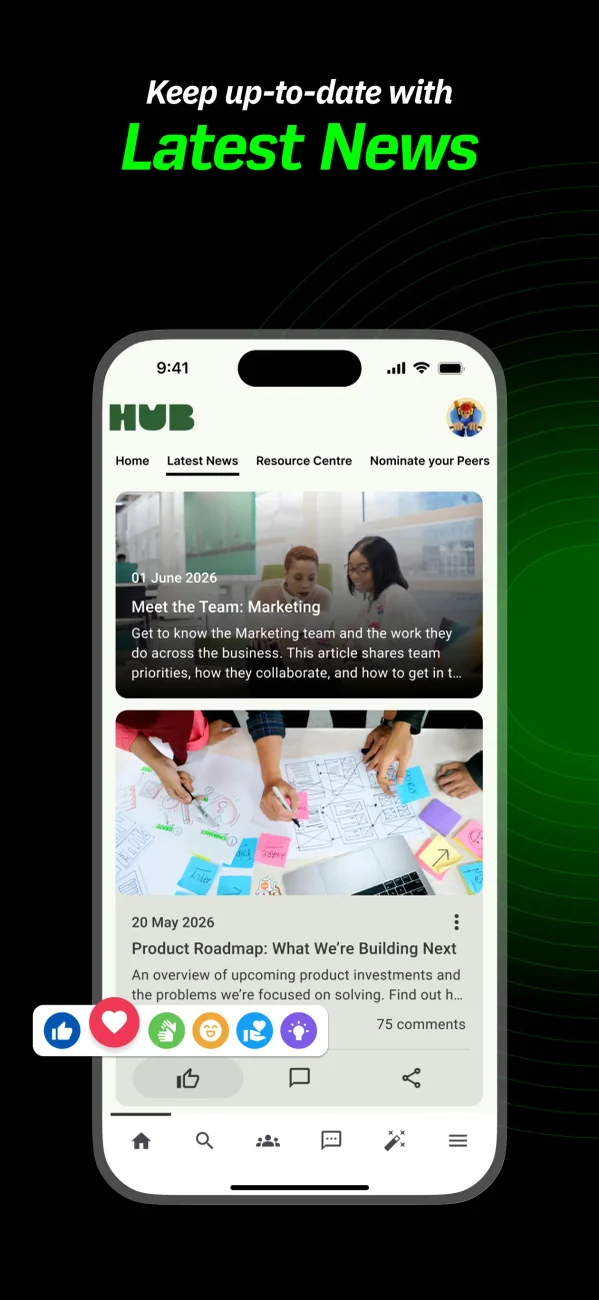
- Provide the latest news and updates
- Encourage employee interaction
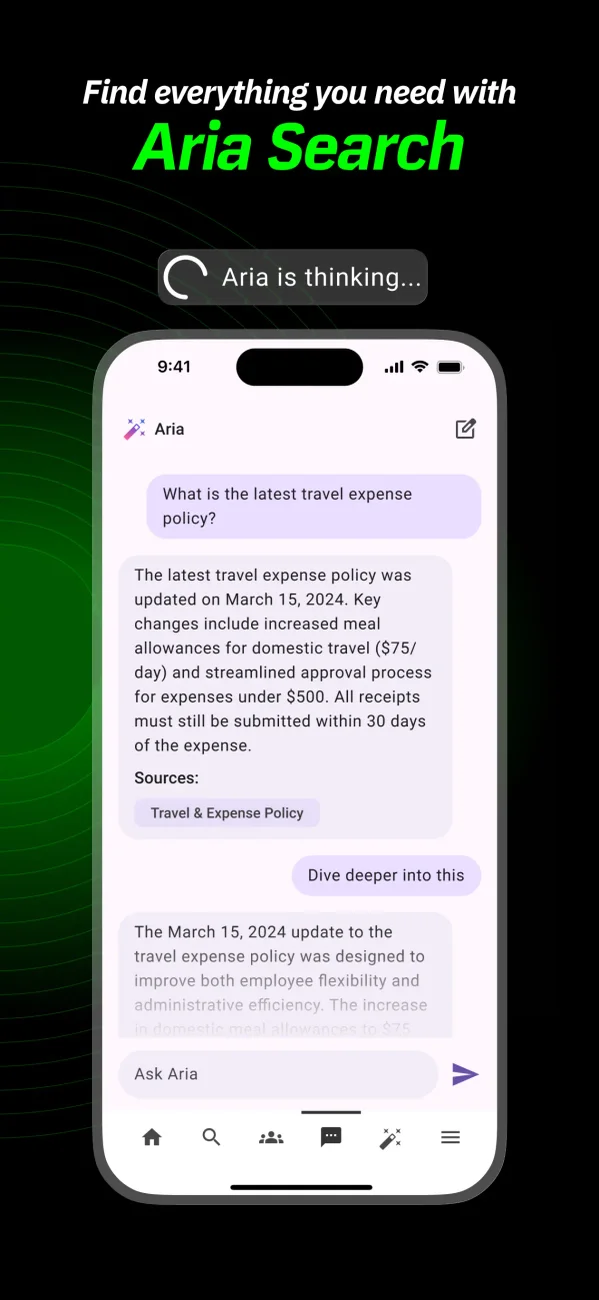
- Store important information and documents
- Engage your employees
- Create user-generated content
What’s new
Version 4.25.1 · Nov 20, 2026
Features and improvements
Improved link handling in Moments comments: Internal links in comments now open within the app's web view, while external links will redirect to the user's browser for better navigation.
Moments analytics overlay: Added a toggleable overlay for Moments videos that displays request logs sent from the app. This feature is only available on builds with access to the Data Management screen.
Navbar loading/error states: Added placeholder icons with a loading pulse while waiting for navigation data to load. When an error occurs, default icons will be displayed instead of a toast.
Moments comment sheet redesign: Removed the title and close button from the Comments sheet and made draggable handles at the top visible, aligning with other bottom sheet styles.
Text glitch fix for input fields on iOS: Resolved issues with text input styling in Messenger, comments, and other areas where text dropped or shifted during input.
Updated privacy policy link: The path and query parameter name for the privacy policy were updated.
Bug fixes
Home domain normalization: Improved handling for built-in domains and resolved an error where an unset hostUrl caused normalization issues.
Fix for interacting with buttons during keyboard open in Moments comments: Restores the ability to send messages or interact with other buttons when the keyboard is active.
Moments fetching issue via bottom navigation: Fixed a bug causing new Moments to overwrite existing ones, displaying partial content.
Gesture fixes for Moments comment sheet: Corrected an issue preventing users from closing the Comments sheet when the ReactionBar was visible. Made sure gestures properly enable/disable in sync with the ReactionBar state.
Fix for deep linking with Screens QR codes: Updated configuration to handle deep links properly after changes to the URL format.
Small fixes in Moments comments sheet and loading icons: Prevented gesture issues when ReactionBar is visible and fixed an unnecessary shimmer effect in the navigation bar icons during option fetching.
App privacy
What Oak Engage Limited declares on the App Store about how this app handles data.
-
Data linked to you
May be collected and linked to your identity.
- User content
- Search history
- Identifiers
-
Data not linked to you
May be collected but is not linked to your identity.
- Usage data
- Diagnostics
Privacy practices may vary, for example with the features you use or your age.
Information
- Seller
- Oak Engage Limited
- Category
- Business
- Version
- 4.25.1
- Updated
- Nov 20, 2026
- Released
- Nov 19, 2020
- Size
- 37.2 MB
- Requires
- iOS 15.0 or later
- Age rating
- 4+
- Price
- Free
- Languages
- English
- Copyright
- © Oak Engage Ltd.
You might also like
-
 Corporate Cash PassportFinance
-
 Quintain LivingExclusive to residents
-
 MRI Evo GOBusiness
-
 Access ExpenseBusiness
-
 Civica People HubMobile app for People Hub
-
 Sicon ApprovalsProductivity
-
 ExpenSysExpense Management Re-Invented
-
 MRI Agile MobileBusiness
-
 Inventory HiveProperty inventory software
-
 MyExpenses CloudFinance