
- Age rating4+
- CategoryUtilities
- DeveloperFahreddin Yusuf Demirkiran
- LanguagesEnglish
- Size36.2 MB
Links to the official App Store page
Download.org hosts no file of OBD Locator Pro. The button opens its official App Store page, published by Fahreddin Yusuf Demirkiran. Listing last checked on Nov 12, 2026.
Screenshots


About
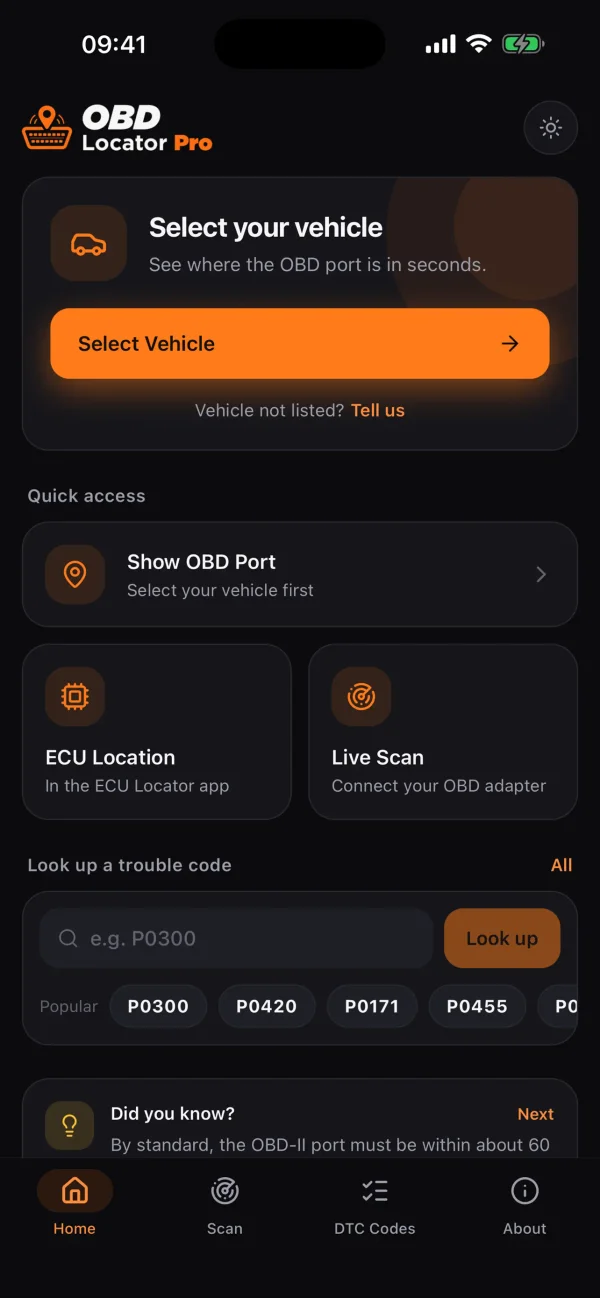
OBD Locator Pro helps you find the OBD-II diagnostic port on your car and, if you own an ELM327 adapter, read your car's fault codes. Completely free, with no account and no ads.
FIND YOUR OBD PORT IN SECONDS
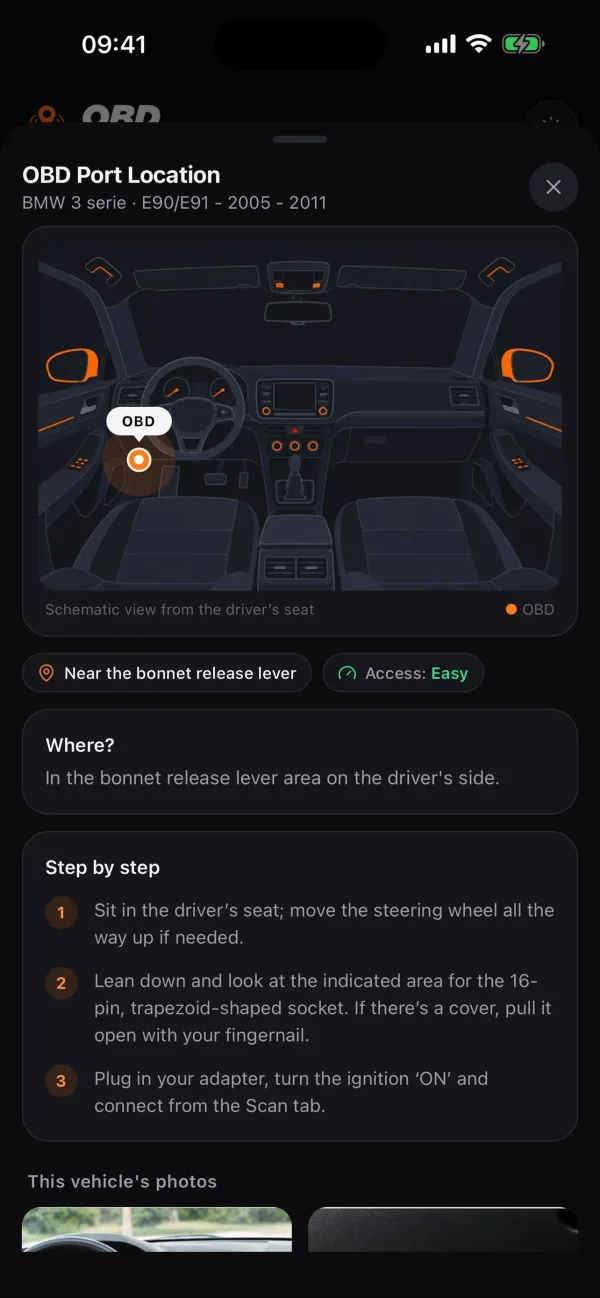
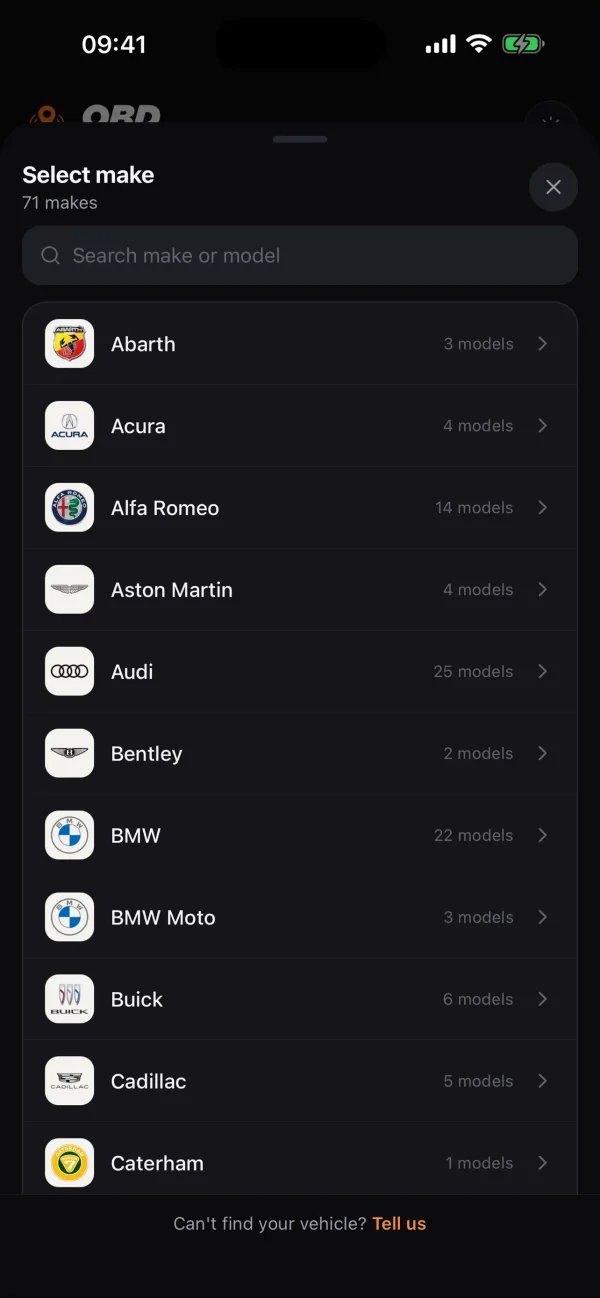
Every car hides its diagnostic port in a different spot. Pick your make, model and generation, and see exactly where it is, marked on a clear diagram. No more crawling under the dashboard.
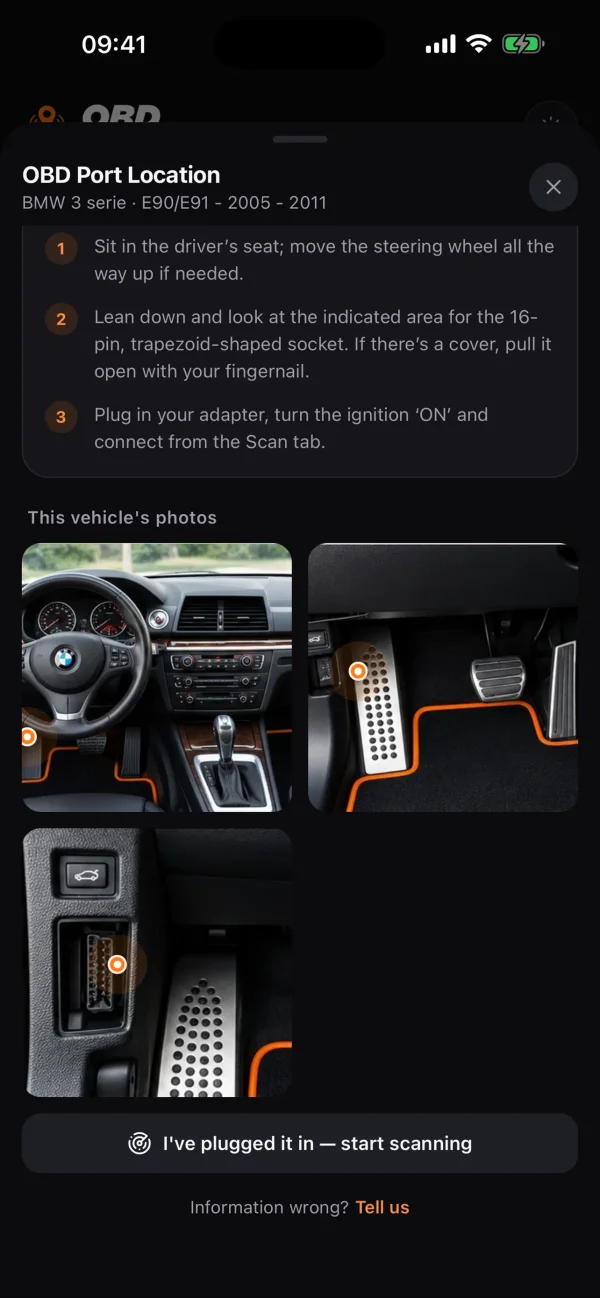
• Vehicle-specific location and description
• Whether the socket is behind a cover, and how easy it is to reach
• Step-by-step instructions
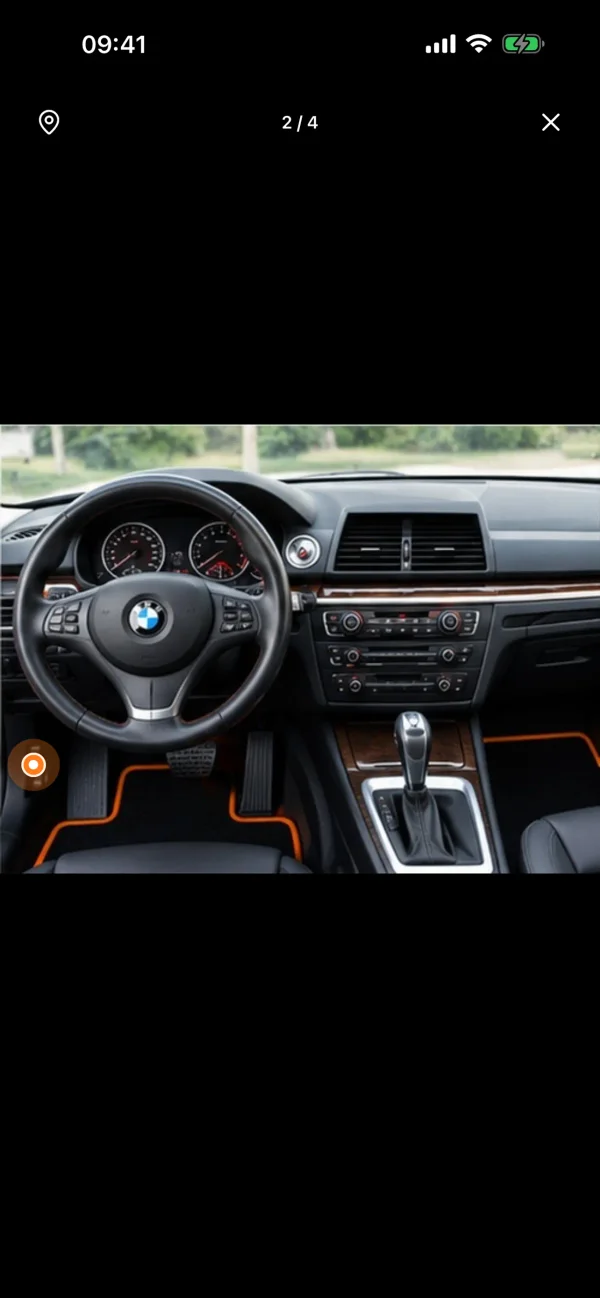
• Location pinned on real vehicle photos — zoom in and swipe between them
SCAN YOUR CAR WITH AN ELM327 ADAPTER
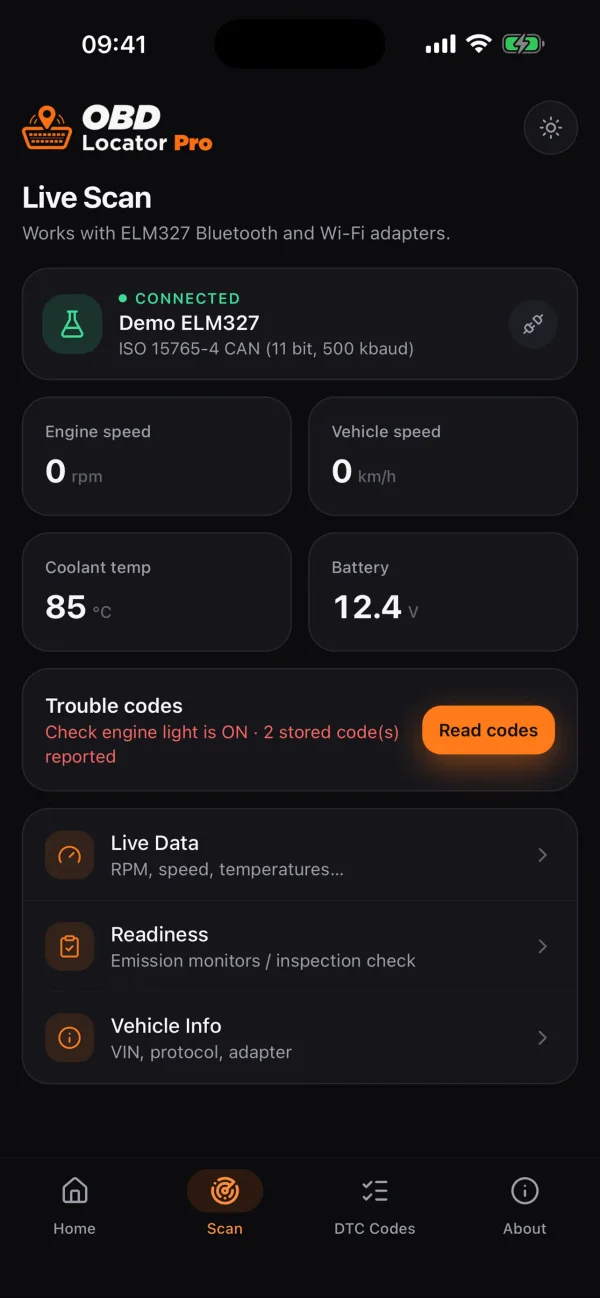
Plug in your Bluetooth LE or Wi-Fi ELM327 adapter and connect from the Scan tab to:
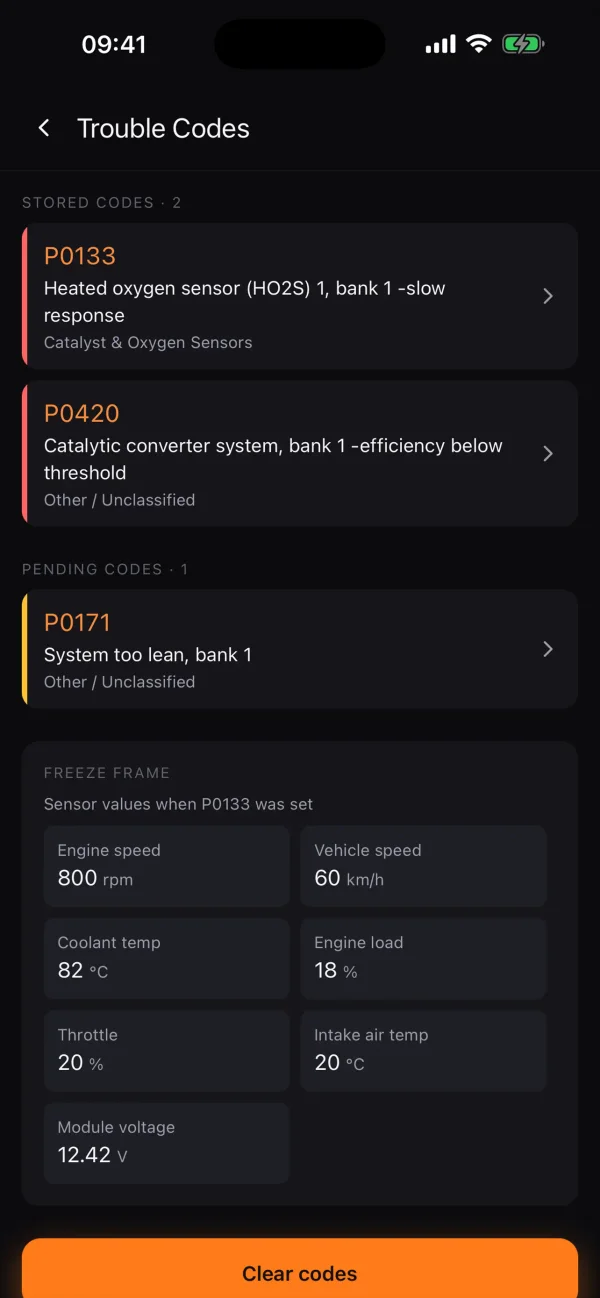
• Read and clear check-engine fault codes (DTCs)
• View live engine data (RPM, speed, coolant temperature, battery voltage and more)
• Check emissions readiness / inspection status
• Read your vehicle's VIN
• View freeze-frame data captured when a fault occurred
No adapter yet? Try every scan feature in Demo mode.
UNDERSTAND TROUBLE CODES
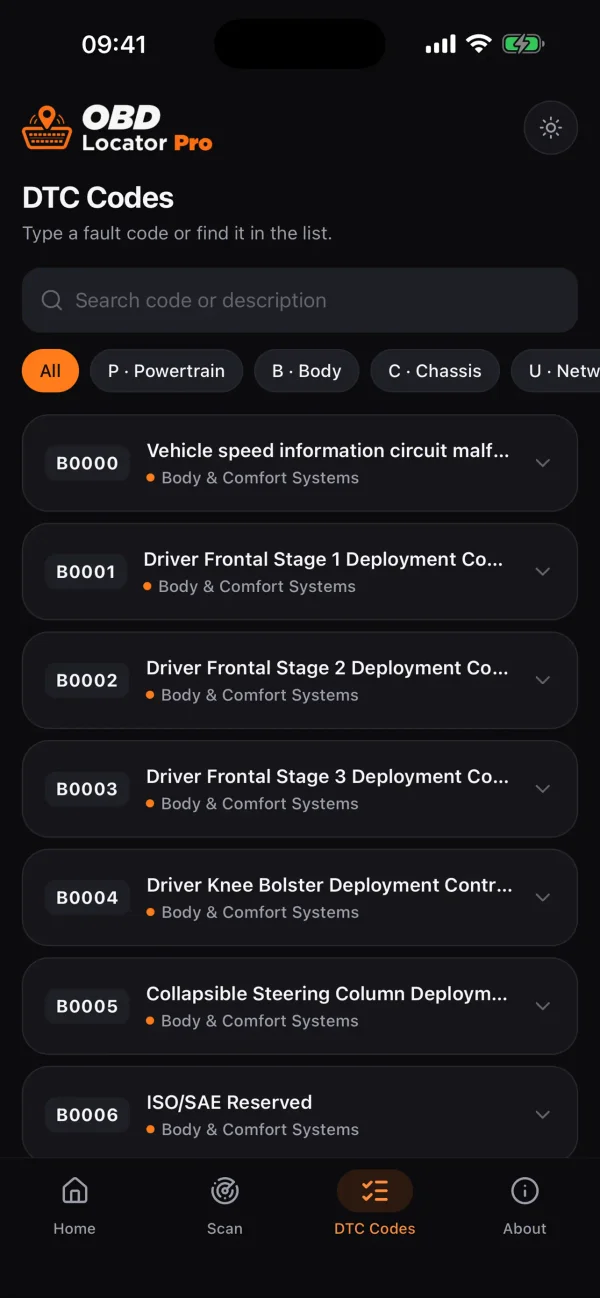
Descriptions and possible causes for thousands of generic and manufacturer-specific codes. Code meanings are stored on your phone, so they still work while you're connected to the adapter's Wi-Fi without internet access.
FREE AND PRIVATE
No sign-up, no ads, no tracking. English and Turkish, light and dark theme.
Note: iPhone works with Bluetooth LE (BLE) and Wi-Fi ELM327 adapters only; classic Bluetooth adapters are not supported on iOS.
OBD Locator Pro is an independent tool and is not affiliated with any vehicle manufacturer.
What’s new
Version 1.1.2 · Oct 21, 2026
Fixed a crash that could occur when reopening the app. Fixed a rare crash during Wi-Fi OBD adapter connection. Fixed location pins sometimes not showing on photos on iPhone/iPad. Improved performance and memory usage.
App privacy
What Fahreddin Yusuf Demirkiran declares on the App Store about how this app handles data.
-
Data not linked to you
May be collected but is not linked to your identity.
- User content
Privacy practices may vary, for example with the features you use or your age.
Information
- Seller
- Fahreddin Yusuf Demirkiran
- Category
- Utilities
- Version
- 1.1.2
- Updated
- Oct 21, 2026
- Released
- Oct 1, 2026
- Size
- 36.2 MB
- Requires
- iOS 15.1 or later
- Age rating
- 4+
- Languages
- English
- Copyright
- © 2026 Car Ecu File
You might also like
-
 Check Engine Codes by MotorvetOBD2 car scanner & fuel log
-
 2dakika: OBD Car DiagnosticsHealth report & mileage check
-
 Stage1FilesECU & TCU file workspace
-
 OtoScan: OBD2 Car ScannerELM327 fault codes & live data
-
 ecuGenieScan an ECU, find your tool
-
 Cortex OBD2Fault Codes, DPF & Live Data
-
 OBD2 Cat: Car ScannerELM327 Check Engine Live Data
-
 Motoro: OBD2 Car ScannerCar history by VIN + OBD2
-
 MotorBit: OBD2 Scanner ELM327Car Diagnostics & Fault Codes
-
 Car Identifier - Car SpotterCar Scanner Car Info