OBDScan
Live OBD-II data and trips
Designed for iPhone, iPad
Free · In-app purchases
- Age rating17+
- CategoryUtilities
- DeveloperIsrael Alvarado
- LanguagesEnglish+ 22 more
- Size18.5 MB
Links to the official App Store page
Download.org hosts no file of OBDScan. The button opens its official App Store page, published by Israel Alvarado. Listing last checked on Nov 14, 2026.
Screenshots

About
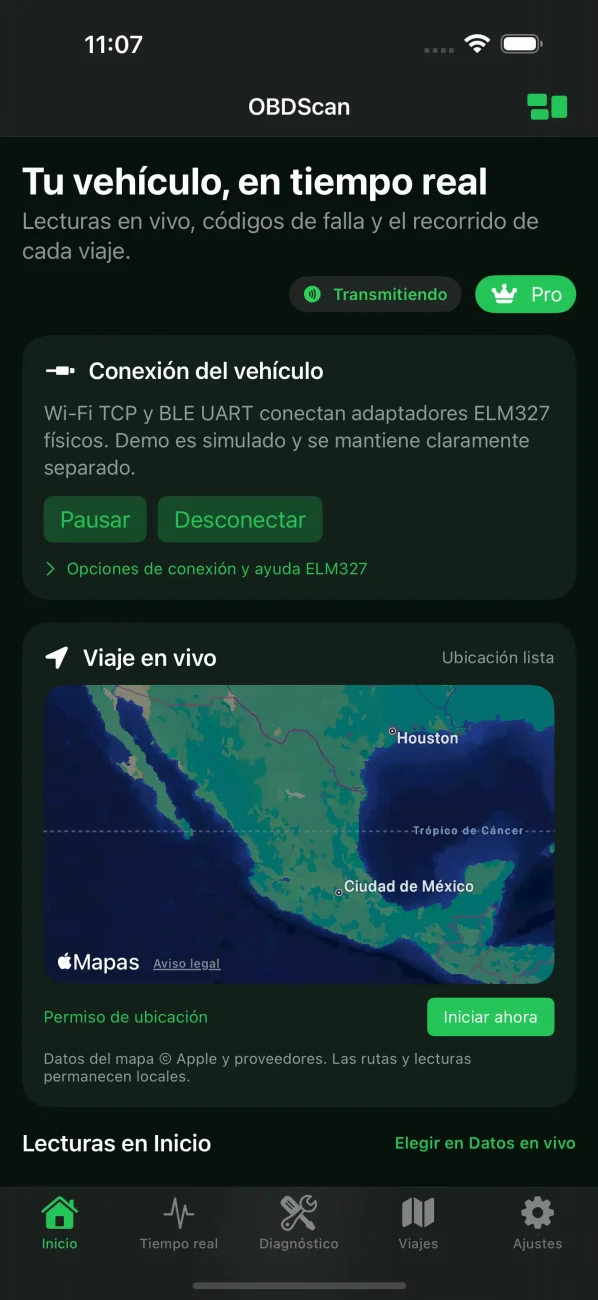
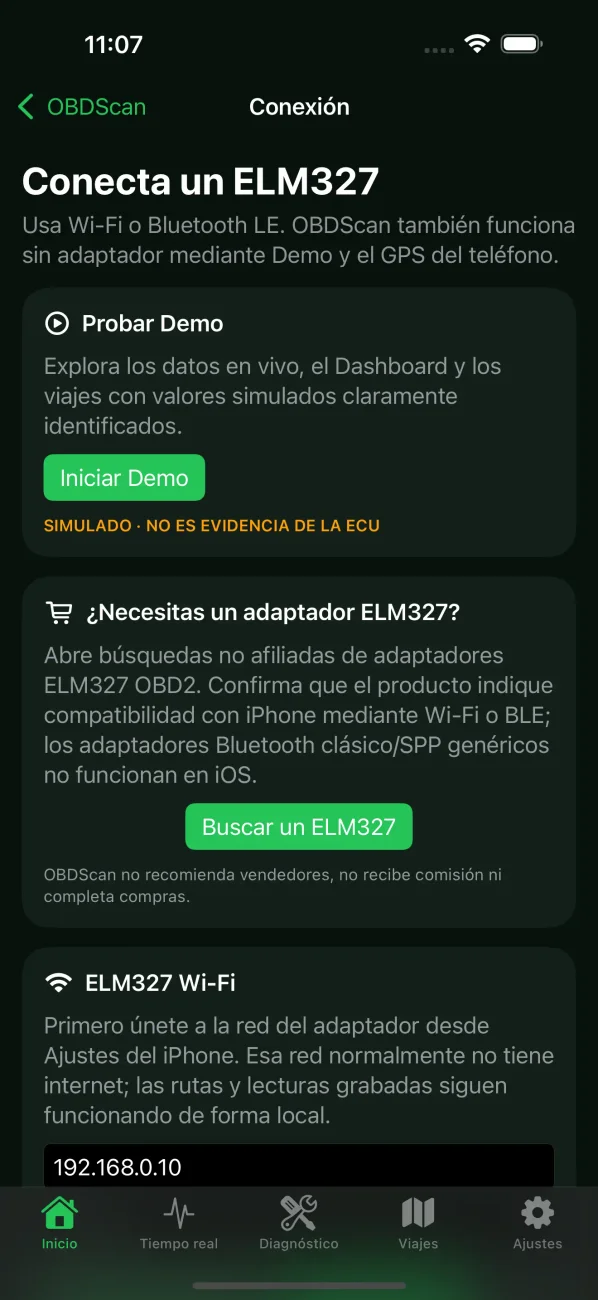
Get to know your vehicle with OBDScan. Connect a compatible ELM327 adapter over Wi-Fi or Bluetooth Low Energy (BLE), view live OBD-II readings and check fault codes on your iPhone or iPad.
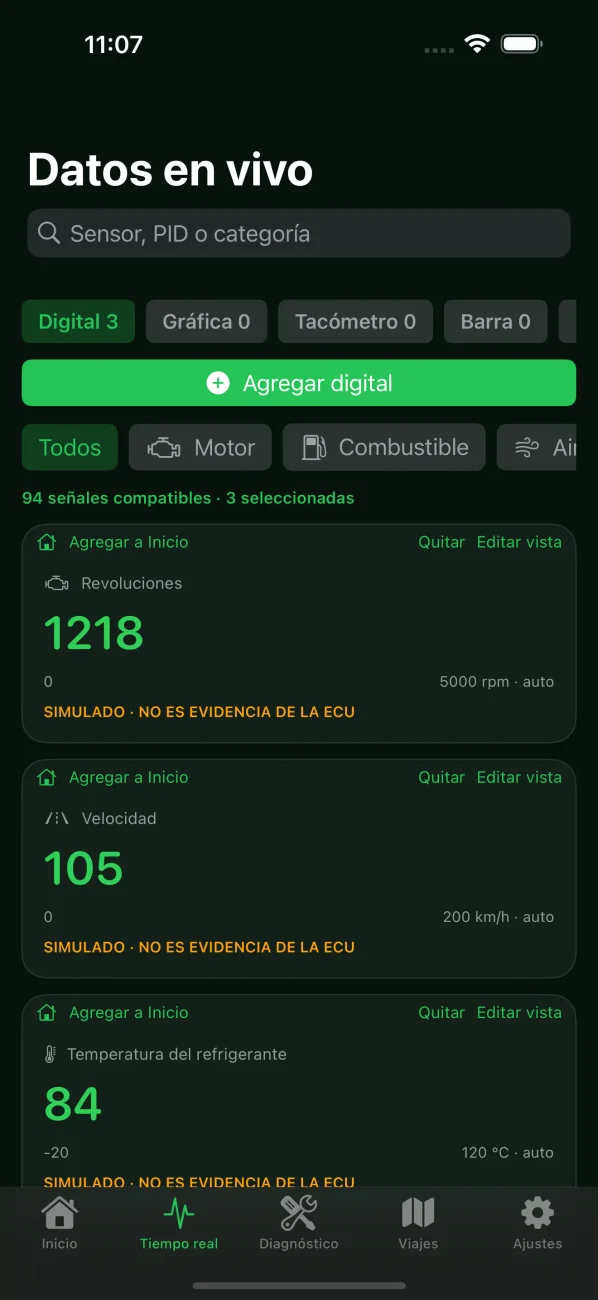
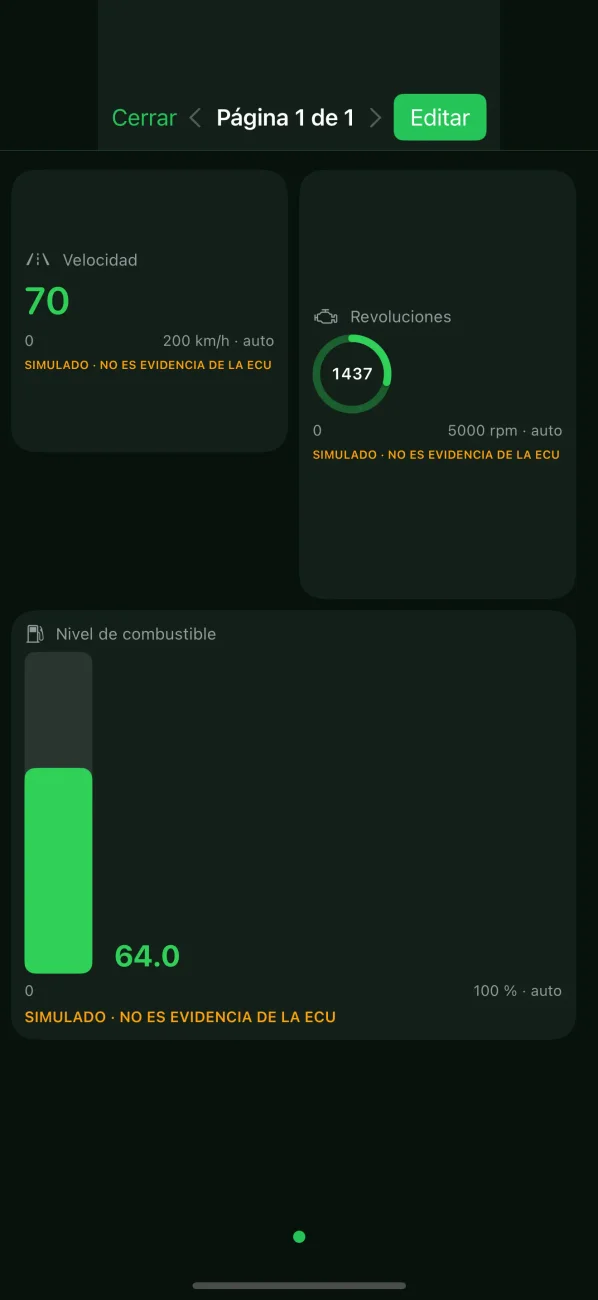
• View readings with digital displays, charts, gauges and other configurable styles.
• Organize a dashboard with customizable pages and indicators.
• Add iOS Home Screen widgets: a configurable signal graph, DTC summary, and GPS route with up to three signals. Data includes timestamps; iOS controls refreshes.
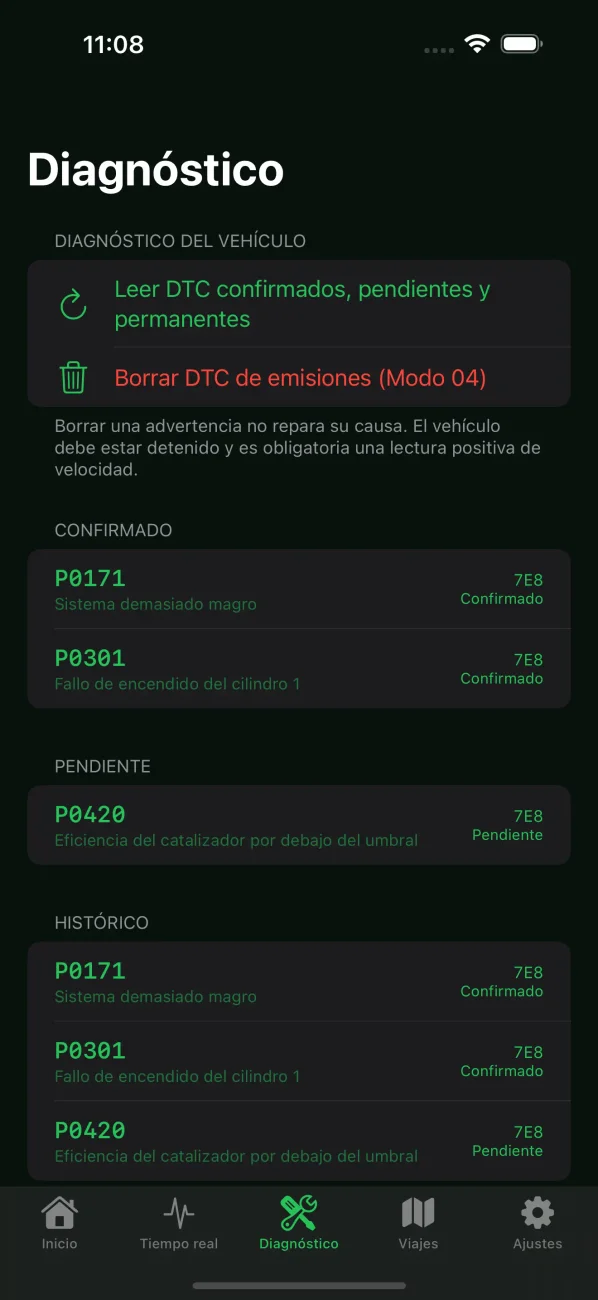
• Read confirmed, pending and permanent codes. Clearing requires confirmation and is blocked while the vehicle is moving.
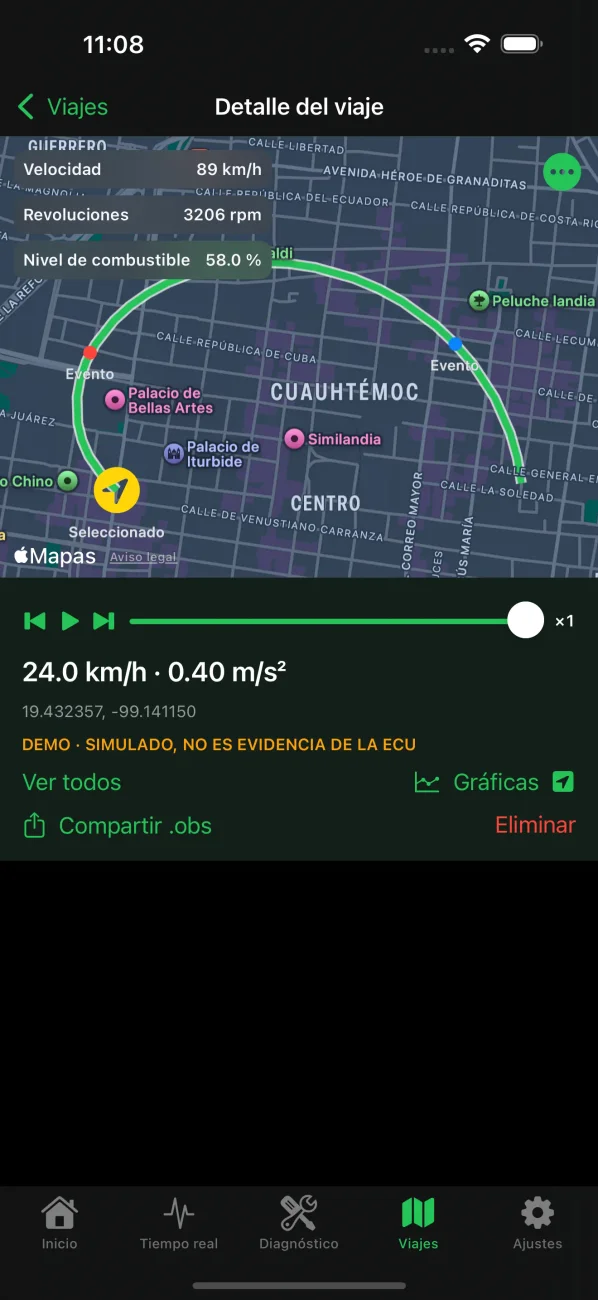
• Record trips using the phone's GPS and motion sensors, even without an OBD adapter.
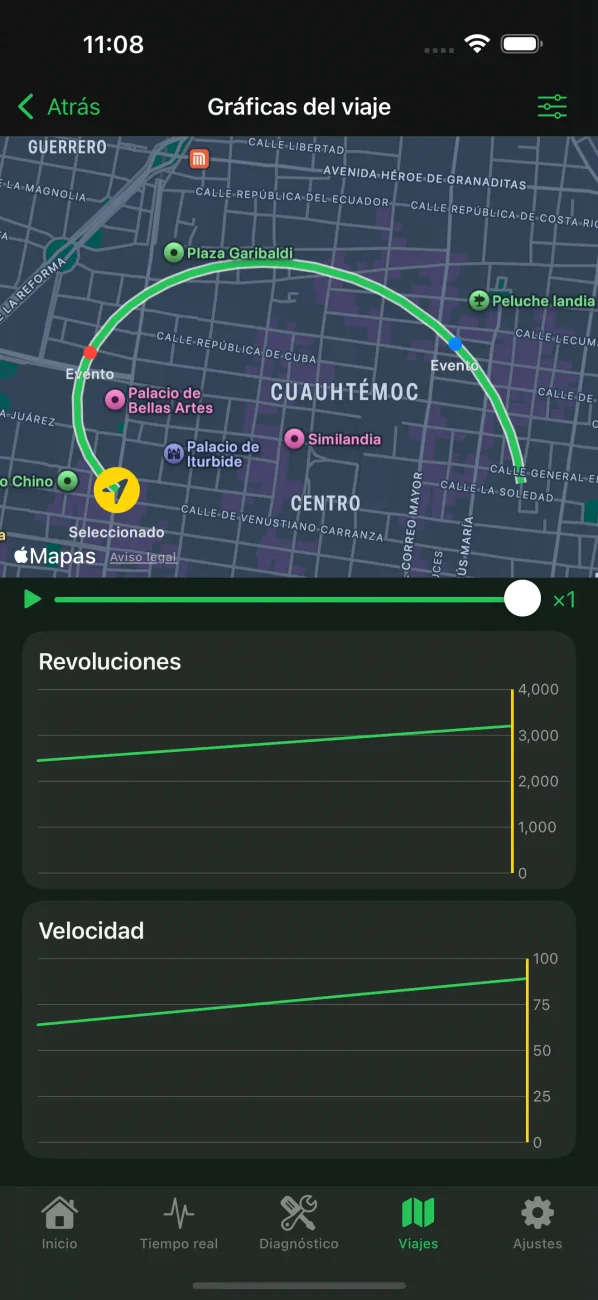
• Review routes, events and readings linked to positions; replay your trips and view their charts.
• Import and share .obs trip files through the system sharing options.
• Choose visual themes, metric or imperial units and an interface available in 23 languages.
• Explore Demo without connecting a vehicle. Simulated values are clearly identified.
Trips and vehicle readings are stored locally. Sharing them is voluntary. Optional usage analytics is confirmed during welcome or enabled in Settings, where it can also be disabled. If you authorize it, analytics may include the brand, model and year you selected from the catalog, without VIN, routes, fault codes or readings. Remote configuration uses Firebase services. On iOS, Firebase Crashlytics crash diagnostics help improve stability independently of optional usage analytics; we do not attach VIN, routes, fault codes or vehicle readings.
Sensor availability depends on the vehicle, ECU and adapter. The vehicle catalog is a preliminary guide, not a compatibility guarantee. iOS does not support generic Bluetooth Classic SPP adapters; use a compatible Wi-Fi or BLE adapter.
Set up before driving. Do not use the phone while driving. Clearing codes does not repair the underlying cause and does not directly remove permanent codes.
Terms of Use (Apple's standard EULA): https://www.apple.com/legal/internet-services/itunes/dev/stdeula/
What’s new
Version 1.11.6 · Nov 4, 2026
Localized App Store text and screenshots in more languages.
App privacy
What Israel Alvarado declares on the App Store about how this app handles data.
-
Data linked to you
May be collected and linked to your identity.
- Purchases
- Location
- Identifiers
- Usage data
- Diagnostics
-
Data not linked to you
May be collected but is not linked to your identity.
- Location
- Identifiers
- Usage data
- Diagnostics
Privacy practices may vary, for example with the features you use or your age.
Information
- Seller
- Israel Alvarado
- Category
- Utilities
- Version
- 1.11.6
- Updated
- Nov 4, 2026
- Released
- Oct 15, 2026
- Size
- 18.5 MB
- Requires
- iOS 17.0 or later
- Age rating
- 17+
- Price
- Free
- In-app purchases
- Yes
- Languages
- English, Arabic, Dutch, Finnish, French, German, Greek, Hindi, Indonesian, Italian, Japanese, Korean + 11 more
- Copyright
- © 2026 Israel Alvarado Segura
You might also like
-
 Checklight: OBD2 ScannerCheck Engine Light Codes
-
 Schwarzesbrett ShiftsTeam shift planner
-
 OBDScan — OBD2 ScannerCar diagnostics & live data
-
 iXOBD-IIUtilities
-
 EloraUtilities
-
 Motoro: OBD2 Car ScannerCar history by VIN + OBD2
-
 OBD2 LoggerUtilities
-
 OBD Scan ProCar Diagnostic & AI Analysis
-
 OBD2UDS Car Scanner & OBD2Live Data, Extended PIDs & UDS
-
 Radio Code for Ford - InstantInstant Codes, Zero Hassle