
Object Detection Cam
Machine Learning Camera
Designed for iPhone, iPad, iPod touch
$2.99
- Age rating4+
- CategoryPhoto & Video
- DeveloperHeng Jia Liang
- LanguagesEnglish
- Size43.8 MB
Links to the official App Store page
Download.org hosts no file of Object Detection Cam. The button opens its official App Store page, published by Heng Jia Liang. Listing last checked on Nov 17, 2026.
Screenshots
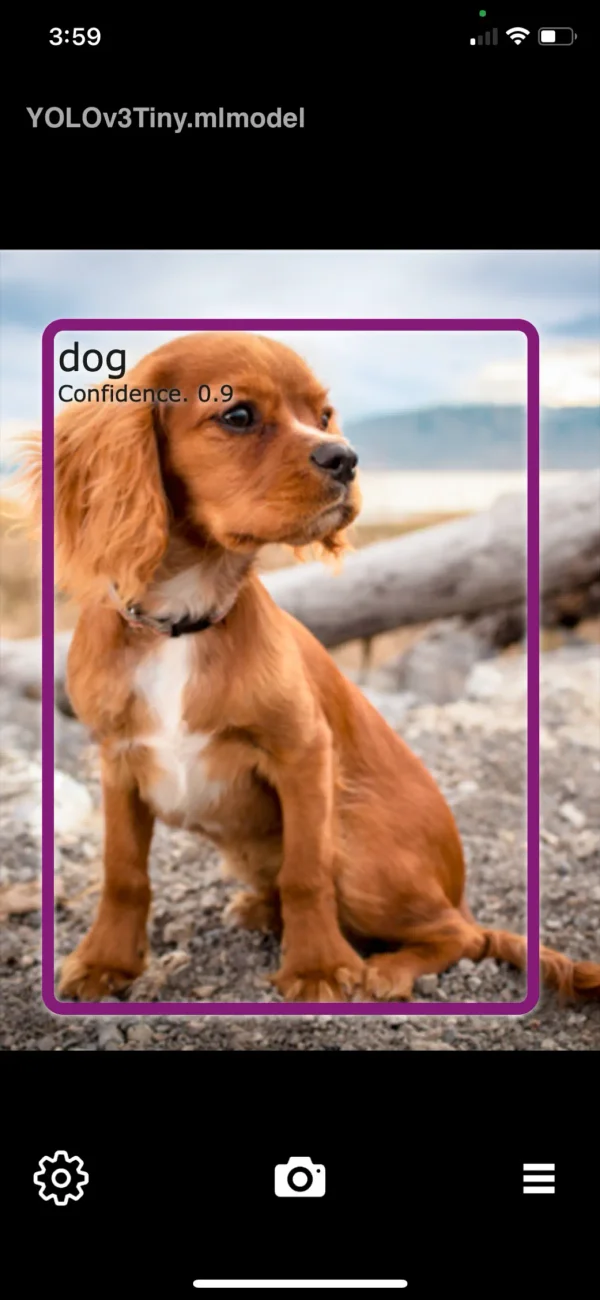
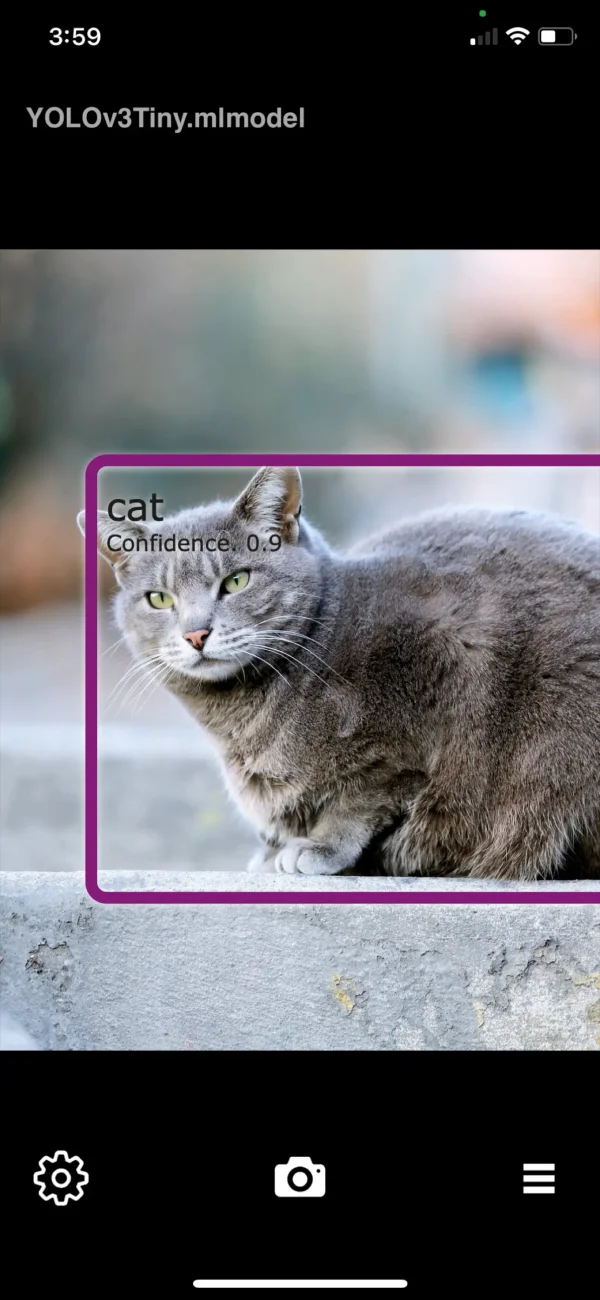
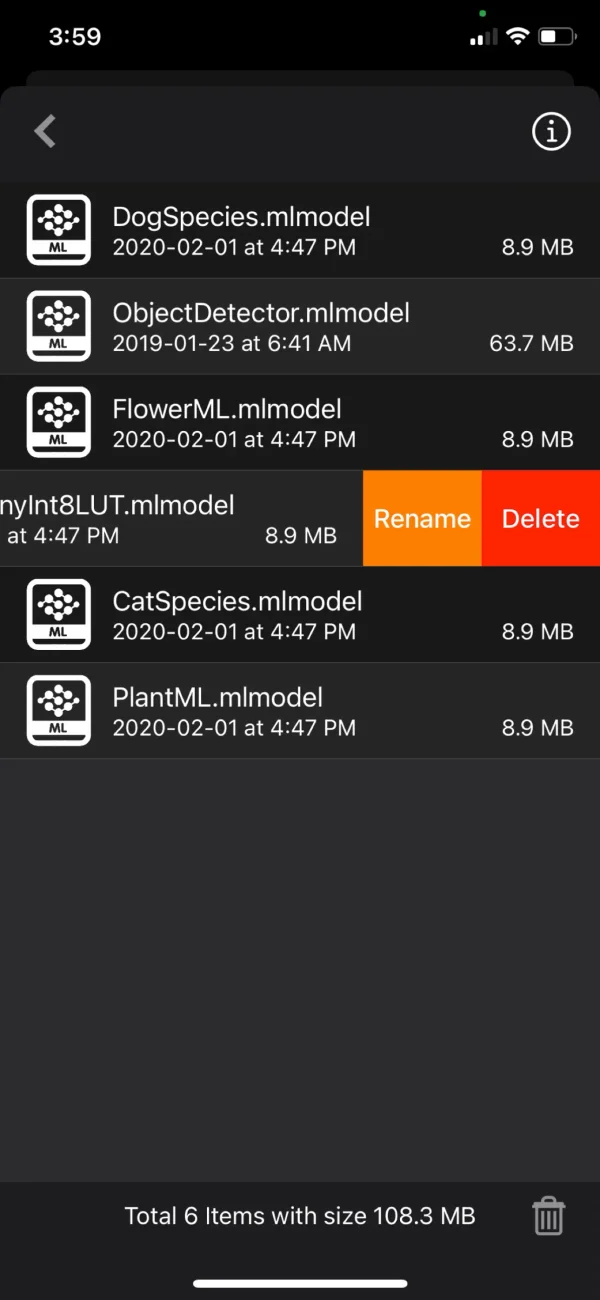
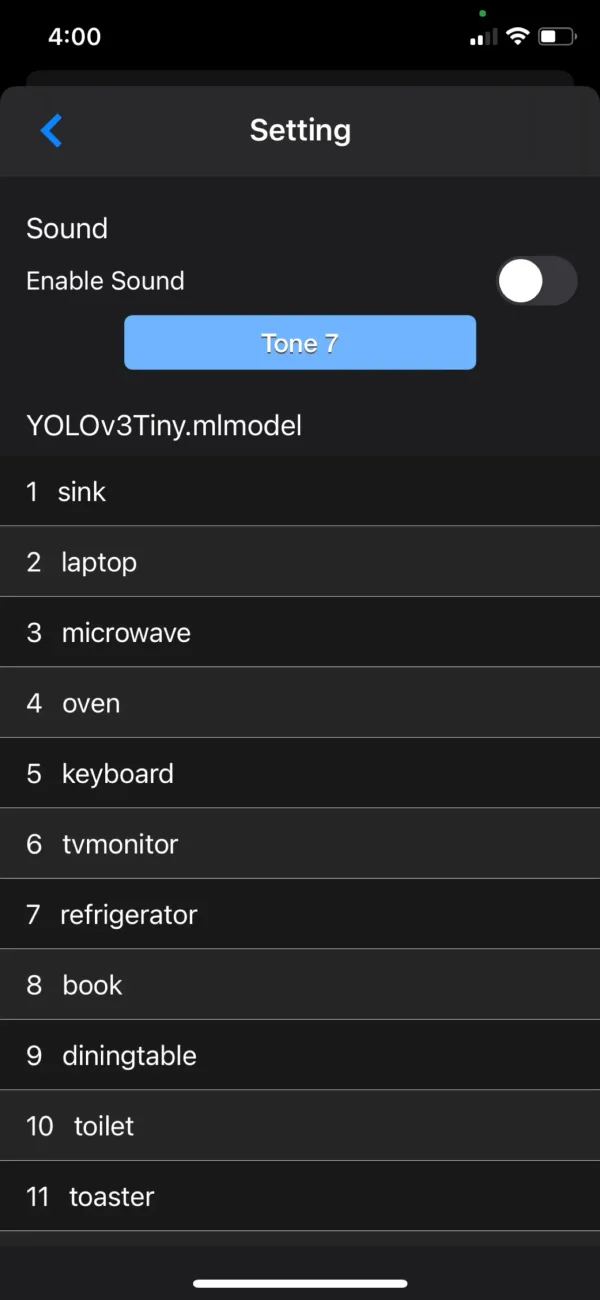

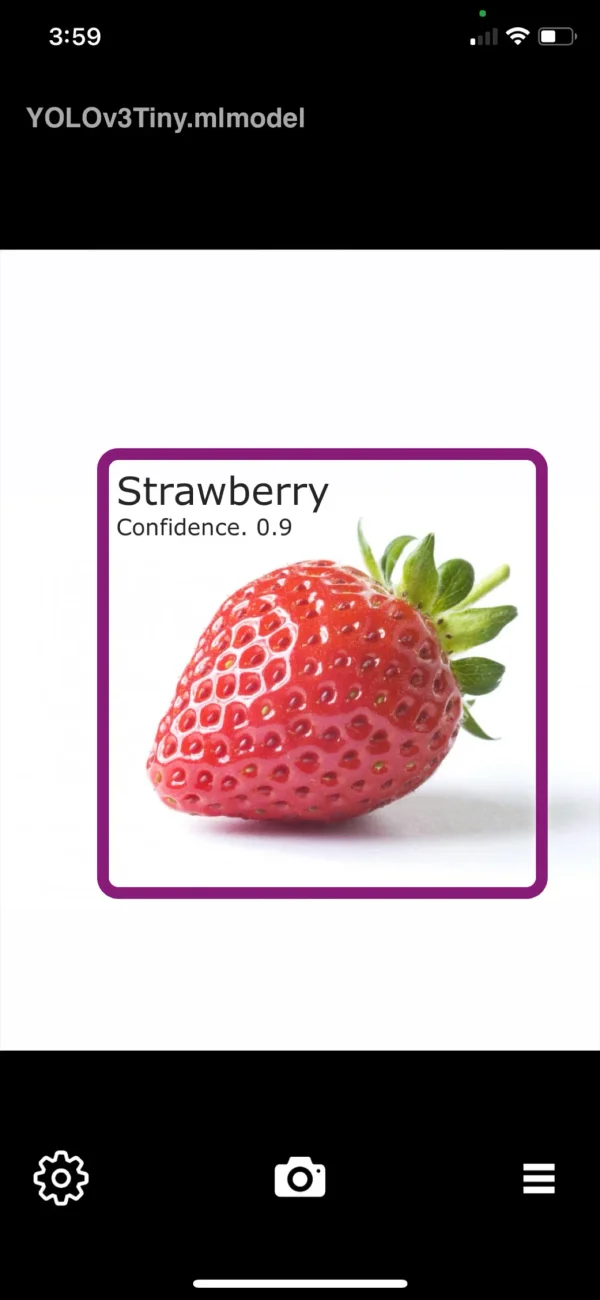
About
Object Detection Cam enables you to detect objects in real time using your iPhone or iPad with custom-trained machine learning models.
The app includes a built-in model, YOLOv3Tiny.mlmodel, a lightweight neural network optimized for fast object detection across 80 object classes.
Object Detection Cam Features:
• Load and run custom machine learning models from the built-in library
• Rename or delete models directly within the app
• Capture photos and save them instantly to the Photos library
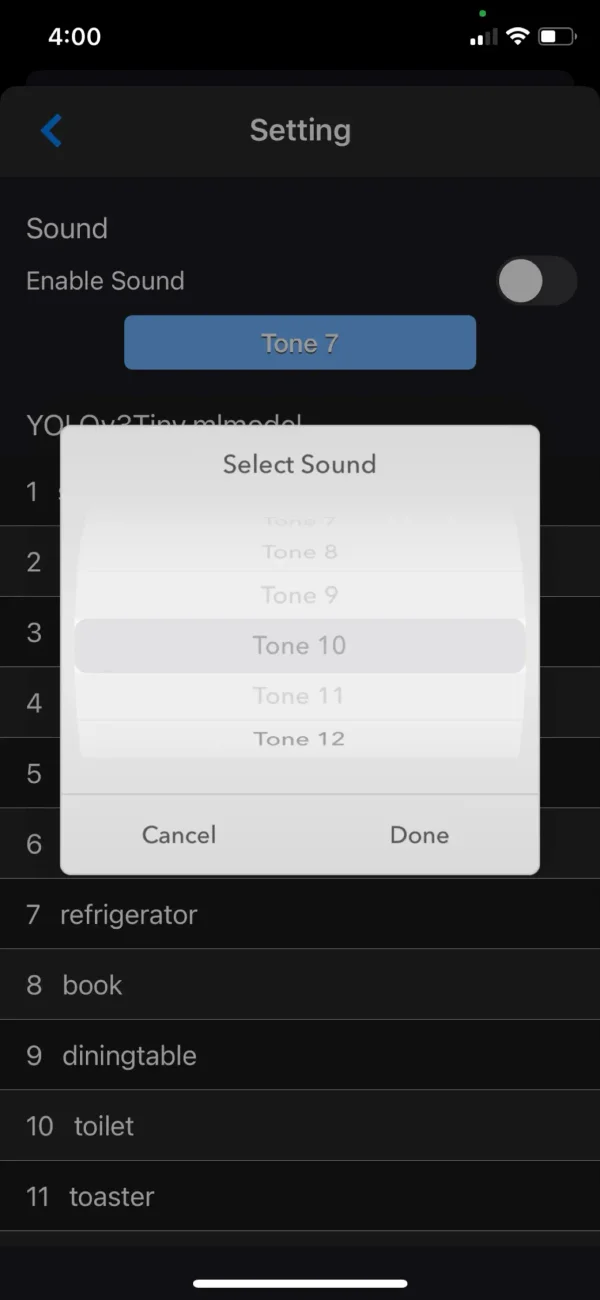
• Enable sound alerts when an object is detected
• Choose from different sound tones for object detection feedback
• View all class labels supported by the active machine learning model
Adding Custom Models:
You can download pre-trained .mlmodel files and add them via AirDrop to the following directory in the Files app:
[OD Cam]
You may also train your own object detection models using tools such as CreateML or TensorFlow (conversion to .mlmodel required)
Custom Model Tips:
For instance, if you train a model to detect 5 dog breeds—Husky, Bulldog, Golden Retriever, German Shepherd, and Beagle—it will recognize these accurately.
However, detecting a breed like Boxer (not in the model) may yield incorrect results (e.g., identified as Bulldog).
To improve accuracy, include as many relevant object classes as possible during training.
Usage Examples:
• Detect plant species in a jungle environment
• Identify dog breeds using a trained model
• Detect various animal or insect species
• Monitor item status (e.g., identify defective items)
• And many more use cases—powered by your creativity
Quick Start Guide:
1. AirDrop your .mlmodel file (e.g., DogBreedsModel.mlmodel) into the [OD Cam] folder in the Files app
2. Launch Object Detection Cam
3. Go to the Library tab and tap your custom model
4. The camera will now detect objects based on the model’s class labels
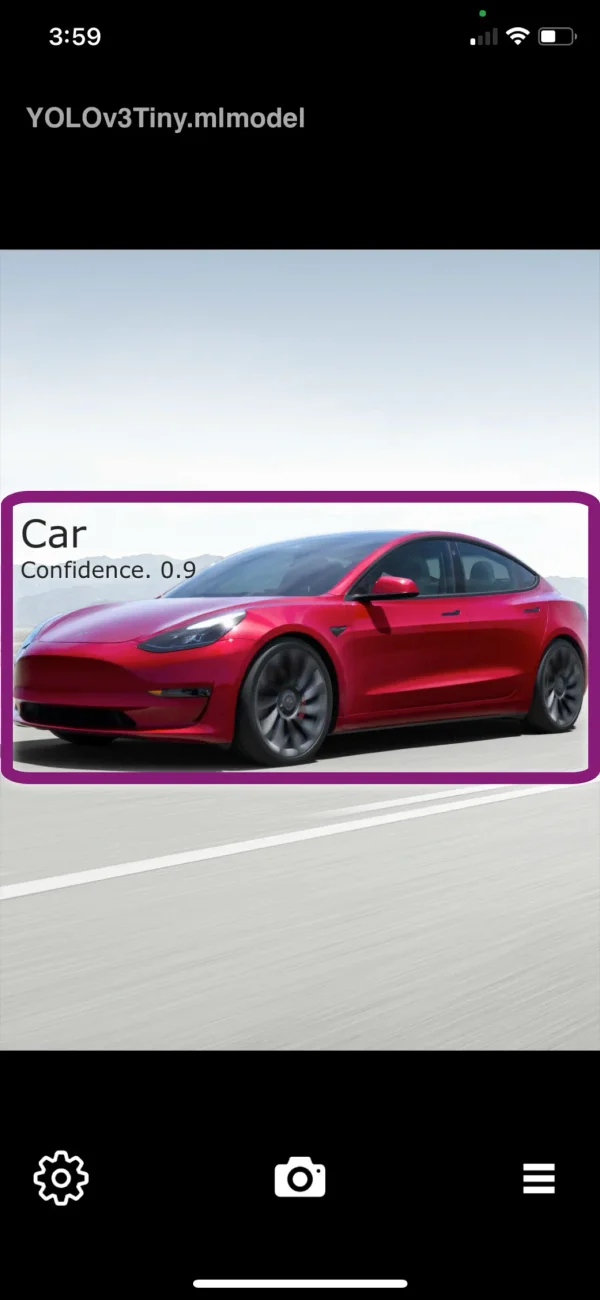
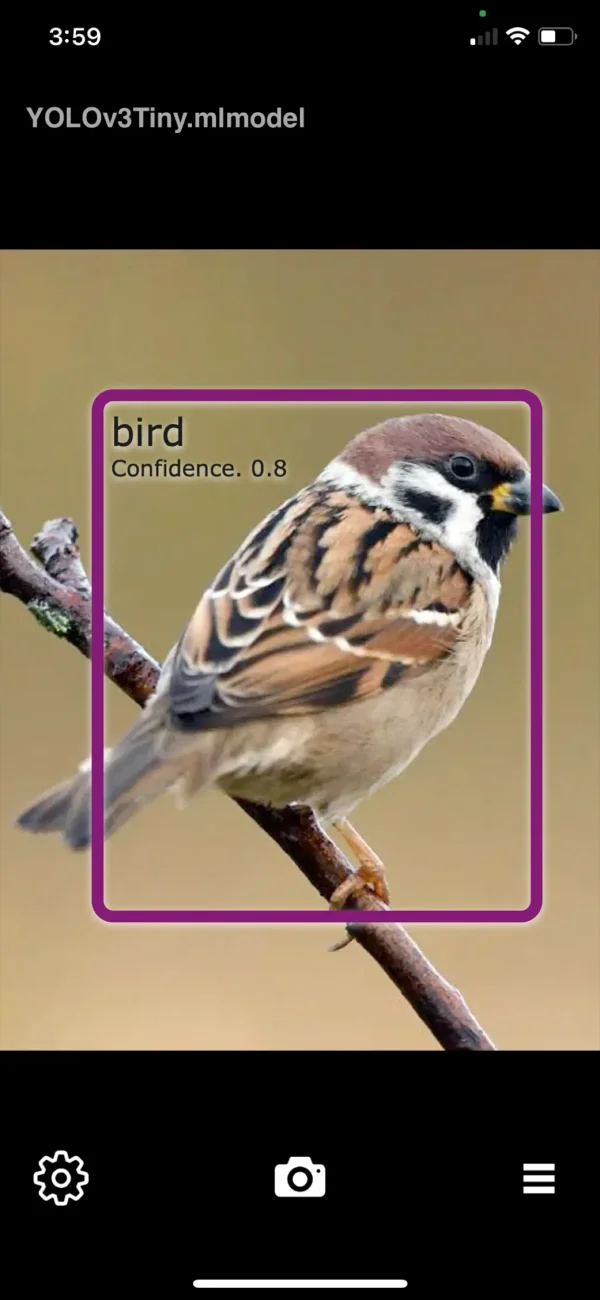
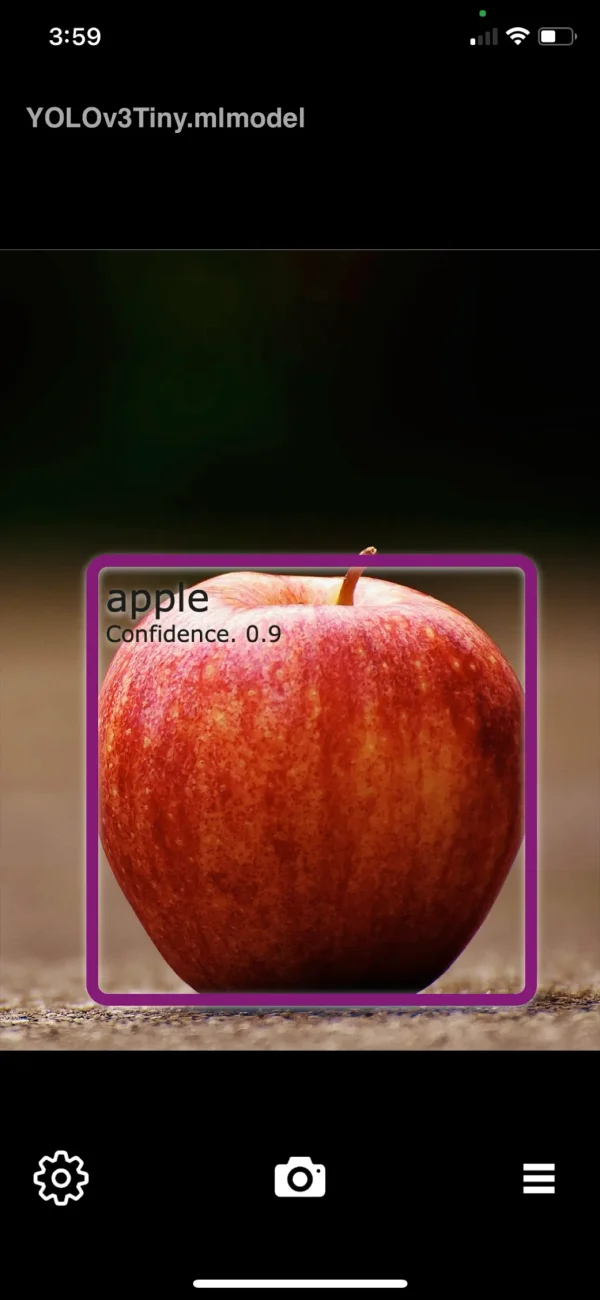
5. When an object is detected, a bounding box and label will appear on screen
6. Tap the shutter button to save a photo to your camera roll
[*] Ensure your model is specifically trained for object detection (not image classification or other model types)
What is Object Detection?
Object detection uses machine learning or deep learning algorithms to identify and locate objects within images or video.
While image classification assigns a label to an entire image, object detection involves localizing one or more objects with bounding boxes and assigning them class labels.
Thanks for your support!
Visit nitrio.com for more iOS tools and creative apps.
Thanks for your support and do visit nitrio.com for more apps for your iOS devices.
What’s new
Version 1.1 · Jul 2, 2025
- Updated for the newest devices.
- Minor bugs fixed.
App privacy
What Heng Jia Liang declares on the App Store about how this app handles data.
-
Data not collected
The developer does not collect any data from this app.
Privacy practices may vary, for example with the features you use or your age.
Information
- Seller
- Heng Jia Liang
- Category
- Photo & Video
- Version
- 1.1
- Updated
- Jul 2, 2025
- Released
- May 20, 2022
- Size
- 43.8 MB
- Requires
- iOS 12.0 or later
- Age rating
- 4+
- Price
- $2.99
- Languages
- English
- Copyright
- © Heng Jia Liang
You might also like
-
 Segment AnythingOn-device Object Cutout
-
 Geo Stamp: Timestamp on CameraTimestamp Camera Basic
-
 Fotorist: Art Photo Editorturn photos into art & filters
-
 Ultralytics YOLODemocratizing vision AI
-
 Photo Video Negative MakerNegative Video Maker Stories
-
 LegacyboxSee your memories again
-
 Looking Glass GoConvert photos to holograms
-
 SmartPTZLive Stream & Record with AI
-
 GPS Photo: Geo Stamp CameraLocation, Date & Time Stamp
-
 ShadowLensThe fastest Camera app!