
- Age rating4+
- CategoryHealth & Fitness
- DeveloperInnoFaith beauty sciences
- LanguagesEnglish+ 12 more
- Size47.7 MB
Links to the official App Store page
Download.org hosts no file of OBSERV 520. The button opens its official App Store page, published by InnoFaith beauty sciences. Listing last checked on Nov 18, 2026.
Screenshots
About
OBSERV® 520
Professional skin analysis
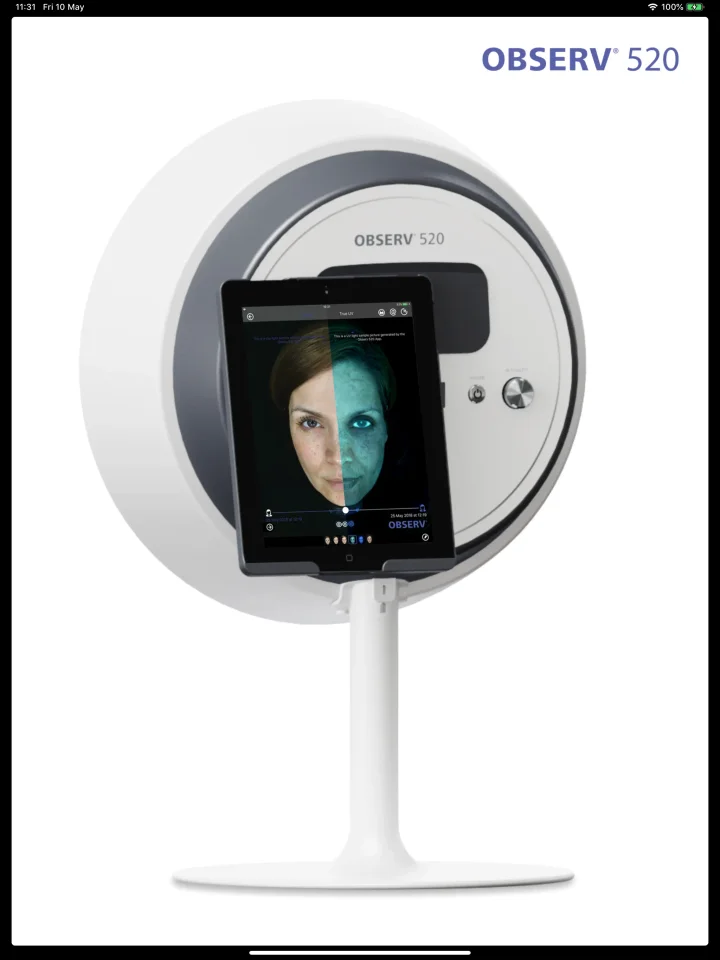
The OBSERV® 520 is the ultimate full-face skin analyzing device. It can be used widely from cosmetic development and evaluation, professional skin care advice, aesthetic treatment planning, self-assessment to communication and marketing.
OBSERV® Professional full-face skin analysis with the iPad
Using the OBSERV® 520 in combination with an iPad provides you with an accurate tool to diagnose your client's skin conditions at both epidermal and dermal layer. The different analysis modes offer you clear, sharp and detailed views of the facial skin and assist you in making a targeted treatment plan and/or giving personalized product advice in full confidence.
Seeing is believing
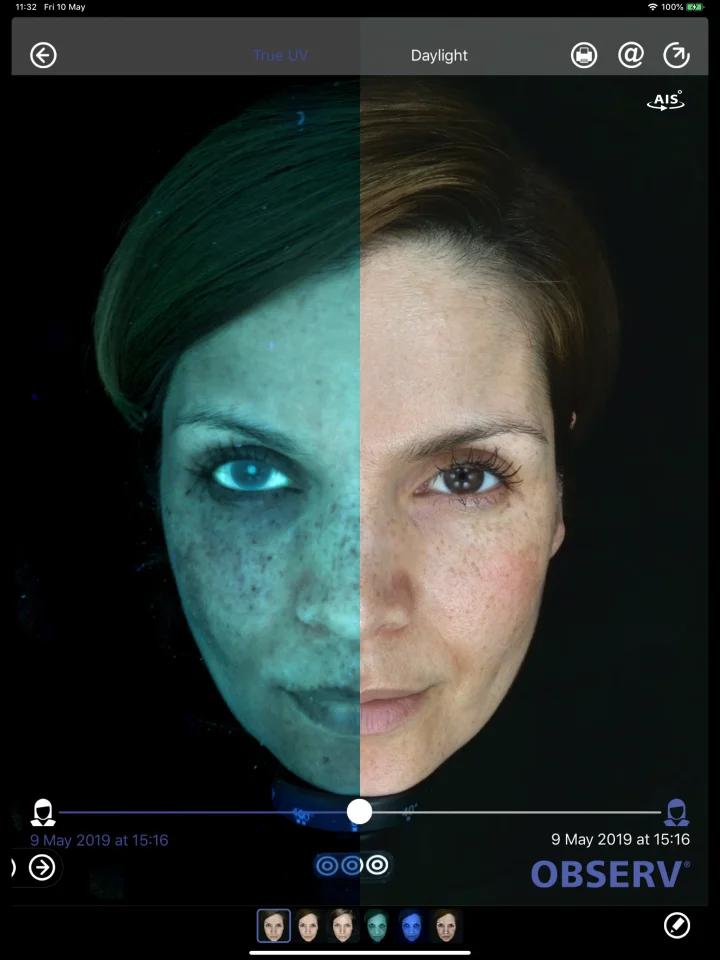
Using this App, your iPad and the OBSERV® 520 allows you to make a live visualization of your clients’ skin conditions that are not visible to the naked eye and hence often unknown. By visualizing this you can make your clients aware of skin concerns that are developing in the deeper layers of the skin but that haven’t yet surfaced and propose preventive treatment options.
Monitoring treatment progress
Shot a picture session in just 30 seconds and thanks to the App, store and retrieve the pictures of your clients of the current and past sessions. Reproduce perfectly aligned before and after pictures supporting you in monitoring facial appearance changes and the progress of your treatment plans.
Easy-to-use App controls
The App controls the OBSERV® 520 via Bluetooth 4.0 and offers you the
possibility to switch between the different light modes at any time during your skin
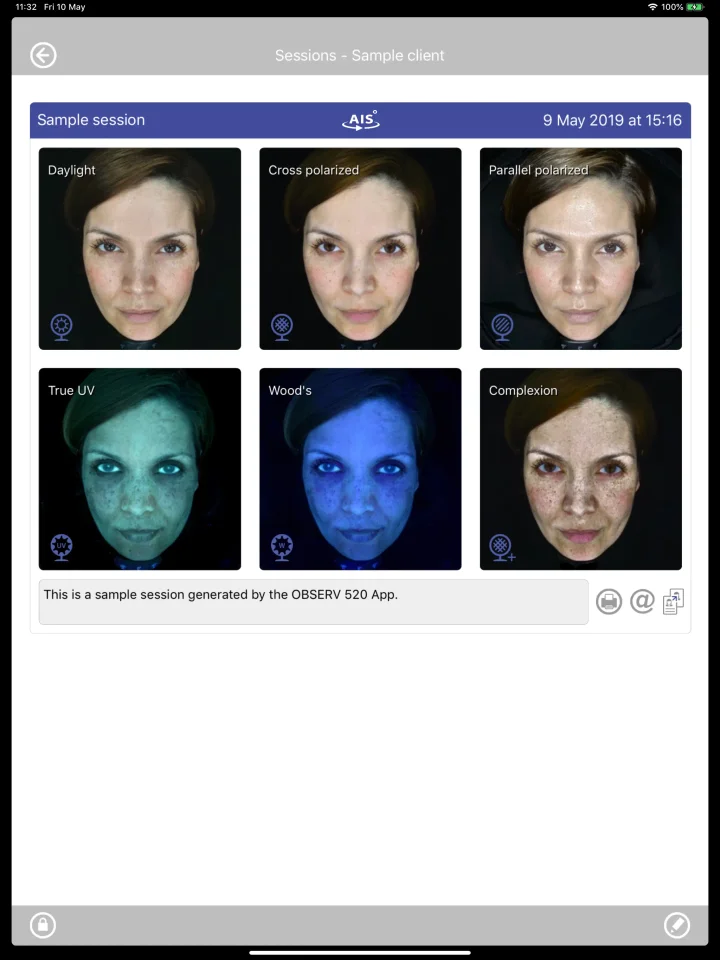
consultation. The daylight illumination mode option allows you and your client to observe how identified skin conditions manifest themselves in the daylight. By switching between the
Wood's/UV/Cross/Parallel Polarization modes, the manifestation of skin conditions can be studied in great detail. Thereby you can modify the build-up of the spectral components and enhance the
appearance of particular skin conditions. In the automatic mode, the system acquires sequentially all the images for a complete skin analysis session.
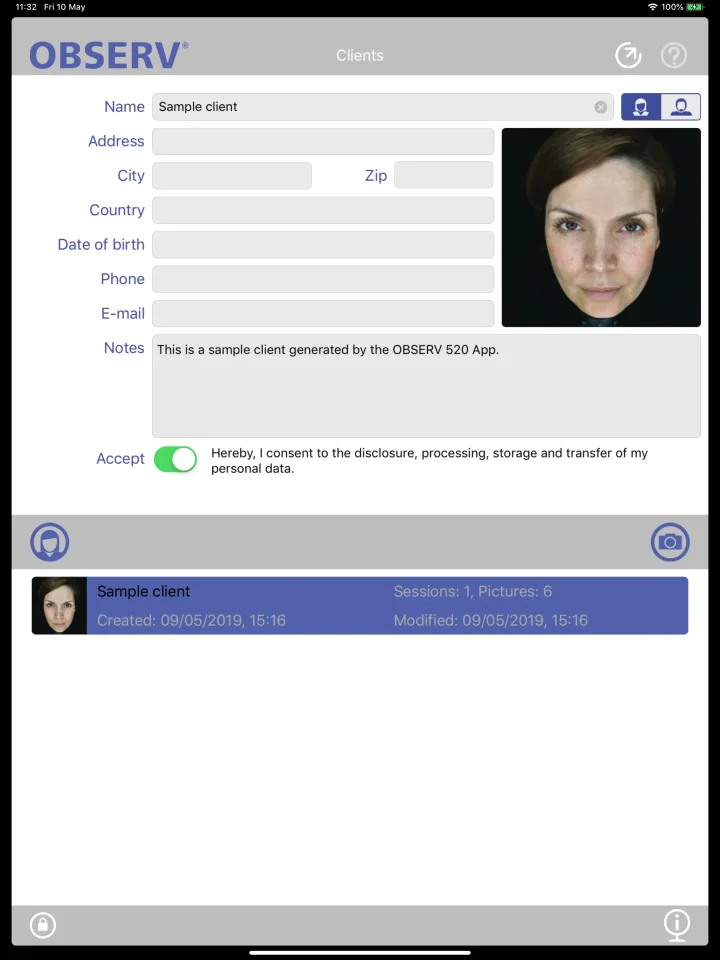
Each of these picture sessions can be stored in the client database and can be retrieved later for comparison and evaluation.
What’s new
Version 5.4.23 · Apr 28, 2026
Support for all new iPad models March 2026
App privacy
What InnoFaith beauty sciences declares on the App Store about how this app handles data.
-
Data not linked to you
May be collected but is not linked to your identity.
- Identifiers
- Diagnostics
Privacy practices may vary, for example with the features you use or your age.
Information
- Seller
- InnoFaith beauty sciences B.V.
- Category
- Health & Fitness
- Version
- 5.4.23
- Updated
- Apr 28, 2026
- Released
- Jan 21, 2014
- Size
- 47.7 MB
- Requires
- iOS 12.0 or later
- Age rating
- 4+
- Price
- Free
- Languages
- English, Dutch, French, German, Greek, Hungarian, Italian, Japanese, Portuguese, Russian, Slovak, Spanish + 1 more
- Copyright
- © InnoFaith beauty sciences
You might also like
-
 TouchMD Consult - for StaffMedical
-
 TouchMD Dashboard - for StaffMedical
-
 TouchMD Snap - for StaffMedical
-
 RxPhotoPatient Photos, EMR, Education
-
 AestheticsProMedical Spa Software
-
 Galderma GAIN appMedical
-
 NextechMedical
-
 Aesthetic Record EMREMR & Practice Management App
-
 MyZen by ZenotiHealth & Fitness
-
 Clarius Ultrasound AppMedical