
OCD Countdown
Countdown to an exact time
Designed for iPhone, iPad
Free · In-app purchases
- Age rating4+
- CategoryProductivity
- DeveloperChristian Andrade
- LanguagesEnglish
- Size15.1 MB
Links to the official App Store page
Download.org hosts no file of OCD Countdown. The button opens its official App Store page, published by Christian Andrade. Listing last checked on Nov 12, 2026.
Screenshots

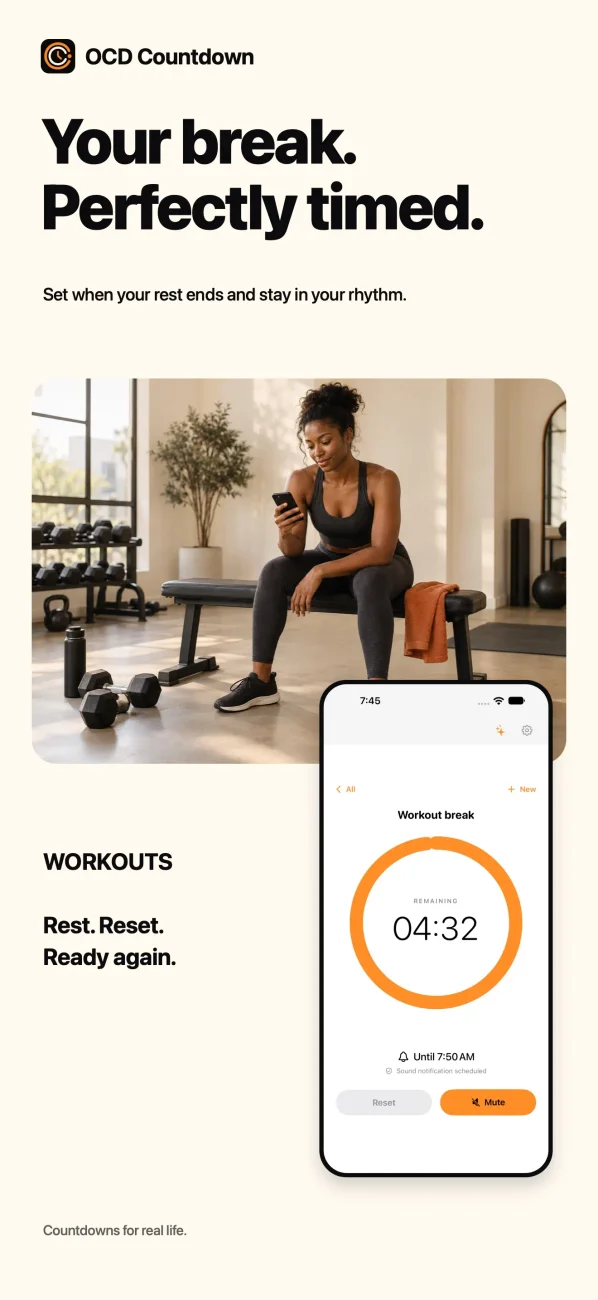
About
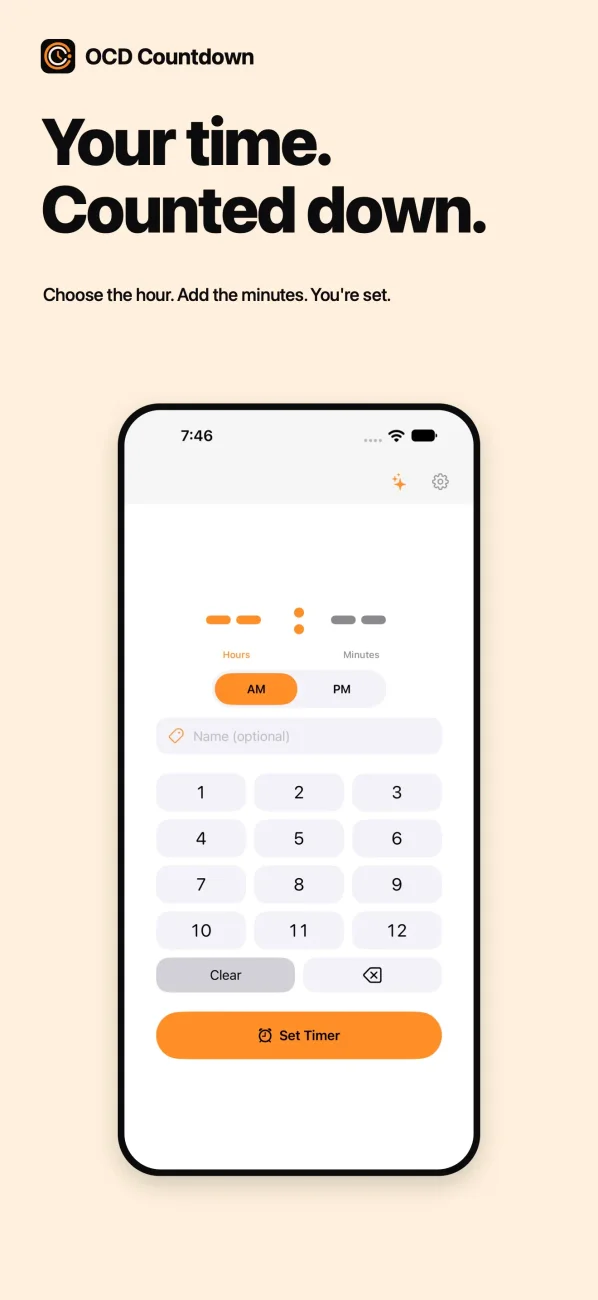
Stop doing time math. When you need a countdown to end at a specific time, simply enter that time and let OCD Countdown calculate the duration automatically.
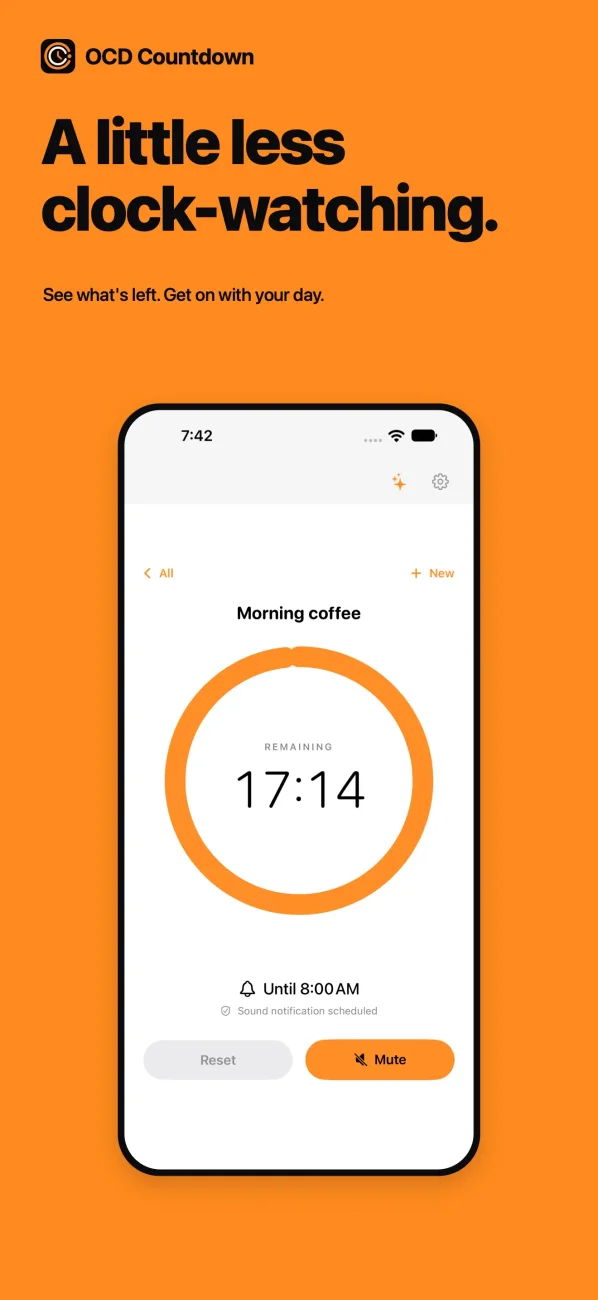
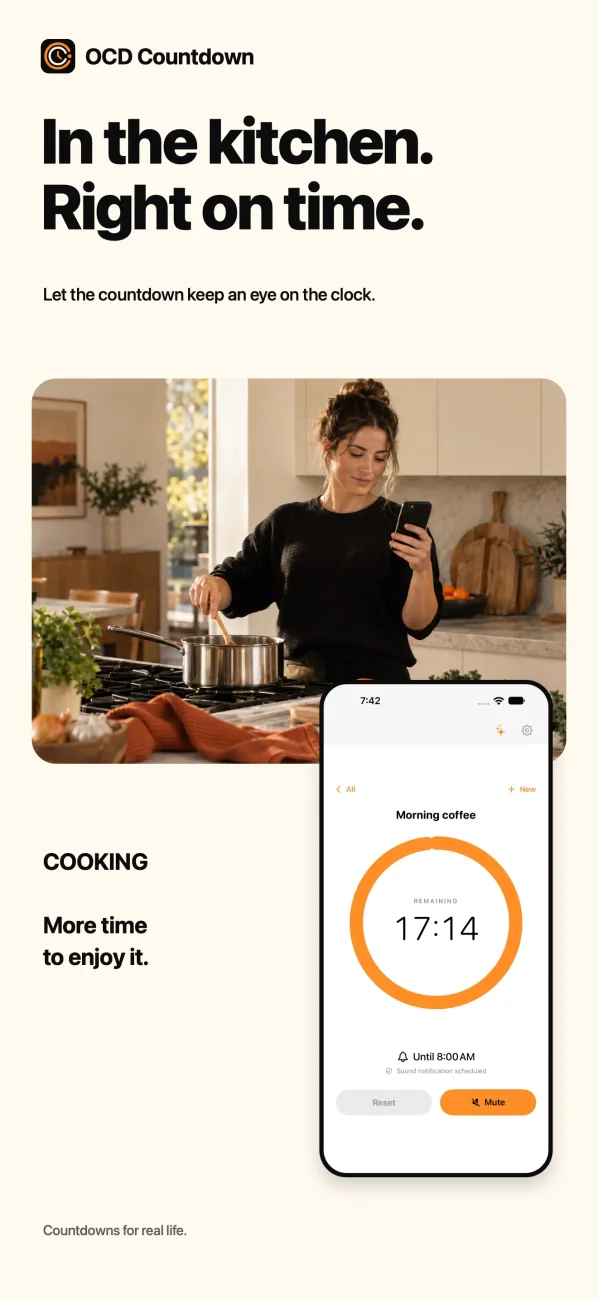
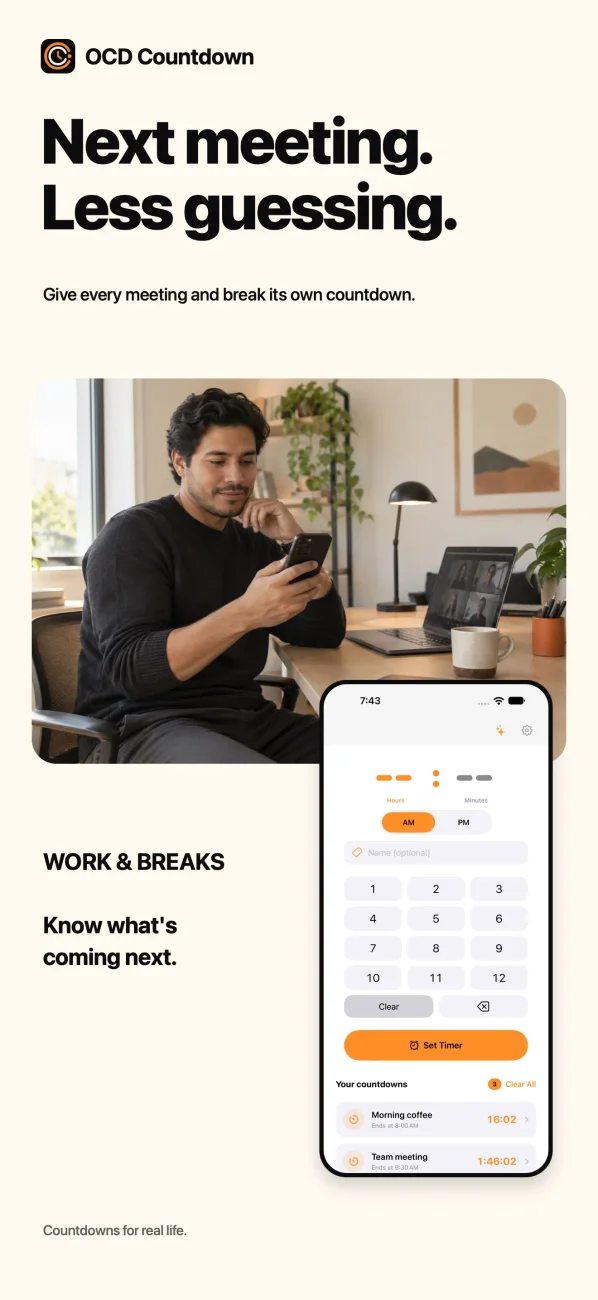
Set a time, not a duration. Create multiple countdowns for cooking, meetings, workouts, breaks, departures, and everything else happening in your day. Each countdown stays easy to identify and track, so you always know what’s next.
Choose an hour from 1–12, enter the minutes, and start your countdown. AM or PM is suggested for the next occurrence of your chosen time, and you can change it whenever needed.
Keep track with Live Activities on supported iPhones, system alarms, optional spoken updates, and customizable sounds. Mute spoken alerts without moving your target time, or clear your countdowns when you are finished.
An Apple Watch app lets you create and track countdowns on your wrist.
Optional OCD Plus subscription: eligible new subscribers receive one month free, then the subscription renews annually at the price shown by the App Store. Manage or cancel in your Apple account settings.
Terms of Use: https://www.apple.com/legal/internet-services/itunes/dev/stdeula/
What’s new
Version 1.5 · Oct 15, 2026
Quicky Countdown is now OCD Countdown, with a new icon and a cleaner interface.
• Select hours from clear 1–12 buttons, then enter the minutes.
• AM/PM automatically suggests the next occurrence of your chosen time.
• Keep your exact end time while muting spoken alerts—no more pause controls.
• Clear all countdowns with confirmation.
• Three refreshed alarm sounds and Click as the default button sound.
• Create and track countdowns on Apple Watch.
• Improved layout, accessibility, and countdown persistence.
App privacy
What Christian Andrade declares on the App Store about how this app handles data.
-
Data not collected
The developer does not collect any data from this app.
Privacy practices may vary, for example with the features you use or your age.
Information
- Seller
- Christian Andrade
- Category
- Productivity
- Version
- 1.5
- Updated
- Oct 15, 2026
- Released
- May 6, 2026
- Size
- 15.1 MB
- Requires
- iOS 16.6 or later
- Age rating
- 4+
- Price
- Free
- In-app purchases
- Yes
- Languages
- English
- Copyright
- © Christian Andrade
You might also like
-
 Focus Dots: Focus TimerNo streaks. Just dots.
-
 4321 TimerProductivity
-
 Linear Timer+Visual interval timer
-
 easy timer-the simplest timerOne-tap simple timer
-
 MultiTimer PlusRun several timers at once
-
 ElksTimerInterval Timer
-
 WakeBetter : Alarm & RoutineSleep Tracker & Morning Habits
-
 Studirum: Study & Focus TimerSocial Pomodoro & Task Tracker
-
 vibetime.a minimalist visual timer
-
 Countdown by NatorEvent timer with widgets