
- Age rating4+
- CategoryUtilities
- DeveloperArtem Soroka
- LanguagesEnglish
- Size24.7 MB
Links to the official App Store page
Download.org hosts no file of OctoClient. The button opens its official App Store page, published by Artem Soroka. Listing last checked on Nov 22, 2026.
Screenshots

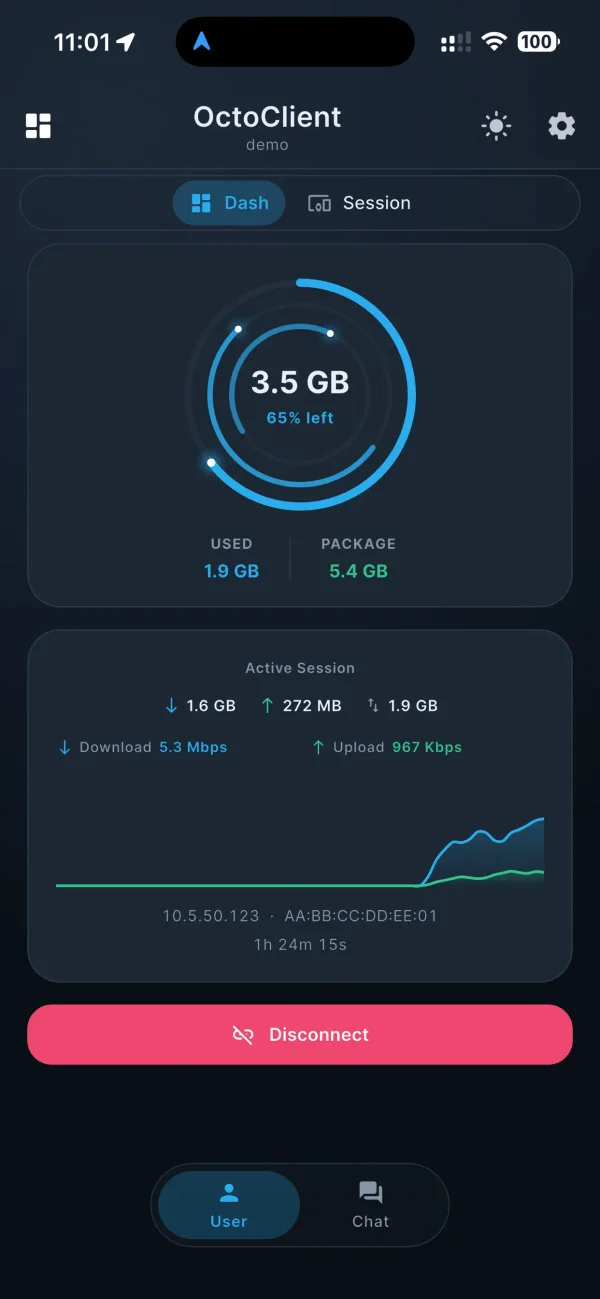

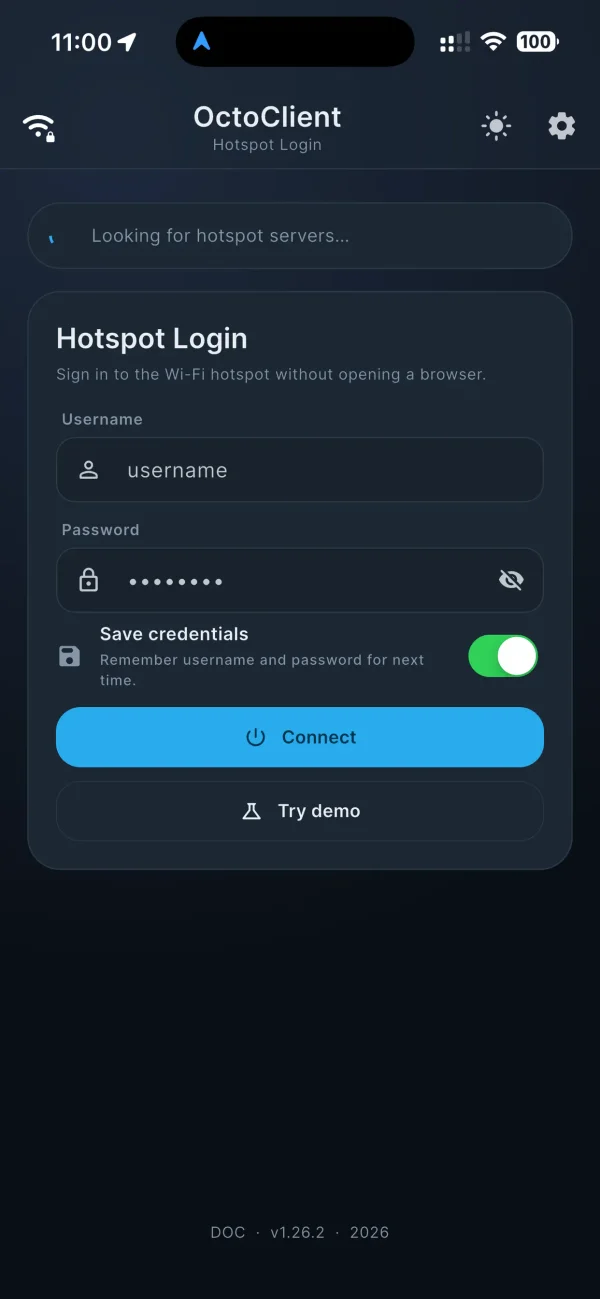
About
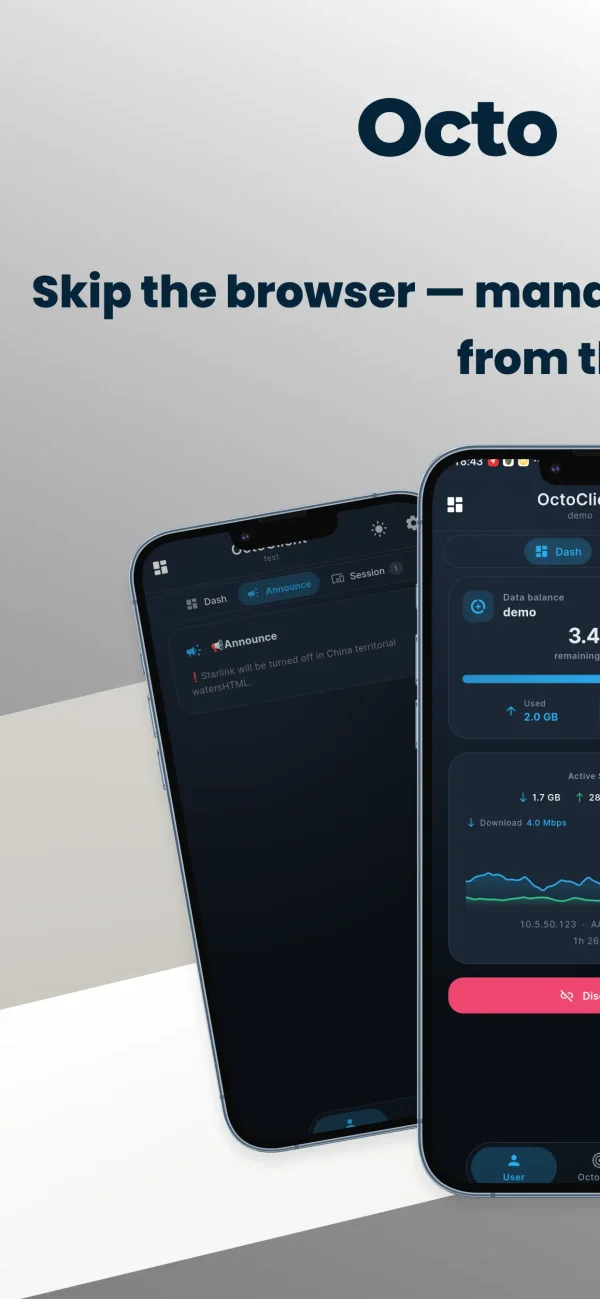
OctoClient helps users sign in to compatible MikroTik Hotspot networks directly from the app, without opening a browser or WebView.
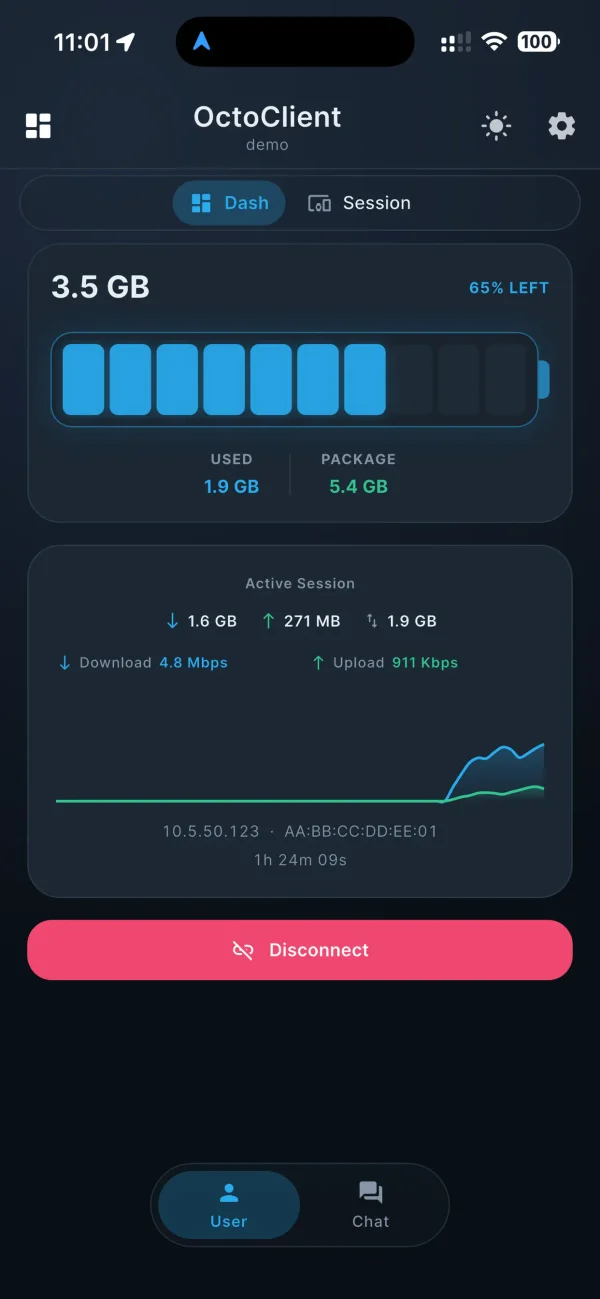
The app detects the captive portal, reads the login form, supports CHAP authentication, and checks the real internet connection after sign-in. When the network provides supported RouterOS data, OctoClient can also show useful session details such as connection status, IP address, traffic counters, uptime, profile limits, and remaining data balance.
OctoClient is fully dependent on OctoTik. The app is intended for MikroTik Hotspot networks configured and managed through OctoTik; availability of login, session, balance, profile, and chat features depends on the OctoTik hotspot configuration and RouterOS access provided by the network operator.
What OctoClient is useful for:
- Signing in to OctoTik-configured MikroTik Hotspot networks from one focused app
- Seeing whether the device is connected, offline, or blocked by the portal
- Viewing current session traffic and time online
- Checking package or data balance when available from the router
- Switching between light, dark, and system appearance
- Using local chat features on supported OctoTik-enabled networks
OctoClient is not affiliated with or endorsed by MikroTik.
What’s new
Version 1.67.0 · Nov 22, 2026
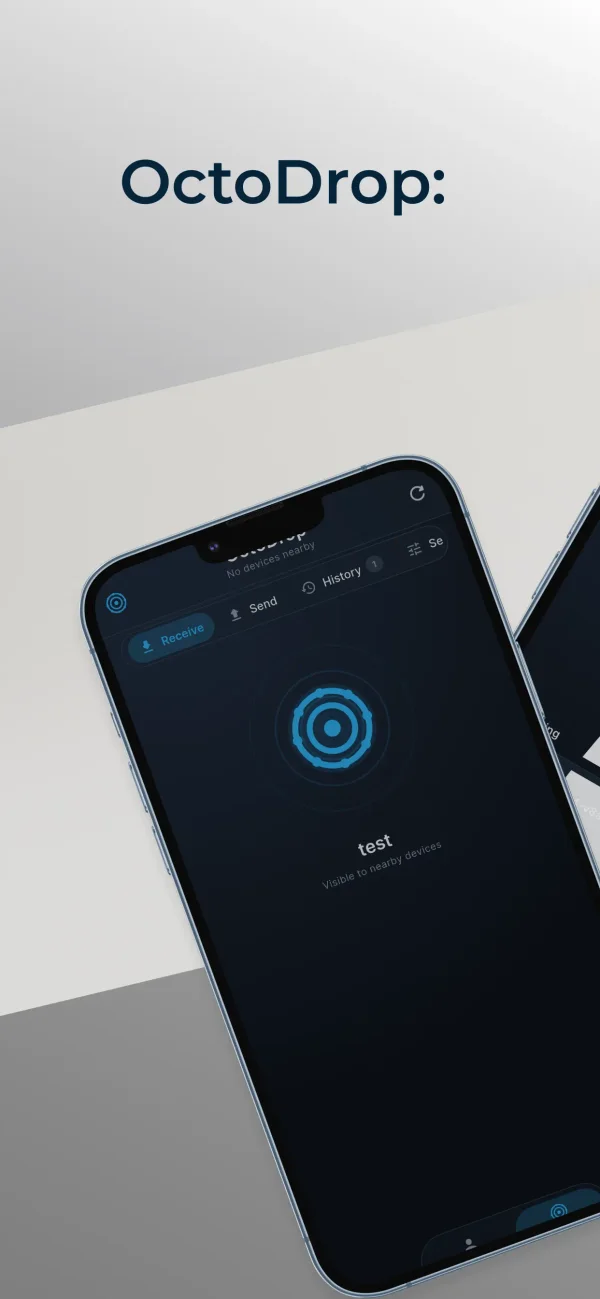
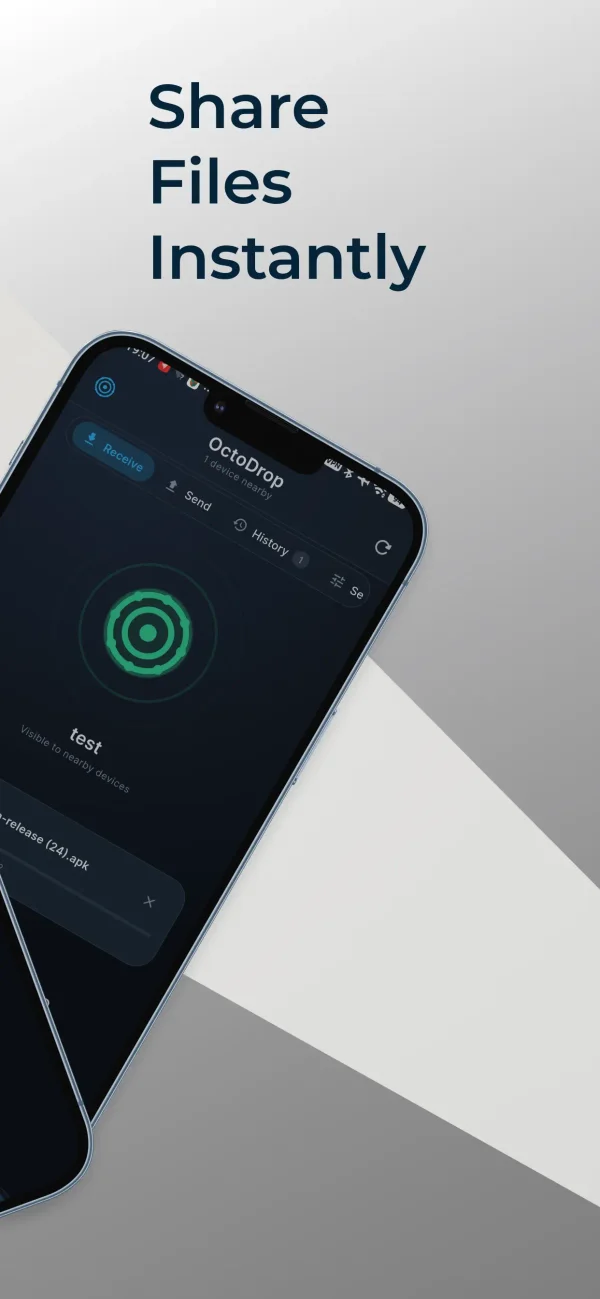
OctoDrop
• Works without signing in: the login screen has a Login / OctoDrop dock, and transfers continue after you sign in
• Send by QR: the receiver taps Show my QR code, the sender taps Scan QR, no need to find the device in the list
• OctoDrop in the Share menu of other apps: files open on Send
Settings
• New menu: account header, separate Appearance, Text & spacing and Data usage pages
• New themes: light Mono and dark Neon
• Letter spacing and line height in Text & spacing
App privacy
What Artem Soroka declares on the App Store about how this app handles data.
-
Data not collected
The developer does not collect any data from this app.
Privacy practices may vary, for example with the features you use or your age.
Information
- Seller
- Artem Soroka
- Category
- Utilities
- Version
- 1.67.0
- Updated
- Nov 22, 2026
- Released
- Jun 29, 2026
- Size
- 24.7 MB
- Requires
- iOS 15.0 or later
- Age rating
- 4+
- Languages
- English
- Copyright
- © 2026 DOC
You might also like
-
 StarfloaTikMikroTik Hotspot by Starfloat
-
 OceanLinkXMikroTik in your pocket
-
 Mikrolink HotspotRouterOS Hotspot Manager
-
 YoSC - Your Secure ConnectionSecure connection at sea
-
 MyTik: Network ManagerManage Routers, UBNT & Mimosa
-
 MikroTik Hotspot Manager ProMikroWiFi: wifi & vouchers
-
 FPSS MonitorCustomer-centric
-
 BoostyLinkUtilities
-
 Modbus ConnectUtilities
-
 MikroTicket: WiFi VouchersWiFi Tickets for MikroTik