Odyx: Car Coding & OBD2
Diagnostics & hidden features
Designed for iPhone, iPad, Mac
Free · In-app purchases
- Age rating4+
- CategoryUtilities
- DeveloperSergey Pavlov
- LanguagesEnglish+ 2 more
- Size32.9 MB
Links to the official App Store page
Download.org hosts no file of Odyx: Car Coding & OBD2. The button opens its official App Store page, published by Sergey Pavlov. Listing last checked on Nov 25, 2026.
Screenshots
About
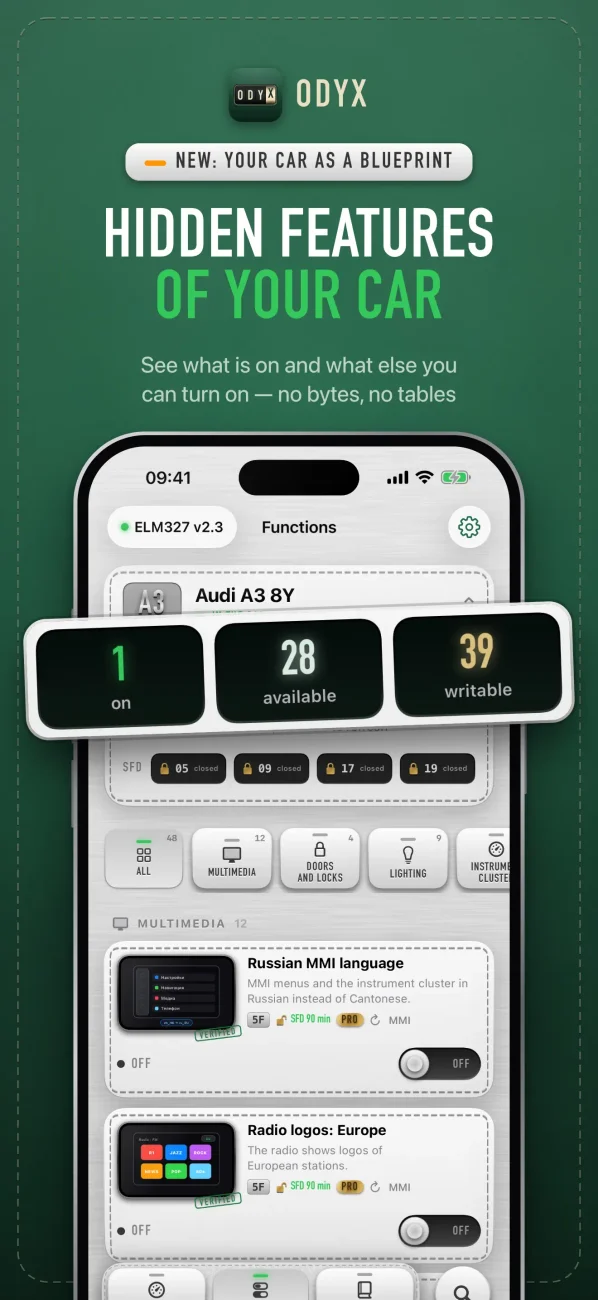
Odyx brings diagnostics, coding and ready-made features for vehicles on the MQB, MQB Evo and MLB Evo platforms to iPhone, iPad and Mac.
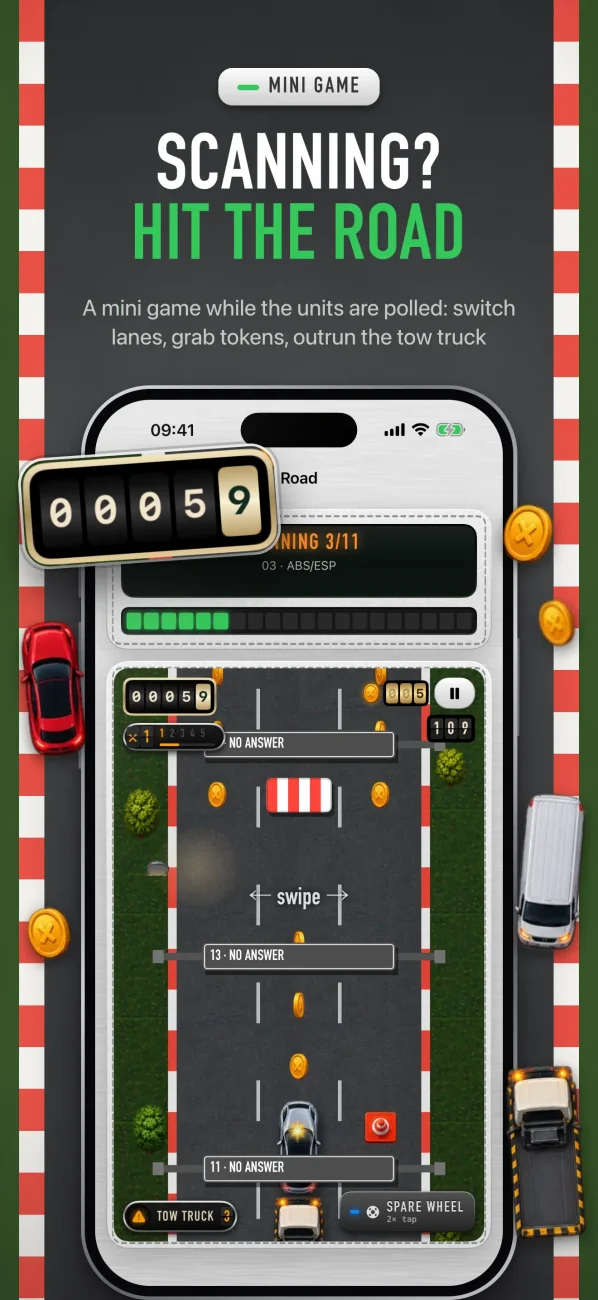
Connect an OBD adapter, scan the car and see what you can turn on. No car or adapter? Try everything in the built-in simulator.
READY-MADE FEATURES
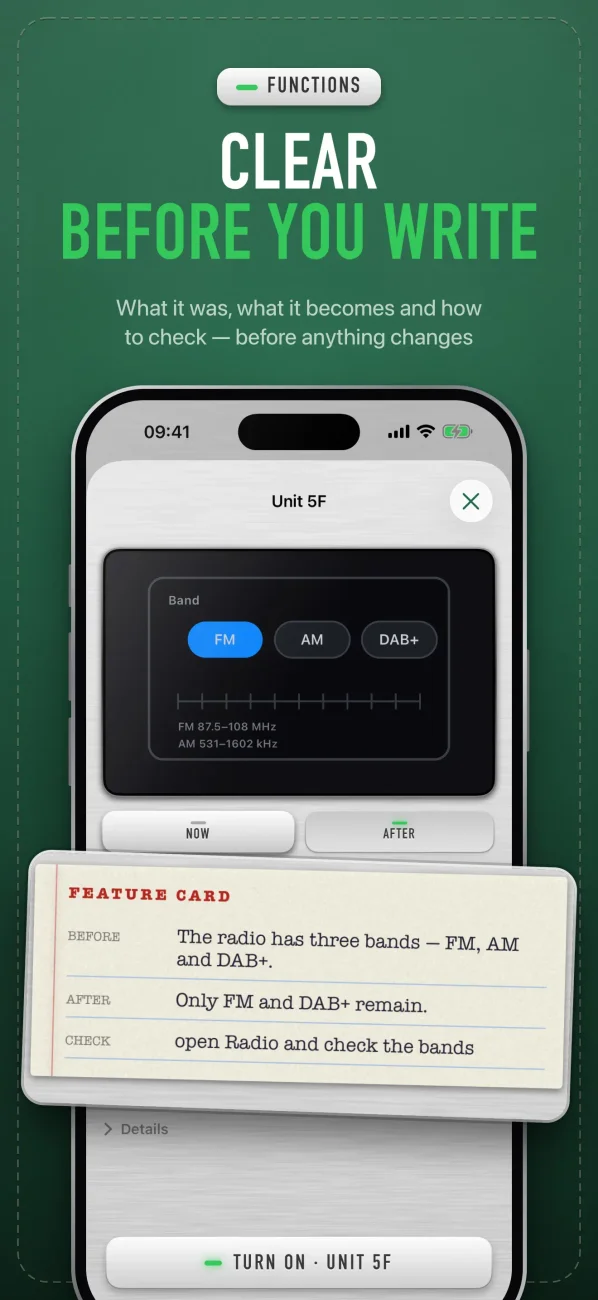
• A feature catalog for your car: see what is already on, what you can turn on and how it was verified — on a real car or from the platform map.
• Head unit and navigation language, wireless CarPlay, radio region, lights, doors, sounds and the instrument cluster. The set of features depends on the platform, equipment and unit software.
• Before writing: a "before / after / how to check" card and a byte-level change plan. A backup is made automatically.
DIAGNOSTICS
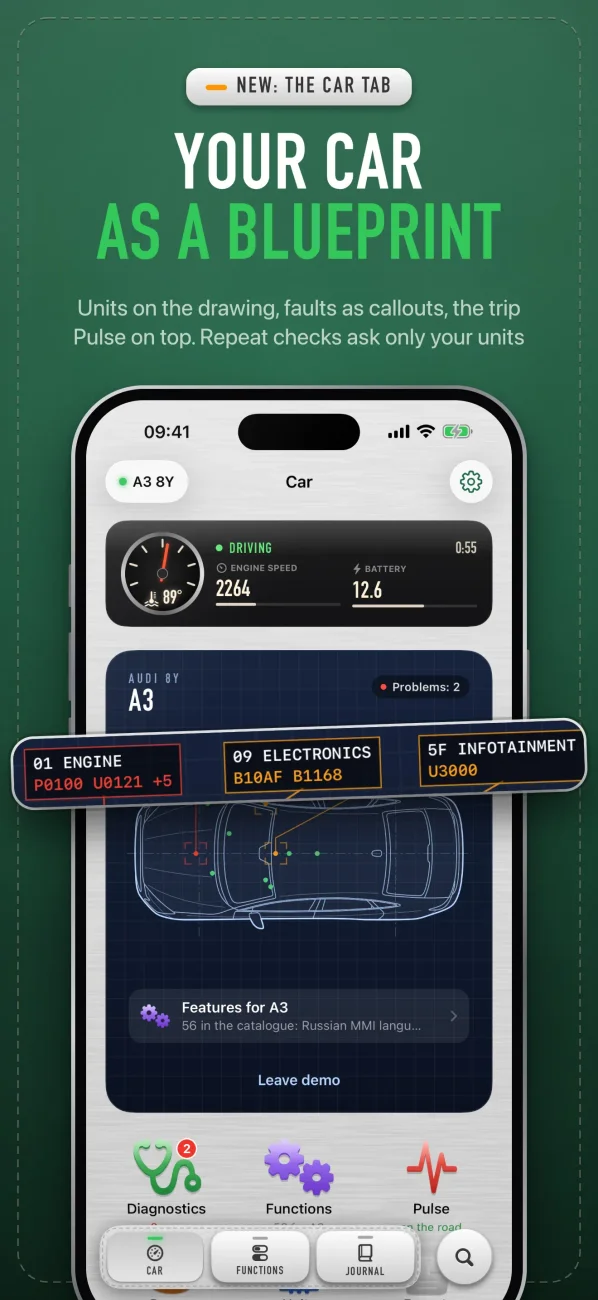
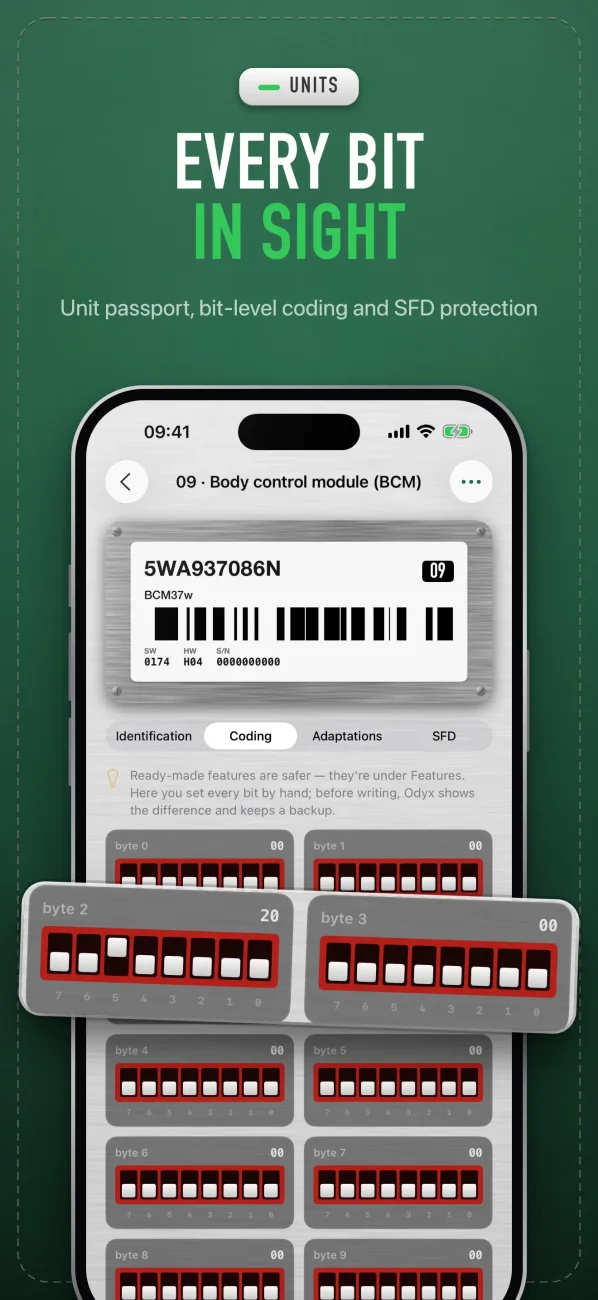
• Scan every unit: part numbers, software versions, a passport for each unit.
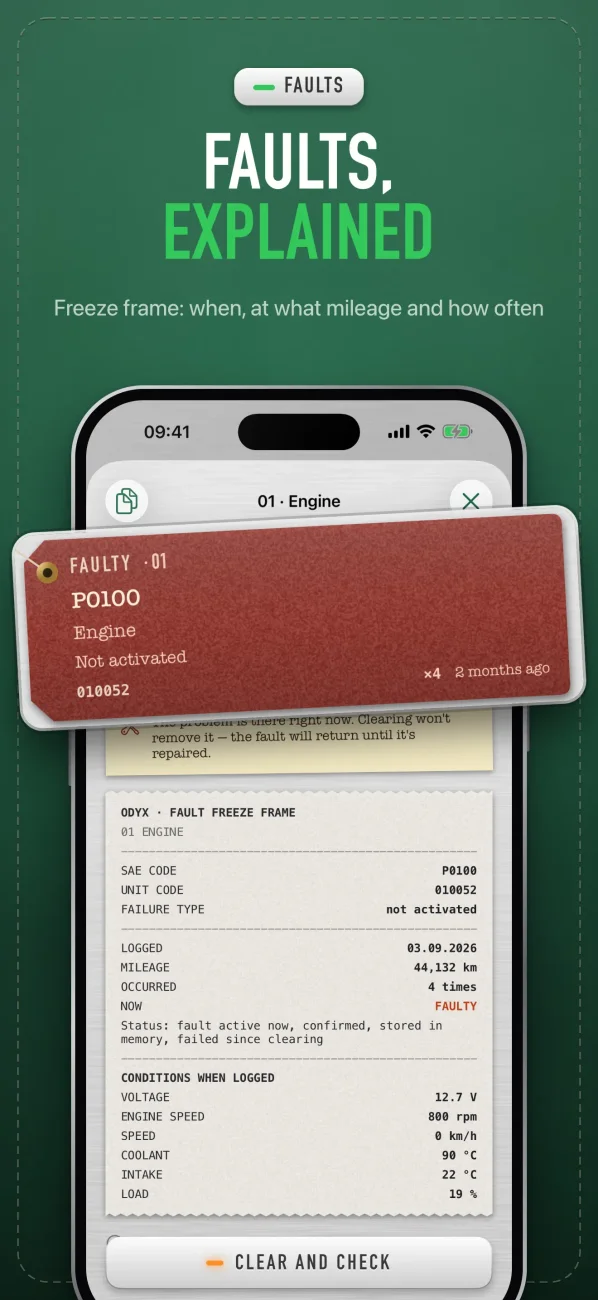
• Faults explained, with freeze frames: when, at what mileage and how often. Clearing with a follow-up check.
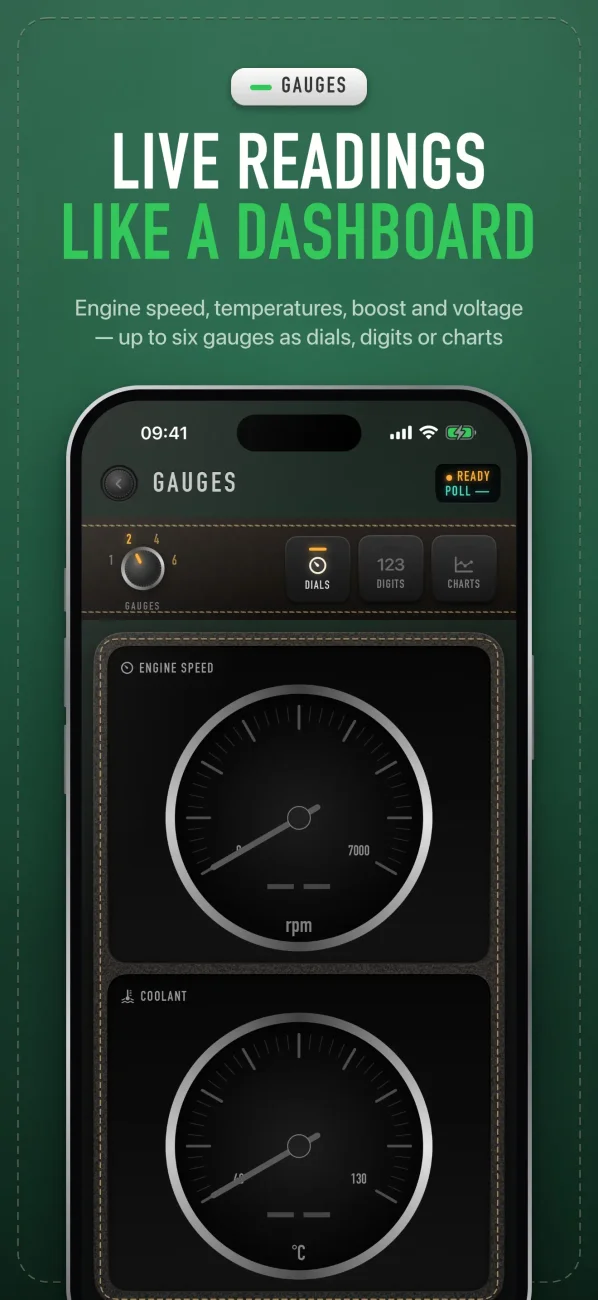
• Battery voltage and traces of voltage drops.
CODING AND ADAPTATIONS
• Long coding bit by bit, shown as switches.
• Read and change supported adaptation channels.
• SFD status, activation request and entry of a token obtained separately from an authorized provider.
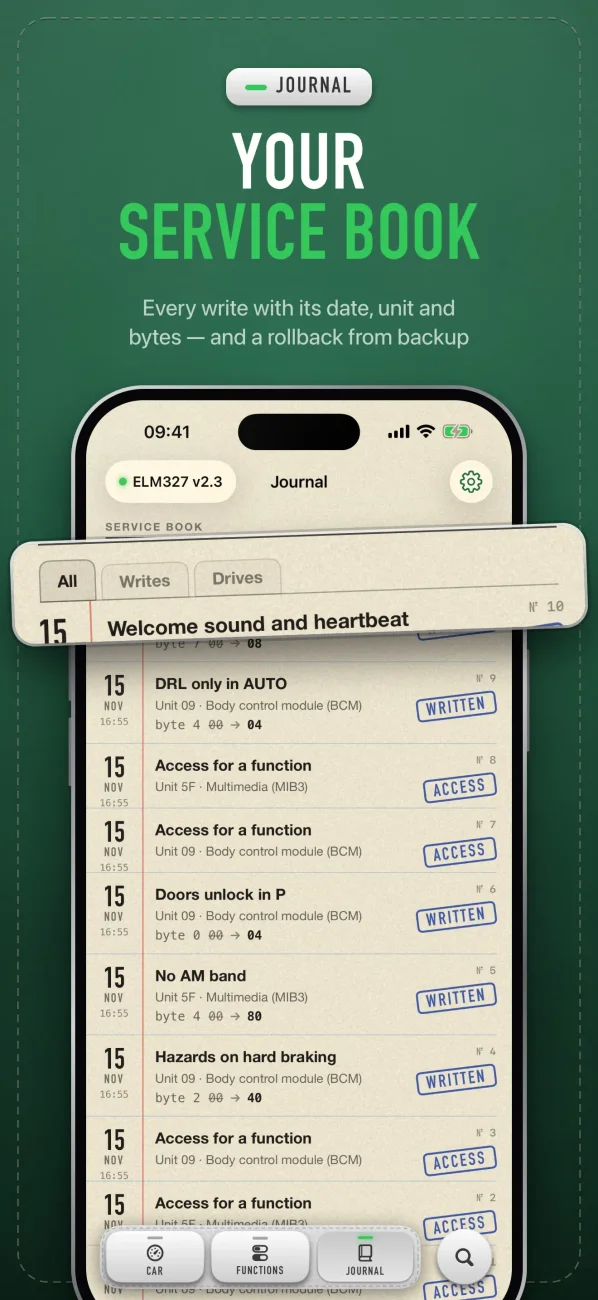
SERVICE BOOK
• A log of every write: date, unit and the bytes that changed.
• Roll back from backups.
CONNECTION
iPhone and iPad: compatible ELM327 adapters over Bluetooth LE. Mac: Bluetooth LE, Wi‑Fi, serial and DoIP (OBD-Ethernet). Adapter sold separately.
YOUR DATA STAYS ON YOUR DEVICE
No account needed. Vehicle data, history and backups are stored on the device. The feature catalog comes from the developer's server without identifiers. Notifications only if you turn them on. No ads, no tracking.
COMPATIBILITY
Profiles cover vehicles on the MQB, MQB Evo and MLB Evo platforms. What is available depends on the vehicle, part number, software version, adapter and protection status. Not every catalog entry can be written; its status is shown in the app. Compatibility with every vehicle on these platforms is not guaranteed. SFD tokens are not included, and Odyx does not bypass unit protection.
Only make changes with the vehicle parked, the engine off, the ignition on and a stable power supply.
Odyx is an independent product and is not affiliated with any vehicle manufacturer.
ODYX PRO SUBSCRIPTION
Free: connection, unit scan, unit passport, reading and clearing faults, adaptations, the service book and rollback. Odyx Pro unlocks ready-made features and procedures for vehicles in the catalog, reading and writing coding, and SFD. Two plans: 1 month and 1 year.
Payment is charged to your Apple Account at confirmation of purchase. The subscription renews automatically unless cancelled at least 24 hours before the end of the current period; renewal is charged within the last 24 hours of the period. Manage the subscription and turn off auto-renewal in your App Store account settings after purchase.
Terms of Use: https://www.apple.com/legal/internet-services/itunes/dev/stdeula/
Privacy Policy: https://a3c.resaleapp.ru/en/privacy/
What’s new
Version 1.2.4 · Nov 24, 2026
What’s new in 1.2.4
• Service procedures with Odyx Pro: DSG adaptation (DQ200, DQ250, DQ381, DQ500), throttle body adaptation, tyre pressure reset, parking brake service mode. A list of conditions before you start, step-by-step progress while it runs; the screen stays on.
• Wi‑Fi ELM327 adapters: Odyx finds the adapter on the Wi‑Fi network by itself, or you can enter the address.
• Auto-connect to the last adapter on launch — optional, in the diagnostics settings. You can also turn off the automatic fault check after connecting there.
• Miles and °F: choose the units in the settings.
• If another app is already using the adapter, Odyx tells you and asks you to close it.
• “Tips for my car” — optional: one useful tip a day for your car in notifications.
• New cars in the catalog: SEAT Leon III, DSG adaptation for MQB cars and more.
• A more reliable link: long module answers over Bluetooth, clone adapters, older cars with a TP2.0 channel, modules without SFD. The app recovers by itself after a long time in the background.
App privacy
What Sergey Pavlov declares on the App Store about how this app handles data.
-
Data linked to you
May be collected and linked to your identity.
- User content
- Identifiers
-
Data not linked to you
May be collected but is not linked to your identity.
- Purchases
- Location
- User content
- Identifiers
- Usage data
- Diagnostics
- Other data
Privacy practices may vary, for example with the features you use or your age.
Information
- Seller
- Sergey Pavlov
- Category
- Utilities
- Version
- 1.2.4
- Updated
- Nov 24, 2026
- Released
- Oct 4, 2026
- Size
- 32.9 MB
- Requires
- iOS 26.0 or later
- Age rating
- 4+
- Price
- Free
- In-app purchases
- Yes
- Languages
- English, German, Russian
- Copyright
- © 2026 The Boring Developers
You might also like
-
 Clean Your TV (EN)Utilities
-
 MotorData OBD ELM car scannerCar diagnostic. Dashboard.
-
 Парковки РоссииUtilities
-
 Carista OBD2 Car ScannerCode, Service, Diagnose cars
-
 OBD2 Scanner | OBD Auto DoctorCar Diagnostics & Check Engine
-
 OBDeleven – OBD2 car scannerDiagnostics & customization
-
 incyYour network, your control
-
 Torque Pro : OBD2 Car ScannerTorque OBD2 Car Scanner ELM
-
 AmneziaWGUtilities
-
 OBDeleven VAGUtilities