
office interactive tutorials
It’s easy, if you try!
Designed for iPhone, iPad, iPod touch
Free · In-app purchases
- Age rating4+
- CategoryEducation
- Developer发展 李
- LanguagesEnglish+ 6 more
- Size33.2 MB
Links to the official App Store page
Download.org hosts no file of office interactive tutorials. The button opens its official App Store page, published by 发展 李. Listing last checked on Nov 14, 2026.
Screenshots



About
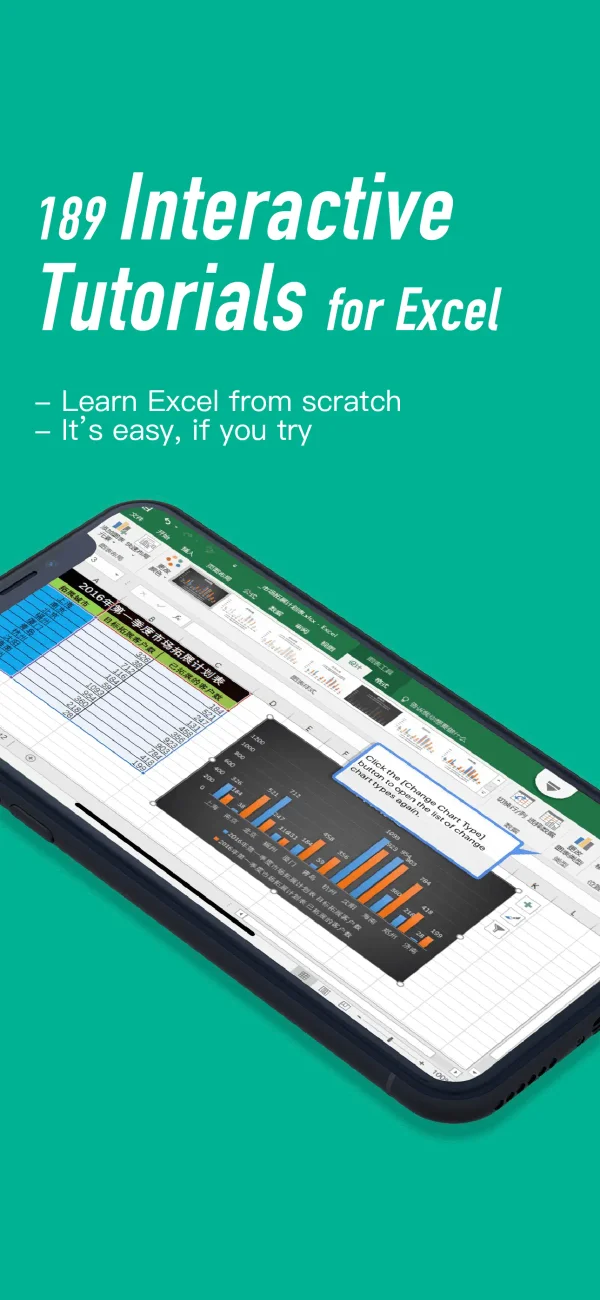
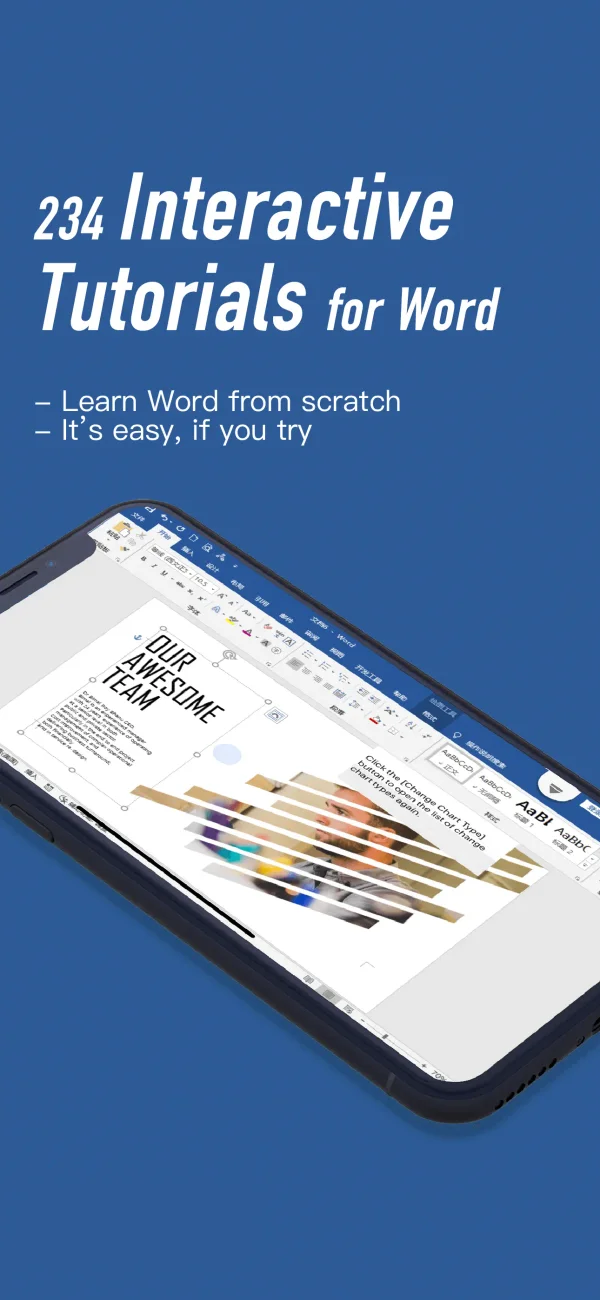
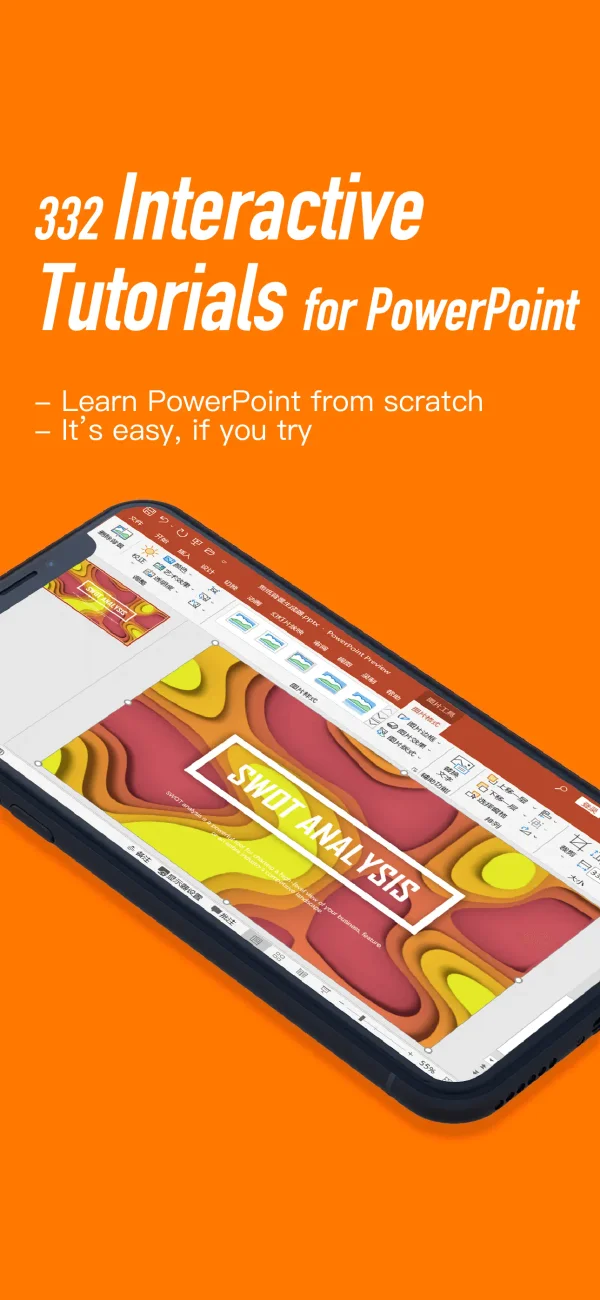
- Tap, double tap, long press, drag and drop, shortcuts, just like you are learning on the real Excel, Word and PowerPoint!
- More effective and funny than watching the videos or reading the books!
- es! It’s not a bunch of theory, it's a complete interactive training package on the Excel, which take app to a whole new level!
WHAT IS INTERACTIVE TUTORIALS FOR EXCEL?
INTERACTIVE TUTORIALS FOR OFFICE brings you simple, funny, interactive learning app for Excel, Word and PowerPoint. The app teaches you about each of the features of Excel, Word and PowerPoint and show you how to use them in detail. With candid, jargon-free advice and step-by-step guidance, you’ll get everything from the core aspects of working to advanced techniques for refined workflows and professional results. It's like having your own personal tutor teaching you the newest version of Excel, Word and PowerPoint. You'll learn how you can use Excel, Word and PowerPoint to express yourself quickly and directly! It’s the first and only app to bring the whole process together in such a clear, concise, and interactive way. There is no faster, more straight-to-the-point, or more fun way to learn Excel, Word and PowerPoint than with this app.
In addition to the interactive mode, app supports the inspector mode, it converts the app to be 20 hours video tutorials, a great added value!
WHAT IS IN INTERACTIVE TUTORIALS FOR OFFICE?
~ The specific content involved in the course includes input skills, sorting, filtering, function formulas, pivot tables, charts, summary and other functional applications, and combined with a large number of enterprise application examples, interactive solutions will be used to solve the idea and operation process Render.
~ Through the study of this course, you will gradually master the functions and skills of Excel!
~ The newest and coolest features of Excel
~ Plus, there are so many other things throughout the app that you’ll be bursting with new ideas! With a little experimentation, you can open up a whole new world of dazzling effects. Have fun discovering!
[Products]
Interactive Tutorials for PHOTOSHOP
https://itunes.apple.com/us/app/id794405356
Interactive Tutorials for iOS Programming
https://itunes.apple.com/us/app/id1066626409
Interactive Tutorials for Objective-C
https://itunes.apple.com/us/app/id841690379
[Help? Comments? Suggestions? Contact us]
Email:tapinfinity@gmail.com
What’s new
Version 5.1 · Nov 13, 2026
1. The first scenario-based interactive tutorial!
2. Add 1656 computer grade examination questions and Office office skills application questions to thoroughly solidify your Office skills!
3. Added 234 interactive Word tutorials: "Word from Beginner to Exquisite Layout"!
4. Added 332 PowerPoint interactive tutorials: "Practical Guide to Exquisite PowerPoint Slides"!
5. Fix the issue reported by students on the interactive tutorial website. Thank you for your enthusiastic feedback!
App privacy
What 发展 李 declares on the App Store about how this app handles data.
-
Data used to track you
May be used to track you across apps and websites owned by other companies.
- Usage data
-
Data linked to you
May be collected and linked to your identity.
- Usage data
Privacy practices may vary, for example with the features you use or your age.
Information
- Seller
- 发展 李
- Category
- Education
- Version
- 5.1
- Updated
- Nov 13, 2026
- Released
- May 15, 2016
- Size
- 33.2 MB
- Requires
- iOS 15.6 or later
- Age rating
- 4+
- Price
- Free
- In-app purchases
- Yes
- Languages
- English, Arabic, French, German, Japanese, Simplified Chinese, Spanish
- Copyright
- © 2027 互动教程网
You might also like
-
 Excel formulas: Learn & TryPractice, charts & daily goals
-
 Tutorial for MS ExcelLearn Formulas & Pivot Tables
-
 Learn Word Processing CourseDocument Tutorial & Shortcuts
-
 Sedona - Compile Swift ProgramLearn and code in Swift
-
 故宫陶瓷馆Education
-
 C/C++ Offline compilerc development tools
-
 典读——经典文学阅读宝库Education
-
 Computer Dictionary EnglishListen sound, Work offline
-
 Learn Keyboard ShortcutsLearn all Keyboard Shortcuts
-
 混沌-商业思维在线学习Education