
- Age rating4+
- CategoryUtilities
- DeveloperRonald Lee
- LanguagesEnglish
- Size67.4 MB
Links to the official App Store page
Download.org hosts no file of OfflineVault Password Manager. The button opens its official App Store page, published by Ronald Lee. Listing last checked on Nov 18, 2026.
Screenshots



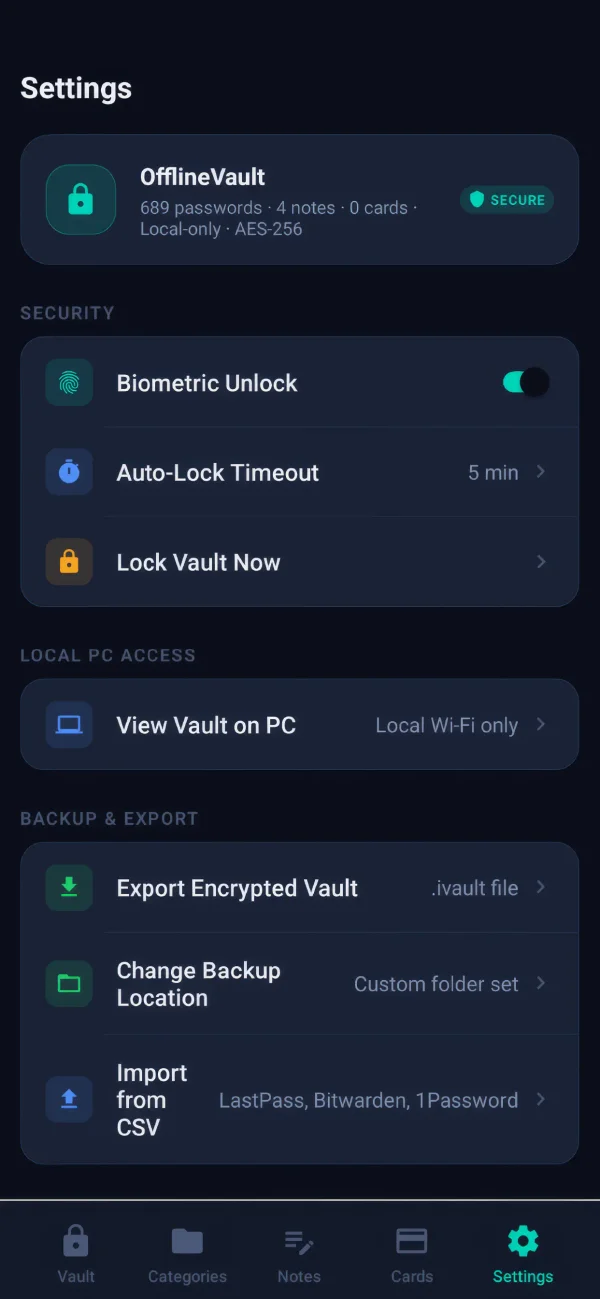
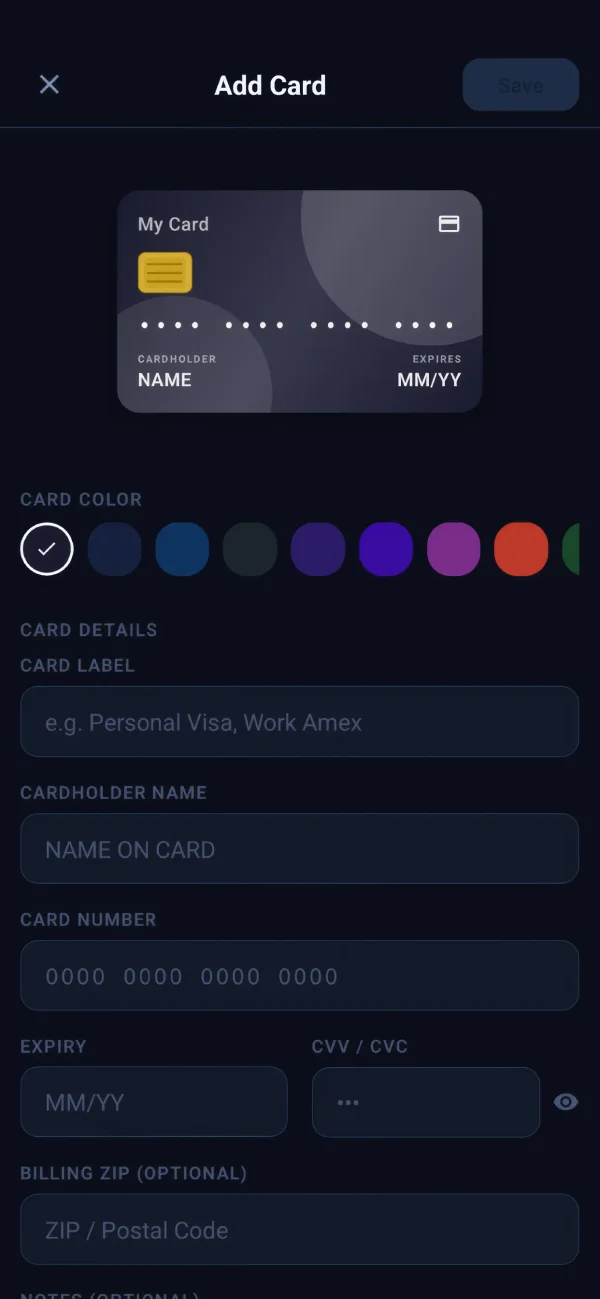
About
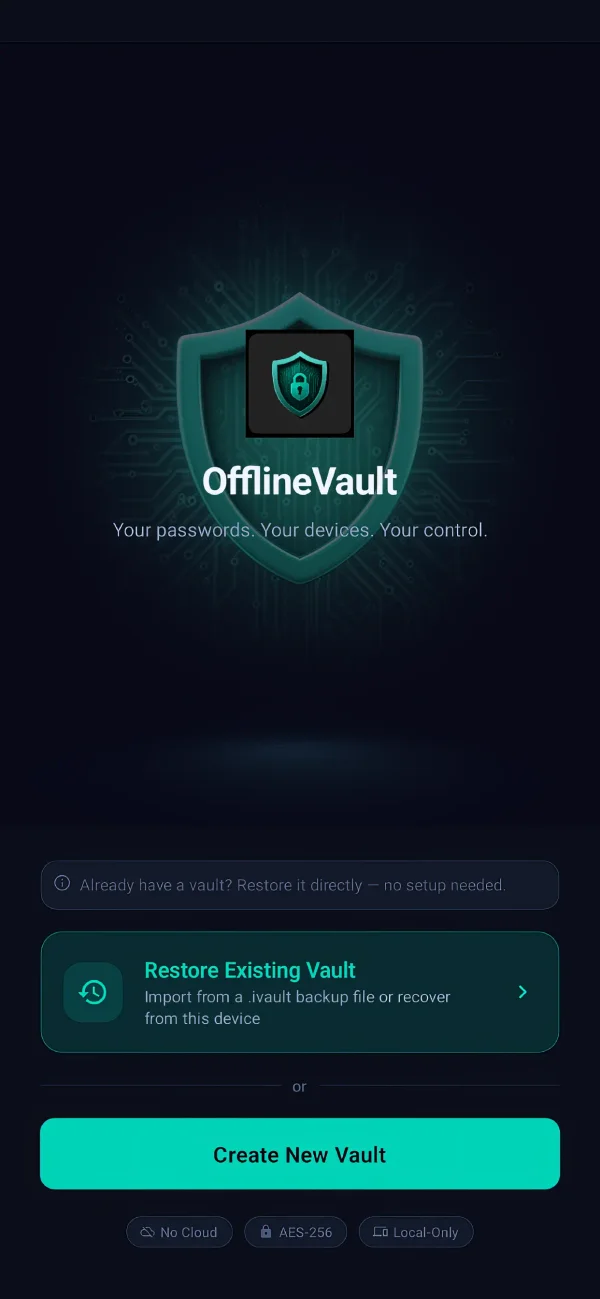
OfflineVault Password Manager is a privacy-focused vault designed to keep your passwords, credentials, payment cards, secure notes, and sensitive information under your control.
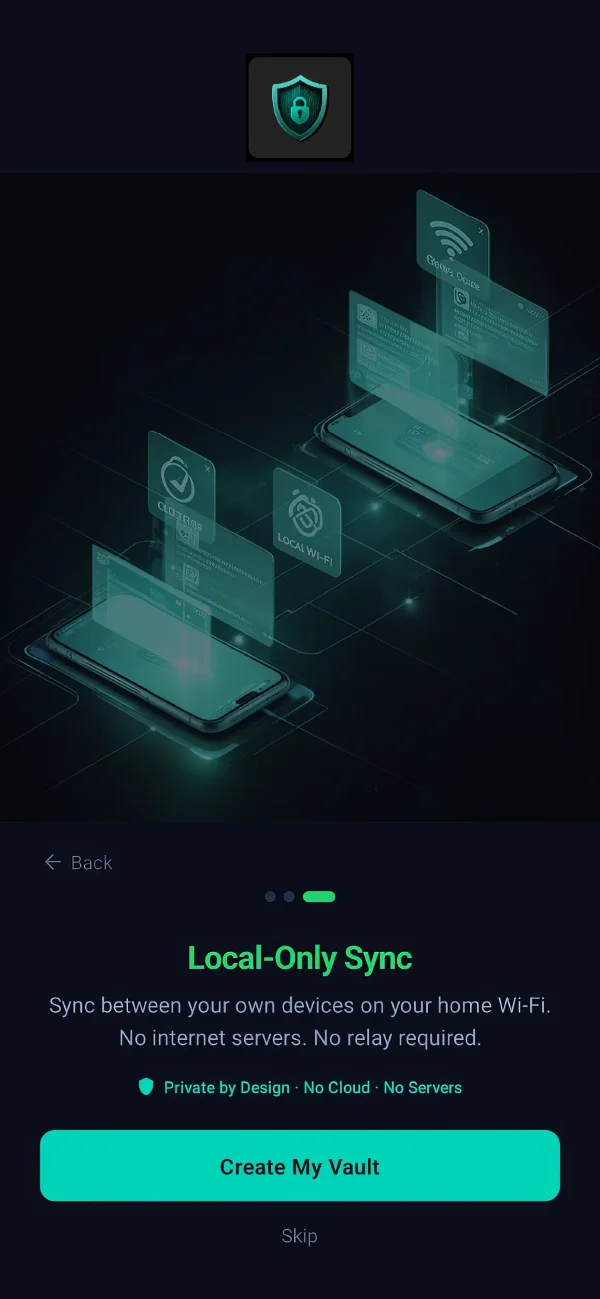
Unlike traditional password managers that rely on cloud storage and centralized servers, OfflineVault stores your encrypted vault locally on your device, reducing exposure to large-scale data breaches and unnecessary third-party access.
Features
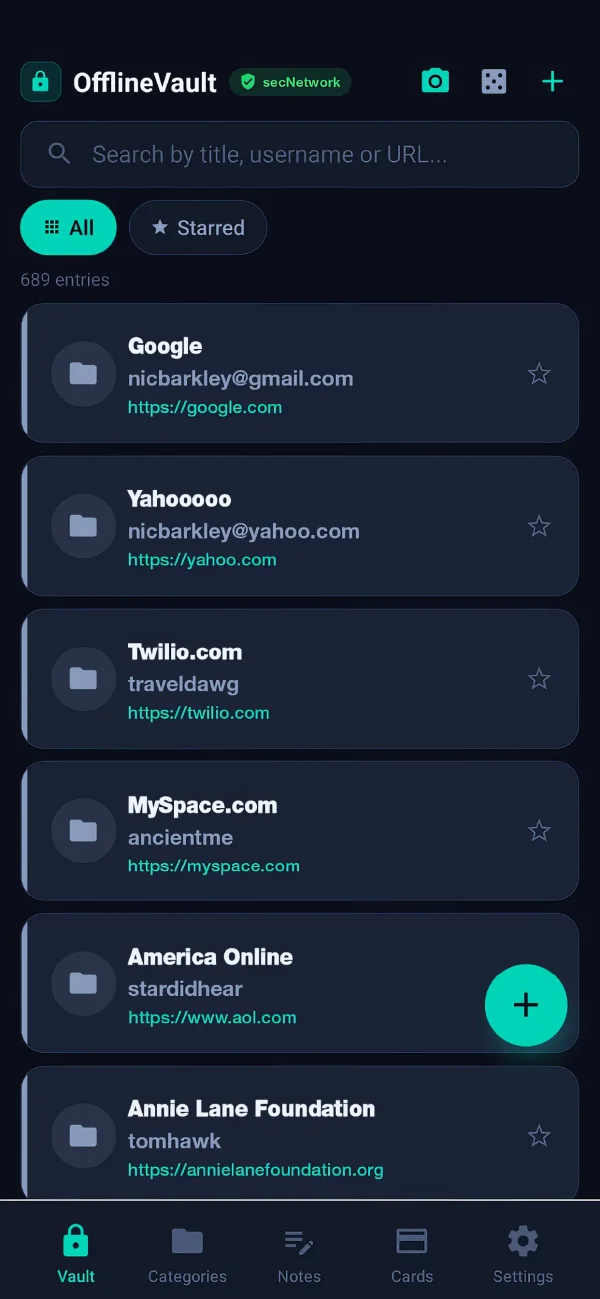
• Securely store passwords, payment cards, and credentials
• Save private notes and sensitive information
• Organize credentials for websites, apps, and online services
• Fast search and retrieval
• Smart Scanner to import credentials from photos and documents
• OCR Image-to-Note to convert photos into secure notes
• Card Scanner to quickly pre-fill payment card details
• Encrypted Backup & Restore using OfflineVault backup files
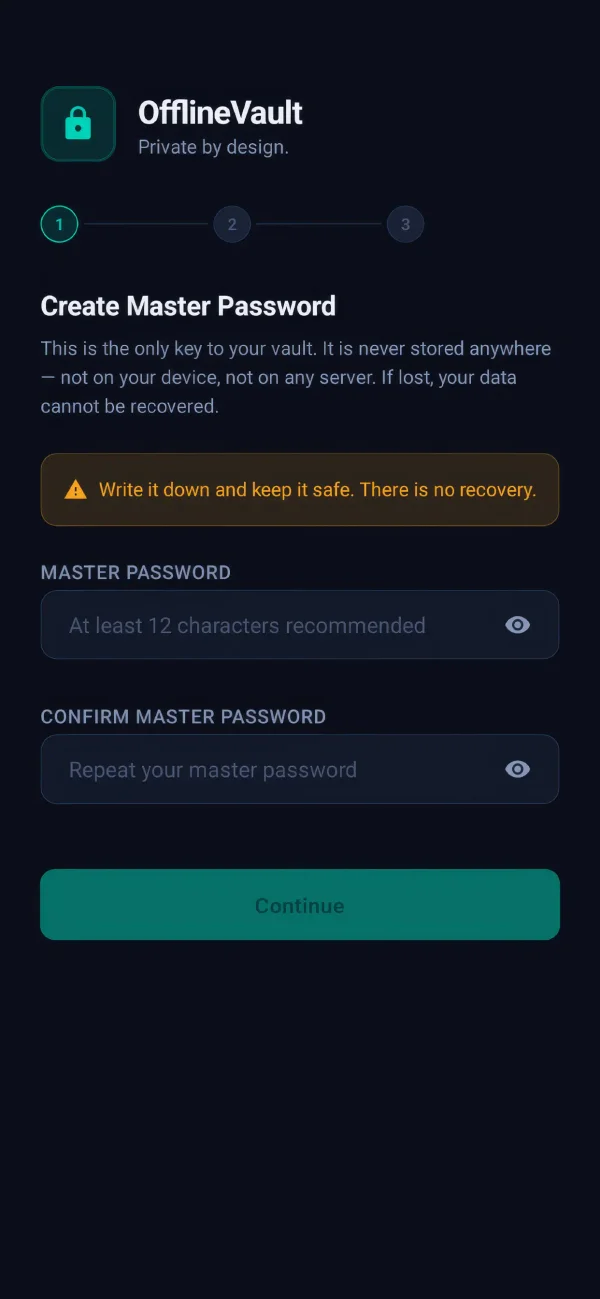
• Change your Master Password without losing your data
• Optimized layouts for iPhone, iPad, and tablets
• No monthly subscription required
• No unnecessary account creation
• Designed with privacy and security in mind
Why OfflineVault?
Many password managers rely on centralized infrastructure where a single security incident can potentially affect millions of users. OfflineVault takes a different approach by keeping your encrypted vault on your device, giving you greater control over your sensitive information while minimizing dependence on external services.
Whether you manage a handful of passwords or hundreds of credentials, OfflineVault helps you organize and protect your digital life with security, convenience, and peace of mind.
Privacy First
Your vault data is designed to remain under your control. Optional Smart Scanner features process only the photos or documents you choose to import, and OfflineVault is designed to minimize data collection while prioritizing your privacy.
Take control of your digital security with OfflineVault Password Manager.
What’s new
Version 1.1.0 · Jul 2, 2026
OfflineVault 1.1.0 introduces powerful new security and productivity features.
• Change your master password without losing your data
• Restore your vault from encrypted backups
• Import text from photos directly into secure notes
• Scan payment cards to quickly fill card details
• Optimized layouts for iPad and tablets
• Improved search, CSV import reliability, and overall performance
• General bug fixes and stability improvements
App privacy
What Ronald Lee declares on the App Store about how this app handles data.
-
Data not linked to you
May be collected but is not linked to your identity.
- User content
Privacy practices may vary, for example with the features you use or your age.
Information
- Seller
- Eternal Right LLC.
- Category
- Utilities
- Version
- 1.1.0
- Updated
- Jul 2, 2026
- Released
- Jun 22, 2026
- Size
- 67.4 MB
- Requires
- iOS 15.1 or later
- Age rating
- 4+
- Price
- Free
- Languages
- English
- Copyright
- © 2026 Eternal Right LLC
You might also like
-
 Untrack: Opt Out of TrackingPrivacy Settings Made Simple
-
 PassVault ProSecure Password Manager
-
 PassNote: Password VaultSecure, Synced & Simple
-
 PassVault - Password SafePassVault - Password Safe
-
 iKeePassYour secure KeePass vault
-
 Kodura SSL AnalyzerCertificate and TLS inspector
-
 SafeKey: Password ManagerSecure Vault & Cloud Backup
-
 Monitor MirrorUtilities
-
 Who Touched My Phone AlarmAnti theft pocket touch alert
-
 Lockbox - Password VaultOffline, encrypted passwords