
oh my hours
a new look at screen time
Designed for iPhone, iPad
Free · In-app purchases
- Age rating4+
- CategoryProductivity
- DeveloperYaroslav Neznaradko
- LanguagesEnglish+ 3 more
- Size13.6 MB
Links to the official App Store page
Download.org hosts no file of oh my hours. The button opens its official App Store page, published by Yaroslav Neznaradko. Listing last checked on Nov 16, 2026.
Screenshots

About
How many hours of your day are truly yours?
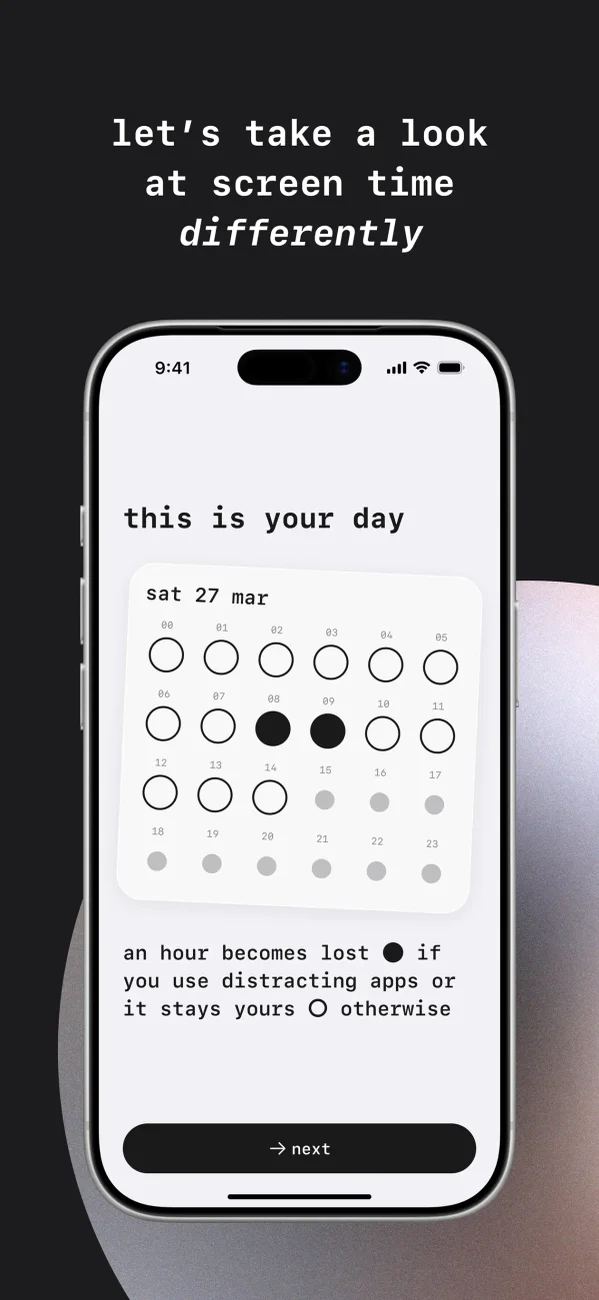
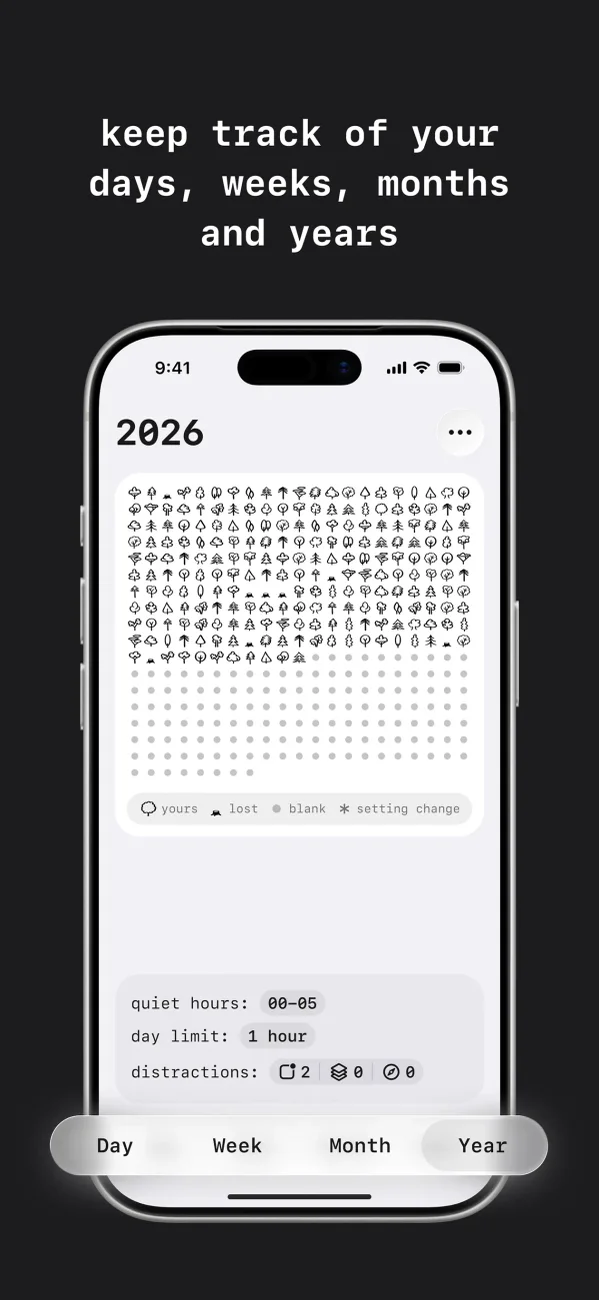
oh my hours draws each hour of your day as a single mark: yours if you stayed off the apps you chose as distractions, lost if you didn't. Your whole year fits on one screen, one mark per day.
It's not a screen time report. It asks a different question: how many hours stayed distraction free today?
How it works
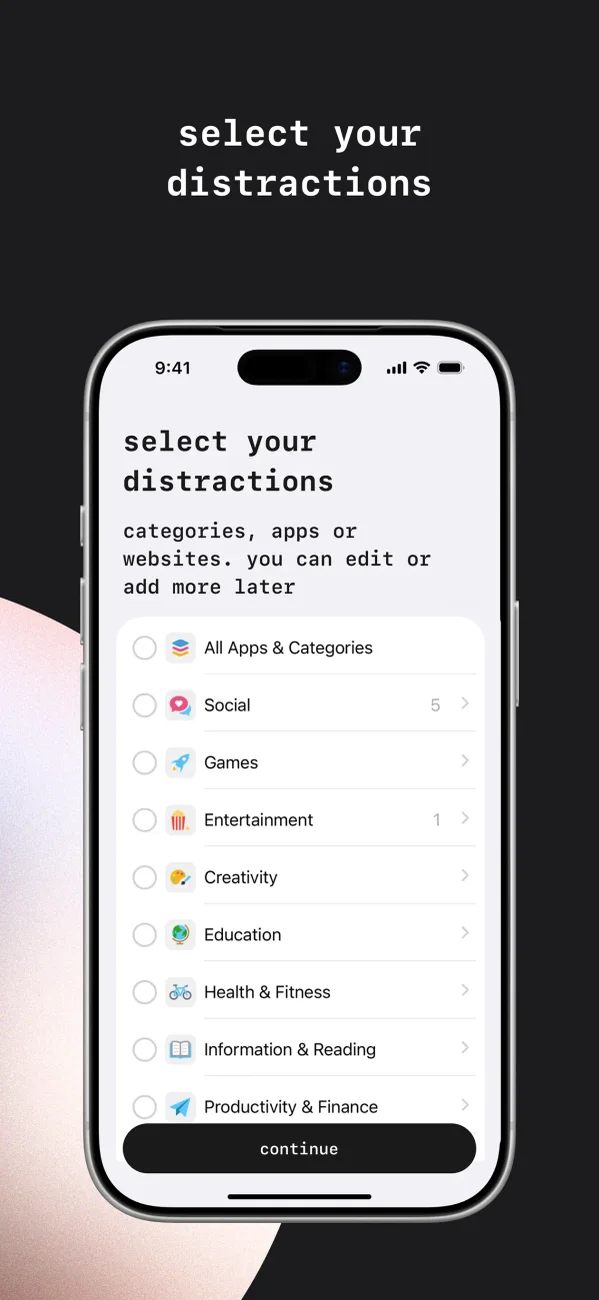
1. Pick the apps and categories that distract you.
2. Go about your day. A single second in one of them puts that hour on the line.
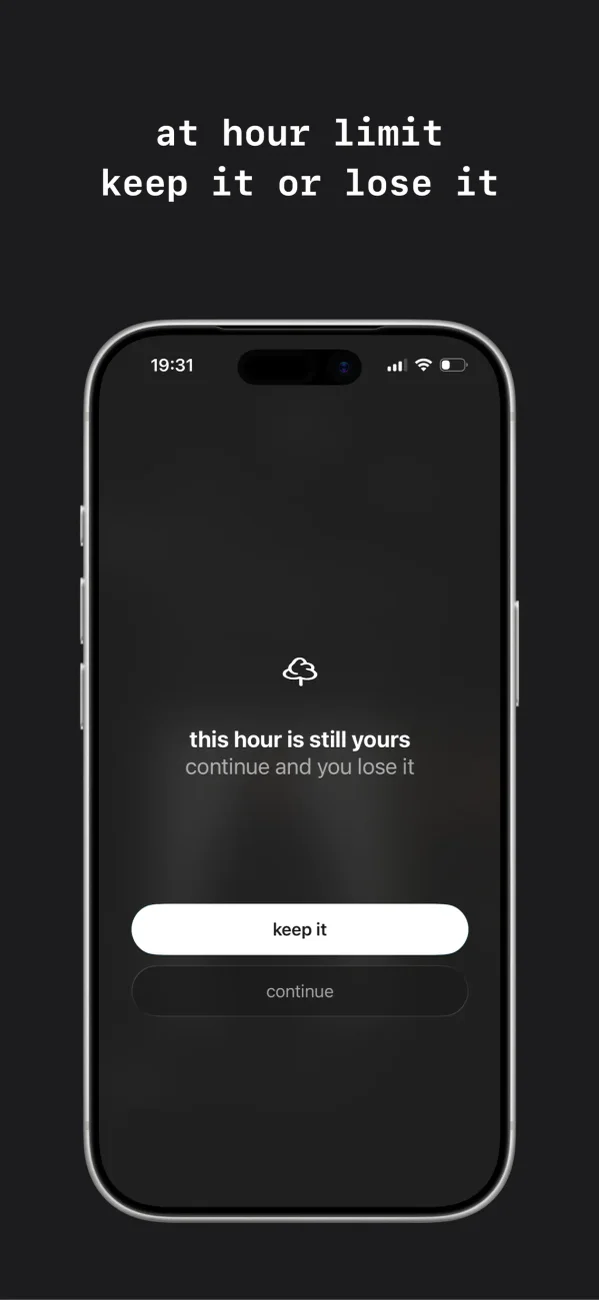
3. Checkpoint appears. Keep the hour by closing the app, or continue and lose it.
4. Choose your day limit. Too many lost hours and the day is lost too.
Four views of your time
• Day. 24 hours, one glance.
• Week. Seven days, side by side.
• Month. Four weeks in one look.
• Year. Your whole year, on one screen.
Widgets for where you actually look
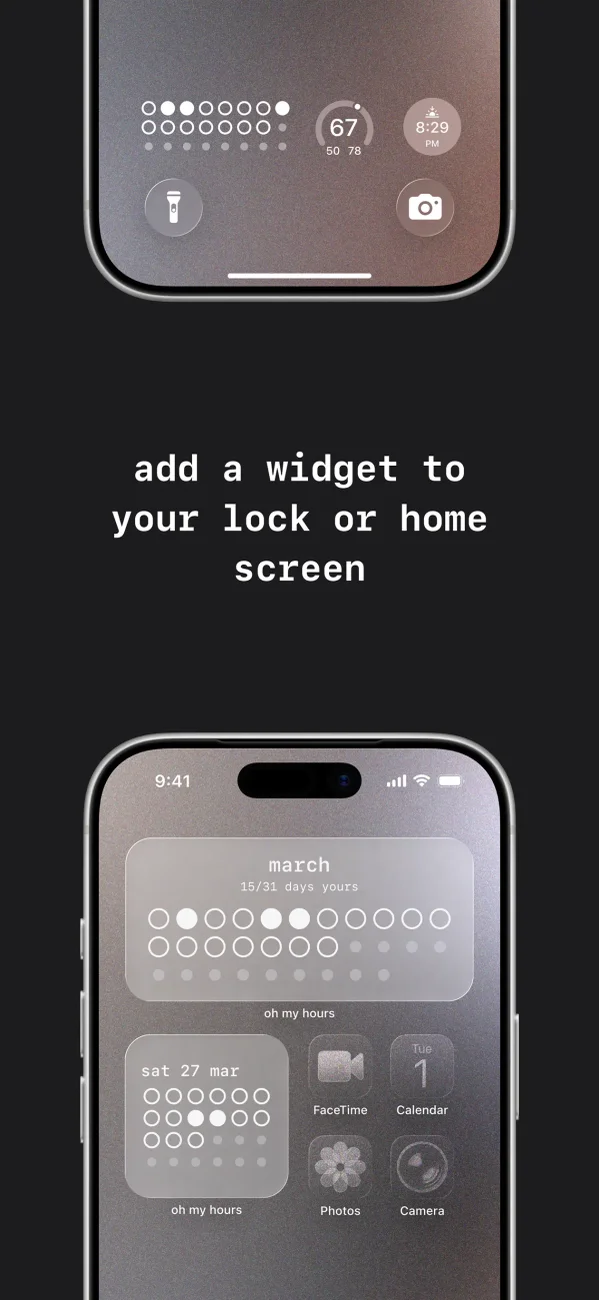
Home screen and lock screen widgets, in every size, for every view. Put your grid in front of yourself, not behind another tap.
Share what you see
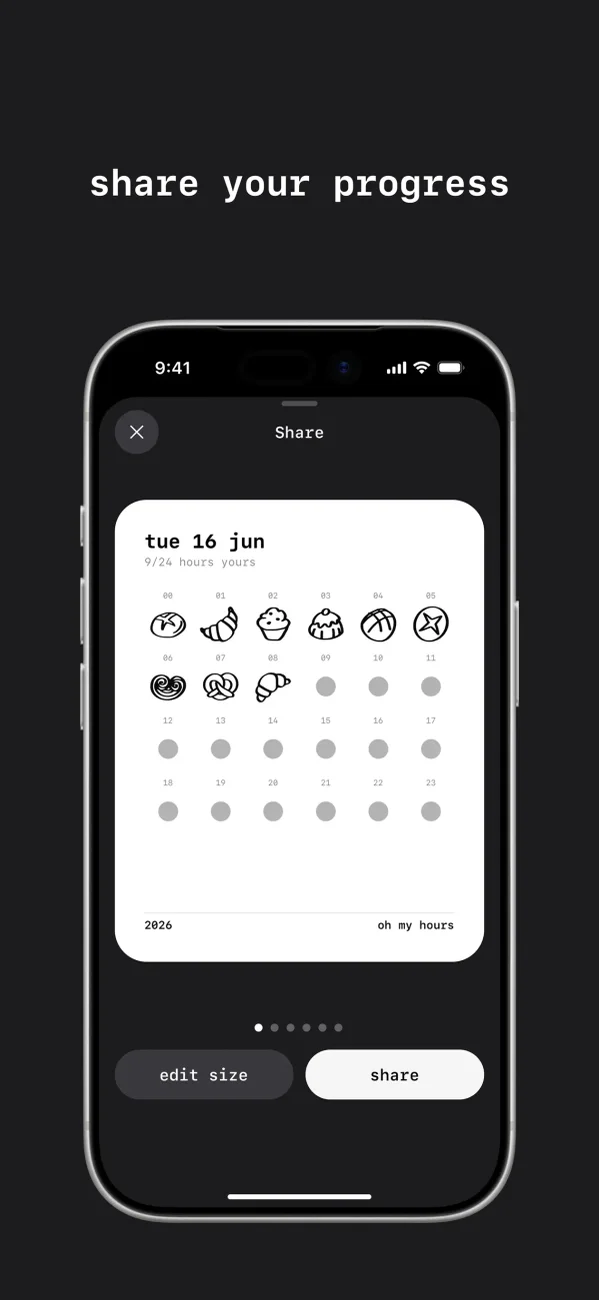
A single tap turns any view into a clean image. Post it, save it, or send it to a friend.
Private by design
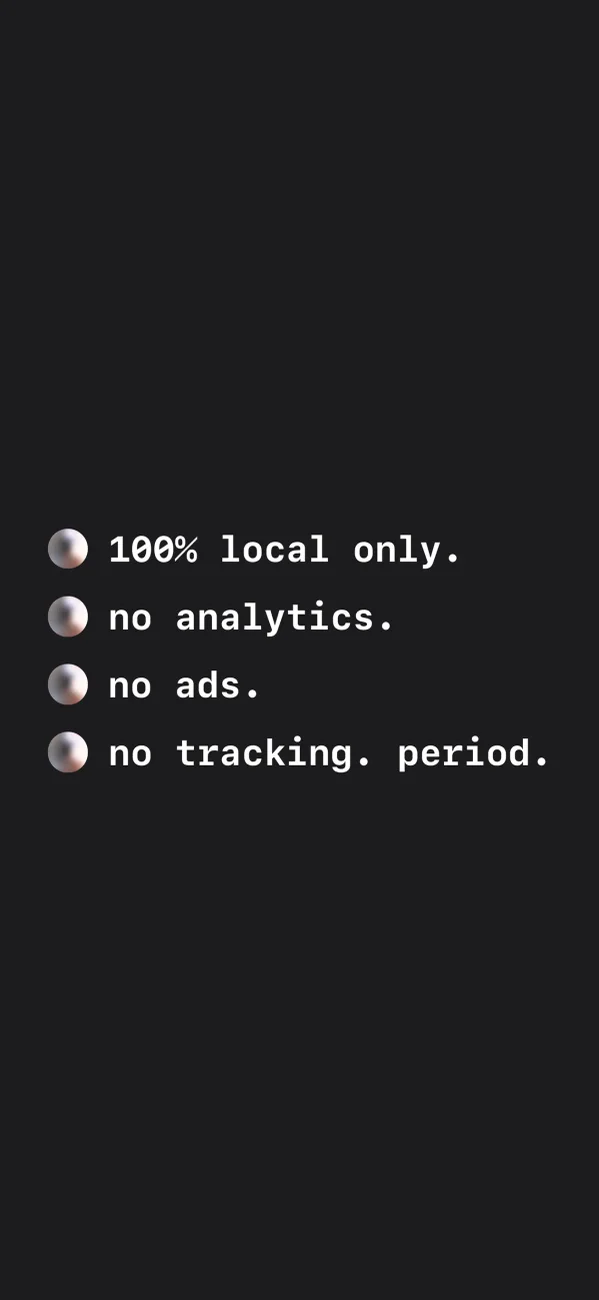
Everything stays on your device. No account. No server. No analytics. Export your full history to CSV, anytime, free.
Not a blocker
oh my hours won't lock you out or shame you into stopping. At your hour limit, checkpoint shows up with two options: keep the hour by closing the app, or continue and lose it. Continuing is always allowed. You can switch checkpoint off
Free and Full
Free, forever: day and week views, basic widgets, the default icon set, full data export.
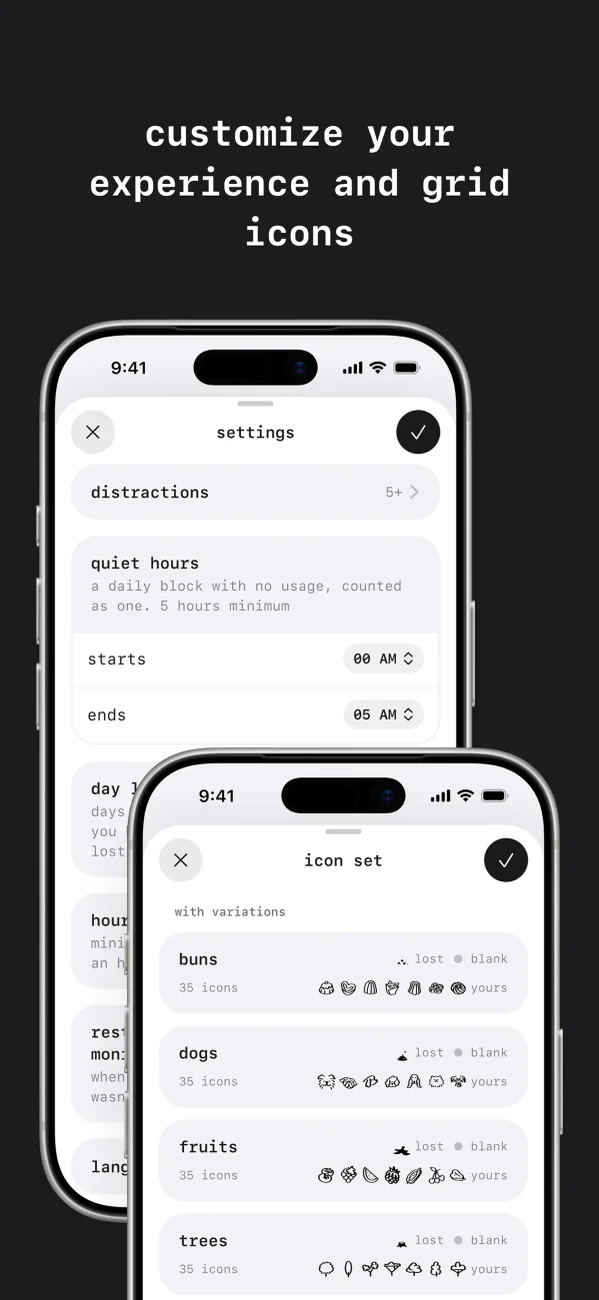
Full Version unlocks month and year views, their widgets, and more icon sets. One yearly payment or a one-time purchase.
About the name
It's what you'll say the first time you look at the grid.
Terms, Privacy And Conditions
Read on https://mindfulbun.studio/oh-my-hours/terms/ & https://mindfulbun.studio/oh-my-hours/privacy/ & https://www.apple.com/legal/internet-services/itunes/dev/stdeula/
What’s new
Version 1.1 · Sep 15, 2026
Introducing "checkpoint"
At your hour limit a full screen appears and asks if you want to continue. Close the app and the hour stays yours, or continue and lose it
App privacy
What Yaroslav Neznaradko declares on the App Store about how this app handles data.
-
Data not collected
The developer does not collect any data from this app.
Privacy practices may vary, for example with the features you use or your age.
Information
- Seller
- Yaroslav Neznaradko
- Category
- Productivity
- Version
- 1.1
- Updated
- Sep 15, 2026
- Released
- Apr 25, 2026
- Size
- 13.6 MB
- Requires
- iOS 26.2 or later
- Age rating
- 4+
- Price
- Free
- In-app purchases
- Yes
- Languages
- English, German, Polish, Ukrainian
- Copyright
- © 2026 Yaroslav Neznaradko
You might also like
-
 Futureland – Goal TrackerJournal & Track Anything
-
 LockScreenNotesBig notes always on lockscreen
-
 Lock Screen Notes: NoteWalltext & reminders on wallpaper
-
 Due or Die: To-Do App BlockerMissing tasks has consequences
-
 yeknegahPersian Calendar,Notes,Planner
-
 Things take time: Life trackerProgress & habit journal
-
 Stash Anything: Save LinksBookmark Everything for Later
-
 WalkBlock: Screen Time ControlWalk first, then scroll
-
 Weekstack: Weekly PlannerTo-do List, Stacked
-
 Grit Method: Show Up DailyHabit Tracker for Character