
- Age rating17+
- CategoryEntertainment
- DeveloperOhsnap, Inc
- LanguagesEnglish
- Size111.4 MB
Links to the official App Store page
Download.org hosts no file of Ohsnap MCON. The button opens its official App Store page, published by Ohsnap, Inc. Listing last checked on Nov 12, 2026.
Screenshots
About
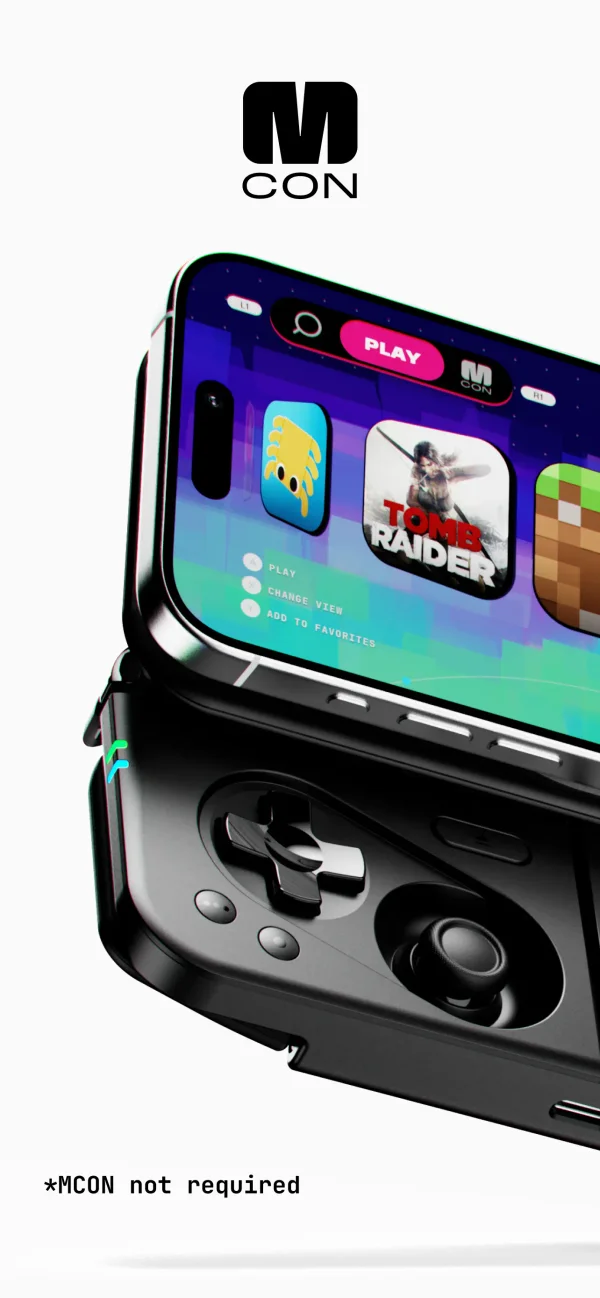
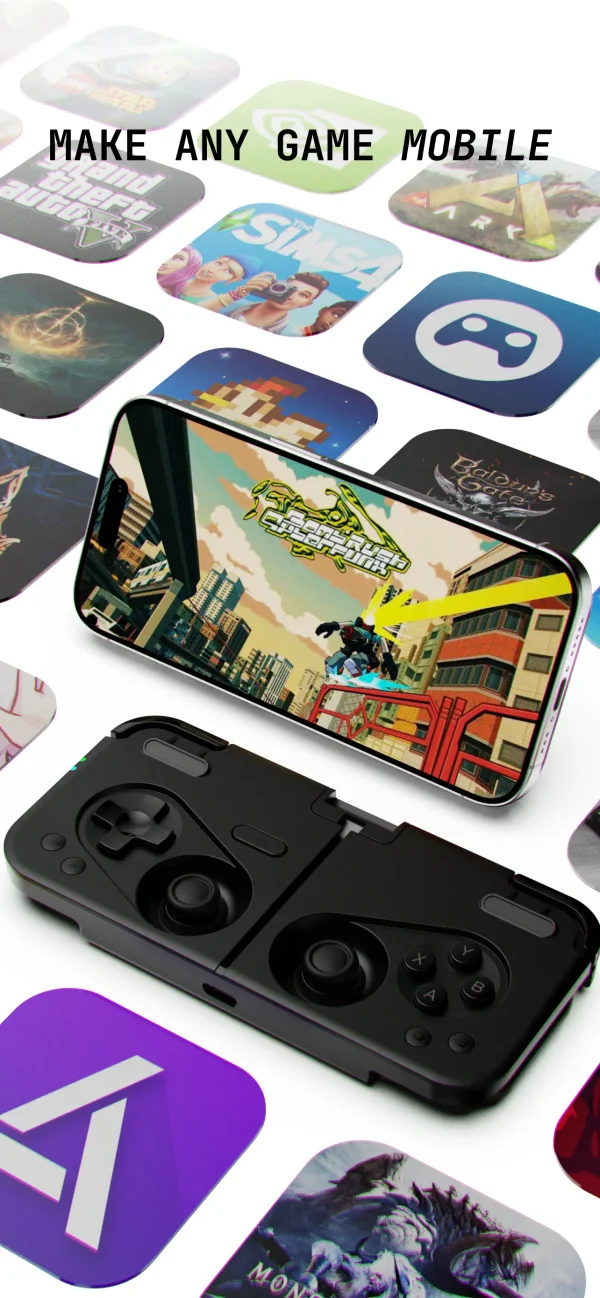
The Ohsnap MCON app transforms your phone into a gaming console - pair your controller, gather every game you own into one library, and play instantly, on your phone or on the big screen.
YOUR PHONE, NOW A CONSOLE.
- Connect your MCON in seconds and navigate the entire app with your controller - no touchscreen screen required. A console-style interface built for thumbsticks, from the games carousel to the settings menus.
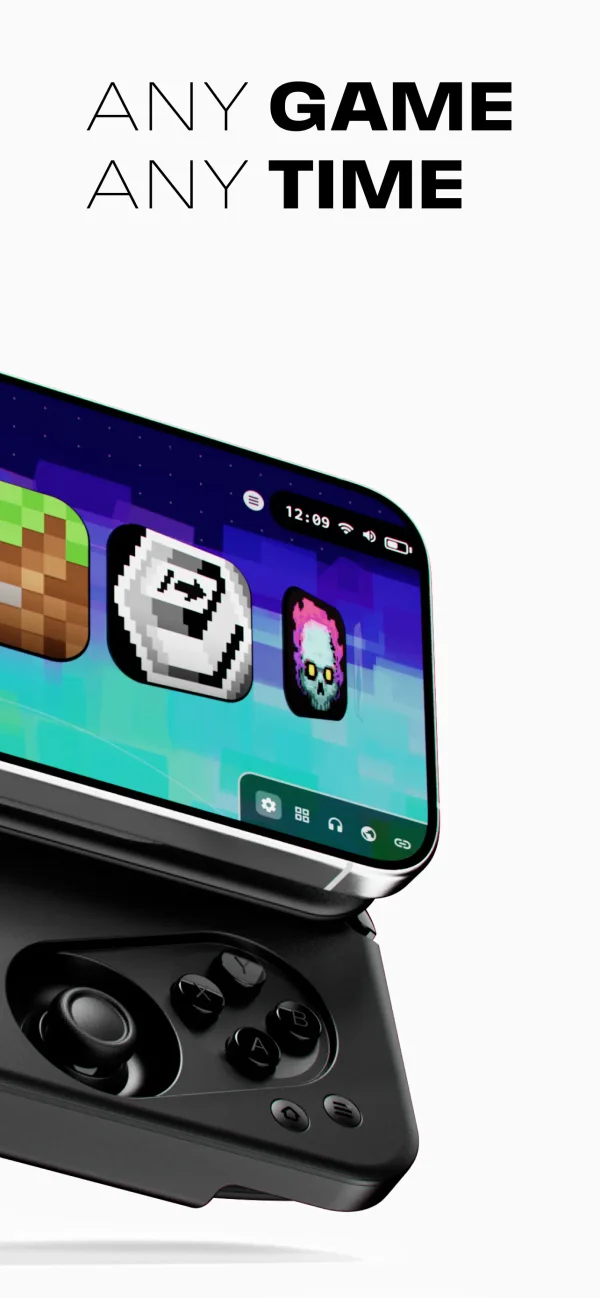
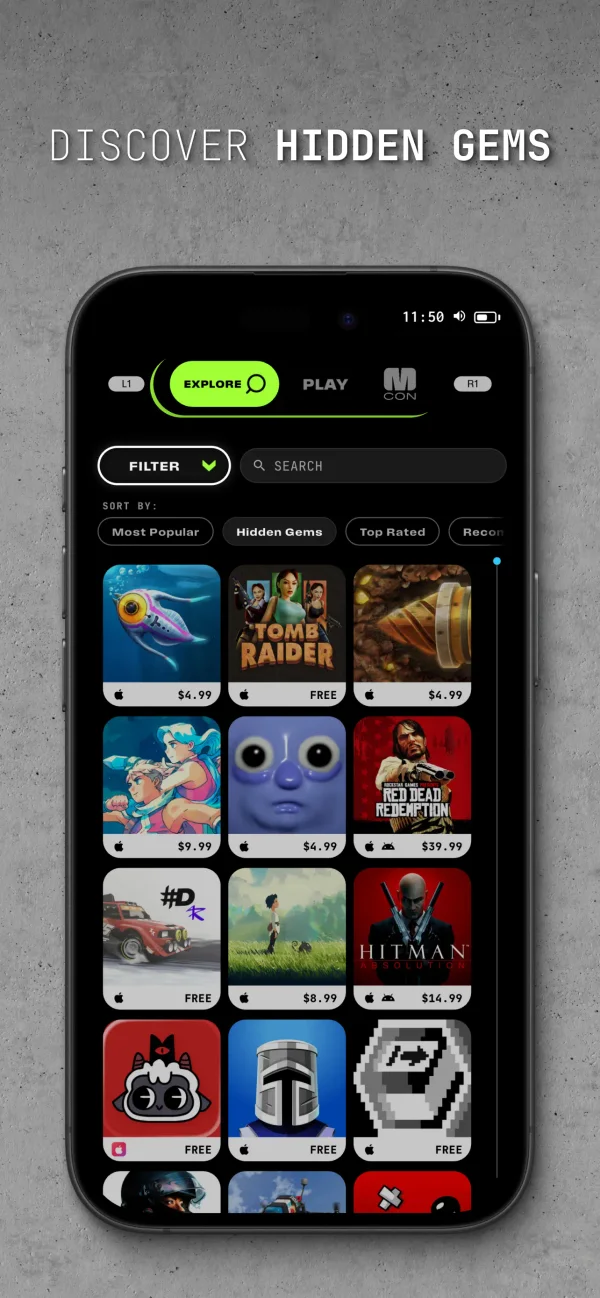
EVERY GAME IN ONE PLACE
- The app automatically finds the controller-ready games installed on your phone and lines them up in a single library. Discover new controller-friendly titles, add your own, and launch everything from one place - no more hunting through app drawers.
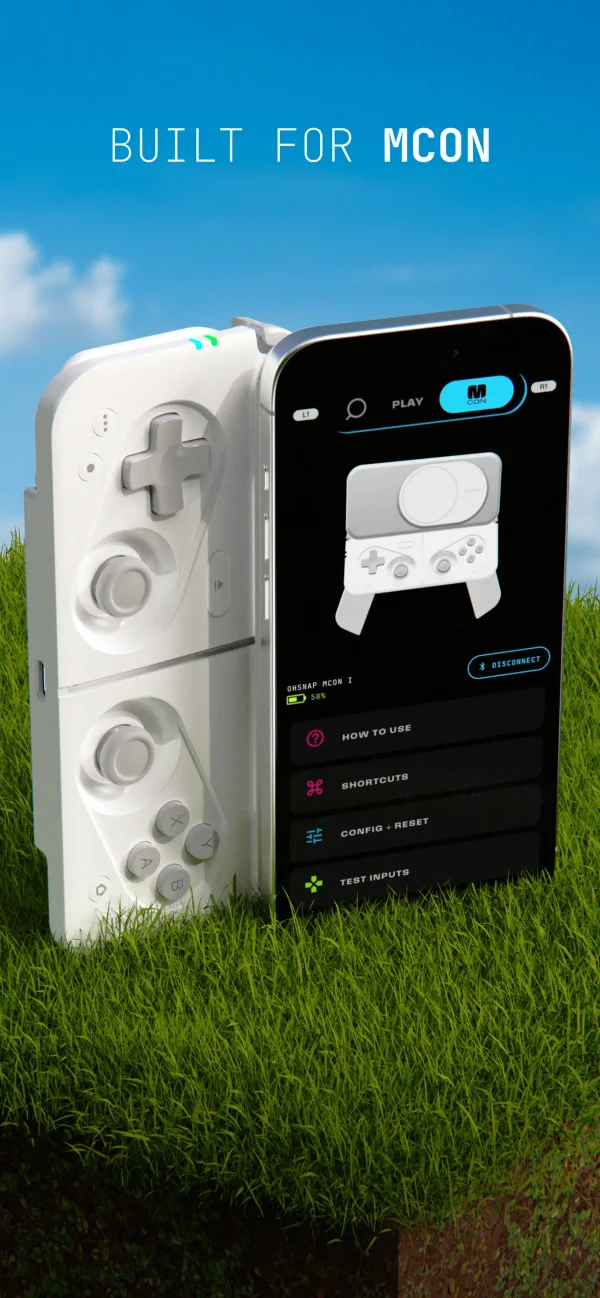
BUILT FOR MCON
- Customize your MCON controller: swap ABXY layouts, dial in joystick and trigger deadzones, shape response curves, and fine-tune gyro aiming with adjustable sensitivity. An interactive 3D model of your MCON lights up as you press buttons, so you can see every change take effect in real time. Interactive how-to guides walk you through setup, calibration, and controller shortcuts.
CONVENIENT CLOUD GAMING
- Stream AAA titles through Xbox Game Pass (xCloud) and GeForce NOW in full-screen, controller-optimized views. Hundreds of console games, no console required.
BUILT-IN BROWSER FOR CONTROLLERS
- Browse the web from your couch: move the cursor with your joystick, type on a controller-driven keyboard, and bookmark web games straight into your library.
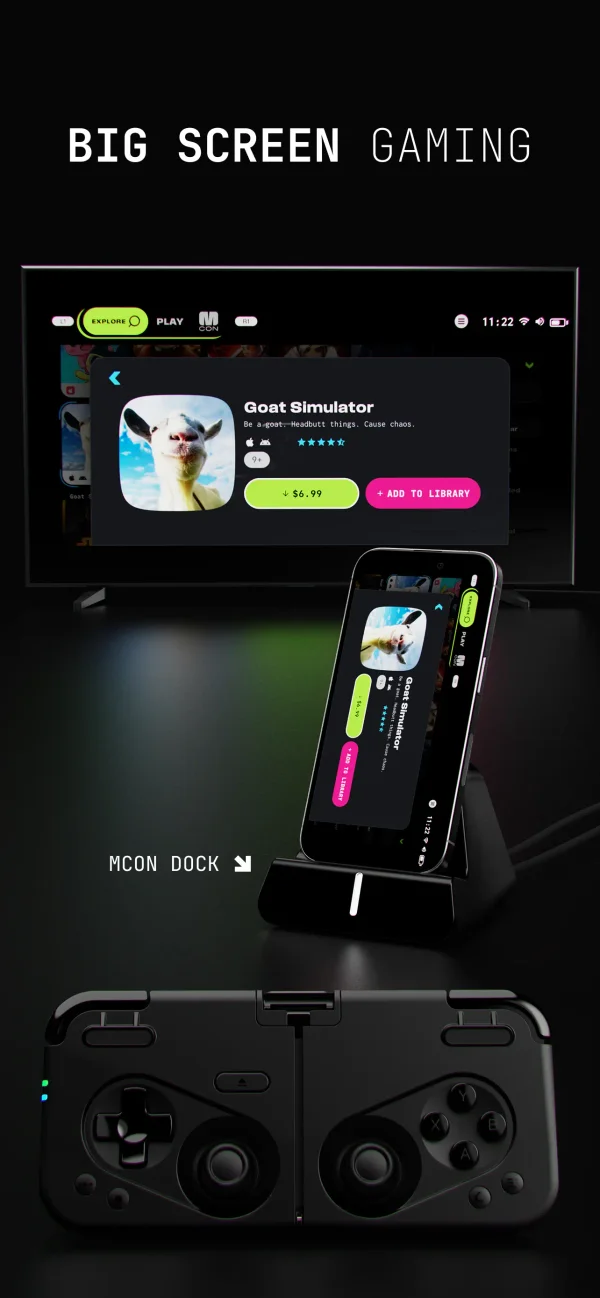
BIG SCREEN GAMING
- Connect your phone to a TV or monitor and MCON completes the console experience.
---------
This app is designed for the Ohsnap MCON magnetic controller. Get yours at https://ohsnap.com/products/mcon-magnetic-controller
Feedback or ideas? Join our Discord community or use the in-app feedback form.
Xbox Game Pass and GeForce NOW are trademarks of their respective owners. Active subscriptions may be required for cloud gaming services.
What’s new
Version 3.0.8 · Oct 27, 2026
- Organize your library with folders
- New USER sort: arrange games and folders by hand
- Per game controller profiles and custom wallpapers
- New screen sleep and screen orientation controls
- Faster and more reliable library and store
- Stability improvements and crash fixes
App privacy
What Ohsnap, Inc declares on the App Store about how this app handles data.
-
Data not linked to you
May be collected but is not linked to your identity.
- Location
- Identifiers
- Usage data
- Diagnostics
Privacy practices may vary, for example with the features you use or your age.
Information
- Seller
- Ohsnap, Inc
- Category
- Entertainment
- Version
- 3.0.8
- Updated
- Oct 27, 2026
- Released
- Jul 27, 2026
- Size
- 111.4 MB
- Requires
- iOS 14.0 or later
- Age rating
- 17+
- Price
- Free
- Languages
- English
- Copyright
- © 2026 Ohsnap
You might also like
-
 Fin - WiiU Wii GC 3DS TriForceGame Consoles In your Pocket!
-
 LunaDS - 3DS and DS EmulatorNo complications, just play
-
 RTM-EMU : PS2 PS3 PS4 X360 PS1PS2 PS3 PS4 XB360 PS1 Emulator
-
 Portal: Remote PlayConsole, Cloud Gaming & HDMI
-
 GameX Emulator - PS2The best PS2 Emulator
-
 ZETA Emulator: PS2 3DS Wii PSPPlay DS, GBA, GameCube & PS1
-
 Midori: Remote PlayRemote Play & Cloud Gaming
-
 RTMHub : 2D & Visual Novel PCPC emulator for slow 2D games
-
 Razer PC Remote PlayEntertainment