
- Age rating4+
- CategoryPhoto & Video
- Developer3DTOPO Inc.
- LanguagesEnglish
- Size152.1 MB
Links to the official App Store page
Download.org hosts no file of Oilist. The button opens its official App Store page, published by 3DTOPO Inc. Listing last checked on Nov 24, 2026.
Screenshots


About
Oilist: the Artist in your pocket.
Make Fine Art based on your pictures!
"Oilist is an artist in your phone, one that you watch sketch, paint, and craft a unique version of a photo you’ve shot." - MacStories, May 2017
"App of the week: Oilist review - Hypnotic, engaging, with a longevity that escapes most filter apps, and with high-res output so you can use it to create real-world art." - Stuff Magazine, April 2017
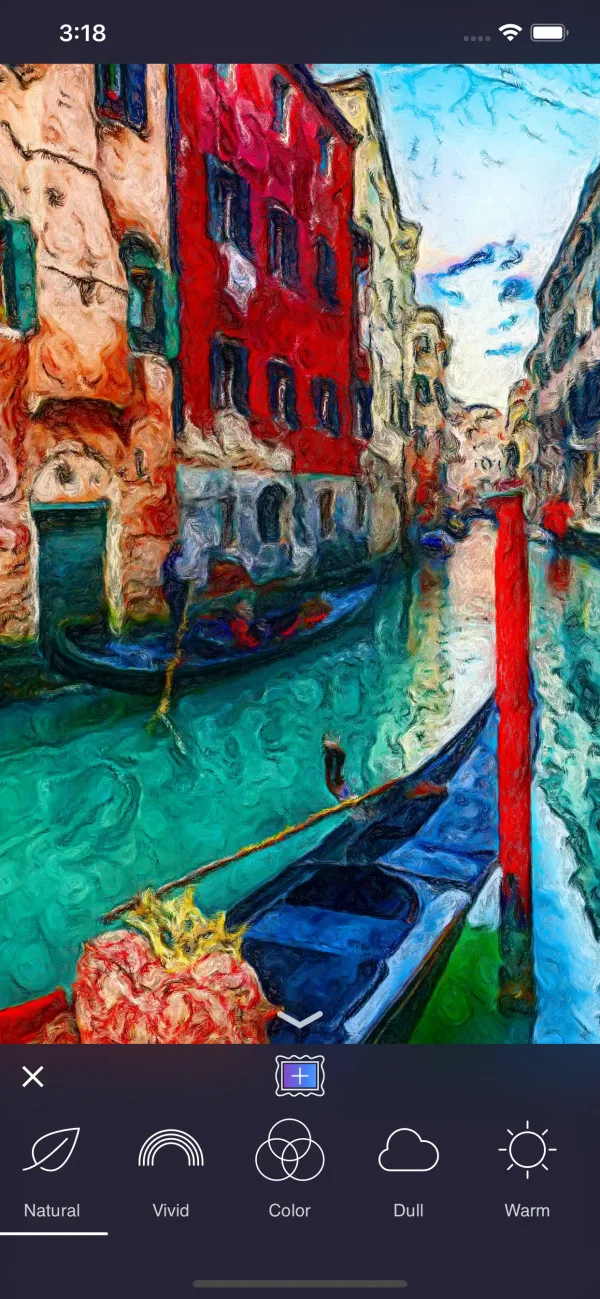
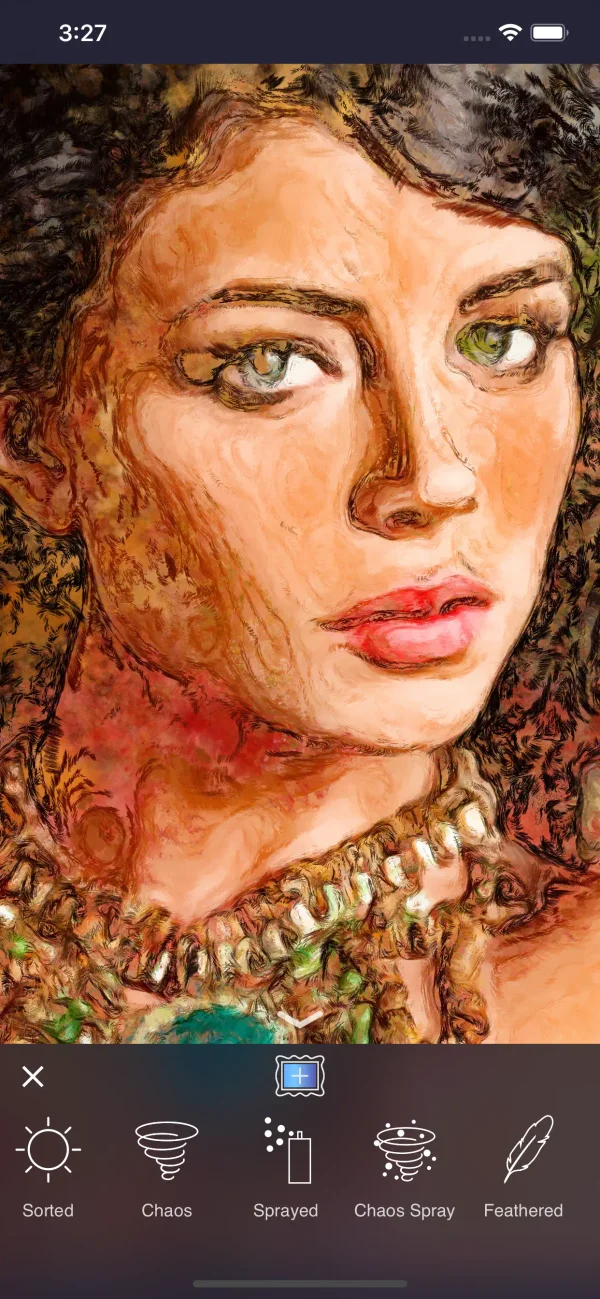
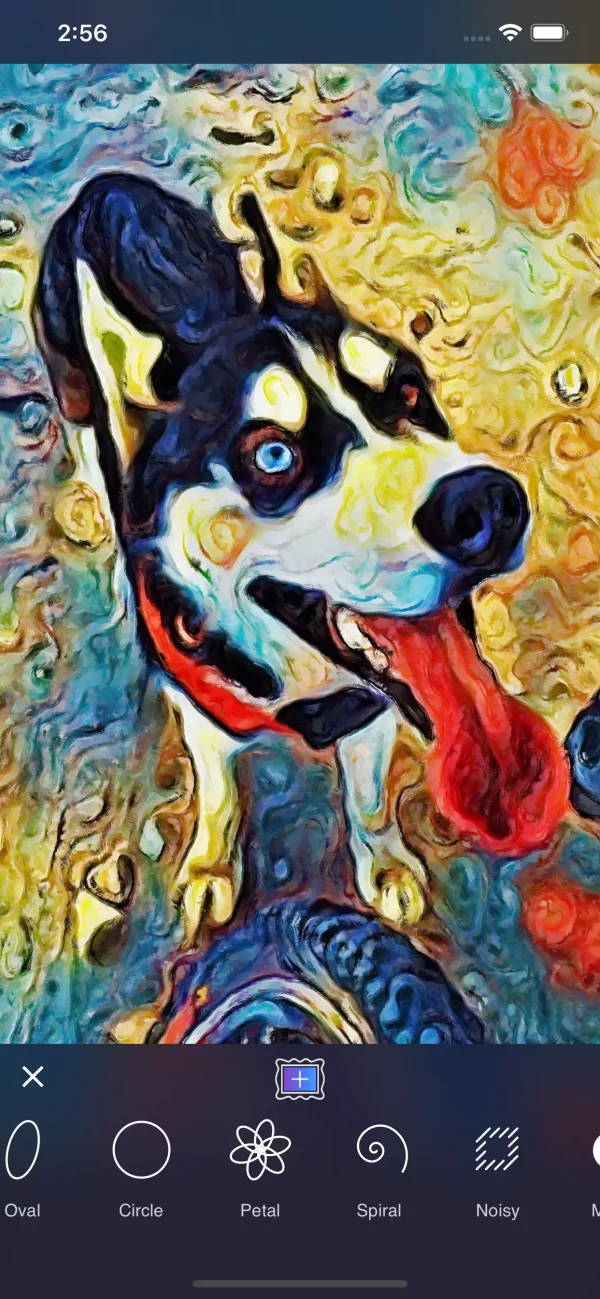
Give Oilist an image, and it will automatically generate a genuine and unique work of art based on it. Painted for you in real time! Participate or spectate it's up to you, Oilist will delight! All saved at canvas-worthy 4k resolution.
Oilist comes with 48 infinitely customizable styles; from photo-realist to impressionist, to abstract. Every style except for our photo-realist style offers three different levels of abstraction.
Oilist is not a photo filter. Unlike most filter apps, Oilist will never generate the same results twice, and in fact, each brush stroke is unique. Instead of applying a fixed formula to an image as photo filters typically do, Oilist analyzes the supplied image using computer vision technology, then paints simulated paint particles that are applied using various brush strokes and techniques.
At any time during the painting process, 4k resolution images may be captured as often as desired.
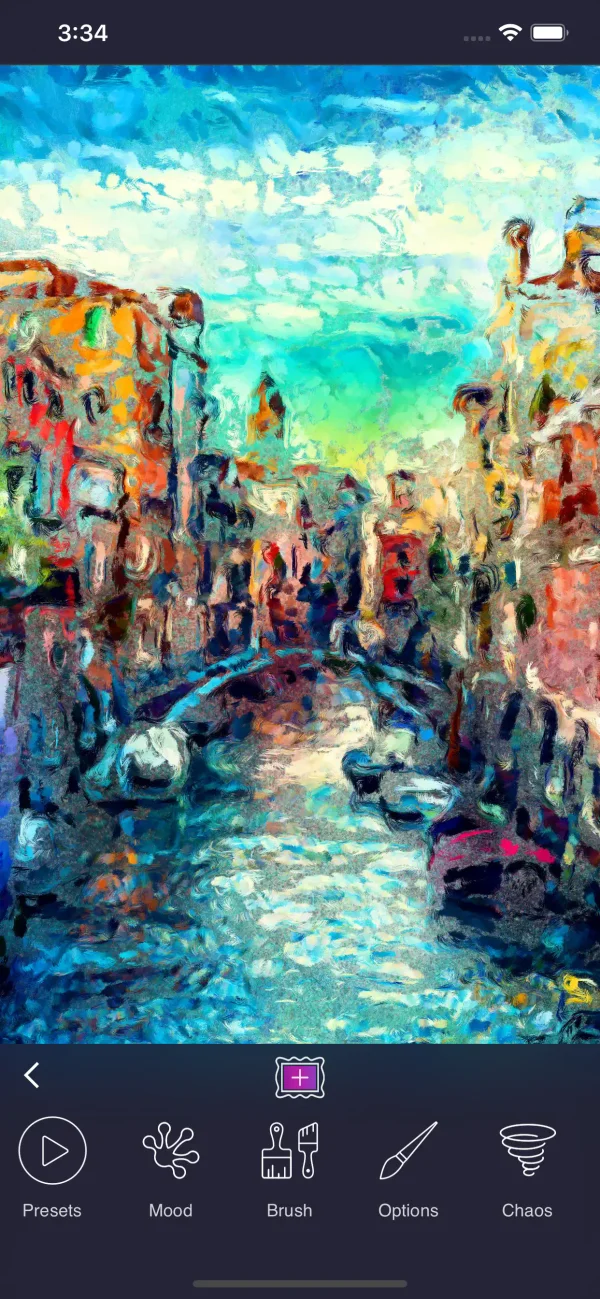
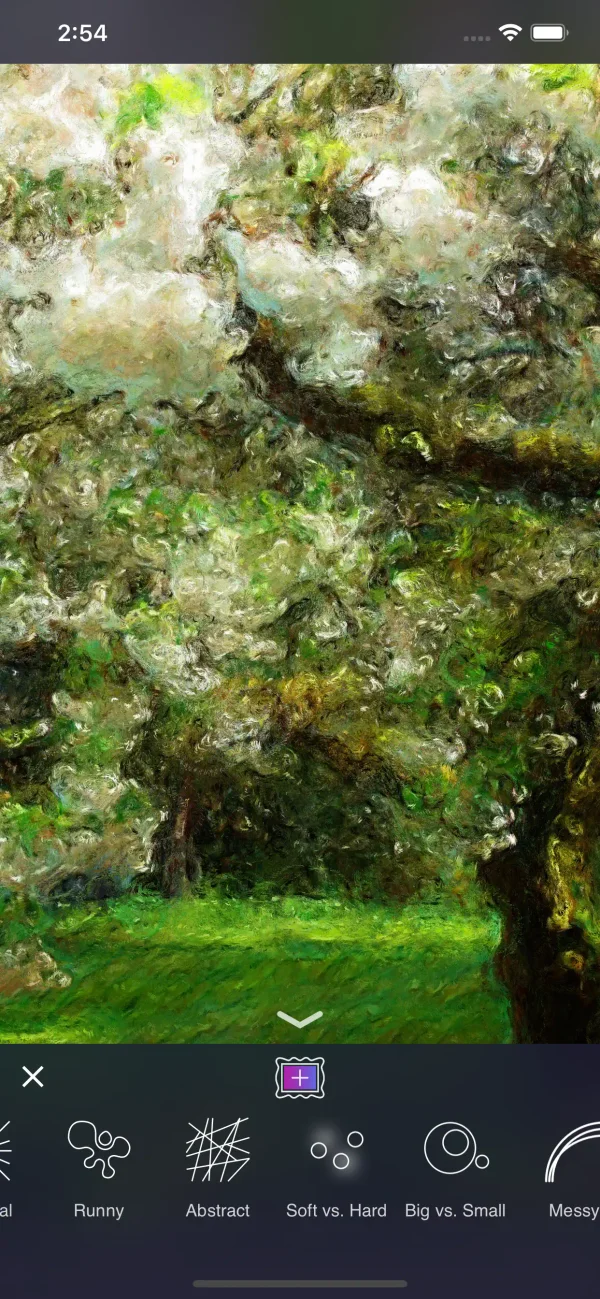
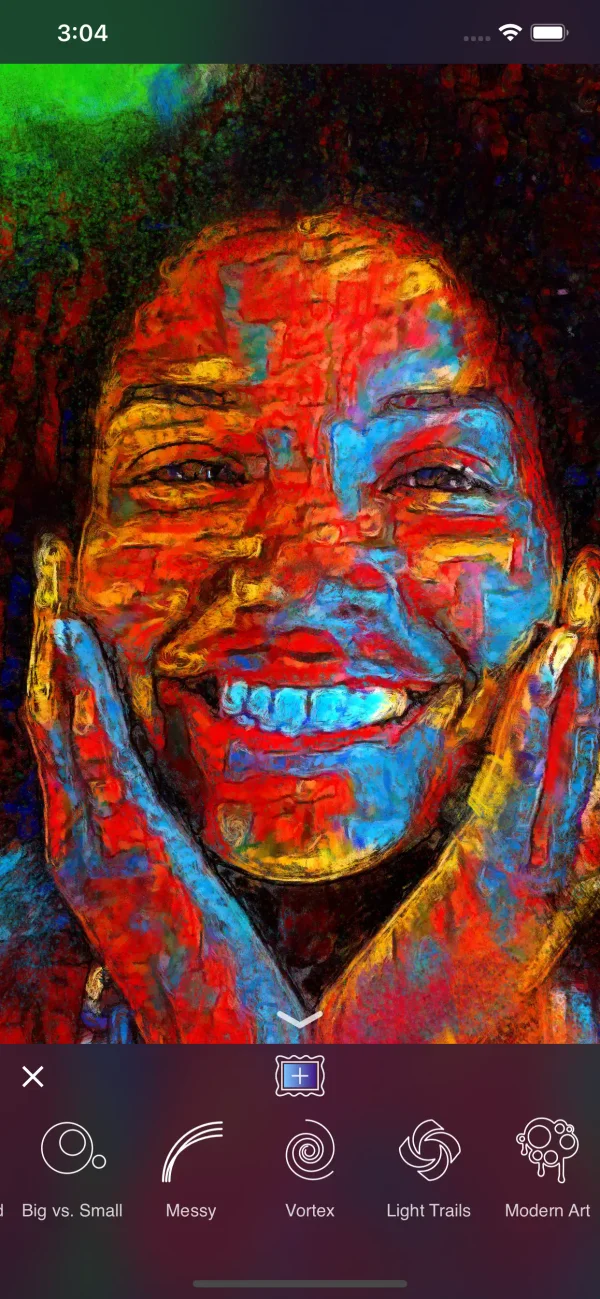
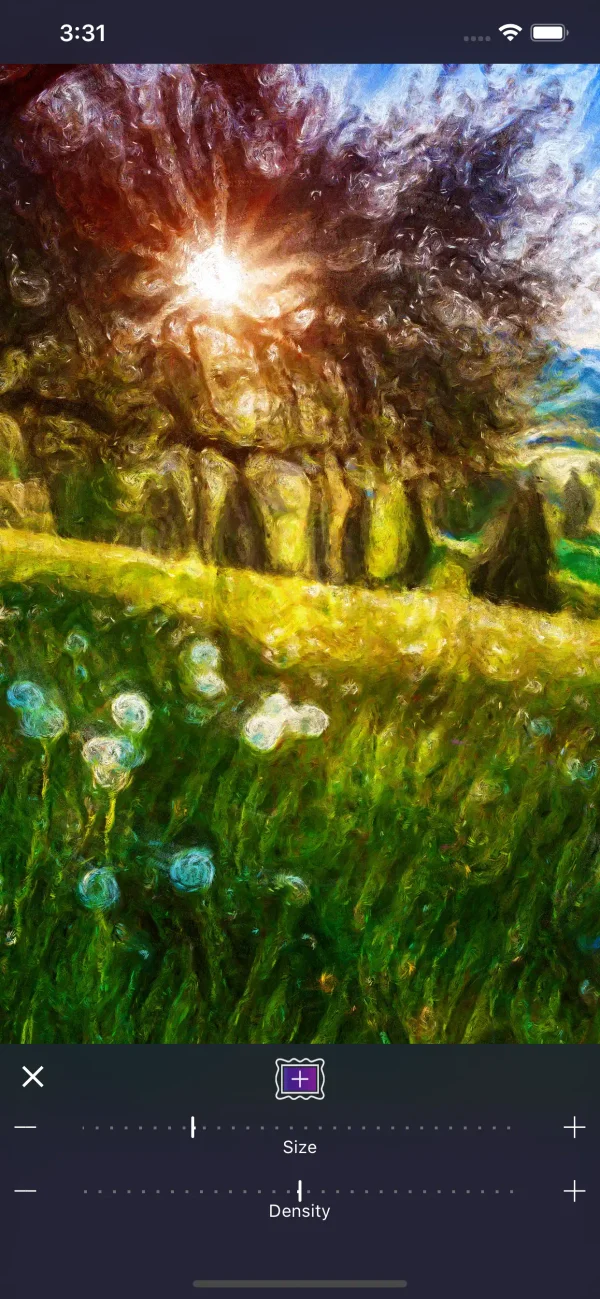
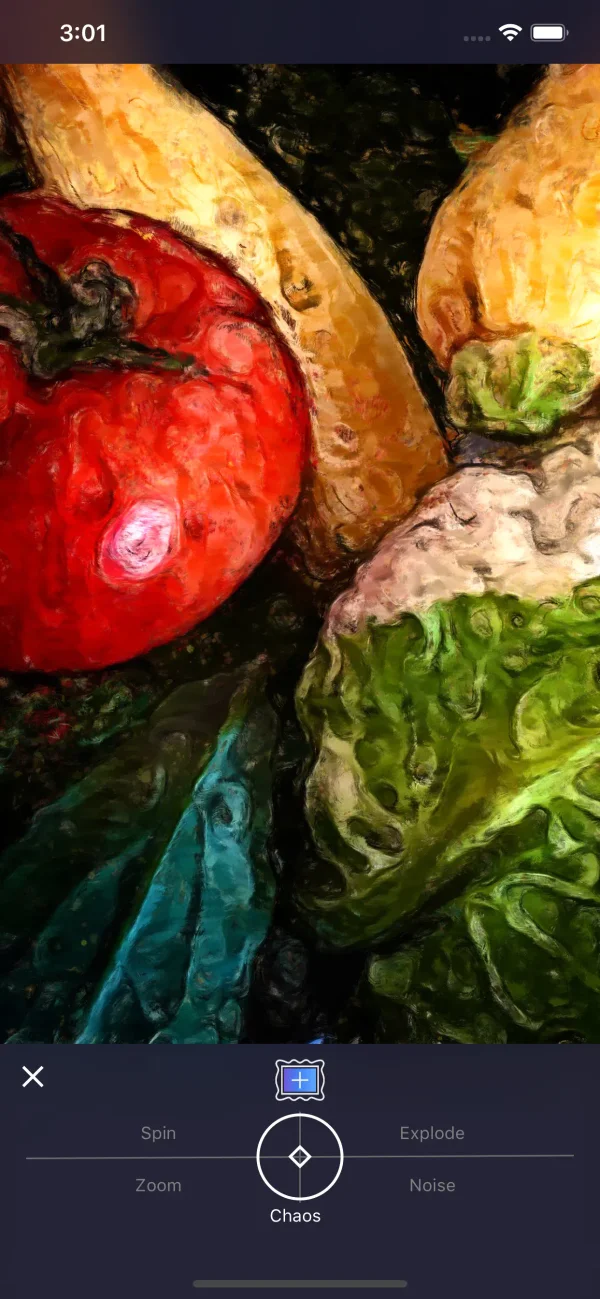
When Oilist is painting, styles can be infinitely customized with 17 different presets (these were called Styles in previous versions of Oilist), 13 different painting moods, 15 different brushes, setting brush options such as the size and spacing, and by splashing paint with our exciting Chaos tool. Control paint gravity by tilting your device and brush angles by yawing (rotating) the device.
Obtain new and exciting results by alternating settings with new settings painted on top of the previous settings. For instance, first, paint a layer using the Warm mood followed by a layer using the Cool mood. The use of large brushes tend to create more abstract artwork, and smaller brushes work best for high definition detail.
Oilist will automatically provide smaller brush strokes and greater photo-realism to detected faces.
Check out #oilist and follow us @3dtopo on Instagram and Twitter!
What’s new
Version 2.5.0 · Jun 23, 2026
• Now paints up to 12K (adjustable in Settings)
• Output up to 150 megapixels (previous versions output 16 megapixels)
• New Brushwork option on the Finish screen for stylized images
• Increased brush stroke detail
• Higher resolution style image
• More painterly and higher quality output
• New photo picker
App privacy
What 3DTOPO Inc. declares on the App Store about how this app handles data.
-
Data not linked to you
May be collected but is not linked to your identity.
- Identifiers
- Usage data
- Diagnostics
Privacy practices may vary, for example with the features you use or your age.
Information
- Seller
- 3DTOPO Inc.
- Category
- Photo & Video
- Version
- 2.5.0
- Updated
- Jun 23, 2026
- Released
- Apr 20, 2017
- Size
- 152.1 MB
- Requires
- iOS 17.6 or later
- Age rating
- 4+
- Price
- $2.99
- Languages
- English
- Copyright
- COPYRIGHT ©2026 3DTOPO Inc., ALL RIGHTS RESERVED.
You might also like
-
 Olli by TinrocketCapture video and get drawn in
-
 InkworkTurn photos into art
-
 Brushstroke Pro for iPadTurn photos into paintings
-
 Waterlogue: Photo to PaintingYour Watercolor Camera
-
 Impressio: Photo to PaintingArt Generator Effect Art AI
-
 Portrait PainterAuto paint a gallery portrait
-
 Color Viewfinder - paletteThe color palette generator
-
 ArtCard - Quick ArtPhoto-to-Painting Art Filters
-
 Simply WatercolorPhotos to Gorgeous Watercolors
-
 PhotoArtista - OilPhoto into a oil painting