
- Age rating4+
- CategoryPhoto & Video
- DeveloperPremjibhai Makawana
- LanguagesEnglish
- Size11.4 MB
Links to the official App Store page
Download.org hosts no file of OKEN Scanner - PDF Scanner. The button opens its official App Store page, published by Premjibhai Makawana. Listing last checked on Nov 21, 2026.
Screenshots



About
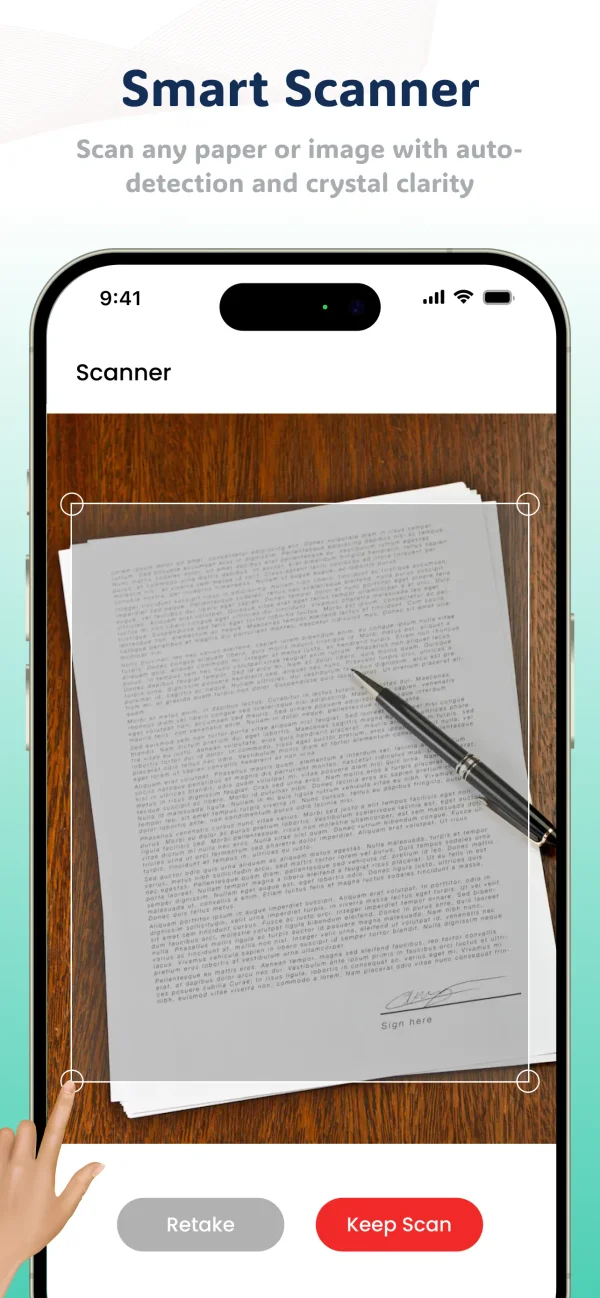
Transform your everyday photos, documents, and videos into professional-quality PDFs with ease. This app combines powerful tools and a clean, modern interface to help you manage, convert, and secure your files effortlessly — all from your iPhone.
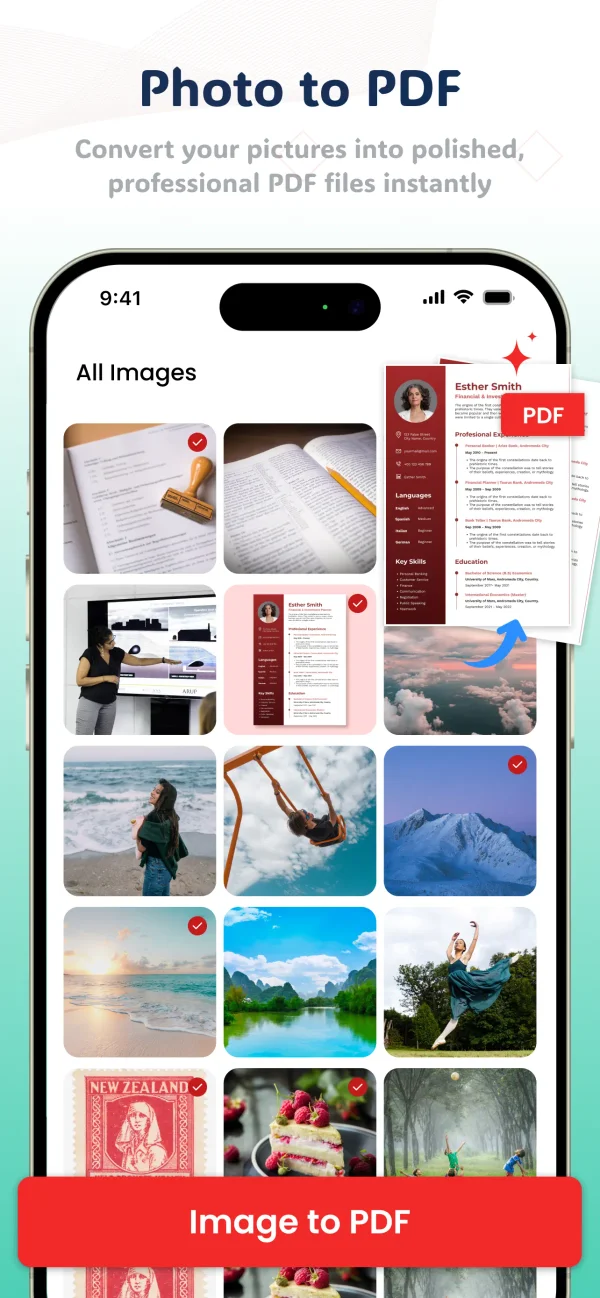
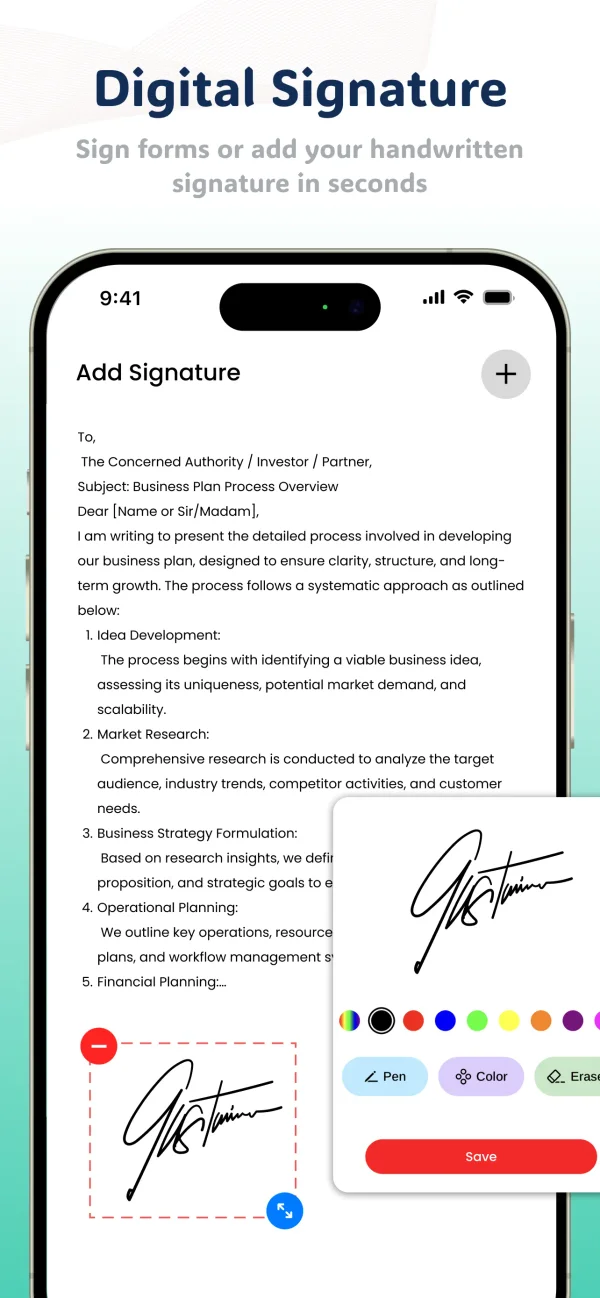
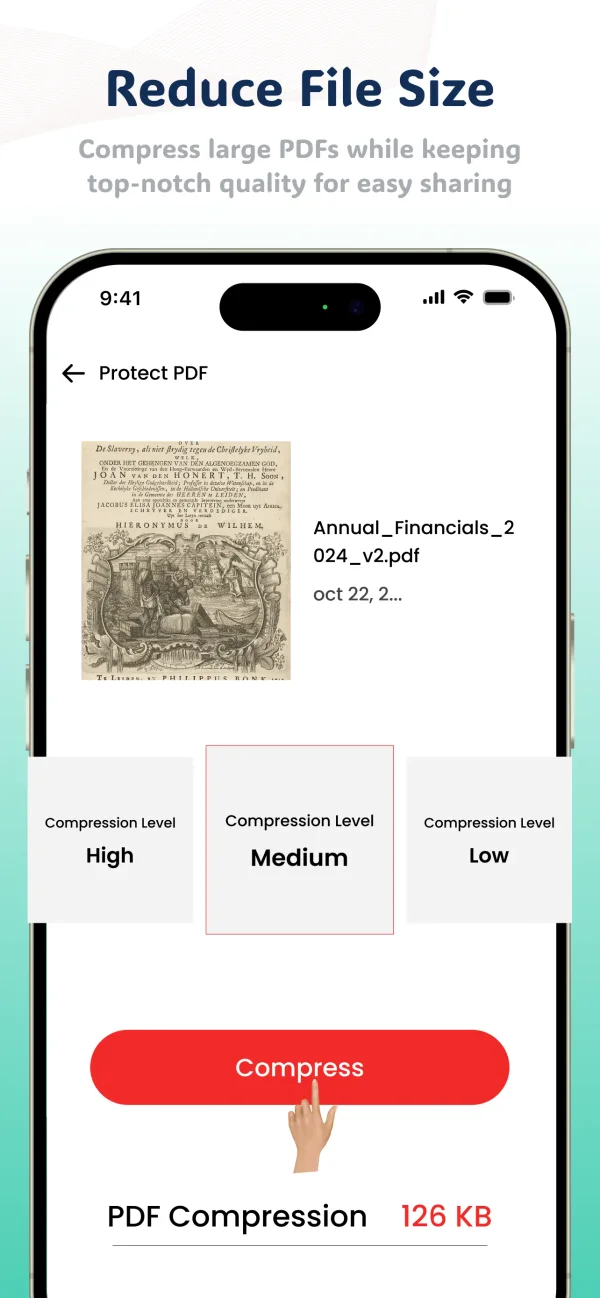
Easily convert multiple images into a single PDF file and customize it exactly the way you want. You can resize pages, adjust orientation, or even add your personal signature directly on the document. Have existing PDFs? Unlock them for editing or merge several into one organized file. Need extra security? Lock your PDFs with a password to protect sensitive information.
The app goes beyond basic conversion. You can extract images from PDF files or capture perfect stills from videos using the built-in video-to-image tool. It also supports format conversion between JPEG and PNG, so your media always fits your workflow.
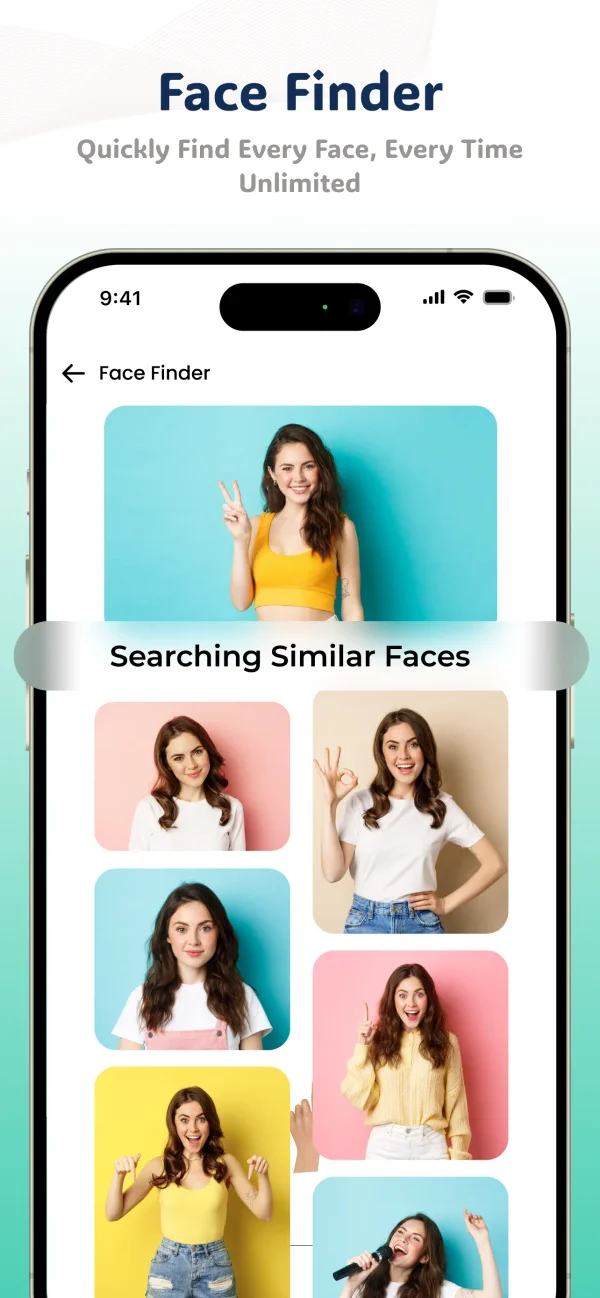
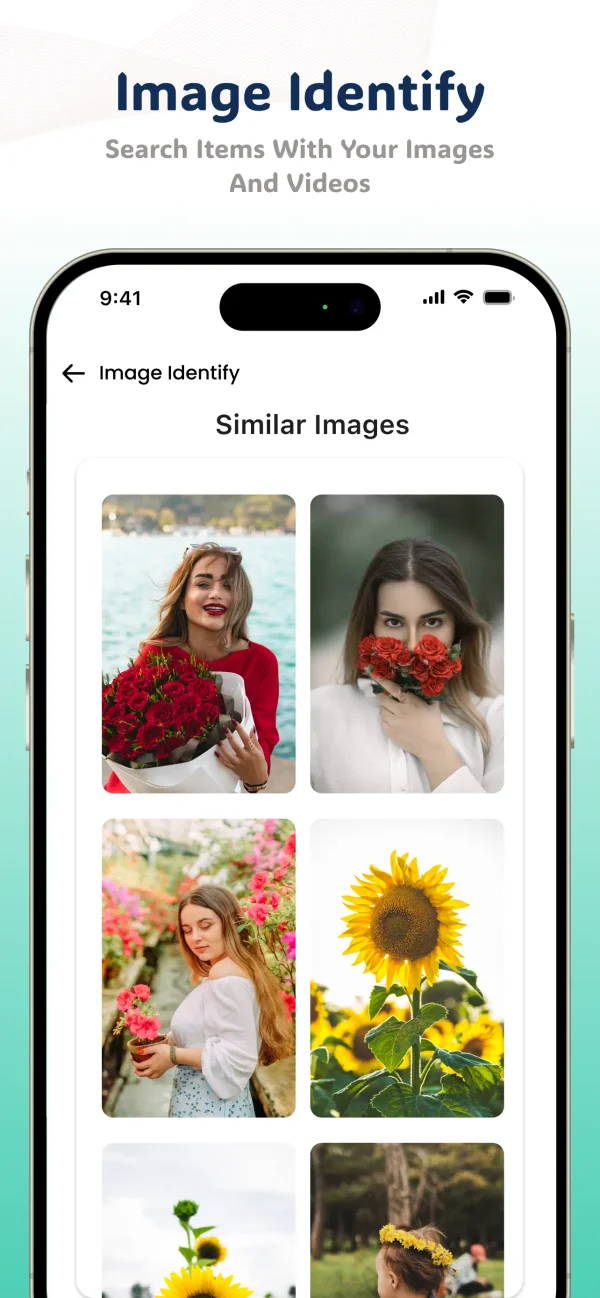
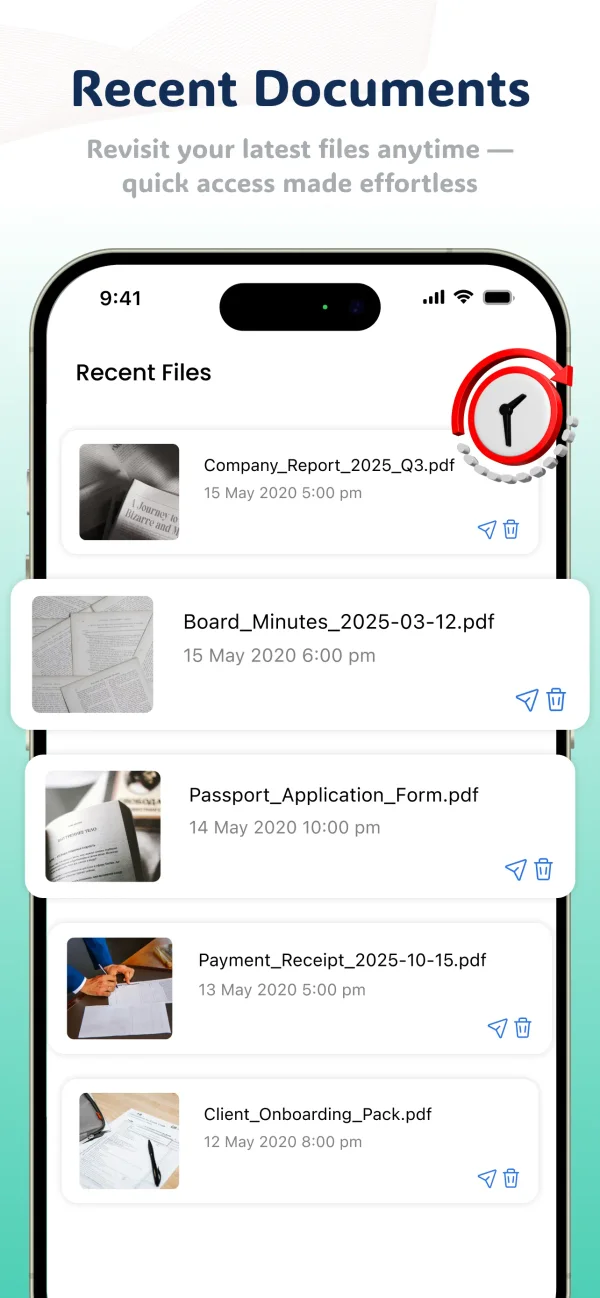
Smart search helps you find exactly what you need — whether it’s an image, face, logo, or even a video. With recent file tracking, you can easily pick up where you left off, and with integrated cloud support, all your documents stay synced and accessible anytime.
Whether you’re a student organizing notes, a professional managing work documents, or someone who simply wants to turn memories into PDFs, this app offers a smooth, secure, and beautifully simple experience for every need.
Privacy Policy : https://scannerpdfapp.blogspot.com/2025/11/privacy-policy-for-scanner.html
Terms Condition : https://scannerpdfapp.blogspot.com/2025/11/terms-conditions-for-scanner.html
EULA : https://scannerpdfapp.blogspot.com/2025/11/end-user-license-agreement-eula-of.html
What’s new
Version 1.4 · Sep 24, 2026
- bug solve
App privacy
What Premjibhai Makawana declares on the App Store about how this app handles data.
-
Data used to track you
May be used to track you across apps and websites owned by other companies.
- Identifiers
- Usage data
-
Data not linked to you
May be collected but is not linked to your identity.
- Identifiers
- Usage data
Privacy practices may vary, for example with the features you use or your age.
Information
- Seller
- Premjibhai Makawana
- Category
- Photo & Video
- Version
- 1.4
- Updated
- Sep 24, 2026
- Released
- Nov 6, 2025
- Size
- 11.4 MB
- Requires
- iOS 16.0 or later
- Age rating
- 4+
- Price
- Free
- Languages
- English
- Copyright
- © Scanner
You might also like
-
 InpixPhoto & Video
-
 TrueCloudPhoto & Video
-
 Prama OnlinePrama Online
-
 Falcon 4GPhoto & Video
-
 Calculator Lock : Hide VideoHide photos & videos in vault
-
 PosePal: AI Photo Pose GuidePosing coach & camera overlay
-
 GPS Map Camera: Geo-TimestampLocation Proof for Work Photos
-
 Gallery - Photo AlbumGallery
-
 EasyCut : Video Editor & MakerPro video Editor
-
 YT CreateCreate Videos in Minutes