
OkidoKey
The Input Method Keyboard Kit
Designed for iPhone, iPad
Free · In-app purchases
- Age rating4+
- CategoryUtilities
- DeveloperEthan Liu
- LanguagesEnglish+ 2 more
- Size46.3 MB
Links to the official App Store page
Download.org hosts no file of OkidoKey. The button opens its official App Store page, published by Ethan Liu. Listing last checked on Nov 17, 2026.
Screenshots


About
OkidoKey is a keyboard kit designed to use custom input methods not supported by the system.
You can use it with the touchscreen custom keyboard that works seamlessly across the system, or you can use a physical keyboard with the text editor provided by OkidoKey.
The OkidoKey editor can be used in Clip Pad mode with Split-View or multitasking windows. Once you've finished a sentence, simply tap the target and paste it.
Features
- It includes most common and ready-to-use Chinese input methods and keyboards, such as Array, Cangjie, Dayi, Pinyin, and so on.
- It supports installing custom input methods using CIN table files.
- It allows installing multiple input methods and keyboards.
- It has sibling keyboards, and key flicks features.
- It offers a composition prompt option.
- It includes a navigation keyboard.
- In OkidoKey text editor, it supports physical keyboard inputs.
- It has an auto-copy feature with Clip Pad mode.
- It allows Chinese and English mix-typing triggered by the return key.
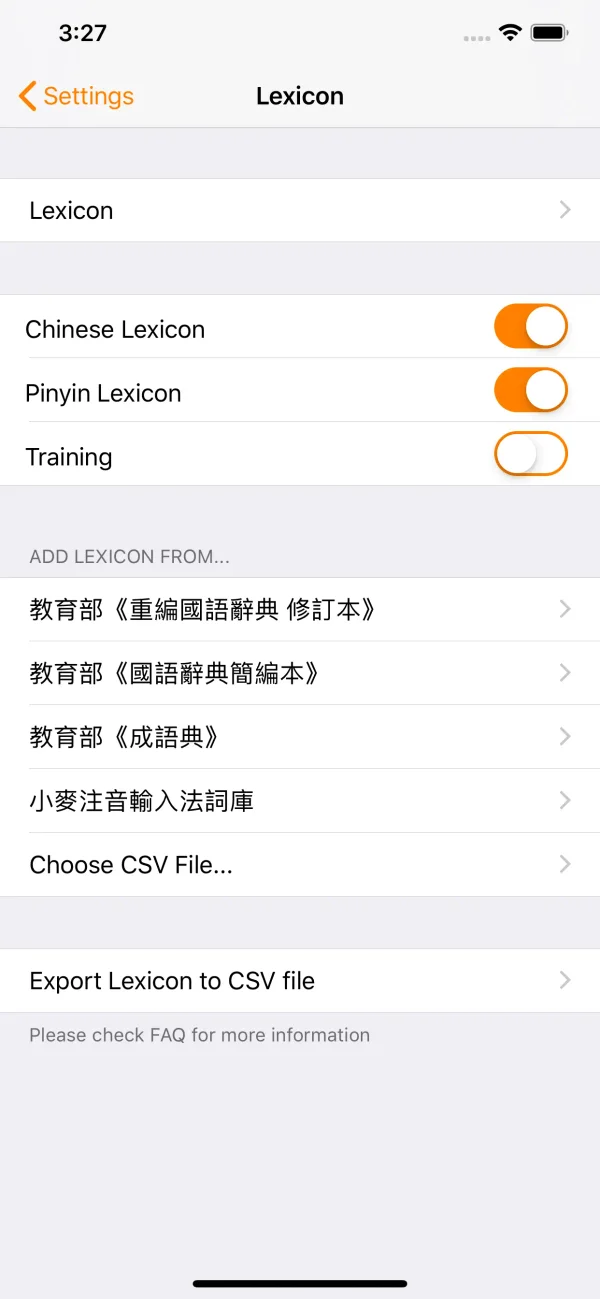
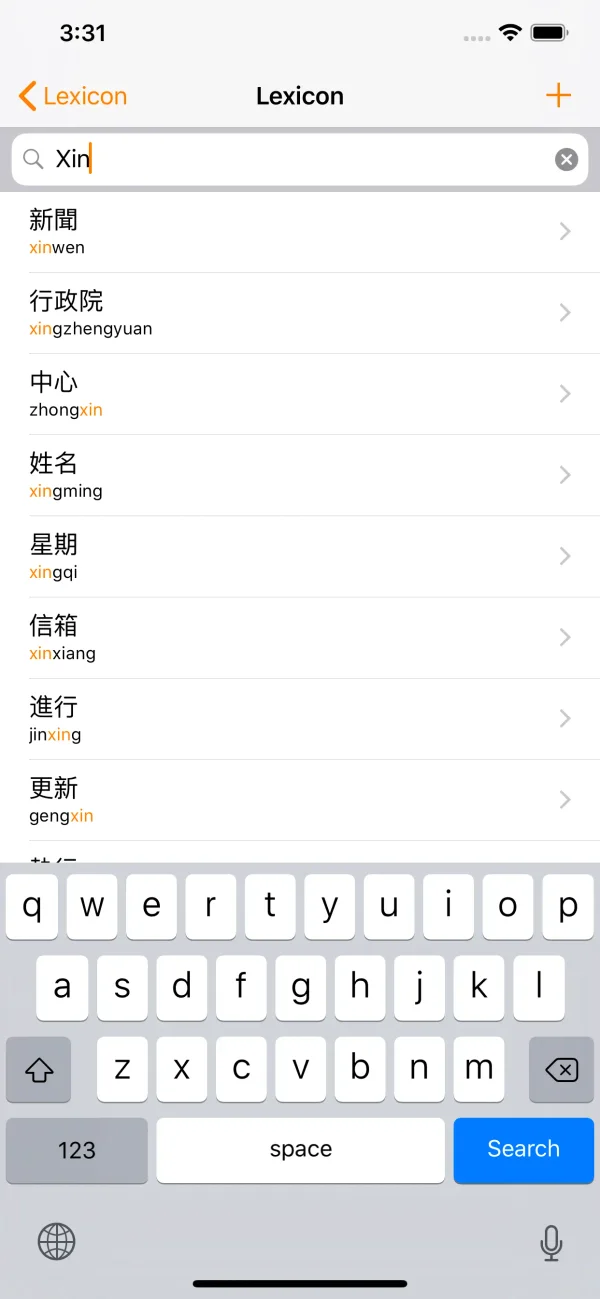
- It includes a Chinese lexicon and emojis.
- It provides smart punctuation.
- It offers homophones and phonetics lookup.
- It supports both traditional and simplified Chinese output.
- It allows personalized radicals, phrases, and snippets.
Optimized Input Methods
- Fully supports the Array input method and special/shortcode mode.
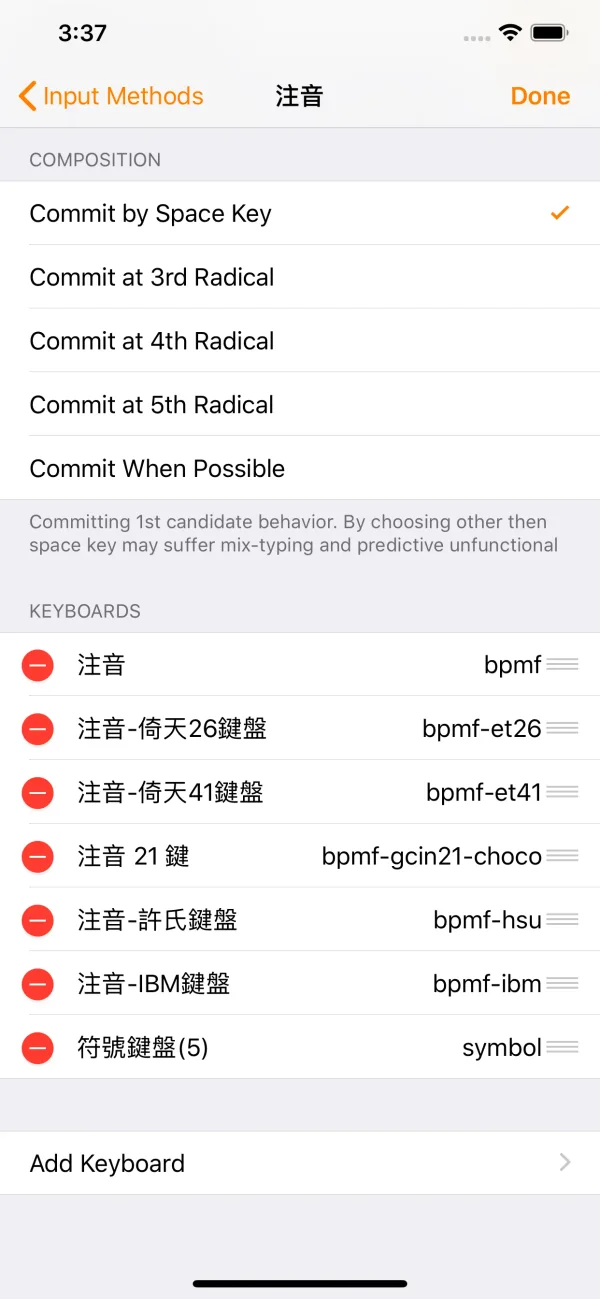
- Zhuyin input method supports the standard, Et26, Et41, Hsu, and IBM keyboard layouts.
** Lexicon-related features are available on a subscription basis.
Terms of Use (EULA): https://www.creativecrap.com/paper/baker/eula.html#en
Privacy Policy: https://www.creativecrap.com/paper/baker/privacy.html#en
What’s new
Version 4.5.0 · Oct 6, 2026
- [keyboard] New space key options
- [misc] Resource files update and misc bug fixes.
App privacy
What Ethan Liu declares on the App Store about how this app handles data.
-
Data not collected
The developer does not collect any data from this app.
Privacy practices may vary, for example with the features you use or your age.
Information
- Seller
- Ethan Liu
- Category
- Utilities
- Version
- 4.5.0
- Updated
- Oct 6, 2026
- Released
- May 17, 2015
- Size
- 46.3 MB
- Requires
- iOS 17.6 or later
- Age rating
- 4+
- Price
- Free
- In-app purchases
- Yes
- Languages
- English, Simplified Chinese, Traditional Chinese
- Copyright
- © 2017 Ethan Liu
You might also like
-
 蝦米鍵盤2Utilities
-
 中文輸入法 - 倉頡、速成、廣東話中英混合鍵盤Utilities
-
 Kaiboard 中英混合鍵盤Utilities
-
 Cantonese Keyboard - JyutpingLearn, Translate, Dictionary
-
 Tracepad - Mouse & TrackpadKeyboard for Mac, iPad, PC
-
 中華電信Utilities
-
 Mobile Mouse Remote - CloudComputer Trackpad & Keyboard
-
 仓输入法Utilities
-
 SuperVPN - VPN Proxy MasterSuper Fast PVN for iPhone
-
 ToDesk远程控制Utilities