
OMGshipper
Print, Pickup & Amazon Returns
Designed for iPhone, iPad, iPod touch
Free
- Age rating4+
- CategoryUtilities
- DeveloperShip Thrifty LLC
- LanguagesEnglish
- Size61.5 MB
Links to the official App Store page
Download.org hosts no file of OMGshipper. The button opens its official App Store page, published by Ship Thrifty LLC. Listing last checked on Nov 18, 2026.
Screenshots

About
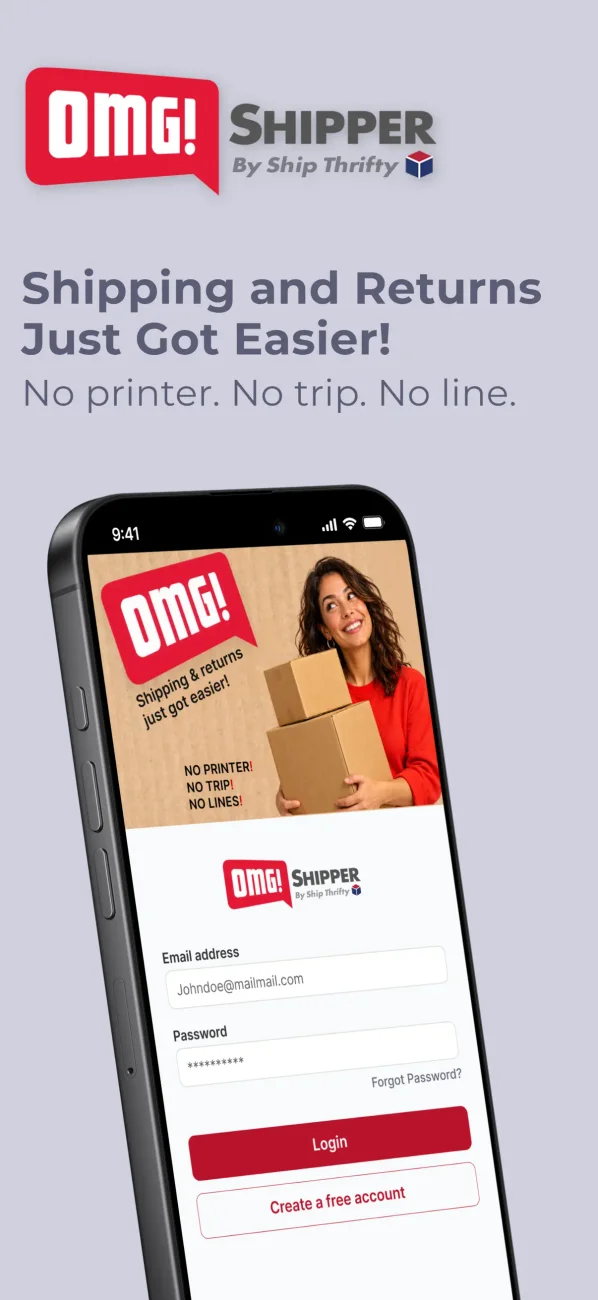
Package shipping just got easier.
Print labels, return Amazon purchases, and send packages without the extra trip.
No printer. No trip. No lines.
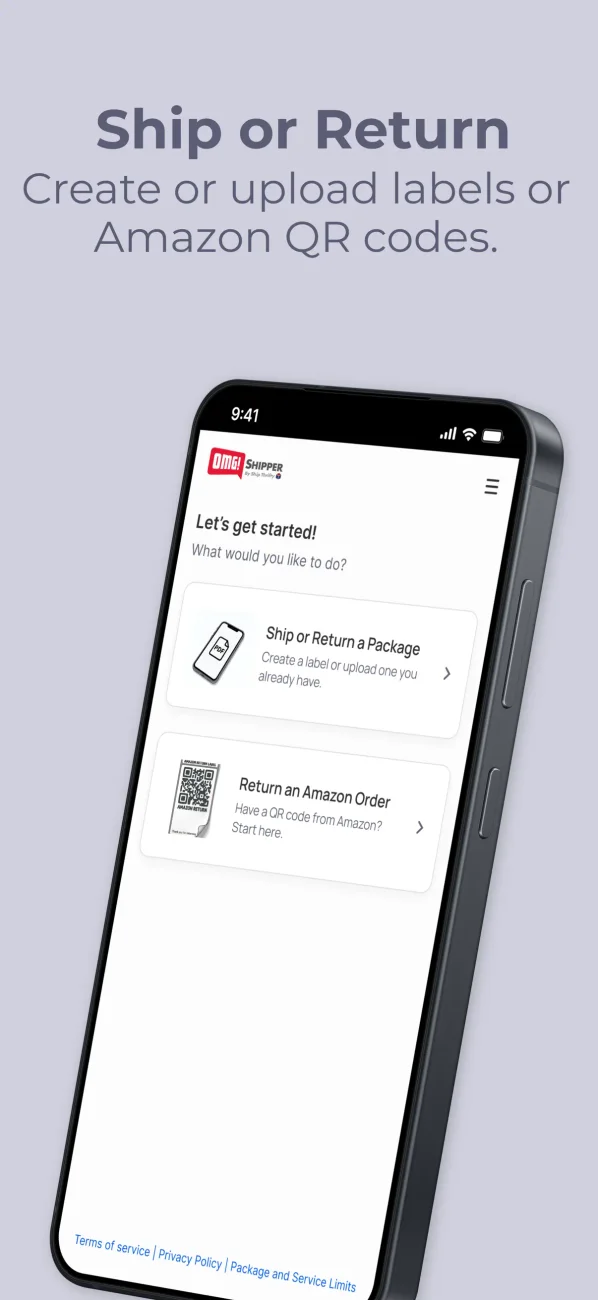
Create a shipping label in OMGshipper or upload a prepaid USPS, UPS, or FedEx label you've already created. Then choose the shipping option that works best for you.
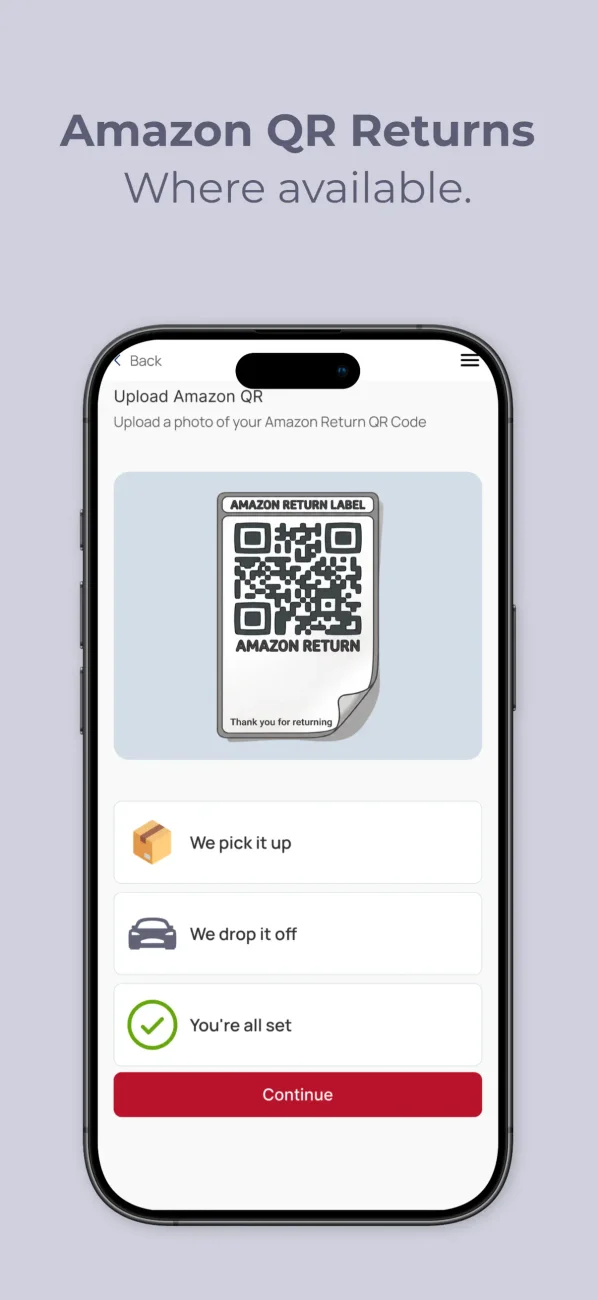
AMAZON QR CODE RETURNS
Upload your Amazon return QR code or screenshot, and a driver will pick up your return and complete the return drop-off.
• No printer needed
• Up to 5 QR codes per pickup
• Place each return in a sealed bag or box before pickup
PRINT & PICKUP
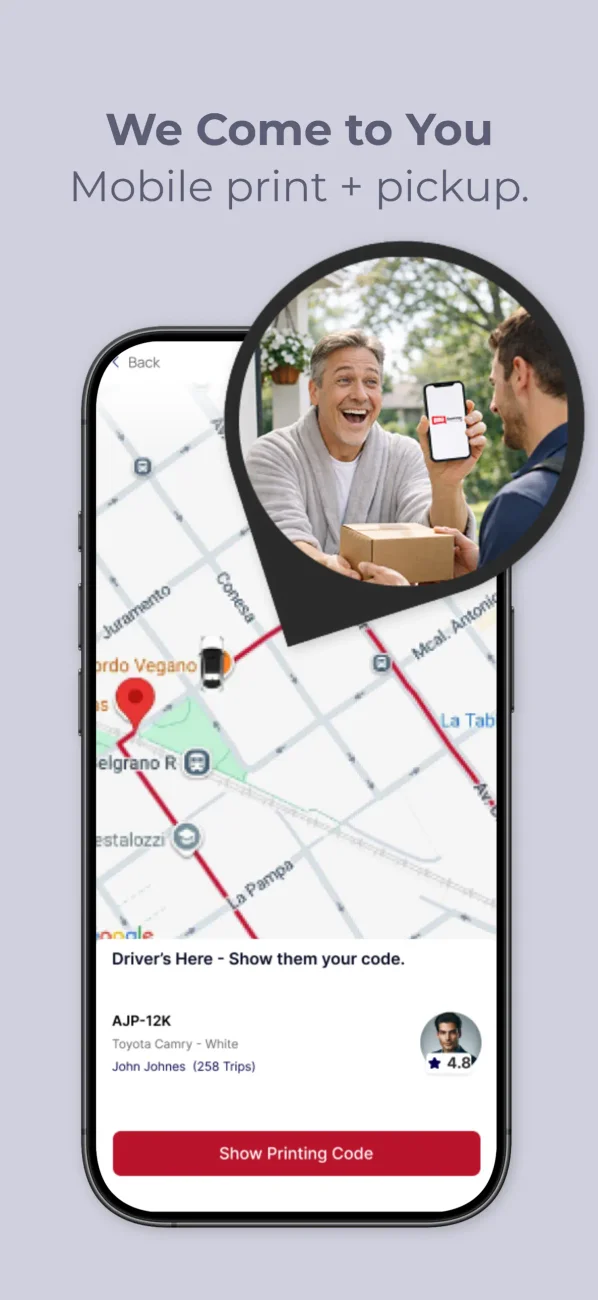
Stay home while a driver handles the rest.
Your driver can print your label, pick up your package, and deliver it to the carrier.
• Create labels in OMGshipper or upload prepaid labels created elsewhere
• Works with prepaid USPS, UPS, and FedEx labels
• Skip the printer, drive, and shipping counter
• Available in select service areas
PRINT NEARBY
No printer? Print labels at participating OMGshipper locations.
• Unlimited label printing
• Select locations let you print and leave your package to help skip the trip
PERFECT FOR
• Amazon & online shopping returns
• Selling on marketplaces
• Shipping without a printer
PACKAGE & SERVICE LIMITS
• Up to 5 packages or QR codes per pickup
• Max 30 lbs per package
• $1,000 total value
• Trunk-friendly sizes
• Non-urgent shipments only
• No hazardous materials, batteries, firearms, or live animals
Available in select locations.
Download OMGshipper today and discover an easier way to ship packages.
What’s new
Version 1.0.15 · Nov 4, 2026
Package shipping just got easier.
NEW: Amazon QR Code Returns
Upload your Amazon return QR code or screenshot, and a driver will pick up your package and complete the return drop-off.
Print & Pickup
Create a label in OMGshipper or upload a prepaid USPS, UPS, or FedEx label. A driver can print it, pick up your package, and deliver it to the carrier.
Print Nearby
No printer? Print shipping labels at participating OMGshipper locations.
More Improvements
• Performance improvements and enhancements
• New locations added regularly
No printer. No trip. No lines.
App privacy
What Ship Thrifty LLC declares on the App Store about how this app handles data.
-
Data linked to you
May be collected and linked to your identity.
- Contact info
-
Data not linked to you
May be collected but is not linked to your identity.
- Location
- Contact info
Privacy practices may vary, for example with the features you use or your age.
Information
- Seller
- Ship Thrifty LLC.
- Category
- Utilities
- Version
- 1.0.15
- Updated
- Nov 4, 2026
- Released
- Jan 22, 2026
- Size
- 61.5 MB
- Requires
- iOS 15.0 or later
- Age rating
- 4+
- Price
- Free
- Languages
- English
- Copyright
- © 2026 OMGshipper by Ship Thrifty
You might also like
-
 FamQRA QR Code creator
-
 Easy Return LabelMake Return Labels Print-Ready
-
 DecimaTime keeper app
-
 Frequency Analyzer +Audio analysis made easy!
-
 Shipster LabelsUtilities
-
 Spriv AuthenticatorTwo Factor Authentication
-
 Image Converter: JPEGConvert your images to JPEG
-
 MCAA AppUtilities
-
 Rochester WorksUtilities
-
 ShipWiz - Shipping LabelsEasy, cheap, and sustainable