Omnia Reader
Universal ebook reader with AI
Designed for iPhone, iPad
Free · In-app purchases
- Age rating4+
- CategoryUtilities
- DeveloperLiChuan Lin
- LanguagesEnglish+ 16 more
- Size11.0 MB
Links to the official App Store page
Download.org hosts no file of Omnia Reader. The button opens its official App Store page, published by LiChuan Lin. Listing last checked on Nov 15, 2026.
Screenshots


About
Omnia Reader is a universal e-book reader that opens almost anything — EPUB, PDF, CBZ/CBR comics, MOBI & AZW3 (Kindle), TXT, Markdown, HTML, DOCX, RTF, FB2, CSV — built entirely with native iOS frameworks. No accounts, no tracking, no ads. Your books and reading data stay on your device.
READ EVERYTHING, FREE
• 12+ formats, unlimited local library
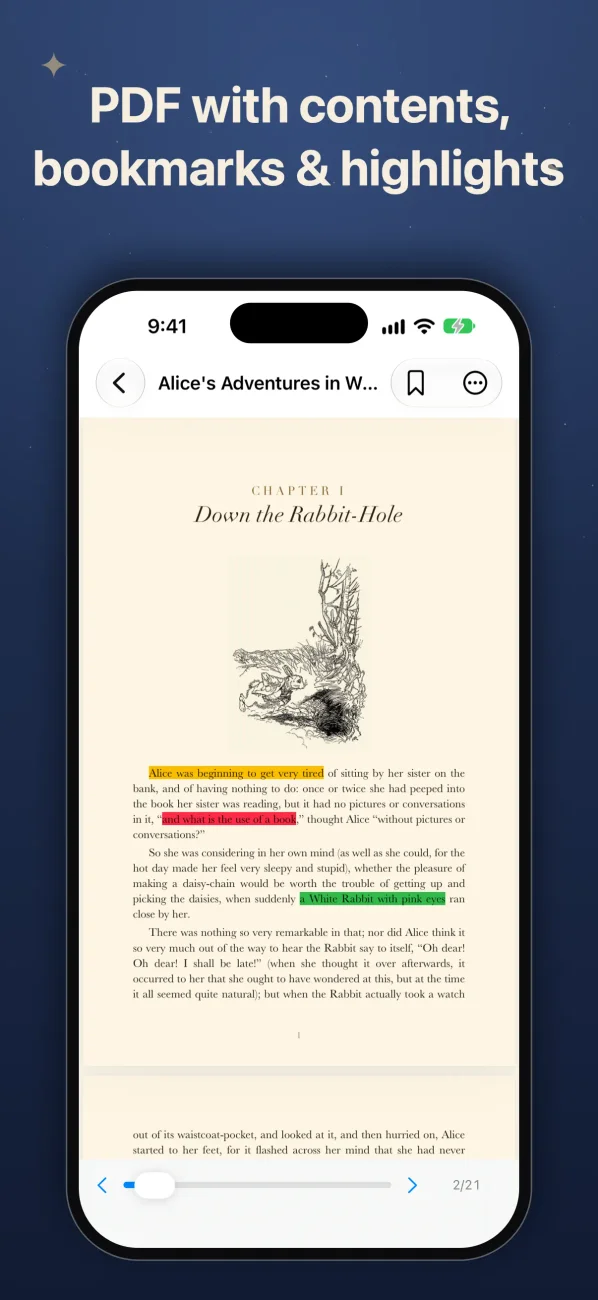
• Resume, table of contents, bookmarks
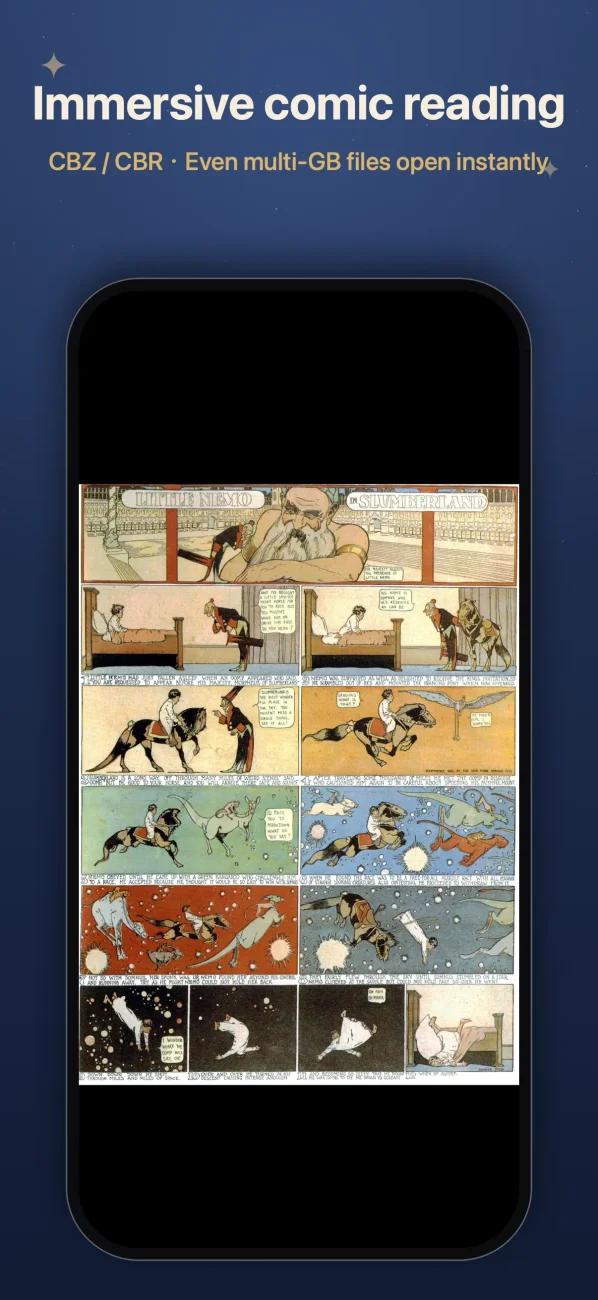
• Comics with chapters and zoom; even GB-sized files open instantly
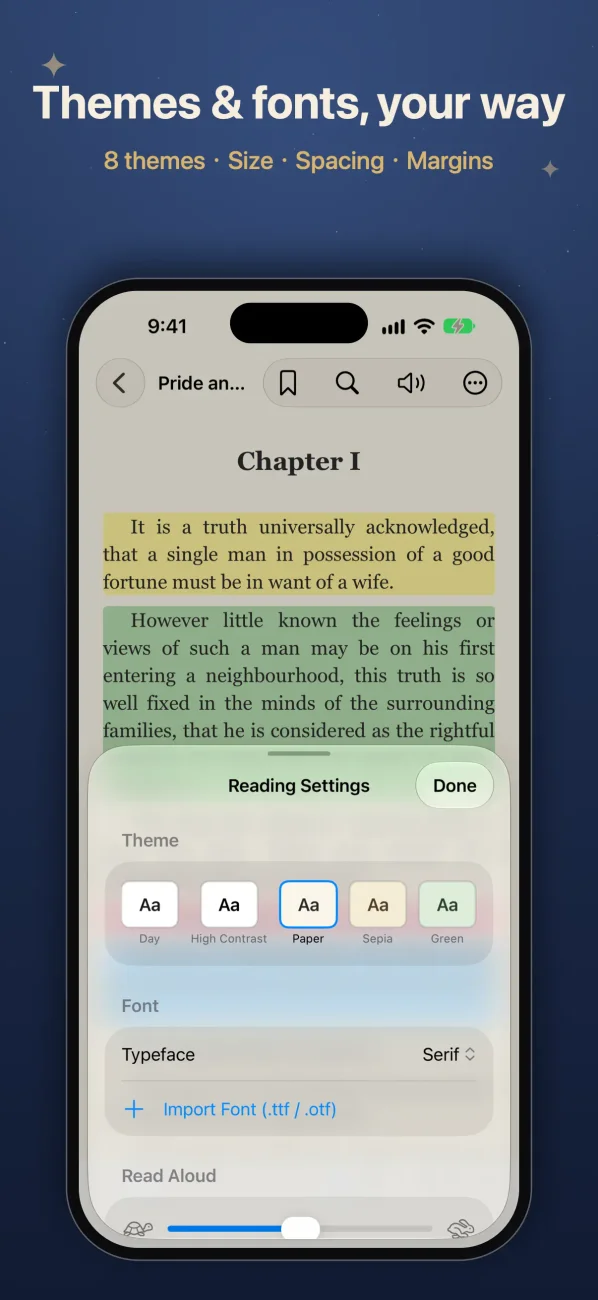
• Day/night themes, system fonts, adjustable size, spacing and margins
• Dictionary lookup and translation, full-text search
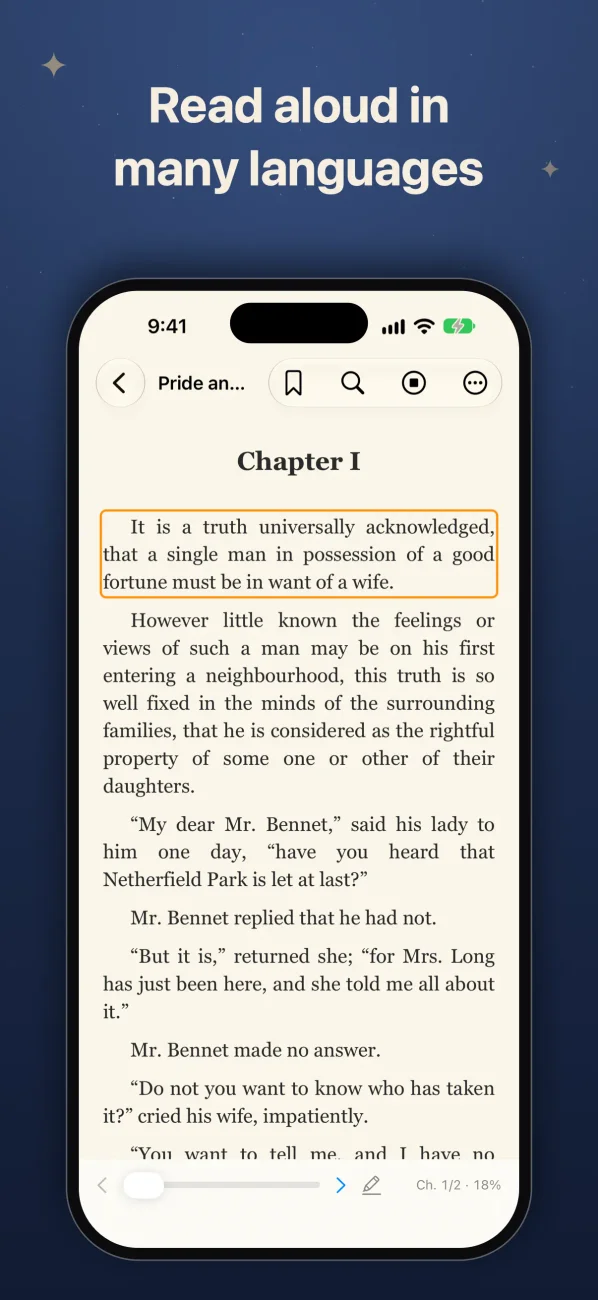
• Read-aloud (TTS): automatic voice per language, background playback, lock-screen controls, follow-along, cross-chapter
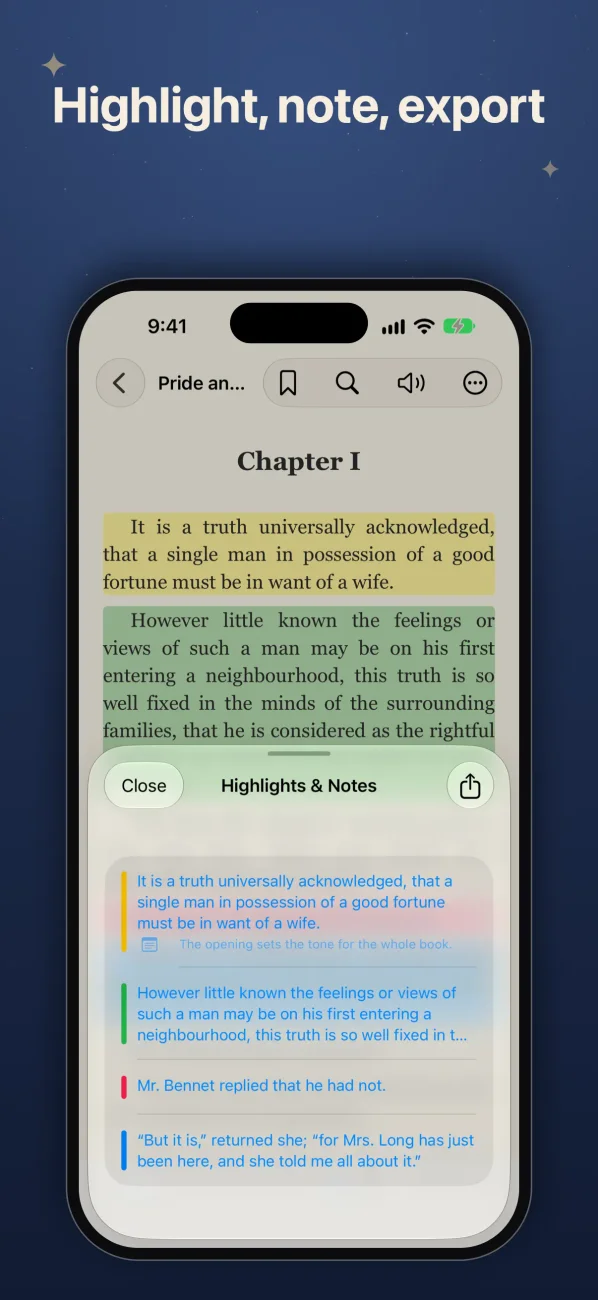
• 4-color highlights + notes (3 per book; unlimited in PDFs), export to Markdown
• Beautiful quote cards to share
• 17 languages, built-in handbook
UNLOCK OMNIA PRO (one-time, no subscription)
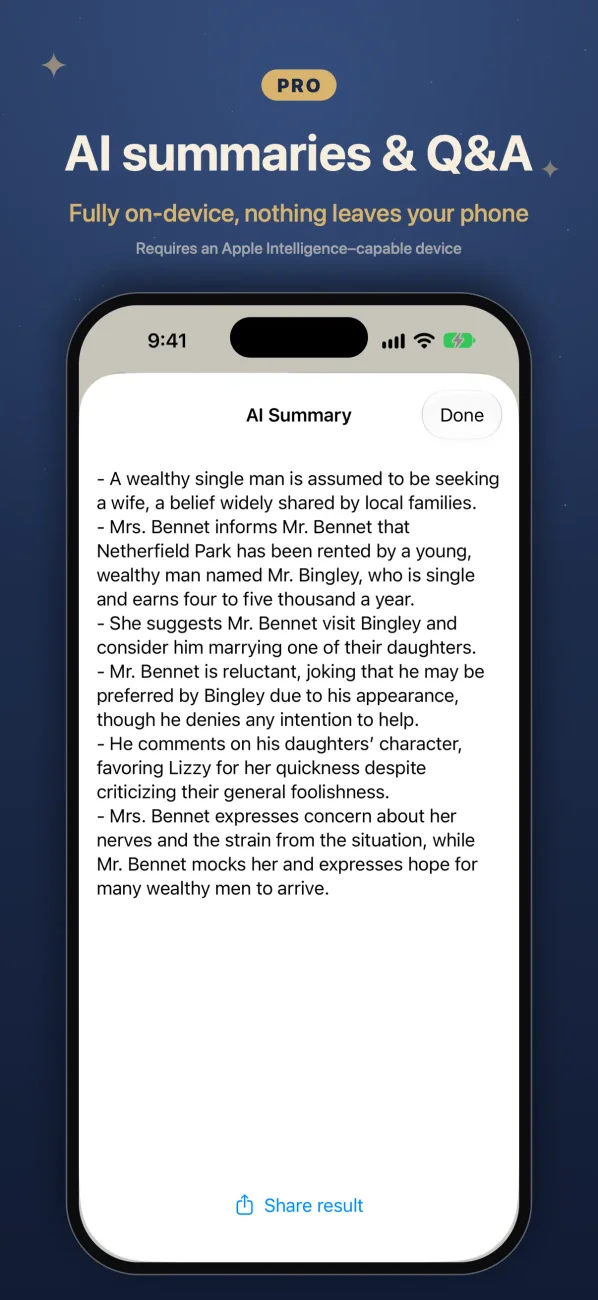
• On-device AI: summaries, Q&A and vocabulary — free, offline, private
• Sync reading progress, bookmarks and highlights across devices — and your book files too
• Remote libraries: WebDAV, OPDS, iCloud Drive
• Unlimited highlights
• Import your own fonts (.ttf/.otf)
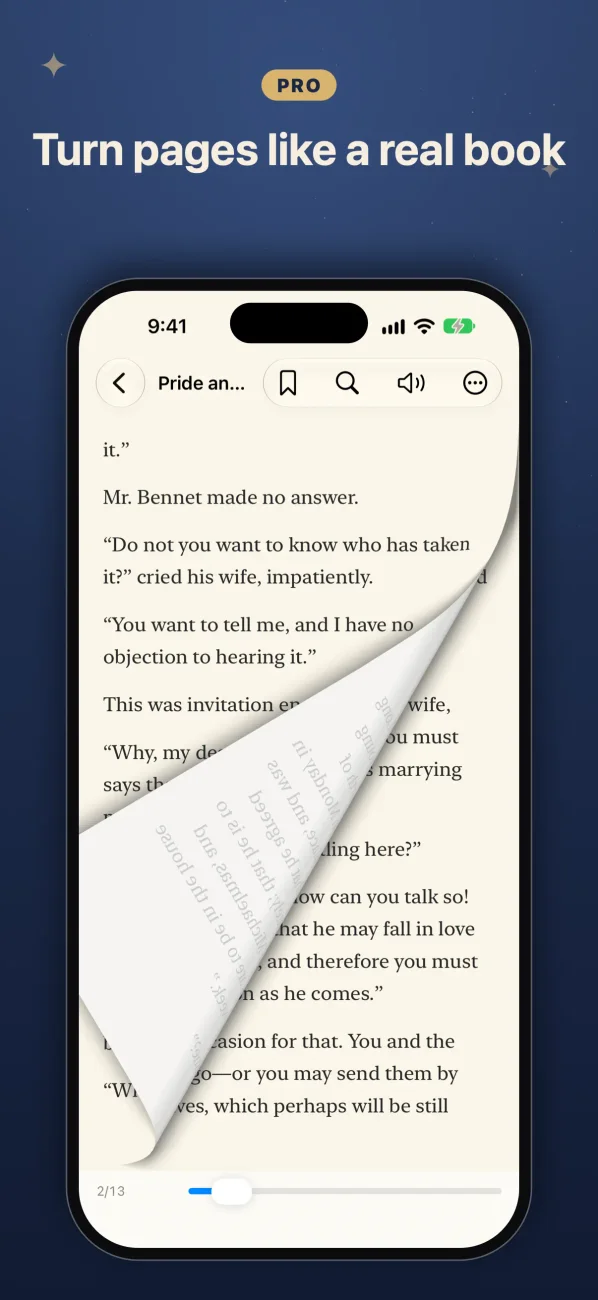
• Paged mode incl. paged EPUB, page-curl animation, two-page, vertical CJK, justify
• Vocabulary deck with spaced repetition, tags, advanced stats
WHY OMNIA
• Truly native — fast, light, no third-party SDKs
• Works fully offline
• No subscription, no ads, no data collection
• Buy Pro once, use on iPhone and iPad
Bring your own books and enjoy reading.
What’s new
Version 1.8 · Nov 12, 2026
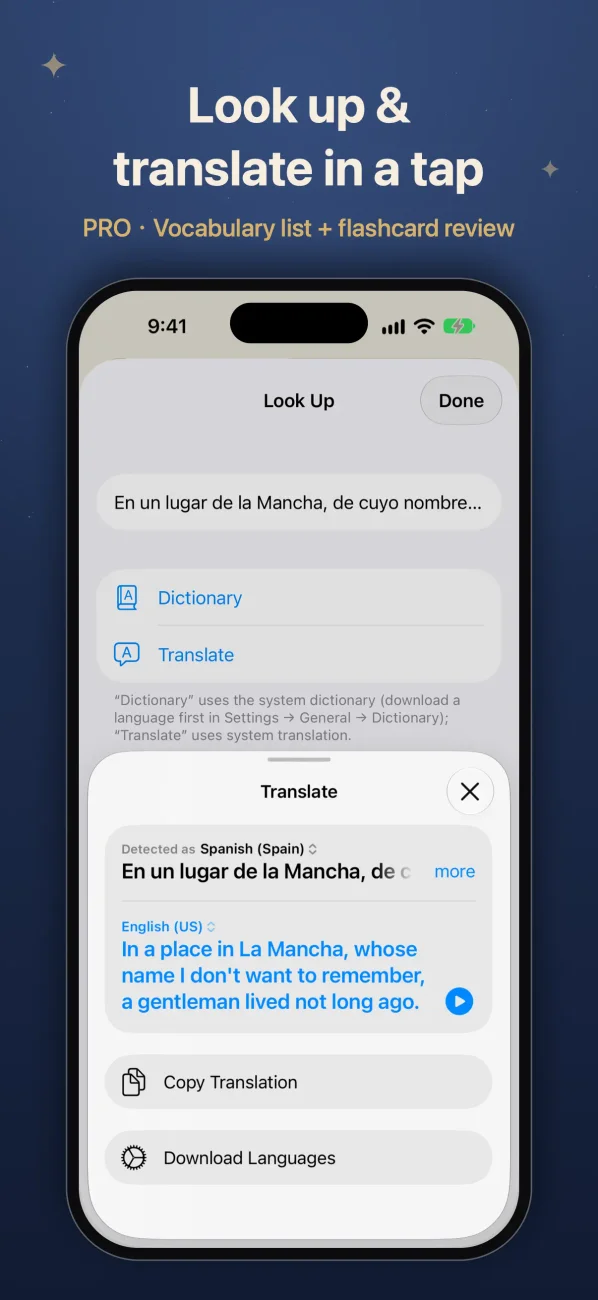
This update makes looking up and translating text quicker, and adds Simplified ↔ Traditional conversion for Chinese books.
LOOK UP AND TRANSLATE
• Translate Paragraph now works in Paged mode for TXT and Markdown: select some text and it's the first item in the menu. The whole paragraph is translated, even when it continues onto the next page
• Select text in a book, then open Look Up / Translate from the More menu — your selection is filled in automatically. Works in PDFs, EPUB and other formats, and in Paged mode for TXT and Markdown
• The input field now shows several lines, so you can see a whole paragraph; tapping Dictionary or Translate before typing anything takes you straight to the field
SIMPLIFIED AND TRADITIONAL CHINESE
• In Reading Settings, under Chinese Script, use Display As to show a Traditional Chinese book in Simplified, or a Simplified book in Traditional (Taiwan) or Traditional (Hong Kong)
• The app detects whether a book is in Simplified or Traditional Chinese; the option appears only for Chinese books
• Set it once and it applies to every book you open — choose Simplified, for example, and all Traditional Chinese books appear in Simplified
• Turn on Convert Regional Terms to also convert words that differ by region, such as 软件 ↔ 軟體 ("software")
• Only the display changes; your files are never modified. You stay at the same spot when switching, and search, Read Aloud and highlights work as usual
• Works with EPUB, TXT, Markdown, MOBI, AZW3, FB2, DOCX and other text formats; PDFs and comics can't be converted
• Converted on your device with the open-source OpenCC library — no internet needed
• In Simplified Chinese TXT and Markdown books, chapter headings such as 第一节, and headings with full-width numbers, now appear in Contents
As always: fully offline, no tracking, no ads.
App privacy
What LiChuan Lin declares on the App Store about how this app handles data.
-
Data not collected
The developer does not collect any data from this app.
Privacy practices may vary, for example with the features you use or your age.
Information
- Seller
- LiChuan Lin
- Category
- Utilities
- Version
- 1.8
- Updated
- Nov 12, 2026
- Released
- Jul 9, 2026
- Size
- 11.0 MB
- Requires
- iOS 26.0 or later
- Age rating
- 4+
- Price
- Free
- In-app purchases
- Yes
- Languages
- English, Dutch, French, German, Indonesian, Italian, Japanese, Korean, Polish, Portuguese, Russian, Simplified Chinese + 5 more
- Copyright
- © LiChuan Lin
You might also like
-
 Kinder - Ebook ReaderEPUB PDF MOBI AZW3 Library
-
 Renobo: Ebook & Manga ReaderEvery language, every book
-
 静墨 - 本地小说阅读器 TXT/EPUB/PDFUtilities
-
 Foxycape AI ReaderFor learning and research
-
 Book IsleNAS OPDS Calibre library
-
 水獭漫画 - 纯净的本地漫画阅读器Utilities
-
 TXT文本听书Utilities
-
 子衿听书-TXT,PDF,EPUB电子书AI配音阅读神器Utilities
-
 ice readerUtilities
-
 奈可阅读Utilities