OmniGraffle 3
Precise, Beautiful Graphics
Designed for iPhone, iPad
Free · In-app purchases
- Age rating4+
- CategoryGraphics & Design
- DeveloperThe Omni Group
- LanguagesEnglish+ 10 more
- Size177.6 MB
Links to the official App Store page
Download.org hosts no file of OmniGraffle 3. The button opens its official App Store page, published by The Omni Group. Listing last checked on Nov 27, 2026.
Screenshots


About
Design, create, sketch, and diagram. An incredibly powerful app for both beginners and professionals. Start the 2-week trial now.
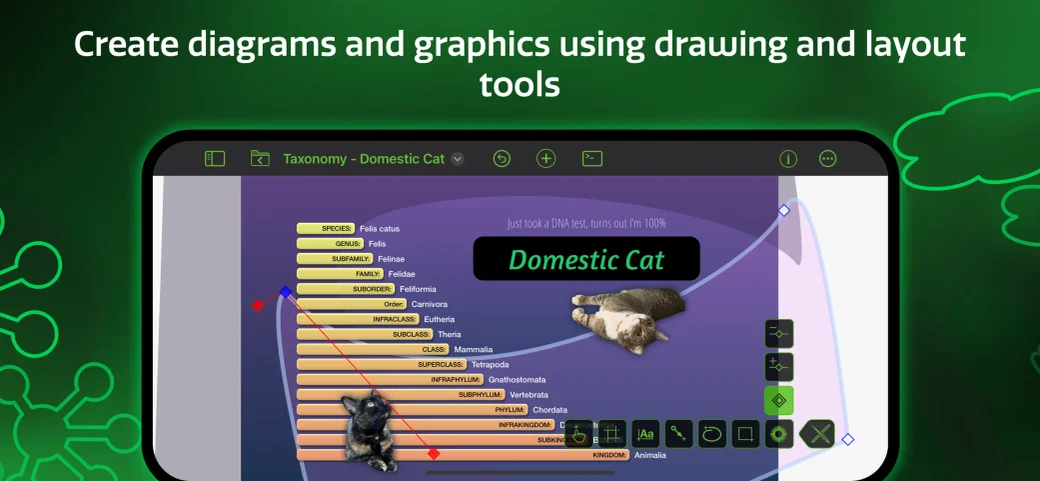
Create quick, beautiful, and portable charts, graphics, designs, mockups, and more. Use your iPad and iPhone screen as your paper, canvas, and whiteboard—all in one. It comes with thousands of searchable objects via Stenciltown, like server racks, space planning stencils, iconography, and more.
OmniGraffle provides a thoughtful, professional interface for creating everything from basic wireframes to polished interface sketches, tools to construct SVG graphics for your next website, or designing the layout for your next hundred-server project.
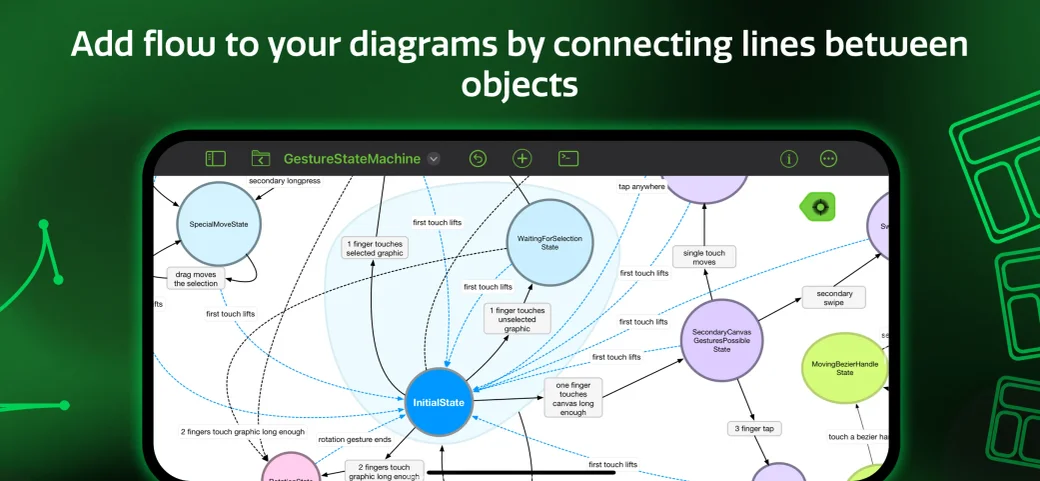
A thoughtful sketch or professional diagram communicates far better than words. When you need a clear understanding of how information needs to be presented or how processes are carried out, OmniGraffle 3 for iOS is the tool to help you organize your thoughts visually, document them beautifully, and communicate them to the world. OmniGraffle 3 has features and functionality you won’t find anywhere else, and it behaves exactly how you’d expect an iPad and iPhone app should with multitouch gestures, Share Sheet integration, and more.
NEW IN 3:
- Redesigned interface to make common tasks readily available.
- Canvas Size Modes: choose between Fixed, Flexible, or Infinite.
- Cross-Platform Automation with JavaScript
- SVG Import
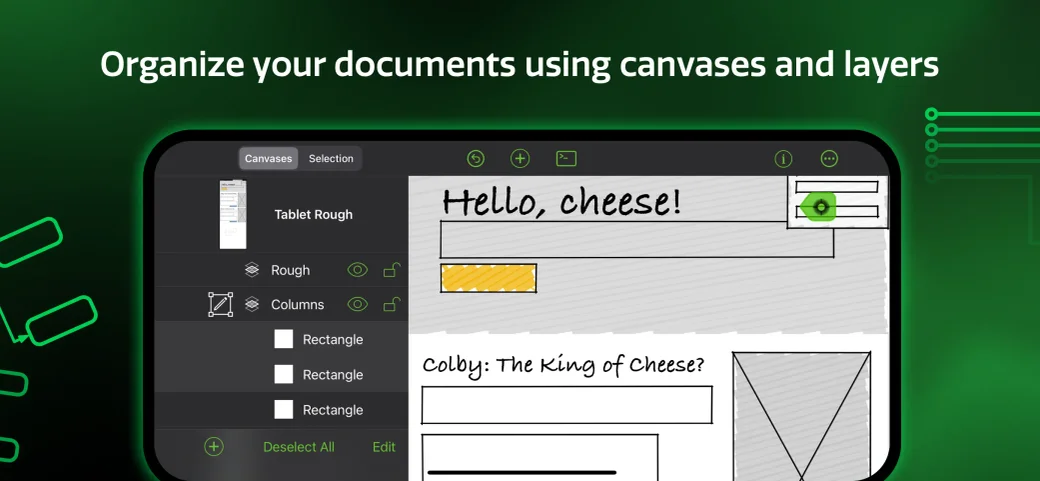
- Unified Sidebar List of Canvases, Layers, and Objects
- Group Visibility
- Artboards and Artboard Layers (PRO)
- App Lock
- Hot Keys for Tools
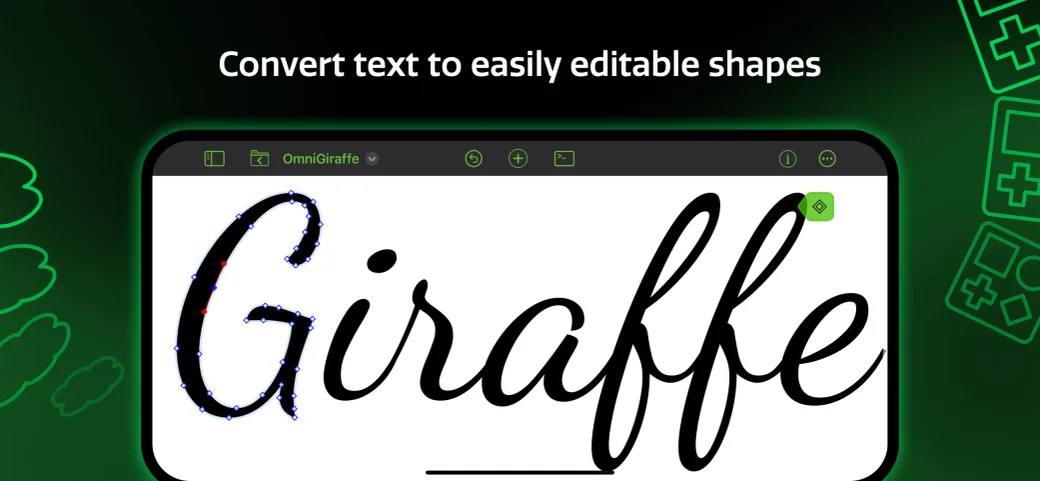
- Convert Text to Shape (PRO)
- Zoom to Object, Scroll to Selection
PRO features (in-app purchase):
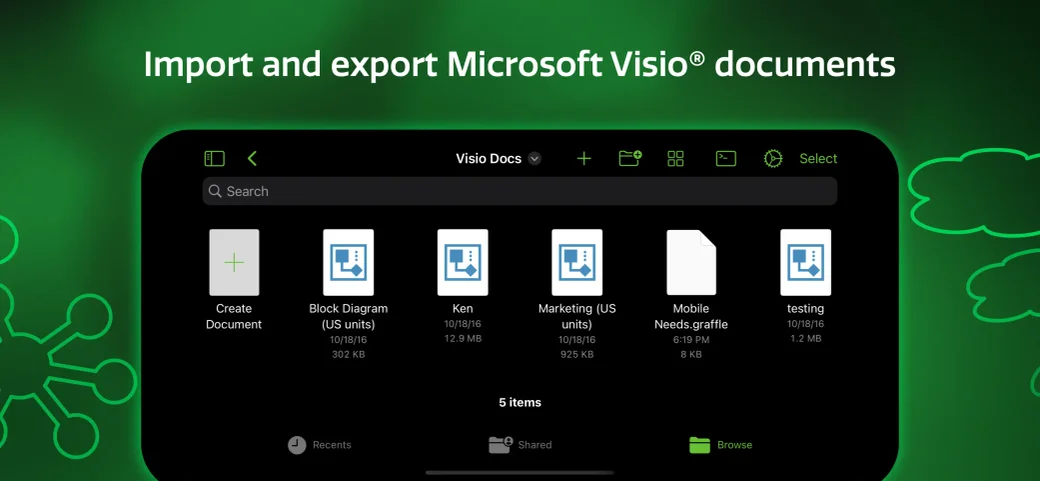
- Visio Import and Export
- Blending Modes & Fill Effects
- Artboards and Artboard Layers
- Shared Layers
- Shape Combinations
- Shape Tables
- Automation Plug-Ins and Actions
STANDARD features (in-app purchase) include:
- Layers
- Grids
- Automatic Layout
- Unit Scaling
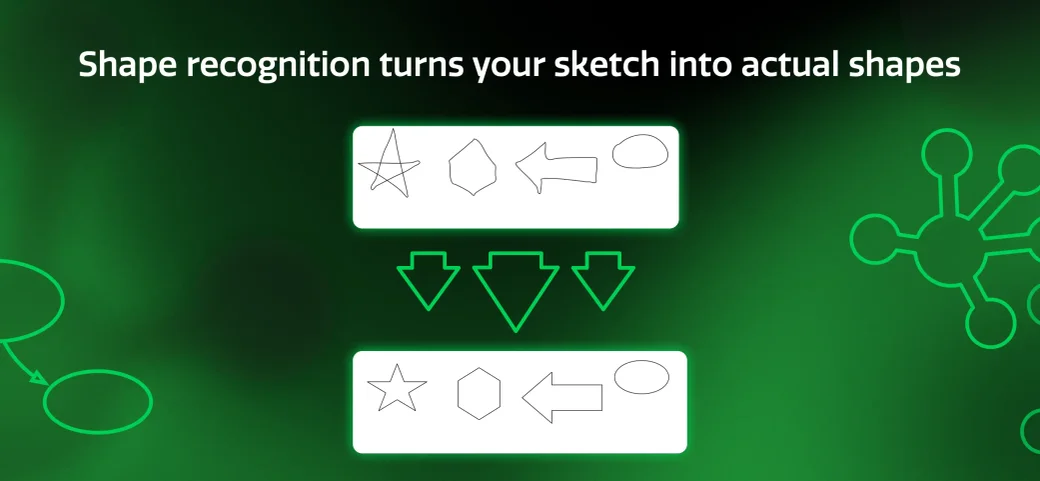
- Shape Recognition
- Bézier Lines & Shapes
- Point Editing
- Full Screen Split View
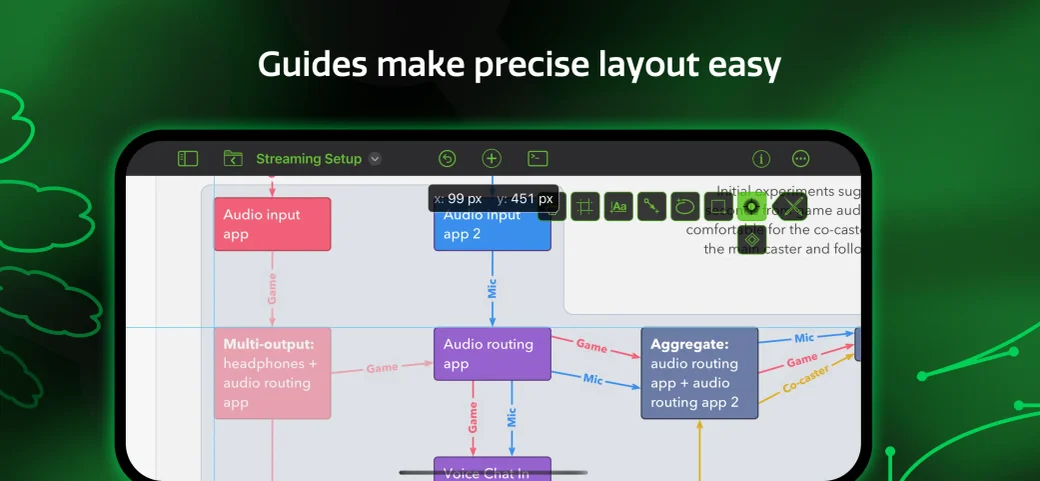
- Smart Guides
- Free Stencils via Stenciltown.com — search and download on the web or in the app
- OmniOutliner Import & Export
- Freehand Sketch
- Automatic Diagram Layout
- Create Multi-Page (canvas) documents
- Share pages quickly with PNG, PDF Export
- Wrap text within custom shapes
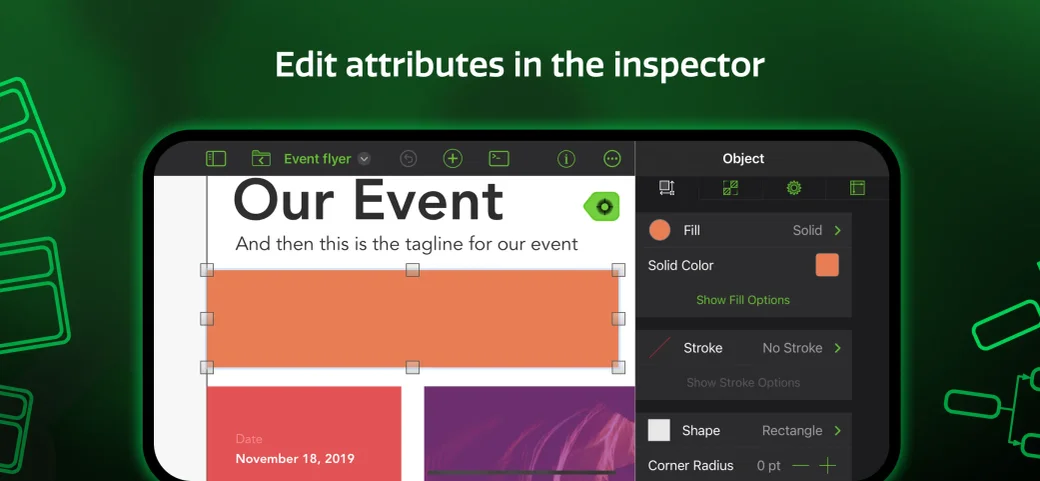
- Quickly change a shape’s style with the Style Inspector
- Save Documents to Photos
Subscription Terms of Service: https://www.omnigroup.com/legal
What’s new
Version 3.23 · Sep 11, 2026
OmniGraffle 3.23 improves compatibility with newer versions of iOS and iPadOS.
If you have any feedback or questions, we’d love to hear from you! The Omni Group offers free tech support; you can email omnigraffle@omnigroup.com or call 1–206–523–4152.
If OmniGraffle empowers you, we would appreciate an App Store review. Your review will help other people find OmniGraffle and make them more productive too.
App privacy
What The Omni Group declares on the App Store about how this app handles data.
-
Data linked to you
May be collected and linked to your identity.
- Purchases
- Identifiers
Privacy practices may vary, for example with the features you use or your age.
Information
- Seller
- The Omni Group
- Category
- Graphics & Design
- Version
- 3.23
- Updated
- Sep 11, 2026
- Released
- Jul 12, 2017
- Size
- 177.6 MB
- Requires
- iOS 16.0 or later
- Age rating
- 4+
- Price
- Free
- In-app purchases
- Yes
- Languages
- English, Dutch, French, German, Italian, Japanese, Korean, Portuguese, Russian, Simplified Chinese, Spanish
- Copyright
- © 2010-2025 The Omni Group
You might also like
-
 Flowchart Designer 3A Simple Flow Chart Maker
-
 Xpage - Prototyping DesignApp Prototyping Maker
-
 Mockup - UI/UX DesignSketch, Wireframe, Prototype
-
 Infinity SketchGrid-based schematic sketching
-
 Sketch — View and MirrorView documents and prototypes
-
 Graph EditorFlowchart&diagram editing tool
-
 Amadine: Vector Design and ArtGraphic Design Illustrator App
-
 Appmost Design: AI PrototypingPrototype & Mockup Native Apps
-
 Mockview - Mockup GeneratorTurn Screenshots to Mockups
-
 Inkpad - Graphic DesignVector Art Illustrator