
Omnitrack - Media Tracker
Movies, Books & Games Tracker
Designed for iPhone, iPad, iPod touch
Free
- Age rating12+
- CategoryEntertainment
- DeveloperAlberto Blanco
- LanguagesEnglish
- Size45.1 MB
Links to the official App Store page
Download.org hosts no file of Omnitrack - Media Tracker. The button opens its official App Store page, published by Alberto Blanco. Listing last checked on Nov 16, 2026.
Screenshots
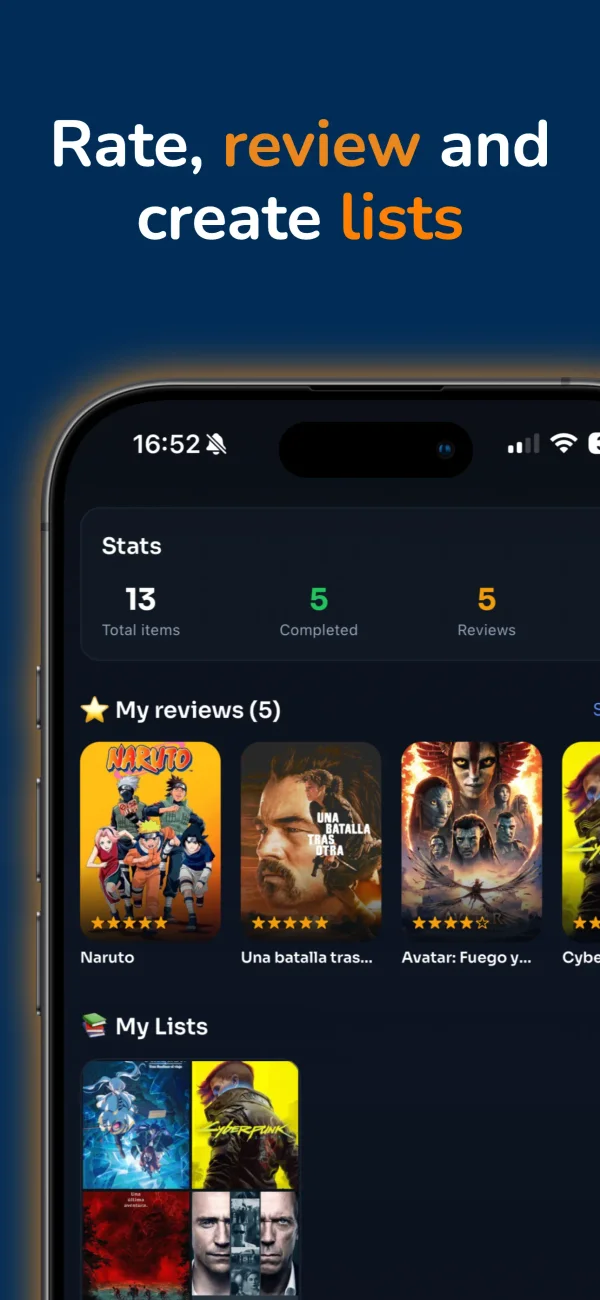
About
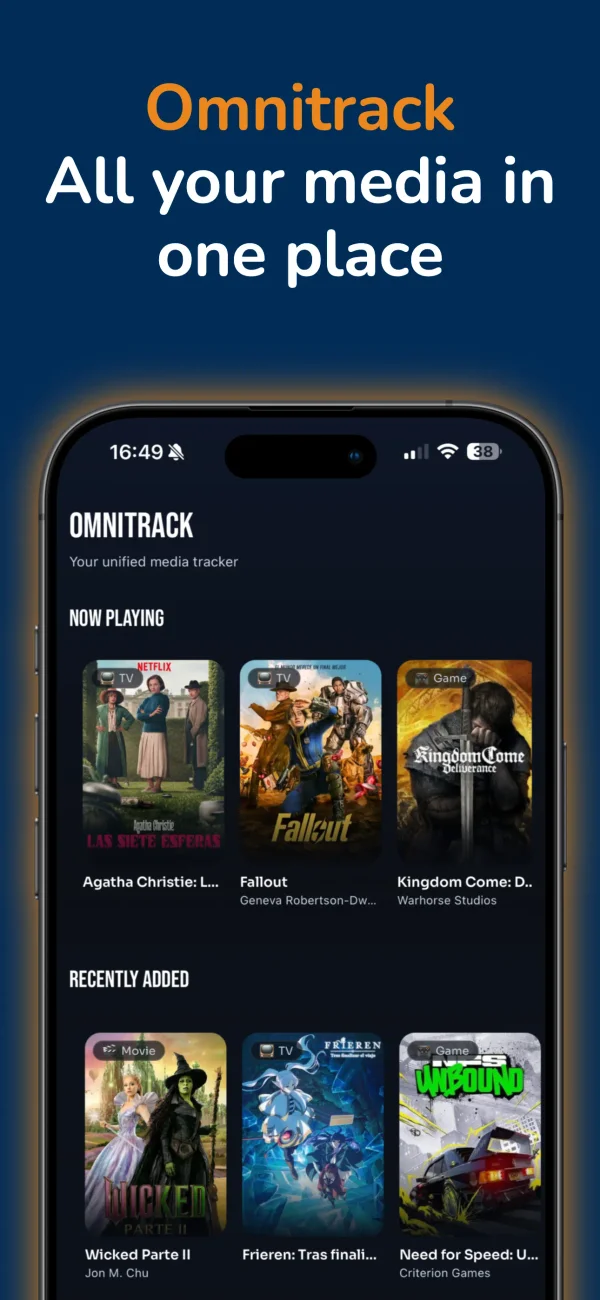
One app for books, another for movies, and a third for games? Not anymore.
OmniTrack is the ultimate tool for pop culture lovers. Unify your entire entertainment history into a single, powerful, and easy-to-use digital library. Never forget which episode you were on or if you already played that indie title.
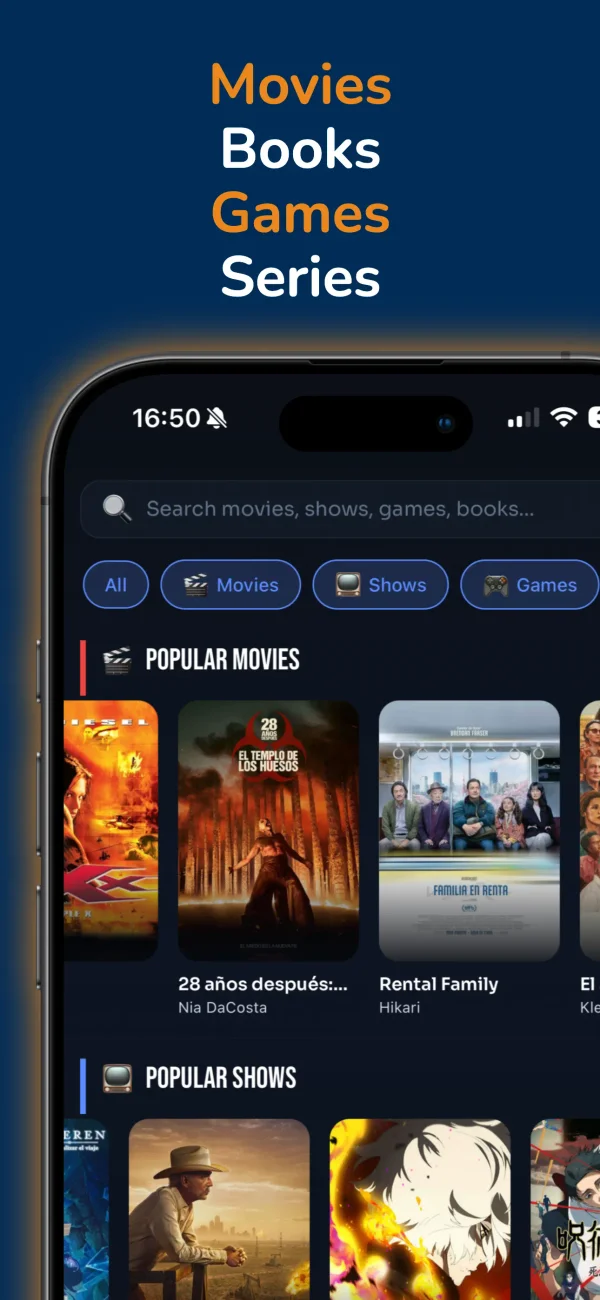
ALL YOUR ENTERTAINMENT IN ONE PLACE
Movies & TV Series: Keep your watchlist up to date. Mark what you have watched and what you want to see.
Video Games: Manage your console and PC backlog.
Books: Your pocket library. Track your current and future reads.
KEY FEATURES
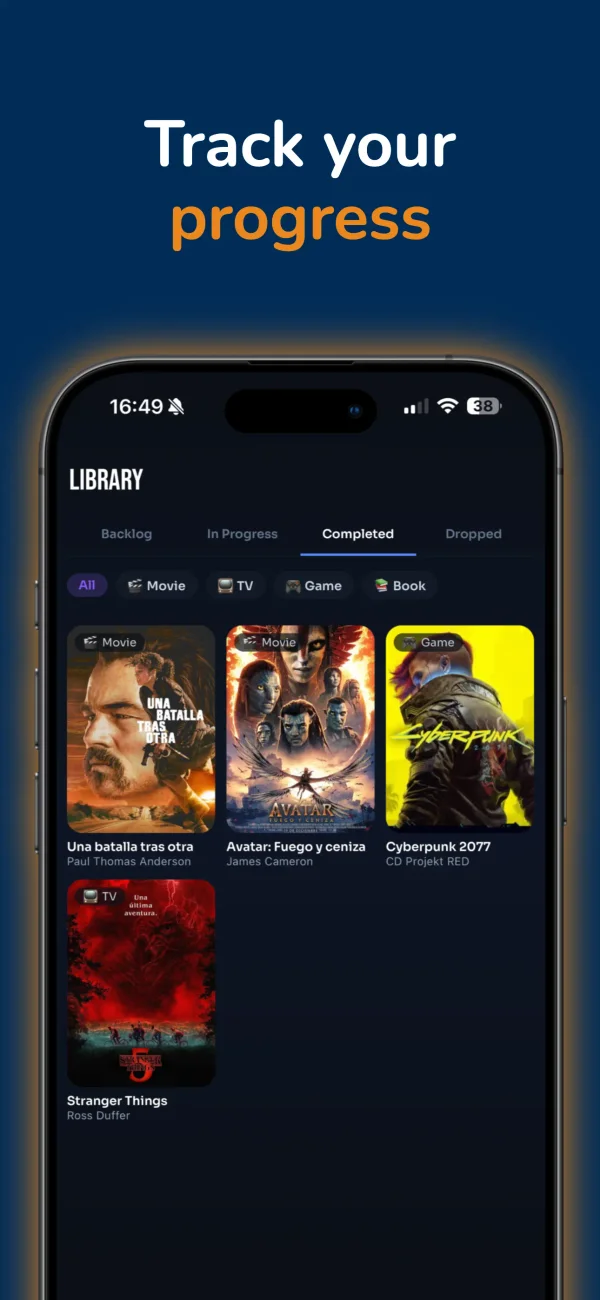
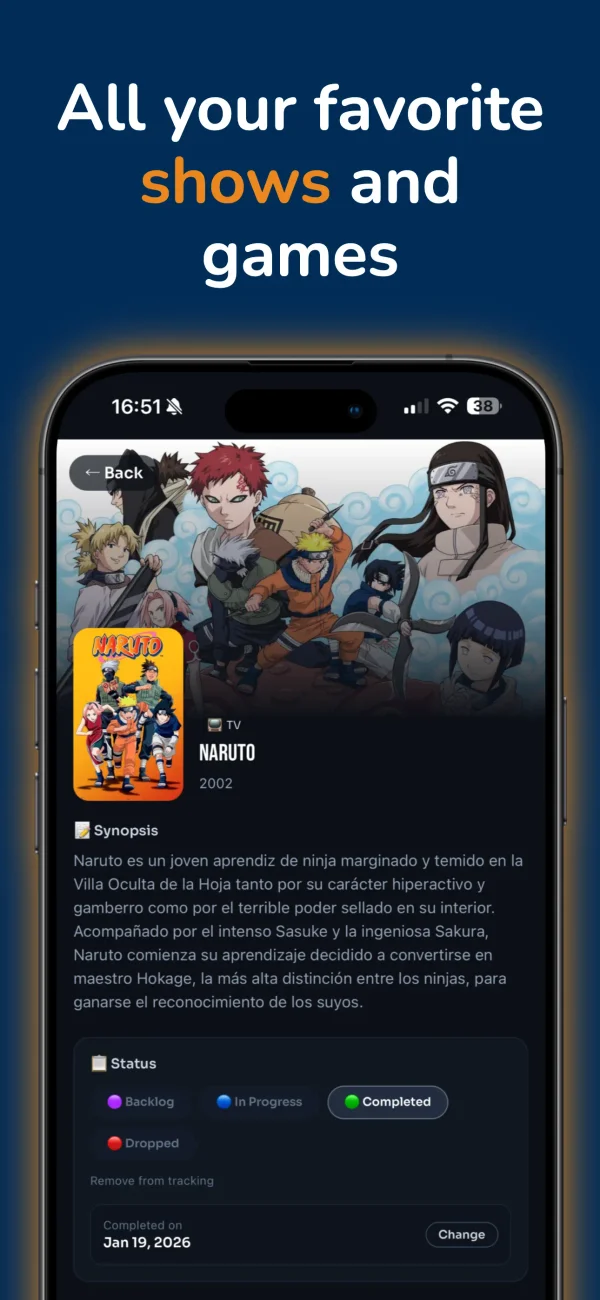
- Organization by Status: Classify everything into Backlog, In Progress, Completed, or Dropped. It is like a productivity board for your leisure time!
- Universal Lists: Create lists that mix media types. For example: "Cyberpunk Inspiration" containing books, movies, and games of the genre.
- Quick Reviews: Rate and write your opinion instantly.
- No Distractions: A clean, fast interface focused on your tastes.
Stop switching between apps. Download OmniTrack and take control of your free time today.
What’s new
Version 1.3.0 · Aug 28, 2026
A new look
The app has been redesigned. One accent colour, every poster in the same shape, and cleaner cards that now show the rating and how many titles you have in each place.
Lists move to their own tab with a refreshed grid. From any title you can add it to or remove it from several lists at once, and share a whole list as an image.
In your library, date filters moved into their own panel, so switching tabs no longer shifts the grid under your finger. Anything you have finished can be grouped by month or by year.
Book search
This was the complaint we heard most, so we went back over it properly. No more ten editions of the same book filling the screen, the title you wanted ranks higher, and volumes of a series that used to go missing now turn up.
We also fixed the list layouts and the card that gets generated when you share.
App privacy
What Alberto Blanco declares on the App Store about how this app handles data.
-
Data linked to you
May be collected and linked to your identity.
- Contact info
- User content
- Usage data
- Diagnostics
Privacy practices may vary, for example with the features you use or your age.
Information
- Seller
- Alberto Blanco
- Category
- Entertainment
- Version
- 1.3.0
- Updated
- Aug 28, 2026
- Released
- Jan 27, 2026
- Size
- 45.1 MB
- Requires
- iOS 15.1 or later
- Age rating
- 12+
- Price
- Free
- Languages
- English
- Copyright
- © 2026 Alberto Blanco
You might also like
-
 Movie Tracker: ShelfWatchlist Movies Anime Book TV
-
 Log: Rate & Recommend MediaMovie, TV, Game, Book & Music
-
 Muse Shelf: Movies, TV & GamesYour watchlist, backlog & TBR
-
 Yore - Media Tracker & DiaryLog Movies, TV, Games & Books
-
 Footnote: Your Taste in MediaLog films, books, TV & games
-
 Logged - The Media TrackerYour one stop media vault
-
 TallyTVSync Trakt, SIMKL effortlessly
-
 Video Game Tracker - VGTOrganize Your Gaming Library
-
 Flix: TV Show & Movie TrackerWatchlist, episodes & AI picks
-
 Cinemanya: Movies & TV TrackerRate, Discover & Follow