- Age rating4+
- CategoryProductivity
- DeveloperHAIDER ALI
- LanguagesEnglish
- Size6.8 MB
Links to the official App Store page
Download.org hosts no file of OnClock. The button opens its official App Store page, published by HAIDER ALI. Listing last checked on Nov 18, 2026.
Screenshots



About
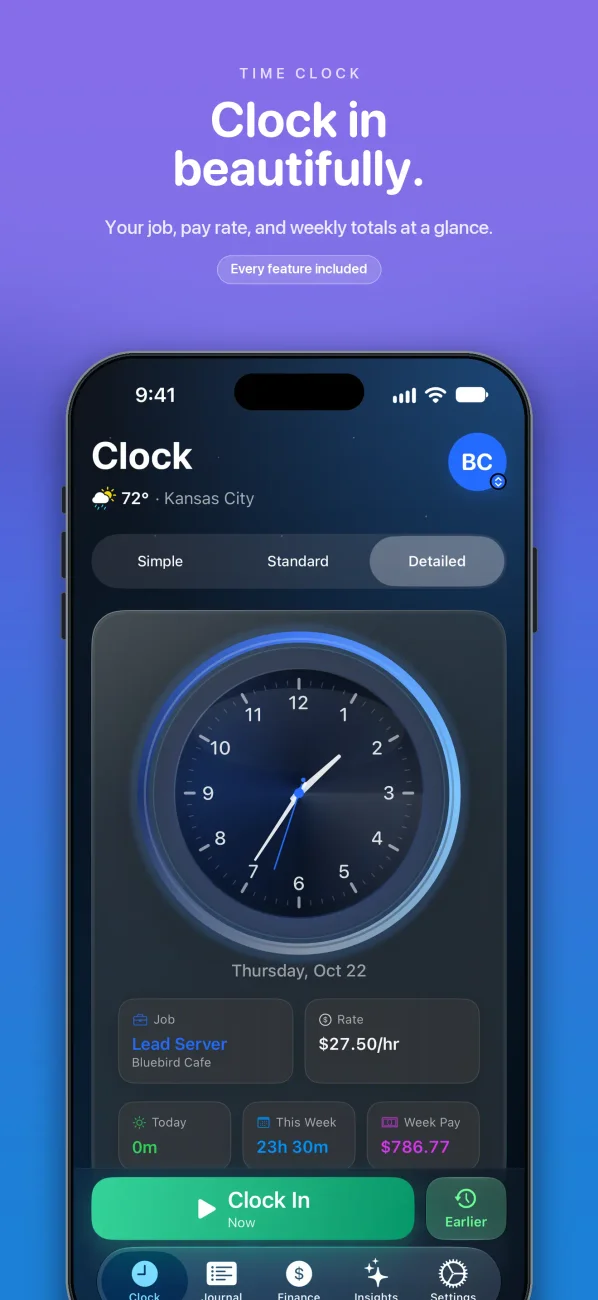
OnClock is a premium time clock for people who want their hours, pay, breaks, and work history to feel effortless. Every feature is free for everyone, with no subscription, no trial, no ads, and nothing to unlock.
Built for iOS 27 with Apple's Liquid Glass design, OnClock turns clocking in and out into a clean daily habit. Track shifts, lunch breaks, pay, overtime, jobs, notes, and work trends from one private app.
One-tap time tracking
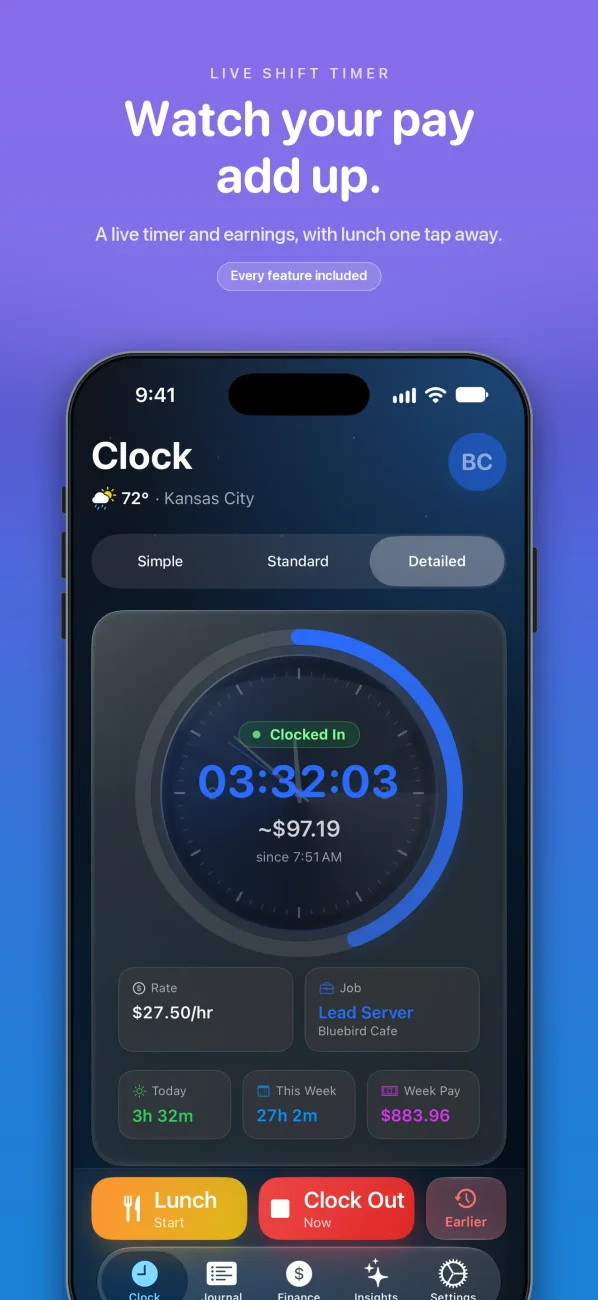
Clock in, start lunch, come back, and clock out in a tap, with your main actions always pinned on screen.
Lock Screen, Dynamic Island & Control Center
A Live Activity shows your worked time, progress toward your daily goal, and Lunch and Clock Out buttons without unlocking. Add the Clock In / Out control to Control Center, the Lock Screen, or the Action button.
Siri & Shortcuts
Ask "How many hours did I work this week?" or say "Clock in to" your job. Build your own automations in Shortcuts.
Know your take-home pay
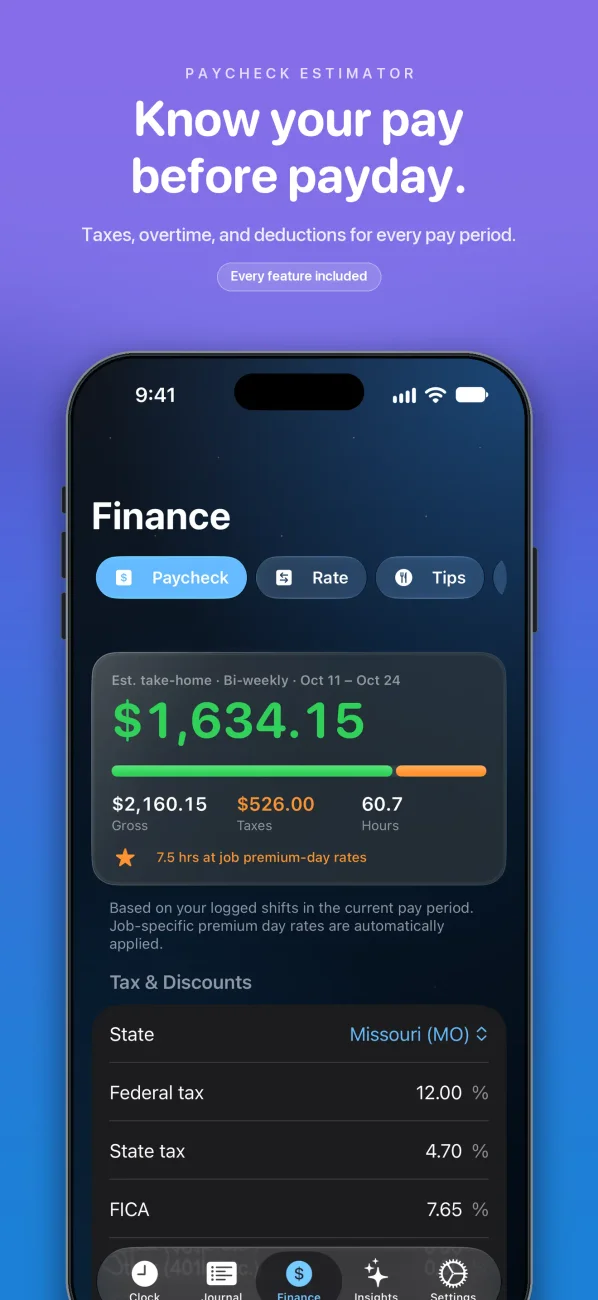
See your estimated take-home for the current pay period, with taxes, overtime, premium pay days, tips, and deductions, across multiple jobs.
Overtime alerts & weekly recap
Get a heads-up when you reach overtime, and a Sunday summary of your hours and estimated pay.
Your work journal
Every shift is saved and grouped by week with totals, start and end times, breaks, notes, and editable details.
Private AI insights
Ask questions about your hours and pay and get answers from your own shift history, processed on your device.
Apple Watch & widgets
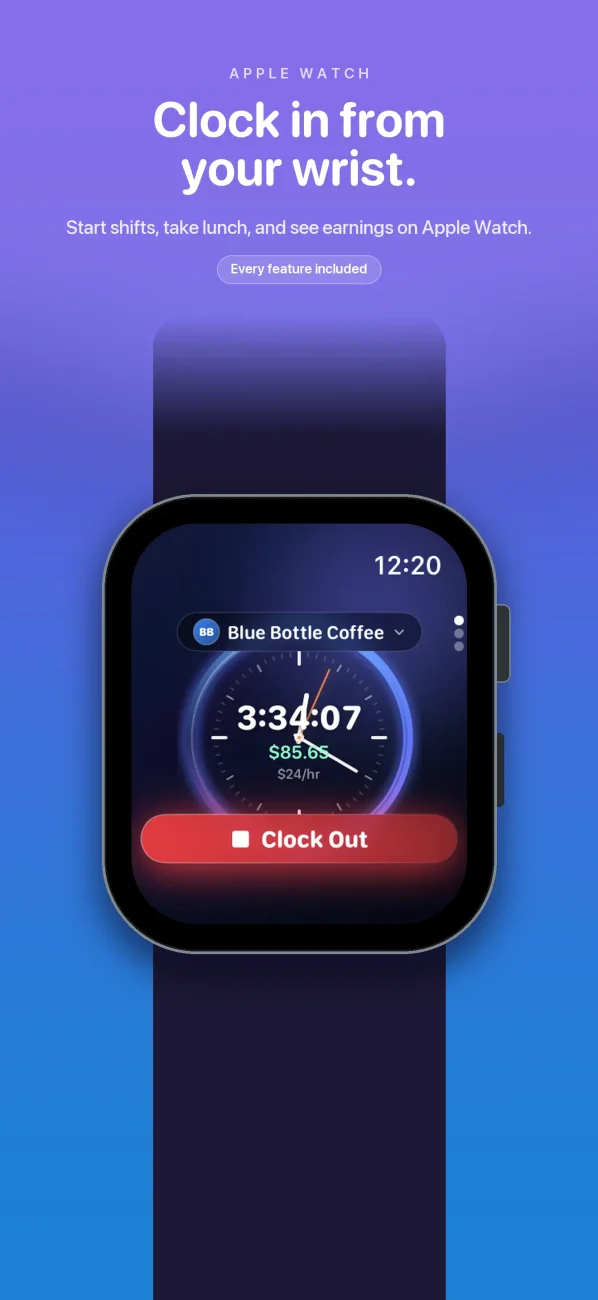
Clock in from your wrist, and keep your workday on the Home Screen and Lock Screen with widgets you can pin to a job.
Private by design
Your shift data is stored on your device and can sync through your personal iCloud account. OnClock does not sell your data, track you for ads, or use third-party analytics.
Perfect for hourly workers, freelancers, contractors, students, part-time employees, service and hospitality workers, healthcare shifts, retail teams, gig workers, and anyone who wants a premium personal time clock.
Had OnClock Pro before? Everything stays unlocked. You can cancel your old subscription anytime in Settings → Apple Account → Subscriptions.
What’s new
Version 1.3.0 · Nov 11, 2026
OnClock 1.3.0: every feature is now included for everyone.
• No paywall. Clock in, Journal, Finance, Insights, widgets, Siri and Apple Watch all work from the first launch.
• Had OnClock Pro? Everything stays unlocked. You can cancel your old plan in Settings → Apple Account → Subscriptions, or from the card in OnClock's Settings.
• Overtime: set your weekly threshold and overtime multiplier in Settings → Pay.
• Overtime alert: a heads-up the moment this week's hours reach your threshold.
• Weekly recap: Sunday evening, your hours and estimated pay for the week.
• Journal rows now zoom into the shift details.
• Send Feedback from Settings → About.
App privacy
What HAIDER ALI declares on the App Store about how this app handles data.
-
Data not collected
The developer does not collect any data from this app.
Privacy practices may vary, for example with the features you use or your age.
Information
- Seller
- HAIDER ALI
- Category
- Productivity
- Version
- 1.3.0
- Updated
- Nov 11, 2026
- Released
- Jun 3, 2026
- Size
- 6.8 MB
- Requires
- iOS 18.0 or later
- Age rating
- 4+
- Price
- Free
- Languages
- English
- Copyright
- Copyright © 2026 Haider Ali. All rights reserved.
You might also like
-
 Clock RingsDecimal time clock for shifts
-
 Roomantic: Furniture PlannerFloor Plans & Furniture Fit
-
 Behind The SceneFilm Production Management App
-
 Consolidate: Study PlannerStudy planner and companion
-
 Work Hour Tracker: Time SheetLog, export timesheet & pay
-
 Name Generator: Baby & BrandBusiness, nickname & pet ideas
-
 Muze: Personal AI AgentAI assistant that runs errands
-
 Daylist: Grocery Shopping ListShared Checklist Maker & To Do
-
 Coves - Exam Focus Study TimerSAT, AP, finals & midterms
-
 FRAYT DriverEarn money with FRAYT