One Big Projector: Mapping
VJ, decor & wall shows
Designed for iPhone, iPad, Mac
Free · In-app purchases
- Age rating4+
- CategoryPhoto & Video
- DeveloperHello Good Day LLC
- LanguagesEnglish+ 31 more
- Size13.9 MB
Links to the official App Store page
Download.org hosts no file of One Big Projector: Mapping. The button opens its official App Store page, published by Hello Good Day LLC. Listing last checked on Nov 17, 2026.
Screenshots


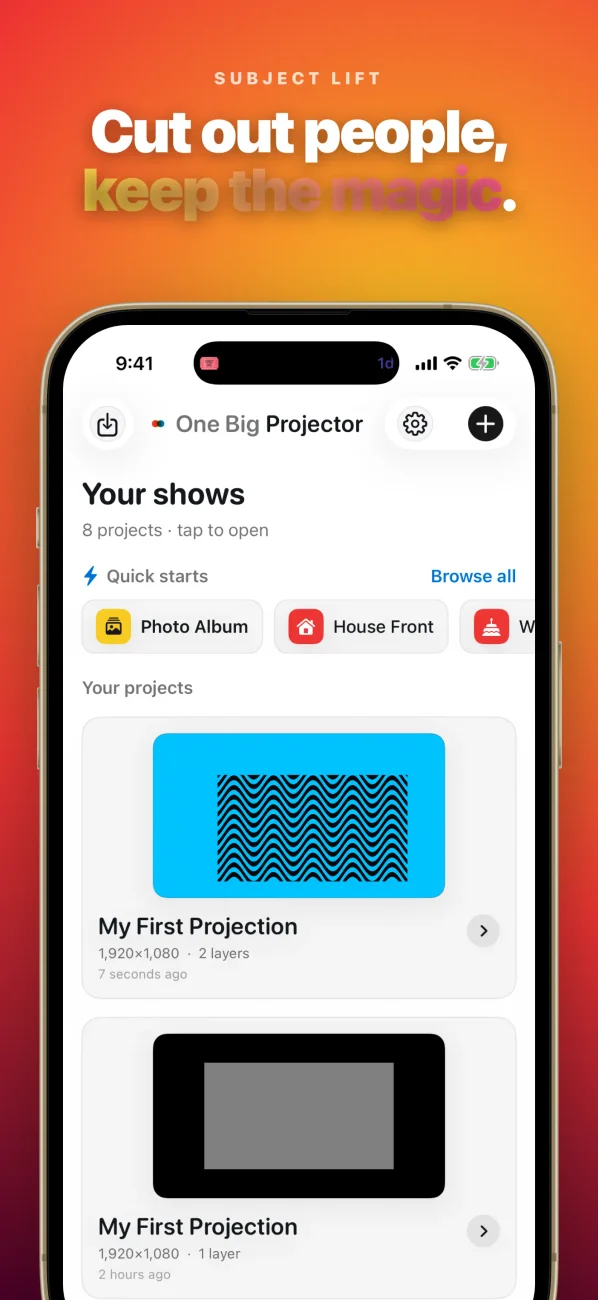
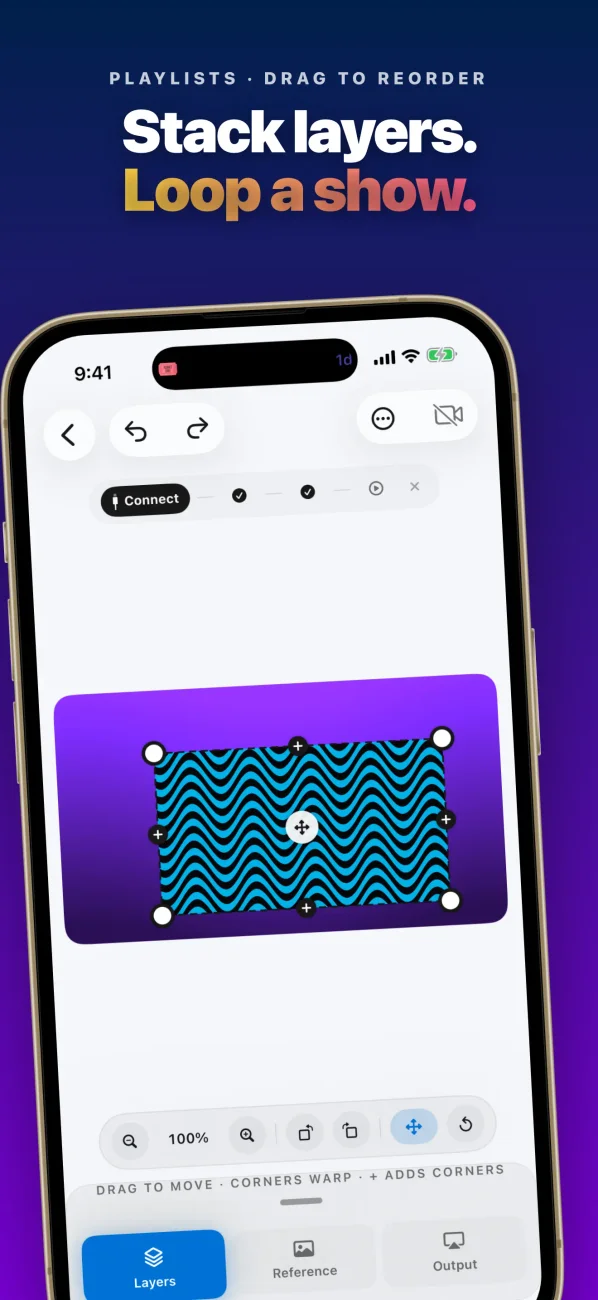
About
Turn any projector into a mapped light show. One Big Projector fits your video, photos, and effects to any wall, object, or stage — no complicated software, no laptop, no steep learning curve.
Design it on your iPhone, iPad, or Mac, preview it on your wall in AR, then connect a projector over USB-C or HDMI and your canvas goes full-screen and clean.
WHY PEOPLE LOVE IT
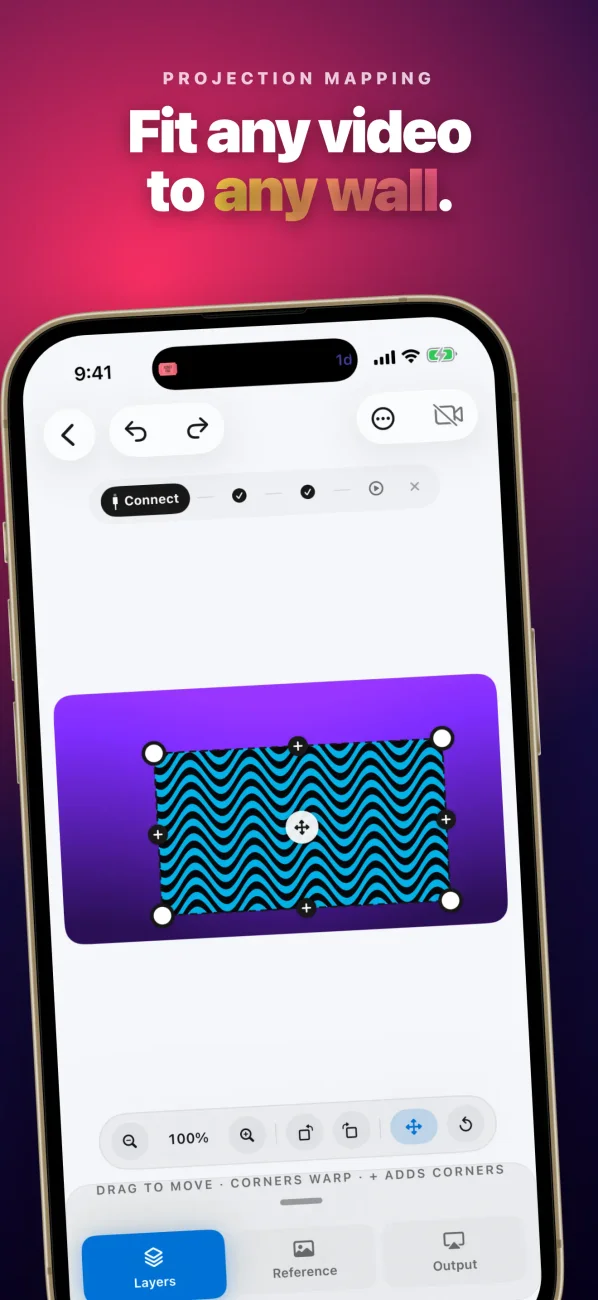
• Fit to anything — drag the corners to line your content up with a real wall, window, or prop
• Bend around curves — mesh warping wraps content over columns, arches, and rounded surfaces
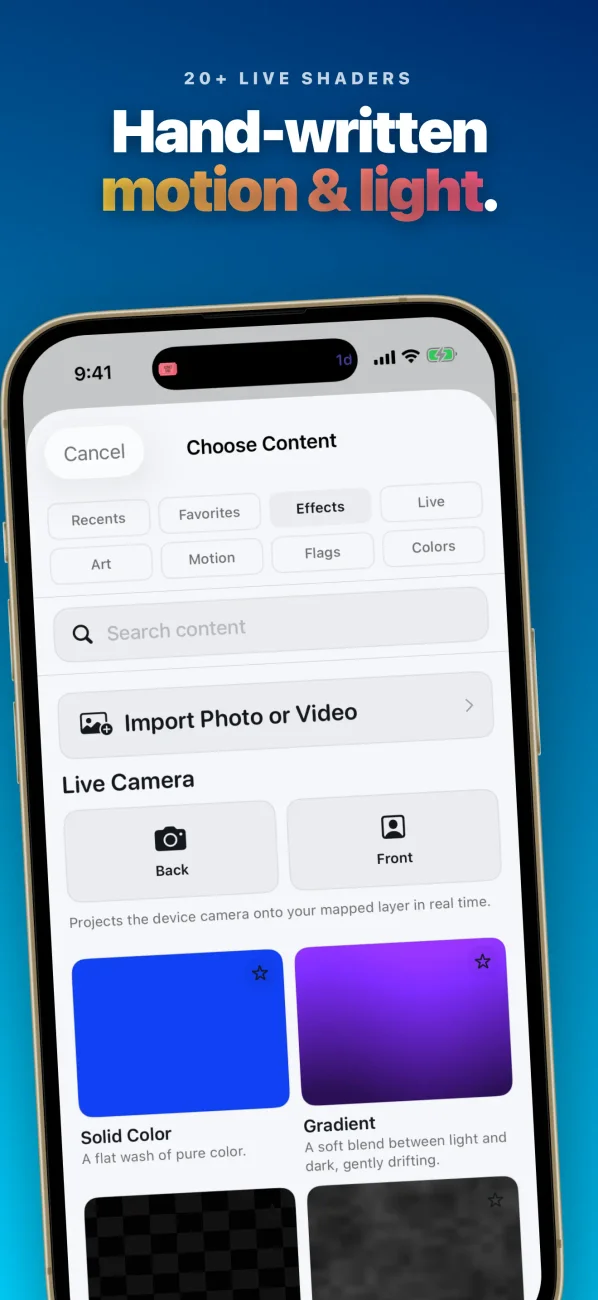
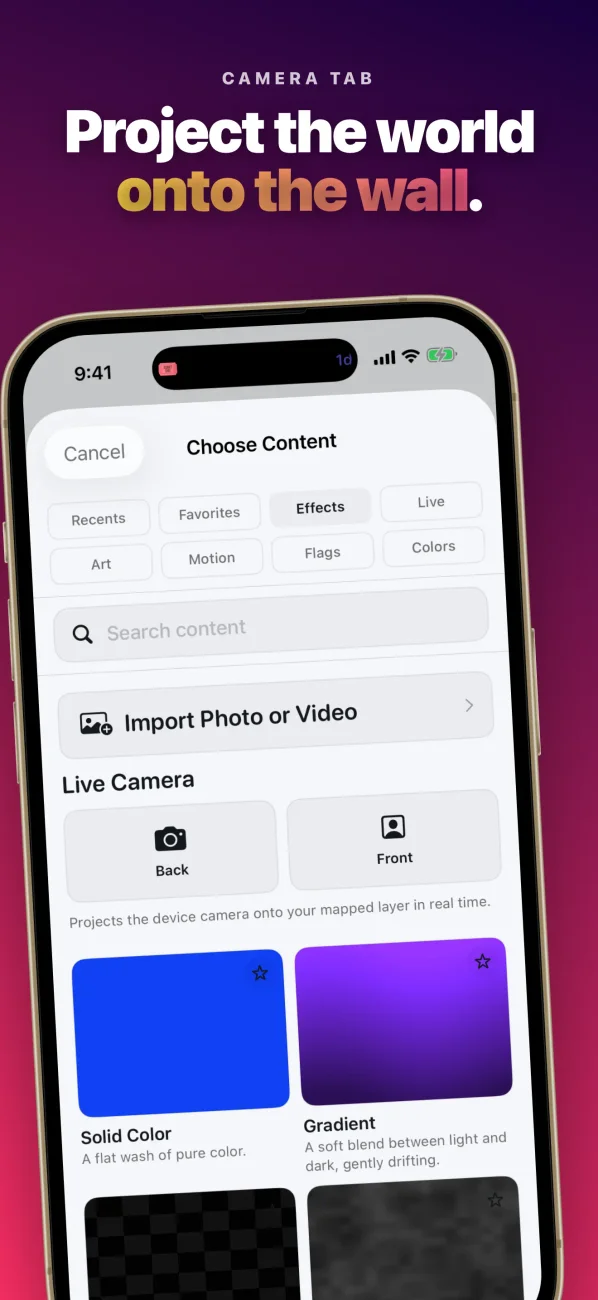
• Bring your own content — photos, video, and live camera, or pick from a built-in library of effects and loops
• Effects and looks — kaleidoscope, strobe, sparkle, waves, and more, some audio-reactive to your music
• Layer it up — stack multiple surfaces and content layers for a full mapped scene
• Preview in AR — see the result on your actual wall before a projector is even connected
• Clean output — when you go live, the editor handles disappear for a pure, gig-ready projection
PERFECT FOR
• Holiday displays — Halloween and Christmas window and facade projection
• Parties and events — instant ambiance on any wall
• VJs, DJs, and stage shows — live visuals that map to the set
• Art installations and window displays
• Anyone who just wants to point a projector at something and make it look amazing
NO PROJECTOR YET? NO PROBLEM
Design your whole scene and preview it in AR on your wall today. When you are ready, any USB-C or HDMI projector works.
FREE TO START
Build real projects for free. Upgrade to Pro for unlimited projects and unlimited video layers — monthly, annually, or a one-time lifetime purchase.
Terms of Use (EULA): https://hellogoodday.com/projectorstudio/terms
Privacy Policy: https://hellogoodday.com/projectorstudio/privacy
Made by Hello Good Day.
What’s new
Version 1.2.8 · Oct 10, 2026
• Fixed the app freezing when you open a project.
• Fixed a freeze when opening the app with iCloud sync on.
• Projects that iCloud duplicated are merged back into one, and Delete removes the one you chose.
• Layers with damaged shape data are repaired on launch instead of freezing the project.
• Moving a shape follows your finger right away.
• A simpler plan picker: three plans side by side, no scrolling.
• Shapes can hang off the edge of the canvas.
• Send Feedback can include a diagnostic log and your email, so we can fix problems and reply.
App privacy
What Hello Good Day LLC declares on the App Store about how this app handles data.
-
Data not linked to you
May be collected but is not linked to your identity.
- Purchases
- User content
- Identifiers
- Usage data
- Diagnostics
Privacy practices may vary, for example with the features you use or your age.
Information
- Seller
- Hello Good Day LLC
- Category
- Photo & Video
- Version
- 1.2.8
- Updated
- Oct 10, 2026
- Released
- Aug 26, 2026
- Size
- 13.9 MB
- Requires
- iOS 17.0 or later
- Age rating
- 4+
- Price
- Free
- In-app purchases
- Yes
- Languages
- English, Arabic, Catalan, Croatian, Czech, Danish, Dutch, Finnish, French, German, Greek, Hebrew + 20 more
- Copyright
- © 2026 Hello Good Day LLC
You might also like
-
 HappyMapperProjection Mapping for iPhone
-
 Projector Light Show: GlowCastChristmas Projection Mapping
-
 Mavis Studio: Live ProductionCreate multicam live streams
-
 Viso - Projection MappingProjector Art & Visuals
-
 ILW LightMapperProjection Mapping App
-
 Profile Business Headshot AI ©Professional Headshots AI
-
 Altered States: Live FXPhoto & Video
-
 Ghost ArcadeLive Visuals & Video Mapping
-
 AI Influencer StudioPhoto & Video
-
 MT-Loops Video BackgroundsAnimated video backgrounds