One Click Drone
for DJI Drones
Designed for iPhone, iPad, iPod touch
Free · In-app purchases
- Age rating17+
- CategoryUtilities
- DeveloperDronesperhour GmbH
- LanguagesEnglish+ 1 more
- Size109.3 MB
Links to the official App Store page
Download.org hosts no file of One Click Drone. The button opens its official App Store page, published by Dronesperhour GmbH. Listing last checked on Nov 15, 2026.
Screenshots

About
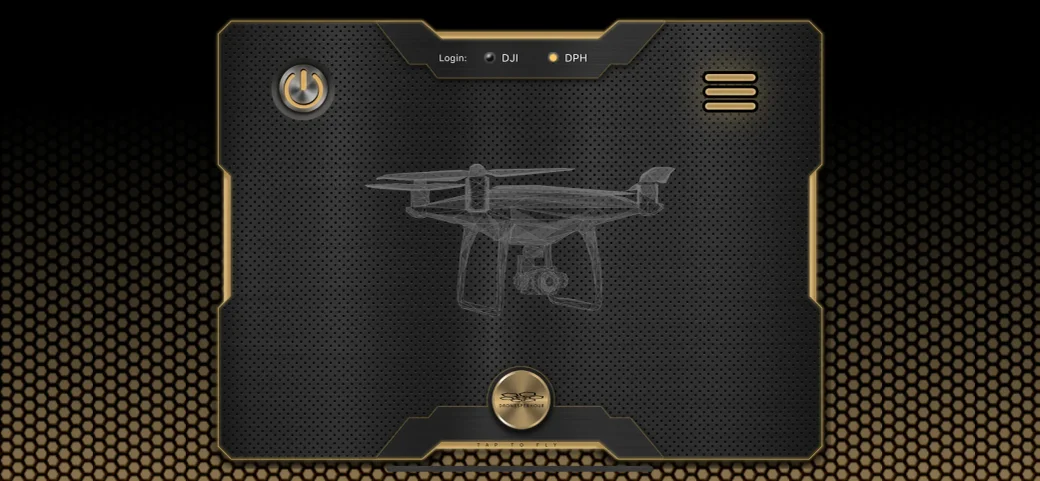
The One Click Drone App enables you to easily and quickly plan waypoint missions for the following supported drones:
- DJI Mavic 2 Enterprise Advanced
- DJI Mavic 2 Pro or Zoom
- DJI Phantom 4 and 4 Pro
- DJI Mavic Mini, DJI Mini SE, DJI Mini 2
- DJI Mavic Air, DJI Mavic Air 2 and DJI Air 2S
- DJI Mavic Pro
(DJI currently does not allow support for DJI Mavic 3 and DJI Mini 3 on iOS)
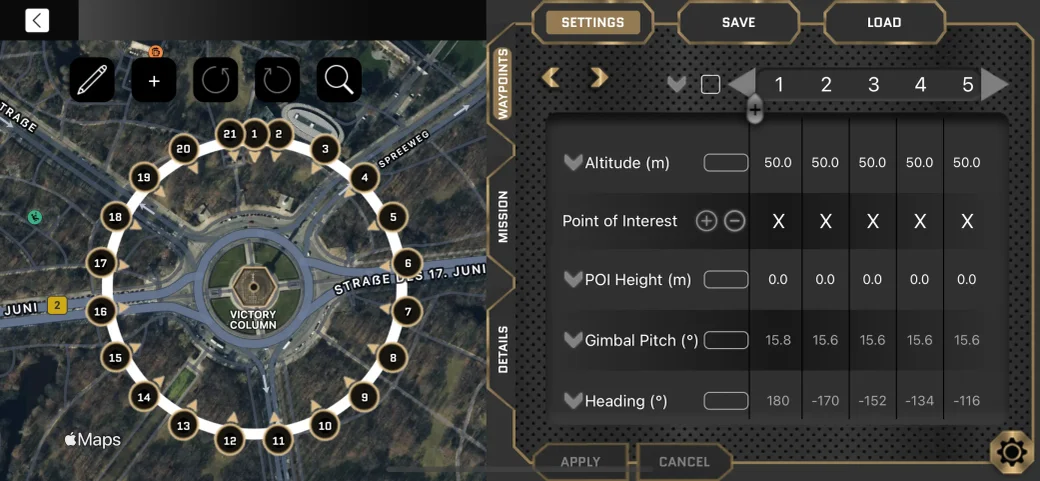
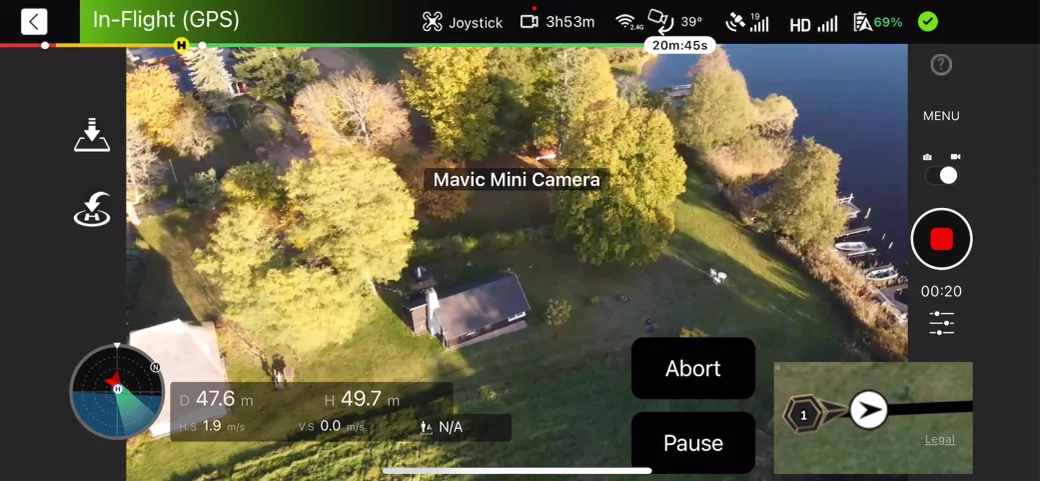
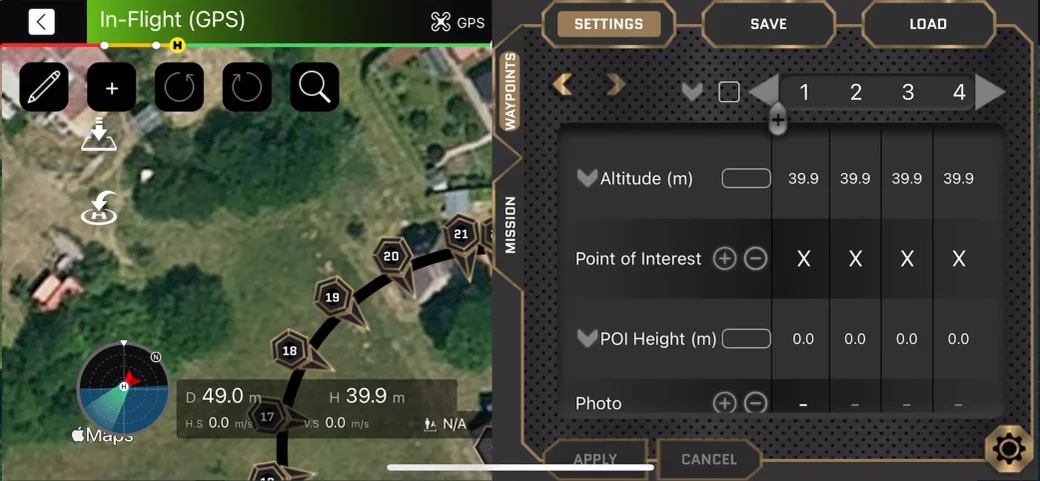
The app is designed to make planning drone flights easier, faster and to be more precise. It offers the possibility of choosing or drawing multiple shapes. Next you can make different settings for individual waypoints, such as the flight altitude, camera angle and point of interest, the point that the camera should aim at.
The biggest differentiator of the app from other software on the market is the great flexibility to change, save and send planned missions from anywhere. You can simply plan from home, and then go and fly the mission with one click anywhere. And just with us you can create 3D Models with the app, send us the pictures and we calculate the model for you.
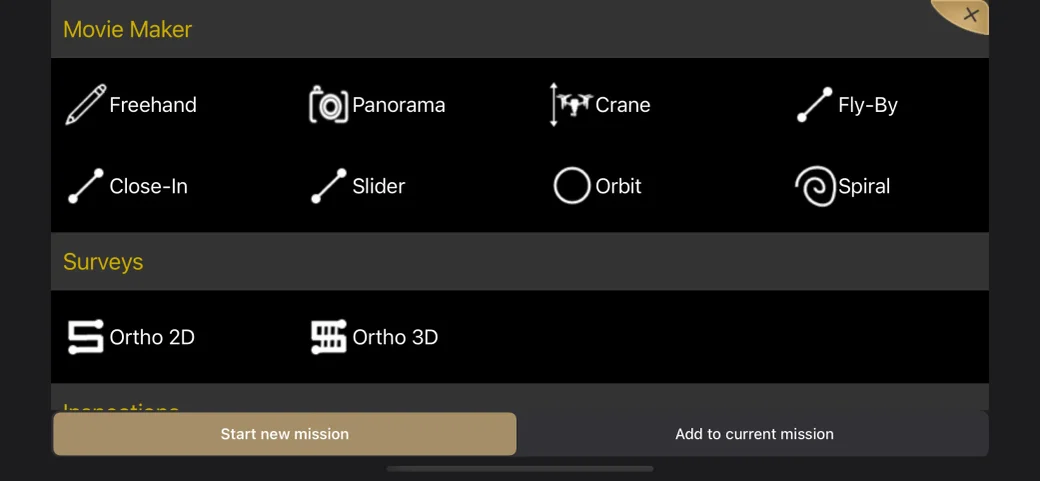
No matter whether you want to shoot a stunning film, do a survey or an inspection, our app offers you flight templates that control the drone precisely and efficiently.
Whether you're an experienced drone pilot or just starting out, our drone software provides you with the tools to make the most of your drone. Download our app today and experience the future of drone flights!
With the One Click Drone app, you can create professional and aesthetic drone shots in no time. Simply draw your route on the screen and the app will automatically set the right waypoints for you.
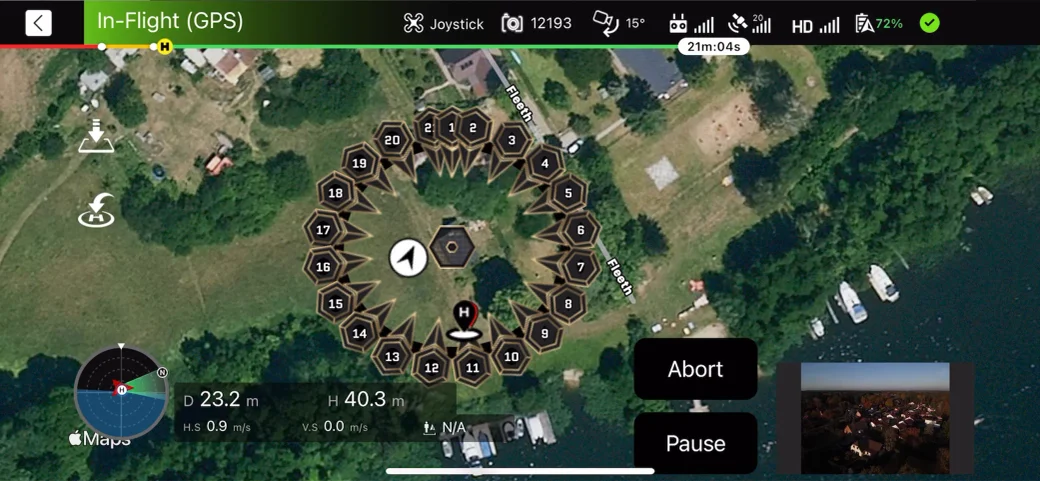
Or just place different preset flight maneuvers like
- Orbit
- Spiral
- Close in
- Sliders
- Fly by
Each waypoint can be configured individually or together with other waypoints; both in its flight altitude, speed, camera and drone movement, as well as the placement of points of interest and the taking of photos, videos, panoramas and crane shots.
With the flight templates for terrain surveying and visualization, you can use the collected data to create precise and above all cost- and time-efficient maps and models of terrain, areas and any other structure such as buildings, masts, etc. yourself or have us create them for you.
In addition, there are field-tested flight templates for inspections of the following object categories: Buildings including roof and facades and wind turbines.
Key Features:
- Intuitive Controls: Our app allows for seamless control of your drone.
- Measurement Templates: Utilize our Ortho 2D and 3D templates for accurate measurements.
- Inspection Templates: Simplify inspections with dedicated templates for facades, roofs, wind turbines, towers, and more.
- Impressive 3D Models: Create breathtaking 3D models using our orbit and double-orbit templates.
Other features:
- Fully automatic flight of the drone
- Very smooth curves due to a minimum distance of only 0.5 m between waypoints
- Missions can be configured easily and conveniently from anywhere
- Missions can be saved in the cloud and accessed from multiple devices
In the free version, you can use the app for missions with up to 10 waypoints. If you want to become a premium customer and use more waypoints or would like to obtain an A2 EU remote pilot license or have a practical training at one of our 18 locations in Germany, please contact us at contact@dronesperhour.com or call us at +49 30 80098104.
We ask for caution! When using the app, the user bears responsibility and liability. The drone pilot must have visual contact with the drone at all times and be ready and able to take manual control of the drone.
Terms of Use: https://dronesperhour.com/ios-terms-of-use/
Plan a minute - save an hour.
Your Dronesperhour team
What’s new
Version 2.17 · Aug 26, 2024
- Max speed setting in advanced settings
- UI and compatibility adjustments
App privacy
What Dronesperhour GmbH declares on the App Store about how this app handles data.
-
Data linked to you
May be collected and linked to your identity.
- User content
- Identifiers
- Usage data
- Diagnostics
Privacy practices may vary, for example with the features you use or your age.
Information
- Seller
- Dronesperhour GmbH
- Category
- Utilities
- Version
- 2.17
- Updated
- Aug 26, 2024
- Released
- Sep 21, 2023
- Size
- 109.3 MB
- Requires
- iOS 12.0 or later
- Age rating
- 17+
- Price
- Free
- In-app purchases
- Yes
- Languages
- English, German
- Copyright
- © Dronesperhour GmbH 2024