
- Age rating4+
- CategoryBusiness
- DeveloperMobile Business Devices Pty Ltd
- LanguagesEnglish
- Size28.8 MB
Links to the official App Store page
Download.org hosts no file of One Click Verify. The button opens its official App Store page, published by Mobile Business Devices Pty Ltd. Listing last checked on Nov 18, 2026.
Screenshots



About
The One Click Verify app allows you to instantly and securely verify your identity.
STEP 1:
Simply login and click the passport button from the dashboard.
STEP 2:
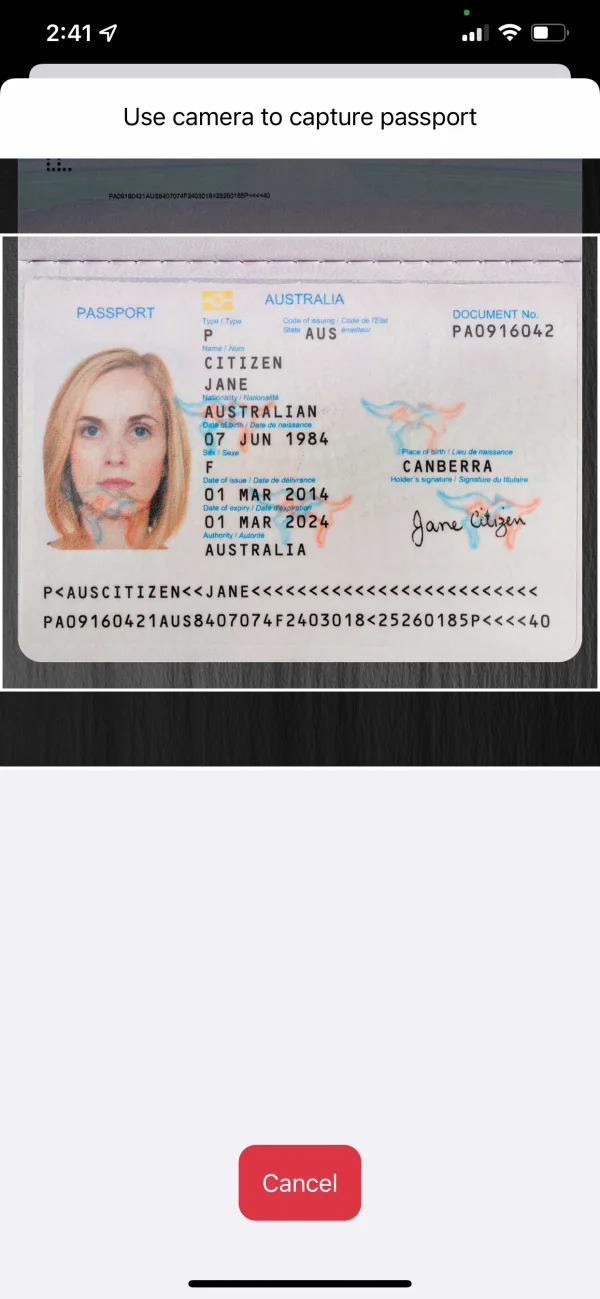
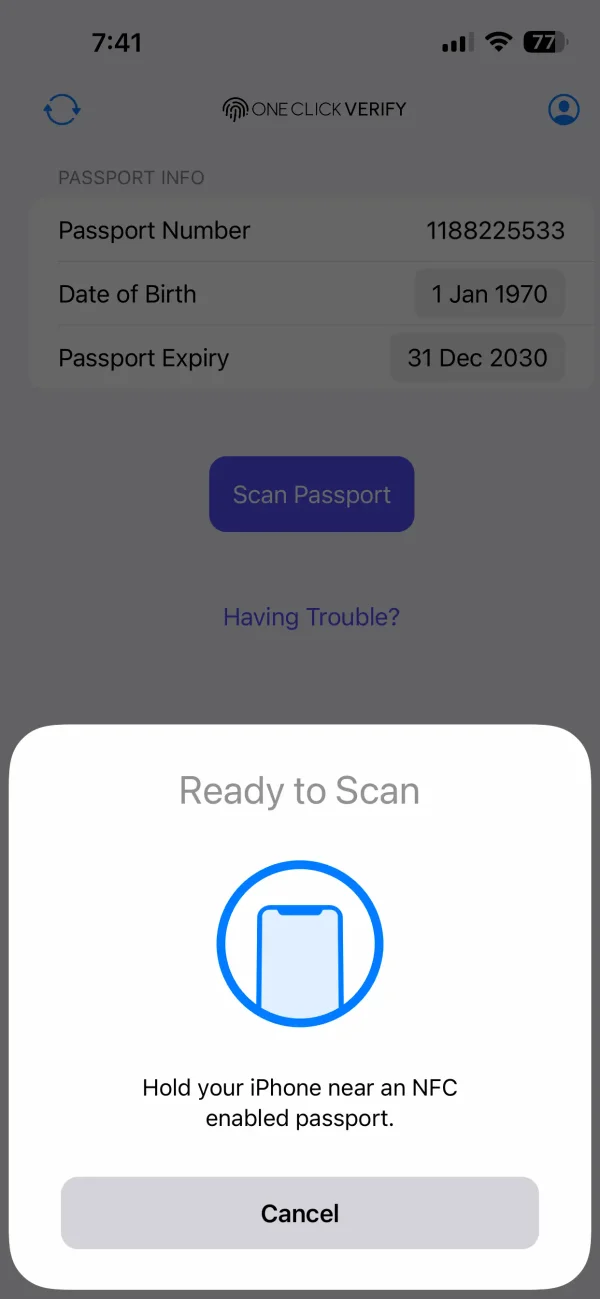
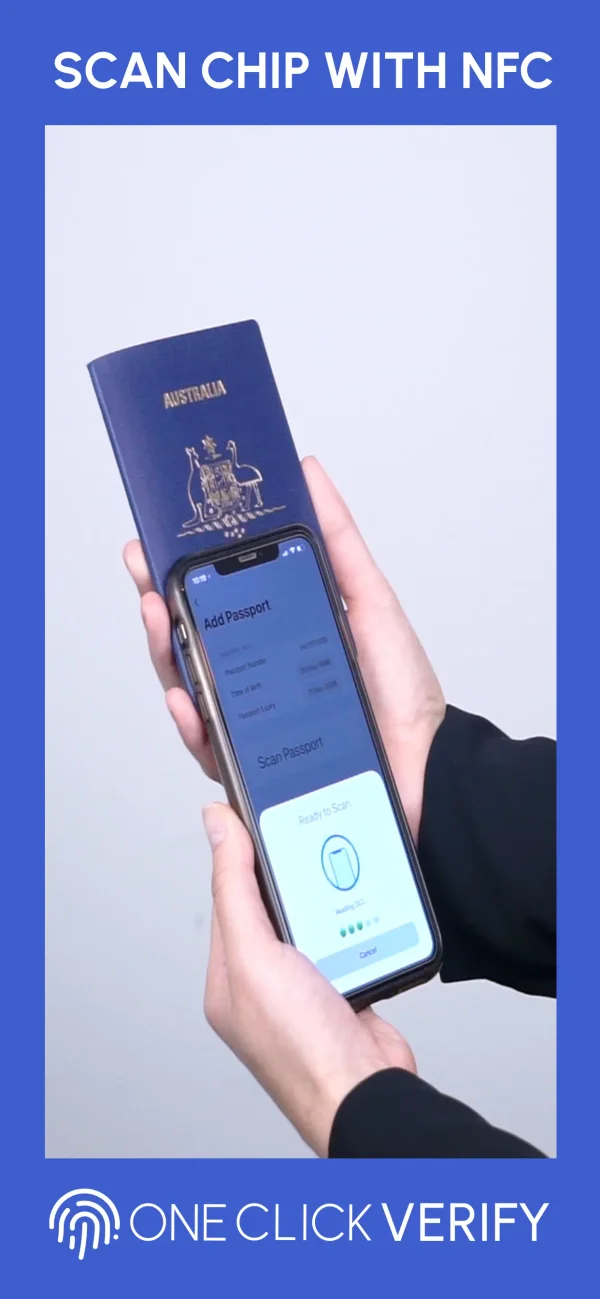
Use the camera to scan your passport details then use NFC to scan your passport chip.
STEP 3:
Perform camera facial recognition test to complete the verification process.
What’s new
Version 1.16 · May 1, 2024
Fixed passport scanning timezone issues
App privacy
What Mobile Business Devices Pty Ltd declares on the App Store about how this app handles data.
-
Data linked to you
May be collected and linked to your identity.
- Contact info
- Identifiers
- Other data
Privacy practices may vary, for example with the features you use or your age.
Information
- Seller
- Mobile Business Devices Pty Ltd
- Category
- Business
- Version
- 1.16
- Updated
- May 1, 2024
- Released
- Aug 9, 2022
- Size
- 28.8 MB
- Requires
- iOS 15.4 or later
- Age rating
- 4+
- Price
- Free
- Languages
- English
- Copyright
- © Mobile Business Devices Pty Ltd