
One entry at a time
Type it. Feel it. Remember it.
Designed for iPhone, iPad
Free · In-app purchases
- Age rating9+
- CategoryFinance
- Developer罗发 钟
- LanguagesEnglish+ 3 more
- Size21.6 MB
Links to the official App Store page
Download.org hosts no file of One entry at a time. The button opens its official App Store page, published by 罗发 钟. Listing last checked on Nov 20, 2026.
Screenshots



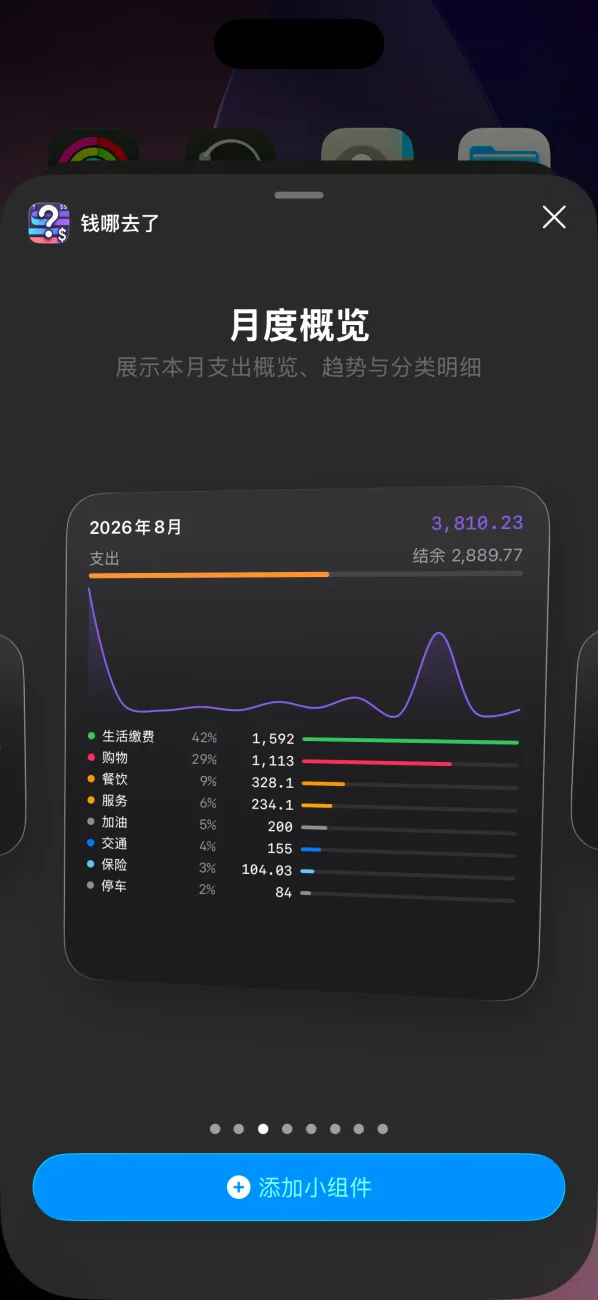

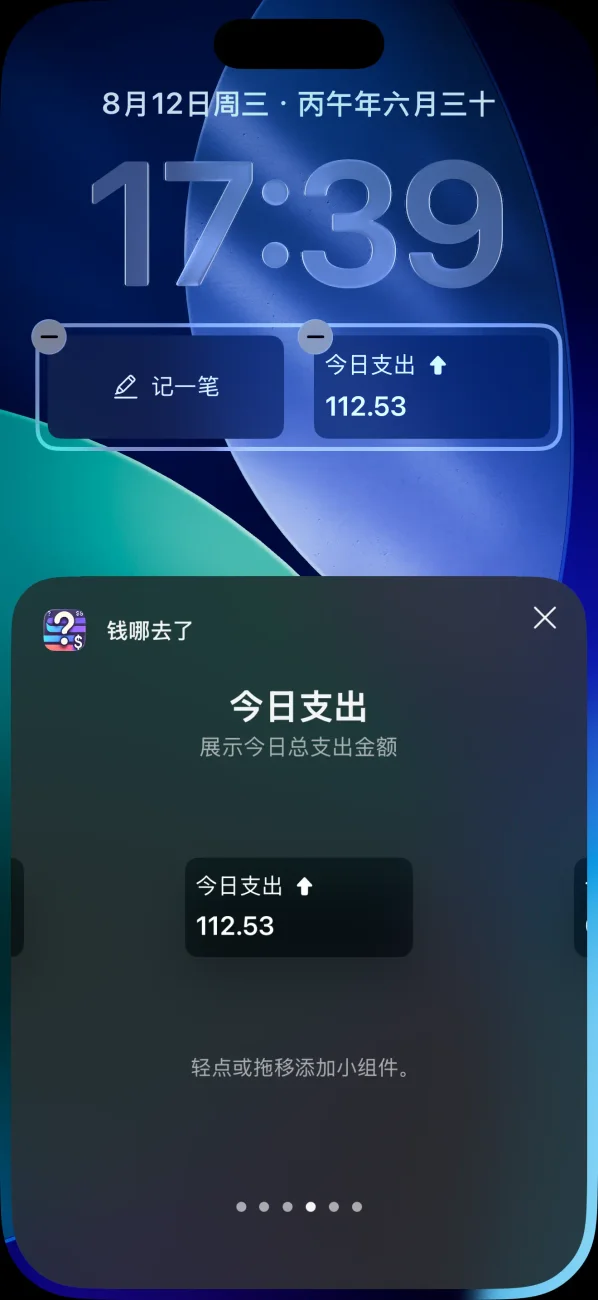
About
Tap to pay. Done.
No thinking. No feeling. No remembering.
You didn't stop. You didn't weigh it.
You didn't even pause.
Where Did My Money Go? asks one small thing:
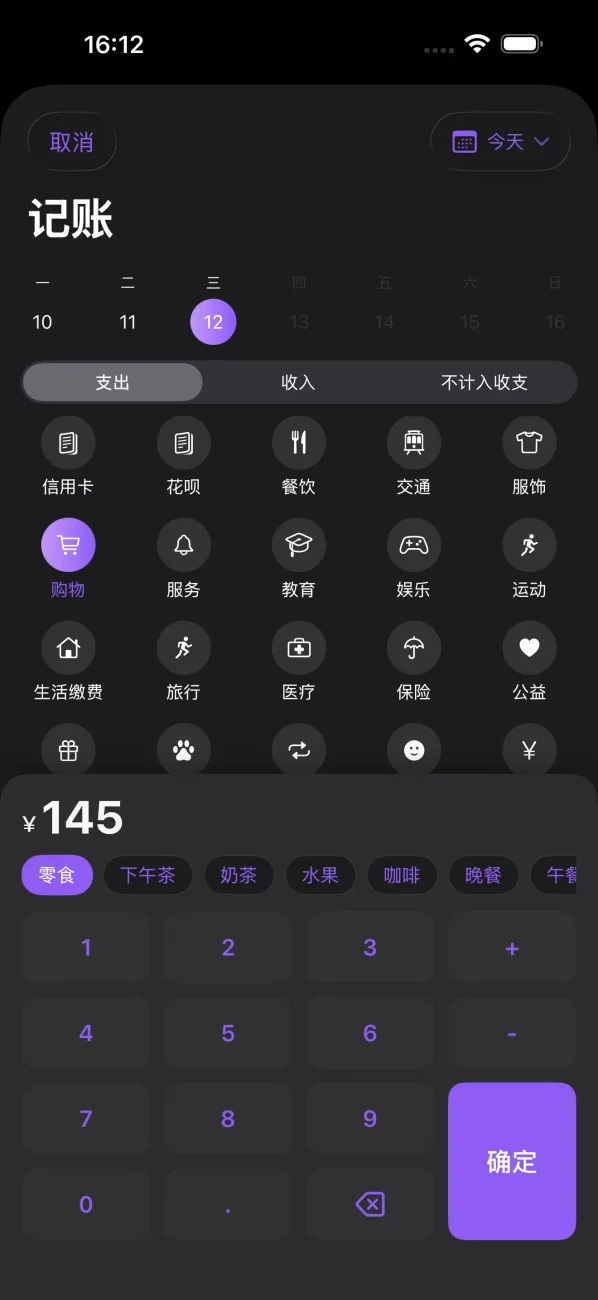
type every purchase by hand.
A few seconds of friction is the whole point.
That moment is where you start to feel your money again.
Now you can pause on your wrist, too.
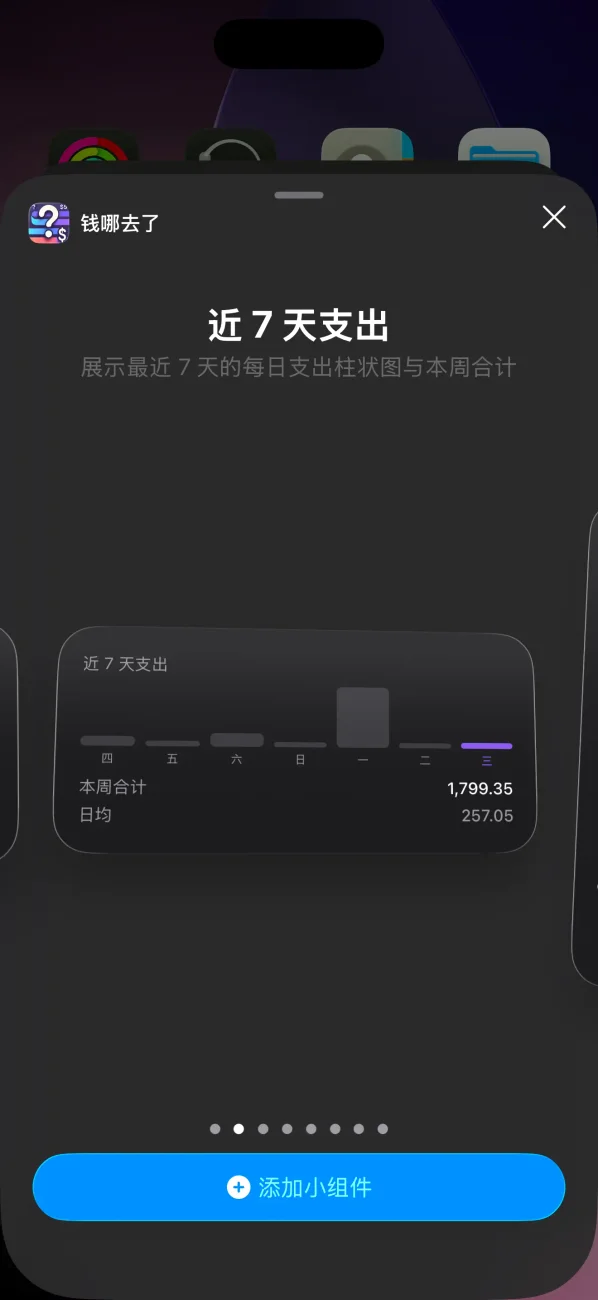
See today's spending right on the watch face.
Log by tap or voice. It lands in your iPhone ledger.
Why manual tracking?
• Every entry makes spending visible
• Builds stronger money awareness
• Creates long-term financial habits
• Shows you where your money actually goes
Features
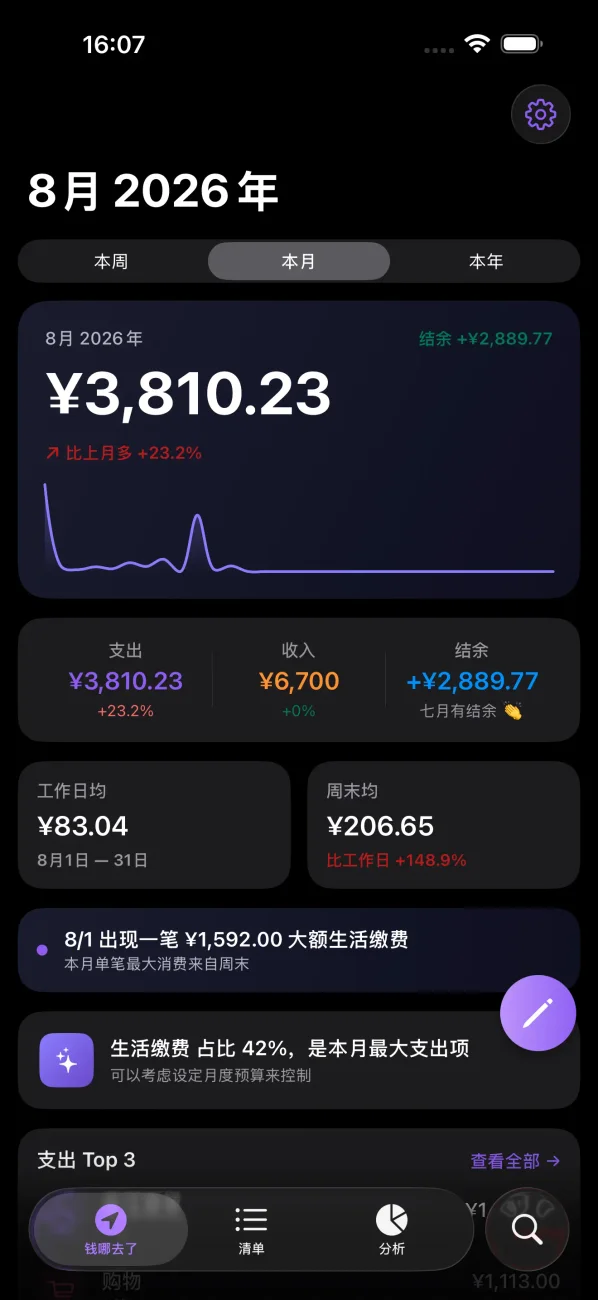
• Quick expense and income logging
• Watch face totals and logging (Pro)
• Spending by category
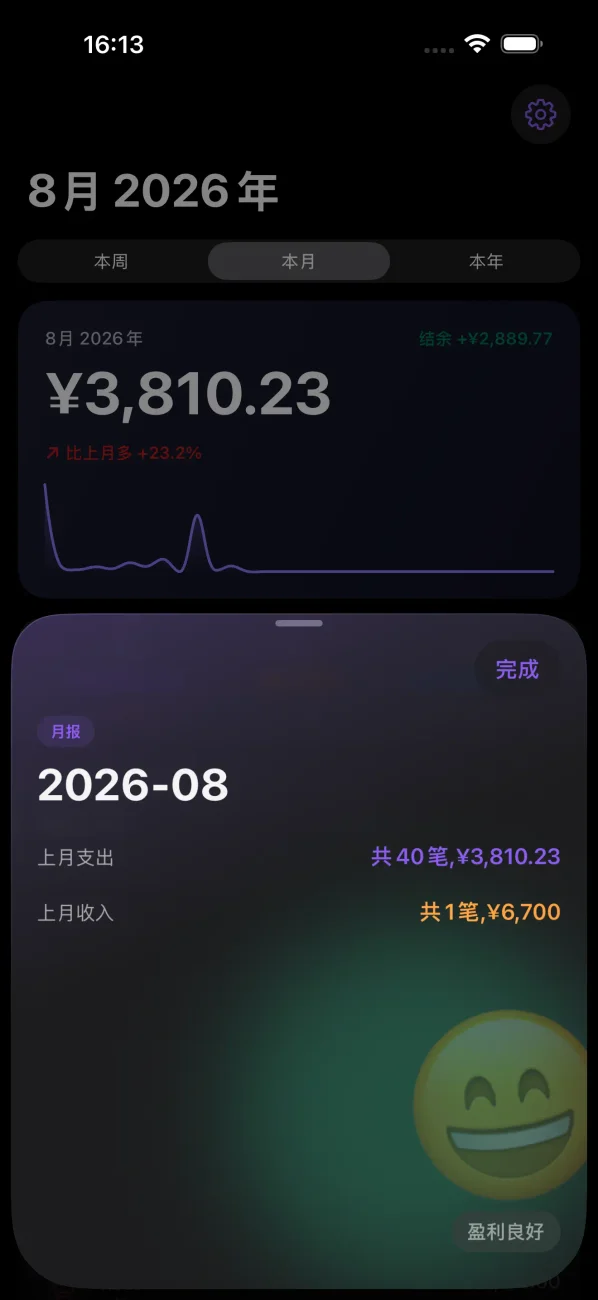
• Monthly reports and trends
• Day, week, and month notes — written on device
• Privacy-first, all data stays on your device
Perfect for
• People trying to save money
• Anyone building better spending habits
• Users who want an intentional relationship with money
Know where your money goes.
One entry at a time.
What’s new
Version 1.1.23 · Nov 4, 2026
If you already have membership, it is still there when you open the app.
A receipt that cannot be read, or a check that times out, no longer clears a purchase or turns off iCloud sync. Members are no longer sent to the purchase page.
An iPad on the same iCloud account starts syncing once membership matches. A refund or an expiration still ends membership.
App privacy
What 罗发 钟 declares on the App Store about how this app handles data.
-
Data not collected
The developer does not collect any data from this app.
Privacy practices may vary, for example with the features you use or your age.
Information
- Seller
- 罗发 钟
- Category
- Finance
- Version
- 1.1.23
- Updated
- Nov 4, 2026
- Released
- Apr 1, 2024
- Size
- 21.6 MB
- Requires
- iOS 17 or later
- Age rating
- 9+
- Price
- Free
- In-app purchases
- Yes
- Languages
- English, Japanese, Simplified Chinese, Traditional Chinese
- Copyright
- © 2024 Zhongluofa. All rights reserved.
You might also like
-
 Money Goes Budget TrackerEasy Money & Bill Tracker
-
 清记 - 懒人必备的AI记账神器Finance
-
 圆圆记账-一句话记账&预算管理&消费复盘Finance
-
 OneEntry Expense TrackerTrack What Matters, Not All.
-
 AI Expense Tracking - CentsaiAI Voice & Receipt Tracker
-
 iPurse记账Finance
-
 ProVista AI 智能财务规划师Finance
-
 Pome: Track Spend & BudgetClear. Fast. Expense Focused.
-
 SnapSpentOne-Tap AI Expense Log App
-
 Dotly-Simple accounting toolRecord every moment of life