
- Age rating4+
- CategoryPhoto & Video
- Developerjaesung Lee
- LanguagesEnglish+ 11 more
- Size1.1 MB
Links to the official App Store page
Download.org hosts no file of One Photo Widget. The button opens its official App Store page, published by jaesung Lee. Listing last checked on Nov 13, 2026.
Screenshots

About
This app does not collect any user data.
We guarantee 100% privacy — all your photos are stored only on your device.
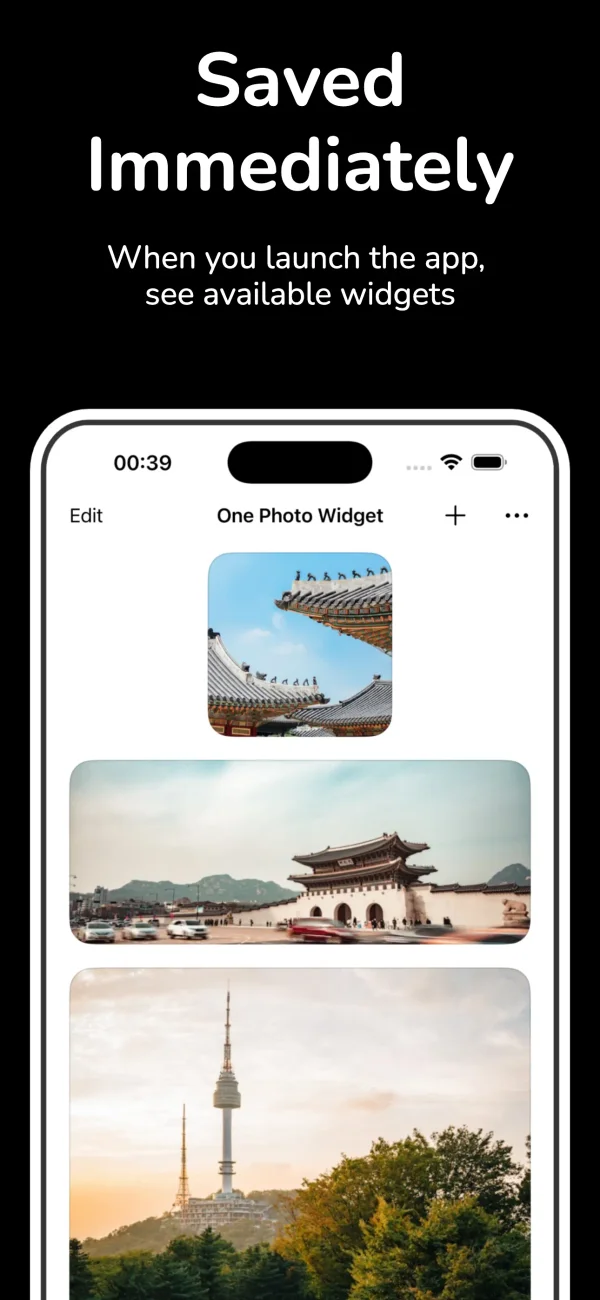
Just launch the app, add a photo, and see it instantly on your widget.
No complicated steps — simply run the app and add your photo. That’s it!
Key Features:
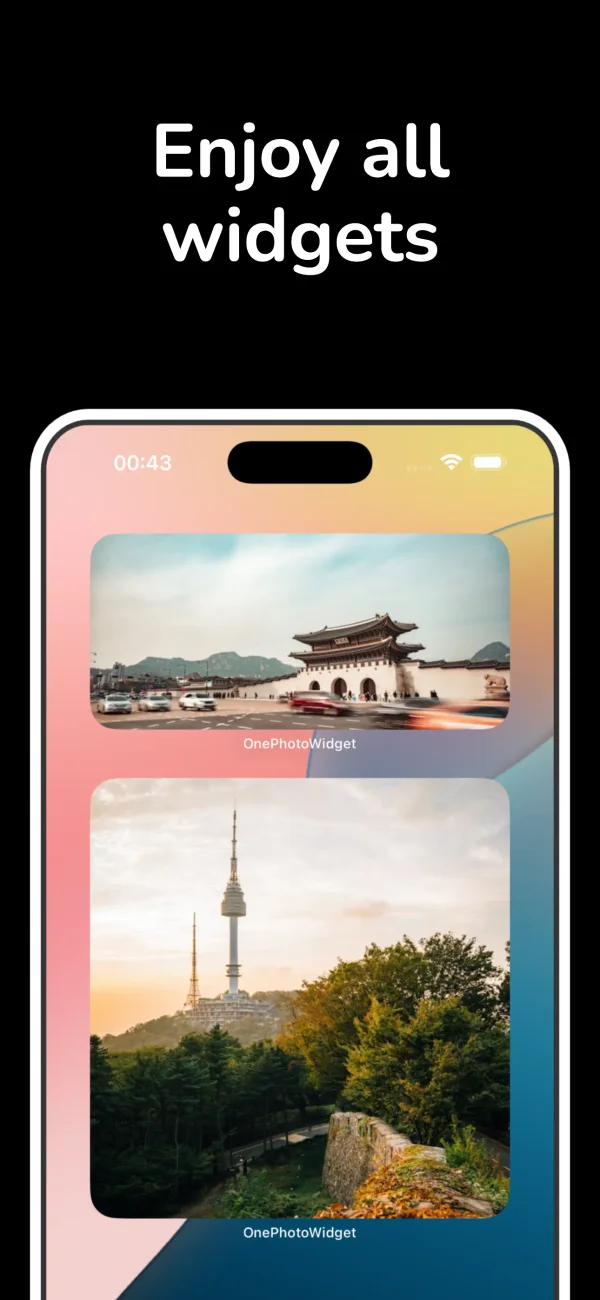
• Supports three widget sizes: Small, Medium, and Large
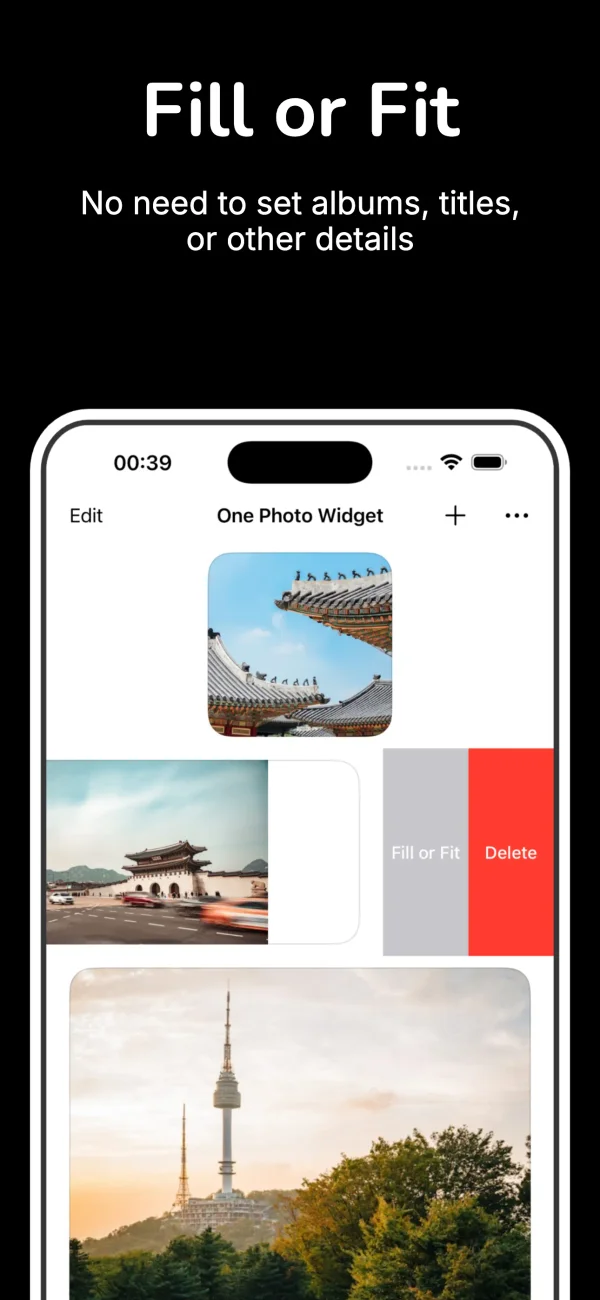
• No need to set albums, titles, or other details — just the photo
• Offers Fill / Fit display options for your image
Recommended Uses:
• Photos of bus or train schedules
• Daily quotes or inspirational messages
• Numbers you often forget
• Today’s special moment with your baby
• Photos of your favorite celebrity
Experience a light and simple photo widget — try it now!
What’s new
Version 1.1 · Aug 3, 2026
Tap a photo to view it larger.
Extra Large widgets are now supported on iPad.
App privacy
What jaesung Lee declares on the App Store about how this app handles data.
-
Data not collected
The developer does not collect any data from this app.
Privacy practices may vary, for example with the features you use or your age.
Information
- Seller
- jaesung Lee
- Category
- Photo & Video
- Version
- 1.1
- Updated
- Aug 3, 2026
- Released
- May 15, 2025
- Size
- 1.1 MB
- Requires
- iOS 17.0 or later
- Age rating
- 4+
- Price
- Free
- Languages
- English, Bengali, French, German, Hindi, Japanese, Korean, Malay, Simplified Chinese, Spanish, Traditional Chinese, Vietnamese
- Copyright
- © Copyright 2025 Lee Jaesung
You might also like
-
 Photo Widget : Album WidgetYour happy memories on widget
-
 PhotoWidget - Photo WidgetsYour photos on Home Screen
-
 Photo Widget: Crop & PositionPets & family, faces stay in
-
 Frame: Photo Widget AlbumPictures & Slideshow Widgets
-
 Album Widget - PhotosPhoto & Video
-
 PicMemories - Photo WidgetsMemories on Your Home Screen
-
 Photo Album WidgetYour iCloud shared memories
-
 BiasBoard – Bias Photo WidgetThe simplest fan photo widget
-
 PhotoCorePerfect light for photography
-
 JoeKeyboardmedia keyboard