
One Second Later
Before & After in One Second
Designed for iPhone, iPad
Free · In-app purchases
- Age rating4+
- CategoryPhoto & Video
- DeveloperJoao Frasco
- LanguagesEnglish
- Size5.4 MB
Links to the official App Store page
Download.org hosts no file of One Second Later. The button opens its official App Store page, published by Joao Frasco. Listing last checked on Nov 7, 2026.
Screenshots

About
One Second Later captures two photos a second apart — then shows you what changed.
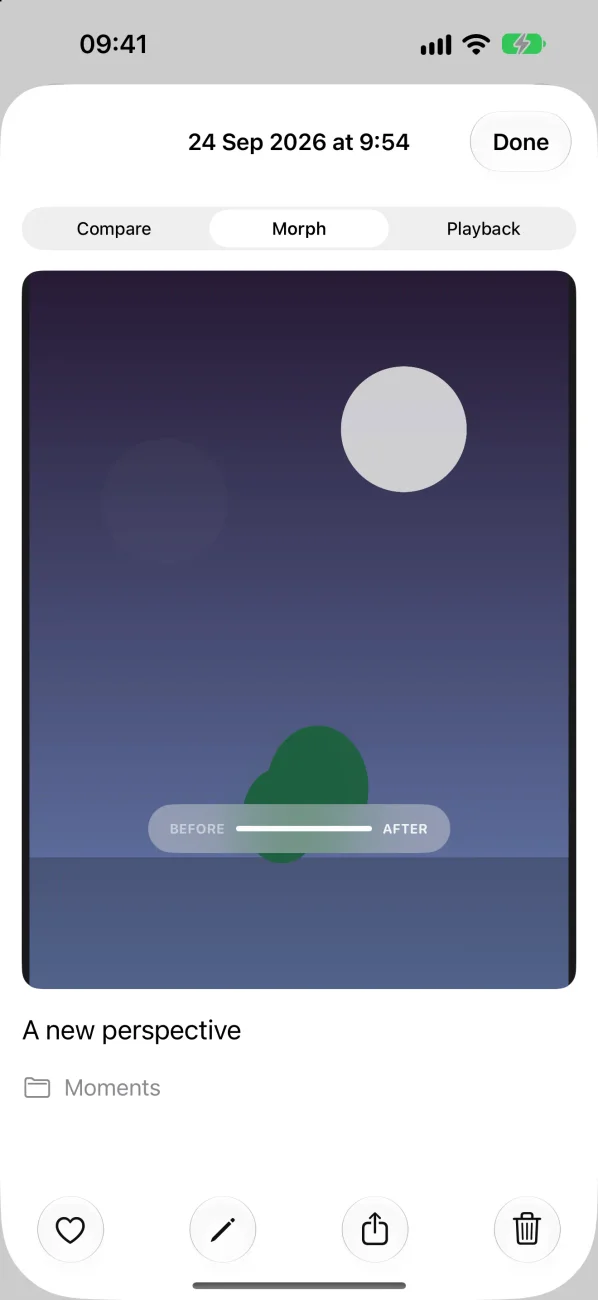
Tap once. The app takes a before frame, waits one second, and takes an after frame. Instantly compare them side-by-side or watch a smooth morph between the two.
Perfect for kids’ expressions, pets mid-play, street energy, sports reactions, and any fleeting moment that is better as a pair than a single shot.
HOW IT WORKS
1. Open the camera and frame your subject
2. Tap Capture
3. Hold still (or change!) for one second
4. See before and after instantly
5. Save, morph, export, or retake
FREE FEATURES
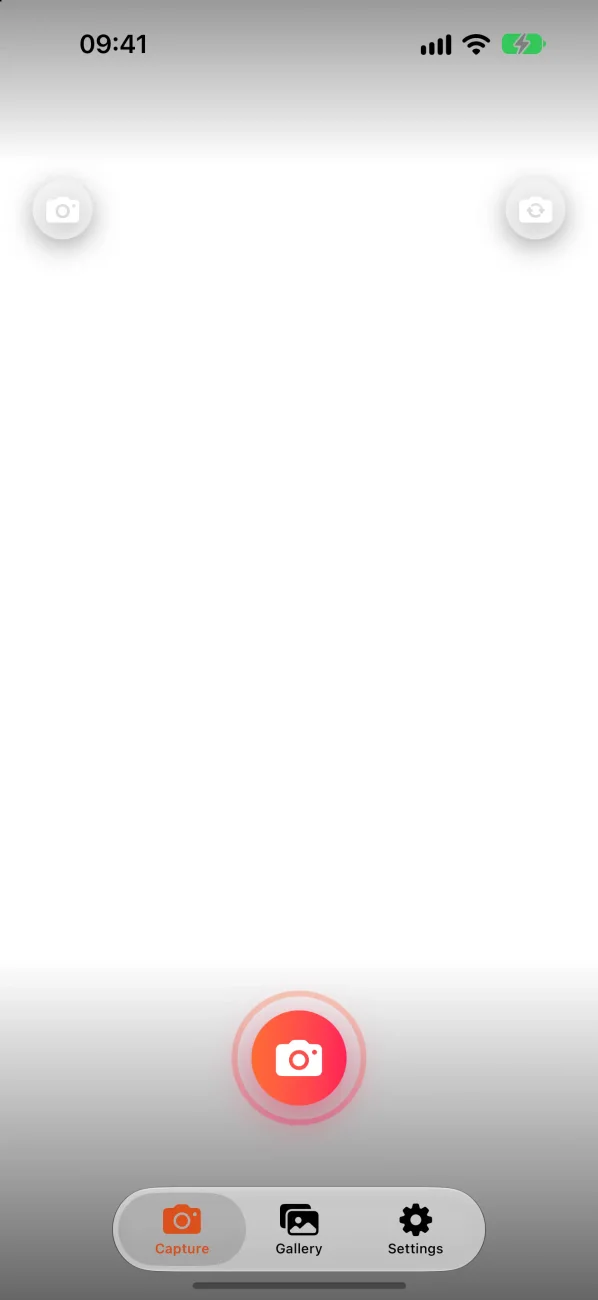
• One-tap dual capture with a clear countdown
• Front and back camera
• Side-by-side compare with before/after labels
• Morph blend between the two frames
• In-app library with albums, favorites, captions, and search
• Import two photos from the system Photos picker
• Pair playback with Reduce Motion support
• Home Screen Last Pair widget and “Capture one second later” Shortcuts / Control Center control
• Core capture stays free — no account required
PREMIUM (MONTHLY OR YEARLY)
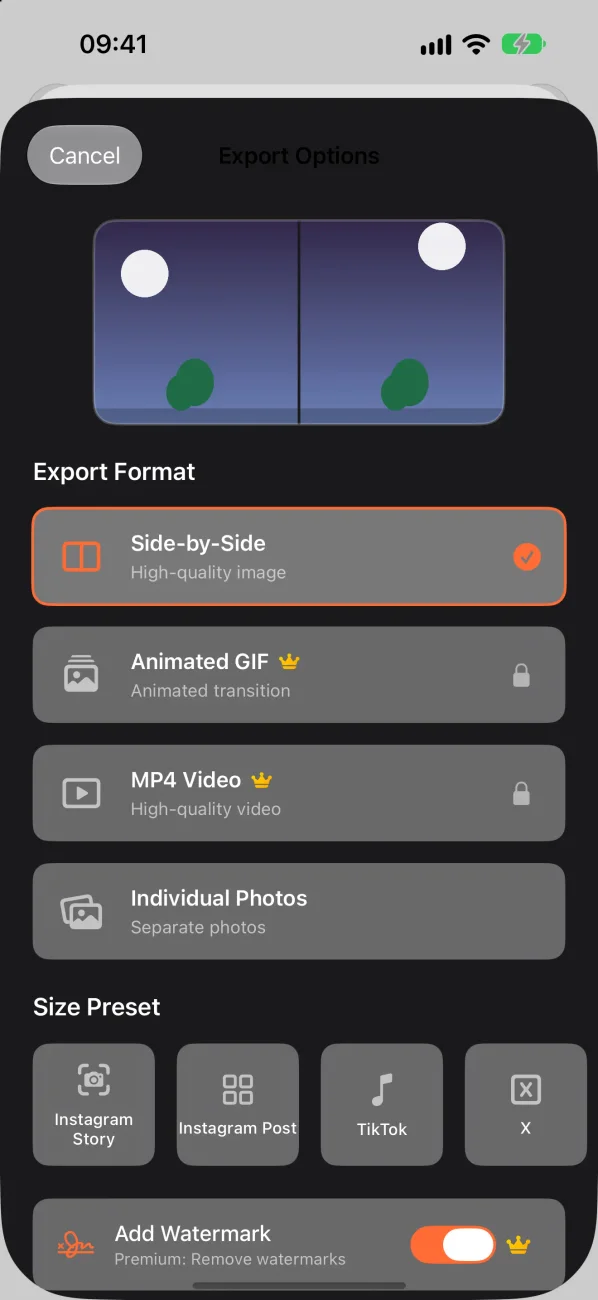
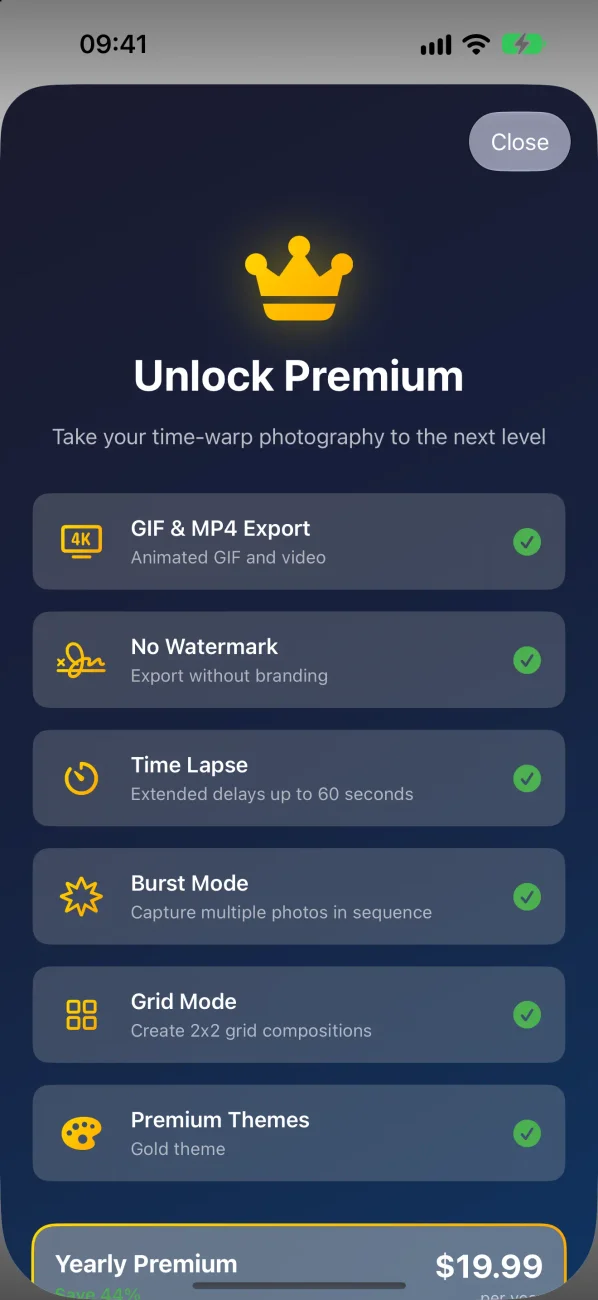
• GIF and MP4 export
• Export without watermark
• Extra delays (3s, 5s) and Time Lapse / Burst / Grid modes
• Gold theme
• Optional on-device caption suggestions where Apple Intelligence is available (you review before saving; photos are not sent to a cloud AI)
Privacy-first: captures and library stay on your device. Selected Photos import uses the system picker. Optional caption help uses on-device Apple Intelligence when available — never inspects your photos as model input.
Premium is a subscription (monthly or yearly) with a free trial when offered. Manage or cancel in Settings → Apple ID → Subscriptions. Lifetime unlock is not offered.
TERMS
Yearly Premium renews every year at $19.99 (USD). Monthly Premium renews every month at $2.99 (USD). New subscribers get a 7-day free trial. Payment is charged to your Apple ID. The subscription renews automatically unless you cancel at least 24 hours before the period ends. Manage or cancel in Settings → Apple ID → Subscriptions.
Terms of Use (EULA): https://www.apple.com/legal/internet-services/itunes/dev/stdeula/
Privacy Policy: https://frasco.co.za/privacy/
App privacy
What Joao Frasco declares on the App Store about how this app handles data.
-
Data not collected
The developer does not collect any data from this app.
Privacy practices may vary, for example with the features you use or your age.
Information
- Seller
- Joao Frasco
- Category
- Photo & Video
- Version
- 2026.09.20
- Updated
- Oct 1, 2026
- Released
- Oct 1, 2026
- Size
- 5.4 MB
- Requires
- iOS 26.0 or later
- Age rating
- 4+
- Price
- Free
- In-app purchases
- Yes
- Languages
- English
- Copyright
- Copyright © 2026 Joao Frasco. All rights reserved.
You might also like
-
 Grid Camera - Collage CameraMulti Photo Camera
-
 Simple Collage - No AdsCombine up to 9 photos
-
 CoolPoseCamTake photos more confidence!
-
 PicSunnyPhoto & Video
-
 2Cam Dual Shot Camera RecorderDualshot Double Capture Video
-
 UnsplashBeautiful photos and images
-
 AniEraser: AI Object RemoverRetouch, Enhance & Restore
-
 D-ID: AI Video GeneratorVisual Story Maker & Editor
-
 AI Avatar Generator - HeyGenAI videos starring you