- Age rating4+
- CategoryUtilities
- DeveloperSolid Software Lab
- LanguagesEnglish
- Size55.2 MB
Links to the official App Store page
Download.org hosts no file of One Step Ahead. The button opens its official App Store page, published by Solid Software Lab. Listing last checked on Nov 14, 2026.
Screenshots

About
One Step Ahead — Security Without a Single Point of Failure
What happens when your password manager gets breached, your device is lost, or your backup is destroyed? Most security tools protect against one threat — but leave you exposed to another.
One Step Ahead eliminates the single point of failure entirely. No data breach, device loss, fire, flood or theft can result in total loss or exposure of your confidential information.
How it works
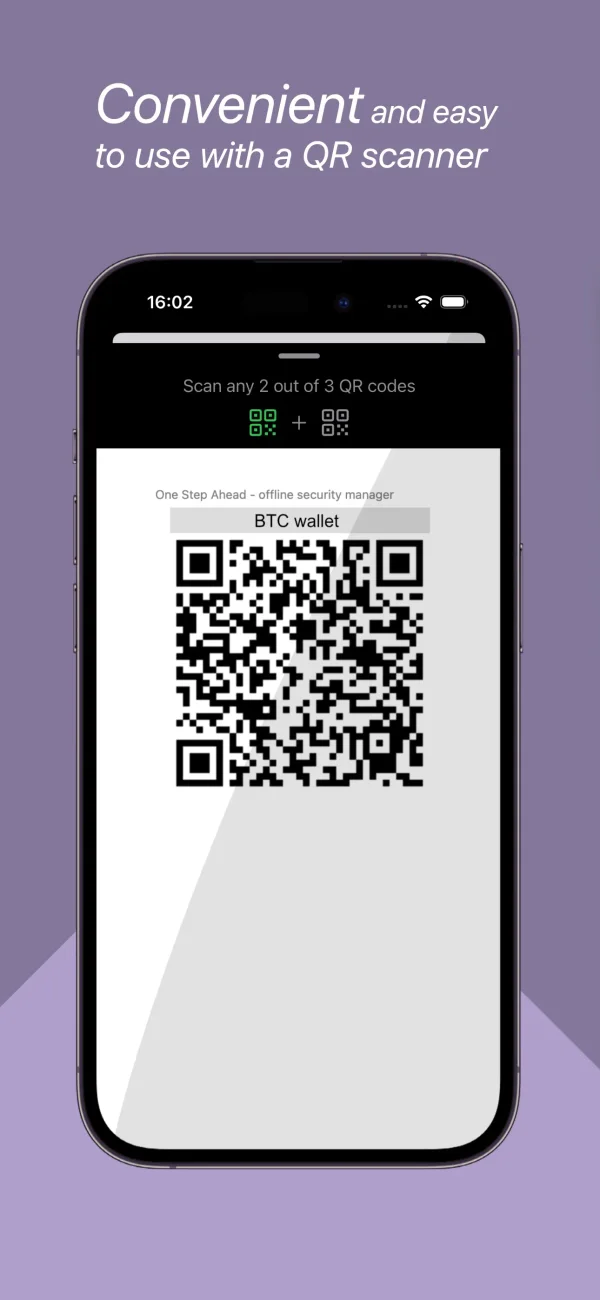
One Step Ahead uses Smart Split — a 2-of-3 threshold splitting method. Your data is divided into three encrypted parts. Any two parts reconstruct the original. Lose one — you're still safe. It's that simple.
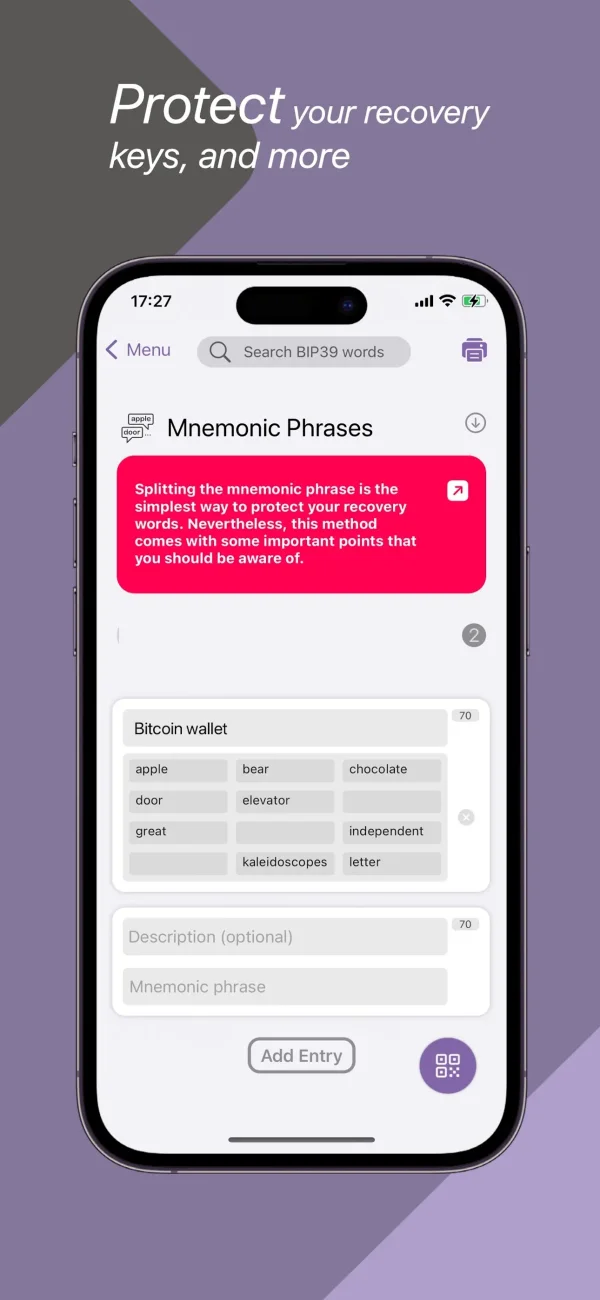
Protect mnemonic phrases, login credentials, private keys, sensitive text, images and PDF files — all offline, all under your control.
Key features
- Smart Split — any 2 of 3 parts recover your data
- AES-256-GCM encryption — military grade, industry standard
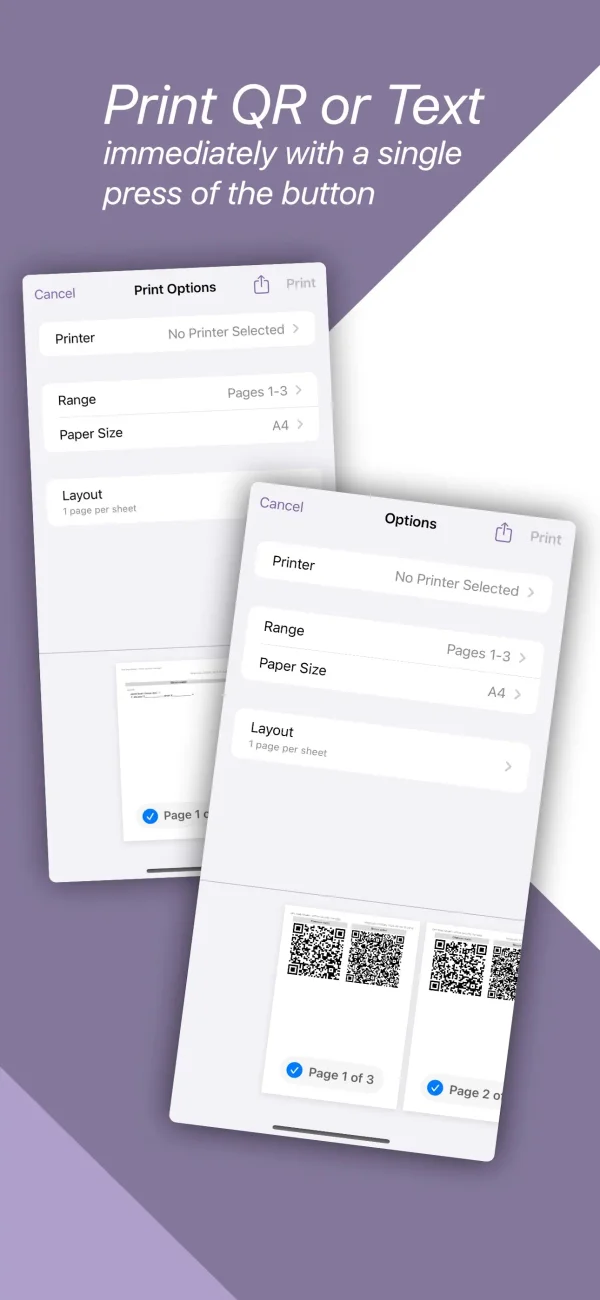
- Print encrypted QR codes or save encrypted files in one click
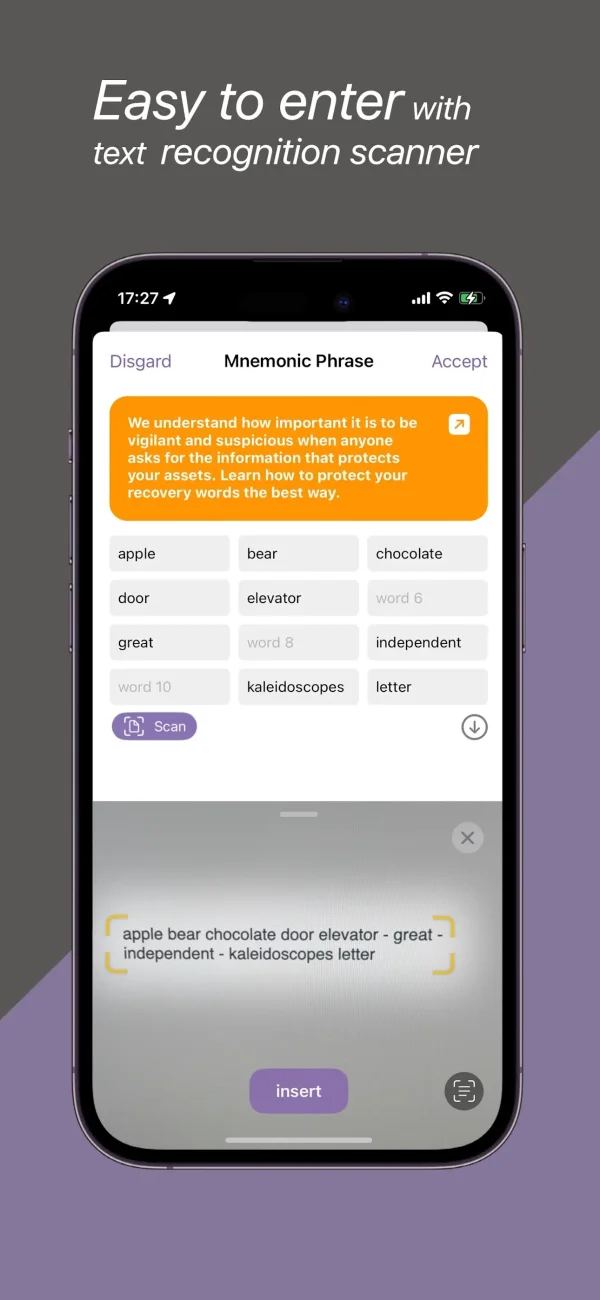
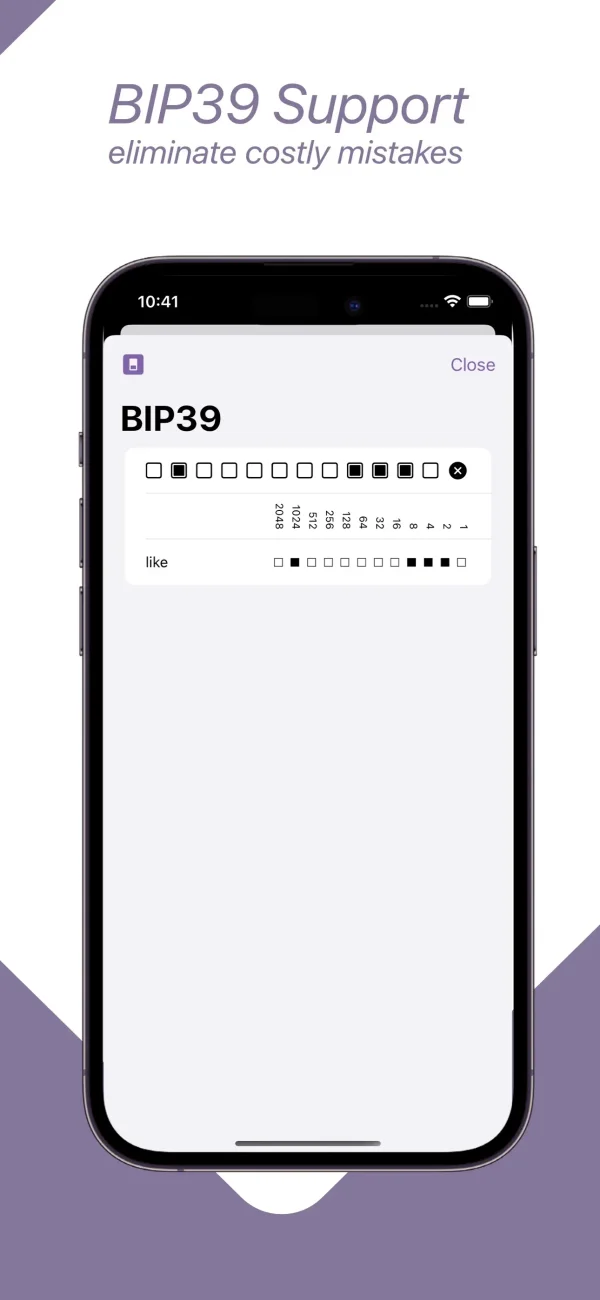
- BIP39 mnemonic phrase support with full word validation
- Search BIP39 words with binary representations
- Protect images and PDF files with encrypted .s32 fragments
- Educational guides explaining secure data handling step by step
- Works with your existing wallets — MetaMask, hardware wallets and more
Privacy by design
No internet connection — ever
Nothing written to disk without your explicit action
No accounts, no cloud, no tracking
No third-party frameworks or analytics of any kind
Your data never leaves your device
One Step Ahead doesn't replace your password manager or hardware wallet. It protects the thing they can't — what happens when everything else fails.
Free. Offline. Yours.
What’s new
Version 2.1.0 · May 13, 2026
Version 2.1 introduces encrypted QR codes for mnemonic phrases, login credentials and plain text.
Previously, Smart Split fragments exposed a portion of the content if a single fragment was compromised.
Version 2.1 eliminates this entirely — every fragment is now fully encrypted with AES-256-GCM. A stolen QR code reveals nothing without a second fragment.
Also in this update:
- Improved reconstruction flow on iPhone and iPad
- Performance and stability improvements
App privacy
What Solid Software Lab declares on the App Store about how this app handles data.
-
Data not collected
The developer does not collect any data from this app.
Privacy practices may vary, for example with the features you use or your age.
Information
- Seller
- Piotr Domowicz
- Category
- Utilities
- Version
- 2.1.0
- Updated
- May 13, 2026
- Released
- Feb 8, 2022
- Size
- 55.2 MB
- Requires
- iOS 17.0 or later
- Age rating
- 4+
- Price
- Free
- Languages
- English
- Copyright
- © 2023 Solid Software Lab
You might also like
-
 Qore39seed phrase backup tool
-
 Pass the PhraseInstant Password Inspiration
-
 SeedkeeperPassword & seedphrase manager
-
 MiVaultyEncrypted Notes & Image Vault
-
 SeedArk Mnemonic VaultOffline BIP-39 Mnemonic Vault
-
 ListenerGSSpeech to text for Apple IIGS
-
 SyfraSeed Phrase Backup
-
 Remote for Smart TV +Smart Remote for Vizio TV
-
 Merchant Lynx eApplicationUtilities
-
 QR ReadViewQR Read and view the website.