- Age rating4+
- CategoryPhoto & Video
- DeveloperWalker Software
- LanguagesEnglish+ 1 more
- Size2.2 MB
Links to the official App Store page
Download.org hosts no file of OneCam 2 (with Effects). The button opens its official App Store page, published by Walker Software. Listing last checked on Nov 12, 2026.
Screenshots


About
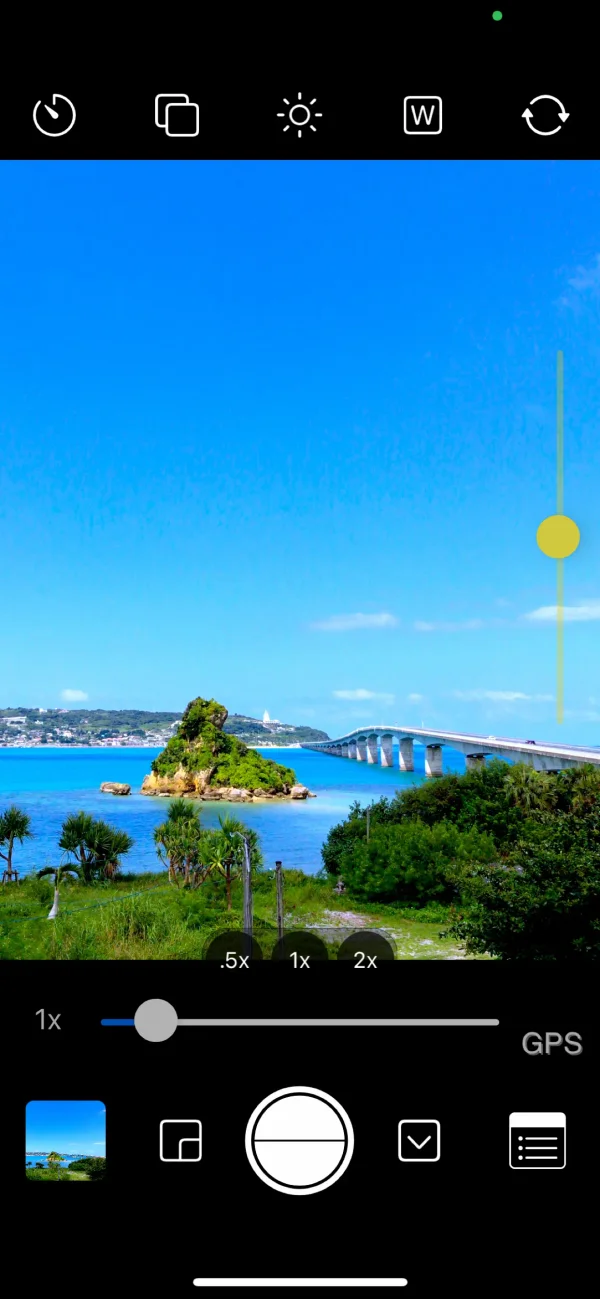
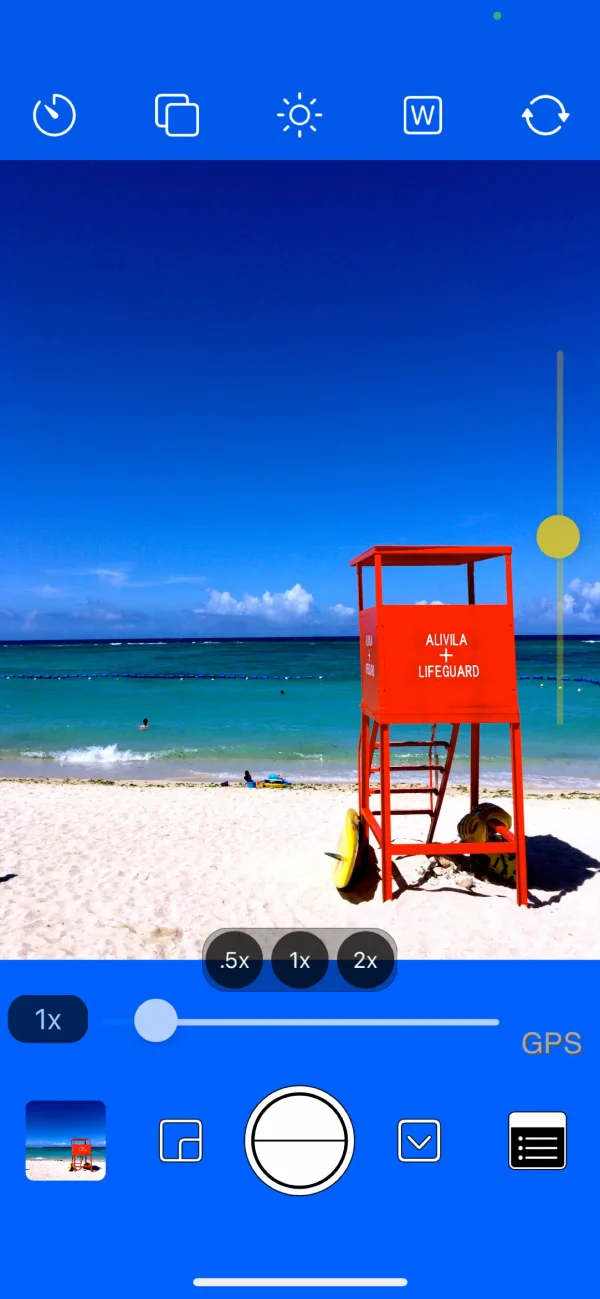
OneCam Pro is the highest quality iPhone and can shoot in high resolution with the help of image stabilization. It supports fixing ultra-wide-angle lenses and telephoto lenses, and you can easily switch lenses with the magnification button.
It also supports macro photography of iPhone13 Pro and ProMax and 3x of telephoto lens.
You can easily adjust the brightness with the exposure (brightness) slider on the left side of the camera screen.
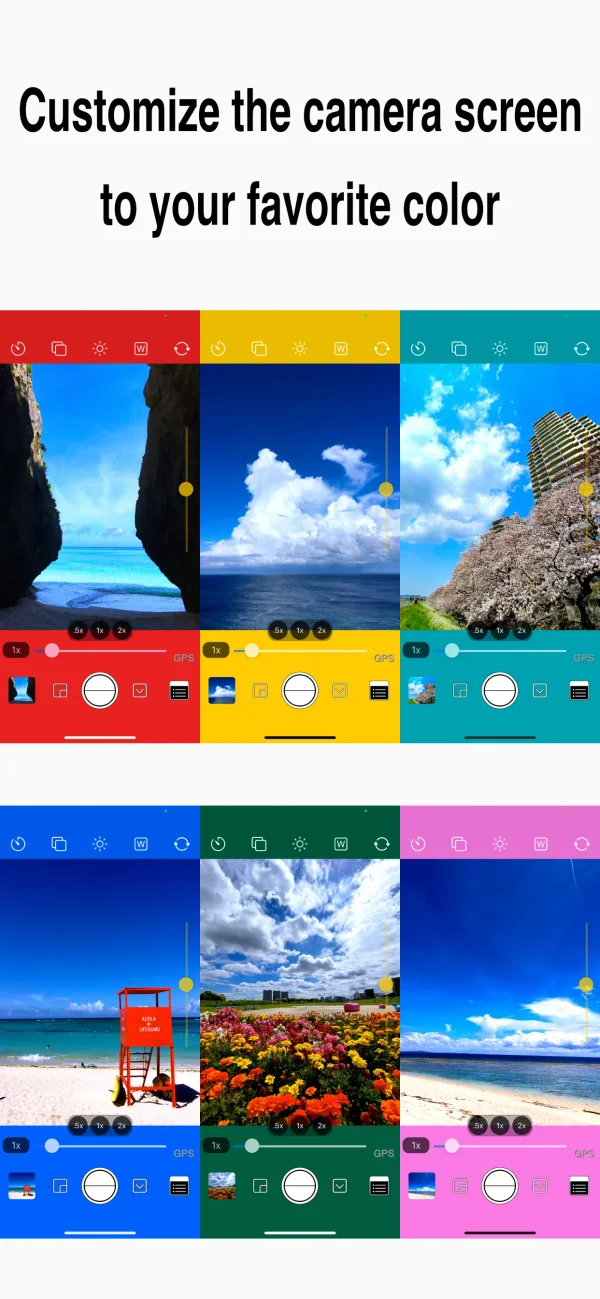
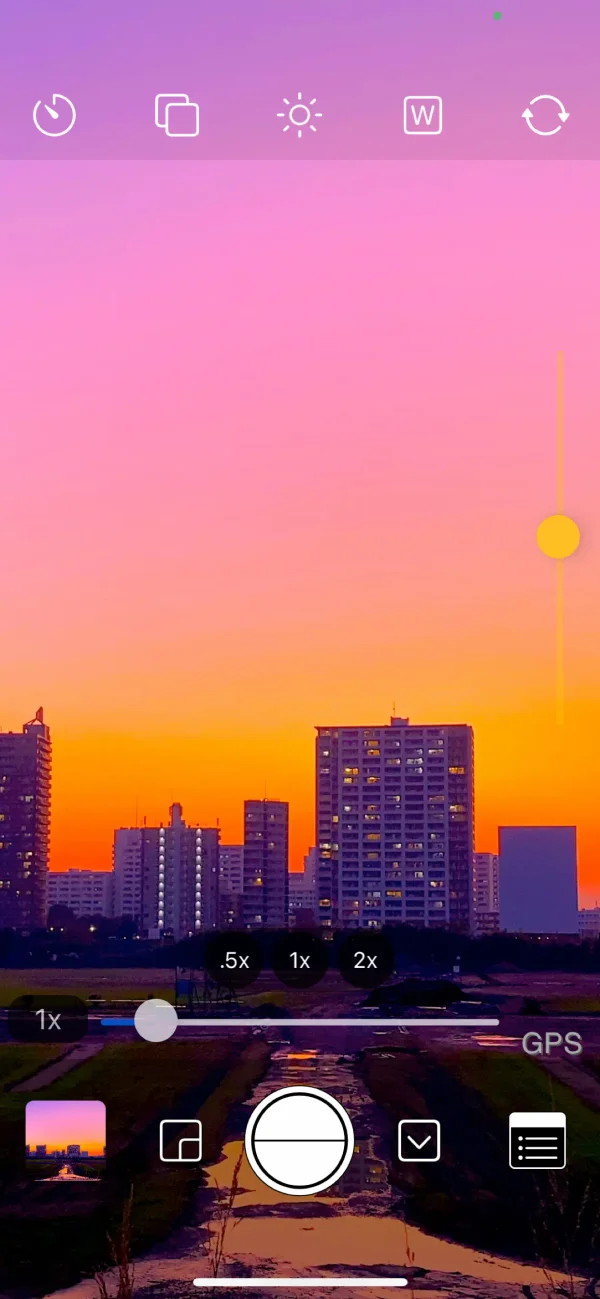
You can customize the color of the camera screen to your liking, so you can enjoy the atmosphere of the camera different from humans.
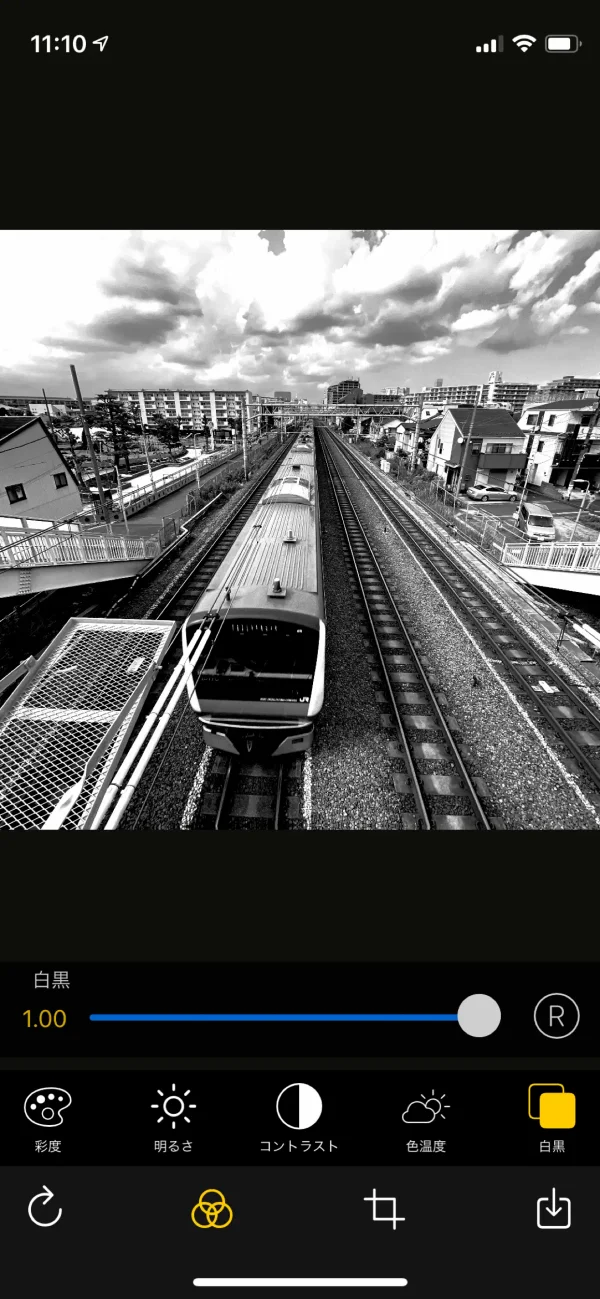
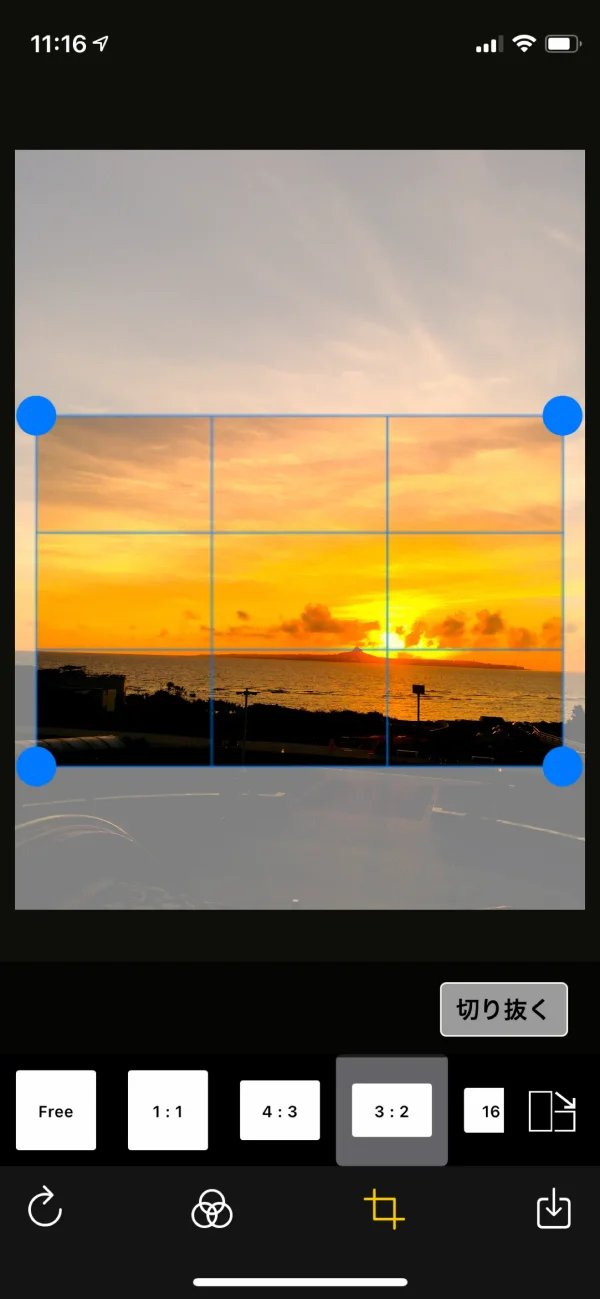
You can freely edit the photo such as simple effect adjustment, cropping, rotating and flipping.
After taking a photo with the quick preview function, swipe the camera screen upward to display the photo view directly. (Double-tap to enlarge and check) Swipe down on the photo view to return to the camera screen as if you pressed the cancel button. You can also view and delete the previous and next photos by swiping left and right, including the album.
【 function 】
- Effects (Saturation, Brightness, Contrast, Temperature, Black and white)
(Press and hold the edit screen to check the original image)
- Photo editing (crop, rotate, flip)
- HEIC format compatible. (Only compatible models)
- Customize the camera screen to your favorite color by setting
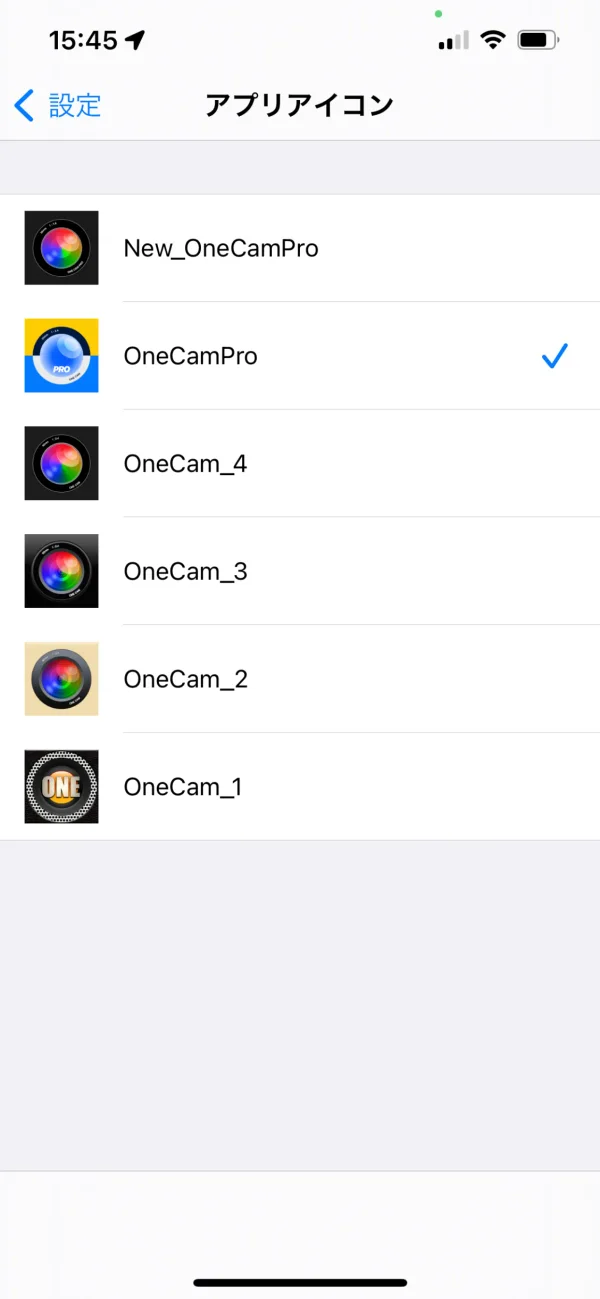
- You can now select the icon
- Manual mode (for lock)
- Focus, exposure, and white balance
- Reception desk camera, digital zoom, and light
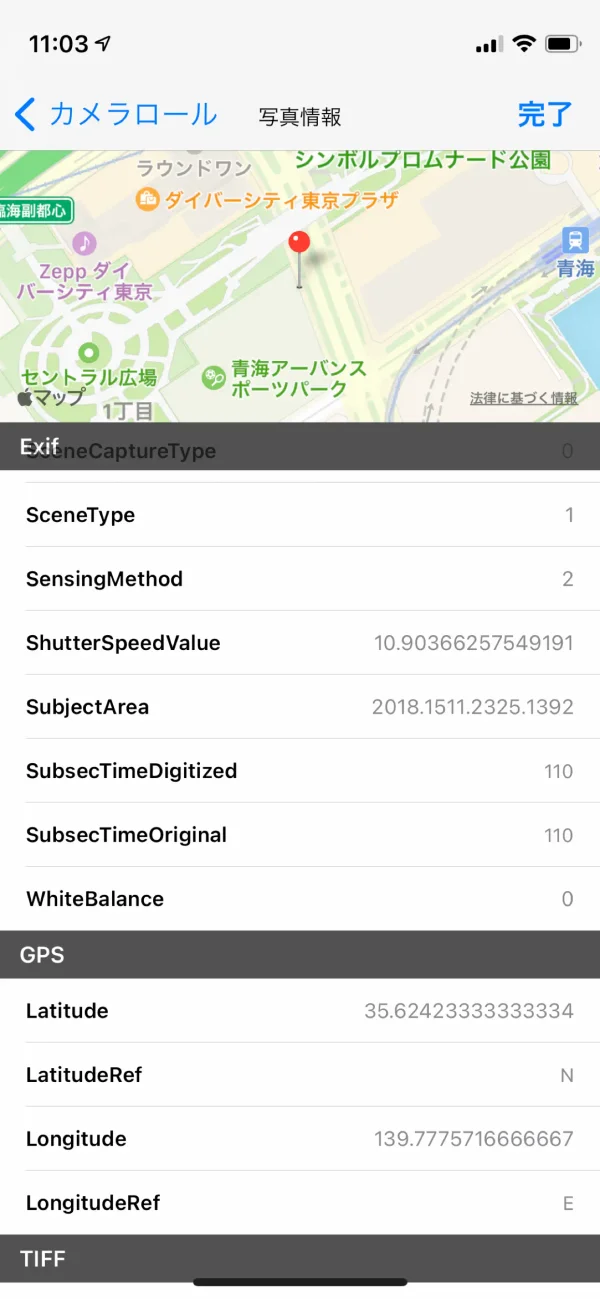
- View Exif meta data such as in the photo view
- Geotag (location information) and grid
- The brightness of iPhone can be changed now.
- date+time stamp (white, black, orange, and custom color)
- Self-timer
- Burst mode You can shoot continuously.)(iPhone8 and later)
- iPhoneX and later new size added (4032x1862)
- photo size(4032x3024 , 3024x3024, 4032x2688, 4032x2268, 1600x1200 , 1200x1200 , 1280 x960)
- The resolution is 1920x1080 and 640x480 size of 852x640 and square size of 640x640
===========================
- Corresponding model iPhone corresponding to iOS version.
- iPad, iPod touch are not supported.
===========================
What’s new
Version 2.1.0 · Oct 22, 2025
- Supports Liquid Glass in iOS 26
- Supports iPhone 17 Pro and iPhone 17 Pro Max
- Due to requests, we've added 1-second and 3-second timers
App privacy
What Walker Software declares on the App Store about how this app handles data.
-
Data not collected
The developer does not collect any data from this app.
Privacy practices may vary, for example with the features you use or your age.
Information
- Seller
- masahiro seto
- Category
- Photo & Video
- Version
- 2.1.0
- Updated
- Oct 22, 2025
- Released
- Aug 29, 2021
- Size
- 2.2 MB
- Requires
- iOS 18.6 or later
- Age rating
- 4+
- Price
- $3.99
- Languages
- English, Japanese
- Copyright
- © Masahiro Seto
You might also like
-
 MyCam Pro – 48MP Manual ProCamRAW, 24MP, 4K, Manual Camera
-
 Shred SnapFor ski/snowboard training
-
 Zoom 100x CameraExtreme TeleScope ZOOM
-
 PhotoLayers ProCut out & Photomontage Creator
-
 Background Eraser ProCut Out & Sticker Creator
-
 Olli by TinrocketCapture video and get drawn in
-
 BlackVideo (One-Touch Rec!)Catch the moment instantly!
-
 White Balance Meter AI - KEVColor Temperature Kelvin Meter
-
 MiraCamera ProSquare Crop and Secret Album