
- Age rating4+
- CategoryEducation
- DeveloperOneFile Ltd
- Size99.5 MB
Links to the official App Store page
Download.org hosts no file of Onefile Eportfolio App. The button opens its official App Store page, published by OneFile Ltd. Listing last checked on Nov 18, 2026.
Screenshots
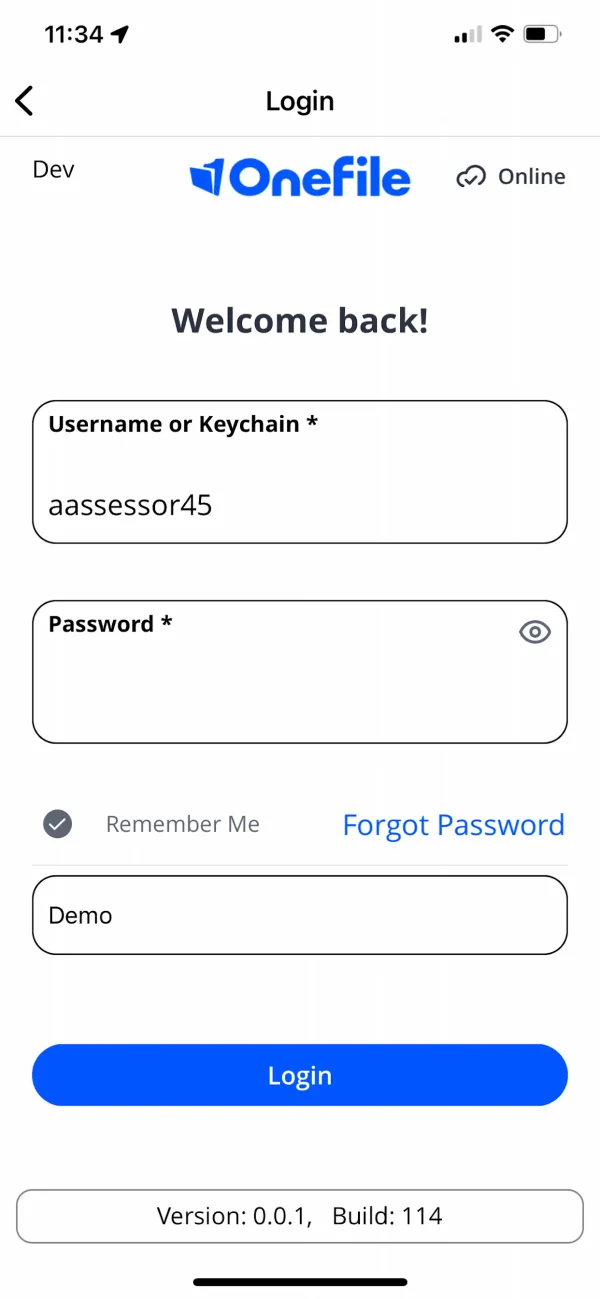
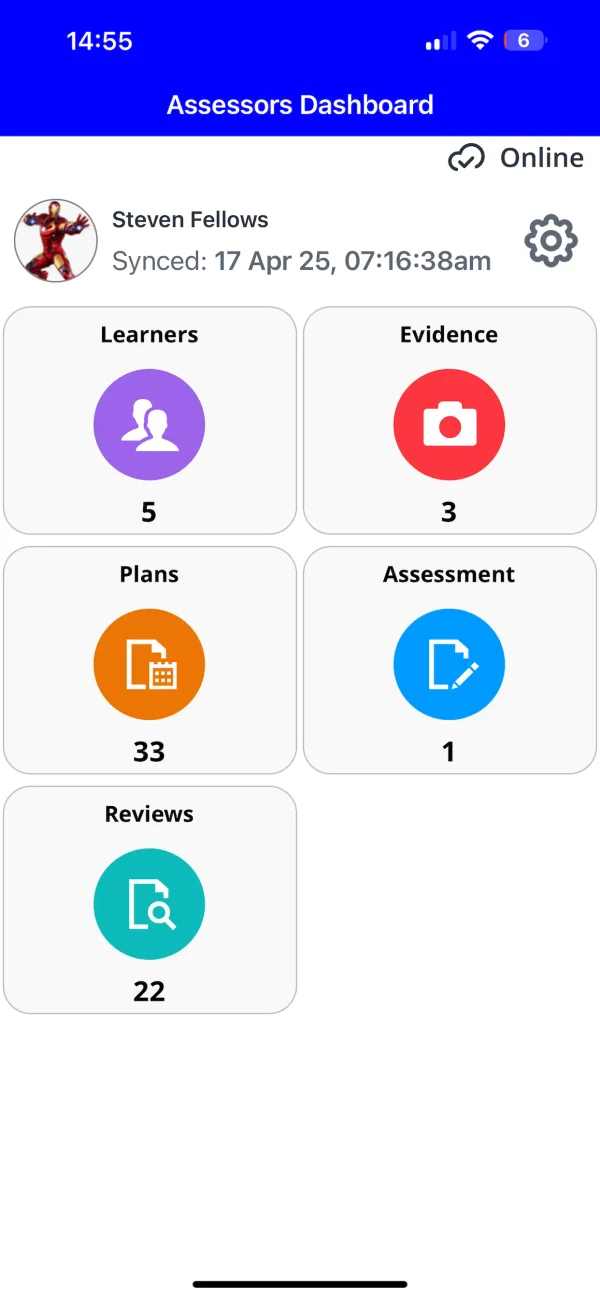
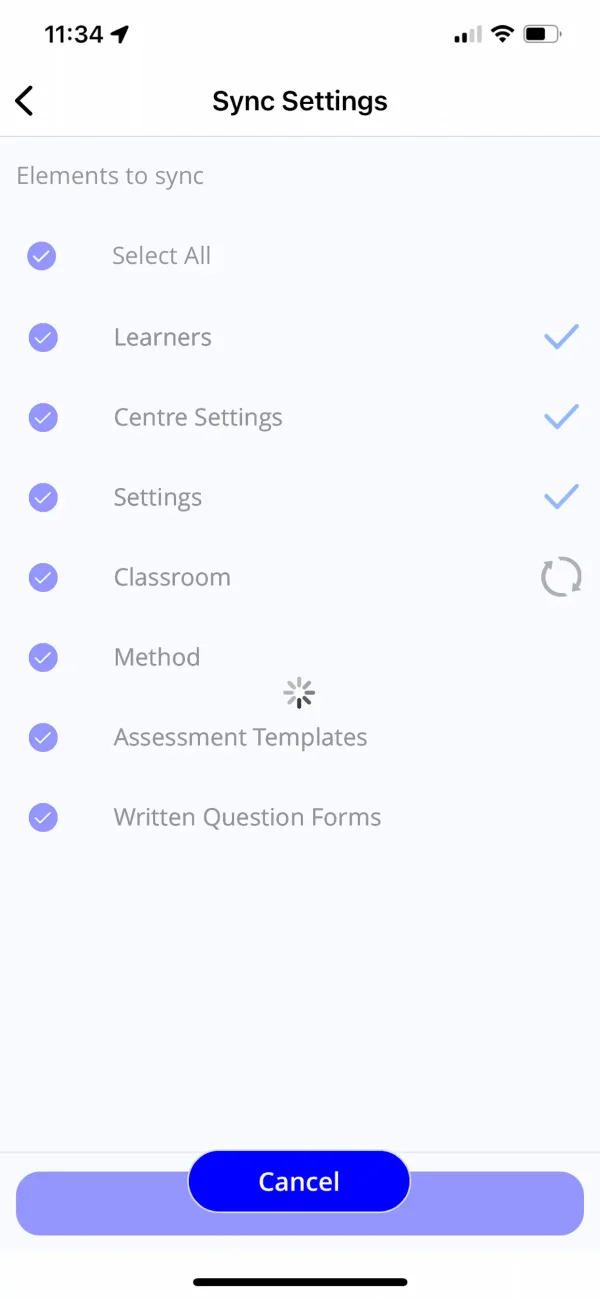

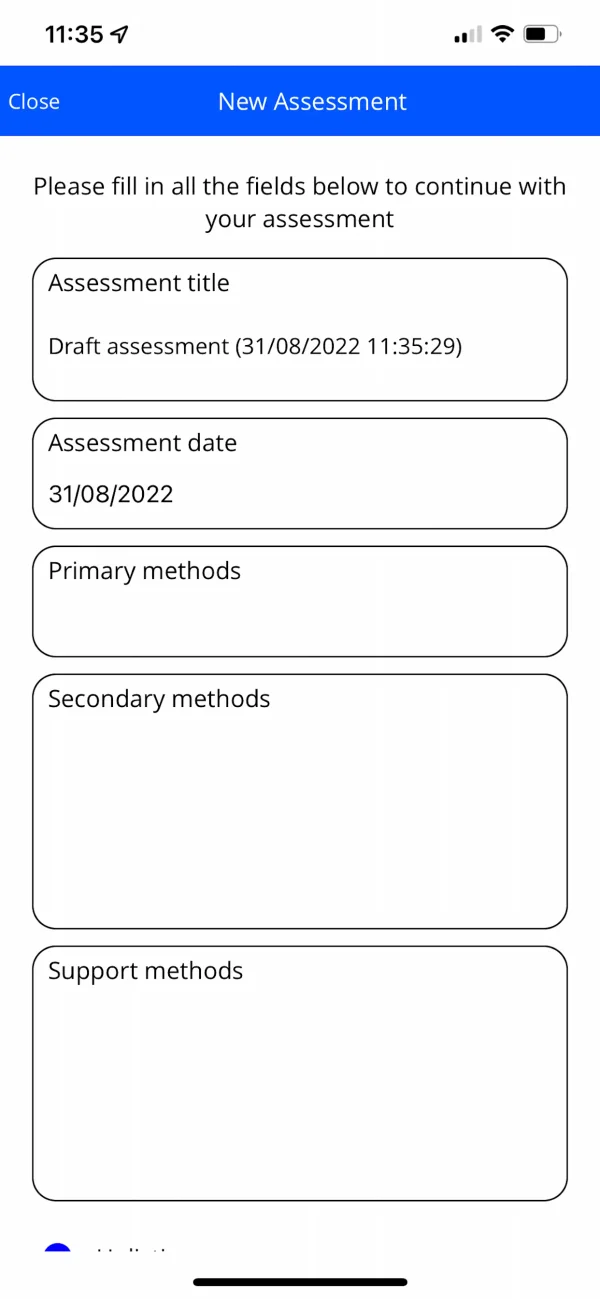
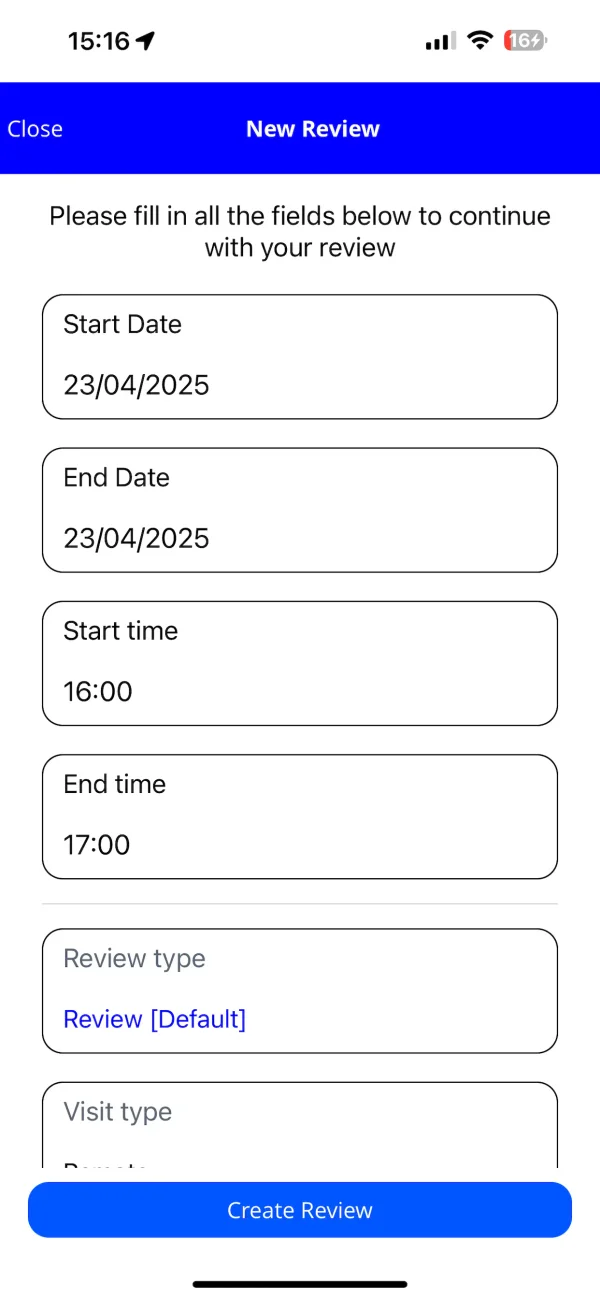
About
Got no Wi-Fi? Working in a remote location?
The Onefile Eportfolio offline app is the answer.
You can collect evidence and complete assessments offline – any time, anywhere, on any device. Then when you're connected to the internet again, you can sync your work back to your online account and continue to use Onefile as normal. It's simple, quick and convenient.
Please note, you must be a registered Onefile learner or assessor to log in.
What’s new
Version 3.3.14 · Nov 9, 2026
This update brings several months of fixes and improvements, and the app now opens on iOS 27.
New
• Assessors can sync a learner straight from that learner's dashboard, with everything already selected.
• A Face ID button on the sign-in screen, so you can still sign in with one tap after logging out.
• Clearer sync progress: the current step, a percentage and the learner being synced, with a Cancel that stops the transfer.
• Delete is now offered on every tab of the reviews, assessments and plans lists, including Sync Ready.
Attachments and evidence
• Deleting a review no longer deletes the recordings and files attached to it. They stay in your evidence, ready to attach elsewhere.
• Attachments on a review now upload with it, instead of the review arriving on the website without them.
• An attachment that has been deleted, or a file that cannot be read, no longer leaves a sync waiting forever.
• The evidence list shows which items are already uploaded, in both grid and list layouts.
• In hidden evidence, the Photo, Video and Audio filters now work, and permanently deleting an item removes it completely.
• If the camera cannot be opened to take a photo, the app now tells you instead of appearing to do nothing.
• Assessors and trainee assessors are offered the same evidence options, and Move To Learner is offered only on your own evidence.
Sync
• Items placed in conflict are handled cleanly: you are told the item has been removed from your device and returned to the list.
• The sync progress screen can no longer get stuck.
• Fixed a crash when an assessment goes into conflict, and a crash when syncing a plan with an attachment on its form.
• If a problem happens during a sync, the app now reports a failed sync instead of closing.
• Syncing a plan created on the website no longer shows an error for each task.
• Sync and Sync All on the learners list now always sync the learners.
• Changes made on the website to methods, settings and training activities now reach the app, and repeated syncs no longer create duplicates.
Forms
• Mandatory questions answered on the website are recognised, so you can sign without opening the form first.
• Answers appear against the correct question where two forms share the same fields.
• Editing one question no longer removes an attachment or clears selected options elsewhere on the form.
• Answers given on the website to a review's form are no longer lost when the form is opened on the device.
Signing
• Reviews are no longer refused for signing with a "mandatory sections" message when nothing is missing, and an earlier failed sync no longer blocks signing.
• A plan can no longer be signed while a mandatory question on any of its forms is empty.
• Signing on iPad in landscape now records a continuous stroke instead of dots, and the signature area fits the screen.
• Fixed blank or black signature images. Signatures made on the website display correctly, and an unreadable signature asks you to sign again.
Signing in
• Logging out now returns you to the sign-in screen instead of signing you straight back in, so you can switch accounts.
• The sign-in screen and Settings name the sign-in method your device actually uses.
Plans and assessments
• Creating a plan from a template no longer creates duplicate plans.
• Templates now appear when creating an assessment.
• Evidence attached to plan tasks created on the website now uploads.
• The plan overview no longer overlaps the visit type.
Apple now requires apps on the App Store to support iOS 15 or later, so this version needs iOS 15 or later. If your iPhone or iPad can't be updated past iOS 14, the version you already have stays on your device.
App privacy
What OneFile Ltd declares on the App Store about how this app handles data.
-
Data used to track you
May be used to track you across apps and websites owned by other companies.
- Contact info
- User content
- Identifiers
-
Data linked to you
May be collected and linked to your identity.
- Contact info
- User content
- Identifiers
- Usage data
- Diagnostics
Privacy practices may vary, for example with the features you use or your age.
Information
- Seller
- OneFile Ltd
- Category
- Education
- Version
- 3.3.14
- Updated
- Nov 9, 2026
- Released
- Oct 10, 2022
- Size
- 99.5 MB
- Requires
- iOS 15.0 or later
- Age rating
- 4+
- Price
- Free
- Copyright
- © Onefile Limited
You might also like
-
 Inspection & TestingEducation
-
 Theory Test ProTheory & Hazard Perception
-
 MyExeterEducation
-
 CITB Op/Spec HS&E testEducation
-
 ECS Test & ToolkitElectrician H&S Companion
-
 Practice Driving Test RoutesTest Routes
-
 Driving Theory Test 4 in 1 Kit2026 UK's No.1 - 97% pass rate
-
 Tuff Tray SwipeEarly years activity ideas
-
 Pocket Sergeant - Police GuideReference
-
 Driving Theory Test Kit | RACDVSA Licensed: 4 in 1 2026