OneHour - Focus,Capture,Create
Turn Focus Time Into Timelapse
Designed for iPhone
Free · In-app purchases
- Age rating4+
- CategoryPhoto & Video
- Developer宇 张
- LanguagesEnglish+ 5 more
- Size22.3 MB
Links to the official App Store page
Download.org hosts no file of OneHour - Focus,Capture,Create. The button opens its official App Store page, published by 宇 张. Listing last checked on Nov 17, 2026.
Screenshots
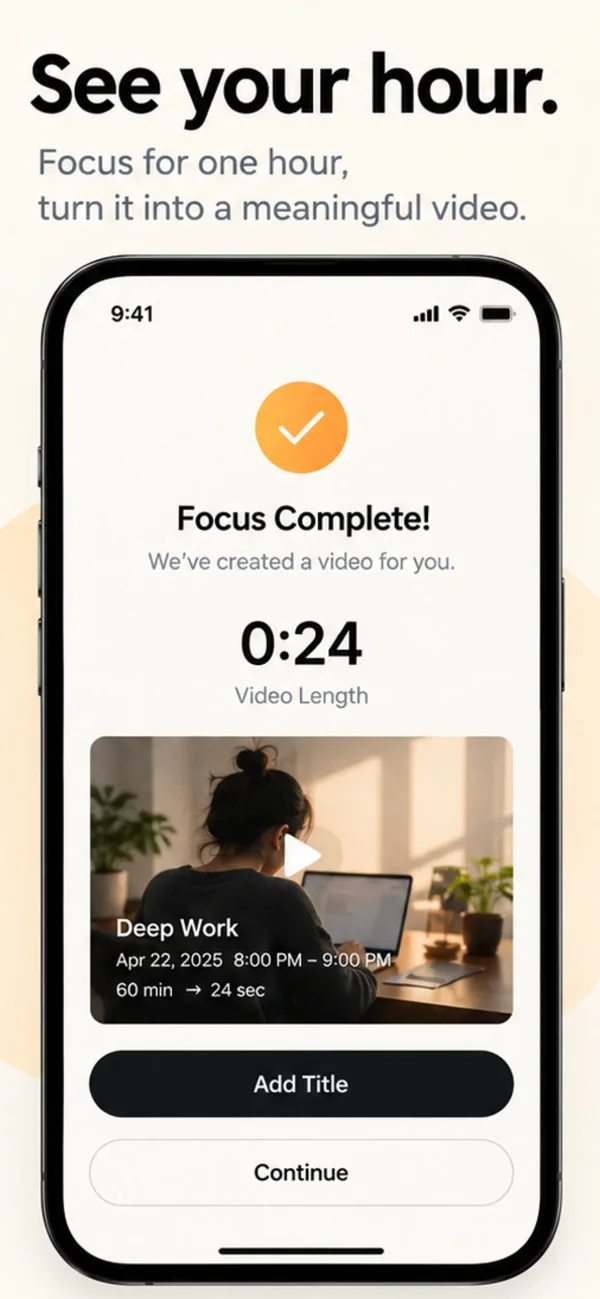
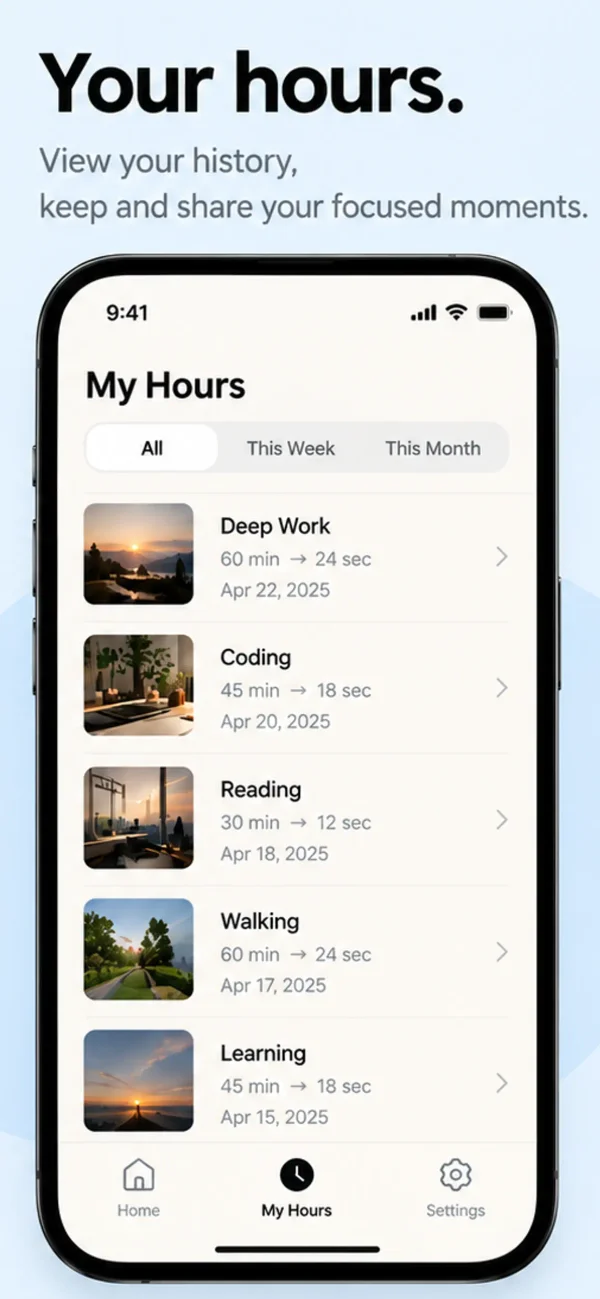
About
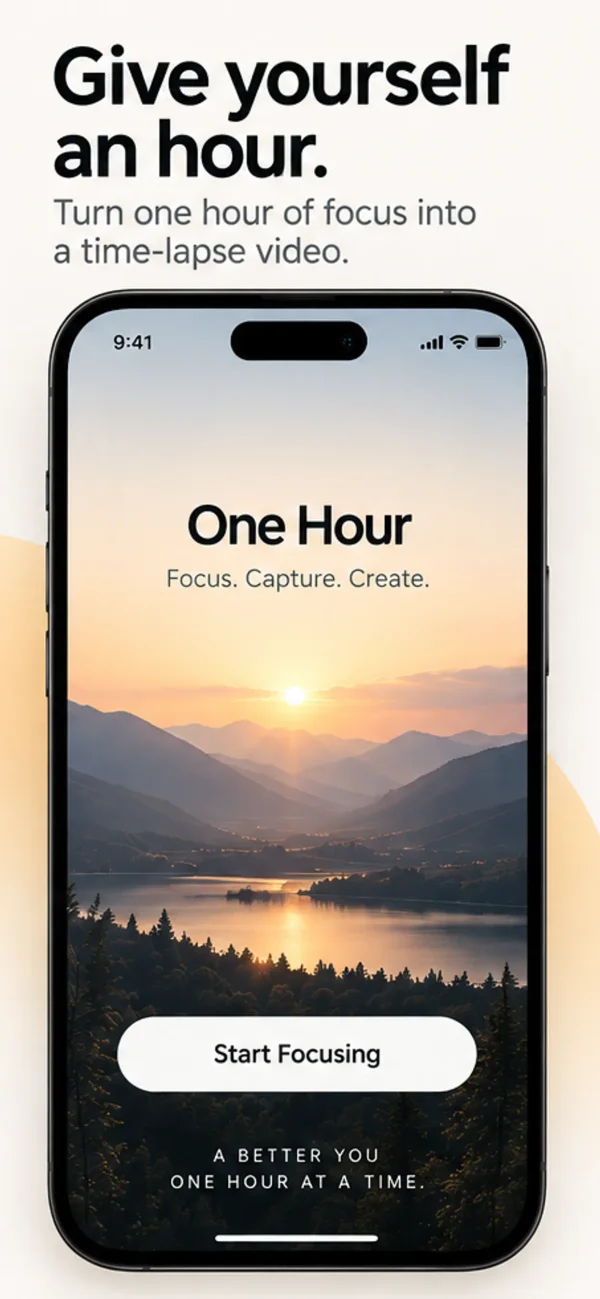
Give yourself an hour to focus. Put your phone down, stay in the moment, and let OneHour automatically capture your progress.
At the end of your session, your focused hour becomes a short, beautiful timelapse video — a visual record of what you accomplished.
FOCUS YOUR WAY
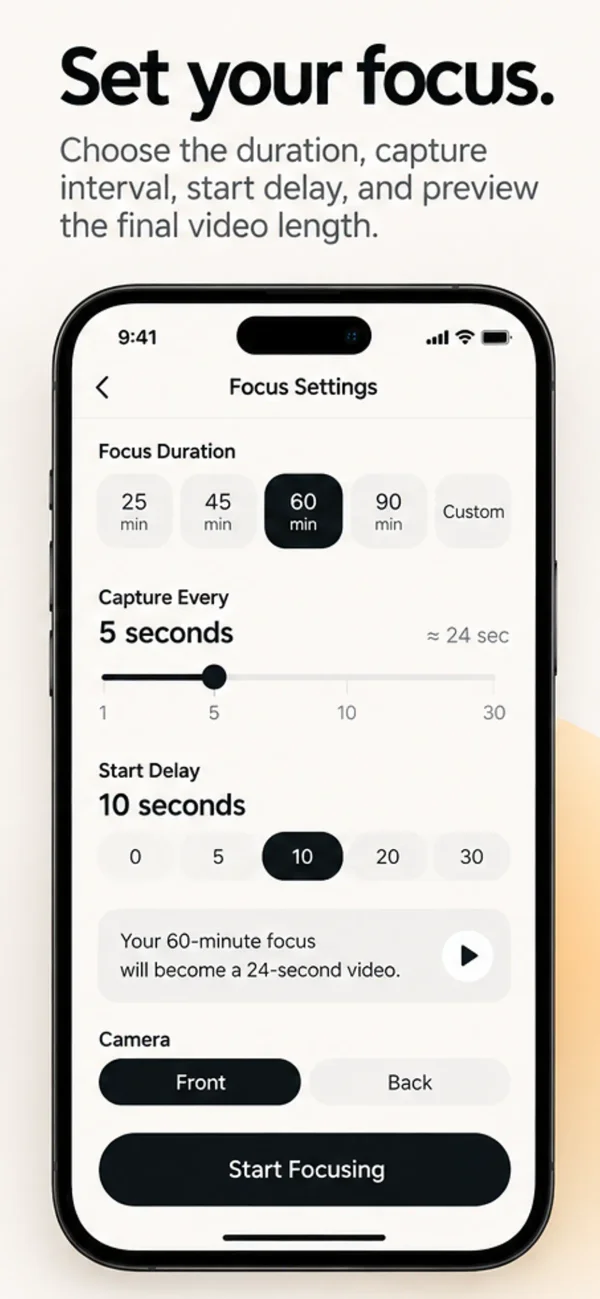
Choose how long you want to focus, from a quick session to a full hour.
Customize:
- Focus duration
- Capture interval
- Start delay
- Front or rear camera
See the estimated final video length before you begin.
JUST STAY FOCUSED
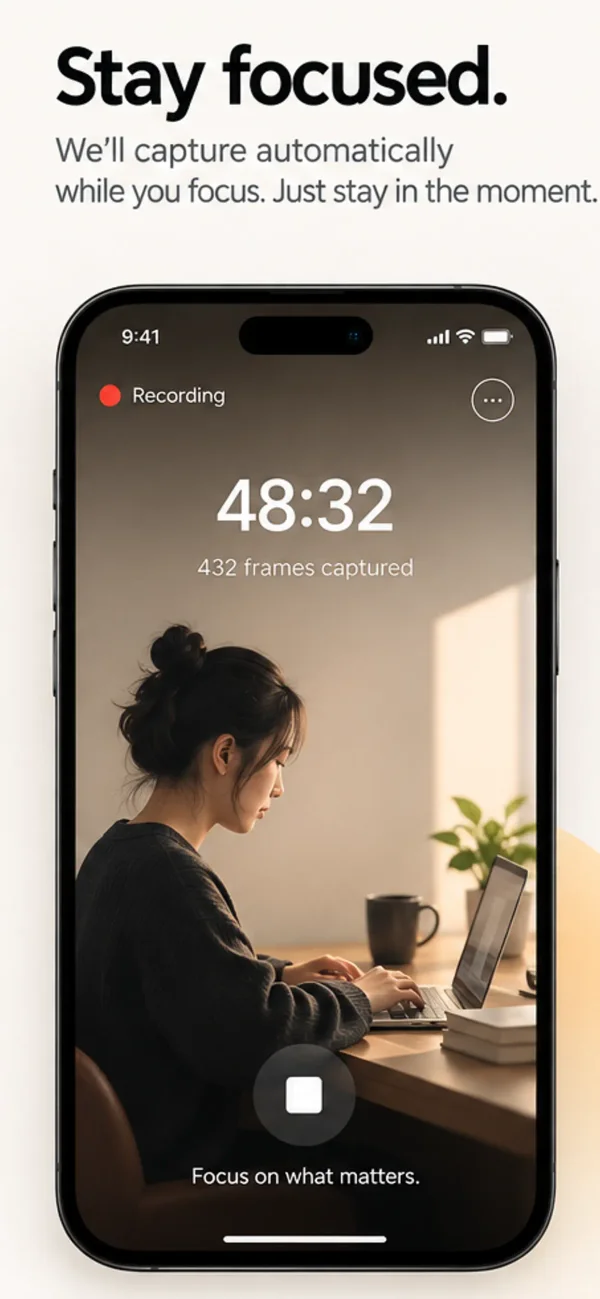
Once your session starts, OneHour takes care of the rest.
No need to manually record. No need to keep checking your phone. Just put it down and focus on what matters.
SEE YOUR HOUR
When your session is complete, OneHour automatically turns your captured moments into a timelapse video.
Watch your hour unfold in seconds.
Add a title to give your video a personal touch, then save it to your Photos or share it with others.
KEEP YOUR HOURS
Every completed session becomes part of your personal focus history.
Look back on your focused moments and see how your time adds up over days, weeks, and months.
One hour at a time.
One moment at a time.
YOUR FOOTAGE STAYS ON YOUR DEVICE
Every frame and every video is stored only on your iPhone. There is no account to create and no server that receives your footage. Delete any session from inside the app at any time.
IN-APP PURCHASE
One Hour Pro — a one-time purchase. OneHour has no subscriptions.
- Unlocks unlimited focus sessions and lets you remove the watermark from your videos
- The first 3 sessions are free, with every feature available
- Payment is charged to your Apple Account when you confirm the purchase
- One-time payment only: no auto-renewal, no recurring charges, nothing to cancel
- Already on a new device? Use Settings → Restore Purchases at no extra cost
- Refunds are handled by Apple at reportaproblem.apple.com
Privacy Policy: https://onehour-buy.pages.dev/privacy
Terms of Use (EULA): https://onehour-buy.pages.dev/terms
What’s new
Version 1.1 · Sep 20, 2026
Put your phone down and stay focused. OneHour automatically captures your progress and turns your hour into a beautiful timelapse.
New update, same good vibes.
We fixed a few things, made some improvements, and gave the app a little love.
App privacy
What 宇 张 declares on the App Store about how this app handles data.
-
Data not linked to you
May be collected but is not linked to your identity.
- Identifiers
- Diagnostics
Privacy practices may vary, for example with the features you use or your age.
Information
- Seller
- 宇 张
- Category
- Photo & Video
- Version
- 1.1
- Updated
- Sep 20, 2026
- Released
- Sep 16, 2026
- Size
- 22.3 MB
- Requires
- iOS 17.0 or later
- Age rating
- 4+
- Price
- Free
- In-app purchases
- Yes
- Languages
- English, French, German, Japanese, Simplified Chinese, Spanish
- Copyright
- © LevenLab
You might also like
-
 medCameramake each day count
-
 Zup Cam - Film CameraRetro filters & Polaroid frame
-
 Zweep: Duplicate Photo CleanerCompress Video & Local Cleanup
-
 Oqra CamHybrid film cam
-
 POCKLO: Photo Scrapbook3D keepsakes & creative camera
-
 Lingdong PhotoPhoto Art & Heartfelt Letters
-
 Ocre: Photo to PaintingOil Paint & Brush Effects
-
 Pickora: Photo CleanerSwipe, Sort Photos & Videos
-
 GIF Editor & GIF MakerEditor, Video, Photo, Convert
-
 dajitvdajitv