- Age rating4+
- CategoryProductivity
- DeveloperDaniel Mantilla
- LanguagesEnglish
- Size1.2 MB
Links to the official App Store page
Download.org hosts no file of OneLine Widget. The button opens its official App Store page, published by Daniel Mantilla. Listing last checked on Nov 15, 2026.
Screenshots
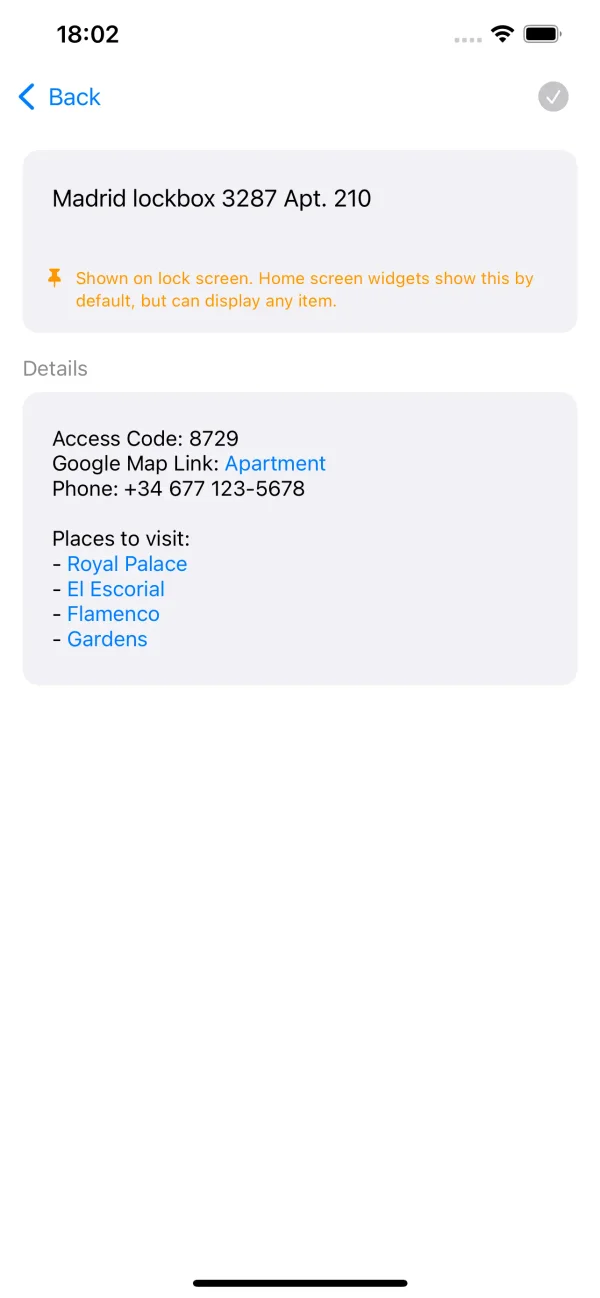


About
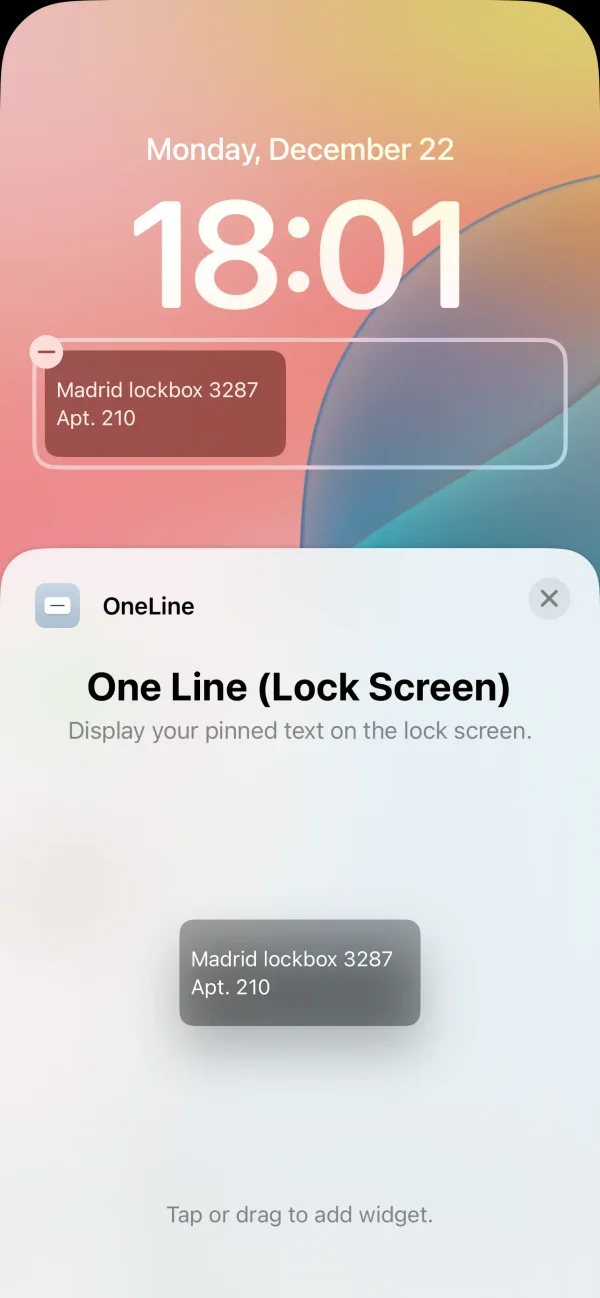
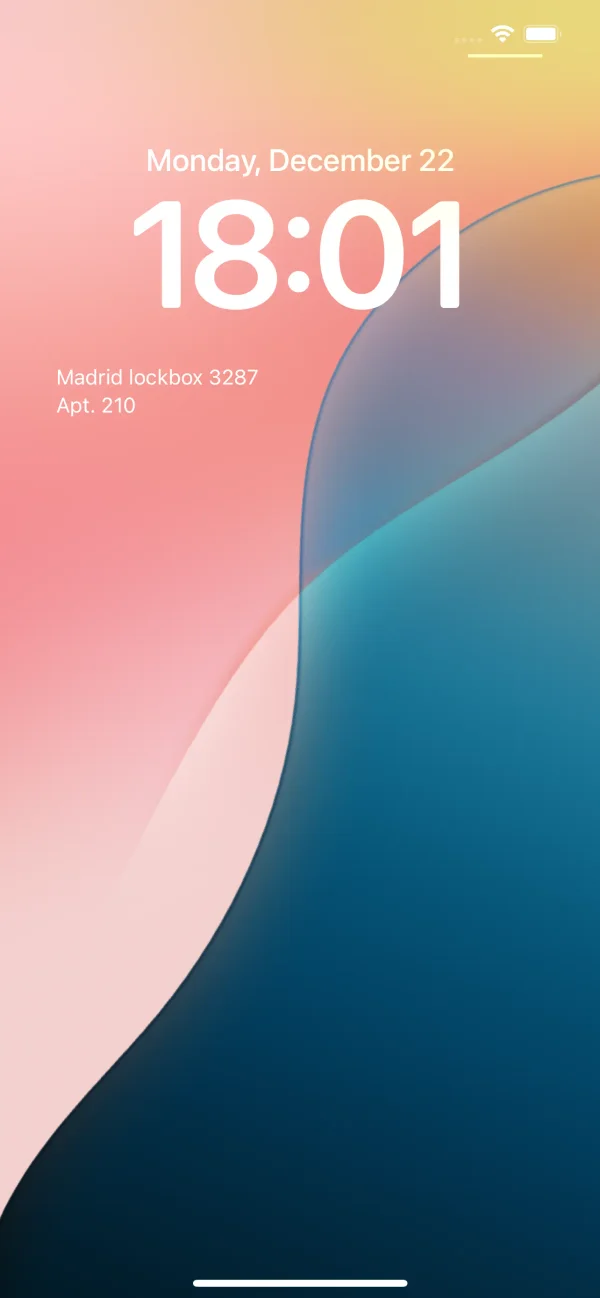
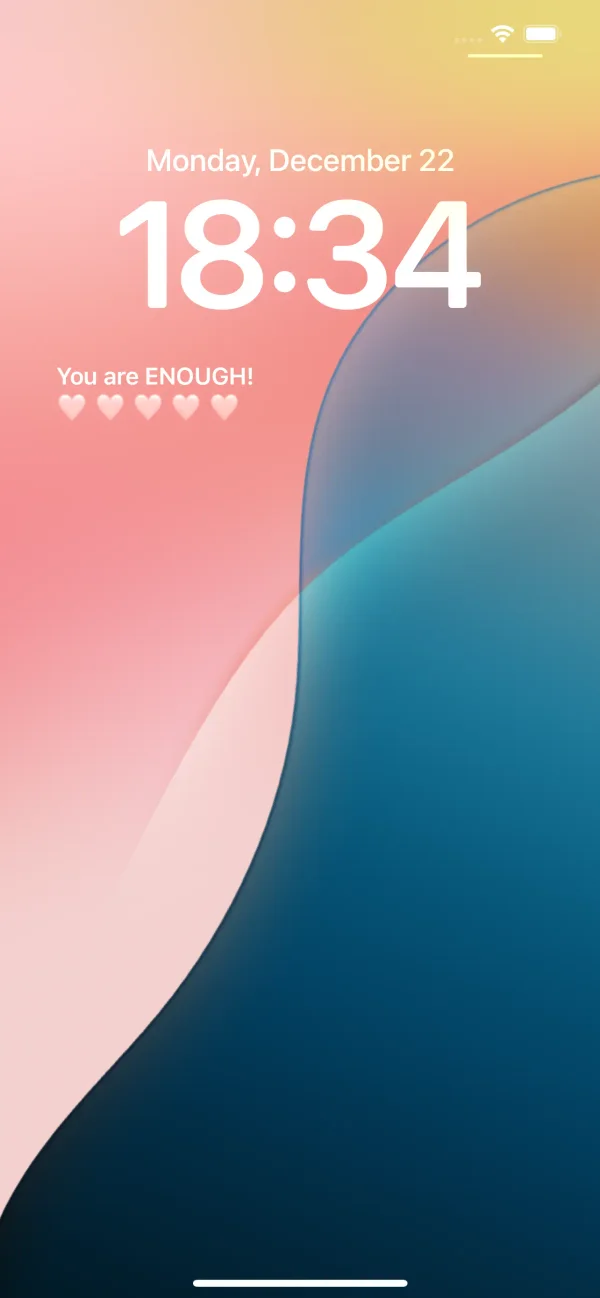
One Line keeps what matters most right where you'll see it — on your Home Screen and Lock Screen.
No accounts. No sync. No clutter. Just your notes, pinned to your phone like text written on the OS itself.
FEATURES
• Pin any note to a Home Screen or Lock Screen widget
• Rich text formatting — bold, italic, underline, links, and adjustable sizes
• Attach images and screenshots, with automatic QR-code detection
• Location-aware: tap a widget near a place you've tagged, and it opens the note you saved for there
• Create as many notes as you like, search them instantly
• Fast, private, and entirely on your device
One Line is for grocery lists, door codes, Wi-Fi passwords, gate instructions, a reminder to your future self — anything you want one tap away.
App privacy
What Daniel Mantilla declares on the App Store about how this app handles data.
-
Data not collected
The developer does not collect any data from this app.
Privacy practices may vary, for example with the features you use or your age.
Information
- Seller
- Daniel Mantilla
- Category
- Productivity
- Version
- 1.0
- Updated
- Jun 15, 2026
- Released
- Jun 15, 2026
- Size
- 1.2 MB
- Requires
- iOS 17.6 or later
- Age rating
- 4+
- Price
- Free
- Languages
- English
- Copyright
- © 2026 Daniel Mantilla
You might also like
-
 Core ThreeFocus on 3 tasks daily
-
 ScaloProductivity
-
 Screenshot Card BoxOrganize screenshots
-
 Trackify: Habit Tracker & MoodPomodoro Timer & Streak Widget
-
 Send Files: File Transfer AppFile Transfer App by FreeFile
-
 MonodosA Focus-First Todo App
-
 When2DoProductivity
-
 Write- Focused NotesOne thought at a time
-
 Quartz: Focus & FlowPomodoro, Flowmodoro & more
-
 Nished: To-Do List & PlannerTasks, Reminders & Streaks