
OneLLM: OpenCode & DS Harness
35B Local AI & Mobile Agents
Designed for iPhone, iPad
Free
- Age rating17+
- CategoryProductivity
- DeveloperESOTECH Ltd
- LanguagesEnglish+ 5 more
- Size144.6 MB
Links to the official App Store page
Download.org hosts no file of OneLLM: OpenCode & DS Harness. The button opens its official App Store page, published by ESOTECH Ltd. Listing last checked on Nov 15, 2026.
Screenshots



About
Local AI. Online models. Your computer, within reach.
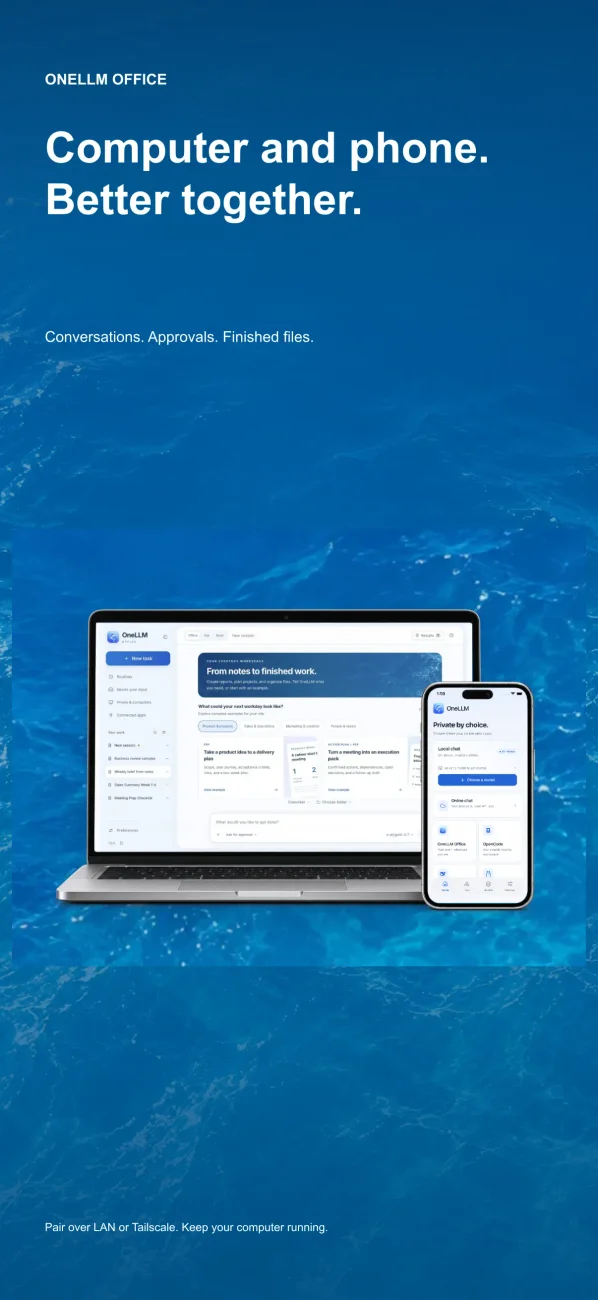
OneLLM brings everyday AI and your computer’s agents into one workspace on iPhone and iPad.
CHOOSE HOW YOU CHAT
Download a compatible model for on-device, offline chat, or use your own credentials with supported online providers. Connect to Ollama or OpenClaw on a reachable server. Different tasks call for different models.
BIGGER LOCAL MODELS
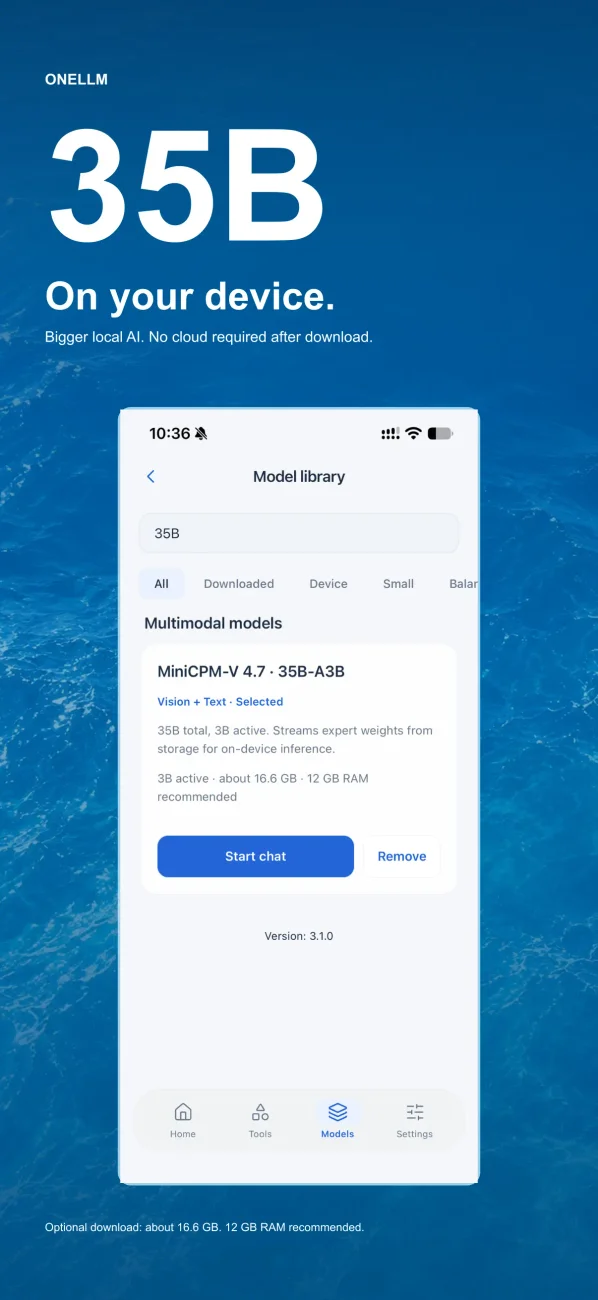
An optional 35-billion-parameter MoE package uses expert streaming with about 3B active parameters. Smaller text and vision models are also available. Model capability, speed and memory needs vary by device.
YOUR ONELLM OFFICE, ON YOUR PHONE
Pair with a compatible OneLLM Office computer using its connection code. Continue a conversation, choose an available local or online model, follow task progress and respond to approvals. Open task files from a separate Files view. The desktop preview must remain running and reachable; desktop release availability may vary.
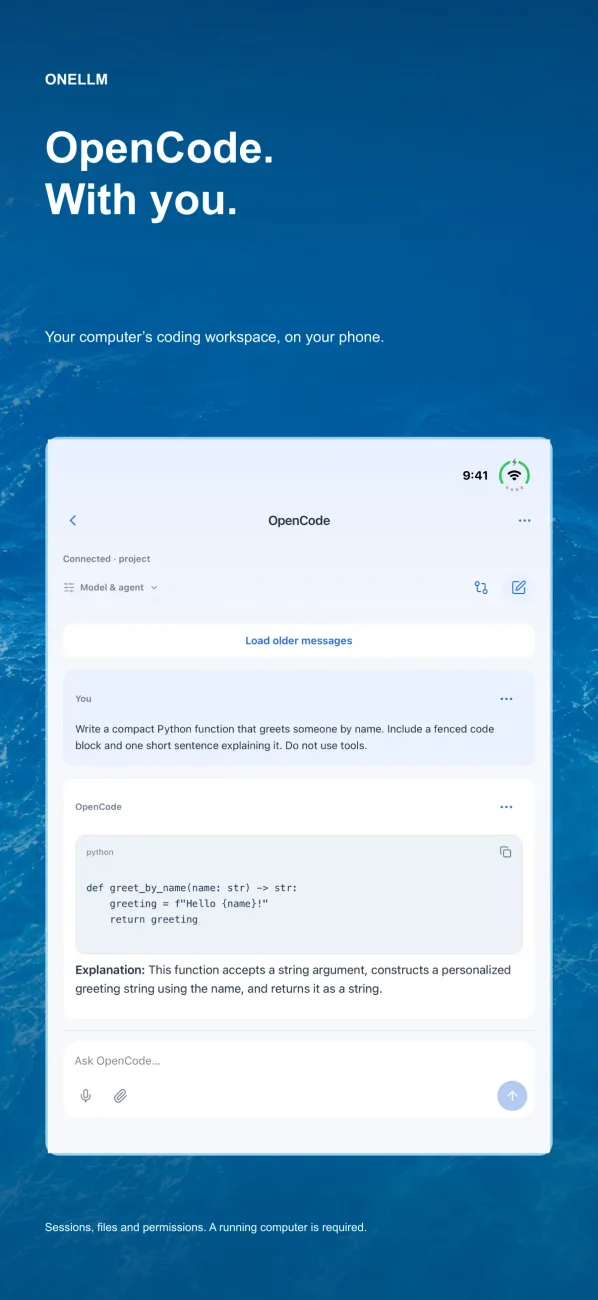
OPENCODE MOBILE CONNECTOR
Connect to OpenCode on your computer from iOS. Continue sessions, choose models and agents, browse files, review changes and respond to permissions. Scan the matching connection code or enter the service address.
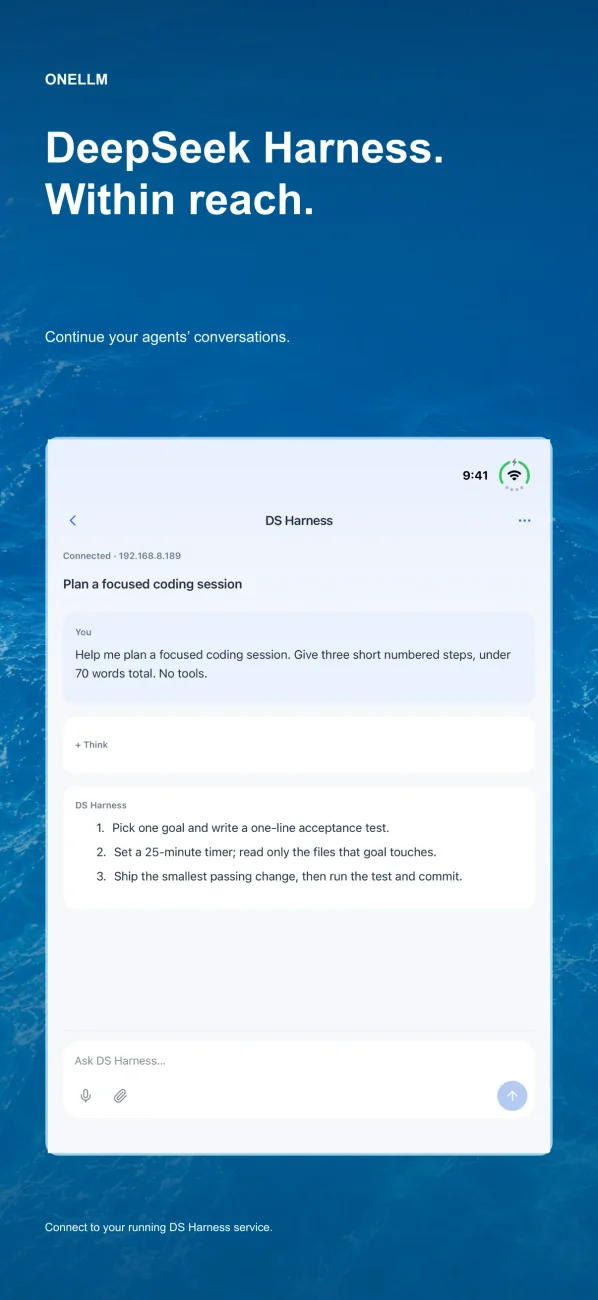
DEEPSEEK HARNESS CONNECTION
Keep DS Harness conversations and workspaces close. Send messages and supported attachments, follow agent activity and continue from your phone. Use the DS Harness connection code in its matching module.
PHOTOS, FILES AND VOICE
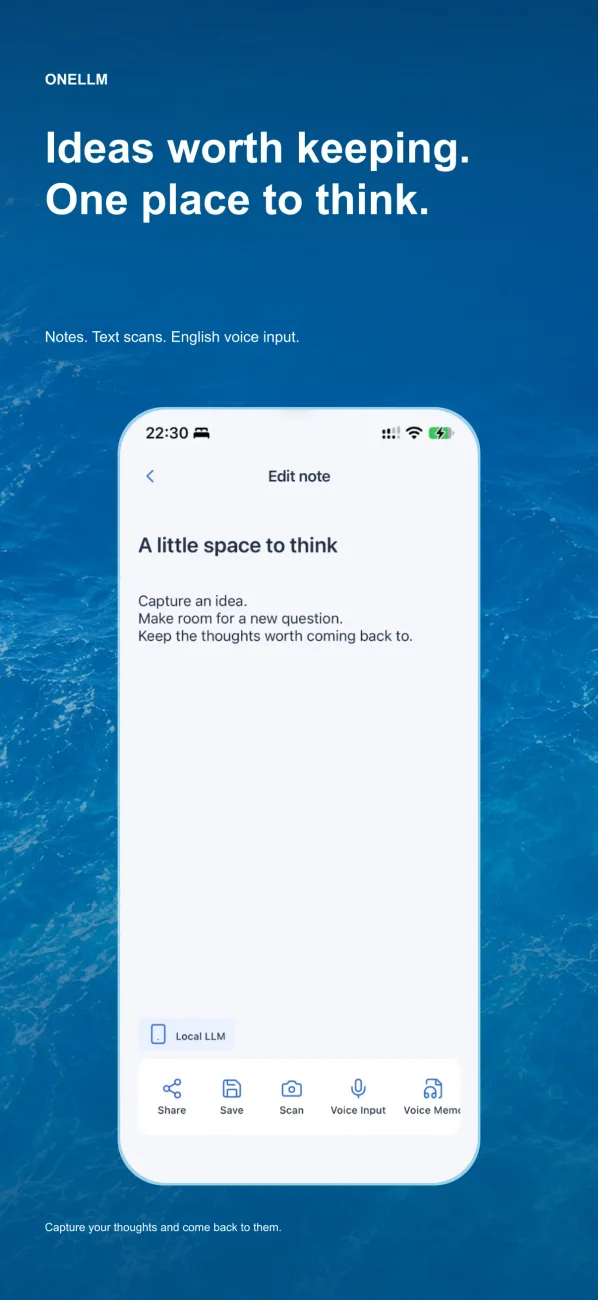
See image previews in chat, check attachments before sending and remove them with a tap. English voice input uses bundled local transcription. Notes and on-device text recognition are also included.
Local models require a separate download, storage and compatible hardware. The optional 35B package needs about 16.6 GB of storage; 12 GB RAM is recommended. Remote connections require a running computer and a reachable trusted LAN, Tailscale network or supported secure service address. Computer services use the model accounts configured there. Direct online chat requires your own provider credentials; provider subscriptions and API charges are not included. Review AI output before using it.
What’s new
Version 3.1.0 · Nov 3, 2026
• Continue OneLLM Office conversations on your phone and choose available AI.
• Set action approvals for the whole conversation.
• Improved translations in six languages, model search and connection recovery.
• A clearer Office setup guide with a link to the computer app.
• Browse GGUF models on Hugging Face, pause and resume downloads, and verify downloaded files.
• Refreshed device compatibility screen.
App privacy
What ESOTECH Ltd declares on the App Store about how this app handles data.
-
Data not collected
The developer does not collect any data from this app.
Privacy practices may vary, for example with the features you use or your age.
Information
- Seller
- ESOTECH LTD
- Category
- Productivity
- Version
- 3.1.0
- Updated
- Nov 3, 2026
- Released
- Nov 12, 2024
- Size
- 144.6 MB
- Requires
- iOS 16.4 or later
- Age rating
- 17+
- Price
- Free
- Languages
- English, Arabic, French, German, Simplified Chinese, Spanish
- Copyright
- © 2026 ESOTECH Ltd
You might also like
-
 Lekh AI - Local AI StudioOffline AI. Private by design
-
 iLinkboxTactile Read-Later & RSS Box
-
 Speech to Text - SonoAI Note Taker
-
 Local LLM: MITHRILLocal AI Models On-Device
-
 Data Drop: QR File TransferSend Files & Photos Anywhere
-
 Textify: AI Reply KeyboardGrammar Check, Tone & Rewrite
-
 FlashTranslate: AI TranslatorBring Your Own LLM · 5 Styles
-
 Esse: AI Video SummarizerSmart YouTube Transcript Tool
-
 MCBackup Pro - Contacts BackupExport, Sync & Recovery
-
 Nota AI:Meeting Recorder AgentOffline AI Smart Note Taker