
OneOpen: File Viewer
HTML, Markdown, CAD & 3D
Designed for iPhone, iPad
Free · In-app purchases
- Age rating4+
- CategoryProductivity
- DeveloperFreedom Dimension (shenzhen) Technology Co., Ltd
- LanguagesEnglish+ 19 more
- Size74.0 MB
Links to the official App Store page
Download.org hosts no file of OneOpen: File Viewer. The button opens its official App Store page, published by Freedom Dimension (shenzhen) Technology Co., Ltd. Listing last checked on Nov 25, 2026.
Screenshots
About
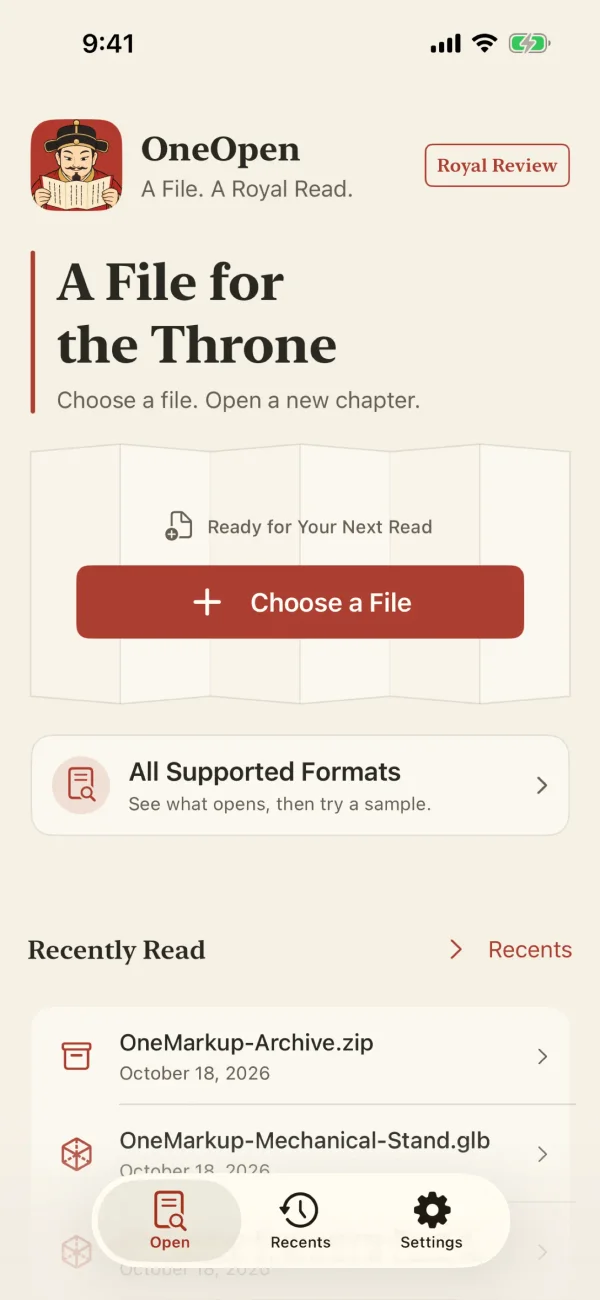
OneOpen is a multi-format file viewer for iPhone and iPad. Open documents, web pages, CAD drawings, 3D models and archives from Files, Mail and apps that support document sharing.
HTML and Markdown
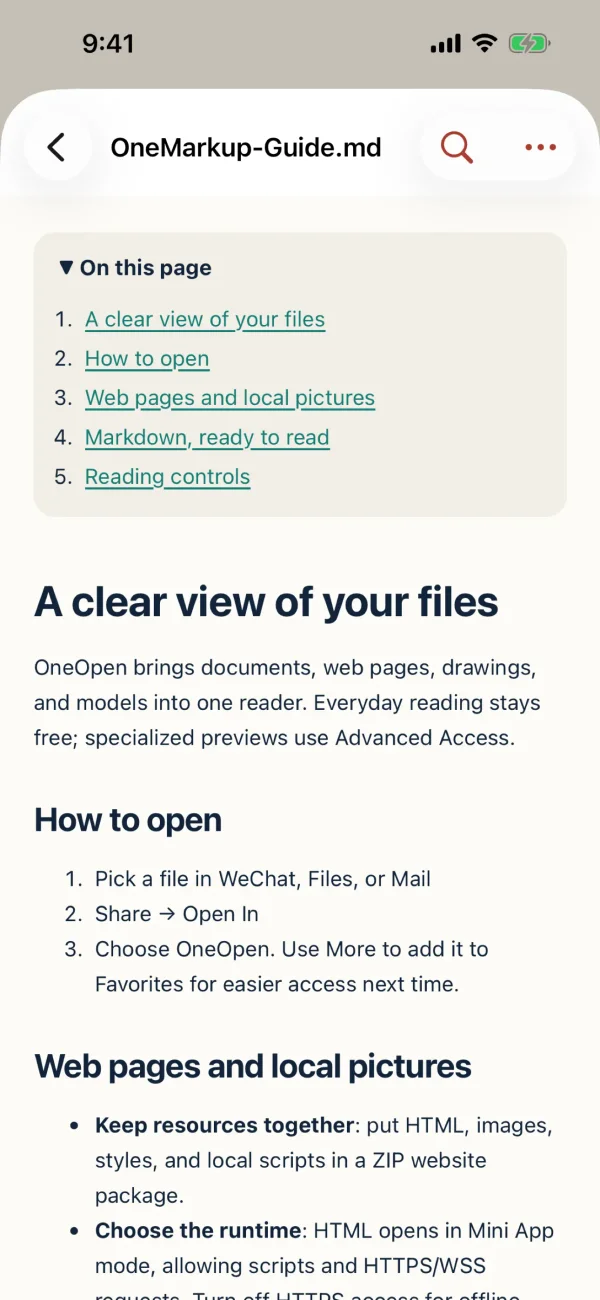
Preview HTML, HTM and XHTML pages. Read Markdown / MD notes with headings, a table of contents, tables, code fences, task lists, footnotes and reference links. ZIP websites retain local images, styles and relative resources. Markdown in packages can display supported local images. Ordinary HTML allows restricted HTTPS/WSS networking by default, with offline and Safe Preview options. Markdown does not run scripts or load remote images.
CAD drawings and 3D models (Advanced)
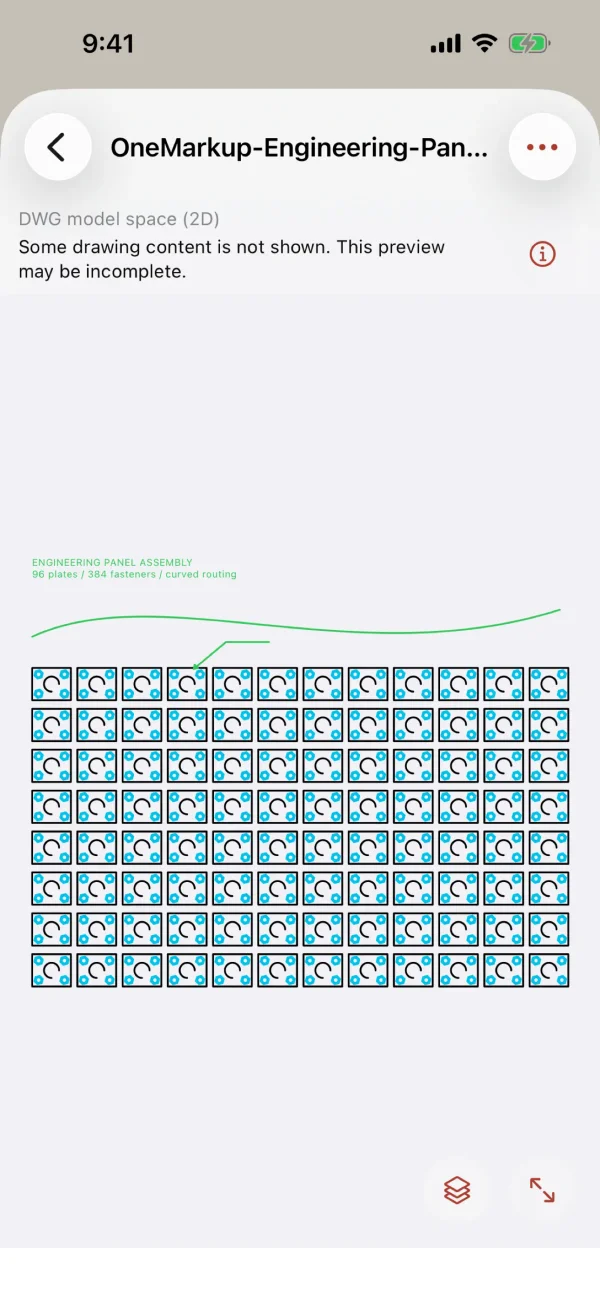
• Pan, zoom and toggle layers in supported DWG/DXF 2D model-space drawings.
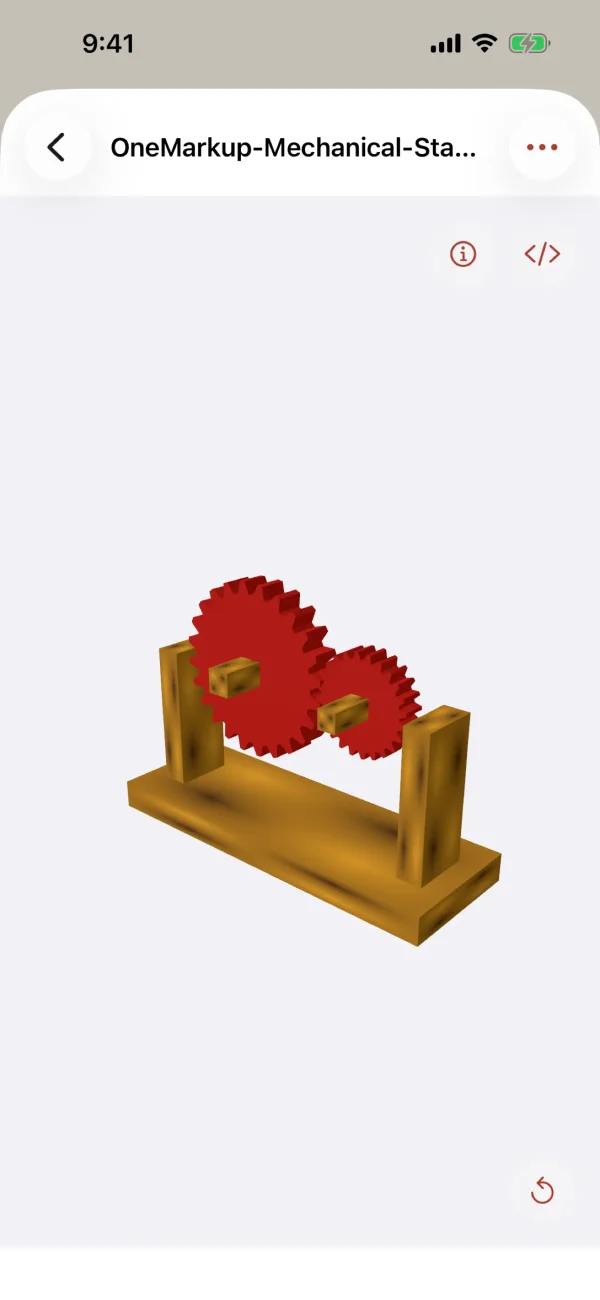
• Rotate STEP/STP, IGES/IGS, BREP/BRP, STL, OBJ and PLY models, including PLY vertex colors and point clouds.
• ZIP a complete OBJ model folder to load supported MTL materials, PNG/JPEG textures, normals, transparency and groups. A standalone OBJ shows geometry without reading private neighboring files.
• Preview supported static GLB / glTF 2.0 geometry, nodes, basic materials and PNG/JPEG textures. Model ZIPs retain relative resources. JSON and model information have separate views.
• USDZ starts in object view; choose AR when needed.
• Included models and engineering drawings demonstrate supported features.
Everyday viewing is free
Read PDF, Office/iWork, images, audio/video, JSON, XML, YAML, CSV, code and text. PDF supports continuous reading, zoom, search and page controls that hide while scrolling. Edit supported text in an independent working copy.
Archives and EPUB
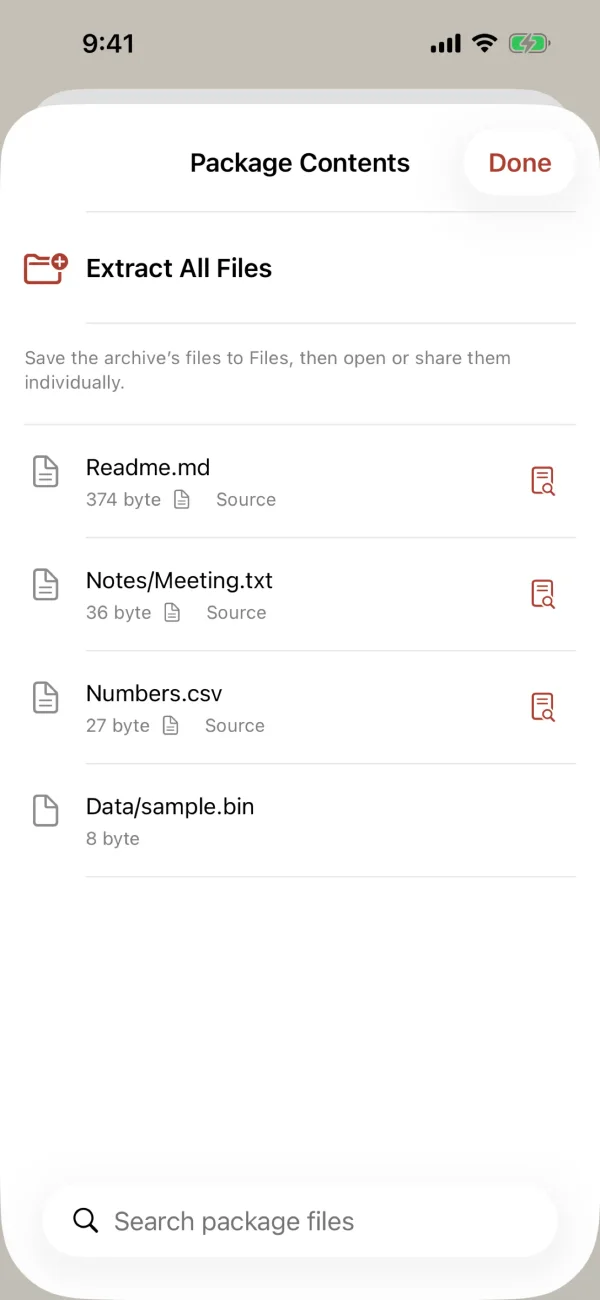
Browse supported ZIP/7Z/RAR/TAR, GZ/BZ2/XZ/Zstandard/LZ4/LZMA/Z, CAB/CPIO/AR/XAR/ISO9660/LHA and TAR combinations. Open/share entries; extract to Files. ZIP/EPUB are free; others need Advanced Access.
EPUB follows the declared chapter order, with a table of contents, previous/next controls, current-chapter search and reading settings. Pages stay offline. A chapter error keeps navigation available. DRM, media overlays, annotations and whole-book search are unsupported.
Email, certificates and information
Decode EML headers, body text, common character encodings and attachment filenames. Open or share readable attachments independently. HTML email becomes text without loading remote content. Decryption, signature verification and TNEF extraction are not provided.
Inspect public CER, DER, CRT and PEM certificate subjects, issuers, validity, algorithms, public keys, usages and SHA-256 fingerprints. Certificates are never installed and device trust is not evaluated.
File Information includes PDF metadata, image/camera properties, media tracks, text encoding/line counts and archive summaries.
Open from other apps
Skippable onboarding uses real iOS screenshots to explain More, Edit and favorite ordering in the share sheet. Revisit it in Settings. Categories, Recents and widgets help you return to files.
Advanced Access and compatibility
An annual membership or a one-time lifetime purchase unlocks the same specialized features. Check format details before purchasing. DWG supports selected 2D model-space content; DXF supports text files. CAD editing, engineering measurement, native SolidWorks and full external references are unsupported. Compressed glTF geometry, skins and active morphs require conversion. Animation is static; advanced materials may be approximate. ZIP complete model folders, or use self-contained GLB for single-file sharing. Supported ZIP AES/ZipCrypto, 7z AES and RAR4/5 AES/solid archives can open; Deflate64, Implode and ARJ are unsupported. Native previews depend on iOS codecs/variants.
Privacy
No account, ads, analytics or document uploads. Non-HTML previews stay offline. HTML and ZIP websites may run JavaScript and connect over HTTPS/WSS in an isolated environment; offline and Safe Preview modes are available.
Terms: https://oneapps.studio/terms
Privacy: https://oneapps.studio/privacy
What’s new
Version 1.9.10 · Nov 24, 2026
Fixed opening sample archives. Use the new Tools tab to create ZIPs, open split archives, and export or convert PDFs.
App privacy
What Freedom Dimension (shenzhen) Technology Co., Ltd declares on the App Store about how this app handles data.
-
Data not collected
The developer does not collect any data from this app.
Privacy practices may vary, for example with the features you use or your age.
Information
- Seller
- Freedom Dimension (shenzhen) Technology Co., Ltd
- Category
- Productivity
- Version
- 1.9.10
- Updated
- Nov 24, 2026
- Released
- Jul 28, 2026
- Size
- 74.0 MB
- Requires
- iOS 17.0 or later
- Age rating
- 4+
- Price
- Free
- In-app purchases
- Yes
- Languages
- English, Arabic, Dutch, French, German, Hindi, Indonesian, Italian, Japanese, Korean, Polish, Portuguese + 8 more
- Copyright
- © 2026 Freedom Dimension (Shenzhen) Technology Co., Ltd.
You might also like
-
 EverPass: Expiry ReminderDocument Wallet & Passport Box
-
 WorkplaceLogPrivate incident log & rights
-
 Daily Organizer: Easy PlannerTasks, Notes, Reminders, Lists
-
 AtelierRecords for CollectorsMulti-generation art records.
-
 BriefFeedAI summaries, key points first
-
 Sticky NoteaQuick notes, simply organized
-
 RouteProofGig evidence for 1099 drivers.
-
 Near: Pickup Codes & TicketsTickets, Codes & Lock Screen
-
 RACI MasterTask planner with RACI roles
-
 OWrite ProDo every little thing well.