OnePreview: File Viewer
Markdown, Code, JSON & ZIP
Designed for iPhone, iPad, Mac
Free
- Age rating4+
- CategoryProductivity
- Developer培克 罗
- LanguagesEnglish+ 11 more
- Size13.6 MB
Links to the official App Store page
Download.org hosts no file of OnePreview: File Viewer. The button opens its official App Store page, published by 培克 罗. Listing last checked on Nov 23, 2026.
Screenshots
About
Open the document you were sent and check what is inside. Read Markdown notes, inspect JSON or CSV data, browse archive contents, and turn a Markdown report into an A4 PDF in OnePreview, with no account required.
READ A FOLDER OF DOCUMENTS
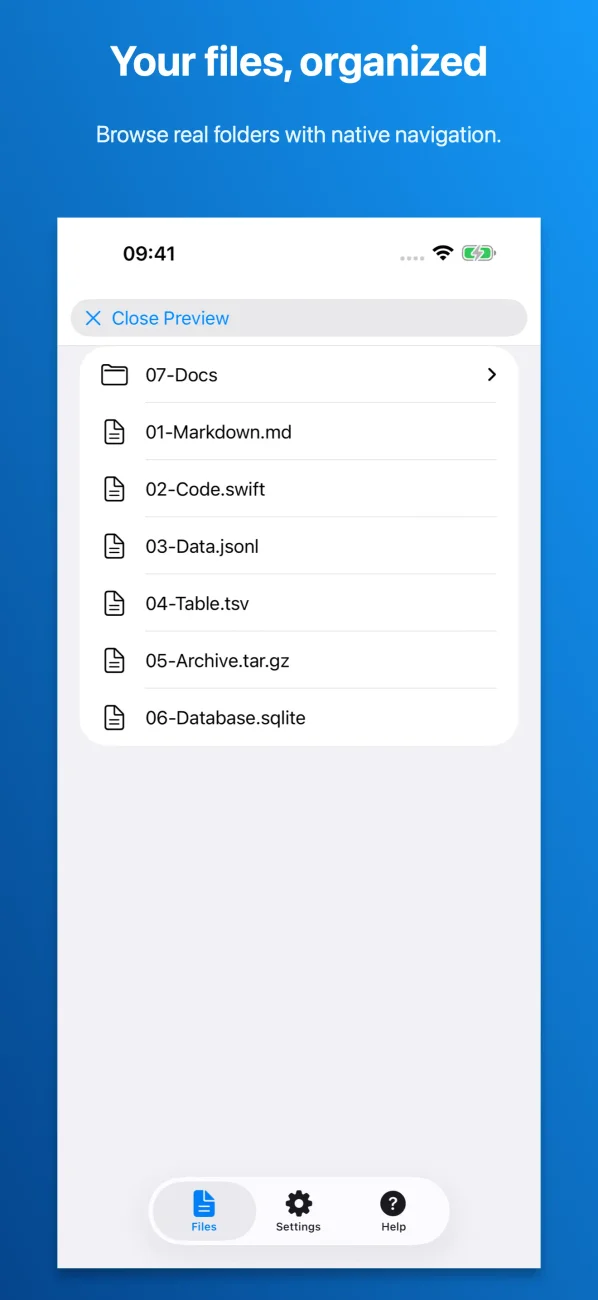
Open a folder in OnePreview, switch between files, follow relative Markdown links and headings, and move back or forward through your reading history. Reading mode and position are remembered within the current session. Search file names and readable text in the authorized folder; scan limits may return partial results. No search index is saved to disk.
COMBINE MARKDOWN INTO ONE PDF
In the app, select up to 20 .md or .markdown documents from an open folder and its subfolders. Reorder them, preview the result and export one A4 PDF with a bookmark for each document. The limit is 100 pages and 64 MiB. Local relative images are embedded within access and size limits; missing, remote or out-of-folder images show placeholders. Source files remain unchanged.
MAKE MARKDOWN COMFORTABLE TO READ
Choose a system, light, dark or warm-paper theme, fonts, text size, spacing and reading width. These settings change Markdown reading, not source files or the PDF report layout.
READ MARKDOWN, DIAGRAMS AND MATH
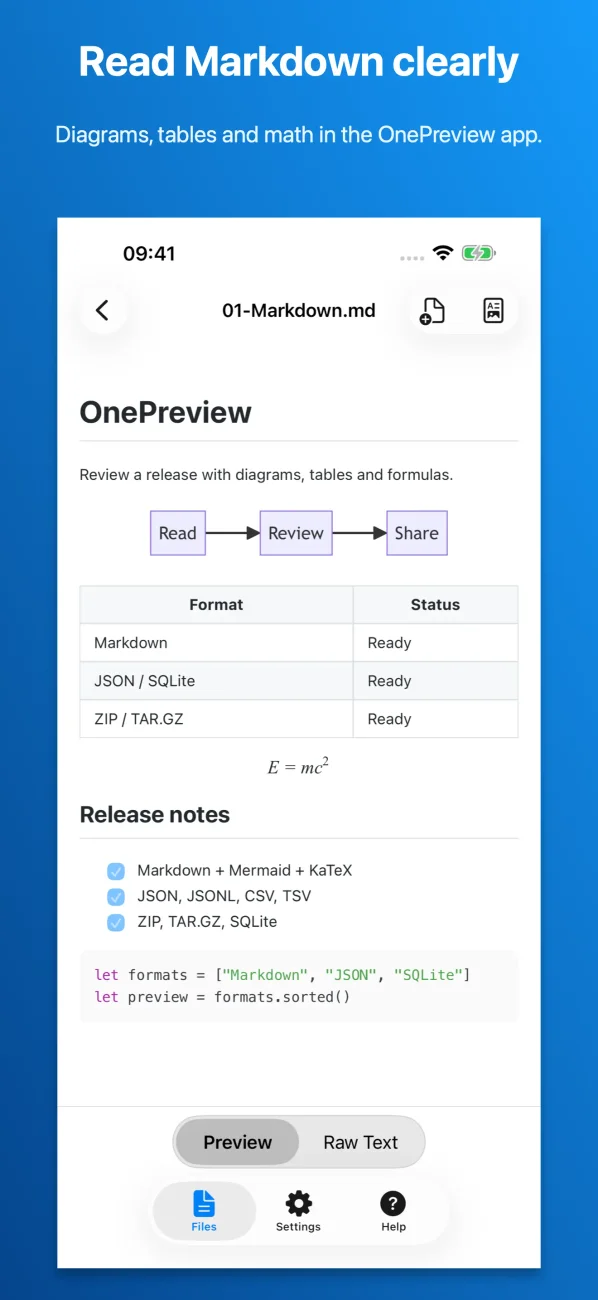
View GitHub-style Markdown with tables, task lists and highlighted code. Switch between rendered content and source. Mermaid diagrams and KaTeX formulas use bundled rendering assets.
EXPORT MARKDOWN TO PDF
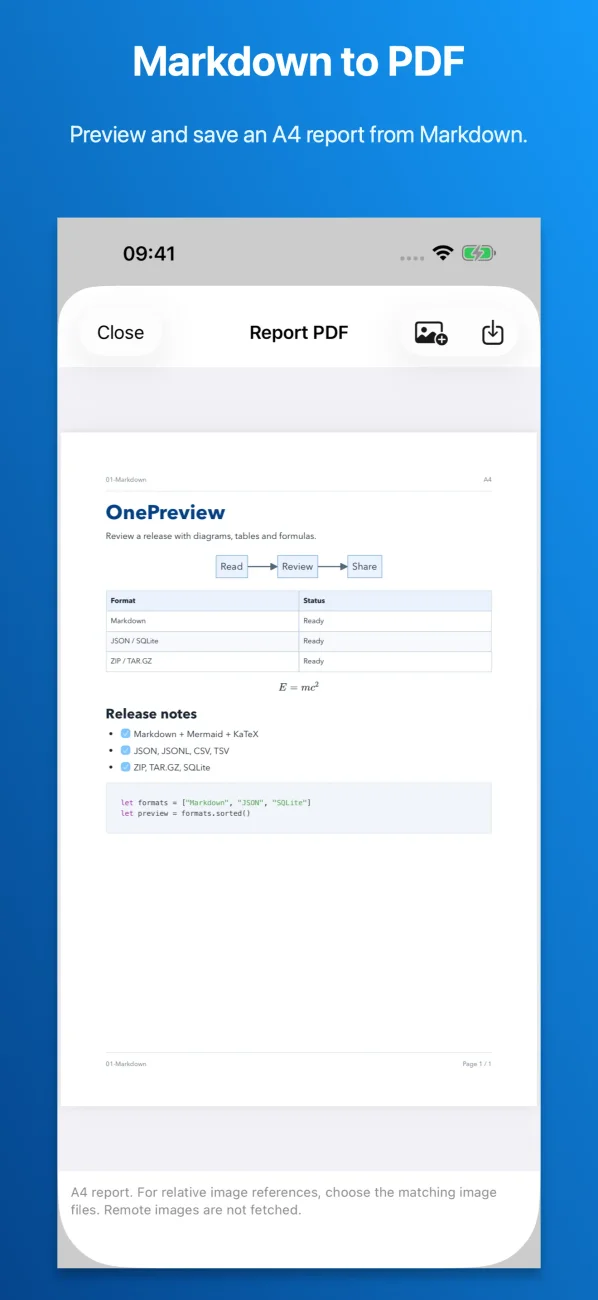
Open a standard Markdown file (.md or .markdown) in OnePreview to create an A4 PDF report. Check the actual PDF preview, with continued table headers, wrapped code, Mermaid diagrams and KaTeX formulas, then save it using the system file interface. Document content is processed on your device.
INSPECT DATA, CODE AND ARCHIVES
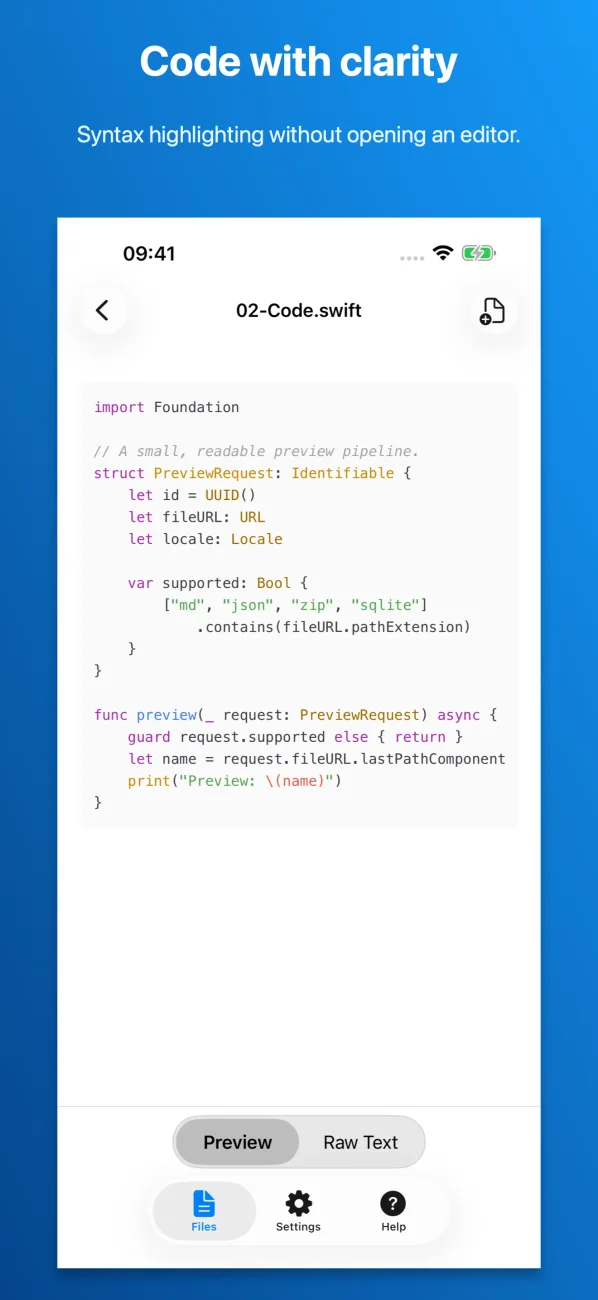
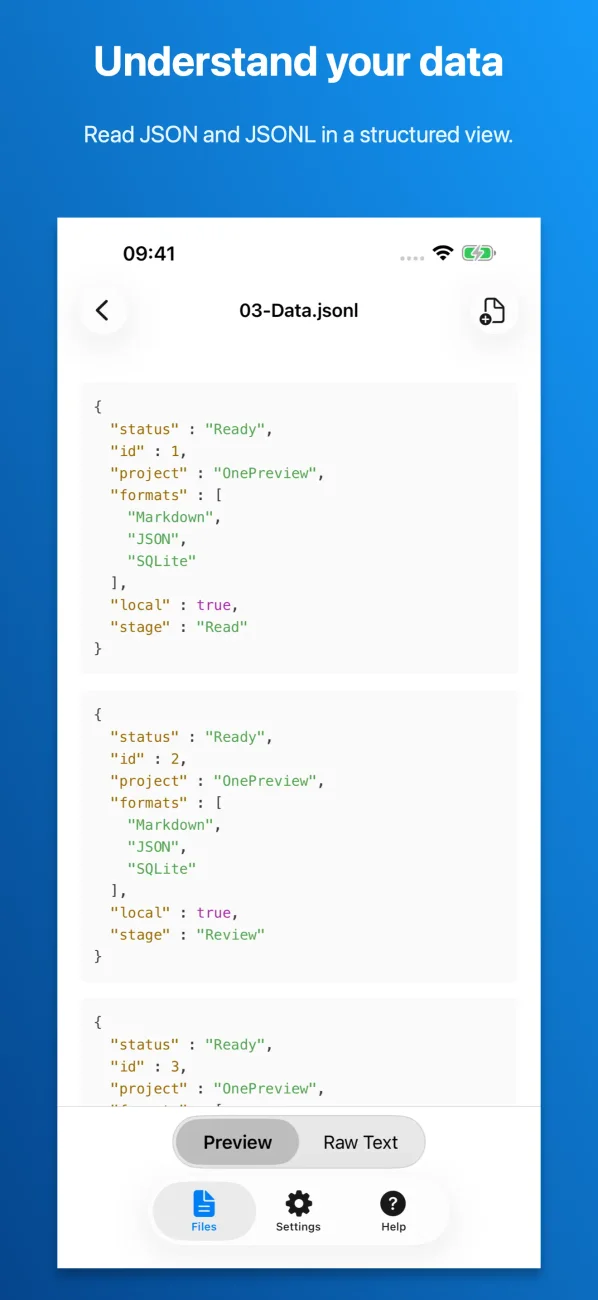
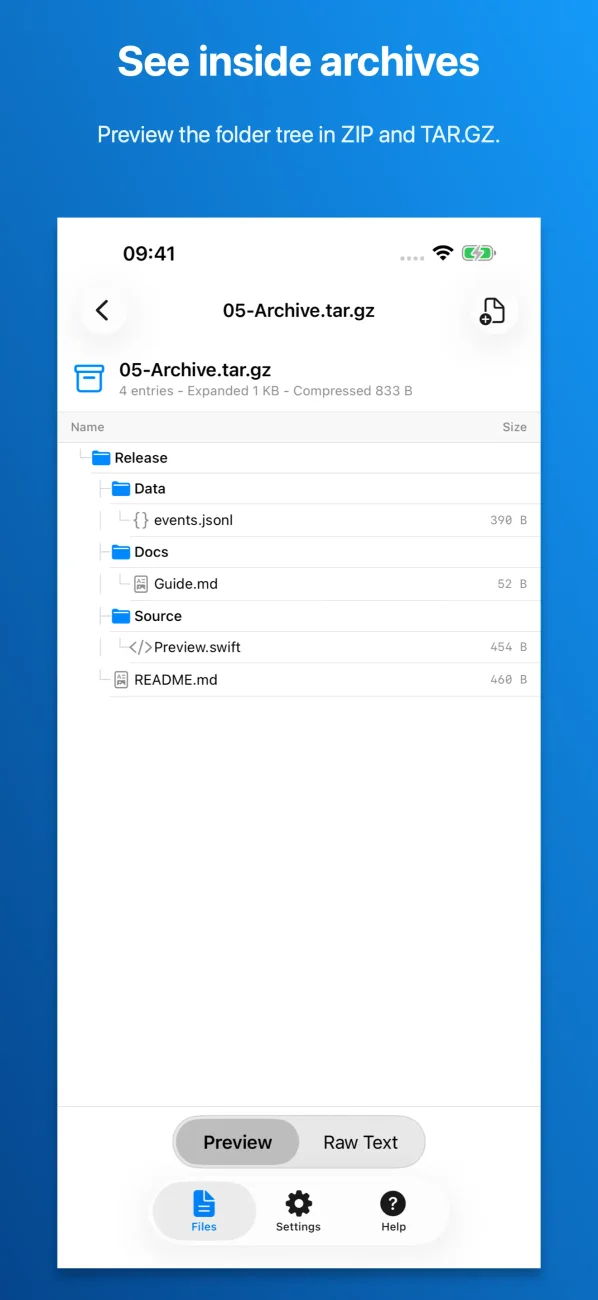
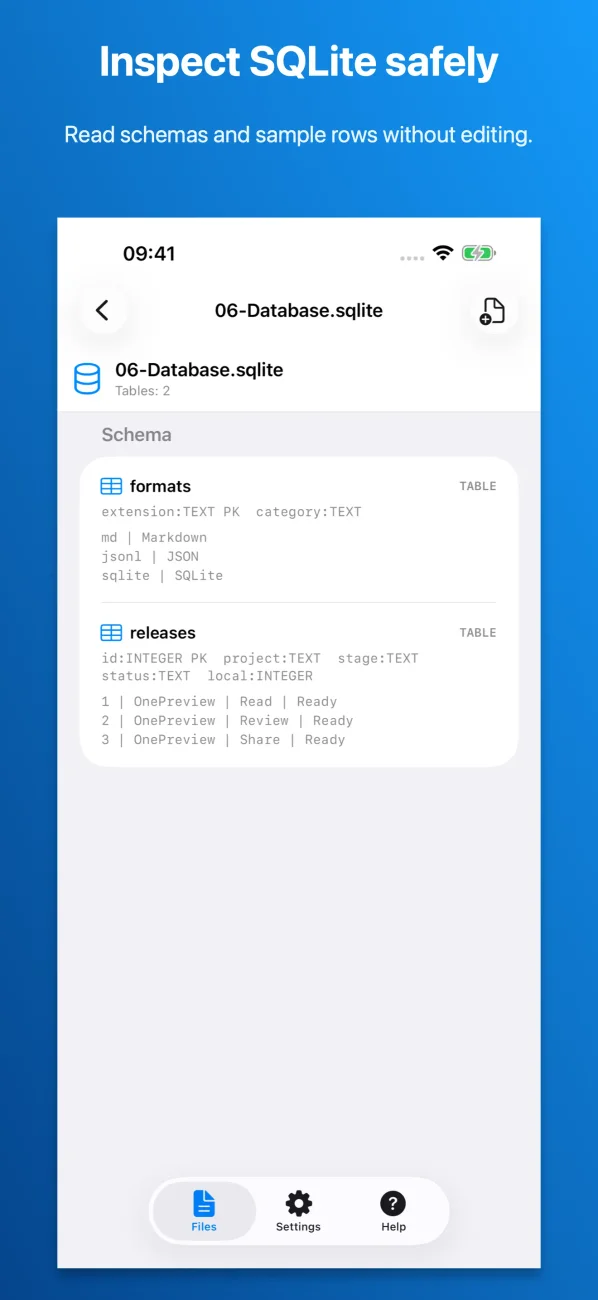
Read structured data and source code, inspect SQLite schemas and sample rows without editing the database, and see the folder hierarchy inside ZIP and TAR.GZ archives before extracting.
SUPPORTED FORMATS
Markdown (.md, .markdown), MDX, TextBundle, TextPack, JSON, JSONL, YAML, XML, CSV, TSV, TOML, ENV, INI, properties, Apple property lists (plist), SQLite (.sqlite, .sqlite3, .db), source code, plain text, logs, ZIP, TAR.GZ and TGZ. Syntax highlighting supports languages including Swift, Python, JavaScript, TypeScript, Java, C/C++, Objective-C, Ruby, Rust and Shell.
OPEN YOUR FILES
Tap Open File in OnePreview, or long-press a supported document in Files, choose Open With, then select OnePreview. A normal tap in Files may use Apple's built-in preview; OnePreview does not replace every system preview on iPhone or iPad. Try the sample folder from the home screen to explore supported formats.
What’s new
Version 1.5.1 · Nov 21, 2026
1. Search a folder by file name or content, then pick up where you left off.
2. Arrange Markdown files and export them as one bookmarked PDF.
App privacy
What 培克 罗 declares on the App Store about how this app handles data.
-
Data not collected
The developer does not collect any data from this app.
Privacy practices may vary, for example with the features you use or your age.
Information
- Seller
- 培克 罗
- Category
- Productivity
- Version
- 1.5.1
- Updated
- Nov 21, 2026
- Released
- Mar 25, 2026
- Size
- 13.6 MB
- Requires
- iOS 17.0 or later
- Age rating
- 4+
- Price
- Free
- Languages
- English, Arabic, French, German, Hindi, Indonesian, Japanese, Korean, Russian, Simplified Chinese, Spanish, Traditional Chinese
- Copyright
- © 2026 LUO PEIKE
You might also like
-
 OpenFile - Preview any FilePreview 100+ File Formats
-
 Quick Markdown ViewerRead Markdown folders quickly
-
 md.tooMarkdown Tool
-
 Marklens: Markdown ReaderRead Markdown. Nothing else.
-
 H ViewerProductivity
-
 lnklyMarkdown Notes, Focus Writing
-
 Postgres & FriendsPostgres, MySQL, Redis & more
-
 VisaPulse: Visa & Green CardVisa Bulletin & Policy Alerts
-
 Markdown Viewer EditorWYSIWYG & Source Markdown Tool
-
 mrkdwn — Markdown Notes EditorPrivate writing brain, offline