
OneScreen for iPad
Remote Monitor and Control
Designed for iPad
Free · In-app purchases
- Age rating4+
- CategoryUtilities
- DeveloperSpot Digital, Inc.
- LanguagesEnglish
- Size12.8 MB
Links to the official App Store page
Download.org hosts no file of OneScreen for iPad. The button opens its official App Store page, published by Spot Digital, Inc. Listing last checked on Nov 22, 2026.
Screenshots

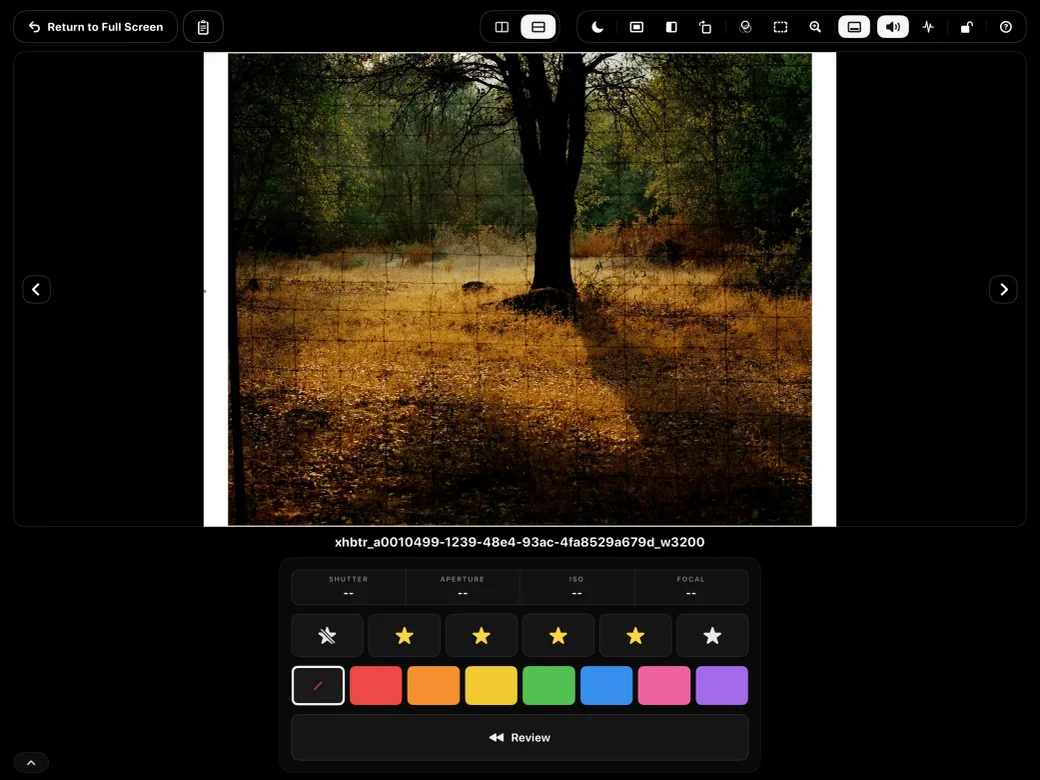
About
Turn your iPad into a real-time monitor, remote control, and session browser for Capture One.
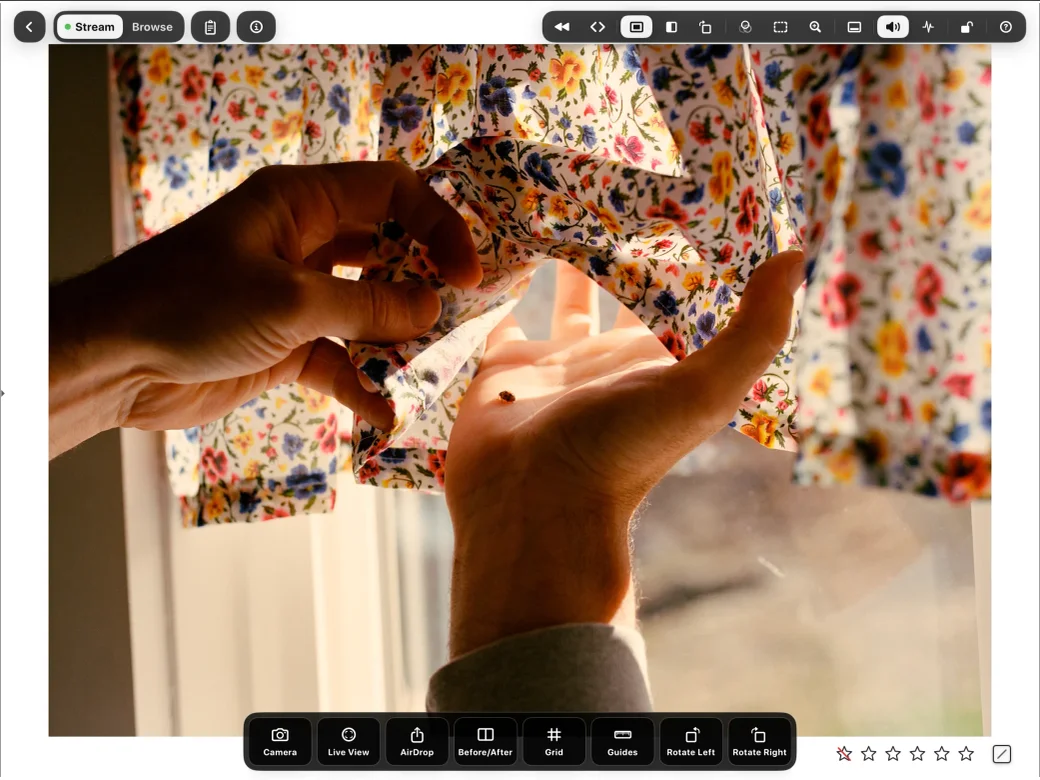
OneScreen for iPad receives real-time streams from OneScreen for Mac. Hand an iPad to a client, mount it on a stand, or keep it beside the camera — everyone sees the same image without crowding around your Mac. Join over Wi-Fi, or plug in a USB or Ethernet cable and the video travels over the cable. Private streams are joined by scanning a QR code or typing a passcode.
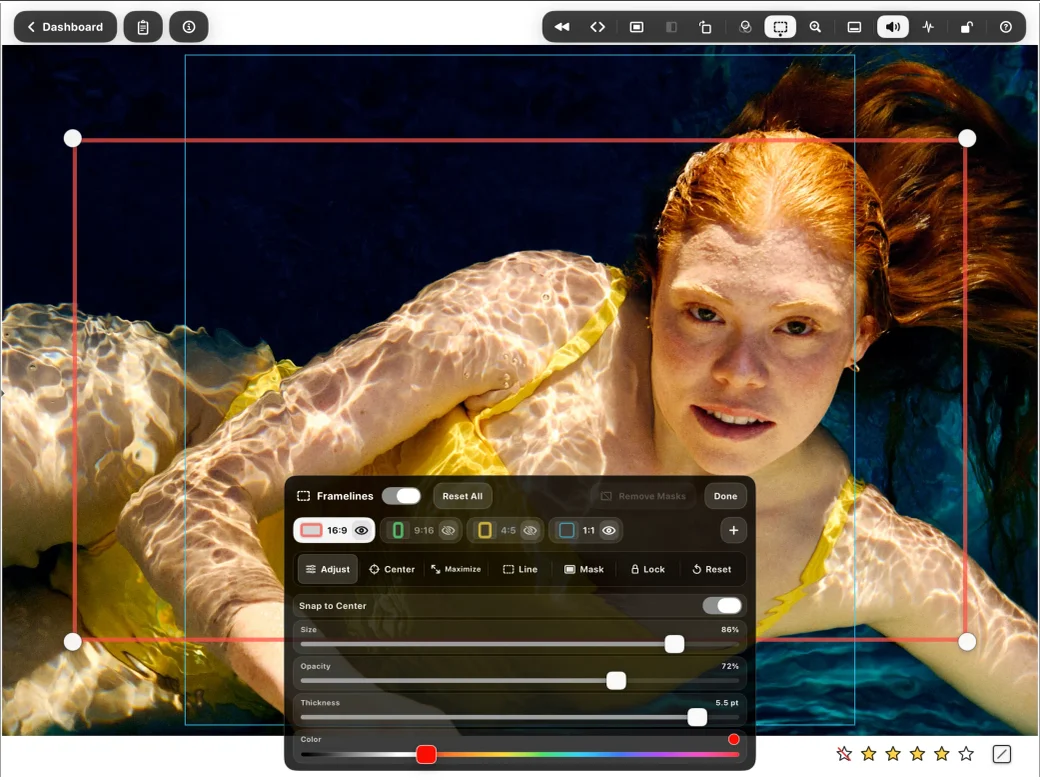
Star-rate and color-tag images as they land, or flip into Review Mode to step back through your captures frame by frame. The camera tool changes aperture, shutter speed, ISO, and white balance — and triggers the capture itself — one of the many Capture One tools you can reach right from the iPad. Control Deck mode turns the iPad into a dedicated control surface when the picture is running on a larger monitor. Shoot to your crop with the frameline tool, rotate the display to fit your setup, and use Display Adjustments to tune warmth, tint, saturation, and contrast until the iPad matches the display you trust. A hardware keyboard steps through images with the arrow keys and sets color tags with the same keys as Capture One.
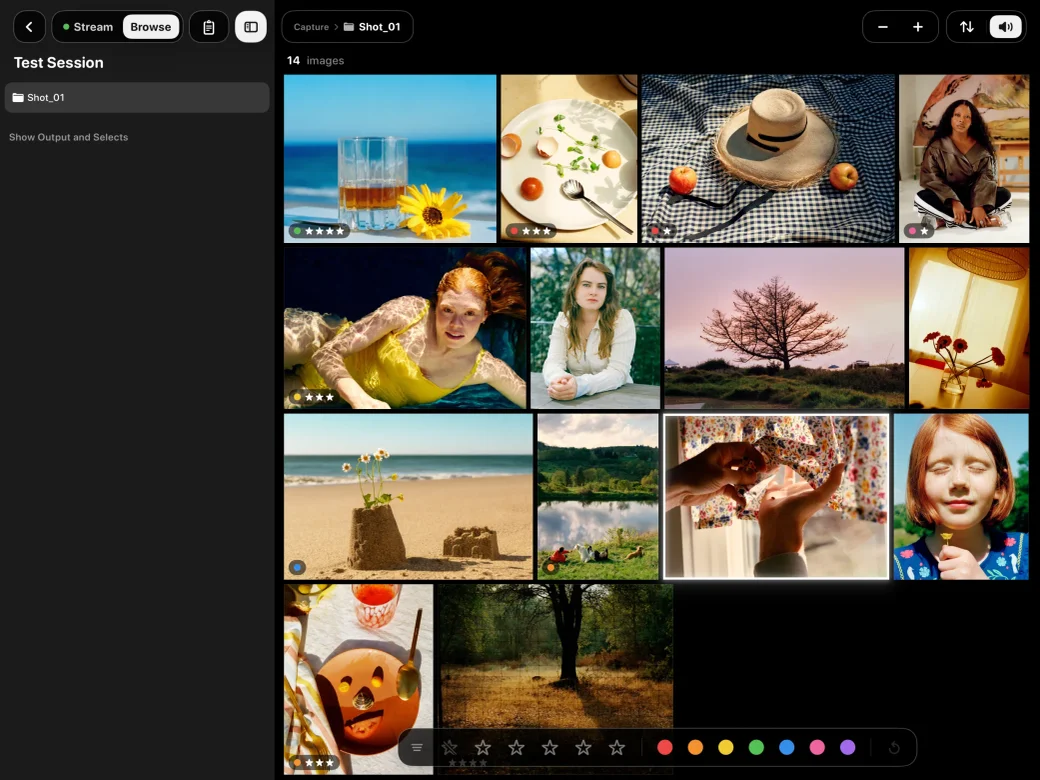
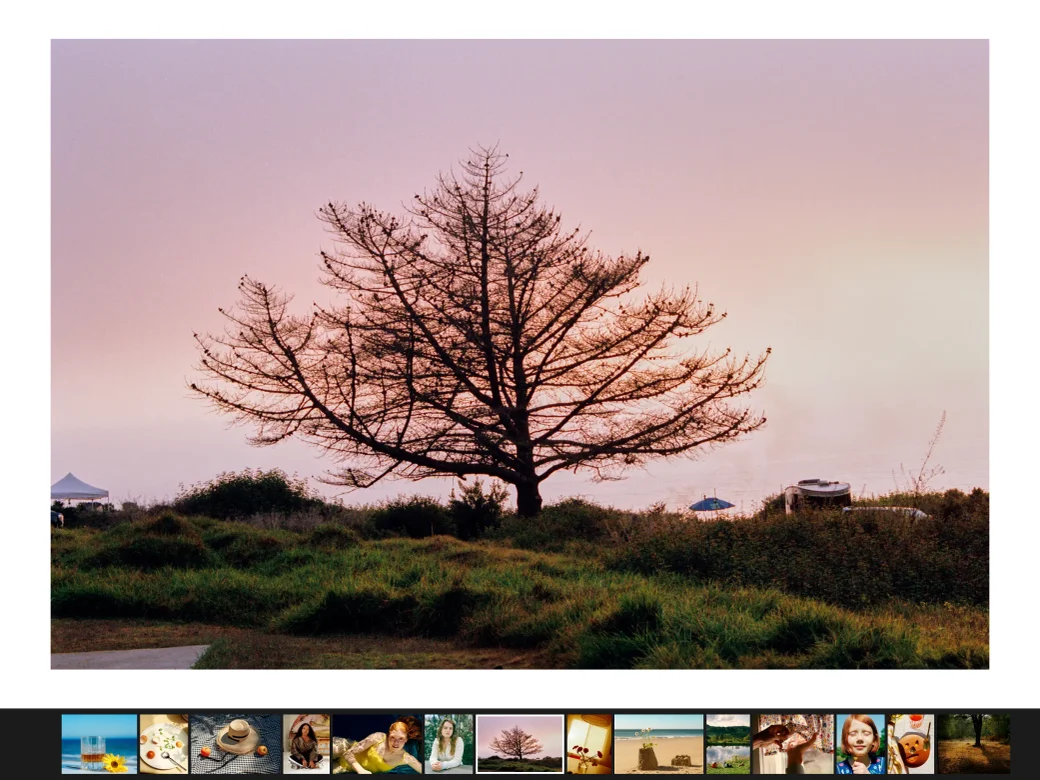
Capture One Browser puts the whole session on the iPad. With Live for Studio sharing on in Capture One Studio, browse the session's folders and pictures with or without a stream: swipe through them full screen or along the film strip, zoom in, rate, color-tag, and filter them, and follow new captures as they arrive. Check a picture's exposure, lay an overlay over it, show it in Capture One, or play through the folder with Review. Link an iPad to the Mac and it shows the image selected in Capture One, and a swipe on the iPad selects that image there. Pick several pictures to share, or turn them into a GIF and AirDrop it. Thumbnails, and full-size previews if you choose, are kept on the iPad, so folders you have seen open at once and stay viewable if the Mac drops off the network.
Shot list and moodboard: open the PDFs your Mac shares, then check off, cross out, draw, and highlight. Every iPad on set sees the same marks, even while the stream is paused.
OneScreen for iPad requires OneScreen for Mac, running on the same local network. Capture One Controls require Capture One on the Mac. Capture One Browser requires Capture One Studio with Live for Studio sharing on; it does not work with Capture One Pro. Capture One Controls and Capture One Browser are separate purchases, each unlocked with a subscription or a one-time purchase.
Terms of Use: https://www.apple.com/legal/internet-services/itunes/dev/stdeula/
Privacy Policy: https://spotdgtl.com/apps/onescreen/ipad/privacy/
What’s new
Version 1.0.9 (61) · Nov 15, 2026
• Keep browsing when the Mac drops off the network. Browse now shows the pictures already on this iPad, tells you it is showing cached images, and reconnects on its own when the Mac is back. Stars, color tags and AirDrop wait until then.
• Session Favorites. Capture One's Session Favorites appear at the top of the folder list, marked with a heart. Requires OneScreen for Mac 1.0.9.
• See how many images each folder holds. Turn on Image Counts under Capture One Browser. Folders known to be empty are dimmed.
• Swipe Speed for Browse, with a new Single setting that moves exactly one image per swipe. Single is available in the live viewer too.
• Follow is quicker. The newest capture now comes ahead of everything else, the last picture stays on screen until the next one is ready, and a paused Follow counts down to when it resumes.
• Linked. The Mac can link this iPad's Browse to Capture One: the iPad shows the image selected there, and a swipe on the iPad selects that image in Capture One. Requires OneScreen for Mac 1.0.9.
• Trigger Follow from the Mac. A shortcut or Stream Deck key on the Mac sends every browsing iPad to the picture Capture One is on. Requires OneScreen for Mac 1.0.9.
• GIFs of up to 300 pictures, sharp on screen however many you pick, and sharper GIF files.
• Browse now connects on networks that don't hand out addresses, such as a direct cable or a travel router without internet. Requires OneScreen for Mac 1.0.9.
• An AirDrop switch under Capture One Browser shows or hides Browse's AirDrop and Share buttons.
• AirDrop can be turned off from the Mac, for the live stream and for Browse. The iPad's own switch then reads Off on Mac. Requires OneScreen for Mac 1.0.9.
• A Mac streaming over NDI now offers Browse from its tile, and a Mac that changes streaming engine shows as one tile, not two.
• Pull down on the Dashboard to look for streams again.
• The orange network dot no longer blinks when Live View starts on an NDI stream.
• Plus fixes and refinements throughout.
App privacy
What Spot Digital, Inc. declares on the App Store about how this app handles data.
-
Data not collected
The developer does not collect any data from this app.
Privacy practices may vary, for example with the features you use or your age.
Information
- Seller
- Spot Digital, Inc.
- Category
- Utilities
- Version
- 1.0.9 (61)
- Updated
- Nov 15, 2026
- Released
- Aug 25, 2026
- Size
- 12.8 MB
- Requires
- iOS 18.3 or later
- Age rating
- 4+
- Price
- Free
- In-app purchases
- Yes
- Languages
- English
- Copyright
- © 2026 Spot Digital, Inc.
You might also like
-
 IntVtimerA simple Interval Timer.
-
 EVmodeEV Charging
-
 USB Monitor & Camera ViewerHDMI Capture Card & Audio
-
 LIT Light MeterRemote control and data saving
-
 Noir - USB Camera HDMI MonitorCamera & Console Monitor
-
 VR-120HD RemoteUtilities
-
 StageToolsThe Ultimate Lighting Toolkit
-
 Blackout v2 (Legacy)Professional DMX/Art-Net/sACN
-
 Teradek CoreUtilities
-
 iPerf - Speed Test ToolTest the limit of your network