
Oni Swipe
Swipe to sort photos & videos
Designed for iPhone
Free · In-app purchases
- Age rating4+
- CategoryPhoto & Video
- DeveloperYOSHIHIRO FUJITA
- LanguagesEnglish+ 2 more
- Size5.6 MB
Links to the official App Store page
Download.org hosts no file of Oni Swipe. The button opens its official App Store page, published by YOSHIHIRO FUJITA. Listing last checked on Nov 19, 2026.
Screenshots


About
You took a few extra shots to get the right one.
You saved a screenshot for later.
Now it’s time to choose what to keep.
Oni Swipe helps you organize photos and videos by swiping left or right.
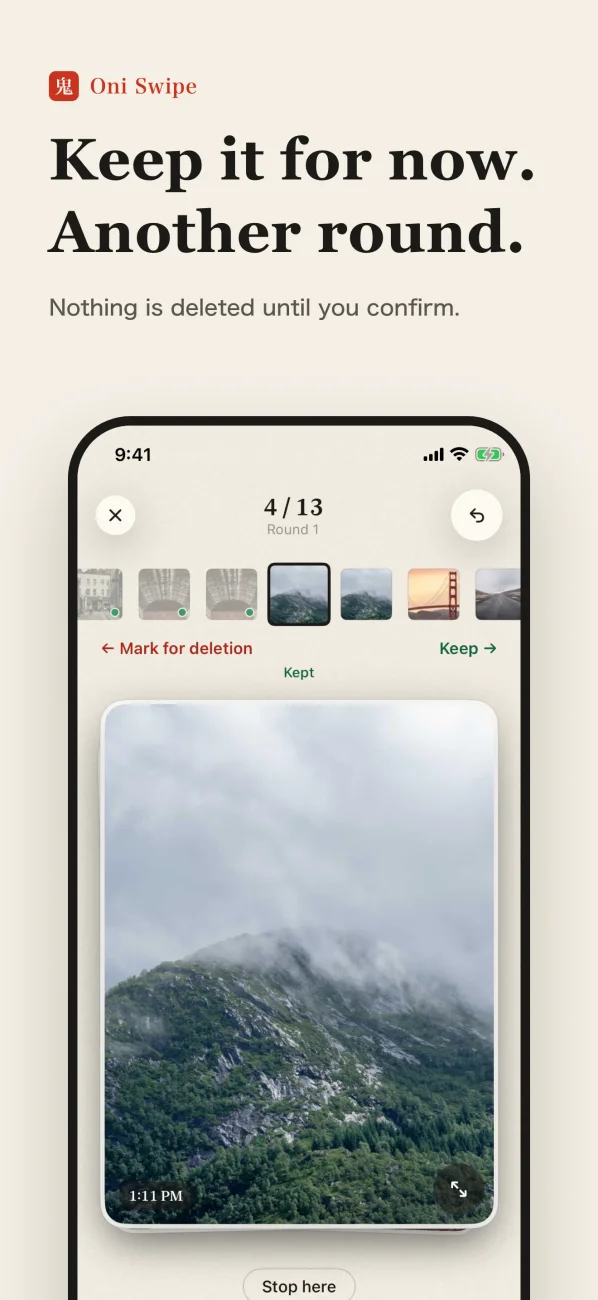
KEEP THE MAYBES. TAKE ANOTHER ROUND.
Swipe right to keep an item and left to mark it for deletion. If you’re not sure, keep it. See the photos you kept in a grid and review them again, as many times as you like. Stop when you’re ready.
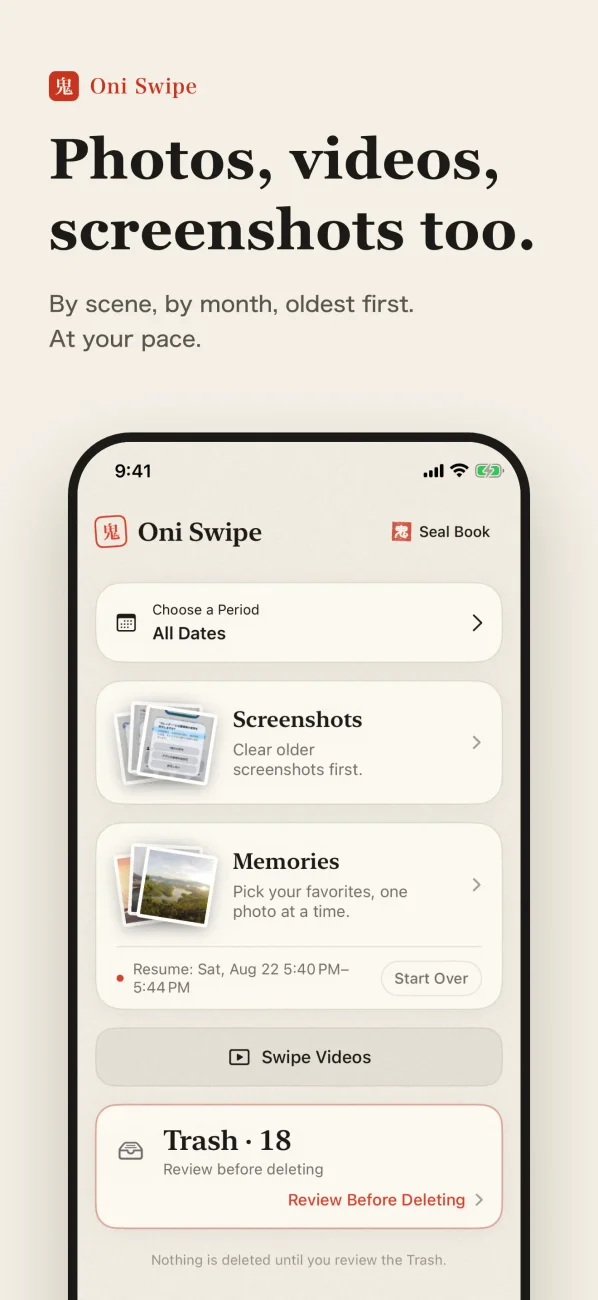
REVISIT YOUR MEMORIES FIRST
Browse photos grouped by capture time before you start swiping. Open individual photos for a closer look as you decide what to keep.
SORT SCREENSHOTS IN GROUPS
Review screenshots grouped by when they were taken. Keep what you need and clear out what you no longer want.
PLAY VIDEOS BEFORE YOU CHOOSE
Use the dedicated video entry to play a video, check its contents, and swipe to decide.
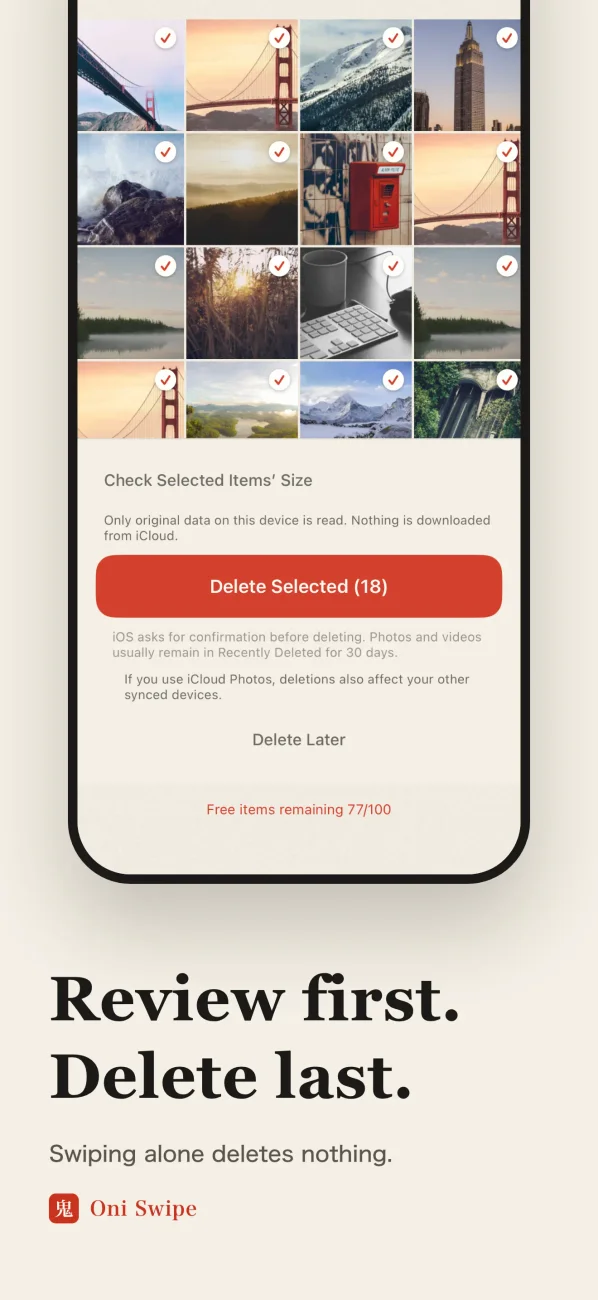
REVIEW BEFORE DELETING
Swiping alone never deletes photos or videos. Review the Trash and return anything you want to keep before confirming deletion with iOS.
Your first 100 distinct photos and videos share one free allowance. Reviewing an item again does not count twice, and the free allowance never refills. A one-time purchase unlocks unlimited use; see the price in the app. Previous paid-app customers keep unlimited access at no additional charge. No ads or subscriptions.
No AI decides which photos to keep. You do.
Choose a start and end date or a month to focus your cleanup. Review photos by scene, or swipe through all photos in the selected period, oldest first or in a stable random order. All Photos includes screenshots; videos have their own entry.
Check the size of measurable original media already on your device. Unavailable items are not included. This is original data size, not a promise of reclaimed storage.
When you return after an interruption, choose to resume or start over. After deletion, review the next group before starting to swipe. The completion screen shows how many items were deleted.
What’s new
Version 1.2.3 · Nov 16, 2026
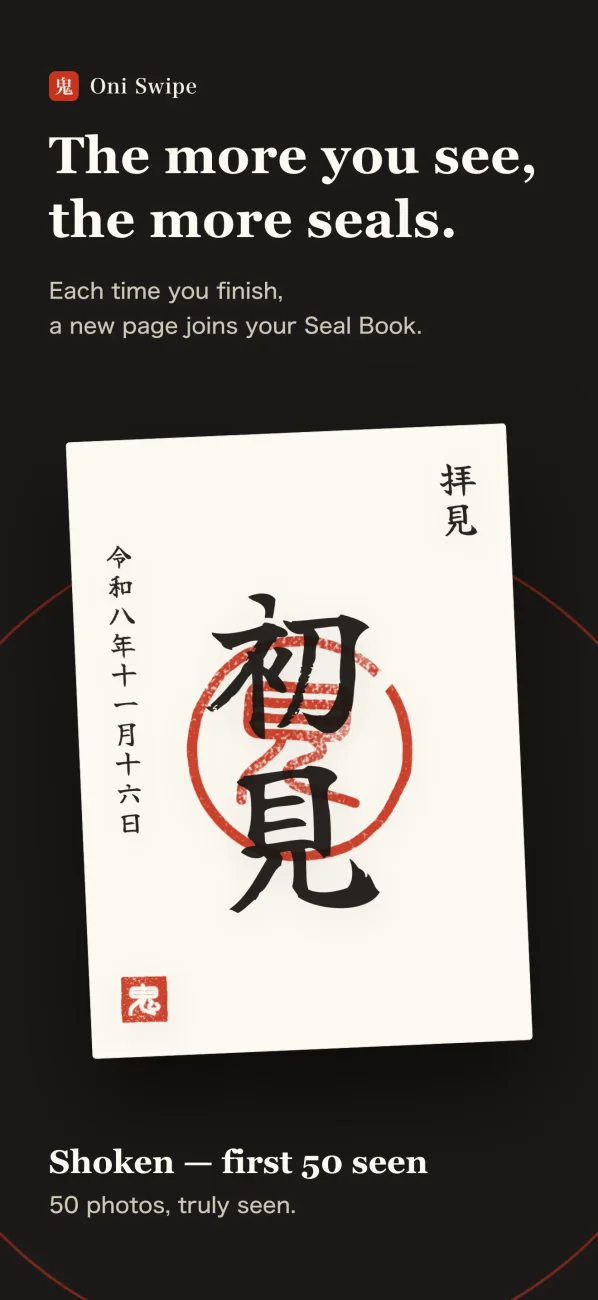
New: the Seal Book. Collect vermilion seals for the photos you've looked through — by count, season and more. You can now also stop a session partway with "Stop here."
App privacy
What YOSHIHIRO FUJITA declares on the App Store about how this app handles data.
-
Data not collected
The developer does not collect any data from this app.
Privacy practices may vary, for example with the features you use or your age.
Information
- Seller
- YOSHIHIRO FUJITA
- Category
- Photo & Video
- Version
- 1.2.3
- Updated
- Nov 16, 2026
- Released
- Oct 10, 2026
- Size
- 5.6 MB
- Requires
- iOS 18.0 or later
- Age rating
- 4+
- Price
- Free
- In-app purchases
- Yes
- Languages
- English, Japanese, Spanish
- Copyright
- © 2026 Yoshihiro Fujita