OnTrack Run Interval Timer
Track Intervals, Pace Alerts
Designed for iPhone
In-app purchases
- Age rating4+
- CategoryHealth & Fitness
- DeveloperJekal Ik
- LanguagesJapanese+ 2 more
- Size2.7 MB
Links to the official App Store page
Download.org hosts no file of OnTrack Run Interval Timer. The button opens its official App Store page, published by Jekal Ik. Listing last checked on Nov 23, 2026.
Screenshots


About
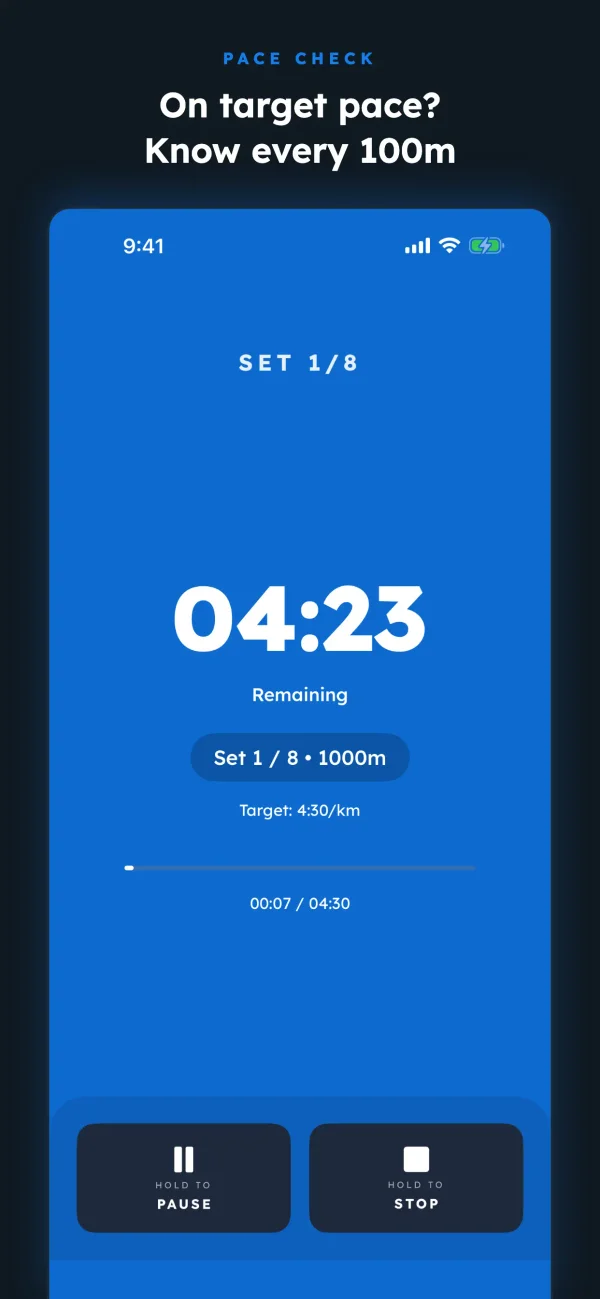
Are you running on target pace? OnTrack tells you every 100m.
OnTrack is a track interval timer built around your target pace. Enter a session the way it's written in your training plan, like 8×1000m @4:00 with 400m recovery, and OnTrack works out the timing: how long each rep takes at that pace, and when you should pass each checkpoint along the way.
During the rep, an alert marks every checkpoint. Reach the mark before the alert and you're ahead of pace; if the alert comes first, you're behind. You find out mid-rep, not after it's over. Choose checkpoints every 100m, 200m or 400m. Alerts are timed from your target pace, not measured by GPS.
No subscription. No ads. No account. Premium is a one-time purchase.
PLAN BY DISTANCE AND PACE
• Set each rep and recovery by time, or by distance at a target pace
• Repeat blocks for sessions like 8×1000m with 400m recovery
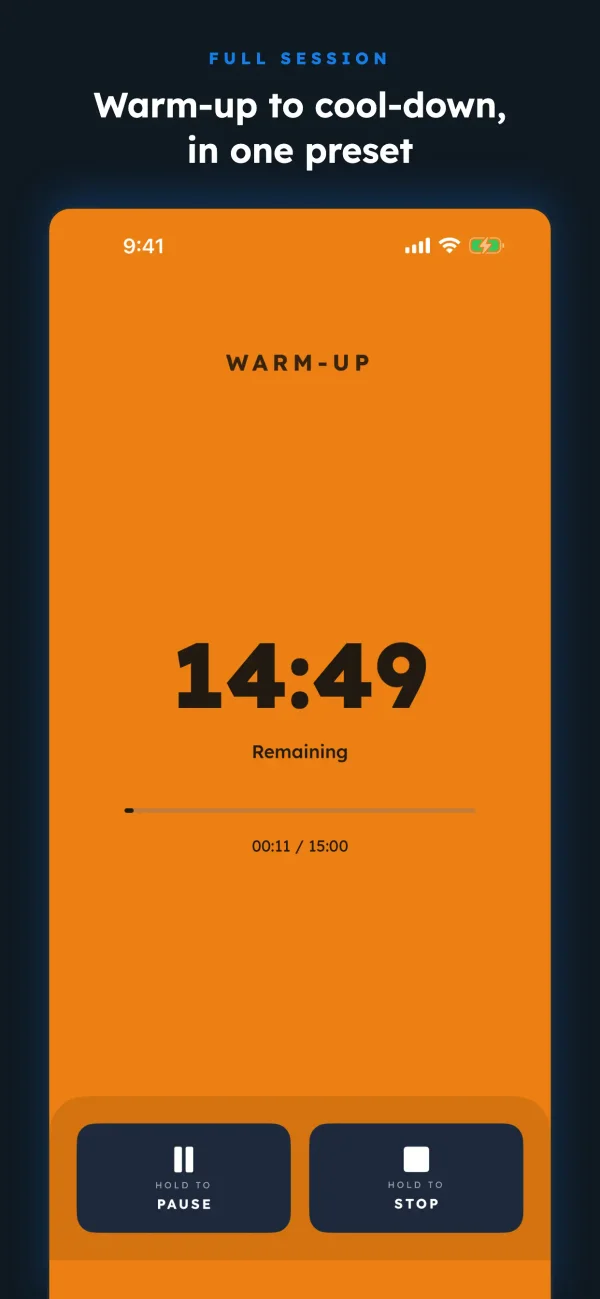
• Save warm-up, main set and cool-down together as one preset
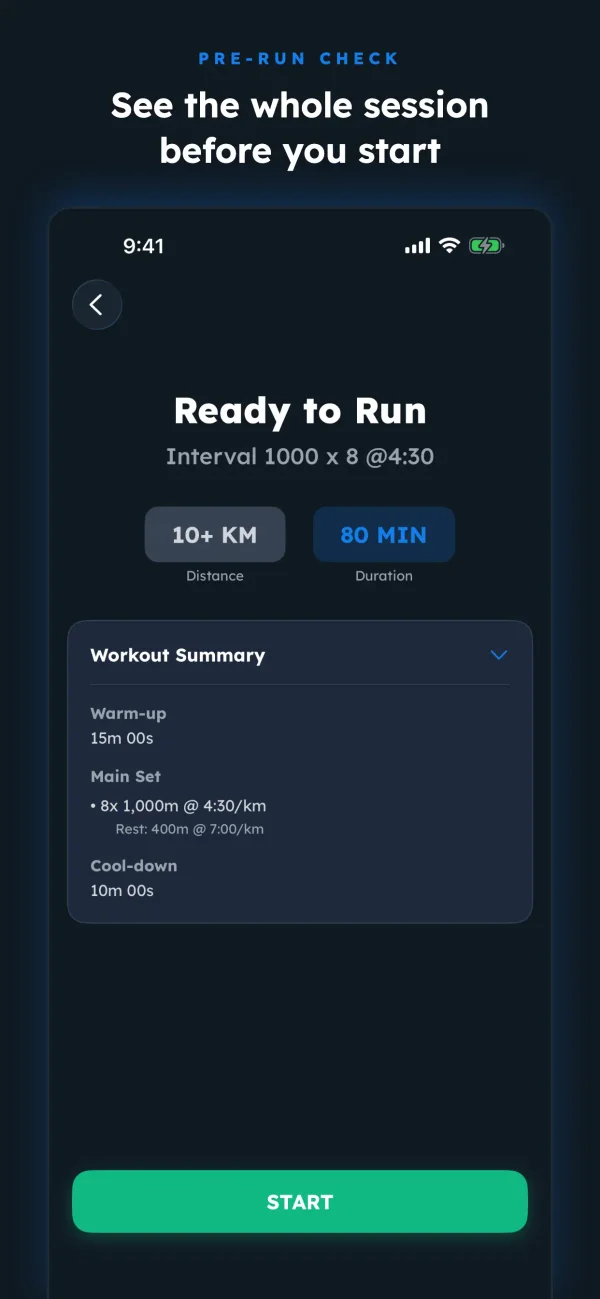
• Pace checkpoint table: see your target split at every 100m before you start
READY-MADE WORKOUTS
Your first launch includes four sub-3 marathon workouts: Yasso 800s, 1K repeats, 2K repeats and a tempo run. Change the paces to suit your level.
DURING THE RUN
• Alerts at checkpoints, phase changes and completed sets, with an optional countdown before each checkpoint
• Works alongside your music
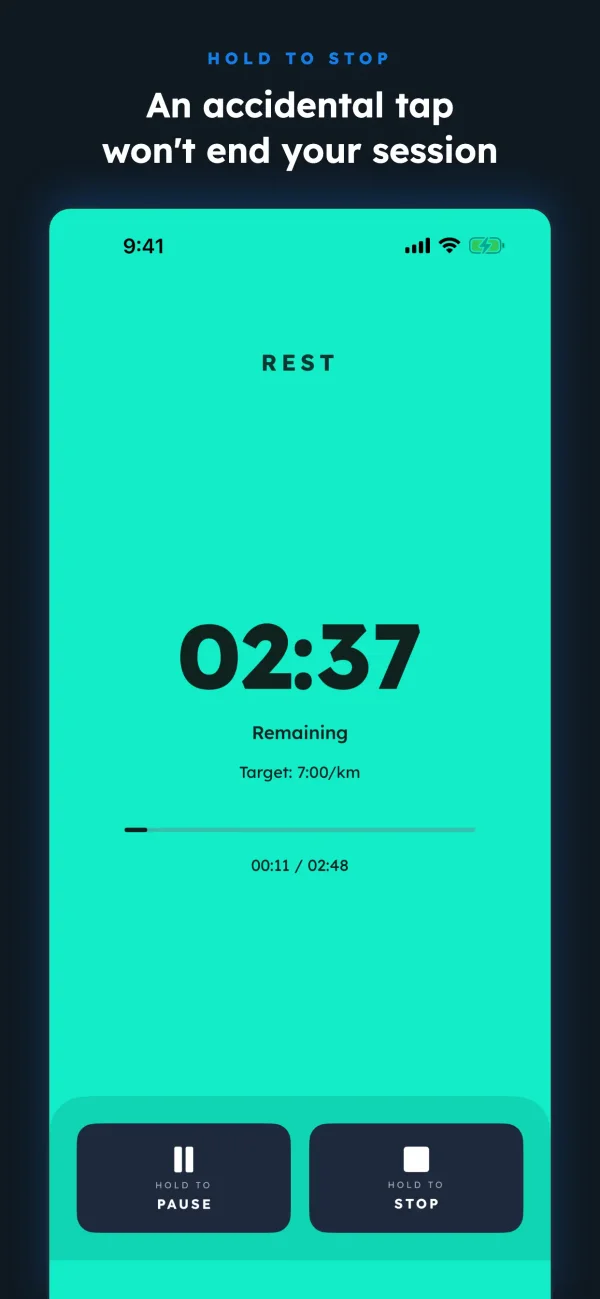
• Hold to pause and hold to stop, so an accidental tap won't end your session
• Each phase fills the screen with its own background, and a large timer you can read at a glance
ON THE TREADMILL
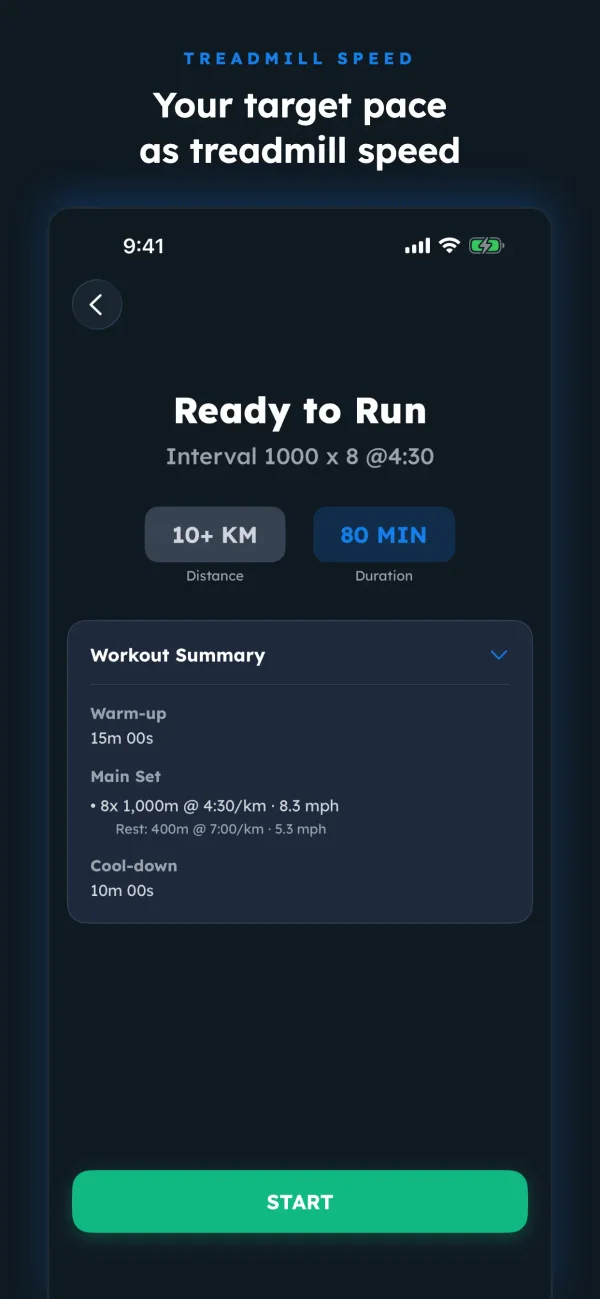
Turn on Treadmill Speed in Settings, and each target pace also shows as a treadmill speed in km/h or mph, for example 4:30/km · 13.3 km/h. Set the treadmill to that speed and run the session as written.
PRIVATE BY DESIGN
• No sign-up and no OnTrack account
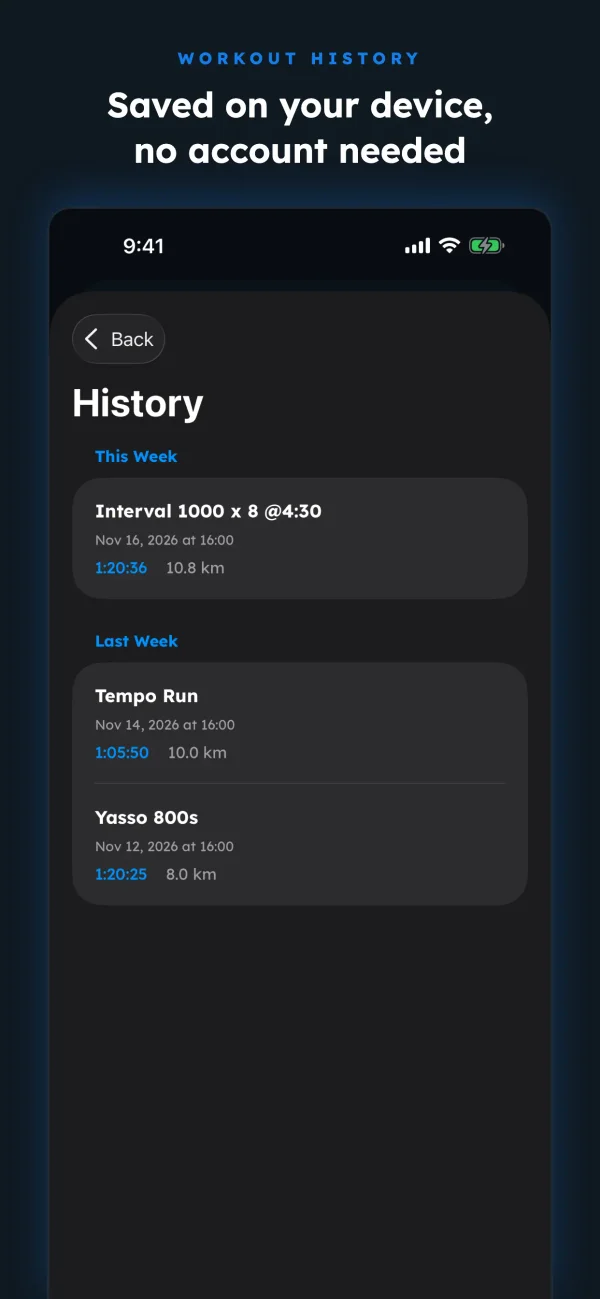
• Your presets and workout history are stored on your device, not on OnTrack servers
• No ads and no analytics tracking your training
FREE AND PREMIUM
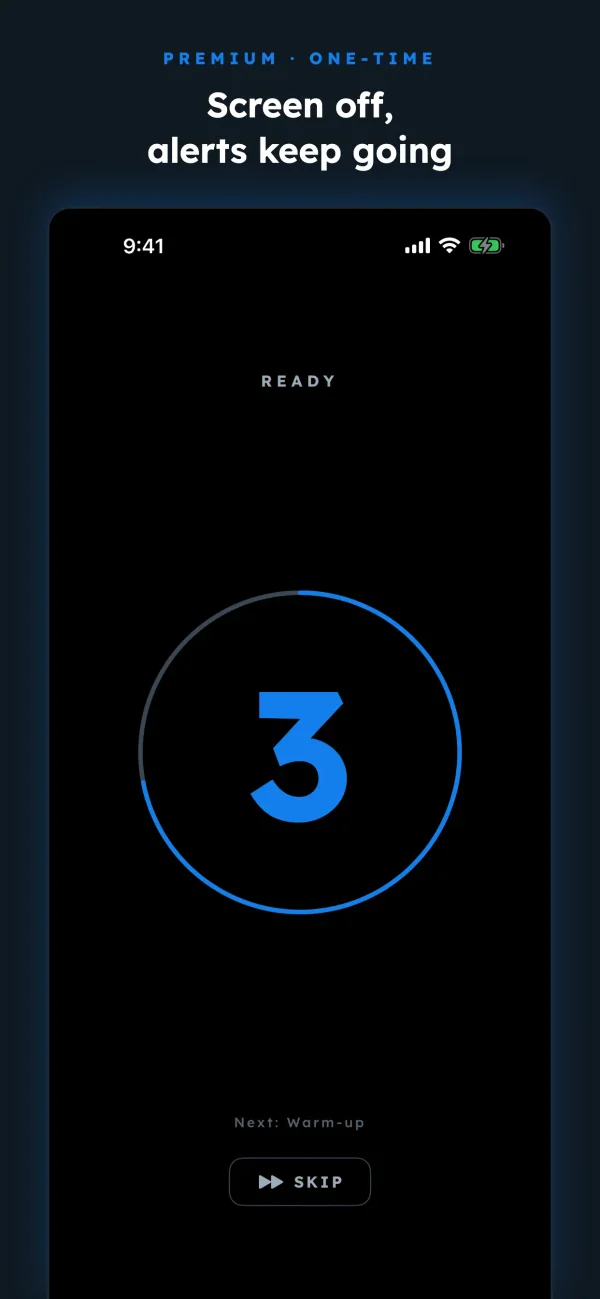
Free: build and run complete workouts with every block type. Alerts play while the app is open and the screen is on.
Premium (one-time purchase): alerts keep playing when the screen is off or the app is in the background.
GOOD FOR
• Track reps like 8×400m, 6×800m or 5×1000m
• Tempo runs and goal-pace sessions
• Interval sessions on the treadmill
• Runners who want a pace check during the rep, alongside their watch
GET STARTED
1. Pick a ready-made workout or enter your own: distance, pace, reps and recovery
2. Check the pace checkpoint table
3. Press start and run to the checkpoints
What’s new
Version 1.0.8 · Nov 18, 2026
• Treadmill speed next to each target pace (choose km/h or mph in Settings, e.g. 4:30/km · 8.3 mph)
App privacy
What Jekal Ik declares on the App Store about how this app handles data.
-
Data not collected
The developer does not collect any data from this app.
Privacy practices may vary, for example with the features you use or your age.
Information
- Seller
- Jekal Ik
- Category
- Health & Fitness
- Version
- 1.0.8
- Updated
- Nov 18, 2026
- Released
- Jan 19, 2026
- Size
- 2.7 MB
- Requires
- iOS 16.2 or later
- Age rating
- 4+
- In-app purchases
- Yes
- Languages
- Japanese, English, Korean
- Copyright
- © 2026 Planhub
You might also like
-
 TimeAndDistanceInterval Timer+Mileage Tracker
-
 RoundFlow: Interval TimerBoxing, HIIT, sprints & runs
-
 RunSplit: Interval Run CoachHIIT, Tempo, Pace & Cadence
-
 Fartlek: Interval Run TimerCreate voice-guided runs
-
 Distance Interval TrainerTrack Workouts for Apple Watch
-
 ChainFlow: Interval TimerCustom Workout & Circuit
-
 ProteinFit: Protein ScannerCalories, Macros, Protein
-
 Elite400M Sprint TrainingHealth & Fitness
-
 Running Pace Calculator: RaceSplit Times & Marathon Planner
-
 Impulse - Sprint MechanicsSprint Acceleration Anaylsis