
- Age rating17+
- CategoryFood & Drink
- DeveloperAlien Tech Systems LLC
- LanguagesEnglish
- Size41.0 MB
Links to the official App Store page
Download.org hosts no file of ooey. The button opens its official App Store page, published by Alien Tech Systems LLC. Listing last checked on Nov 26, 2026.
Screenshots

About
A kitchen that knows what’s in it — and a cookbook that asks what you’d like to cook tonight. Photograph your shelf and Ooey identifies what’s there, then helps you cook a real dinner from the food you already own. Less waste. Less “what’s for dinner?”
Most people throw out food they meant to eat — not because they don’t care, but because it’s hard to remember what’s in the back of the fridge. Ooey fixes the part that’s actually broken: knowing what you have, and turning it into dinner.
HOW IT WORKS
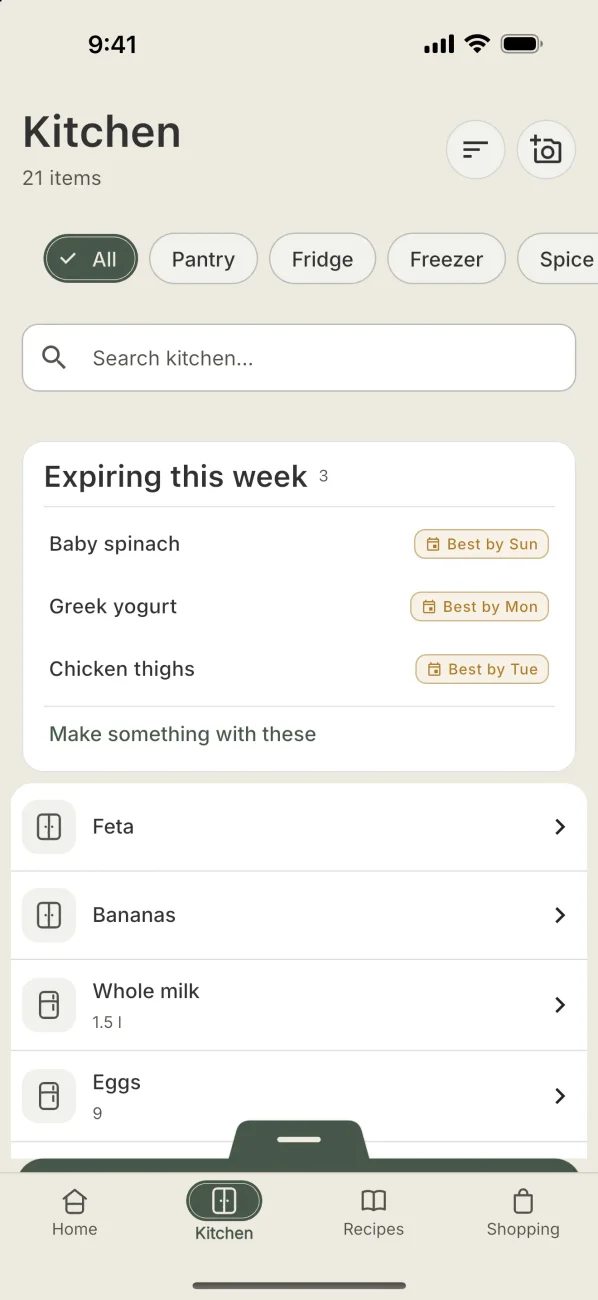
1. Photograph the shelf. Point your camera at the Pantry, Fridge, or Freezer. Ooey identifies the items and adds them for you, so you don’t type rows of groceries.
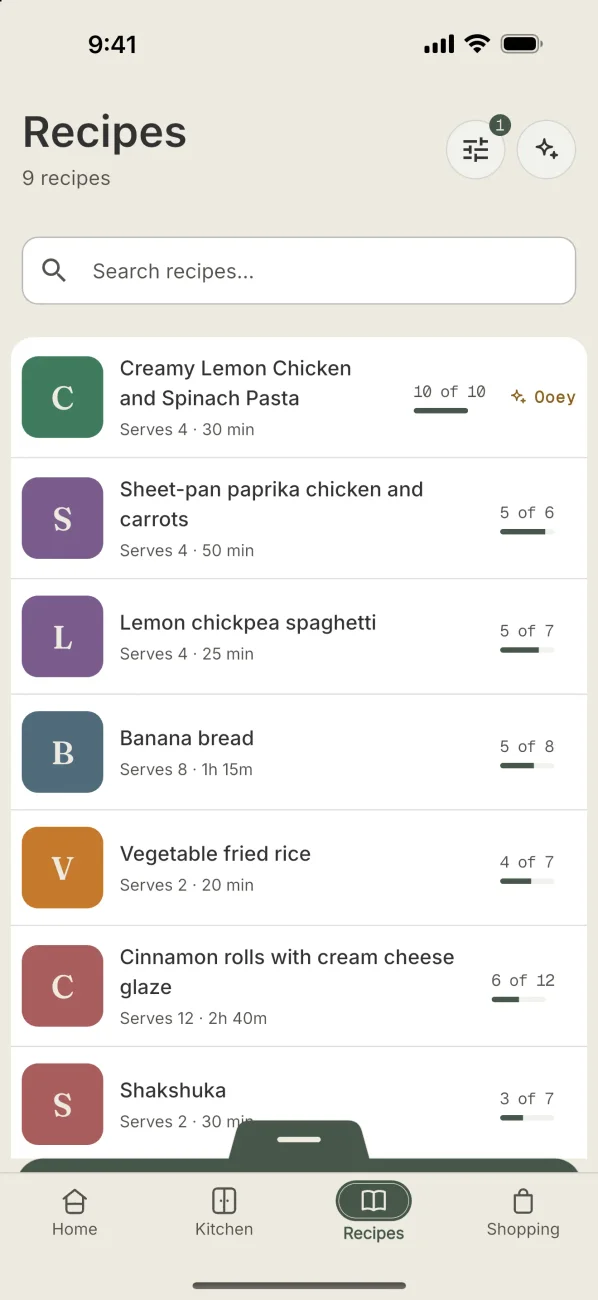
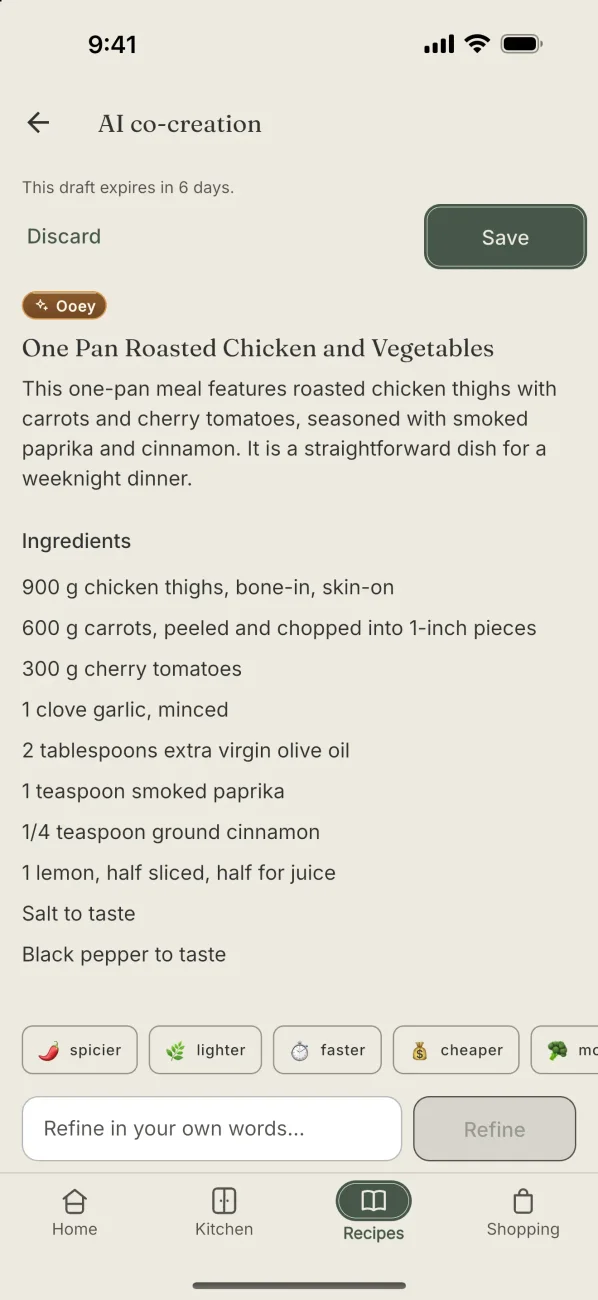
2. Cook with the AI. Tell Ooey what you’re in the mood for. It suggests recipes built around what you actually have, and flags the few things you’d need to buy.
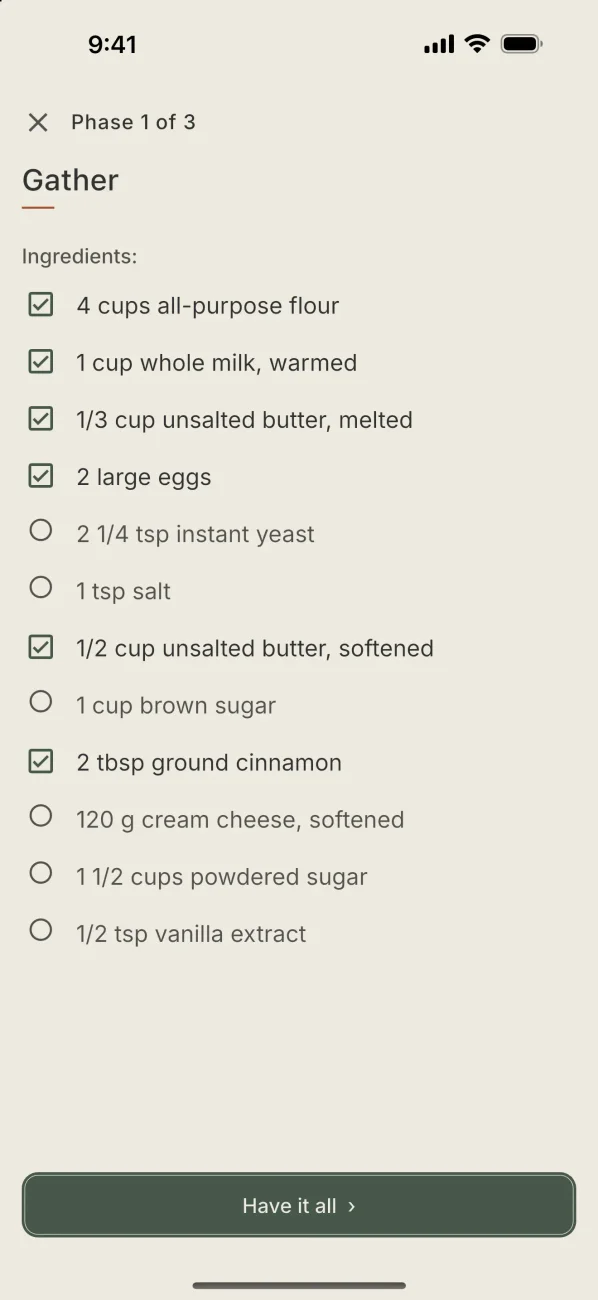
3. Cook the recipe. Cook mode clears the screen and walks you through in short phases — gather what you need, prep, then cook. Press and hold a step with a cook time to start a timer for it. No clutter, no ten-page backstory.
WHAT YOU GET
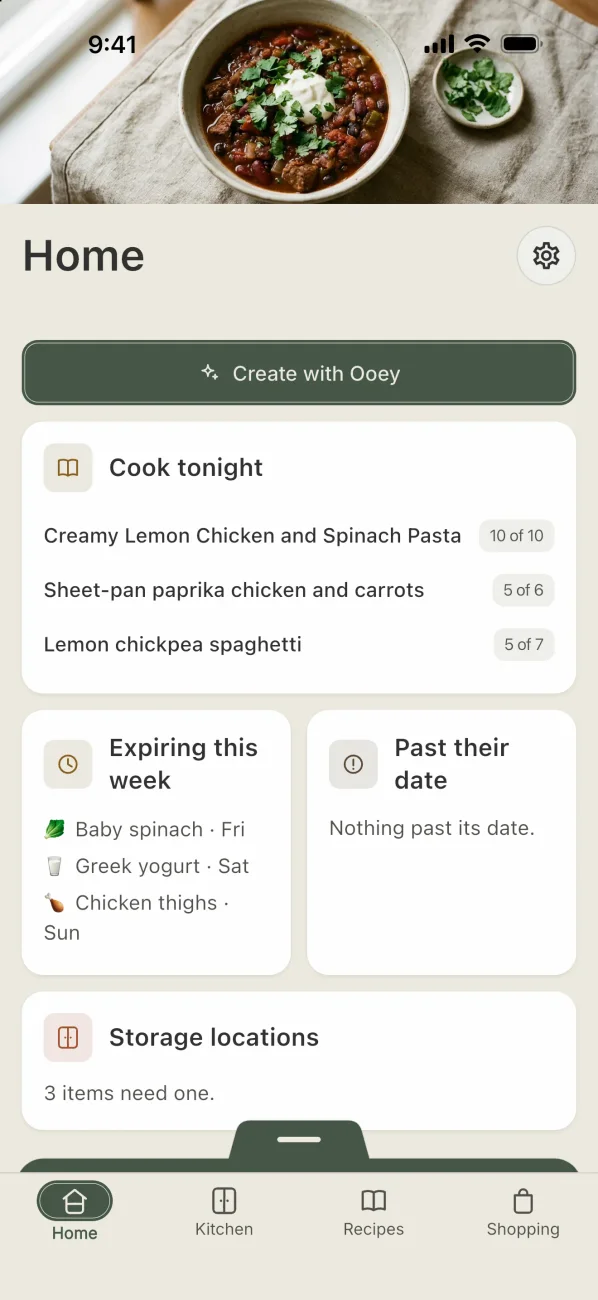
• Home — what you can cook tonight from what you have, what’s expiring, and what still needs a place in your kitchen.
• Snap-to-add — build your kitchen inventory from photos, or add items by hand.
• AI recipes from your shelf — meals built around what you own, not a generic feed.
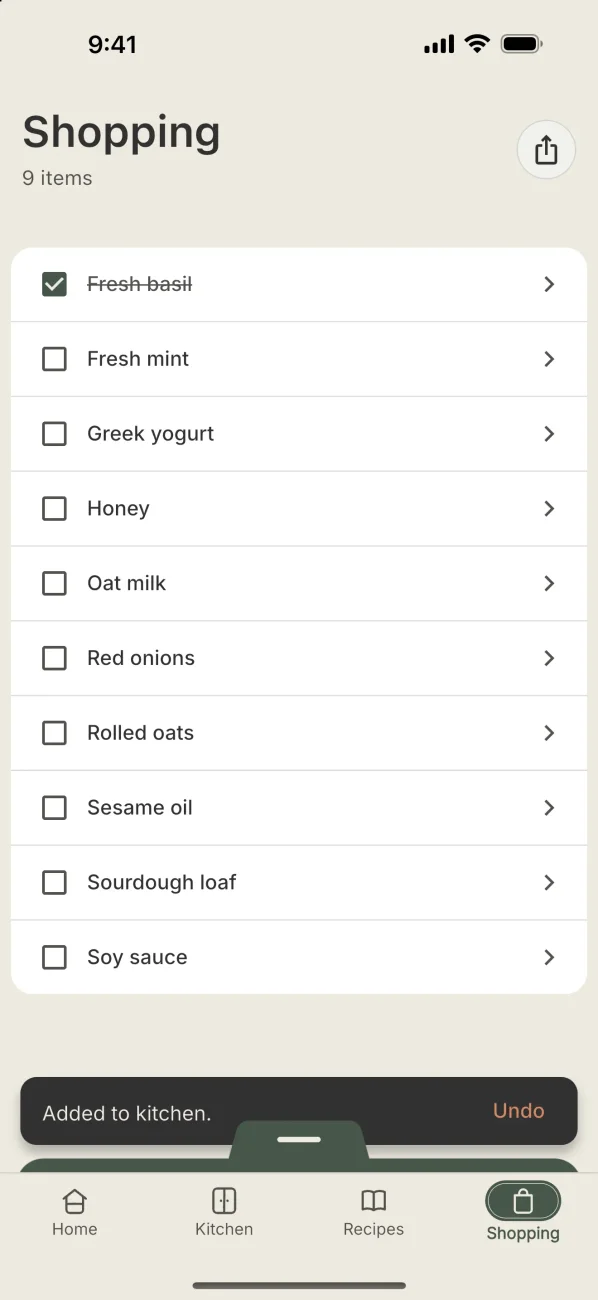
• Shopping list — the missing items from a recipe, deduplicated so you don’t buy the same thing twice.
• Expiring this week — see what’s nearing its best-by date in your kitchen, and cook it before it’s tossed.
• Recipe import — paste a recipe link or a photo and Ooey reads it in.
• Full ingredient lists — every recipe shows what’s in it, so you can check it yourself.
PRIVACY, BY DESIGN
Ooey doesn’t run ads, doesn’t sell your data, and doesn’t track you across other apps. Sign in with a magic link or a passkey — no passwords to remember. Photos used for scanning are processed to identify ingredients and are not kept. You can delete your account and all of your data, in seconds, right from Settings.
A NOTE ON ALLERGIES
Ooey does not filter recipes for allergens in this version, and there is no setting for your allergies — you haven’t missed it. What Ooey gives you is the ingredient list, which is information, not a safety check. If you have a food allergy, read the label on the package.
Made in Brooklyn.
ooey gooey.
What’s new
Version 1.6.1 · Nov 24, 2026
Ooey has a refreshed look across Home, Kitchen, Recipes, Shopping, and cook mode, with clearer contrast and more consistent controls.
Reminder timing is fixed on iPhones that use non-Gregorian calendars.
Questions or notes: support@ooeyapp.com
App privacy
What Alien Tech Systems LLC declares on the App Store about how this app handles data.
-
Data linked to you
May be collected and linked to your identity.
- Contact info
- User content
- Identifiers
-
Data not linked to you
May be collected but is not linked to your identity.
- Location
- Identifiers
- Usage data
- Diagnostics
Privacy practices may vary, for example with the features you use or your age.
Information
- Seller
- Alien Tech Systems LLC
- Category
- Food & Drink
- Version
- 1.6.1
- Updated
- Nov 24, 2026
- Released
- Sep 19, 2026
- Size
- 41.0 MB
- Requires
- iOS 18.0 or later
- Age rating
- 17+
- Price
- Free
- Languages
- English
- Copyright
- © 2026 Alien Tech Systems LLC
You might also like
-
 Cobble: Meal Planner & RecipesEasy recipes and meal planning
-
 Clove AI: Smart Kitchen AgentPantry, recipes & grocery list
-
 Cook Super EasyFood & Drink
-
 SWEET FIREFood & Drink
-
 Pantry Pics: AI Chef & RecipesEasy Dinners & Recipe Keeper
-
 Tahwa: Recipes by IngredientsWhat to Cook & Meal Planner
-
 Jonny's Pizza To GoEasy ordering & rewards
-
 ScanMyPantryScan Fast. Cook. Track Expiry.
-
 AutoResBook the hardest reservations